How we make this list: we compare pricing pages, product documentation and public user reviews. Rankite is independent; if a vendor ever pays for a featured spot, that listing is clearly labeled Partner.
Key takeaways
- PhantomBuster and TexAu are the two most complete social automation platforms here; PhantomBuster starts at $56/month billed annually, TexAu at $99/month.
- Evaboot is the sharpest pick if your work starts and ends with LinkedIn Sales Navigator, since it exports, cleans and verifies emails in one flow.
- ParseHub is the only true no-code visual scraper on this list with a free plan every user starts on, good for one-off social data pulls.
- Bardeen, Clay and Diffbot approach the problem sideways: browser automation, enrichment marketplaces and developer APIs instead of classic scraping.
- Every tool on this list touches platforms with strict automation rules, so account safety and data compliance should shape your choice as much as features.
Quick comparison
| Tool | Best for | Starting price | Free plan |
|---|
 PhantomBuster PhantomBuster | Running prebuilt social automations 24/7 | $56 per month (billed annually) | Yes |
 TexAu TexAu | Prospecting from a spreadsheet-like table | $99 per month | Free trial (14 days) |
 Evaboot Evaboot | Exporting LinkedIn Sales Navigator searches to clean CSVs | See website | See website |
 ParseHub ParseHub | Point-and-click scraping without writing code | See website | Yes |
 Bardeen Bardeen | AI-assisted browser automations for lead sourcing | See website | See website |
 Diffbot Diffbot | Developers extracting structured data at scale | See website | See website |
 Clay Clay | Enriching lead lists from 200+ data vendors | See website | See website |
Is your product missing or out of date?
We review this list regularly. Vendors can request a listing, send updated pricing or ask about featured placement.
A sales rep needs 500 fresh LinkedIn profiles by Friday. A marketer wants every Instagram comment on a competitor's launch post. A recruiter is tired of copy-pasting. These are the jobs social media scraping tools exist for, and the seven below cover the realistic ways to do them in 2026: dedicated social automations, browser extensions, visual scrapers and data platforms.
Starting price$56 per month (billed annually)
Free planYes
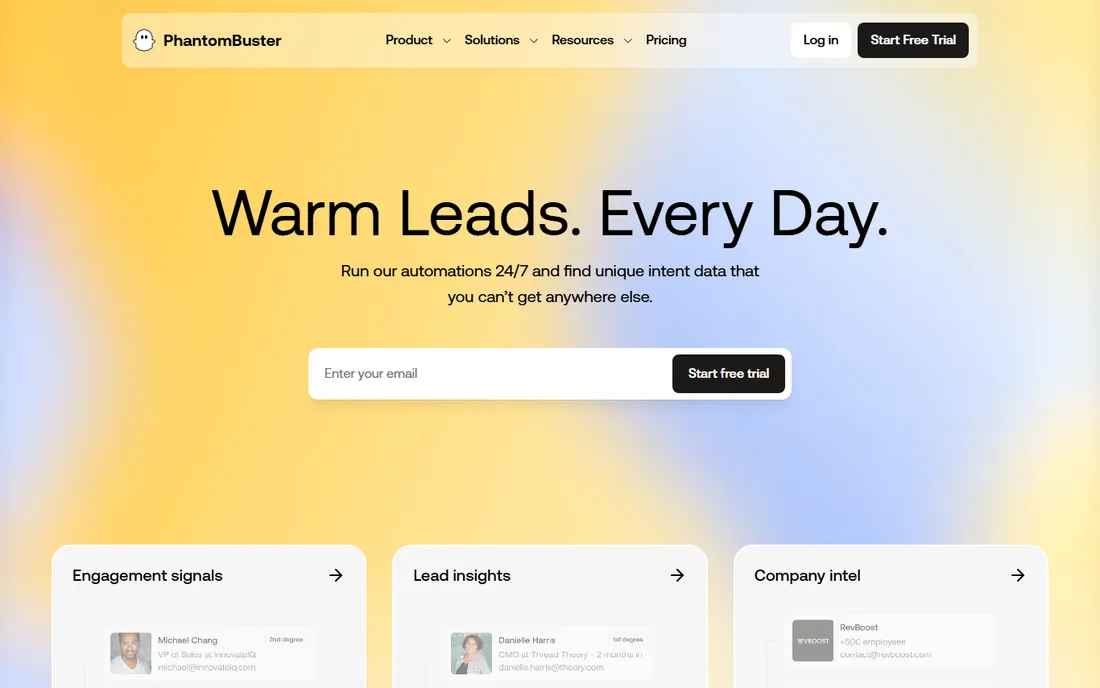
PhantomBuster sells momentum. You pick a "Phantom" (their name for a prebuilt automation), connect your account, and it starts pulling profile data, post engagement or follower lists from LinkedIn, Twitter, Instagram, Facebook and more. The Start plan runs $56 per month when billed annually ($672), with Grow at $128 and Scale at $352, each step adding execution hours, automation slots and email credits. A free plan exists with exports capped at 10 rows, which is enough to test a workflow end to end.
The honest catch is the one PhantomBuster states itself: automations run through your own accounts. That keeps the data legitimate, but it means LinkedIn or Instagram rate limits apply to you, not to them. Keep volumes conservative, warm up new accounts, and treat the tool as a steady pipeline rather than a firehose.
What we like- Large library of ready-made automations across 15+ platforms
- Real-time data instead of stale databases
- Unlimited users on every plan
Watch out for- Tied to your own social accounts, so aggressive use carries ban risk
- Execution-time caps on lower tiers
#2
TexAu
Best for: Prospecting from a spreadsheet-like table
Visit texau.com
Starting price$99 per month
Free planFree trial (14 days)
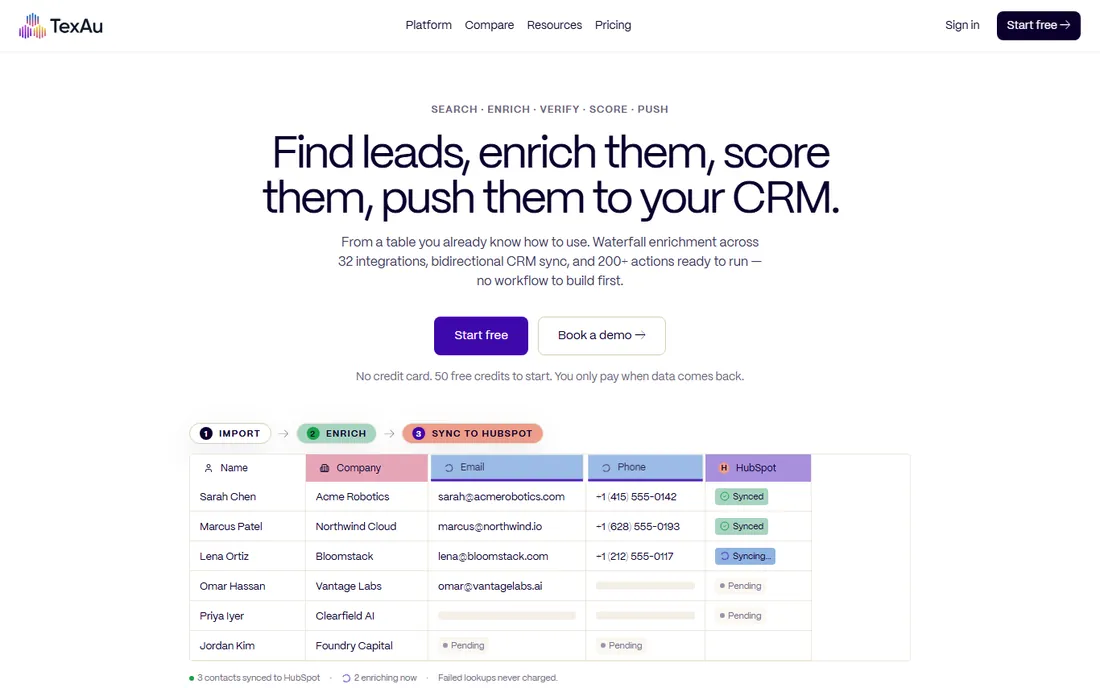
TexAu rebuilt itself around a simple idea: you already know how to use a table, so the whole product is a table. Paste a list or pull from LinkedIn, right-click a column to enrich, verify or score, and push the result to HubSpot, Smartlead or your sender. Plans start at $99 per month for the Solo tier with 2,500 credits, and signup includes 50 free credits with no card for a 14-day trial.
What stands out is the pricing honesty: one credit equals one successful action, and failed lookups are never charged. The weakness is structural to the category. TexAu can chain 200+ actions across 32 integrations, but it cannot change how LinkedIn or Instagram treat automation. Budget for credits, start small, and watch the first runs before scheduling anything recurring.
What we like- No workflow builder to learn
- Pay-on-match credits so failed lookups cost nothing
- 200+ ready actions with CRM sync
Watch out for- Credit spend climbs fast on big lists
- Still bound by each platform's automation limits
#3
Evaboot
Best for: Exporting LinkedIn Sales Navigator searches to clean CSVs
Visit evaboot.com
Starting priceSee website
Free planSee website
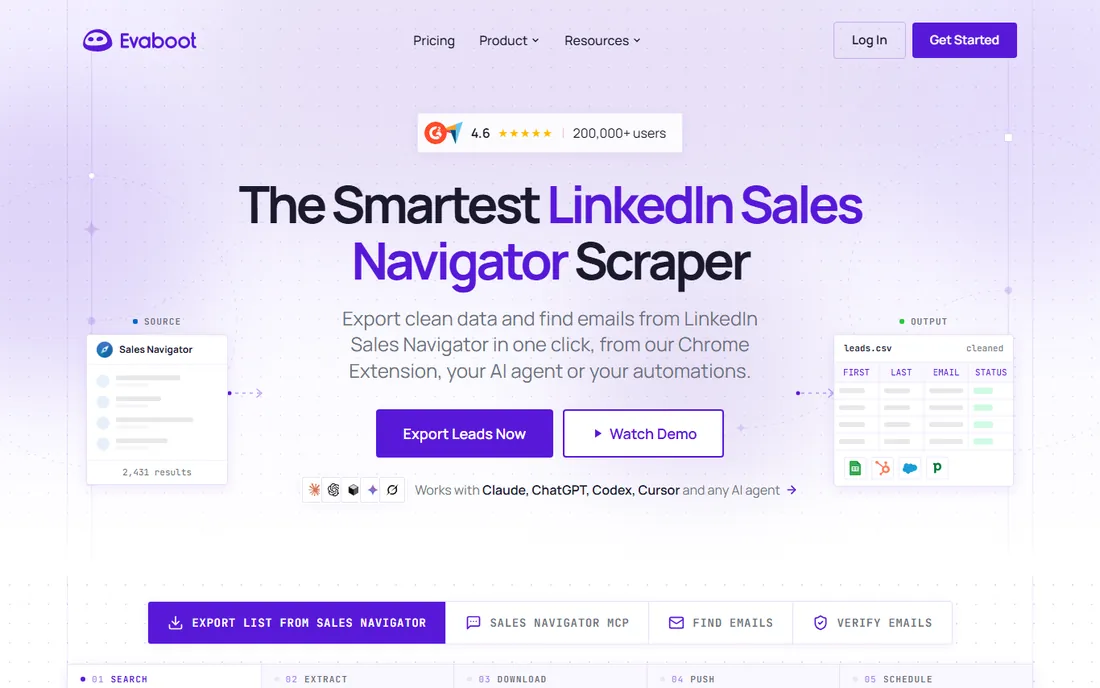
Evaboot does a single job better than any general scraper on this list. From a Chrome extension, it exports your LinkedIn Sales Navigator search, cleans first names, job titles and company names, finds and verifies professional emails, and hands you a CSV with 39 columns of profile and company data. Recurring exports can run daily, weekly or monthly, and results push straight to HubSpot, Pipedrive, Apollo, lemlist or Instantly.
The trade-off is focus. If your prospecting lives anywhere besides LinkedIn, Evaboot has nothing for you. And the tool assumes you already pay for Sales Navigator, which is a separate and significant cost. For SDR teams whose entire pipeline starts with a saved search, that specialization is exactly the point.
What we like- One-click export with 39 data columns
- Automatic name and company cleaning plus email verification
- CRM and outreach tool sync
Watch out for- LinkedIn-only, so it solves one platform deeply instead of many
- Requires a Sales Navigator subscription on top
Starting priceSee website
Free planYes
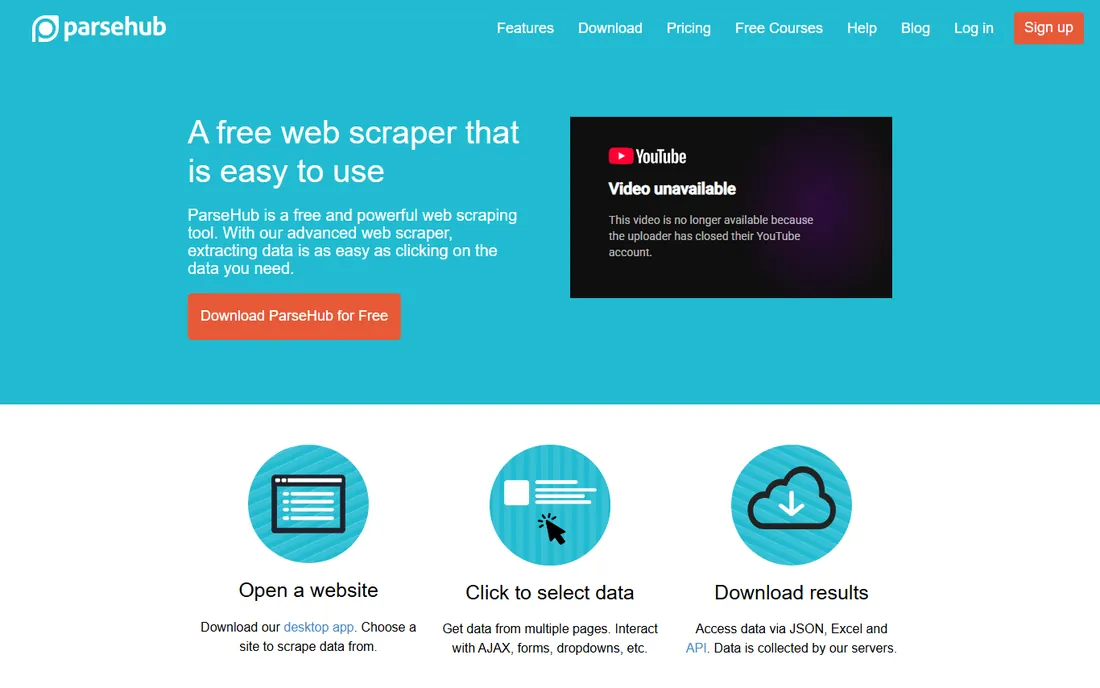
ParseHub is the classic visual scraper: open a site in its desktop app, click the data you want, and it figures out the pattern. It handles the hard parts of modern pages, including AJAX content, forms, logins, maps and infinite scroll, and your projects run on ParseHub's cloud with IP rotation. Data comes out as JSON or Excel, or through the REST API into Google Sheets and Tableau.
Pricing is refreshingly simple to start: all users begin on the free plan with no credit card, and paid Standard and Professional tiers add projects, speed and private runs. The limits that matter are speed caps on the free tier and the learning curve on tricky sites. For a researcher pulling a few thousand social profiles or posts on a deadline, the free start is hard to beat.
What we like- Every user starts on the free plan with no card
- Handles JavaScript, infinite scroll, logins and dropdowns
- API and scheduled runs included
Watch out for- Desktop app required to build projects
- Free tier has speed and project limits
- Complex sites take practice
#5
Bardeen
Best for: AI-assisted browser automations for lead sourcing
Visit bardeen.ai
Starting priceSee website
Free planSee website
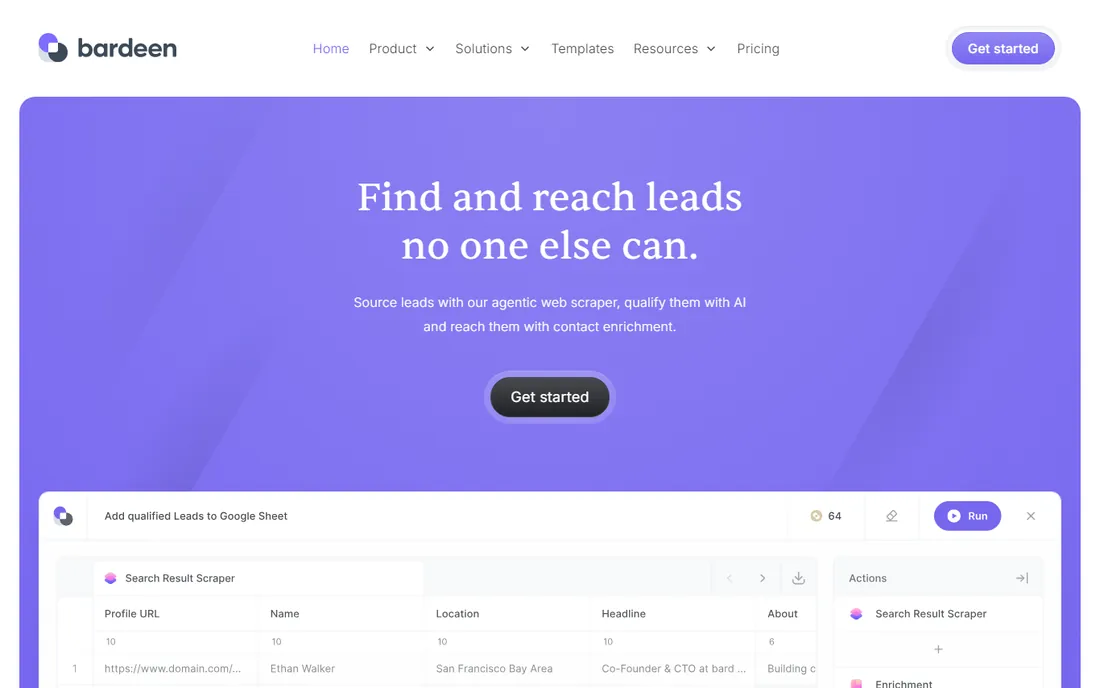
Bardeen takes a different route to the same destination. Instead of cloud servers hitting platforms, its AI agent works inside your browser: scrape a list of profiles or posts, qualify them with AI, enrich contact details, and drop the result into a sheet or CRM. The homepage positions it for industry-specific prospecting, from real estate listings to music discovery on socials, and the company carries SOC 2 Type II and GDPR certifications.
The limitation is architectural. Browser-based automation is convenient and harder for platforms to distinguish from human browsing, but it ties up your machine and scales poorly compared to cloud runners. Check the vendor pricing page before committing, since plan details are not public on the homepage.
What we like- Agentic scraper plus AI qualification and enrichment in one flow
- No-code playbooks
- Strong security certifications
Watch out for- Runs in your browser, so it does not scale like cloud scraping
- Pricing details sit behind signup
Starting priceSee website
Free planSee website
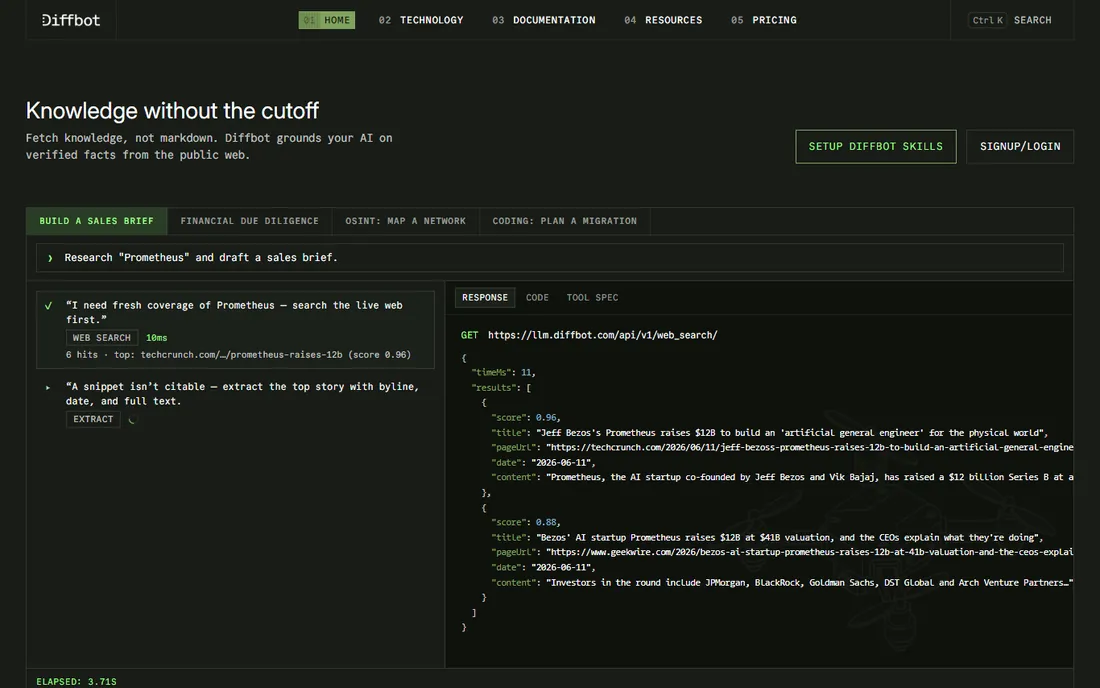
Diffbot is infrastructure, not an app. Its extraction APIs classify a page and return clean structured data without custom parsers, its crawler walks entire sites from a seed URL, and its Knowledge Graph holds structured facts about companies, people and news drawn from the public web. The current positioning leans into grounding AI agents on verified facts rather than scraped markdown.
That power comes with a gate: you need a developer to use it. There is no point-and-click interface and no prebuilt LinkedIn workflow. For teams building a data pipeline that includes social profiles alongside the rest of the web, Diffbot removes the parser maintenance that eats engineering time. For everyone else, start with a no-code tool.
What we like- Automatic extraction turns any page into structured JSON
- Knowledge Graph covers companies, people and news
- Built for AI grounding
Watch out for- API-only, so non-developers cannot use it directly
- Overkill for one-off social pulls
#7
Clay
Best for: Enriching lead lists from 200+ data vendors
Visit clay.com
Starting priceSee website
Free planSee website
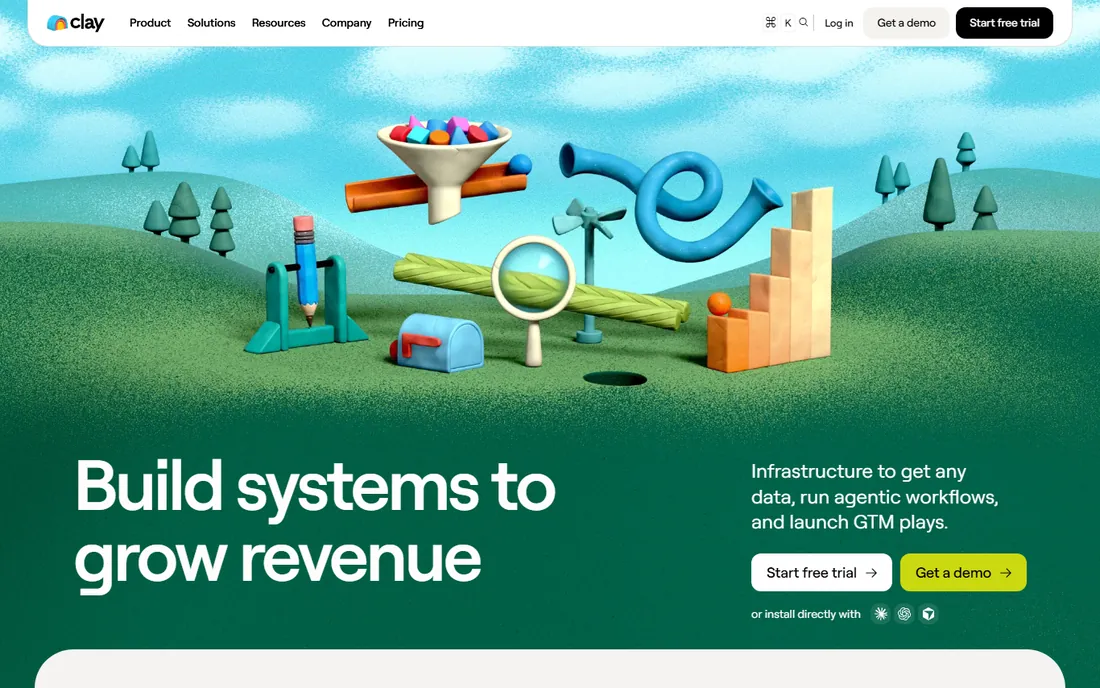
Clay flipped the script on this category. Instead of scraping social platforms yourself, you bring a list and Clay's marketplace of 200+ data vendors enriches it: emails, phones, firmographics, intent signals, AI research. The visual canvas lets ops-minded teams build full go-to-market plays, from finding every account in a TAM to launching personalized outreach.
Be clear about what you are buying. Clay is an enrichment and orchestration platform, not a scraper; if you need raw post or comment data from Instagram or TikTok, look at PhantomBuster or ParseHub instead. Pricing is quote-based on the vendor site. For teams whose bottleneck is data quality rather than data collection, it is the strongest option here.
What we like- One contract covers 200+ data and AI providers
- Waterfall enrichment beats single-source coverage
- Strong GTM workflow automation
Watch out for- It enriches more than it scrapes, so raw social extraction is limited
- Complexity and cost exceed simple scraping needs
Choosing a scraper without getting your account banned
Start with the platform, not the tool. LinkedIn, Instagram and Twitter all restrict automation in their terms, and every scraper on this list works by operating within or around those limits. The tools that run through your own account (PhantomBuster, TexAu, Evaboot, Bardeen) are the most affected: keep daily volumes modest, avoid brand-new accounts for heavy runs, and never scrape and spam from the same profile on the same day.
Match the tool to the shape of the job. One LinkedIn list, once: Evaboot. Ongoing multi-platform prospecting: PhantomBuster or TexAu, with TexAu winning if you hate workflow builders. A messy one-off pull from a JavaScript-heavy page: ParseHub's free plan. A data pipeline your engineers own: Diffbot's API. A list that needs enriching more than collecting: Clay.
Finally, check the compliance story before you scale. PhantomBuster publishes its position on running actions through your own account; Evaboot markets GDPR-compliant exports of public professional data; Bardeen and Clay carry formal security certifications. Screenshot the relevant claims for your records, and if you operate in the EU or California, get your own legal read before building a business on scraped personal data.
The legal and ethical lines in social scraping
Scraping public web data sits in a gray area that has been litigated for years, and the answer depends on what you collect, where you operate and what you do with it. Publicly visible business information used for B2B prospecting is the lowest-risk end; personal data, private or login-gated content, and anything used for surveillance or harassment are the opposite end. Courts in the US have at times protected scraping of public data, while the EU's GDPR and similar laws restrict processing personal data regardless of how public it looks.
Practically, three habits keep you out of trouble. First, scrape only what you need and only from public pages. Second, honor robots.txt and platform terms where they clearly apply, and stop immediately if a platform tells you to. Third, treat scraped personal data like regulated data: store it securely, delete what you do not use, and honor deletion requests. None of the tools above give you legal cover; they give you capability. The responsibility stays with you.
How we chose
We verified each vendor homepage directly and recorded the final URL, and pricing claims come from the vendor's own pages: PhantomBuster's pricing page, TexAu's homepage FAQ and ParseHub's pricing page. Where a pricing page was unreachable or did not list public rates, the entry says "See website" rather than guessing. We favored tools with a genuine social media angle, mixed dedicated social scrapers with general-purpose options that handle social sites, and weighted account-safety transparency, free or trial access, and how the tool fits distinct buyers: SDRs, marketers, researchers and engineers. Public reviews on G2, Capterra and Reddit informed the trade-offs; no hands-on testing is claimed.
Frequently asked questions
Is social media scraping legal?
It depends on the data, the jurisdiction and the use. Scraping publicly visible information has been defended in US courts in some high-profile cases, but platform terms of service usually prohibit it, and privacy laws like the GDPR restrict how personal data can be processed. Businesses should get legal advice before building operations on scraped data rather than relying on a tool's marketing claims.
Will scraping get my LinkedIn account banned?
It can. Tools that automate through your own account, like PhantomBuster, TexAu and Evaboot, operate under LinkedIn's rate limits and detection systems. Conservative daily volumes, warmed-up accounts and avoiding spam behavior from the same profile reduce the risk, but no tool can guarantee safety. Dedicated or secondary accounts are common practice for heavier use.
What is the best free social media scraping tool?
ParseHub has the most generous free starting point: every user begins on the free plan with no credit card required. PhantomBuster's free plan allows small test runs with exports capped at 10 rows, and TexAu gives 50 free credits with a 14-day trial. For sustained free use, ParseHub goes furthest before a paid plan becomes necessary.
Do I need to know how to code to scrape social media?
No. PhantomBuster, TexAu, Evaboot, ParseHub and Bardeen are all usable without writing code, through prebuilt automations, visual interfaces or browser extensions. Coding becomes necessary only with API-first tools like Diffbot, or when you build a custom pipeline with open-source libraries.
PhantomBuster vs TexAu: which should I pick?
Pick PhantomBuster if you want the largest library of prebuilt automations and per-plan execution hours across 15+ platforms, starting at $56/month billed annually. Pick TexAu if you prefer working in a spreadsheet-like table with no workflow builder and pay-on-match credits, starting at $99/month. Both run through your own accounts, so the same safety habits apply.
Can these tools scrape Instagram and TikTok?
Some can, with limits. PhantomBuster and ParseHub support Instagram extraction for public profiles and posts; TikTok is harder across the industry because of aggressive anti-bot measures. Success varies by target and changes as platforms update their defenses, so test your specific use case on a free plan or trial before paying.
Sources we checked (9)
- https://phantombuster.com
- https://phantombuster.com/pricing
- https://texau.com
- https://evaboot.com
- https://parsehub.com
- https://www.parsehub.com/pricing
- https://www.bardeen.ai
- https://diffbot.com
- https://clay.com
Is your product missing or out of date?
We review this list regularly. Vendors can request a listing, send updated pricing or ask about featured placement.

Shihab Mia · Founder, Rankite
Shihab has spent more than a decade helping SaaS and e-commerce brands grow through search. He writes Rankite's software buying guides from pricing pages, documentation and public user reviews. More about Shihab.