How we make this list: we compare pricing pages, product documentation and public user reviews. Rankite is independent; if a vendor ever pays for a featured spot, that listing is clearly labeled Partner.
Key takeaways
- Most audiobook narrators do not need a full music DAW: a focused editor like Audacity (free), Hindenburg Narrator, or TwistedWave covers recording, punch-and-roll, and chapter exports with less clutter.
- Hindenburg Narrator is the only tool here built specifically for audiobooks, with a voice profiler and loudness targeting that match ACX and publisher specs.
- Descript is the fastest way to clean up a narration: edit the transcript like a document, remove filler words in one click, and use Studio Sound to polish room tone.
- On a Mac with zero budget, GarageBand records clean audio for free; on any platform with zero budget, Audacity or Ocenaudio do the same.
- If you already own a DAW for music or podcasting (Reaper, Adobe Audition), it will record an audiobook just fine; buy a narration-focused tool only if the workflow is slowing you down.
Here is a blunt opinion: the software matters less than the room and the microphone, but the wrong software will still waste your weekends. Audiobook narration is hours of spoken word, punch-and-roll retakes, and chapter-by-chapter exports to strict loudness specs. A music DAW with 200 tracks and a mixer the size of a cockpit is not an advantage here. The tools below are ranked by how well they fit the actual job: record clean voice, fix mistakes fast, and deliver files a publisher will accept.
Quick comparison
| Tool | Best for | Starting price | Free plan |
|---|
 Audacity Audacity | Free open-source recording and editing | Free | Yes |
 Hindenburg Narrator Hindenburg Narrator | Audiobooks specifically, loudness-matched delivery | See website | Free trial |
 Descript Descript | Text-based editing and quick cleanup | See website | Yes |
 Reaper Reaper | Affordable full DAW workflow | See website | Free trial |
 Adobe Audition Adobe Audition | Professional restoration and multitrack | See website | Free trial |
 TwistedWave TwistedWave | Mac and iOS simplicity | See website | Free trial |
 Ocenaudio Ocenaudio | Lightweight free editing | Free | Yes |
 GarageBand GarageBand | Mac beginners, free and simple | Free | Yes |
Is your product missing or out of date?
We review this list regularly. Vendors can request a listing, send updated pricing or ask about featured placement.
Starting priceFree
Free planYes
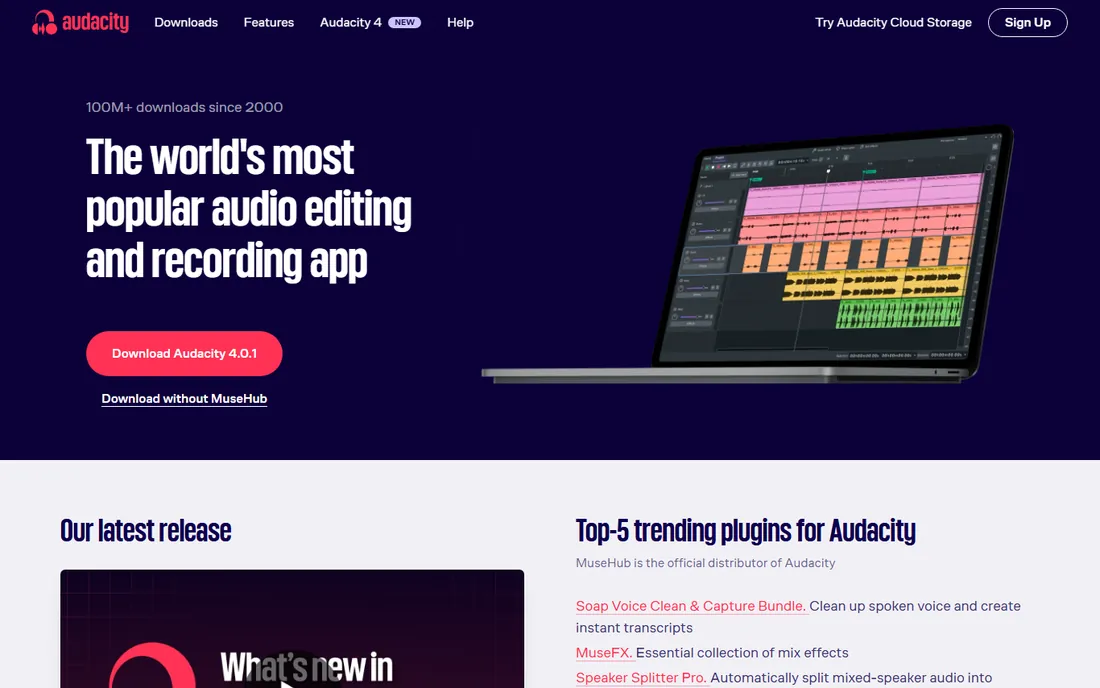
Audacity is where most narrators start, and many never leave. It records, it edits, it exports MP3, and it costs nothing on every major desktop OS. For audiobooks specifically, the workflow is well documented: record each chapter, use punch-and-roll (via a free plugin) to fix flubs in place, apply noise reduction and normalization, and export. Thousands of narrator tutorials walk through exactly this.
The honest weaknesses: editing is destructive unless you work carefully with the newer non-destructive features, and the built-in punch-and-roll is not as smooth as Hindenburg's or TwistedWave's. But when the price is zero and the capability covers 90 percent of narration work, those are complaints, not dealbreakers. Start here unless you have a specific reason not to.
What we like- Completely free with no restrictions
- Runs on Windows, Mac, and Linux
- Huge tutorial library for narration workflows
Watch out for- Destructive editing by default
- Punch-and-roll needs a plugin
- Interface looks dated
#2
Hindenburg Narrator
Best for: Audiobooks specifically, loudness-matched delivery
Visit hindenburg.com
Starting priceSee website
Free planFree trial
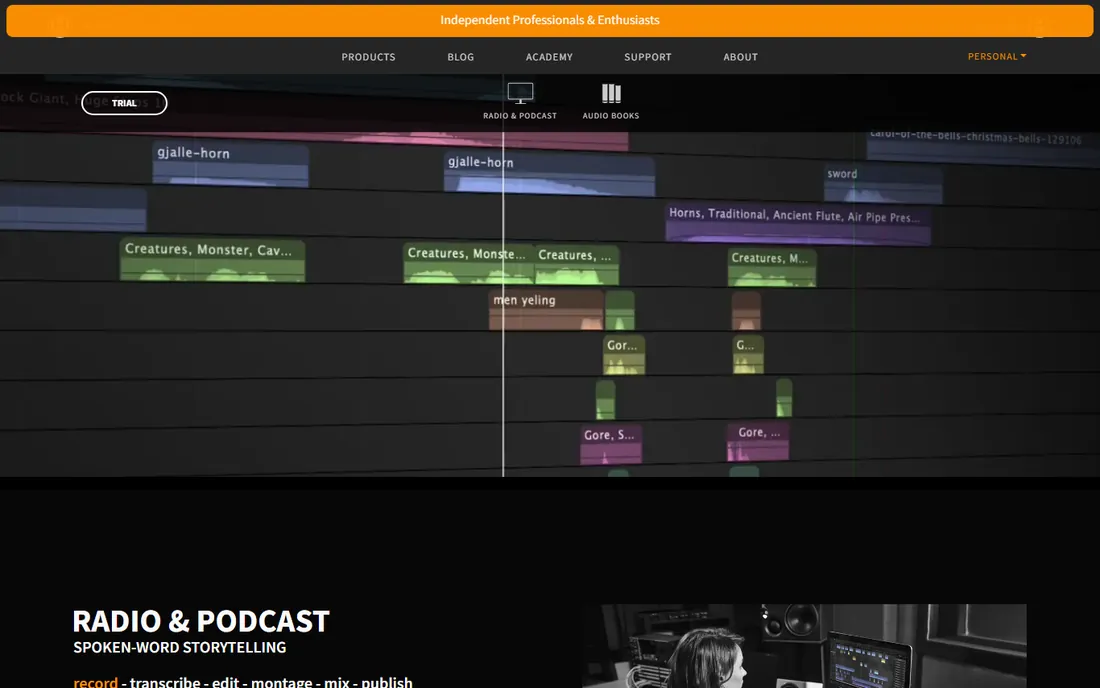
Hindenburg is the Danish company behind the storytelling-focused editors used by radio journalists and podcasters, and Narrator is their product aimed squarely at audiobook production. The voice profiler learns your microphone and room, then keeps levels consistent automatically. Loudness targeting aims your chapters at the specs publishers actually require, which removes the most tedious part of audiobook delivery: measuring and remeasuring RMS and peak levels.
It is not the cheapest path (pricing is quote-based on their site, with a trial available), and it will not replace a DAW for music. But if narration is the job, a tool designed for narration beats a general editor every time. The time saved on leveling and loudness compliance alone justifies the evaluation.
What we like- Built for spoken word with voice profiler and loudness targeting
- Automatic levels match broadcast and ACX specs
- Clipboard for organizing takes
Watch out for- Pricing not published on the site
- Narrower than a full DAW if you also produce music
Starting priceSee website
Free planYes
Descript changed the editing metaphor: your recording becomes a transcript, and deleting a sentence in the text deletes it from the audio. For audiobook narrators, this makes structural edits (cutting a repeated paragraph, reordering a section) dramatically faster than waveform surgery. Remove Filler Words nukes ums and uhs across a whole chapter in one click, and Studio Sound can rescue a chapter recorded in a less-than-ideal room.
The free plan includes an hour of transcription a month, enough to test the workflow on real chapters. Paid plans are subscriptions. Descript will not replace a DAW for detailed processing chains, but as a cleanup and assembly tool for spoken word, nothing is faster. Many narrators now record in a DAW and finish in Descript.
What we like- Edit audio by editing the transcript
- One-click filler-word removal
- Studio Sound polishes noisy recordings
Watch out for- Subscription model
- Not a traditional DAW, so complex mixing is awkward
- Transcription accuracy varies with accents
Starting priceSee website
Free planFree trial
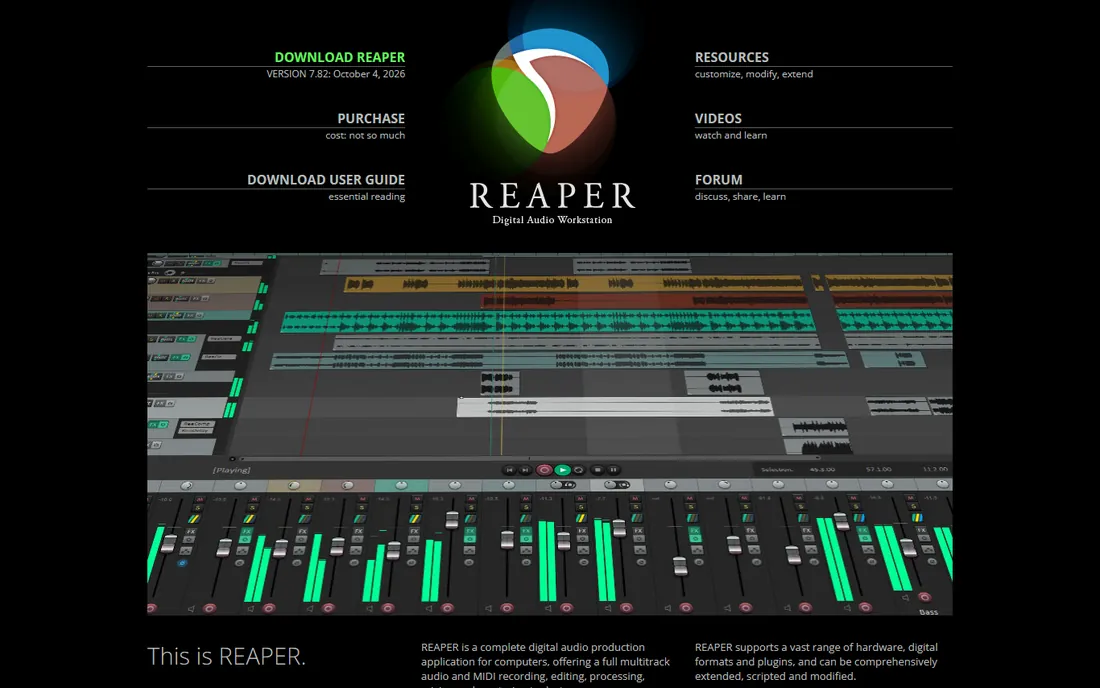
Reaper is the DAW that professionals recommend when someone asks for "pro tools without the pro price." It records, edits, mixes, and masters with no track limits, deep customization, and a 60-day trial that is fully functional. Narrators who also produce podcasts or music get one tool for everything, and the rendering and loudness metering are genuinely professional grade.
For pure audiobook narration, though, Reaper is a lot of software. The learning curve is real, and you will spend time configuring a narration template that Hindenburg or TwistedWave give you out of the box. Choose Reaper if you want one DAW for all audio work and do not mind the setup investment. If narration is all you do, the simpler tools above will get you recording faster.
What we like- Full professional DAW at a fraction of competitor prices
- Endlessly customizable
- 60-day fully functional trial
Watch out for- Steep learning curve
- Interface is utilitarian
- Overkill if you only narrate
#5
Adobe Audition
Best for: Professional restoration and multitrack
Visit adobe.com
Starting priceSee website
Free planFree trial
Audition is the restoration specialist. Its noise reduction, click/pop removal, and spectral frequency editing can salvage recordings that other tools cannot touch: a chapter with air-conditioner hum, a mouth click on every plosive, a chair squeak under a quiet passage. The multitrack editor handles complex productions, and round-tripping with Premiere Pro suits narrators who also do video.
The price is a Creative Cloud subscription (single-app or full suite), and there is a free trial. For straightforward narration in a treated room, Audition's power is mostly unused. It earns its keep when you record in imperfect spaces, restore archival material, or produce dramatized audiobooks with multiple voices and sound design. Otherwise, simpler is better.
What we like- Best-in-class noise reduction and audio restoration
- Spectral editing for surgical fixes
- Integrates with Premiere Pro
Watch out for- Subscription-only via Creative Cloud
- More complex than narration needs
- No perpetual license
Starting priceSee website
Free planFree trial
TwistedWave is the Mac user's shortcut to finished audio. It opens fast, zooms instantly even on multi-hour files, applies effects in the background while you keep working, and offers unlimited undo. The iPhone and iPad versions mean you can record or trim on the go, and the online version covers Chromebooks. For voice-over artists who value speed over features, it has a devoted following.
It is a single-track editor, so complex multi-voice productions need something else. The Mac version is a paid license (around $99.90 one-time historically) after a 30-day trial. If you narrate on a Mac and find Audacity clunky but Reaper excessive, TwistedWave is the sweet spot.
What we like- Extremely fast and intuitive on Mac
- IPhone/iPad and online versions
- Unlimited undo and background processing
Watch out for- Mac and iOS only (plus web)
- Single-track editor, not a multitrack DAW
- Paid after trial
Starting priceFree
Free planYes
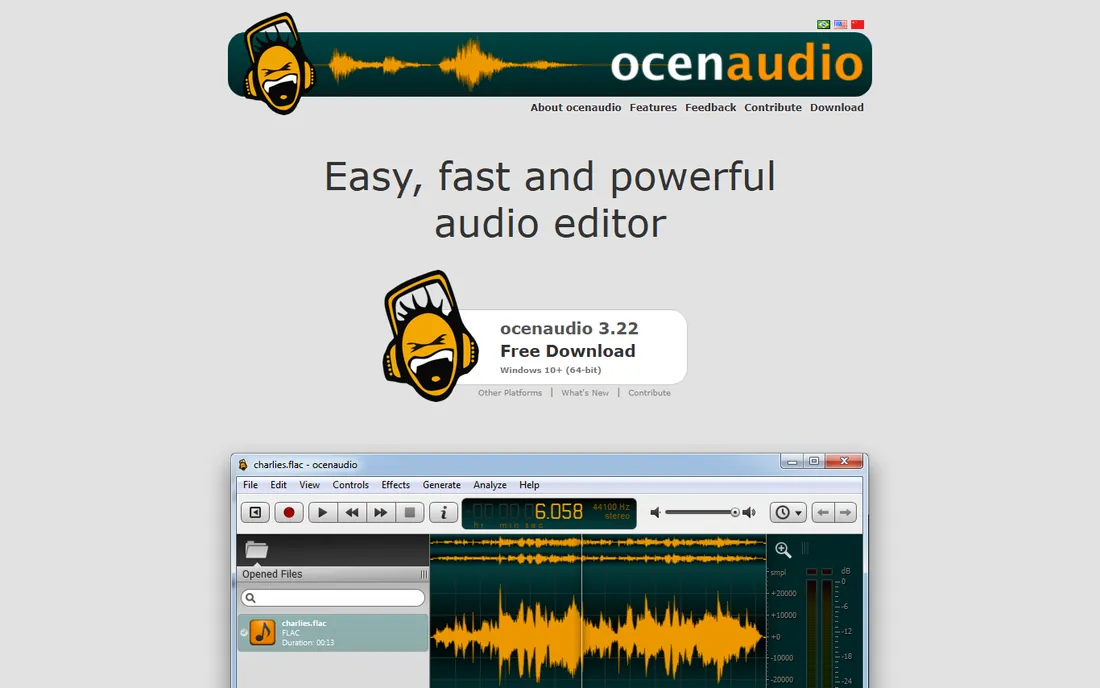
Ocenaudio is the free editor for people who bounced off Audacity's interface. It is lightweight, starts fast, previews effects in real time (Audacity traditionally did not), and handles large files without choking. VST plugin support extends it considerably, and it runs on Windows, Mac, and Linux. For quick chapter trims, normalization, and exports, it is genuinely pleasant.
The limits: it edits one file at a time with no multitrack, and the community and tutorial base is a fraction of Audacity's. For audiobook chapters (which are single files), that is rarely a problem. If Audacity feels heavy and you want something free and fast, try Ocenaudio before spending money.
What we like- Free for personal and commercial use
- Real-time effect previews
- Fast with large files
Watch out for- Single-file editing, no multitrack
- Smaller tutorial ecosystem than Audacity
Starting priceFree
Free planYes
GarageBand ships free on every Mac, and for a first audiobook it is perfectly serviceable. Recording is one click, the interface is the friendliest here, and the built-in EQ, compression, and noise gate cover basic voice processing. If you own a Mac and a USB microphone, you can record your first chapter today with nothing to download.
It is a music app wearing a narration costume, though. Long-form spoken word means manual track management, no narration-specific loudness targeting, and fiddly chapter exports. Beginners should absolutely start here (free is free), then graduate to Audacity or Hindenburg when the workflow starts fighting back.
What we like- Free on every Mac
- Simplest learning curve here
- Decent built-in processing
Watch out for- Mac only
- Not designed for long-form narration
- Chapter and loudness workflows need manual setup
How we chose
We focused on tools suited to recording and editing audiobooks: clean voice capture, efficient retake workflows (punch-and-roll), noise handling, and delivery to loudness specs. We verified each vendor's homepage and used vendor pricing pages where prices were published, falling back to "See website" otherwise. We favored tools with real narration usage (Audacity, Hindenburg Narrator, TwistedWave, Descript) over pure music DAWs, but included Reaper and Audition because many narrators already own them. We checked platform coverage, pricing models, and free tiers, and cross-referenced narrator communities and review sites for workflow complaints. No hands-on testing was claimed.
The narration workflow that actually matters
Software choice is secondary to workflow. The professional narration loop looks like this: treat your room first (blankets and closets beat plugins), set levels so peaks hit around -6 dB, and record each chapter as one file. When you flub a line, punch-and-roll: back up a few seconds and re-record over the mistake in place, which keeps pacing natural and saves editing time later.
Editing should be 90 percent deletion. Cut the bad takes, tighten the gaps between sentences to a natural rhythm (not machine-gun, not sleepy), and apply processing lightly: a touch of EQ, gentle compression, and noise reduction only if the room needs it. Then check loudness against your delivery spec (ACX wants RMS between -23 dB and -18 dB with peaks under -3 dB) before exporting. The tools above differ in how much of this they automate. Hindenburg automates the most; Audacity requires you to learn each step manually, which is slower but teaches you what good sounds like.
What to check before you buy
Match the tool to your actual bottleneck. If recording is the pain (bad room, noisy mic), no software fixes that; spend on treatment and a better microphone first. If editing speed is the pain, Descript's text editing or Hindenburg's automation will save more hours than any plugin bundle. If delivery rejections are the pain (failed ACX checks), prioritize loudness targeting and metering.
Think about your platform lock-in. GarageBand and TwistedWave are Mac-only; if you ever switch to Windows, your projects and muscle memory do not come with you. Audacity, Ocenaudio, Reaper, Descript, and Hindenburg are cross-platform, which matters if you collaborate or change machines.
Finally, respect the subscription question. Audacity, Ocenaudio, and GarageBand are free forever. Reaper and TwistedWave are one-time purchases. Descript, Adobe Audition, and Hindenburg are subscriptions or quote-based. For a narrator producing books for years, a subscription that saves an hour per finished hour of audio is cheap; a subscription for software you open monthly is not.
Frequently asked questions
What is punch-and-roll recording and do I need it?
Punch-and-roll is the standard narration technique for fixing mistakes: when you flub a line, you roll back a few seconds and punch in the correction while listening to the preceding audio, so the new take matches the pacing and energy. It saves enormous editing time versus stopping, finding the mistake later, and splicing. Hindenburg and TwistedWave do it smoothly; Audacity needs a plugin; Descript users often just re-record the sentence and drag it in.
What loudness specs do audiobooks need?
The best-known spec is ACX (Audible's platform): RMS levels between -23 dB and -18 dB, peak levels below -3 dB, and a noise floor under -60 dB RMS. Other publishers vary but cluster nearby. Hindenburg targets these automatically; in other tools, measure with a loudness plugin before exporting every chapter. A book rejected for loudness issues costs you days of rework.
Can I record an audiobook on my phone?
You can, but you probably should not for commercial work. Phone microphones and untreated rooms produce audio that fails publisher noise-floor specs. TwistedWave's iOS app and Descript's mobile options are fine for auditions, notes, or quick pickups. For finished chapters, use a proper microphone in a treated space with desktop software.
Do I need a paid DAW to narrate audiobooks professionally?
No. Plenty of working narrators deliver professional audiobooks with Audacity alone. Paid tools buy you speed (Descript's text editing, Hindenburg's automation) and polish (Audition's restoration), not basic capability. Spend money when a specific bottleneck is costing you hours, not before.
How long does it take to record and edit an audiobook chapter?
A common rule of thumb is a 3:1 to 6:1 ratio of total time to finished audio: one finished hour takes three to six hours of recording, editing, and proofing. Beginners are closer to 6:1; experienced narrators with a dialed-in workflow approach 3:1. The right software (punch-and-roll, text-based editing, loudness automation) is how you move down that ratio.
Sources we checked (8)
- https://audacityteam.org/
- https://www.adobe.com
- https://reaper.fm/
- https://hindenburg.com
- https://descript.com
- https://www.apple.com
- https://ocenaudio.com
- https://twistedwave.com
Is your product missing or out of date?
We review this list regularly. Vendors can request a listing, send updated pricing or ask about featured placement.

Shihab Mia · Founder, Rankite
Shihab has spent more than a decade helping SaaS and e-commerce brands grow through search. He writes Rankite's software buying guides from pricing pages, documentation and public user reviews. More about Shihab.