How we make this list: we compare pricing pages, product documentation and public user reviews. Rankite is independent; if a vendor ever pays for a featured spot, that listing is clearly labeled Partner.
Key takeaways
- Audacity is still the default free editor: zero cost, endless tutorials, and enough power for most podcast and voiceover work.
- Descript changes the game for spoken-word editing by letting you cut audio like a text document, with a free plan to start.
- GarageBand is the best free option if you own a Mac, with multitrack editing and a friendlier learning curve than Audacity.
- Alitu and Hindenburg PRO are built for podcasters who want finished sound without learning audio engineering.
- Paid one-time editors like TwistedWave and WavePad make sense if you hate subscriptions.
Quick comparison
| Tool | Best for | Starting price | Free plan |
|---|
 Audacity Audacity | free editing on any computer | Free | Yes |
 Descript Descript | text-based spoken-word editing | $12/month (billed annually) | Yes |
 GarageBand GarageBand | Mac owners editing music or podcasts | Free | Yes |
 Alitu Alitu | podcasters who want everything automated | $32/month (billed annually) | Free trial (7 days) |
 Hindenburg PRO Hindenburg PRO | broadcast-style podcast editing | $399 one-time | Free trial |
 Ocenaudio Ocenaudio | a cleaner Audacity alternative | Free | Yes |
 TwistedWave TwistedWave | simple one-time Mac/Windows editor | $99.90 one-time | Free trial |
 Soundtrap Soundtrap | browser-based collaborative editing | $11.99/month (billed annually) | Yes |
 WavePad WavePad | cheap one-time Windows editing | $40 one-time | Yes |
 Adobe Audition Adobe Audition | pro power with a steep price | $20.99/month (billed annually) | Free trial (7 days) |
Is your product missing or out of date?
We review this list regularly. Vendors can request a listing, send updated pricing or ask about featured placement.
The best audio editing software for beginners
Starting priceFree
Free planYes
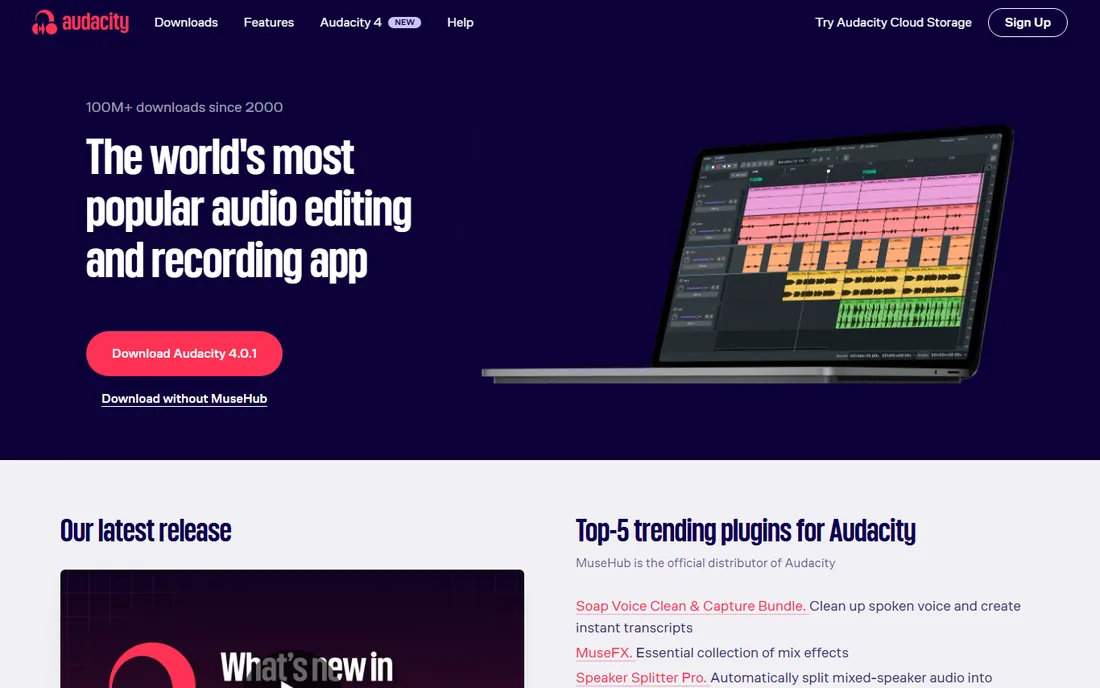
Audacity is the editor every beginner should try first, because it costs nothing and does the core job: record, cut, copy, paste, apply noise reduction, adjust levels, export MP3. For podcast editing and voiceover work, Audacity handles 90 percent of what you will ever need, and thousands of YouTube tutorials mean every question already has an answer.
The honest catch is the interface, which looks and feels like software from 2005. Editing is destructive, meaning effects permanently change the audio unless you undo them, which punishes experimentation. Audacity also lacks the non-destructive multitrack workflow that makes music and complex podcast production easier. Still, as a first editor it is unbeatable: you can learn the fundamentals here and upgrade later with real knowledge of what you need.
What we like- Completely free and open source
- Works on Windows, Mac, and Linux
- Enormous tutorial library
Watch out for- Dated interface
- Destructive editing by default
- No built-in multitrack music tools
Starting price$12/month (billed annually)
Free planYes
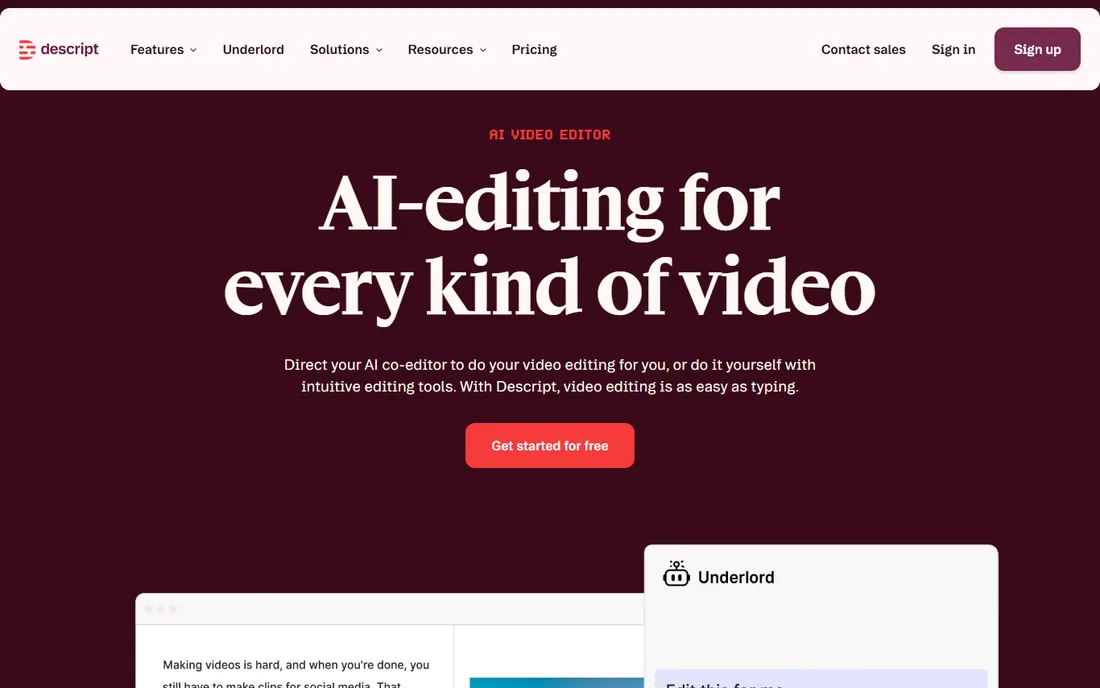
Descript is the only editor on this list where you never touch a waveform if you do not want to. It transcribes your recording, and you edit the transcript like a document: delete a sentence of text and the audio is gone. For podcasters and course creators, this cuts editing time dramatically compared with hunting through waveforms.
The free plan gives you one hour of transcription a month, enough to edit a few short episodes and decide if the workflow fits. The Creator plan at $12 a month billed annually raises that to 10 hours and adds 4K video export. The catch is dependence: Descript is cloud-based, so spotty internet slows you down, and there is no one-time purchase. For spoken word, though, nothing else edits this fast.
What we like- Edit audio by editing text
- Studio Sound fixes bad recordings
- Filler-word removal
Watch out for- Needs internet for full features
- Subscription only
- Weaker for music production
#3
GarageBand
Best for: Mac owners editing music or podcasts
Visit apple.com
Starting priceFree
Free planYes
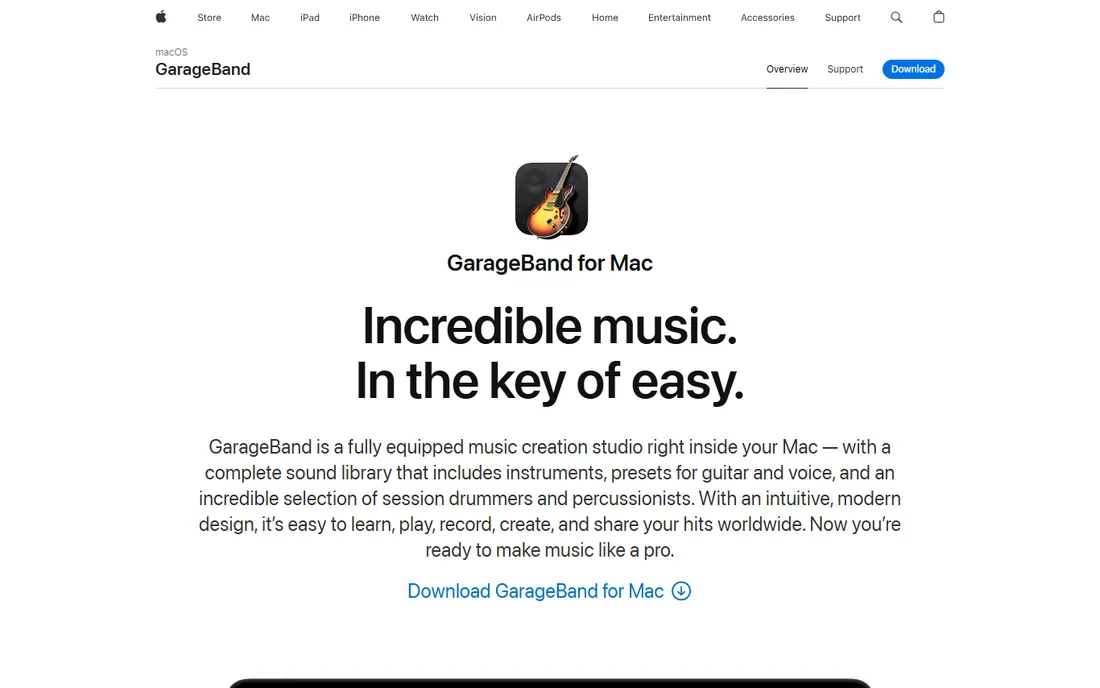
If you own a Mac, start here before paying for anything. GarageBand is a real multitrack editor with non-destructive editing, a library of loops and software instruments, and podcast templates with voice presets. It is genuinely easier to learn than Audacity, with a modern interface that teaches you concepts like tracks, regions, and effects without a manual.
The limitation is the ceiling and the platform. GarageBand runs on Mac only, so a Windows-using co-host cannot open your project. Power users eventually hit walls: limited effects routing, no advanced automation, and fewer export options than paid editors. But the upgrade path is clean: GarageBand projects open in Logic Pro if you ever outgrow it. For a beginner with a Mac, the value is hard to argue with.
What we like- Free with every Mac
- Proper multitrack editing
- Excellent built-in loops and virtual instruments
Watch out for- Mac only
- Limited to what Apple ships
- Projects do not open in other editors
Starting price$32/month (billed annually)
Free planFree trial (7 days)
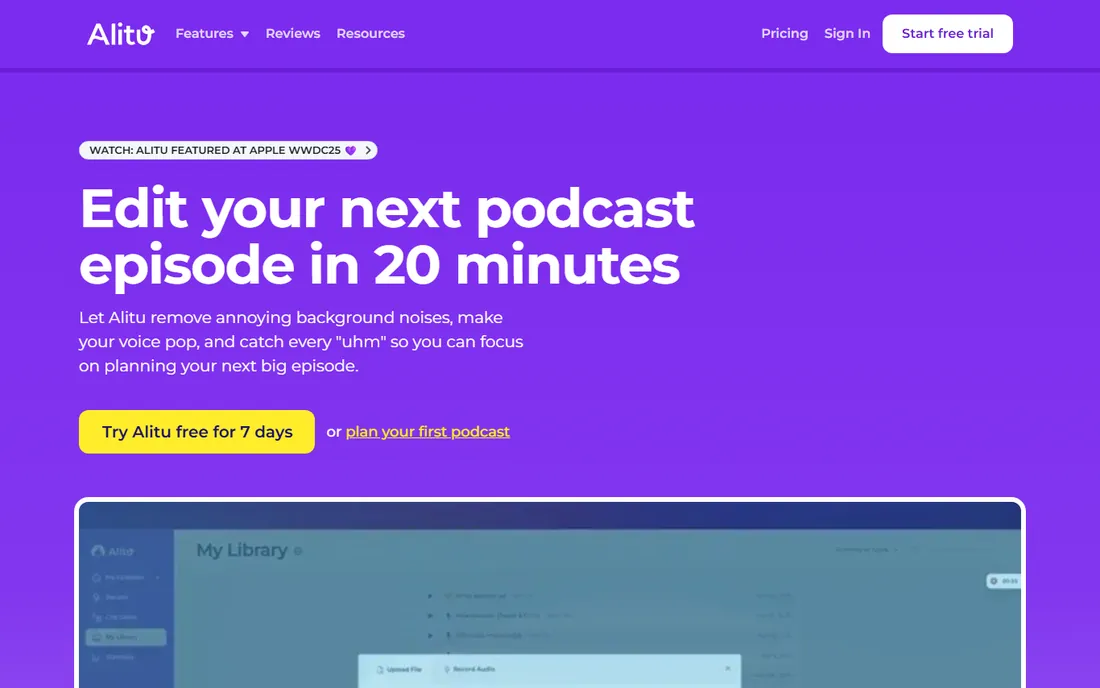
Alitu is not really an editor; it is a podcast production service disguised as one. Upload your raw recording, and it handles noise removal, leveling, EQ, mastering, and publishing to your host. The episode builder lets you drag in intros, ads, and transitions without touching a waveform. If learning audio engineering sounds exhausting, Alitu removes the problem entirely.
That convenience costs $38 a month, or $32 billed annually, which is steep next to free editors. You also give up control: there is no desktop app, offline editing does not exist, and fine manual tweaks are limited. Alitu makes sense for a solo podcaster or small business whose time is worth more than the subscription. It does not make sense if you already have a host and just need an editor.
What we like- Automatic cleanup, mastering, and publishing
- Recording and hosting included
- Beginner courses built in
Watch out for- One of the priciest options here
- Browser only
- Limited manual editing depth
Starting price$399 one-time
Free planFree trial
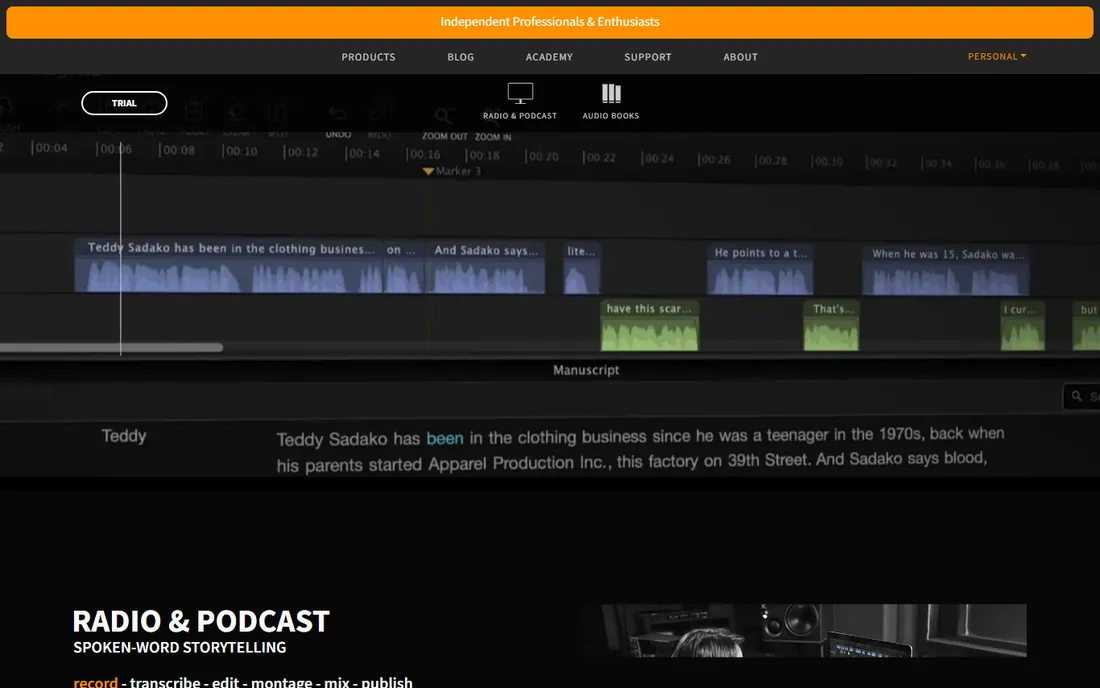
Hindenburg PRO is what radio journalists use when they need to file a clean story fast. Every design choice favors spoken word: automatic loudness normalization to broadcast standards, a clipboard for organizing interview clips, and voice profiling that matches levels across speakers. You spend your time on the story, not on the mixer.
The price is the barrier. A perpetual license costs $399, and the subscription runs $8.25 a month. For a beginner, that is a lot to pay before you know whether you will stick with podcasting. Hindenburg also does not pretend to be a music editor, so musicians should look elsewhere. But if you are serious about spoken-word production and want to buy once, this is the most purpose-built tool on the list.
What we like- Designed for spoken word from the ground up
- Automatic loudness leveling
- Perpetual license available
Watch out for- Expensive for a beginner
- Not built for music
- Smaller tutorial community
Starting priceFree
Free planYes
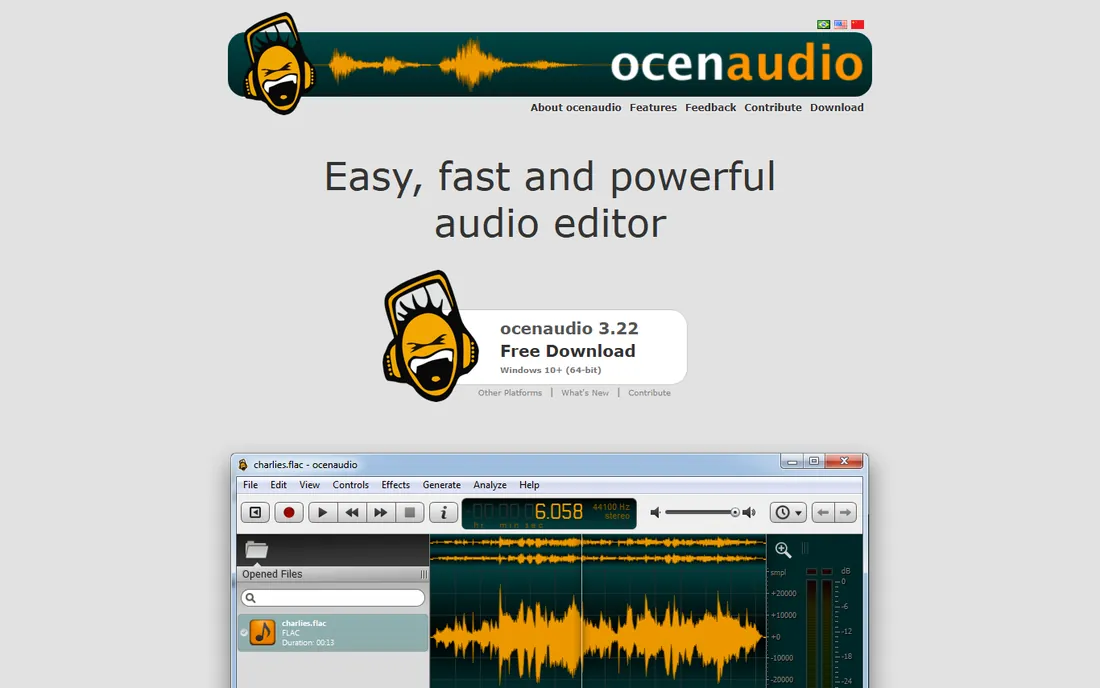
Ocenaudio is what Audacity would be if someone redesigned it this decade. It is free, cross-platform, and covers the same fundamentals: record, cut, apply effects, export. The difference is polish. Effects preview in real time as you adjust them, the spectrogram view is cleaner, and the whole program feels faster on modest hardware.
The trade-off is depth. Audacity has a bigger plugin ecosystem and more advanced tools like spectral editing, while Ocenaudio keeps things simpler. For a beginner that simplicity is a feature, not a bug: you will find the noise reduction and EQ without digging through menus. If Audacity's interface puts you off but you want free desktop editing, Ocenaudio is the obvious next try.
What we like- Free with a modern interface
- Real-time effect previews
- Works on Windows, Mac, and Linux
Watch out for- Fewer advanced features than Audacity
- Smaller plugin ecosystem
- No mobile version
Starting price$99.90 one-time
Free planFree trial
TwistedWave is for the beginner who knows exactly what they hate: subscriptions and bloat. For a single $99.90 payment you get a fast, clean audio editor for Mac and Windows that opens in seconds and does the basics well. Batch processing is a genuine strength: normalize and convert a folder of interview files in one pass.
The catch is scope. TwistedWave is primarily a single-track editor, so assembling a multi-voice podcast episode with music beds is awkward. There is a browser version and an iOS app, but the desktop editor is the main event. If your workflow is record, clean up, export, repeat, TwistedWave is one of the least annoying ways to do it.
What we like- One-time purchase, no subscription
- Fast and lightweight
- Solid batch processing
Watch out for- Single-track focus
- No built-in multitrack mixing
- Interface is plain
Starting price$11.99/month (billed annually)
Free planYes
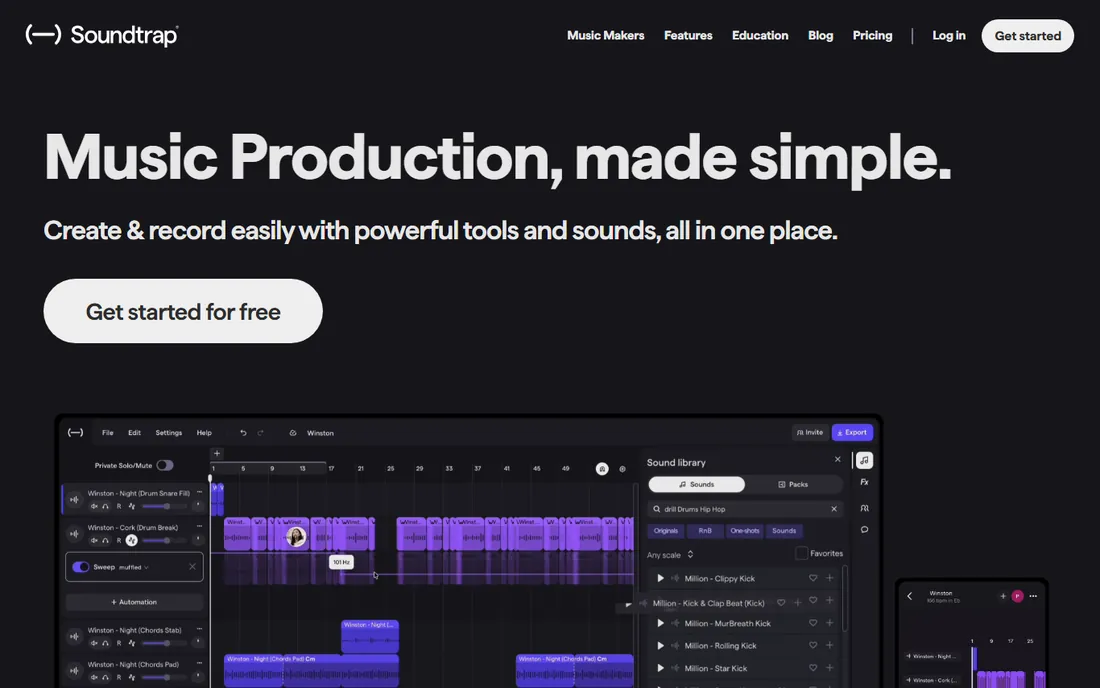
Soundtrap, owned by Spotify, is the editor for people who work in a browser and collaborate. Multiple people can edit the same project in real time, which is handy for a podcast team or a class. The Storytellers plan at $11.99 a month billed annually is built for podcasters, with interactive transcripts, remote interviews, and direct publishing to Spotify.
The free plan gives you unlimited projects but a limited sound library, which is fine for editing your own recordings. The real requirement is internet: everything happens in the cloud, so offline editing is impossible. If you record on a Chromebook or switch computers often, that trade is worth it. If you want a desktop program you own, look at TwistedWave or Ocenaudio instead.
What we like- Runs in the browser, nothing to install
- Real-time collaboration
- Podcaster-specific Storytellers plan
Watch out for- Needs a stable internet connection
- Subscription only
- Free plan limits loops and sounds
Starting price$40 one-time
Free planYes
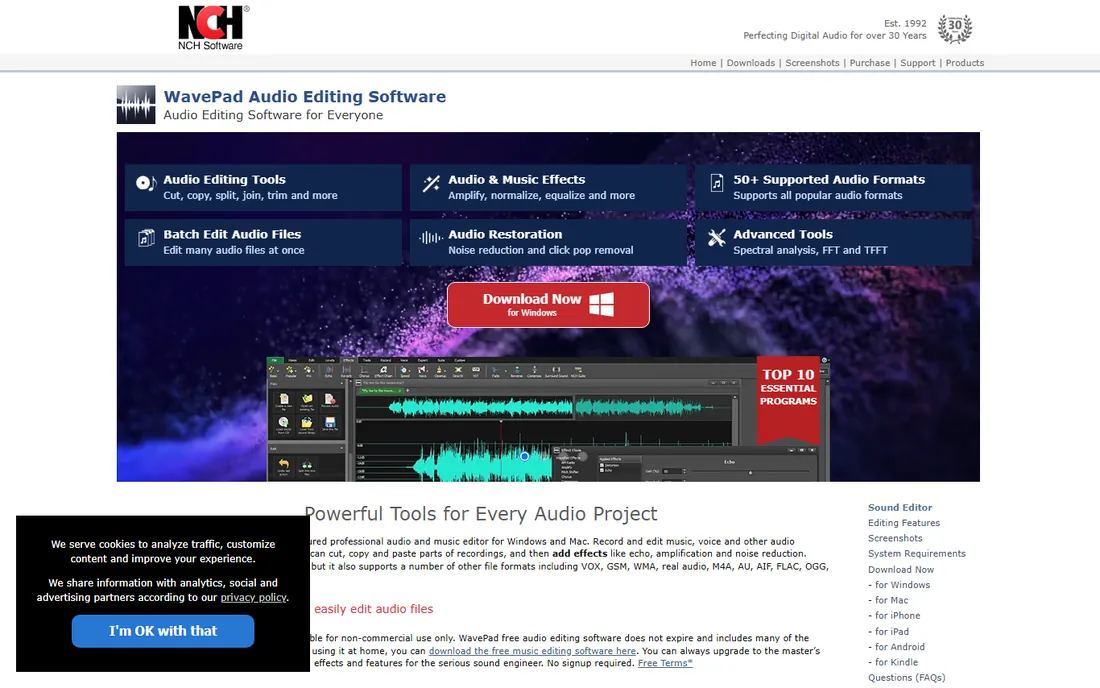
WavePad is the budget aisle of audio editors, and it knows it. The free version covers non-commercial use with the core editing tools, and the Standard edition costs around $40 as a one-time purchase. It records, cuts, applies effects like noise reduction and echo, and handles a wide range of formats including VOX and GSM that most editors ignore.
NCH Software's installer and in-app upsells are the annoying part: expect prompts for the company's other products. WavePad is also single-track only, so multitrack podcast assembly needs NCH's separate MixPad. But for simple voice editing on Windows at a near-zero price, it does the job without a subscription or a learning curve.
What we like- Free version for non-commercial use
- Cheap one-time paid editions
- Wide format support
Watch out for- Upsell-heavy installer experience
- Single-track editing only
- Dated look
Starting price$20.99/month (billed annually)
Free planFree trial (7 days)
Adobe Audition is the professional pick, and it is on this list as the ceiling, not the starting point. Its spectral frequency display lets you visually paint out a cough or a siren from a recording, and the restoration tools clean up poor audio better than anything else here. If you also edit video in Premiere Pro, the round-trip workflow saves real time.
For a beginner, the case against Audition is strong: $20.99 a month on the annual plan, a 7-day trial, and an interface that assumes you know what a multiband compressor does. You will spend your first weeks learning the tool instead of publishing.
What we like- Best-in-class restoration tools
- Spectral editing for precise noise removal
- Integrates with Premiere Pro
Watch out for- Expensive subscription
- Steep learning curve
- Overkill for simple editing
How we chose
We checked the current pricing pages and feature lists of every editor, focusing on what a beginner actually uses: recording, cutting, noise reduction, leveling, and exporting. We read recent reviews on G2, Capterra, and Reddit threads from podcasters and voiceover artists to find recurring complaints about learning curves and billing. We favored tools with a genuine free plan or trial, clear pricing, and an interface that does not require a course to operate.
What actually matters in a beginner audio editor
Start with the editing model, because it decides how you will spend your hours. Waveform editors like Audacity and Ocenaudio show you the sound and you cut it directly, which teaches fundamentals but is slow for interviews. Text editors like Descript let you delete words from a transcript, which is dramatically faster for spoken word but useless for music. Multitrack editors like GarageBand and Soundtrap let you stack voice, music, and effects on separate lanes. Pick the model that matches what you record.
Next, check the export path before you invest time. Every editor here exports MP3 and WAV, but podcasters should confirm loudness normalization and mono downmix options, while video creators need to check sample-rate compatibility with their video editor. A free editor that exports cleanly beats a paid one that needs a converter in the middle.
Then weigh the pricing model against your commitment. Free tools like Audacity, Ocenaudio, and GarageBand cost nothing forever. One-time purchases like TwistedWave ($99.90), WavePad ($40), and Hindenburg PRO ($399) make sense if you hate subscriptions and know you will edit for years. Subscriptions like Descript ($12/month annual) and Alitu ($32/month annual) are worth it only if the automation saves you real hours each month. Do the math on a year, not a month.
Finally, consider where you will learn it. Audacity and GarageBand have thousands of free tutorials; Descript and Alitu ship their own courses; Hindenburg and TwistedWave have smaller communities. A beginner with a question at midnight is better off with the tool that has the biggest answer library.
The learning curve trap: when to outgrow your first editor
The most common mistake is upgrading too early. If you are still publishing your first ten episodes, you do not need Hindenburg PRO or Adobe Audition; you need reps. Audacity or GarageBand will carry you through your first year of podcasting, and the skills transfer: cutting, fading, EQ, and compression work the same everywhere.
Upgrade when you hit a specific wall, not a vague feeling. If Descript's transcript editing would save you three hours a week, that is a wall. If your interview show needs the automatic loudness matching that Hindenburg does, that is a wall. If you are restoring damaged archival audio and Audacity's noise reduction is not enough, that is Audition's wall. Buy the tool that solves the named problem.
One more trap: collecting editors. Beginners often install four free editors and learn none of them. Pick one, use it for a month, and only switch when you can describe exactly what it cannot do. Depth in one tool beats shallow knowledge of five.
Frequently asked questions
Is Audacity really enough for a beginner podcaster?
For most beginners, yes. Audacity records, cuts, applies noise reduction and compression, and exports MP3, which covers the full podcast workflow. Its limits appear later: destructive editing punishes experimentation, and multitrack assembly is clumsy. Learn the fundamentals in Audacity, then move to Descript or Hindenburg when you know what you are missing.
What is the easiest audio editor for someone who has never edited before?
Descript, if your content is spoken word. Editing a transcript feels like editing a document, which most people already know how to do. For music or mixed content, GarageBand on Mac or Soundtrap in the browser are the gentlest introductions to multitrack editing. Audacity is free and powerful but its dated interface slows first-timers down.
Should I pay monthly or buy an editor outright?
It depends on how long you will edit. If you will publish for years, one-time purchases like TwistedWave ($99.90) or WavePad ($40) cost less than a year of most subscriptions. If you value automation, Descript at $12 a month or Alitu at $32 a month can pay for themselves in saved hours. Avoid long commitments until you have published at least ten episodes.
Can I edit a podcast on my phone or Chromebook?
Yes, with limits. Soundtrap and Descript run in the browser and work on Chromebooks. TwistedWave has an iOS app, and Alitu is browser-based too. Phone editing is fine for trimming and assembling, but detailed work like noise reduction and EQ is still easier on a desktop with a mouse and a decent pair of headphones.
Do I need a special microphone to use these editors?
No, but the microphone matters more than the editor. A $50 USB microphone in a quiet room will sound better than a laptop mic cleaned up in Adobe Audition. Editors can reduce noise and fix levels, but they cannot recover detail that was never recorded. Buy the microphone first, then pick the editor.
What file format should I export my finished audio in?
Export a WAV or FLAC master for archiving, then export MP3 for distribution. Podcasts typically use MP3 at 96 to 128 kbps mono for voice, which keeps files small for listeners. Music and video work usually needs WAV at 44.1 kHz or higher. Every editor on this list handles all of these formats.
Sources we checked (10)
- https://www.audacityteam.org
- https://www.descript.com/pricing
- https://www.apple.com/mac/garageband/
- https://alitu.com/pricing
- https://hindenburg.com/products/hindenburg-pro/
- https://www.ocenaudio.com
- https://twistedwave.com
- https://www.soundtrap.com/pricing
- https://www.nch.com.au/wavepad/index.html
- https://www.adobe.com/products/audition.html
Is your product missing or out of date?
We review this list regularly. Vendors can request a listing, send updated pricing or ask about featured placement.

Shihab Mia · Founder, Rankite
Shihab has spent more than a decade helping SaaS and e-commerce brands grow through search. He writes Rankite's software buying guides from pricing pages, documentation and public user reviews. More about Shihab.