How we make this list: we compare pricing pages, product documentation and public user reviews. Rankite is independent; if a vendor ever pays for a featured spot, that listing is clearly labeled Partner.
Key takeaways
- iZotope RX remains the repair standard for serious post-production, but most podcasters will never need its depth.
- Free tools go further than people expect: Audacity's noise reduction handles steady hiss and hum well enough for many creators.
- Match the tool to the moment. Krisp cleans live calls in real time, while RX, Audition and Acon Digital fix recordings after the fact.
- One-click AI cleanup (Descript Studio Sound, Cleanvoice) saves hours but gives you less control than manual tools.
- Over-processing is the real enemy: a slightly noisy natural voice beats a clean robotic one every time.
Quick comparison
| Tool | Best for | Starting price | Free plan |
|---|
 iZotope RX iZotope RX | Professional audio repair | See website | No |
 Adobe Audition Adobe Audition | Creative Cloud subscribers | See website | Free trial |
 Audacity Audacity | Free basic noise cleanup | Free | Yes |
 Waves Clarity Vx Waves Clarity Vx | Real-time plugin for DAWs and streams | See website | No |
 Krisp Krisp | Live calls and meetings | See website | Yes, limited |
 Descript Descript | Podcasters who edit by transcript | See website | Yes, limited |
 Acon Digital Acon Digital | Perpetual-license repair suite | See website | Free trial |
 Cleanvoice AI Cleanvoice AI | Automatic podcast cleanup | See website | Free trial |
 Cedar Audio Cedar Audio | Broadcast and post houses | See website | No |
Is your product missing or out of date?
We review this list regularly. Vendors can request a listing, send updated pricing or ask about featured placement.
The best noise removing software
Starting priceSee website
Free planNo
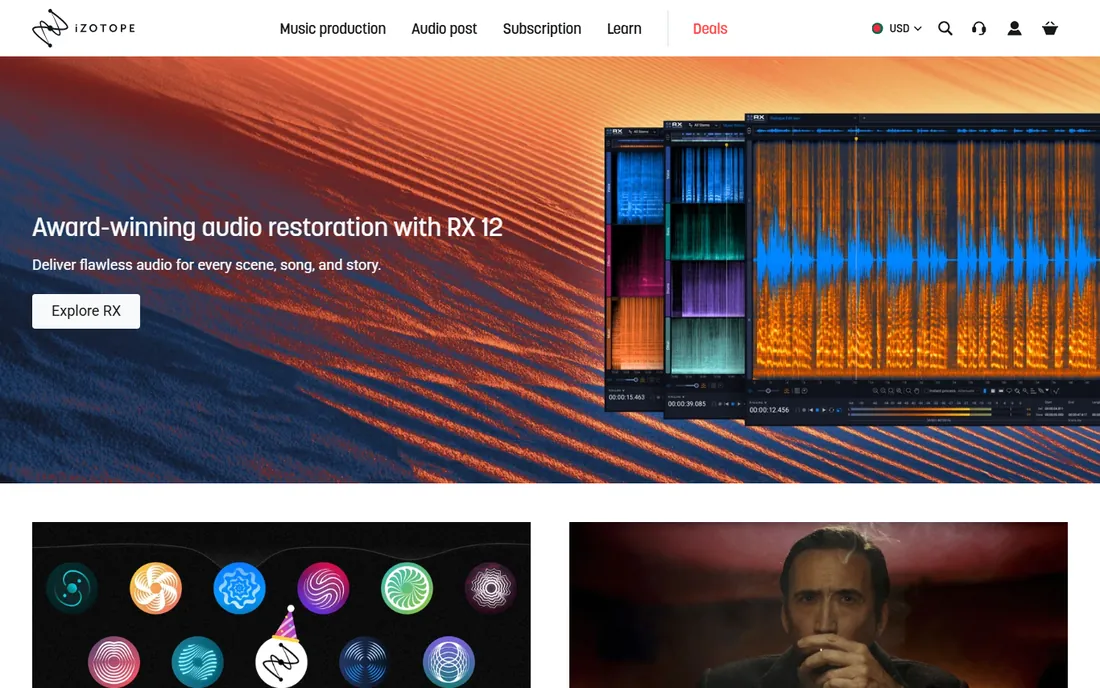
When dialogue was recorded next to a generator and the shoot cannot be repeated, this is the software that saves it. RX combines a full set of repair modules with a spectral editor that lets you see the noise and paint it out, frequency by frequency. De-hum kills electrical buzz, De-reverb tames echoey rooms, and Dialogue Isolate separates speech from background chaos well enough for broadcast delivery.
None of that comes cheap or easy. The tiered lineup (Elements, Standard, Advanced) forces a careful read of the feature comparison, and the full power of the spectral workflow takes real practice. For a podcaster fighting air-conditioner hum, RX is a Formula 1 car in a school zone. For a post-production house, it is simply the cost of doing business.
What we like- Deepest repair toolkit in the industry (de-click, de-hum, de-reverb, dialogue isolation)
- Spectral editor for surgical fixes
- The standard in film and broadcast post
Watch out for- Expensive, with tiers that confuse buyers
- Steep learning curve
- Overkill if you just need podcast hiss removed
Starting priceSee website
Free planFree trial
If you already pay for Creative Cloud, Audition is the path of least resistance. Capture a noise print from a quiet section of your recording, apply noise reduction, and adjust with a preview that lets you hear exactly how much damage the processing does. It also handles de-humming, de-clicking and adaptive noise reduction for recordings where the background shifts over time.
The honest comparison is with RX, and Audition loses the tough cases: heavy reverb, overlapping voices, complex location noise. Adobe keeps improving the AI-assisted tools, but Audition's heart is a general-purpose editor, not a repair lab. For creators already in the Adobe ecosystem it is the sensible default. Nobody should subscribe to Creative Cloud just for noise removal.
What we like- Full multitrack editor with solid noise reduction built in
- Integrates with Premiere Pro
- Noise print workflow is quick to learn
Watch out for- Subscription only, no perpetual license
- Noise tools lag behind RX for tough jobs
- Overkill if you only need cleanup
Starting priceFree
Free planYes
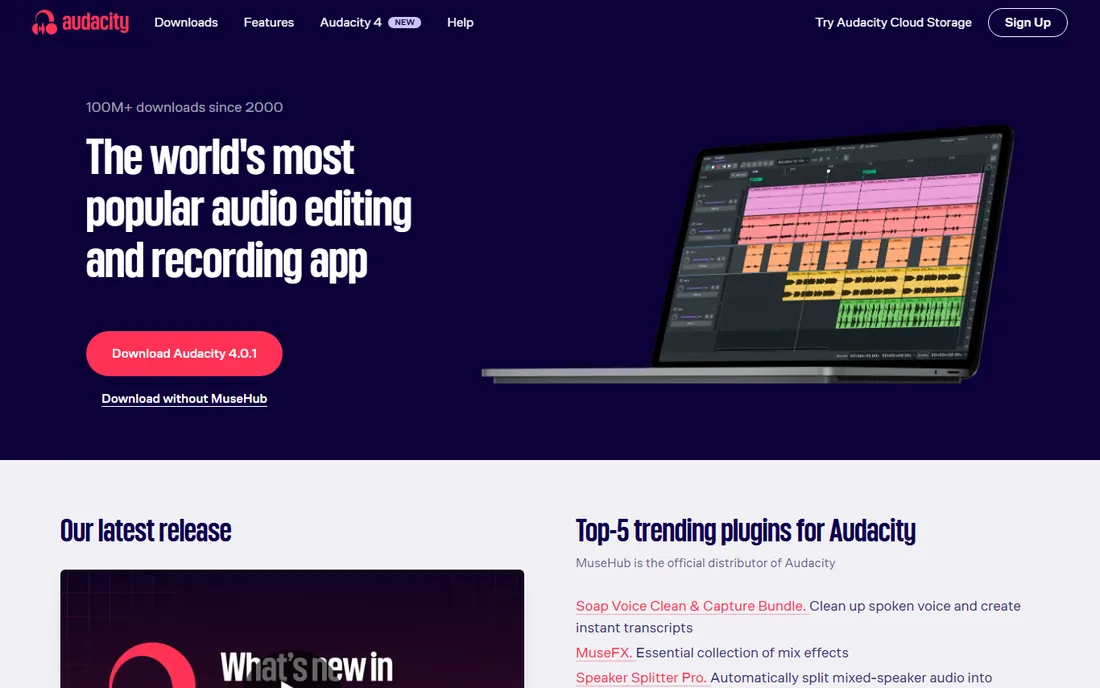
Audacity's noise reduction is the best free option in this entire category, and it is not close. Select a few seconds of pure background noise, create a noise profile, then apply reduction to the whole track. For constant hiss from a cheap interface or hum from bad grounding, the result is genuinely good, the kind of improvement that makes a recording publishable.
The workflow shows its age. Editing is destructive unless you plan ahead, there is no real-time preview on every effect, and complex problems like room echo or intermittent noise defeat it. Still, for a podcaster on a zero budget or a business cleaning up occasional voice memos, Audacity plus a decent microphone beats an expensive plugin plus a bad recording. Fix the room first, then reach for software.
A quick scope note: this guide covers audio noise removal for podcasts, video and calls. Photo noise reduction (grain in high-ISO images) is a separate category with its own tools, and none of the software here will clean up your pictures.
What we like- Completely free and open source, forever
- Noise reduction effect works well on steady hiss and hum
- Runs on Windows, Mac and Linux
Watch out for- Destructive editing workflow feels dated
- Weak on reverb and complex noise
- The interface intimidates beginners
#4
Waves Clarity Vx
Best for: Real-time plugin for DAWs and streams
Visit waves.com
Starting priceSee website
Free planNo

Clarity Vx answers a different question from RX: what if the noise needs to disappear right now, while recording or streaming? As a plugin it sits on your vocal chain and strips background noise in real time, with one main control instead of forty. Streamers, live podcasters and voice-over artists who record in untreated rooms get the biggest win here, since there is no render step and no second pass.
The simplicity is also the ceiling. You cannot paint out a specific frequency or rescue a truly bad recording the way RX can, and pushing the reduction too hard produces the watery artifacts that scream "processed." Treat it as a polish for decent recordings, not a rescue tool for bad ones, and gain-stage your input properly before it ever sees the plugin.
What we like- Runs live inside any DAW or streaming setup
- Famously simple one-knob operation
- Low latency for real-time use
Watch out for- Requires a plugin host
- Far less control than an offline repair suite
- Quality depends heavily on the input level
Starting priceSee website
Free planYes, limited

Krisp lives in a different world from the editors above: the live meeting. It sits between your microphone and your conferencing app and removes background noise before anyone hears it, dogs, keyboards, street noise, all of it. It also cleans up the other side of the call, so a client on a bad connection sounds clearer to you. For sales teams, agencies and anyone living on Zoom, it changes the texture of the workday.
It is not a post-production tool, and judging it as one misses the point. You cannot open a finished recording in Krisp and clean it. The free tier covers light use, with paid plans for heavy call volume. If your problem is "my podcast episode has hiss," look at RX or Audacity. If your problem is "my clients hear my neighbor's renovation," this is the fix.
What we like- Removes noise from both sides of a call in real time
- Works with Zoom, Meet, Teams and everything else
- No editing step at all
Watch out for- Built for calls, not for cleaning recordings
- Subscription pricing
- Processing happens on your device and in the cloud depending on the feature
Starting priceSee website
Free planYes, limited

Descript rethought podcast editing around the transcript: delete a sentence of text and the audio follows. Studio Sound, its one-click enhancement, applies noise removal and voice sweetening together, and for typical podcast recordings the result sounds like a better room and a better mic. Creators who dread timelines finish episodes dramatically faster here than in a traditional DAW.
The trade is control. You get a slider, not a spectral editor, and on difficult recordings the AI can make voices sound slightly synthetic. Heavy users also pay per plan tier rather than per feature, so someone who only wants cleanup subsidizes the full editing suite. For teams publishing weekly shows with minimal editing patience, that trade is usually worth it.
What we like- Studio Sound removes noise and enhances voice with one click
- Edit audio by editing text
- Free plan to test the workflow
Watch out for- Full cleanup features sit behind paid plans
- Cloud processing means uploading your audio
- Less precise than manual repair tools
Starting priceSee website
Free planFree trial
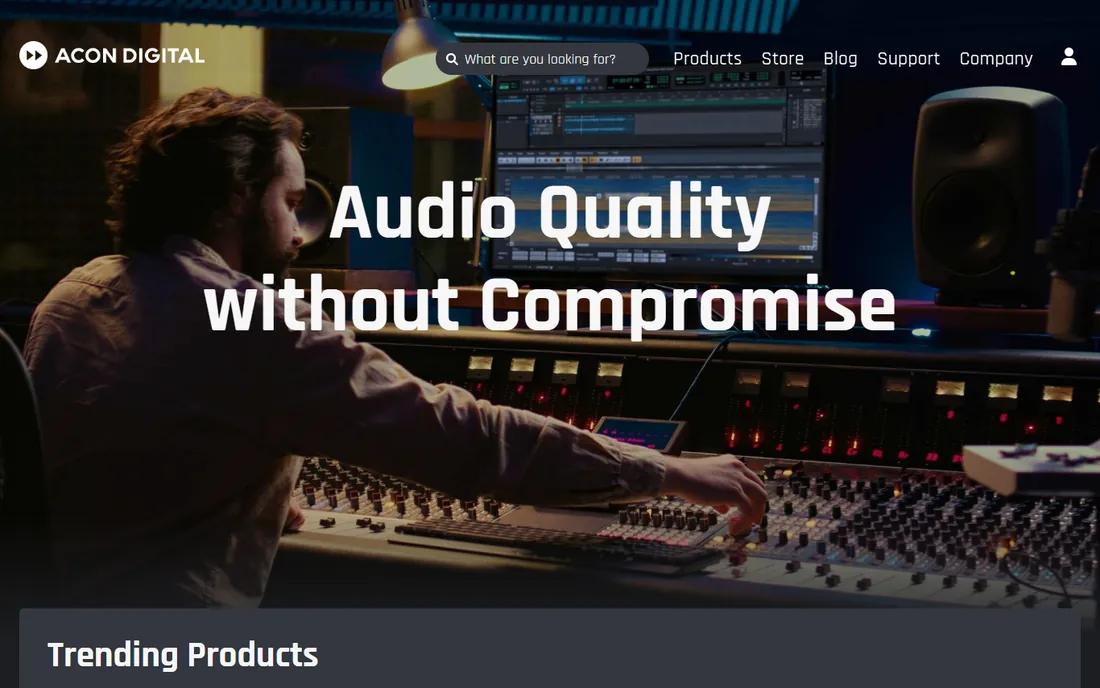
Acon Digital is the answer for everyone who wants serious repair tools without renting them forever. The Restoration Suite bundles DeNoise, DeHum, DeClick and DeClip as plugins for your DAW, while Acoustica is a full audio editor with the same restoration engine built in. The 2026 Acoustica 8 release added AI-powered restoration and profile-free noise reduction, closing much of the gap with RX at a lower price and on a perpetual license.
The ecosystem is the compromise. You will find ten RX tutorials for every Acon one, and some post houses standardize on iZotope, which matters if you collaborate. But if you are a freelancer or small studio buying your own tools, Acon Digital delivers most of the repair power for a one-time payment, which changes the math over three years.
What we like- Restoration Suite and Acoustica offer RX-grade tools without a subscription
- Perpetual licenses
- Strong de-hum, de-noise and de-reverb modules
Watch out for- Smaller user community means fewer tutorials
- Interface is functional rather than beautiful
- Brand recognition lags behind iZotope
Starting priceSee website
Free planFree trial
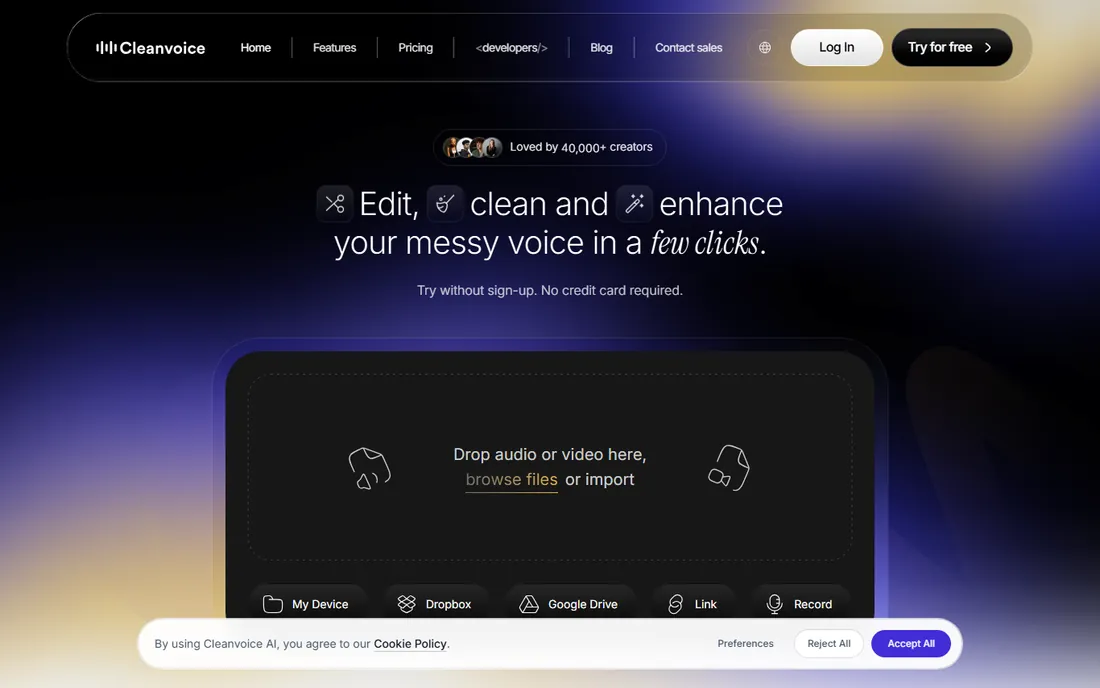
Cleanvoice is for podcasters who would rather publish than edit. Upload an episode and it strips background noise, mouth clicks, filler words and long pauses in one pass, then hands back a cleaned file or a timeline you can open in your own editor. The free trial includes 30 minutes of processing credit after signup, enough to test on a real episode before spending anything.
Automation has limits. Heavily noisy recordings still come back imperfect, and at scale the per-minute pricing can exceed the cost of learning Audacity's free tools. Where Cleanvoice earns its keep is the weekly-show grind: a solo creator publishing two episodes a week saves hours of repetitive cutting, and the timeline export means you keep final control when the AI guesses wrong.
What we like- Removes noise, filler words and dead air automatically
- No editing skill required
- Exports timelines back to Audacity or Audition for fine-tuning
Watch out for- Usage-based pricing adds up for high-volume producers
- Less control than manual tools
- Results vary with recording quality
Starting priceSee website
Free planNo
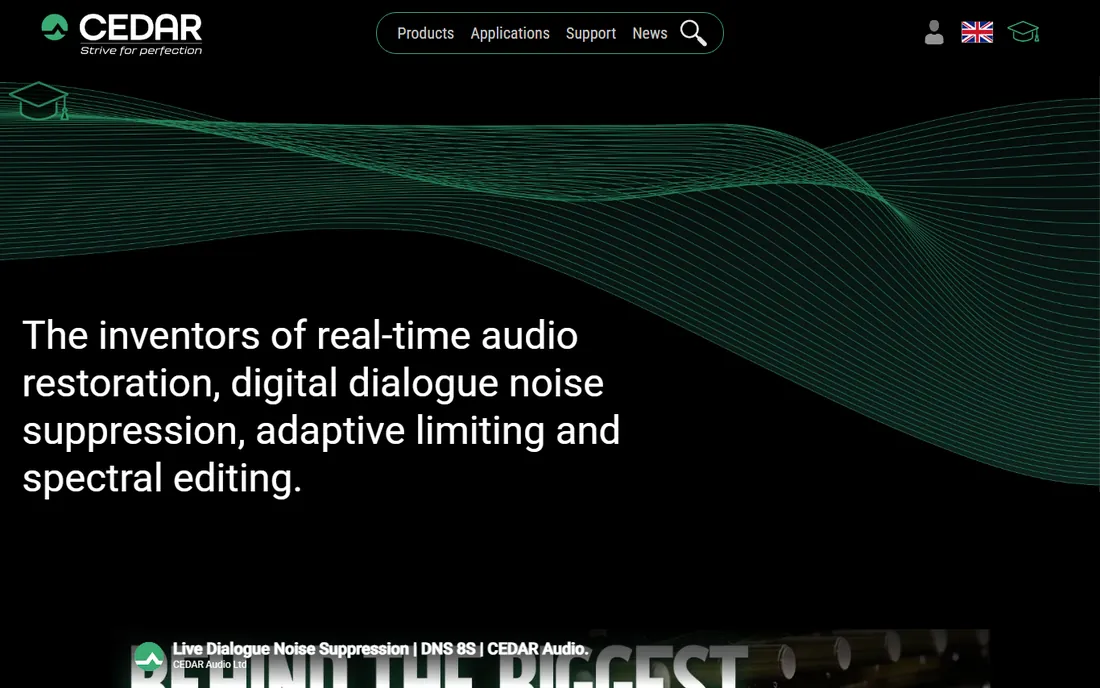
Cedar invented much of this category. Its DNS hardware and software noise suppressors sit in broadcast trucks, dubbing stages and post-production facilities worldwide, cleaning dialogue in real time where failure is not an option. The algorithms prioritize natural-sounding speech under heavy processing, which is why dialogue editors reach for Cedar when a scene has to air tonight.
Everything about Cedar signals "facility purchase": quote-based pricing, dealer network, trade-show presence. An individual podcaster gains nothing here that RX or Acon cannot do for a fraction of the cost. But in a list of the best noise removing software, omitting the company that defined professional noise suppression would be dishonest. If you run a post house, you already know.
What we like- The original professional standard, trusted by broadcasters for decades
- Superb dialogue noise suppression (DNS series)
- Rock-solid reliability in mission-critical work
Watch out for- Pricing is quote-based and very high
- Aimed at facilities, not individual creators
- Minimal relevance for podcast or YouTube workflows
The over-processing trap
Here is the mistake almost everyone makes with noise removal: chasing silence. Push reduction too far and voices develop metallic ringing, lose their high frequencies and start sounding like they were recorded underwater. Listeners forgive a little room tone. They do not forgive a voice that sounds robotic.
The fix is boring and effective. Apply noise reduction in two gentle passes instead of one aggressive one, and A/B against the original every time. If you can hear the processing, back off. A good rule: clean until the noise stops distracting, then stop. The goal is a recording that sounds natural, not one that measures perfectly on a meter.
Real-time or after the fact
This is the first fork in the road. Krisp and Clarity Vx work live, during calls and streams. Everything else fixes recordings afterward. Decide which problem you actually have before comparing features, because the two groups barely overlap.
How bad is your noise
Steady background hiss or electrical hum is the easy case; Audacity handles it free. Intermittent noise, room echo and overlapping sounds are the hard case, and that is where RX, Acon Digital or Cedar justify their cost. Be honest about which one you have. Most creators overestimate their problem and overspend.
Count the true cost
Subscriptions (Adobe, Krisp, Descript) look cheap monthly and add up yearly. Perpetual licenses (Acon Digital) cost more once and nothing after. Usage-based pricing (Cleanvoice) scales with your output. Project your actual usage over two years before deciding which model is cheapest for you.
Fit your workflow, not the feature list
A podcaster publishing weekly needs speed: Descript or Cleanvoice. An editor delivering broadcast audio needs precision: RX or Cedar. A business cleaning up meeting recordings needs zero learning curve: Krisp. The best tool is the one you will actually use every time, not the one with the longest spec sheet.
Frequently asked questions
Will noise removal fix a badly recorded episode?
Partly. Steady background noise, hum and hiss clean up well. Heavy echo, distortion from clipping and multiple people talking over each other do not. Software keeps improving, but no tool recovers audio that was never captured properly. A $100 microphone in a quiet room beats a $1,000 plugin on a bad recording.
Can I clean up audio from a video file?
Yes. Most of these tools accept audio extracted from video, and Descript and Cleanvoice take video files directly. The usual workflow is to export the audio track, clean it in your chosen tool, then replace the original audio in your video editor.
Is free noise removal software good enough?
For steady, predictable noise, yes. Audacity's noise reduction is genuinely capable, and Krisp and Descript both offer free tiers for light use. You start needing paid tools when the noise is complex, when you process high volumes, or when clients pay for broadcast quality.
What is the difference between noise removal and a noise gate?
A noise gate mutes everything below a volume threshold, which silences pauses but does nothing about noise under speech. Noise removal analyzes the noise profile and subtracts it from the whole recording, including during speech. Gates are simpler; removal sounds far more natural.
Does noise removal work on echo and reverb?
Somewhat. Dedicated de-reverb modules (in RX, Acon Digital and Cedar) reduce room echo noticeably, but heavy reverb from a bare-walled room resists cleanup. If your recordings echo, treat the room first: soft furnishings, a closer microphone and lower gain do more than any plugin.
How we chose
We compared current product pages, pricing and documentation rather than claiming lab tests we did not run. We weighted real buyer fit across four use cases: podcast production, video creation, live calls and professional post-production. Public feedback from G2, Capterra, Reddit and creator communities informed the strengths and weaknesses, with extra attention to pricing models since subscriptions, perpetual licenses and usage-based plans change the true cost dramatically.
Sources we checked (9)
- https://izotope.com/
- https://www.adobe.com
- https://www.audacityteam.org/
- https://waves.com/
- https://krisp.ai
- https://www.descript.com
- https://acondigital.com
- https://cleanvoice.ai/
- https://cedaraudio.com/
Is your product missing or out of date?
We review this list regularly. Vendors can request a listing, send updated pricing or ask about featured placement.

Shihab Mia · Founder, Rankite
Shihab has spent more than a decade helping SaaS and e-commerce brands grow through search. He writes Rankite's software buying guides from pricing pages, documentation and public user reviews. More about Shihab.