How we make this list: we compare pricing pages, product documentation and public user reviews. Rankite is independent; if a vendor ever pays for a featured spot, that listing is clearly labeled Partner.
Key takeaways
- Audacity remains the default free podcast editor: full multitrack editing, no cost, no account, no catch.
- GarageBand is the easiest start for Mac and iPhone owners, with a friendlier learning curve than Audacity.
- Descript's free plan gives you transcript-based editing, which is the fastest way to cut an interview.
- Adobe Podcast's free Enhance Speech fixes bad recordings better than any editor's built-in tools.
- Every free plan here has a real limit: export caps, watermarks, monthly hours or platform lock-in. Know the limit before you commit your workflow.
Quick comparison
| Tool | Best for | Starting price | Free plan |
|---|
 Audacity Audacity | podcasters who want a complete free editor with no limits | $0 | Yes |
 GarageBand GarageBand | Mac and iOS users starting their first show | $0 | Yes |
 Descript Descript | cutting interviews by editing text | $16 per month (Hobbyist, billed annually) | Yes |
 Podcastle Podcastle | recording, editing and publishing from one browser tab | $11.99 per month (Essential) | Yes |
 Riverside Riverside | interview shows recorded with remote guests | $24 per month (Pro, billed annually) | Yes |
 Adobe Podcast Adobe Podcast | rescuing poorly recorded voice tracks | See website | Yes |
 Ocenaudio Ocenaudio | quick single-file edits without a learning curve | $0 | Yes |
 WavePad WavePad | podcasters who like traditional desktop editing | See website | Yes |
 AudioMass AudioMass | editing audio with zero installation | $0 | Yes |
Is your product missing or out of date?
We review this list regularly. Vendors can request a listing, send updated pricing or ask about featured placement.
The best free podcast editing software
Starting price$0
Free planYes
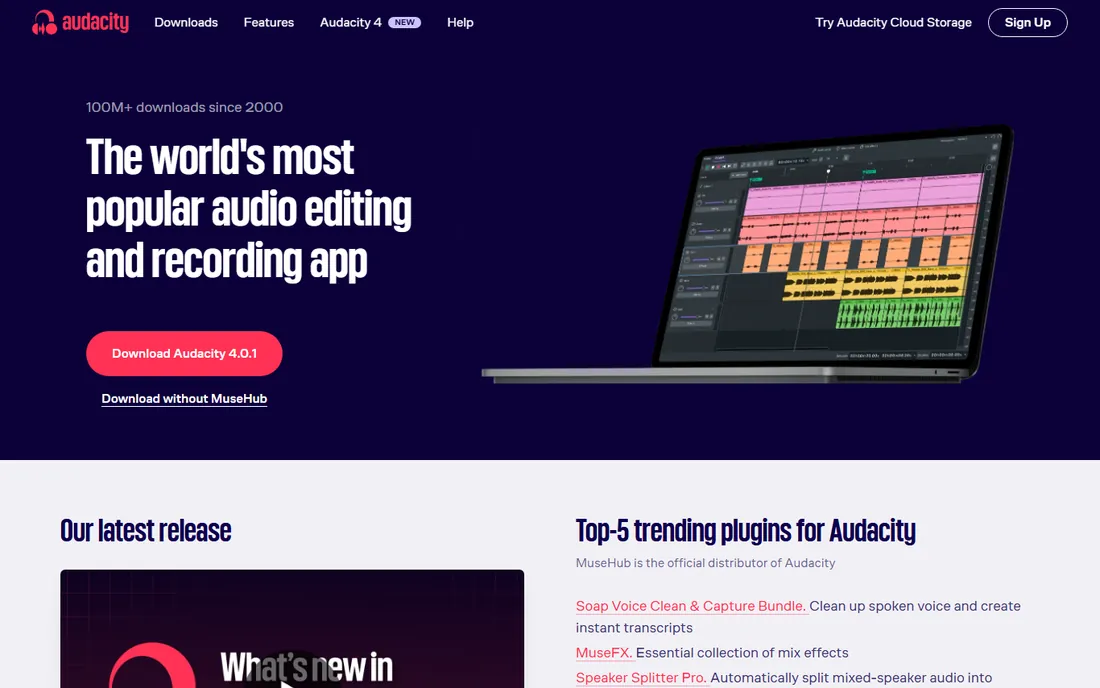
Every conversation about free audio editing starts with Audacity, because it has earned the position over 25 years. It records and edits multiple tracks, applies effects like noise reduction, compression and EQ, and exports to MP3, WAV and every format a podcast host accepts. There is no paid tier, no trial clock and no feature locked behind an account. The version 4 release in 2026 refreshed the interface and added workspaces, but the core deal is unchanged.
The ecosystem is the real strength. Decades of tutorials cover every podcast task, from setting recording levels to loudness normalization, and VST3 plugin support extends it further. If you can describe the editing job, someone has recorded a walkthrough of doing it in Audacity.
The learning curve is the honest cost. The interface still looks technical, editing is destructive unless you learn the workflow, and mistakes like deleting the wrong track are easy for beginners. Spend an evening with a tutorial before your first real episode. Once the basics click, nothing free does more.
What we like- Full multitrack recording and editing
- Huge plugin and tutorial ecosystem
- Runs on Windows, Mac and Linux
Watch out for- Interface feels dated
- Destructive-by-default editing punishes beginners
#2
GarageBand
Best for: Mac and iOS users starting their first show
Visit apple.com
Starting price$0
Free planYes
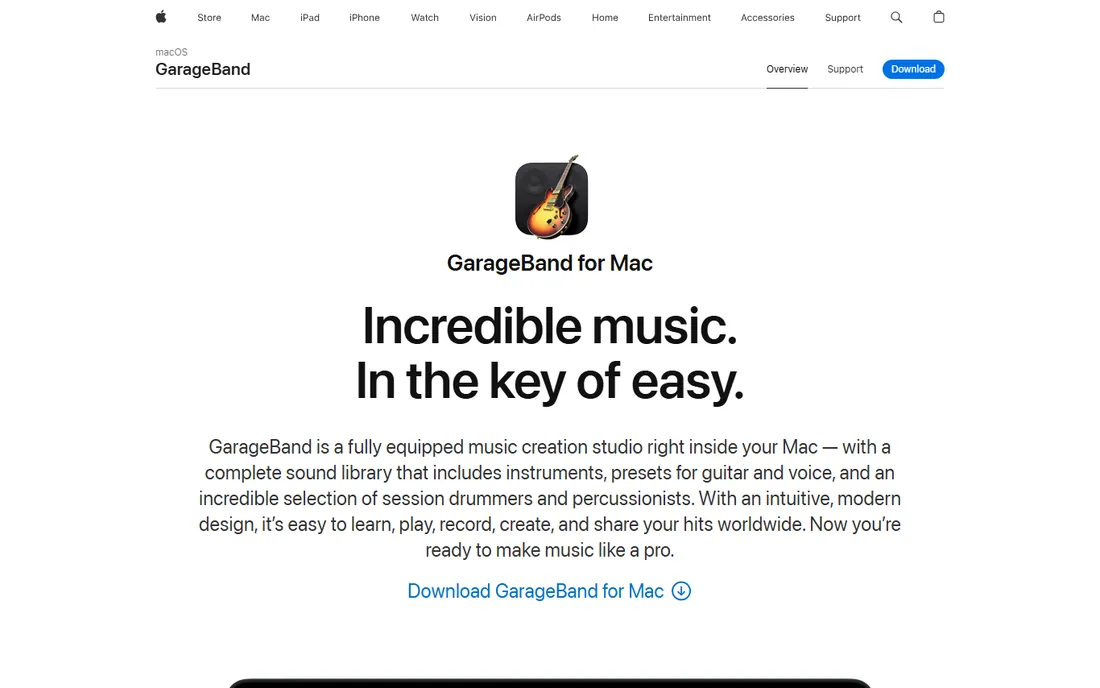
If you own a Mac, you already own a capable podcast editor and may not know it. GarageBand comes free with macOS and iOS, and it handles the podcast basics gracefully: record one or more tracks, trim and arrange regions visually, apply EQ and compression presets, and export a finished MP3. The interface is friendlier than any other free option here, with touch-friendly controls on iPhone and iPad.
It punches above its reputation. You get up to 255 tracks, a library of loops and sound effects for intros, and decent voice presets that make a USB mic sound better with one click. Projects sync through iCloud, so an interview recorded on an iPhone opens on the Mac for editing.
The ceiling is real, though. There is no Windows or Android version, advanced routing and plugin support lag behind real DAWs, and shows with heavy production eventually migrate to Logic Pro. For a first or second podcast, that ceiling is far away. Start here if you are on Apple hardware.
What we like- Free with every Mac, iPhone and iPad
- Visual and forgiving for beginners
- Solid built-in effects and loops
Watch out for- Apple devices only
- Projects can outgrow it as shows get complex
Starting price$16 per month (Hobbyist, billed annually)
Free planYes
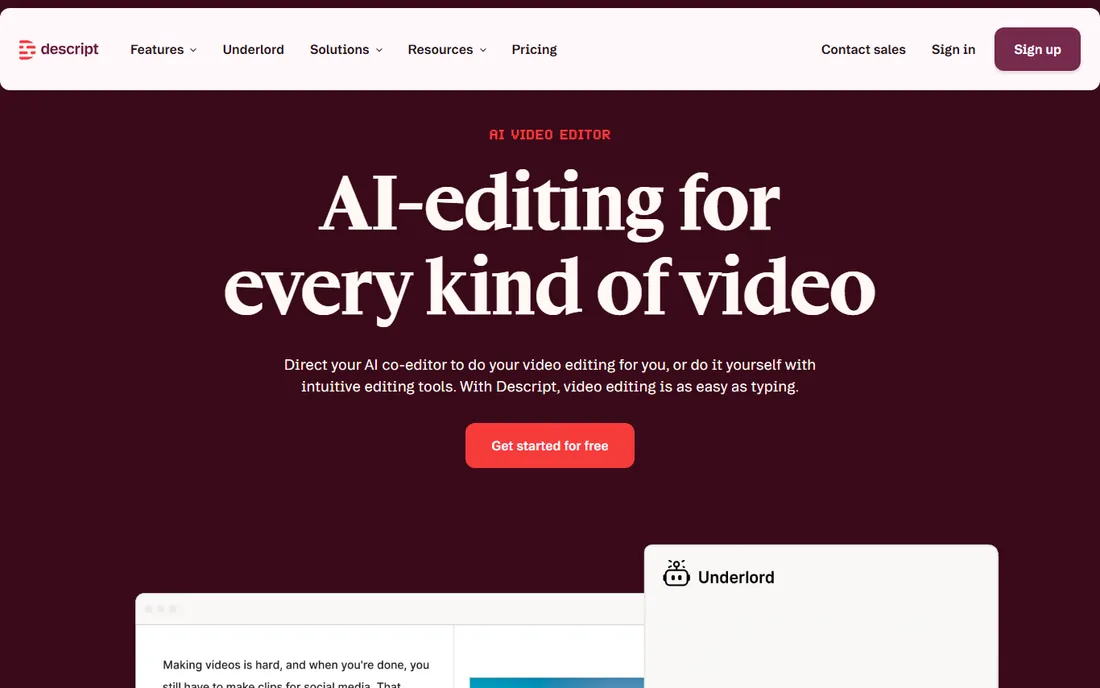
Descript changed the job description: you edit the transcript, and the audio follows. Upload or record an episode, get an automatic transcript, then delete sentences, filler words and tangents as text. The audio edits itself. For interview podcasts, this is easily the fastest cutting method in the best podcast editing software free tier.
The free plan is a genuine trial of the workflow: 1 hour of media a month, 100 one-time AI credits and 720p exports with a watermark. Studio Sound, its AI cleanup, makes thin laptop-mic audio sound close to studio quality. Remove Filler Words strips ums and uhs across a whole episode in one pass.
The meter is the catch. Media hours count everything you upload or record, and they do not roll over. A weekly hour-long show burns through the free allowance fast, and Hobbyist at $16 a month billed annually is the realistic entry price. If your recordings are clean and your format is interview-heavy, the speed may justify it.
What we like- Edit audio by editing the transcript
- Studio Sound cleanup is excellent
- Filler word removal saves hours
Watch out for- Free plan caps at 1 hour of media a month
- Cloud-based, so audio uploads to their servers
#4
Podcastle
Best for: recording, editing and publishing from one browser tab
Visit podcastle.ai
Starting price$11.99 per month (Essential)
Free planYes
Podcastle wants to be the whole podcast studio, from recording to publishing, in a browser tab. The recording studio captures remote guests in high quality with separate tracks, the editor offers waveform and text-based editing, Magic Dust applies one-click noise removal and leveling, and the hosting hub publishes to Spotify and Apple Podcasts from the same dashboard.
For a new podcaster, the appeal is having nothing to install and nothing to stitch together. Transcription feeds show notes, the Revoice text-to-speech covers pickups and ads, and the video editor handles the YouTube version with 4K support on paid plans. The free plan includes 3 hours of recording and basic editing tools with no credit card required.
Limits arrive quickly for regular publishers. Free recording hours are a lifetime-style allowance rather than a monthly refill in practice, video exports carry a watermark, and heavy browser sessions demand a stable connection. At $11.99 a month, Essential is priced for hobbyists ready to publish weekly.
What we like- Browser studio with multitrack recording
- Magic Dust one-click enhancement
- Built-in publishing to major platforms
Watch out for- Free plan limits recording hours and watermarks video
- Browser-based editing needs a solid connection
Starting price$24 per month (Pro, billed annually)
Free planYes
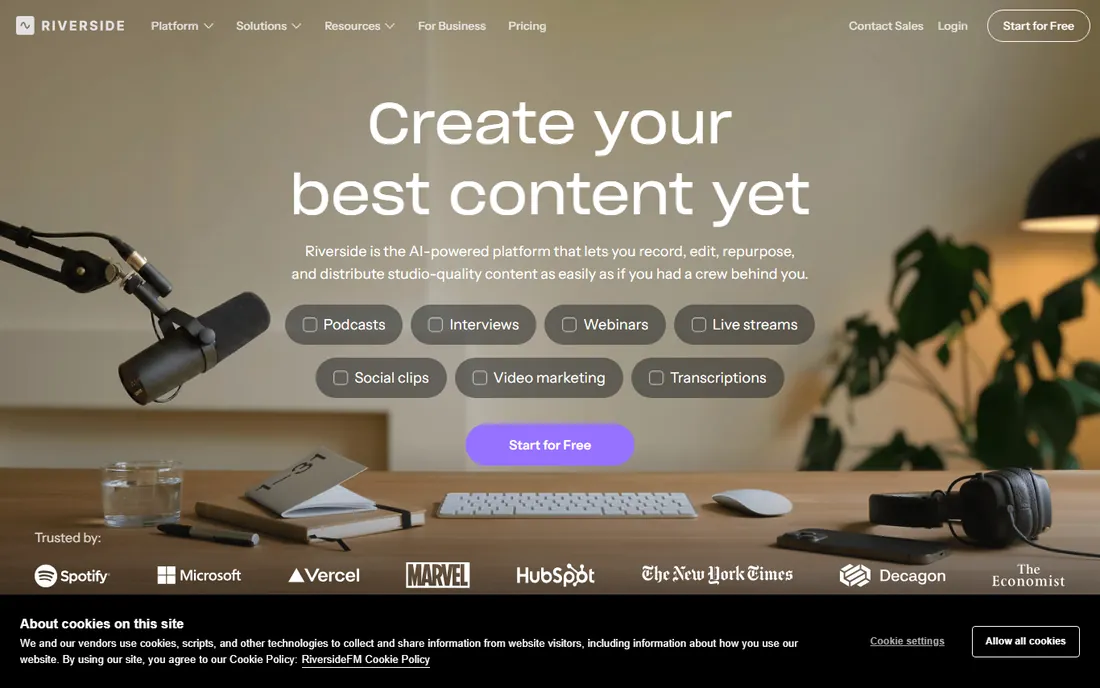
Riverside is a recording studio first and an editor second, which matters for interview shows. Each guest's audio and video records locally on their own device, then uploads, so a flaky connection never degrades the final file. You get up to 4K video and uncompressed WAV audio with separate tracks per speaker, the raw material every editor wants.
The included text-based editor, transcriptions, Magic Clips for social cuts and show notes make it a credible post-production stop too. For a remote interview podcast, recording in Riverside and finishing in Audacity or Descript is a common professional workflow.
Pricing needs attention. Riverside's plans have been in flux: the public page has shown a free plan with 2 hours of multitrack recording, while an official 2026 article pointed new users toward 14-day trials instead, with paid plans starting at $24 a month billed annually. Verify the current signup terms before building your workflow on the free tier.
What we like- Local recording gives studio-quality guest audio
- Separate tracks per speaker
- Text-based editor included
Watch out for- Free terms have shifted toward trials
- Hour caps make it pricey for frequent publishers
Starting priceSee website
Free planYes
When the recording itself is the problem, Adobe Podcast's Enhance Speech is the fastest rescue available. Upload a noisy, echoey or thin voice recording and the AI rebuilds it to sound like it was captured in a treated room. For a guest who joined on laptop speakers in a kitchen, it is often the difference between usable and unusable audio.
The free tier is generous for rescue work: with just a free Adobe account you get Enhance Speech on files up to 30 minutes and 1 hour of processing a day, plus a basic browser Studio for recording and simple editing, and Mic Check to test your setup before recording. Outputs download as WAV files you can drop into any editor.
It is a repair tool, not an editor. Enhance Speech will not cut your episode, remove filler words or arrange a running order, and it can over-process music or expressive voices. The standard workflow is record in Riverside or Zoom, run the file through Enhance free, then edit in Audacity or Descript. Premium pricing has moved around, so check Adobe's current plans page.
What we like- Enhance Speech rebuilds bad audio impressively
- Free tier needs only an Adobe account
- Browser-based with nothing to install
Watch out for- Not a full timeline editor
- Free tier caps files at 30 minutes and 1 hour a day
Starting price$0
Free planYes
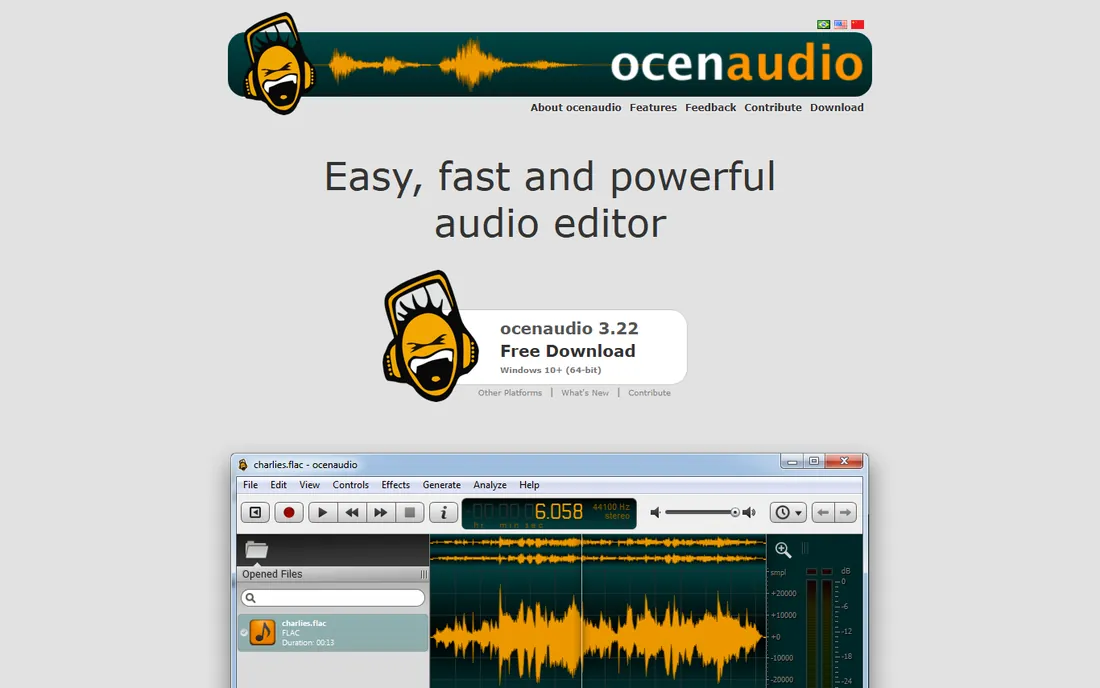
Ocenaudio is the tool for people who find Audacity powerful but clunky. It is a free cross-platform audio editor with a cleaner interface, real-time previews of every effect before you apply it, and notably fast handling of large files. Trimming an interview, normalizing levels and applying noise reduction feels immediate rather than technical.
It is freeware for personal and commercial use with no trial period and no paid tier at all. VST plugin support extends the built-in effects, the spectrogram view helps with precise cleanup work, and it runs on Windows, macOS and Linux.
The boundary is multitrack. Ocenaudio edits one file at a time, so multi-guest episodes with separate tracks need a different tool. For solo shows, quick cleanups and format conversions, that boundary rarely matters. It is the simplest serious editor on this list.
What we like- Real-time effect previews
- Fast with large files
- Completely free with no paid tier
Watch out for- No multitrack editing
- Single-file workflow only
#8
WavePad
Best for: podcasters who like traditional desktop editing
Visit nch.com.au
Starting priceSee website
Free planYes
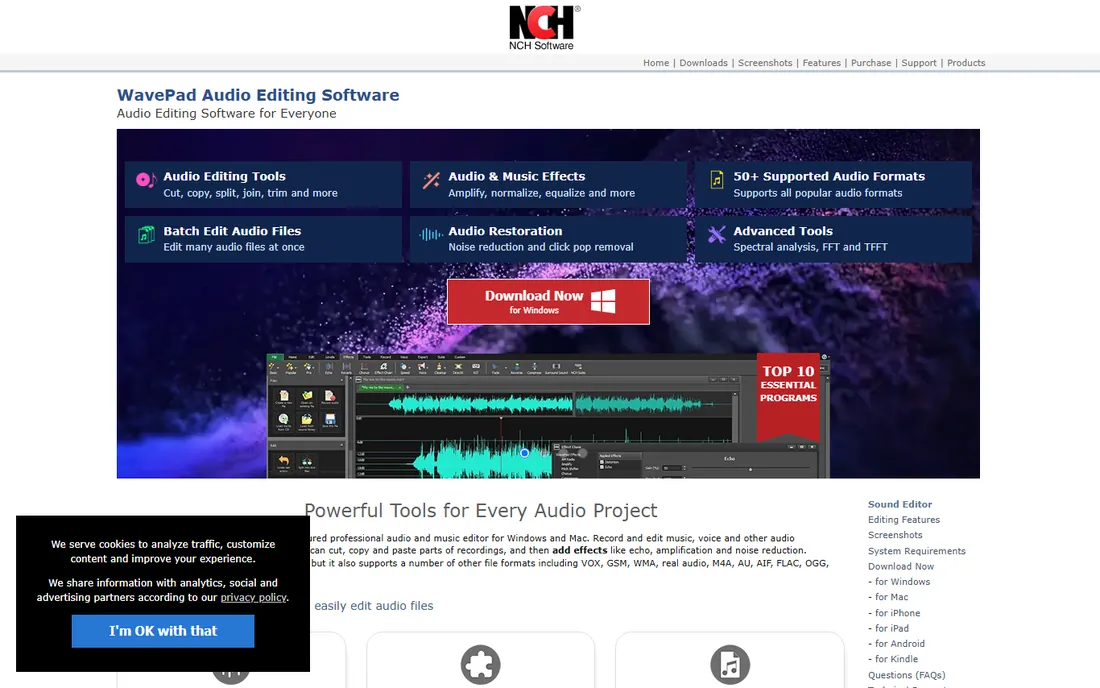
WavePad has been quietly serving podcasters for years with a traditional editor that stays out of the way. NCH Software's audio editor covers the full basics: cut, copy, trim, effects including EQ, reverb and noise reduction, batch processing for handling many files at once, and voice-activated recording. It feels like classic desktop software, which many editors prefer.
The free version covers non-commercial use, which includes most hobby podcasts. Paid editions open the full feature set for commercial work. It runs on Windows and Mac, handles the standard formats, and the batch processing is genuinely useful when you publish episodes with the same intro, outro and processing chain.
The interface will not win design awards, and the free-for-non-commercial license means monetized shows need to pay. But as a dependable middle ground between Audacity's depth and Ocenaudio's simplicity, WavePad has outlasted plenty of trendier tools.
What we like- Full editing toolkit with batch processing
- Free for non-commercial use
- Runs on Windows and Mac
Watch out for- Free version is non-commercial only
- Interface shows its age
Starting price$0
Free planYes
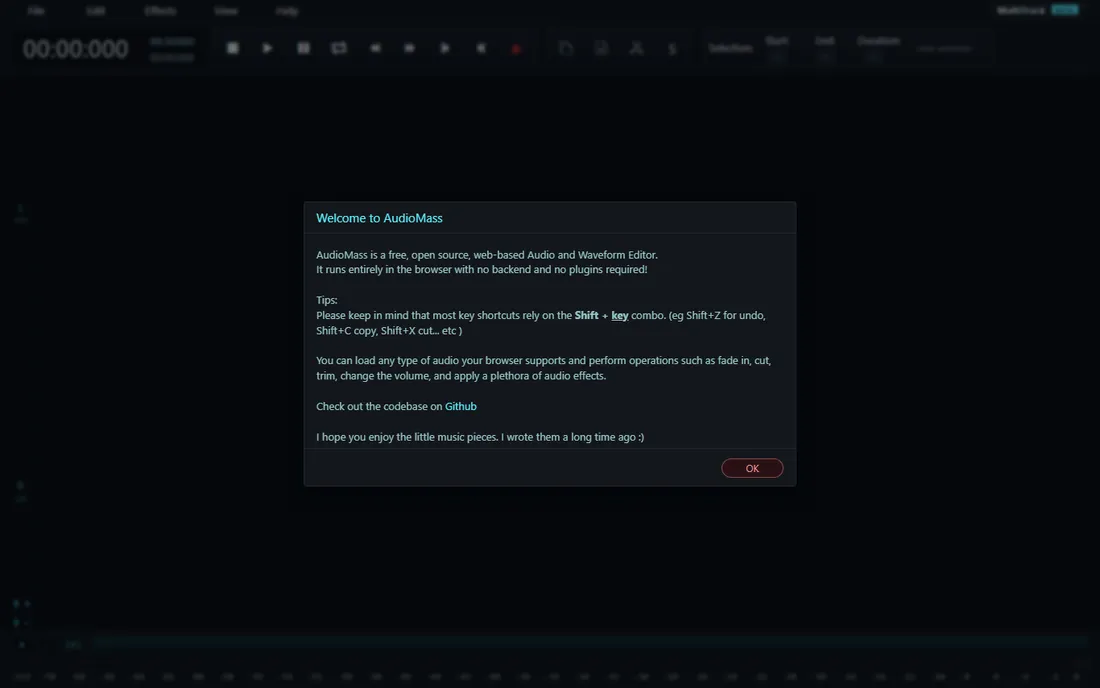
AudioMass asks for nothing: no install, no account, no payment. You open a browser tab, drop in an audio file, and edit with cut, trim, fade, volume and a solid set of effects. Everything runs locally in the browser, so your audio never uploads to a server, which is a quiet privacy win.
It is free and open source, and recent versions added a multitrack mode with clip dragging, crossfades and recording onto armed tracks. For quick edits on a borrowed computer, a Chromebook, or a machine where you cannot install software, it removes every barrier.
Browser editing has limits. Very large files can strain performance, the effect selection is thinner than Audacity's, and you will want a desktop editor for serious production. But as the fastest path from recording to edited file, nothing here beats opening a tab.
What we like- Runs entirely in the browser, free and open source
- No account or upload needed
- Multitrack mode added
Watch out for- Browser performance limits with big projects
- Fewer effects than desktop editors
How we chose
We started from the real constraint: the tool must be genuinely usable for free, not a trial wearing a free label. Every editor here either costs nothing or offers a free tier you can publish with, and we verified the limits of each free plan from vendor pages and current documentation. We compared editing depth, recording features, AI cleanup, platform support and export quality, drawing on public reviews from G2, Capterra and Reddit plus each product's own docs. We favored tools with active 2026 development and skipped editors whose free tiers were discontinued or reduced to demos.
When free stops being enough
Free plans end where publishing volume begins. Descript's free hour a month, Podcastle's recording allowances and Riverside's hour caps all assume you are testing, not publishing weekly. The moment you ship on a schedule, budget for the cheapest paid tier of whichever tool anchors your workflow.
The second wall is audio quality at scale. Adobe Podcast's free hour of Enhance Speech a day rescues occasional bad recordings, but a show with constant remote guests may need the paid tier or a better recording setup. Similarly, GarageBand and Ocenaudio carry solo shows fine but strain with complex multi-guest production.
The good news is how far free goes first. Record in Riverside's free tier or straight into Audacity, rescue bad takes with Adobe Podcast free, edit in Audacity or Descript free, and publish. Many successful shows never leave that stack. Pay when a specific limit costs you time every week, not before.
How to pick the right free editor
Match the tool to your format, not to a feature list.
Solo or co-hosted shows recorded in one room need the least. Audacity or GarageBand handle everything, and Ocenaudio is enough if your edits are simple trims and level fixes. Pick the one whose interface bothers you least.
Interview shows with remote guests should start at the recording step. Riverside's local recording or Podcastle's browser studio protects audio quality in a way no editor can fix afterward. Edit the result in Descript if you think in transcripts, or Audacity if you think in waveforms.
If your biggest problem is bad audio rather than editing, reverse the order. Run every recording through Adobe Podcast's free Enhance Speech first, then edit the cleaned file wherever you like. An hour of free processing a day covers most shows.
Narrative and heavily produced shows need multitrack depth. Audacity is the free answer, GarageBand the friendly one, and AudioMass the quick one when you cannot install software. Whatever you choose, learn loudness normalization to podcast standards early. It matters more than any effect.
Frequently asked questions
What is the best completely free podcast editing software?
Audacity. It is free and open source with no paid tier, records and edits multiple tracks, and runs on Windows, Mac and Linux. GarageBand is the equivalent answer for Apple-only users who prefer a friendlier interface.
Can I really edit a podcast without paying for anything?
Yes. Record into Audacity or GarageBand, clean problem audio with Adobe Podcast's free Enhance Speech, edit, normalize loudness and export an MP3. That full chain costs nothing and produces audio that meets Apple Podcasts and Spotify standards.
Is Descript's free plan enough for a weekly podcast?
Usually not. One hour of media a month covers about one short episode, and the AI credits are a one-time allowance. It is excellent for learning transcript-based editing, but weekly publishers should budget for Hobbyist at $16 a month billed annually.
What is the easiest free podcast editor for beginners?
GarageBand on Mac or iPhone, because the interface is visual and forgiving. On Windows, Ocenaudio is the gentlest start, while Audacity rewards a slightly steeper learning curve with far more power.
Do free editors limit audio quality?
The editors themselves do not. Audacity, GarageBand and Ocenaudio all export full-quality audio. Quality limits come from recording: mic choice, room noise and remote guest connections. That is why tools like Riverside for recording and Adobe Podcast for cleanup matter more than which editor you pick.
Sources we checked (14)
- https://www.audacityteam.org
- https://www.apple.com/mac/garageband
- https://www.descript.com
- https://www.descript.com/pricing
- https://www.podcastle.ai
- https://www.riverside.com
- https://podcast.adobe.com
- https://www.ocenaudio.com
- https://www.nch.com.au/wavepad/index.html
- https://audiomass.co
- https://www.jellypod.com/blog/descript-pricing
- https://www.fahimai.com/how-to-use-podcastle
- https://www.castmagic.io/software-reviews/riverside-fm
- https://thepodcastconsultant.com/blog/adobe-podcast-enhance
Is your product missing or out of date?
We review this list regularly. Vendors can request a listing, send updated pricing or ask about featured placement.

Shihab Mia · Founder, Rankite
Shihab has spent more than a decade helping SaaS and e-commerce brands grow through search. He writes Rankite's software buying guides from pricing pages, documentation and public user reviews. More about Shihab.