How we make this list: we compare pricing pages, product documentation and public user reviews. Rankite is independent; if a vendor ever pays for a featured spot, that listing is clearly labeled Partner.
Key takeaways
- Octoparse and Browse AI are the friendliest picks for non-developers who want results this week, while Apify and ScraperAPI suit developers building pipelines.
- Bright Data and Diffbot cost the most, but they earn it on heavily protected sites and AI-driven extraction where cheaper tools fail.
- ParseHub still handles JavaScript-heavy pages well, though the jump from its free plan to $189 per month is steep.
- Watch the billing model before you commit: per-request credits, cloud-run concurrency, and proxy add-ons change the real price fast.
Quick comparison
| Tool | Best for | Starting price | Free plan |
|---|
 Octoparse Octoparse | No-code visual scraping for non-developers | $83 per month (billed monthly) | Yes |
 Apify Apify | Developers and teams building scraping pipelines | $19 per month (Starter) | Yes |
 Bright Data Bright Data | Enterprise-scale scraping of hard targets | Pay as you go | Free trial |
 ParseHub ParseHub | Point-and-click scraping of JavaScript-heavy sites | $189 per month (Standard) | Yes |
 ScraperAPI ScraperAPI | Developers who want a simple scraping API | $49 per month (Hobby) | Yes |
 Diffbot Diffbot | AI-driven extraction and Knowledge Graph data | $299 per month (Startup) | Yes |
 Browse AI Browse AI | No-code monitoring robots for changing pages | $19 per month (billed annually) | Yes |
 Dexi Dexi | Managed extraction with human support | See website | Yes |
Is your product missing or out of date?
We review this list regularly. Vendors can request a listing, send updated pricing or ask about featured placement.
You need pricing data from forty competitor sites, refreshed every morning, and your developer just quit. Or you are the developer, and you would rather not spend the next six months babysitting proxies and CAPTCHAs. Screen scraping tools exist for exactly this gap: they turn messy web pages into structured rows of data without a hand-built crawler farm.
The market splits into two camps. Visual, no-code scrapers let you click the data you want and schedule the job. API-first platforms assume you can code and give you infrastructure instead: proxies, browsers, queues, and storage. This list covers both, from free desktop apps to enterprise infrastructure, so you can match the tool to the job rather than the other way around.
Starting price$83 per month (billed monthly)
Free planYes
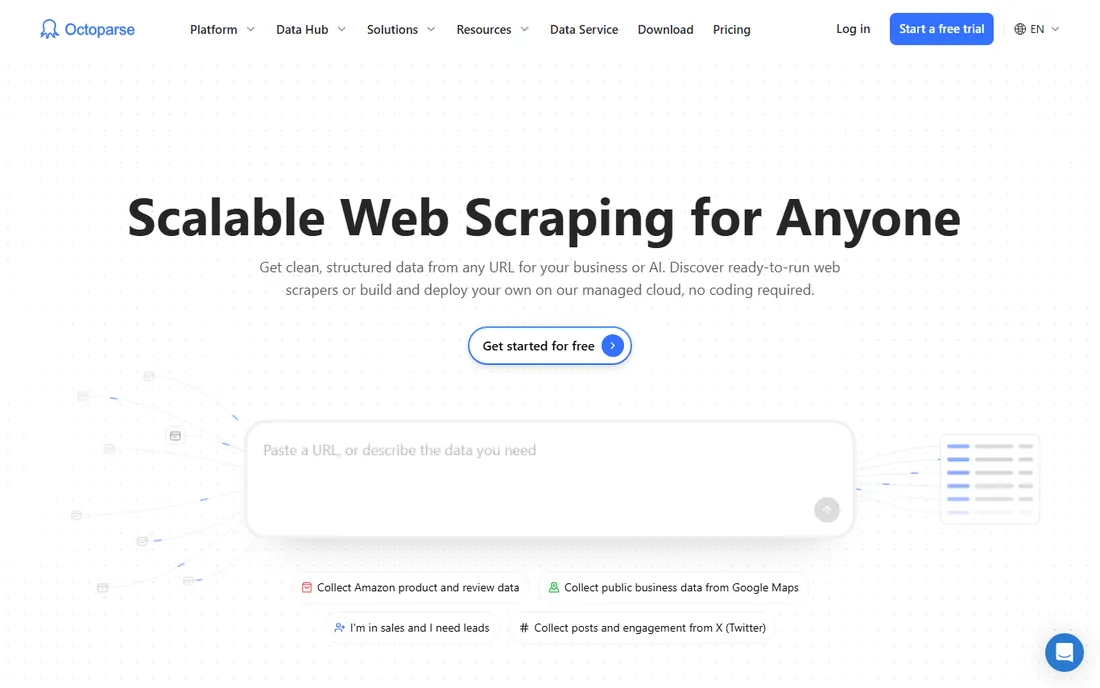
Octoparse is the classic screen scraping tool for people who do not code. You load a page in its built-in browser, click the fields you want, and its auto-detect suggests the rest. For standard jobs like product listings, directories, and review pages, a working scraper can be running in under an hour. The template library covers the sites beginners usually start with, which removes most of the trial and error.
The honest catch is the total cost. The subscription is the entry fee, not the whole bill. Residential proxies run about $3 per GB, CAPTCHA solving is metered per thousand, and some templates charge per result. A Standard plan at $83 per month billed monthly (or $69 per month on annual billing) is fair for scheduled cloud scraping, but price your actual workload before committing. The free plan, limited to local runs with no scheduling or API access, works as an extended trial rather than a production tier.
What we like- Visual point-and-click builder with AI auto-detect
- Cloud extraction with scheduling and IP rotation
- Preset templates for common sites like Amazon and Google Maps
Watch out for- Paid add-ons (residential proxies, CAPTCHA solving) stack on top of the subscription
- Free plan is local-only with no scheduling
- The price jump to Professional is steep
#2
Apify
Best for: Developers and teams building scraping pipelines
Visit apify.com
Starting price$19 per month (Starter)
Free planYes
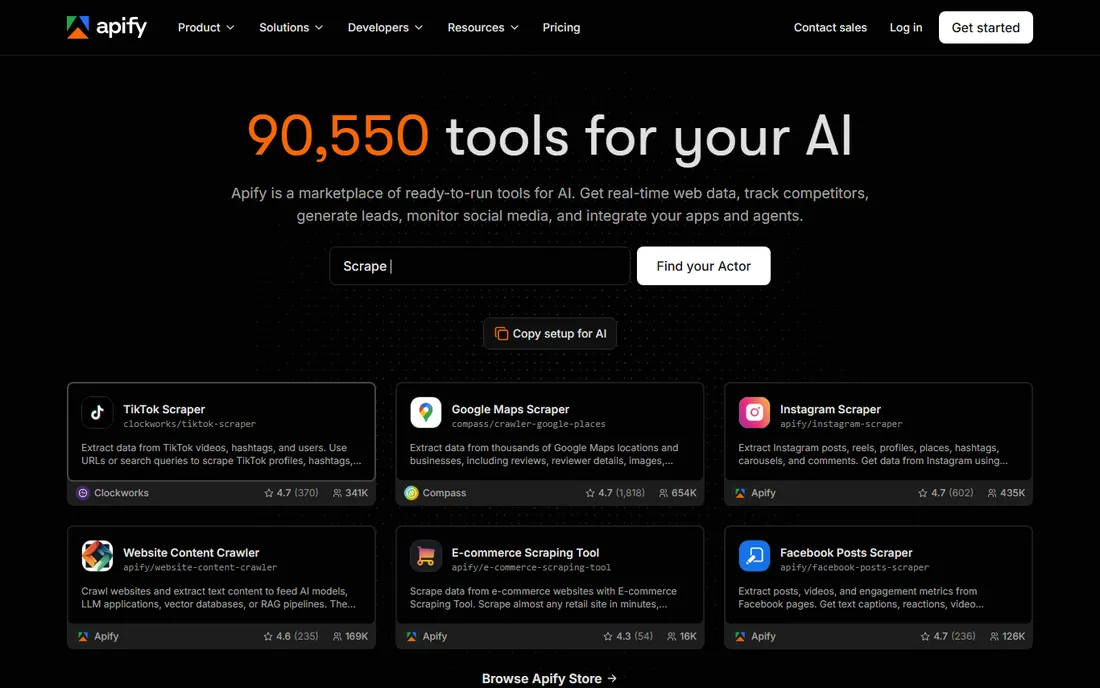
Apify is a full cloud platform for web automation rather than a single scraper. You pick a ready-made Actor from its store (there are scrapers for Google Maps, Instagram, Amazon, and thousands of niche sites), configure it, and schedule it. Developers can also write and publish their own Actors, and some earn revenue when others rent them. Everything around the scrape is included: storage, logs, retries, proxies, and an API.
Pricing is prepaid usage: the $19 Starter plan includes $19 of platform credit each month, and higher tiers lower the per-unit compute rate. Unused credit does not roll over, and overages bill automatically if you enable them, so set billing limits on day one. The free tier includes $5 of monthly credit with no card required, which is enough to evaluate a target before spending anything.
What we like- Store with thousands of ready-made Actors for common targets
- Prepaid usage model with no surprise per-seat fees
- Scheduling, storage, API, and webhooks built into the platform
Watch out for- Compute-unit billing needs monitoring to stay predictable
- Residential proxies are billed separately at high per-GB rates
- Not friendly for non-developers
Starting pricePay as you go
Free planFree trial
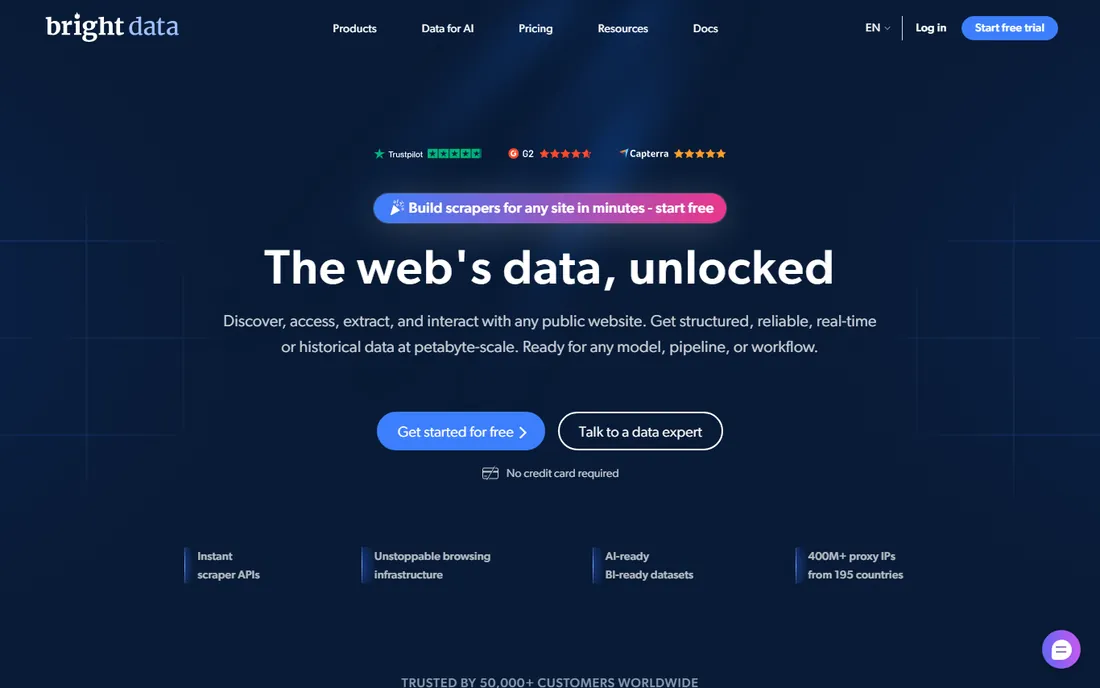
Bright Data (formerly Luminati) is the infrastructure behind a large share of commercial scraping. Its proxy network is the biggest available, and its Web Unblocker handles sites that defeat simpler tools. If you need millions of pages from protected targets with contractual reliability, this is where serious buyers end up. The platform also sells pre-collected datasets, which can be cheaper than scraping yourself for common needs like company data or product catalogs.
The tradeoff is cost and complexity. Pricing is pay-as-you-go across separate products (scraper API, unblocker, proxies, browser), and bandwidth charges add up quickly at scale. Subscriptions start around $99 per month, but realistic production bills run much higher. Small teams should start with the free trial and the deposit-match offer to test their actual targets before committing to anything.
What we like- Largest proxy network and strongest anti-bot bypass in the industry
- Web Scraper API with a visual IDE for custom extraction logic
- Ready-made datasets for common targets
Watch out for- Multi-product pricing is complex and bills can surprise
- Clear overkill for small or simple jobs
- Real setup takes planning, not five minutes
#4
ParseHub
Best for: Point-and-click scraping of JavaScript-heavy sites
Visit parsehub.com
Starting price$189 per month (Standard)
Free planYes
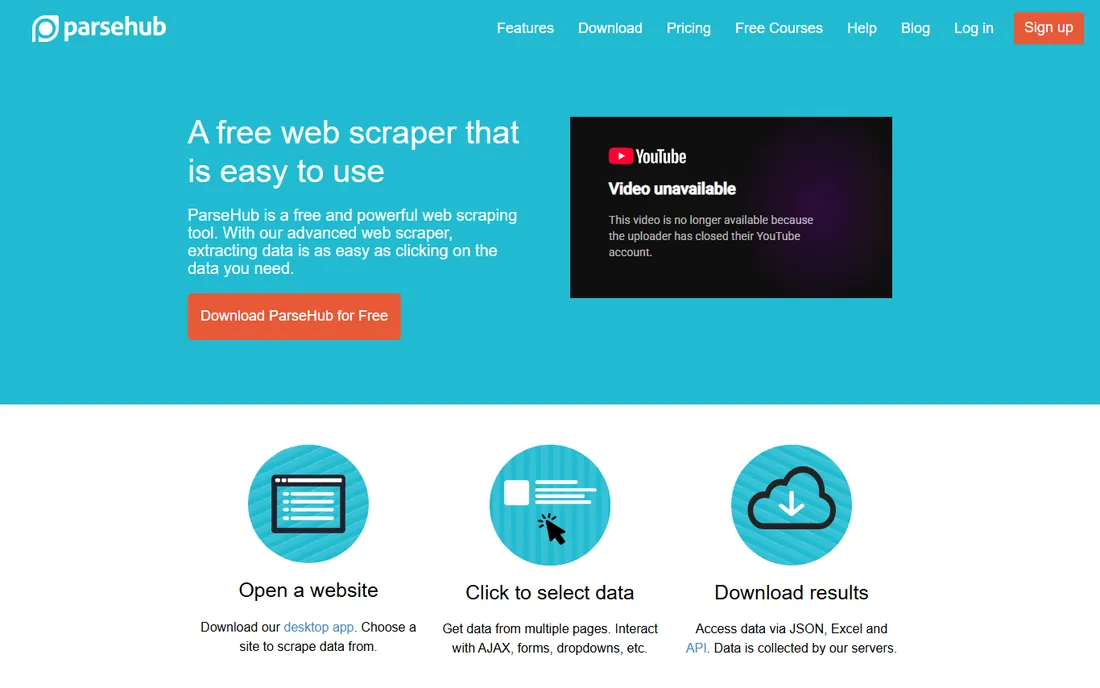
ParseHub has been around since 2013 and built its reputation on dynamic sites. Its desktop app lets you click through multi-step interactions, logins, dropdowns, and infinite scroll, then runs the job in the cloud on a schedule. For researchers and data journalists pulling from a handful of tricky sites, it remains a solid pick. Exports cover CSV, Excel, and JSON, and paid plans add API access for feeding data into other tools.
Pricing is the weak spot. The free plan covers 5 projects and 200 pages per run, which is fine for evaluation, but the Standard plan starts at $189 per month. That is a big step for a freelancer or small team, and the Professional tier at $599 per month is firmly enterprise territory. If your targets are simple static pages, cheaper tools do the same job.
What we like- Handles JavaScript, AJAX, and login-protected pages well
- Desktop app plus cloud runs with scheduling
- API access and Dropbox or S3 export on paid plans
Watch out for- The jump from free to paid is expensive
- The desktop app feels dated next to newer rivals
- Support is limited on the free tier
Starting price$49 per month (Hobby)
Free planYes
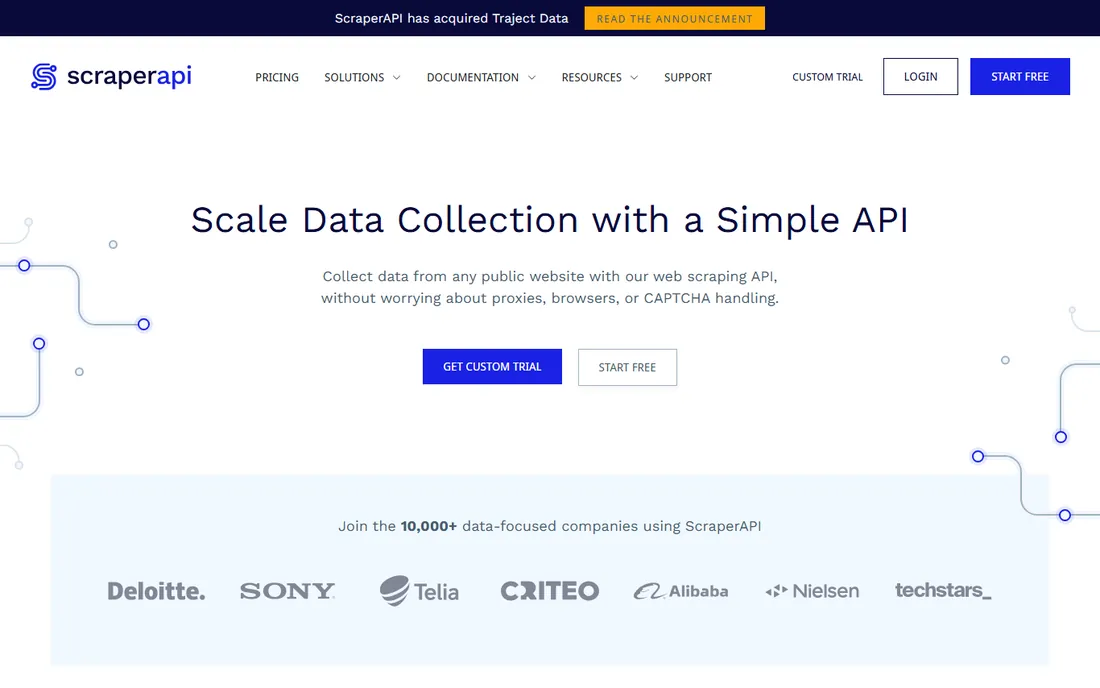
ScraperAPI takes the opposite approach from Octoparse: no interface at all, just an API that handles proxies, browsers, and CAPTCHAs behind one endpoint. You send a URL, it returns the page. For developers already comfortable with code, this removes the entire infrastructure headache. The structured data endpoints are genuinely useful, returning parsed JSON for product pages and search results on major sites instead of raw HTML you must parse yourself.
The credit system is where buyers get surprised. One request can cost 1 credit or 75 depending on the target domain and enabled features, so a 100,000-credit Hobby plan ($49 per month) might yield anywhere from 100,000 to a few thousand real scrapes. The 7-day trial with 5,000 credits is worth using against your actual targets before paying. Credits do not roll over, and pay-as-you-go overage only exists on the $475 and higher tiers.
What we like- One API call returns rendered HTML or parsed JSON
- Only successful requests consume credits
- Structured endpoints for Amazon, Google, Walmart, eBay, and Redfin
Watch out for- Credit multipliers by domain and feature make real costs hard to predict
- Global geo-targeting needs the $299 Business tier
- No visual builder for non-developers
Starting price$299 per month (Startup)
Free planYes
Diffbot uses computer vision and machine learning to extract structured data from any page without configuration. Point it at an article, product page, or discussion thread and it returns clean fields. The real differentiator is the Knowledge Graph: a database of organizations, products, and articles you can query directly, which suits market intelligence and lead enrichment better than raw scraping does.
The $299 per month Startup plan includes 250,000 credits, which sounds generous until Knowledge Graph work consumes them at 25 to 100 credits per operation. Page extraction itself costs 1 credit per page, so budget by workload type, not by the headline number. The free tier offers 10,000 credits with no card required, enough to test extraction quality on your own targets.
What we like- Automatic extraction with no rules or selectors to write
- Knowledge Graph with hundreds of millions of entities
- Crawlbot for site-wide collection
Watch out for- Knowledge Graph queries burn 25 to 100 credits each, so the allowance shrinks fast
- Expensive for basic page extraction
- API-first and not beginner friendly
#7
Browse AI
Best for: No-code monitoring robots for changing pages
Visit browse.ai
Starting price$19 per month (billed annually)
Free planYes
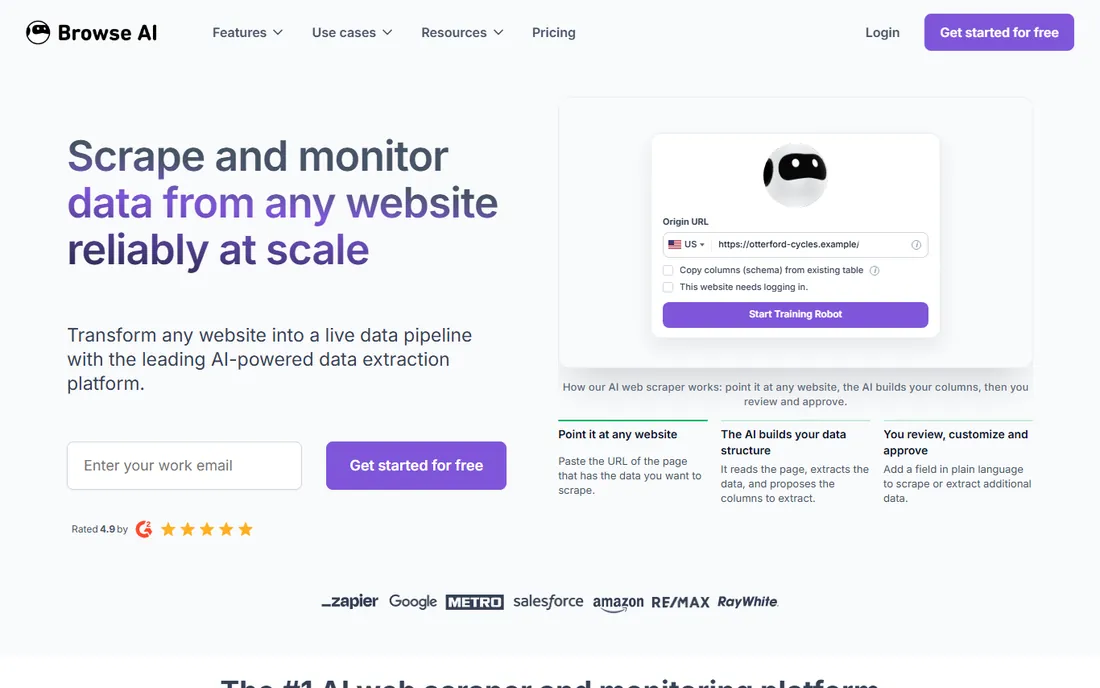
Browse AI is the easiest tool on this list to start with. You train a robot by clicking through the task once in your browser, and it repeats the job on a schedule. Its best trick is self-healing: when a target site changes its layout, the robot usually adapts instead of breaking, which is the number one maintenance headache with scrapers. Prebuilt robots cover common jobs like Google Maps extraction and job board monitoring.
The pricing model runs on credits, with the free tier refreshing 50 credits monthly and paid plans starting at $19 per month on annual billing. That entry price is friendly, but monitor credit burn on large jobs. Browse AI shines at watching pages over time (price changes, new listings, content updates) more than at one-time bulk extraction of millions of rows.
What we like- Train a robot by recording clicks in minutes
- Self-healing robots adapt when site layouts change
- Direct integrations with Google Sheets, Zapier, and Airtable
Watch out for- Credit-based pricing needs watching as jobs scale
- Free tier limited to 50 monthly credits
- Built for monitoring, less ideal for bulk one-off scrapes
#8
Dexi
Best for: Managed extraction with human support
Visit dexi.io
Starting priceSee website
Free planYes
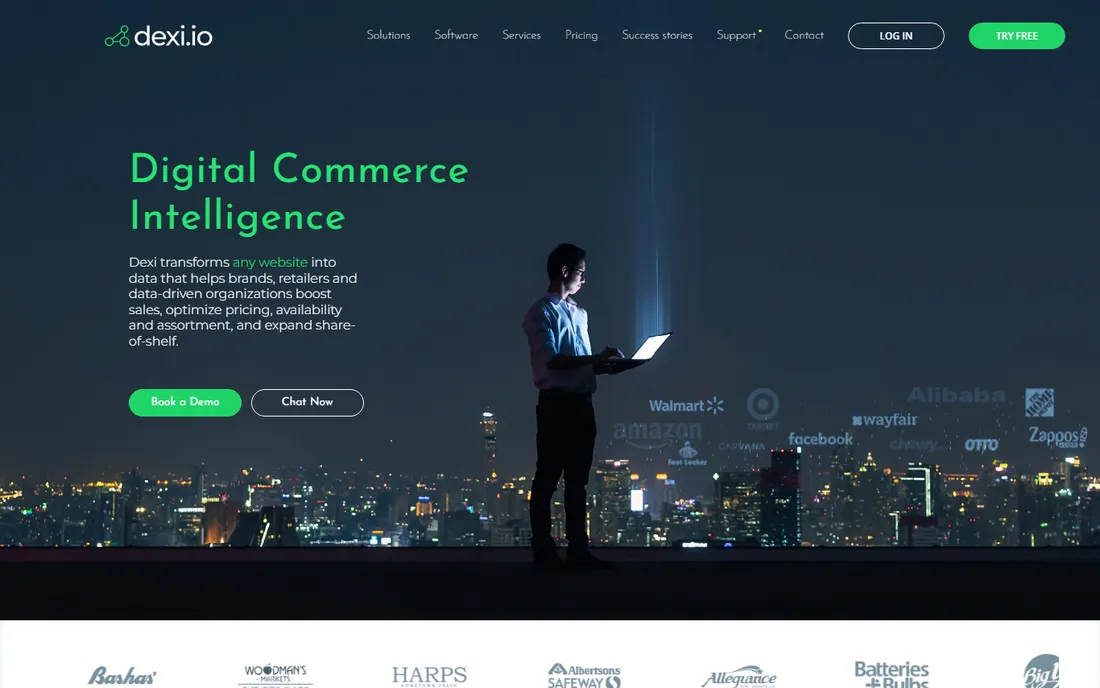
Dexi (formerly Dexi.io's cloud platform, run from Copenhagen) is a quieter option that deserves a look for managed scraping. The platform offers the full feature set even on its free plan, with paid tiers adding execution time and priority support rather than gating core features. Scheduling, data transformation, and delivery to storage or third-party apps are all included, which suits teams that want scraping as a service rather than a project.
The main caveat is pricing transparency. Published rates have shifted over the years, and the current site should be checked directly before you plan a budget around it. The community is smaller than Octoparse's or Apify's, so expect to lean on official support and documentation rather than forum answers. For buyers who value a guided, supported setup over a massive template library, that tradeoff can be worth it.
What we like- Full feature access even on the free tier
- Scheduled cloud execution with export options
- Integrates with Zapier, IFTTT, and BigML
Watch out for- Pricing has changed several times, so confirm current rates before budgeting
- Smaller community and fewer tutorials than rivals
- Setup can confuse first-timers
How we chose
We started from the tools buyers actually shortlist: the names that come up repeatedly in G2 and Capterra reviews, Reddit threads, and agency recommendation lists for web scraping and data extraction. From there we filtered for products that exist today, accept new customers, and publish enough about their pricing and limits to evaluate honestly. We read each vendor's pricing page and documentation, checked recent third-party pricing audits from 2026, and compared the billing models (per-seat, per-credit, per-page, and prepaid usage) because the sticker price rarely tells the whole story. We did not run hands-on tests; these picks reflect documented features, published pricing, and patterns in public user feedback.
Picking the right scraper for your job
The wrong question is "which scraper is best." The right one is "what does my workload look like," because the billing models punish mismatches.
Match the tool to the task shape
One-time bulk extraction of a few thousand pages favors simple pricing: Octoparse's task-based plans or ScraperAPI's credit packs. Ongoing monitoring of pages that change favors Browse AI's self-healing robots. Pipelines that feed a database or product favor Apify or Bright Data, where scheduling, storage, and APIs are first-class. Picking an enterprise platform for a weekend project wastes money; picking a desktop scraper for a production pipeline wastes weekends.
Budget the real unit cost, not the plan price
Ask three questions before paying: what counts as one unit (a page, a credit, a compute unit), what multiplies it (JavaScript rendering, premium proxies, Knowledge Graph queries), and what happens at the limit (hard stop, overage billing, or throttling). Run the vendor's free tier or trial against your actual target sites first. A tool that looks cheap per plan can be the most expensive per thousand pages once multipliers apply.
Plan for blocks and breakage
Every scraper breaks when sites change or fight back. Prefer tools with automatic retries, IP rotation, and CAPTCHA handling built in rather than bolted on as paid extras. Check whether the vendor publishes a status page and how quickly support responds on the plan you would actually buy, not the enterprise tier.
Mistakes first-time buyers make
The most common error is buying for the demo, not the workload. A tool that scrapes a sample page beautifully in a sales video may charge per-result fees, per-GB proxy costs, or per-query Knowledge Graph rates that only appear in the fine print. The second error is ignoring maintenance. Sites change layouts, add bot protection, and throttle aggressively; budget time or money for upkeep, or choose a vendor that handles it.
A third mistake is scraping first and asking legal questions later. Check each target site's terms of service, respect robots.txt and rate limits, and be careful with personal data, which carries real regulatory risk in the EU and several US states. When in doubt, scrape less, cache results, and talk to a lawyer before building a business on someone else's content.
Frequently asked questions
What is screen scraping, exactly?
Screen scraping means extracting structured data from websites or on-screen content automatically. The term overlaps heavily with web scraping and data extraction. Most tools on this list pull data from web pages; a few can also capture content from desktop applications.
Do I need to know how to code?
Not necessarily. Octoparse, ParseHub, Browse AI, and Dexi are built for non-developers with visual, point-and-click interfaces. Apify, ScraperAPI, Diffbot, and Bright Data assume varying degrees of technical skill, though Apify's store of ready-made Actors lowers the bar considerably.
How much does web scraping software cost?
Anywhere from free to thousands per month. Desktop and no-code tools start around $19 to $83 per month, API platforms charge $49 to $299 per month plus usage, and enterprise infrastructure like Bright Data is pay-as-you-go with bills that scale with volume. Always test with the free tier first.
Can these tools scrape JavaScript-heavy sites?
Yes, with differences. ParseHub, Octoparse, Browse AI, and Bright Data all handle JavaScript rendering. ScraperAPI and Apify support it too, sometimes at a higher credit cost per request. Very heavily protected sites (aggressive bot detection, login walls) are where premium tools like Bright Data justify their price.
Is web scraping legal?
Scraping publicly available data is generally permitted in many jurisdictions, but terms of service, copyright, and privacy laws (like GDPR) still apply. Avoid personal data where possible, respect rate limits, and get legal advice before building commercial products on scraped data.
What is the difference between screen scraping and using an API?
An official API gives you clean, sanctioned data access with documented limits. Scraping reads the pages directly when no API exists or the API is too limited. Scraping is more fragile (sites change) and carries more legal gray area, so always check for an API first.
Sources we checked (14)
- https://www.octoparse.com/pricing
- https://scrap.io/octoparse-vs-scrap-io-google-maps-scraper-comparison
- https://joshwp.com/octoparse-review/
- https://joshwp.com/apify-review/
- https://aitrendtool.com/tools/apify
- https://www.fahimai.com/bright-data
- https://dev.to/alterlab/best-web-scraping-apis-in-2026-complete-comparison-guide-155n
- https://www.salesforge.ai/directory/sales-tools/parsehub
- https://github.com/prxpvmtv/scraperapi-cost-analysis/blob/HEAD/README.md
- https://prospeo.io/s/diffbot-pricing-reviews-pros-and-cons
- https://curatahub.com/blog/browse-ai-pricing-guide
- https://aiboomlist.com/browse-ai-pricing/
- https://comparisons.financesonline.com/dexi-io-vs-pricegrid
- https://www.softwareworld.co/software/dexiio-reviews/
Is your product missing or out of date?
We review this list regularly. Vendors can request a listing, send updated pricing or ask about featured placement.

Shihab Mia · Founder, Rankite
Shihab has spent more than a decade helping SaaS and e-commerce brands grow through search. He writes Rankite's software buying guides from pricing pages, documentation and public user reviews. More about Shihab.