How we make this list: we compare pricing pages, product documentation and public user reviews. Rankite is independent; if a vendor ever pays for a featured spot, that listing is clearly labeled Partner.
Key takeaways
- Microsoft Clarity is the only tool here with no paid tier and no traffic caps, which makes it the safest default for high-traffic sites.
- Hotjar, now part of Contentsquare, offers the most generous free session allowance at 200,000 monthly sessions, but free data only goes back one month.
- Mouseflow and Crazy Egg both run real free plans, but their free tiers cap sessions and heatmap reports tightly, so they suit low-traffic sites best.
- Plerdy, PTengine and PostHog bundle heatmaps with other tools, which is good value if you also need SEO audits, A/B testing or product analytics.
- Matomo and OpenReplay are the privacy-first picks, with free self-hosted options that keep visitor data on your own server.
Quick comparison
| Tool | Best for | Starting price | Free plan |
|---|
 Microsoft Clarity Microsoft Clarity | high-traffic sites that want unlimited heatmaps for free | Free forever (no paid tier) | Yes |
 Hotjar (now Contentsquare) Hotjar (now Contentsquare) | marketers who want heatmaps plus surveys in one free account | $49/month ($39 billed annually) | Yes |
 Mouseflow Mouseflow | CRO-focused teams that live in friction detection | $25/month (billed annually) | Yes |
 Crazy Egg Crazy Egg | small marketing teams that want heatmaps plus A/B testing | $29/month (billed annually) | Yes |
 Plerdy Plerdy | small ecommerce sites that want heatmaps plus SEO tools in one bill | $32/month ($21 billed annually) | Yes |
 PTengine PTengine | marketers who want heatmaps with personalization and pop-ups | See website | Yes |
 PostHog PostHog | product teams that already run PostHog analytics | See website | Yes |
 Matomo Matomo | privacy-first teams that want to own their data | See website | Yes |
 OpenReplay OpenReplay | engineering teams that need self-hosted replay with heatmaps | See website | Yes |
Is your product missing or out of date?
We review this list regularly. Vendors can request a listing, send updated pricing or ask about featured placement.
Starting priceFree forever (no paid tier)
Free planYes
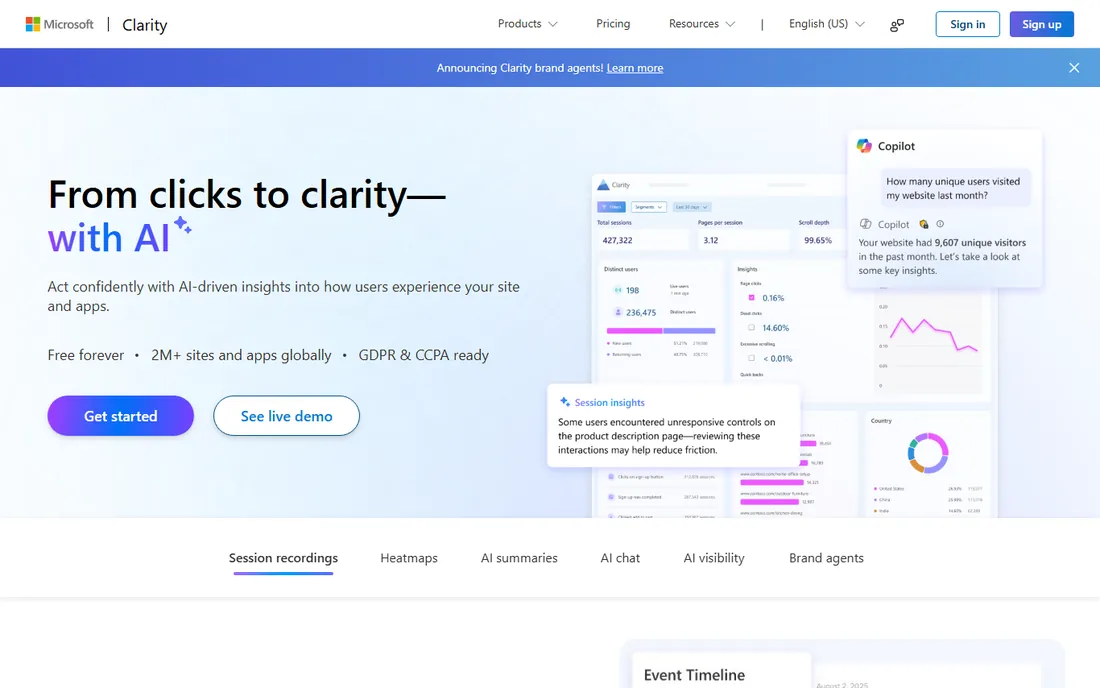
If your only complaint about paid analytics is the invoice, start here. Microsoft Clarity gives you click, scroll, area and attention heatmaps with no session caps, no sampling and no paid upgrade waiting around the corner. Microsoft funds it through its advertising ecosystem, which is why the pricing page is one word long: free. Installation takes minutes through the WordPress plugin, Google Tag Manager or a single script tag, and recording starts as soon as traffic arrives.
The trade sits in depth, not volume. Data retention is short, around 30 days, so seasonal comparisons need your own export routine. There is no native A/B testing, no funnel builder and no survey tool, and integrations center on Google Analytics and Bing tools rather than the wider marketing stack. Support is community and documentation rather than a dedicated team.
Many teams run it next to a paid tool: Clarity for broad coverage, the paid tool for the pages where revenue happens.
What we like- Unlimited sessions, recordings and heatmaps
- No credit card and no paid tier
- Rage-click and dead-click detection built in
Watch out for- Short data retention
- No native A/B testing or funnels
- Limited integrations
#2
Hotjar (now Contentsquare)
Best for: marketers who want heatmaps plus surveys in one free account
Visit hotjar.com
Starting price$49/month ($39 billed annually)
Free planYes
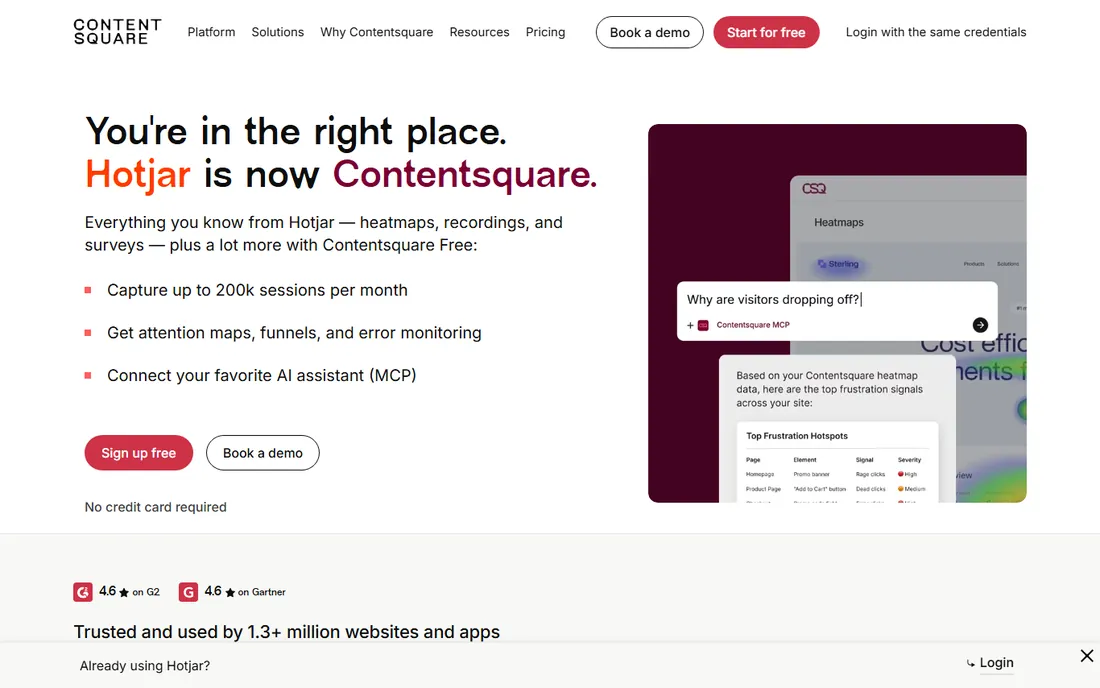
Hotjar merged into Contentsquare in 2025, and new sign-ups go through contentsquare.com while hotjar.com now serves as the transition page. What matters for this list is the free plan, which is the most generous in the category: 200,000 monthly sessions with heatmaps, session replays, funnels, error monitoring and 100 survey responses a month. That is roughly 190 times the old Hotjar free allowance, and it makes the free tier genuinely usable for real sites rather than a demo.
The honest catch is the hard stop. When you exhaust your session allowance, collection pauses until the next cycle, so a traffic spike can leave you blind for the rest of the month. Data on the free plan only goes back one month, and paid tiers start at $49 a month with session replay caps that flatten at 20,000 even as prices rise. Surveys also moved into a separate Voice of Customer product line on paid plans.
Pick this when you want observation and feedback in one workspace and your traffic fits under 200,000 sessions.
What we like- 200,000 free monthly sessions
- Heatmaps, replays, funnels and surveys in one account
- AI summaries and attention maps
Watch out for- New accounts must sign up on Contentsquare
- Free plan keeps only one month of data
- Session allowance is a hard stop
Starting price$25/month (billed annually)
Free planYes
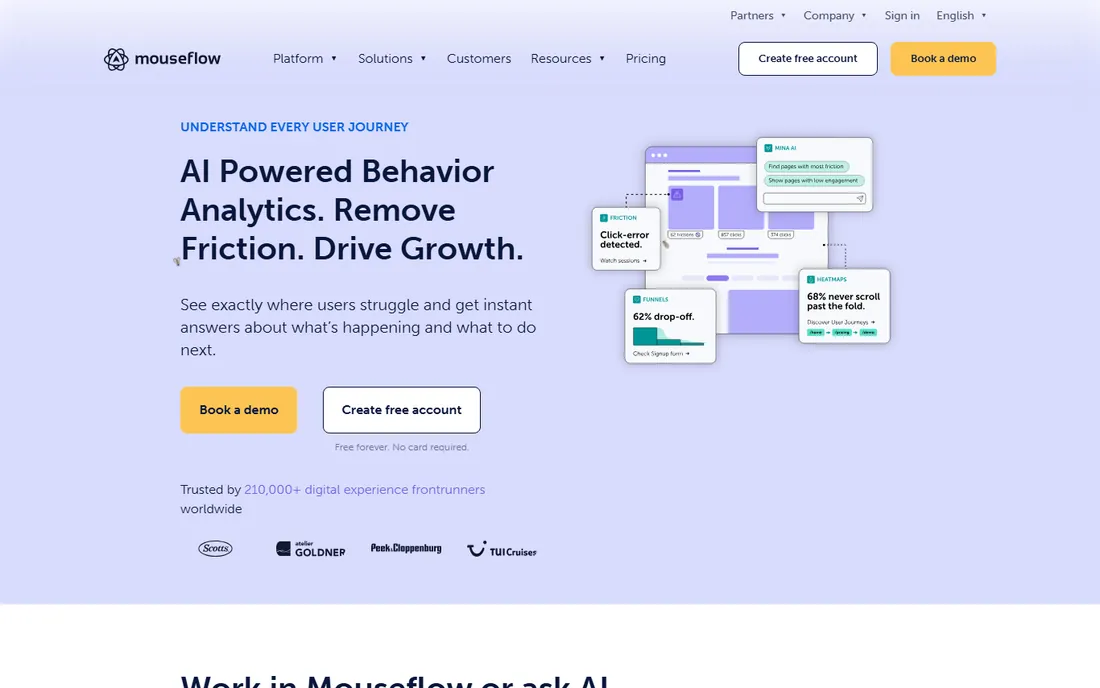
Mouseflow built its reputation on friction detection: it scores recordings by how much trouble the visitor appeared to have, so you watch the ten worst sessions instead of thirty random ones. The free plan gives you 500 recorded sessions a month with click, scroll, movement, attention, geography and live heatmaps, plus form analytics and feedback surveys on a trial basis.
The limits arrive fast on small budgets. The free tier covers one website with one month of retention, and the $25 Essential plan adds only one funnel and three months of retention for 5,000 sessions. Because billing is session-based, a traffic spike costs money whether or not anyone watches the footage.
This is the tool for teams where heatmaps are central to a CRO workflow rather than an occasional curiosity. If you only need a click map now and then, Clarity does that for free without the session math.
What we like- 500 free sessions per month
- Seven heatmap types including friction maps
- Unlimited seats on every plan
Watch out for- Free and entry tiers cover one website and one funnel
- One month retention on free
- Session-based billing punishes traffic spikes
#4
Crazy Egg
Best for: small marketing teams that want heatmaps plus A/B testing
Visit crazyegg.com
Starting price$29/month (billed annually)
Free planYes
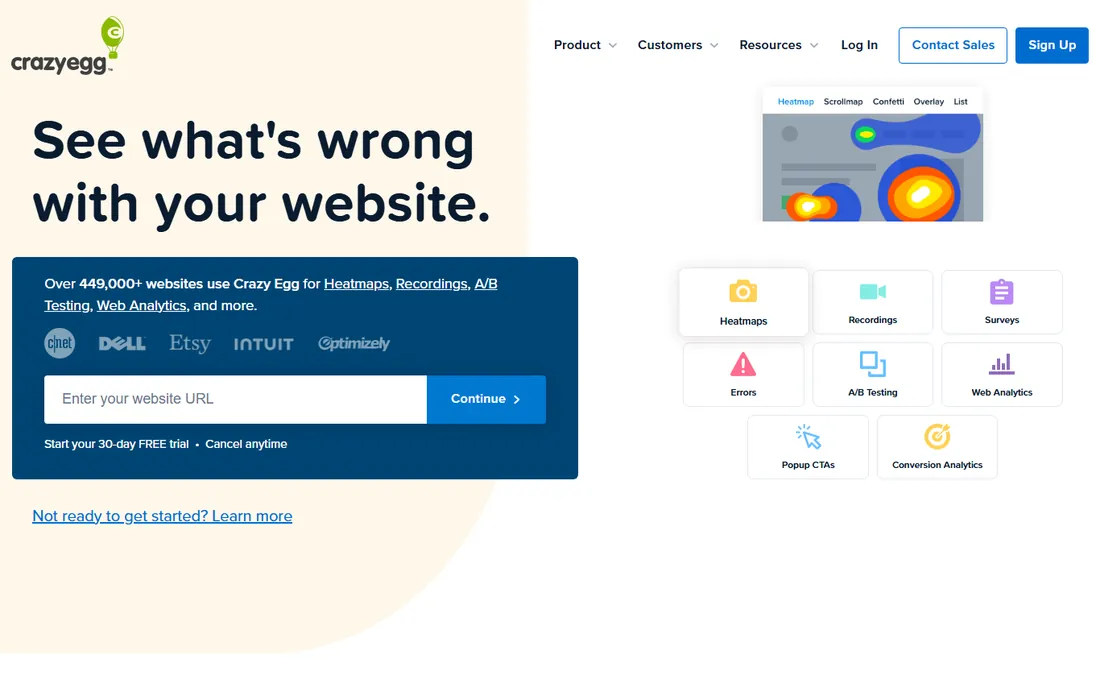
Crazy Egg has been in this space since 2006, and its free plan is a real one: instant heatmaps, surveys, web analytics and conversion analytics without a credit card. That combination is unusual, since most rivals gate surveys behind paid tiers. Paid plans start at $29 a month billed annually and add session recordings, scroll maps, confetti reports and unlimited A/B testing with a visual editor.
The Starter tier is where teams stall. Five heatmap reports and 50 recordings a month run out quickly on an active site, and the next step up is a meaningful price jump. Billing counts only the pageviews you actively monitor in heatmap reports or tests, which helps, and there are no overage charges: collection pauses and resumes on the first of the month.
Choose Crazy Egg if you want one vendor for heatmaps, surveys and experimentation.
What we like- Free plan covers instant heatmaps, surveys and web analytics
- Unlimited domains and team seats
- A/B testing built in on paid plans
Watch out for- Free plan is limited in scope
- Starter caps heatmap reports and recordings tightly
- All paid plans bill annually
#5
Plerdy
Best for: small ecommerce sites that want heatmaps plus SEO tools in one bill
Visit plerdy.com
Starting price$32/month ($21 billed annually)
Free planYes
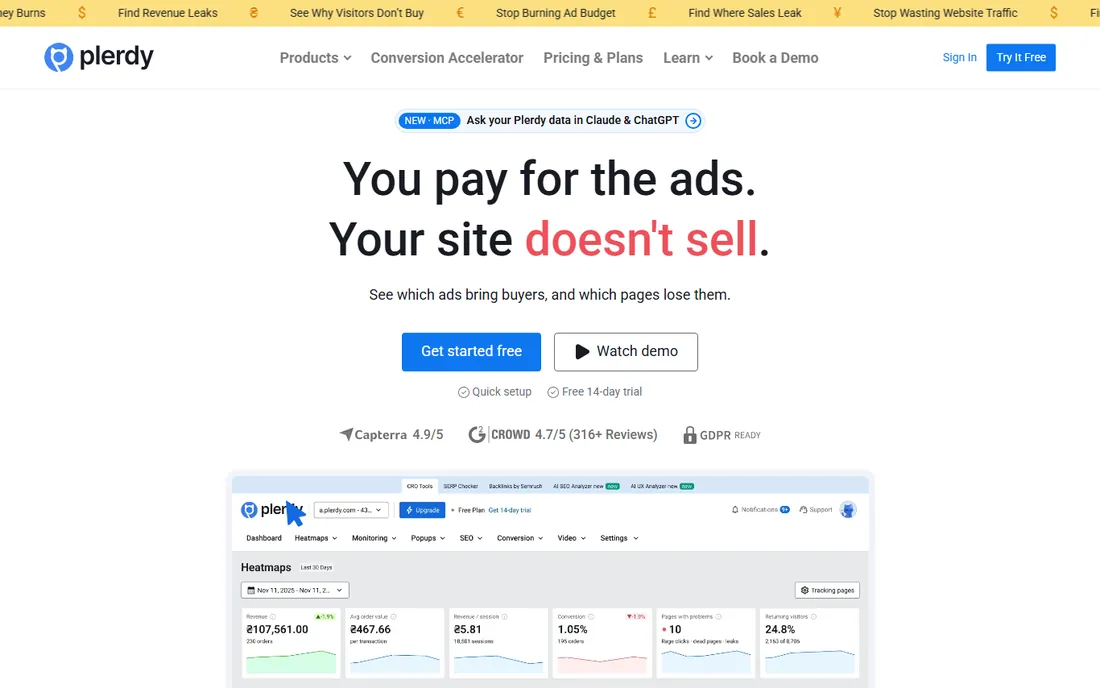
Plerdy is the bundle play: heatmaps, session replay, pop-ups, an SEO checker, e-commerce tracking and unlimited A/B testing under one subscription. The free package is permanent rather than a trial, with a set monthly allowance of heatmaps, video sessions, SEO audits and pop-up impressions. Paid plans start at $32 a month, dropping to about $21 with annual billing, and each plan begins with a 14-day trial at higher limits.
The arithmetic is the selling point. A team paying separately for a heatmap tool, an SEO crawler and an A/B testing tool can replace three bills with one. The catch is that one package covers one site, so agencies managing many clients pay per property, and the free limits suit a small store rather than a busy one.
For a small site on one subscription, Plerdy stretches further than a pure-play heatmap tool.
What we like- Permanent free package with heatmaps and video sessions
- SEO audit, pop-ups and A/B testing in one account
- 35 percent annual discount
Watch out for- One package equals one site
- Free limits are modest
- No automatic overage, you buy add-ons instead
#6
PTengine
Best for: marketers who want heatmaps with personalization and pop-ups
Visit ptengine.com
Starting priceSee website
Free planYes
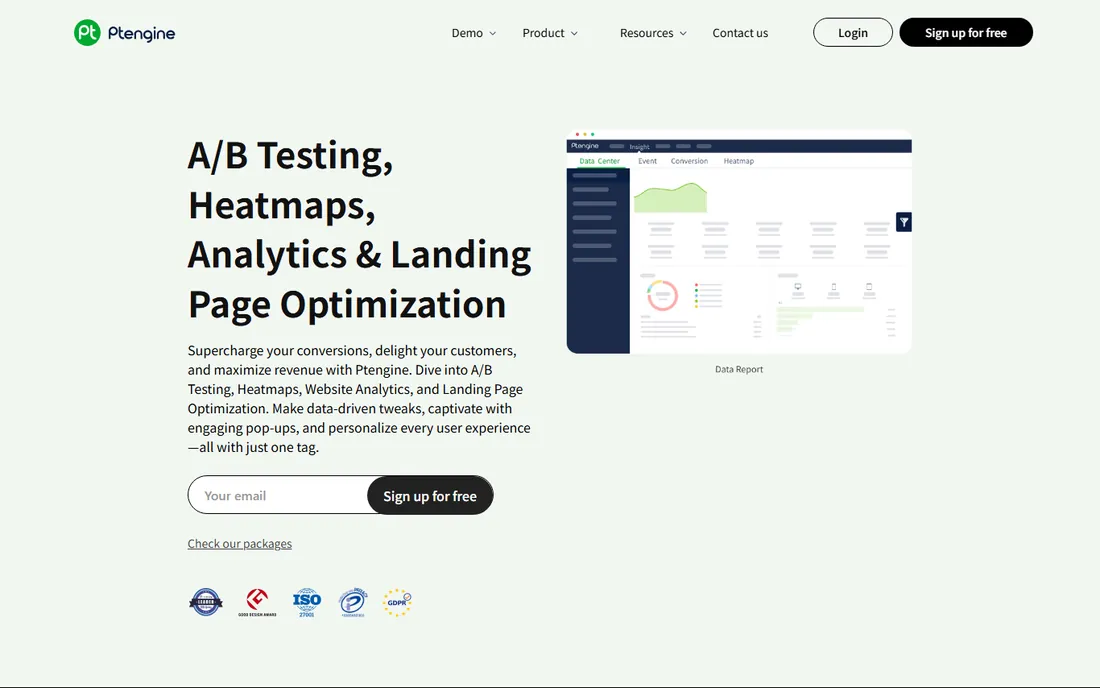
PTengine comes at heatmaps from the marketing side rather than the analytics side. Alongside click, scroll and attention heatmaps you get A/B testing, audience segmentation, content personalization and a library of pop-up and sticky-bar templates, all editable without code. The free version covers the core heatmap and analytics features, which is enough to evaluate it on a real site.
The trade-off is ecosystem size. PTengine has far fewer public reviews and community tutorials than Clarity or Hotjar, so troubleshooting relies more on its own documentation and support. Pricing is published but varies by region and plan structure, so confirm the numbers for your market before budgeting.
This fits marketers who want to act on heatmap insights inside the same tool, launching a pop-up or a test variant without involving a developer.
What we like- Free version with real heatmap functionality
- Combines heatmaps, A/B testing and engagement tools
- No coding needed for pop-ups
Watch out for- Smaller review base and community than the leaders
- Pricing details vary by region
- Interface can feel busy
#7
PostHog
Best for: product teams that already run PostHog analytics
Visit posthog.com
Starting priceSee website
Free planYes
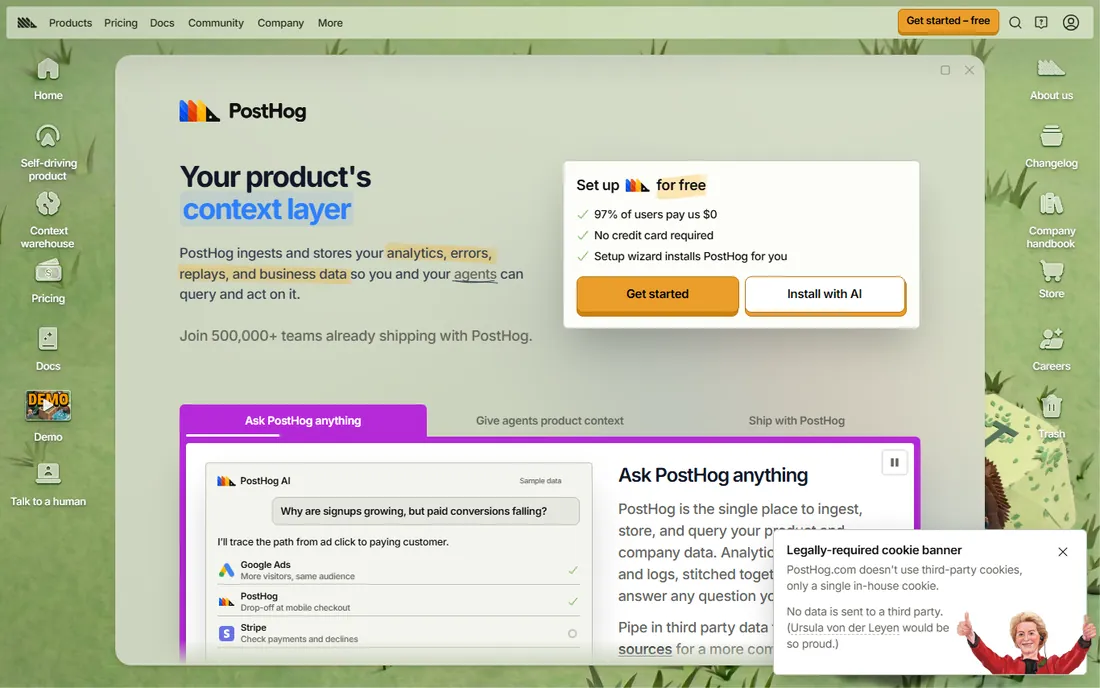
PostHog is an open-source product analytics platform that added heatmaps and session replay to a stack that already includes funnels, experiments and feature flags. Pricing is usage-based with generous monthly free tiers, and the company says the large majority of its users pay nothing. You install one snippet or SDK and get the whole suite, heatmaps included.
The catch is focus. Heatmaps are a side dish here, not the main course, and the interface assumes you are comfortable with event-based analytics. Teams that only want a click map will find Clarity or Plerdy simpler. The self-hosted build is officially unsupported beyond free-plan features, so treat self-hosting as a cost saver rather than an enterprise deployment.
Pick PostHog when your team already lives in product analytics and wants heatmaps without adding another vendor.
What we like- Generous usage-based free tier across products
- Heatmaps sit next to product analytics and replays
- No credit card required
Watch out for- Developer-oriented interface
- Heatmaps are one module among many
- Self-hosted builds carry only free-plan features
#8
Matomo
Best for: privacy-first teams that want to own their data
Visit matomo.org
Starting priceSee website
Free planYes
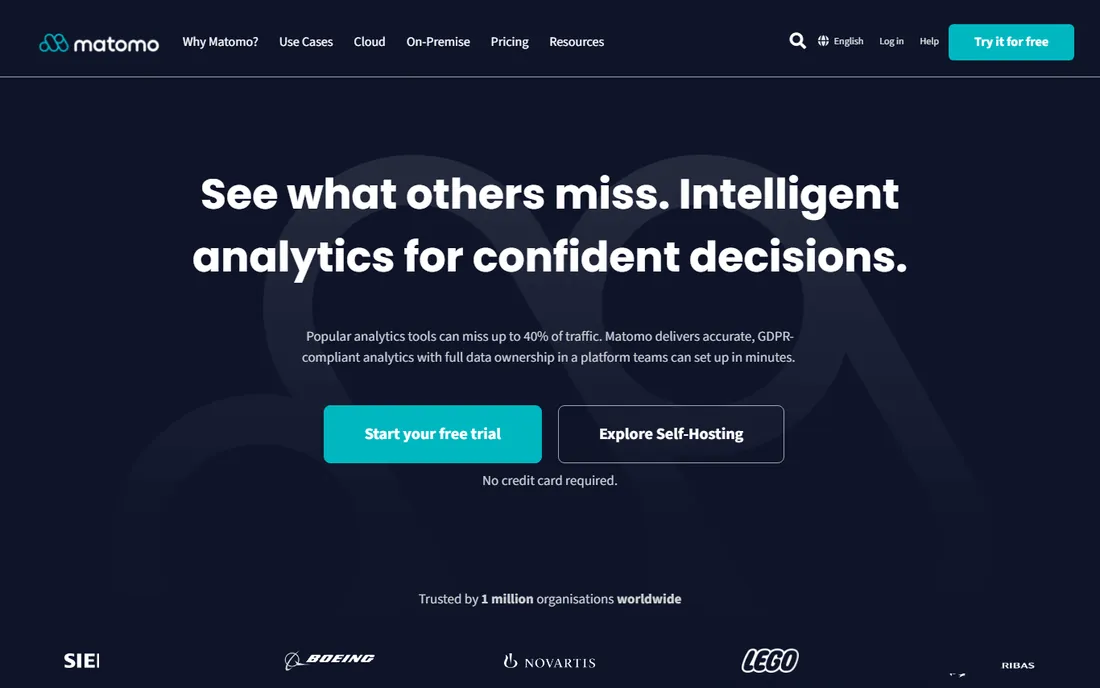
Matomo is the privacy-first alternative to Google Analytics, and its heatmaps and session recordings plug into the same dashboard as web analytics, goals, funnels and A/B testing. The self-hosted core is free and open source, which means visitor data never leaves your server. The hosted cloud version starts around 22 to 23 euros a month and includes the premium features.
Read the pricing carefully before you commit to self-hosting. The heatmaps and session recording features are paid plugins on a self-hosted install, so the free route is not quite as free as it first looks. You also own the maintenance: updates, backups and scaling are your job.
Choose Matomo when data ownership or strict privacy rules drive the decision.
What we like- Self-hosted core is free and open source
- No data sampling, you see 100 percent of visits
- Strong privacy controls for GDPR
Watch out for- Heatmaps and recordings are premium plugins when self-hosting
- You maintain the server yourself
- Cloud pricing rises with hits
#9
OpenReplay
Best for: engineering teams that need self-hosted replay with heatmaps
Visit openreplay.com
Starting priceSee website
Free planYes
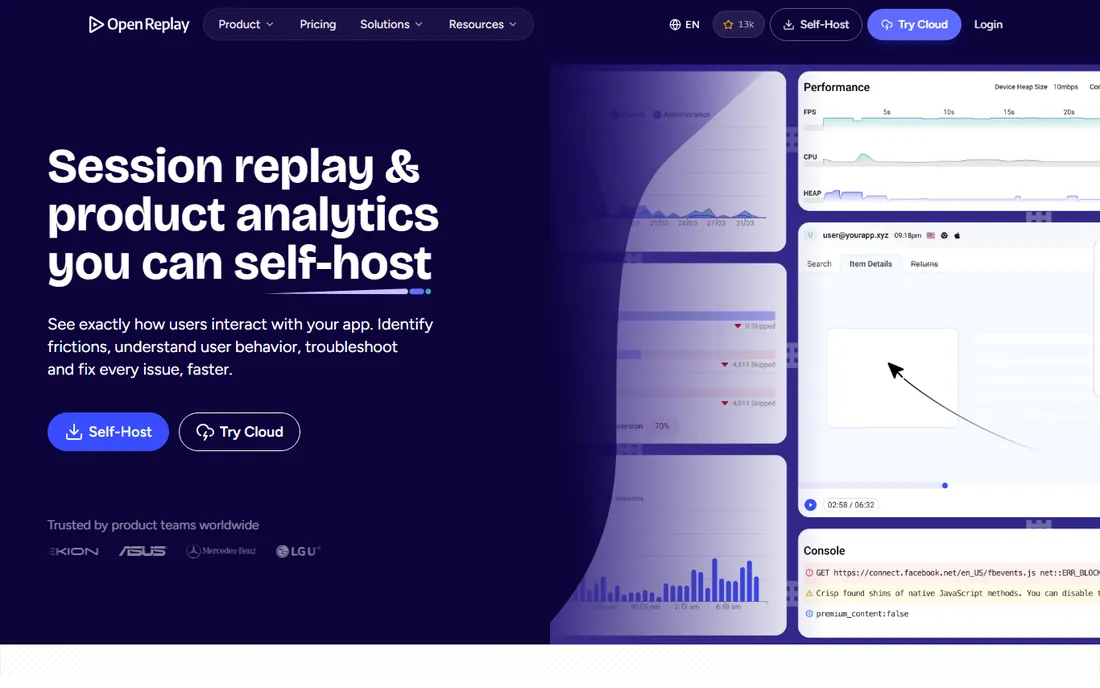
OpenReplay is an open-source session replay and product analytics platform with heatmaps, funnels, user journeys and even co-browsing, where support can watch a live session with the user. The self-hosted edition is free, which gives engineering-led teams complete control over their data. The cloud edition is the paid route for teams that do not want to run infrastructure.
The honest weakness is operational. Self-hosting a replay platform means databases, storage and scaling, which is a real commitment for a small team. The cloud pricing starts higher than most tools on this list, so the free tier is really the self-hosted one.
This is the pick for teams with engineering resources and strict data requirements.
What we like- Open-source self-hosted build is free
- Heatmaps, funnels and co-browsing in one platform
- Full data ownership
Watch out for- Self-hosting takes real ops effort
- Cloud paid plans start high
- Smaller ecosystem than the leaders
How we chose
We checked vendor pricing pages, product documentation and public reviews on G2, Capterra and Reddit for each tool, focusing on what the free plan actually includes: session caps, heatmap limits, data retention and which features stay behind the paywall. We favored tools with a permanent free tier over time-limited trials, and we confirmed each product is still sold and maintained in 2026. We did not claim hands-on testing; instead we cross-checked vendor claims against recent third-party comparisons and user reports. Company-size fit mattered too: a solo blogger and a product team of fifty need different ceilings, so the list mixes simple free tools with deeper platforms.
What to check before you commit to a free heatmap plan
Start with your real traffic, not the headline number. A free plan with 500 sessions a month is plenty for a portfolio site and useless for a store doing 50,000 visits. Check whether the cap counts all sessions or only recorded ones, and what happens at the limit: some tools pause collection, others stop showing new data, and a few surprise you with an upgrade prompt mid-campaign.
Then look at retention and seats. A one-month data window is fine for spotting a broken checkout this week, but it cannot show you seasonal patterns. If more than two people need access, confirm seats are included; per-seat pricing can turn a free plan into a paid one fast. Finally, check the install: a WordPress plugin or Google Tag Manager template gets you running in minutes, while a manual SDK install needs developer time. Export options matter as well, since free plans sometimes lock your historical data inside the tool.
Frequently asked questions
Are free heatmap tools really free, or is there a catch?
The tools on this list all run genuine free plans, but each has a ceiling. Common catches include monthly session caps, short data retention, limits on the number of heatmaps or websites, and watermarks on some exports. Microsoft Clarity is the exception: it has no paid tier at all, so there is nothing to upsell you into. Read the limits before you install, and you will not be surprised.
How many sessions do I need on a free plan?
Match the cap to your traffic with headroom for spikes. A personal blog under 5,000 monthly visits fits comfortably in most free plans. A small store doing 20,000 to 50,000 visits needs the larger free tiers, such as Contentsquare at 200,000 sessions or Clarity with no cap at all. Remember that some tools count every visit against the quota, so check whether bots and internal traffic are filtered.
Do heatmap tools slow down my website?
Any third-party script adds some load, but the established tools load asynchronously and the impact is usually small. Keep the snippet lean by recording only the pages you analyze, and use Google Tag Manager to control when it fires. If page speed is critical, test with and without the script using your usual speed tool before deciding it is a problem.
Are heatmaps GDPR compliant?
Heatmaps can be compliant, but the tool alone does not make you compliant. You need a lawful basis for tracking, which usually means consent, and you should mask or exclude personal data in form fields. EU-based vendors like Mouseflow and Matomo build privacy controls in by default, and most tools let you anonymize IPs and block sensitive fields. Check your consent setup with your legal adviser rather than trusting a vendor badge.
Can I use a free heatmap tool on multiple websites?
It depends on the tool. Crazy Egg allows unlimited domains on every plan, including free. Clarity and PostHog do not cap projects either. Mouseflow limits its free and entry tiers to one website, and Plerdy ties one package to one site. If you run several properties, favor the tools with unlimited sites or budget for a paid tier per site.
Sources we checked (15)
- https://clarity.microsoft.com
- https://hotjar.com/
- https://www.contentsquare.com/pricing/
- https://mouseflow.com
- https://mouseflow.com/pricing/
- https://www.crazyegg.com/
- https://www.crazyegg.com/pricing/
- https://www.plerdy.com/
- https://www.plerdy.com/pricing/
- https://ptengine.com/
- https://posthog.com
- https://posthog.com/pricing
- https://matomo.org
- https://matomo.org/pricing/
- https://openreplay.com
Is your product missing or out of date?
We review this list regularly. Vendors can request a listing, send updated pricing or ask about featured placement.

Shihab Mia · Founder, Rankite
Shihab has spent more than a decade helping SaaS and e-commerce brands grow through search. He writes Rankite's software buying guides from pricing pages, documentation and public user reviews. More about Shihab.