How we make this list: we compare pricing pages, product documentation and public user reviews. Rankite is independent; if a vendor ever pays for a featured spot, that listing is clearly labeled Partner.
Key takeaways
- Recuva is the classic free first attempt: no data cap, quick to run, best for recently deleted files.
- PhotoRec is completely free and open source, and it digs deeper than most free tools on memory cards and cameras.
- Windows File Recovery is Microsoft's own free option, powerful but command-line only.
- Wise Data Recovery gives you 2 GB of free recovery with the simplest interface in this list.
- EaseUS and Disk Drill are the paid upgrades when free tools find your files but cannot restore them all.
- Speed matters more than brand: files deleted an hour ago recover far better than files deleted a month ago.
Quick comparison
| Tool | Best for | Starting price | Free plan |
|---|
 Recuva Recuva | the free first attempt at undeleting files | See website | Yes (fully functional free version, no data cap) |
 PhotoRec PhotoRec | free deep recovery of photos, videos and documents | $0 (free and open source) | Yes |
 Windows File Recovery Windows File Recovery | a free official tool from Microsoft itself | $0 | Yes |
 Wise Data Recovery Wise Data Recovery | the simplest free scan for non-technical users | See website (free 2 GB; Pro plans from $39.97 per year) | Yes (up to 2 GB free recovery) |
 Puran File Recovery Puran File Recovery | lightweight free undelete on older PCs | $0 (free for personal use) | Yes |
 Glary Undelete Glary Undelete | basic undelete on FAT and NTFS drives | $0 (freeware) | Yes |
 Disk Drill Disk Drill | previewing deleted files before you pay | $89 per year (Pro subscription; $149 lifetime license also available) | Yes (free scan and preview; up to 100 MB recovery on Windows) |
 EaseUS Data Recovery Wizard EaseUS Data Recovery Wizard | the largest free allowance among beginner tools | $69.95 per month ($99.95 per year; $149.95 lifetime) | Yes (up to 2 GB free recovery) |
Is your product missing or out of date?
We review this list regularly. Vendors can request a listing, send updated pricing or ask about featured placement.
The Best Software to Recover Deleted Files
Starting priceSee website
Free planYes (fully functional free version, no data cap)
When someone asks for the best deleted file recovery software, Recuva is still the default answer, and the reason is simple: it is free without traps. No data cap, no countdown, no feature held back. Install it on a different drive than the one you are recovering from, run the wizard, and check what it finds.
The deep scan mode searches sector by sector for files the quick scan misses, which helps when some time has passed since deletion. Recuva also handles memory cards, USB drives and MP3 players, not just internal disks. The honest weakness is scope. It is an undelete utility, not a full recovery suite. If the drive was formatted or the partition is gone, you will need one of the heavier tools below. For a file deleted yesterday, start here.
What we like- Free with no recovery limit or expiring trial
- Quick wizard for beginners plus deep scan for harder cases
- Secure overwrite to destroy sensitive files permanently
Watch out for- Windows only
- Weaker than paid suites on formatted drives
- Dated interface
Starting price$0 (free and open source)
Free planYes
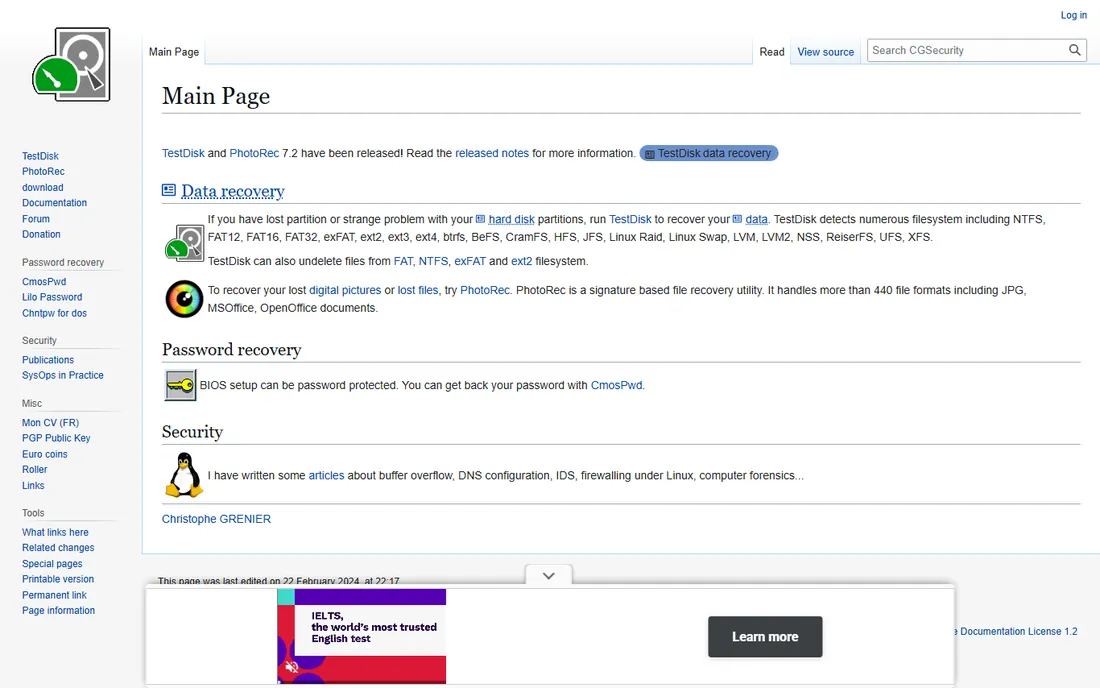
PhotoRec, bundled with TestDisk from CGSecurity, is the most capable free recovery tool in existence. It ignores the file system entirely and carves files by their data signatures, which means it works even when the directory structure is destroyed. Photographers use it to rescue memory cards that cameras can no longer read.
The price of that power is convenience. Recovered files come back with names like f0012345.jpg, and you sort through them yourself. The companion QPhotoRec adds a graphical interface that softens the learning curve. Download only from cgsecurity.org: fake "Pro" versions of TestDisk circulate online and ask for payment, while the real tools have always been free.
What we like- Completely free with no limits whatsoever
- Recovers from hard drives, memory cards, USB sticks and cameras
- Runs on Windows, Mac and Linux
Watch out for- Recovered files get generic names, not originals
- Classic version is command-line with a steep learning curve
#3
Windows File Recovery
Best for: a free official tool from Microsoft itself
Visit microsoft.com
Starting price$0
Free planYes
Windows File Recovery is Microsoft's own answer to deleted files, free in the Microsoft Store for Windows 10 and 11. It offers several modes: a regular mode for recently deleted files on NTFS drives, and extensive and segment modes for formatted or corrupted drives and FAT file systems.
Everything happens in a command prompt, which is the whole story of this tool. If you are comfortable typing commands, it is powerful and trustworthy. If you are not, the lack of a preview window and a point-and-click interface will frustrate you. There is no trial to expire and nothing to buy, so it costs nothing to keep installed as a backup option alongside a friendlier tool.
What we like- Free with no ads, upsells or limits
- Made by Microsoft for Windows file systems
- Multiple modes for NTFS, FAT and exFAT
Watch out for- Command-line only, no graphical interface
- No file preview before recovery
- Steeper to learn than any GUI tool
Starting priceSee website (free 2 GB; Pro plans from $39.97 per year)
Free planYes (up to 2 GB free recovery)
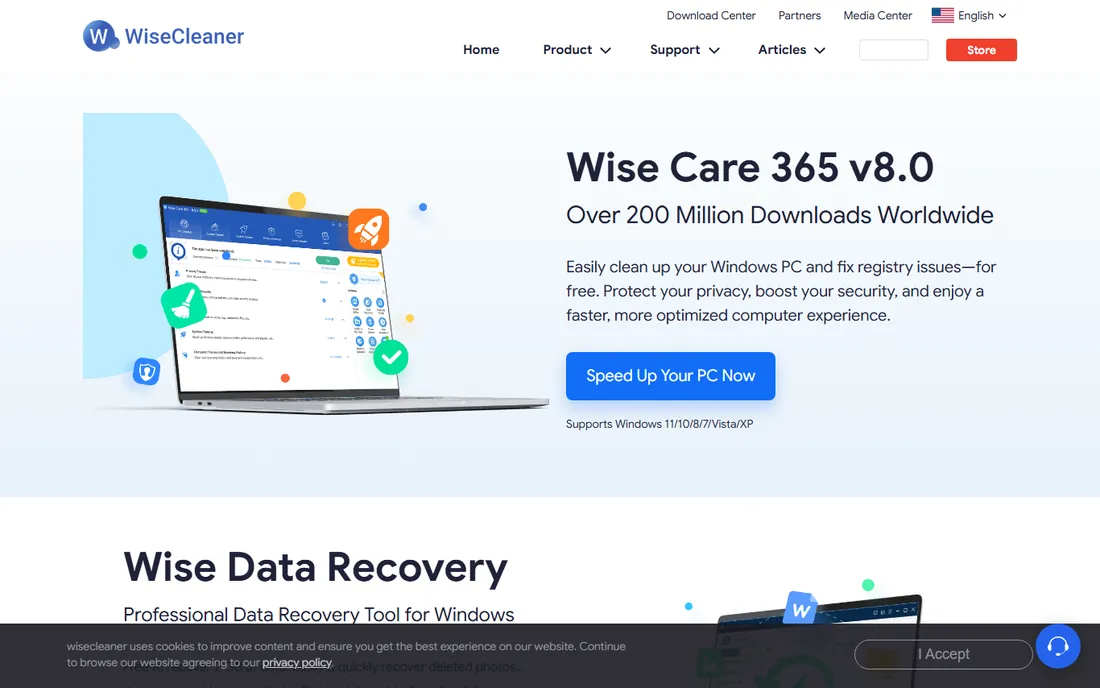
Wise Data Recovery keeps everything to one screen: pick a drive, click scan, pick your files. The color-coded health indicator marks each found file as good, poor or lost, so you know before recovering whether the effort is worth it. The 2 GB free allowance covers most accidental deletion cases.
The portable edition is a smart touch. You can run it from a USB drive without installing anything on the affected computer, which avoids overwriting the very data you want back. Paid Pro plans lift the cap for larger jobs, but for the classic "I deleted the wrong folder" scenario, the free tier is usually enough. Just do not expect it to rebuild a formatted drive as well as the suites built for that job.
What we like- 2 GB free recovery allowance
- Portable version runs from a USB stick
- Traffic-light health indicator shows which files are salvageable
Watch out for- Paid tiers are subscription only
- Less effective on formatted or badly damaged drives
Starting price$0 (free for personal use)
Free planYes
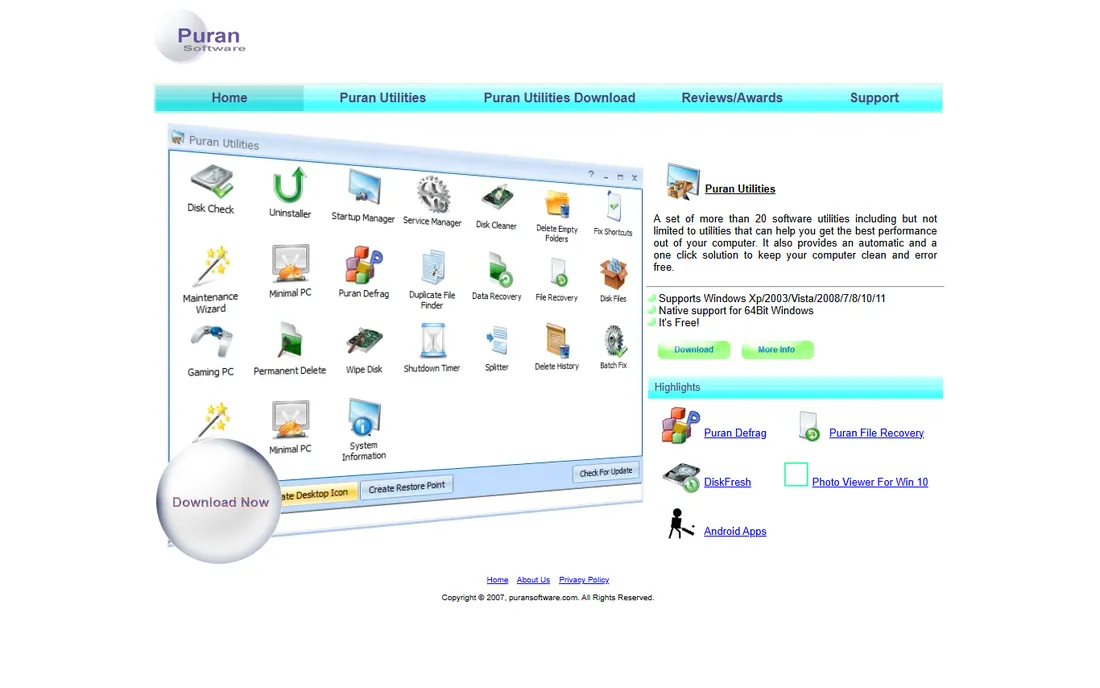
Puran File Recovery is a small, no-nonsense undelete tool that has been around for years. It offers both a quick scan for recently deleted files and a deep scan that can pull files from formatted drives and lost partitions. The whole program is under 3 MB, so it runs fine on older machines that choke on heavier suites.
Version 2.0.1 added Windows 11 support, which answers the old complaint that the tool was abandoned. It remains Windows-only and visually dated, and it will not match paid tools on difficult cases. But as a free second opinion after Recuva, or as the tool you keep on a USB stick for emergencies, it earns its place. Check the license wording on the official site before using it in a business.
What we like- Free for personal use with deep scan mode
- Tiny download that runs on old hardware
- Portable editions for 32-bit and 64-bit Windows
Watch out for- Windows only with a dated interface
- Development pace is slow
- Business use needs a license check
Starting price$0 (freeware)
Free planYes
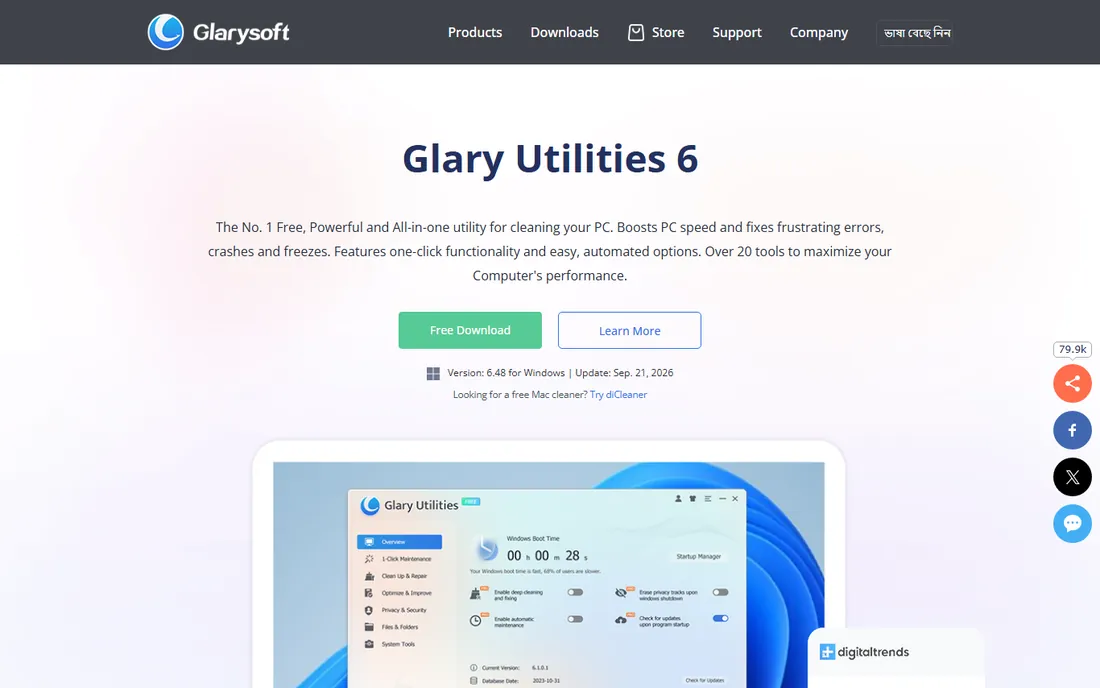
Glary Undelete does one job: bring back deleted files from FAT and NTFS drives. It does it for free, with no limit on how much you recover. The filtering options help when a scan returns thousands of results: narrow by name, date or size, check the recovery state column, and restore only what you need.
Set expectations accordingly. This is a simple undelete utility from the Glarysoft stable, not a partition recovery suite. It will not rebuild a lost partition or repair a corrupt video. For the Recycle Bin emptied by mistake, the file deleted with Shift+Delete, or the cleanup tool that went too far, it is a perfectly good free option that takes minutes to try.
What we like- Completely free with no recovery cap
- Filters by file name, date, size and recovery state
- Handles compressed, fragmented and encrypted NTFS files
Watch out for- No significant updates in recent years
- Basic feature set next to modern suites
- Windows only
Starting price$89 per year (Pro subscription; $149 lifetime license also available)
Free planYes (free scan and preview; up to 100 MB recovery on Windows)
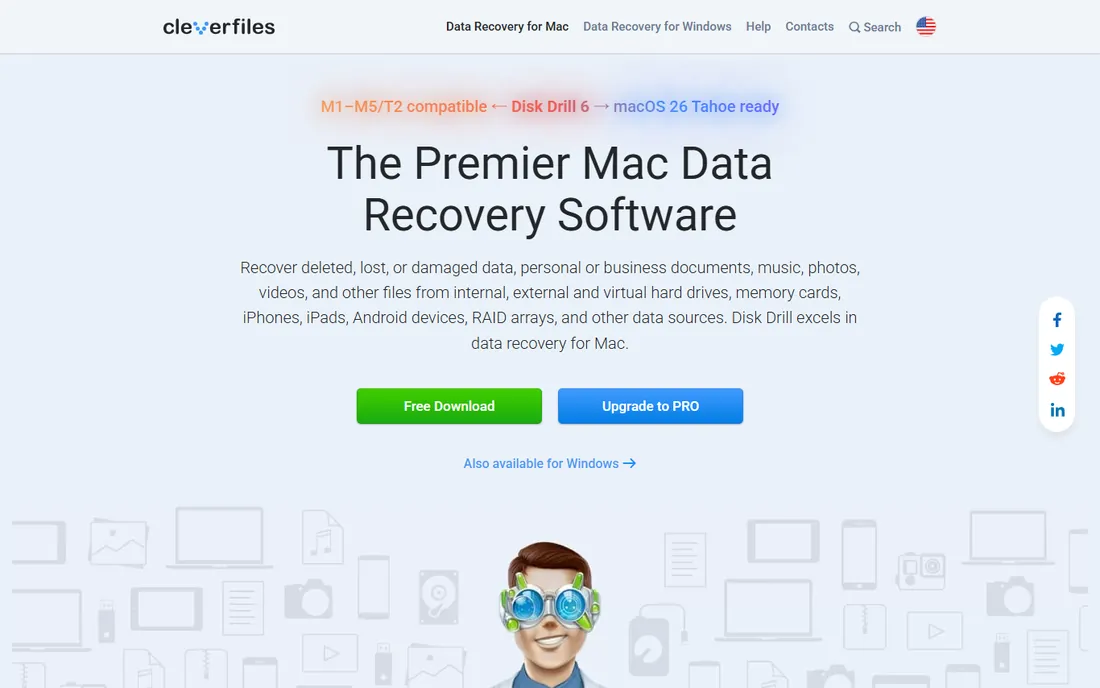
Disk Drill belongs in a deleted-files list for one reason: certainty. The free scan and preview let you verify that your deleted files are intact before you spend anything, which matters when the files are important. The preview supports hundreds of file types, so you can open a found photo or document and confirm it is whole.
The 100 MB free recovery cap on Windows means most real jobs need the paid tier. At $89 per year or $149 lifetime, it is not the cheapest option here, but it is the most polished. The Recovery Vault feature is a nice bonus: leave it running and it keeps a backup index of deleted file metadata, making the next accidental deletion trivial to undo.
What we like- Excellent preview window shows recoverable files before purchase
- One license covers Windows and Mac on three devices
- Recovery vault feature protects against future deletions
Watch out for- Free recovery limited to 100 MB on Windows
- Subscription model costs more over time
#8
EaseUS Data Recovery Wizard
Best for: the largest free allowance among beginner tools
Visit easeus.com
Starting price$69.95 per month ($99.95 per year; $149.95 lifetime)
Free planYes (up to 2 GB free recovery)
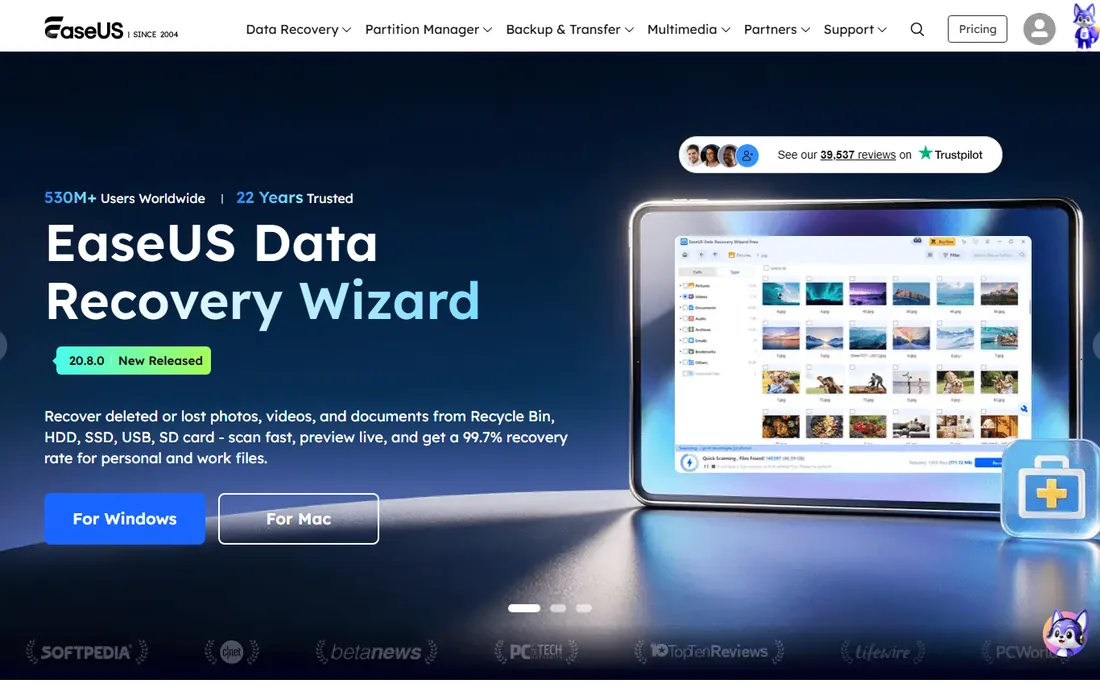
EaseUS is the tool to try when the free utilities found your files but could not restore them all. The 2 GB free tier often covers an entire accidental deletion: a folder of documents, a batch of photos, a presentation. The interface walks you through select, scan and recover with no jargon.
The pricing is the catch. A single month at $69.95 is the most expensive entry in this list, so use the free 2 GB first and upgrade only if the scan proves your files are there. The yearly plan makes sense only for repeat use. One more note: the license is tied to one PC, so plan the recovery on the right machine before you buy.
What we like- 2 GB free recovery, the most generous in its class
- Three-step workflow anyone can follow
- Previews files before recovery
Watch out for- Monthly price is steep for a one-time job
- License covers a single PC
Buying Advice for Deleted File Recovery
Act fast, then pick your tier
Deleted files are a race against overwriting. Stop using the drive, then try a free tool first: Recuva, PhotoRec or Wise Data Recovery. Only move to paid options like Disk Drill or EaseUS if the free scan finds your files but cannot restore them fully.
Match the tool to how the file was deleted
Simple deletion or an emptied Recycle Bin needs only an undelete utility. Formatting, repartitioning or a corrupt file system needs a full recovery suite with deep scan and partition search. Using the wrong tier wastes time: a simple undeleter will not fix a formatted drive.
Never install on the affected drive
Installing recovery software writes data that can overwrite the files you want back. Install on a different drive, or use portable versions that run from USB. Recover found files to a different drive too, never back onto the source.
Preview before you pay
Every paid tool here offers a free scan with preview. If your files appear with correct names and sizes, paying is reasonable. If the scan finds nothing, no paid version will do better with the same engine; try a different tool instead.
How to Protect Yourself After a Deletion Scare
A deletion scare is a good time to set up protection so it never happens again. Turn on File History in Windows or use a cloud drive with version history, so deleted files sit in a recoverable bin for 30 days. Keep a portable recovery tool on a USB stick, since downloading and installing after data loss risks overwriting files.
For irreplaceable data, follow the 3-2-1 habit: three copies, on two different media, one offsite. An external drive plus a cloud backup covers almost every scenario in this article. Recovery software is the ambulance; backups are the seatbelt.
How we chose
We checked vendor pricing pages, official documentation and feature lists against public reviews on G2, Capterra and Reddit. We favored tools with genuinely free recovery rather than scan-only trials, and we weighted ease of use for a non-technical audience. We did not claim hands-on testing. Prices and free limits change, so confirm on the vendor site before you rely on a figure here.
Frequently asked questions
How soon after deletion should I run recovery software?
Immediately. Deleted files remain recoverable only until new data overwrites their disk space. Every hour of normal computer use lowers the odds. Stop using the drive, then run a scan from another drive or a portable USB version.
Can I recover files deleted from the Recycle Bin?
Yes. Emptying the Recycle Bin only removes the directory entries, not the file data. Undelete tools like Recuva, Puran and Glary Undelete are built exactly for this case. Success depends on how much you have used the drive since emptying it.
Why do some recovered files not open?
The file was partially overwritten after deletion. Recovery tools mark these with a poor or partial health status. Photos may show half an image, documents may be corrupt. This is why acting fast matters, and why the health indicators in tools like Wise Data Recovery are worth checking before you recover.
Is it safe to recover files back onto the same drive?
No. Writing recovered files to the source drive can overwrite other deleted files you have not recovered yet. Always recover to a different drive, a USB stick or an external disk. This rule applies to every tool in this list.
Do I need to pay if the free scan finds my files?
Not always. Free tools like Recuva, PhotoRec and Puran have no recovery cap, so a successful free scan often means a free recovery. You need a paid tier only when the free tool's limit, such as Disk Drill's 100 MB cap or Wise's 2 GB cap, blocks the full job.
Sources we checked (10)
- https://www.ccleaner.com/recuva
- https://www.cgsecurity.org
- https://www.microsoft.com
- https://www.wisecleaner.com
- https://www.puransoftware.com
- https://www.glarysoft.com
- https://www.cleverfiles.com
- https://www.easeus.com
- https://recoverit.wondershare.com/faq/testdisk-asks-to-pay-for-pro.html
- https://www.topconsumerreviews.com/best-data-recovery-products/reviews/wise-data-recovery
Is your product missing or out of date?
We review this list regularly. Vendors can request a listing, send updated pricing or ask about featured placement.

Shihab Mia · Founder, Rankite
Shihab has spent more than a decade helping SaaS and e-commerce brands grow through search. He writes Rankite's software buying guides from pricing pages, documentation and public user reviews. More about Shihab.