How we make this list: we compare pricing pages, product documentation and public user reviews. Rankite is independent; if a vendor ever pays for a featured spot, that listing is clearly labeled Partner.
Key takeaways
- Restream is the default choice: the cheapest well-known relay with a genuinely useful free plan.
- StreamYard is the best browser studio for shows with remote guests, but paid plans start high.
- Castr is the budget relay for creators who already use OBS and just need distribution.
- OneStream Live stands out for scheduled pre-recorded streams that air as live.
- Streamlabs Ultra makes sense for gamers who also want overlays, alerts and tipping in one subscription.
- Switchboard Live, Prism Live Studio and Melon fill niches: agencies, mobile-first creators and simple guest interviews.
Quick comparison
| Tool | Best for | Starting price | Free plan |
|---|
 Restream Restream | the cheapest reliable multistream relay | $19 per month ($16 per month billed annually) | Yes (2 destinations with Restream branding) |
 StreamYard StreamYard | browser-based shows with remote guests | $44.99 per month ($35.99 per month billed annually) | Yes (1 destination with StreamYard branding) |
 Castr Castr | budget multistreaming for creators who already use OBS | $12.50 per month (Starter) | Free trial (7 days on Starter) |
 OneStream Live OneStream Live | scheduling pre-recorded videos to air as live streams | $39 per month (Standard; $32 per month billed annually) | Yes |
 Streamlabs Streamlabs | gamers who want overlays, alerts and multistreaming in one subscription | $27 per month (Ultra; $189 per year) | Yes (Starter plan) |
 Switchboard Live Switchboard Live | teams and agencies pushing one feed to many pages | See website (quote-based; no published pricing) | Free trial |
 Prism Live Studio Prism Live Studio | streaming from a phone with effects and avatars | See website (free app; Prism Plus subscription for multistreaming) | Yes |
 Melon Melon | simple browser interviews with zero-friction guests | $15 per month (Standard; $49 per month Pro) | Yes (limited monthly streaming hours) |
Is your product missing or out of date?
We review this list regularly. Vendors can request a listing, send updated pricing or ask about featured placement.
Starting price$19 per month ($16 per month billed annually)
Free planYes (2 destinations with Restream branding)
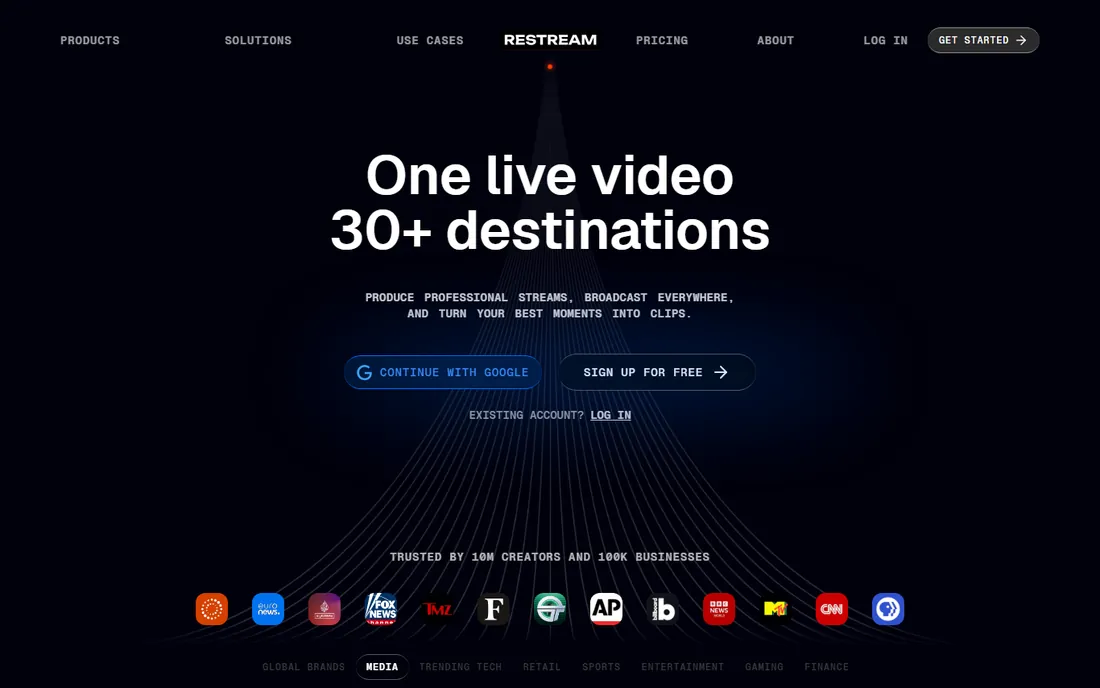
Restream is the name most people mean when they say multistreaming. The concept is a cloud relay: you send one feed to Restream, and its servers duplicate it to YouTube, Twitch, Facebook, LinkedIn and dozens of other destinations. Your upload bandwidth stays flat no matter how many platforms you hit, which is the whole economic argument for a relay over streaming to each site yourself.
The free plan covers two destinations with a watermark, enough to test a real simulcast. Standard at $19 per month removes the branding and adds a third destination plus custom RTMP. Power users should note the Studio quality caps: 720p until the $49 Professional tier. If you already run OBS, you can skip Studio entirely and use Restream purely as a relay at full quality.
What we like- Connects to 30+ platforms including custom RTMP
- Free plan is genuinely usable
- Works as a relay for OBS or as a browser studio
Watch out for- Studio caps at 720p on Free and Standard plans
- Destination count grows only on pricey tiers
Starting price$44.99 per month ($35.99 per month billed annually)
Free planYes (1 destination with StreamYard branding)
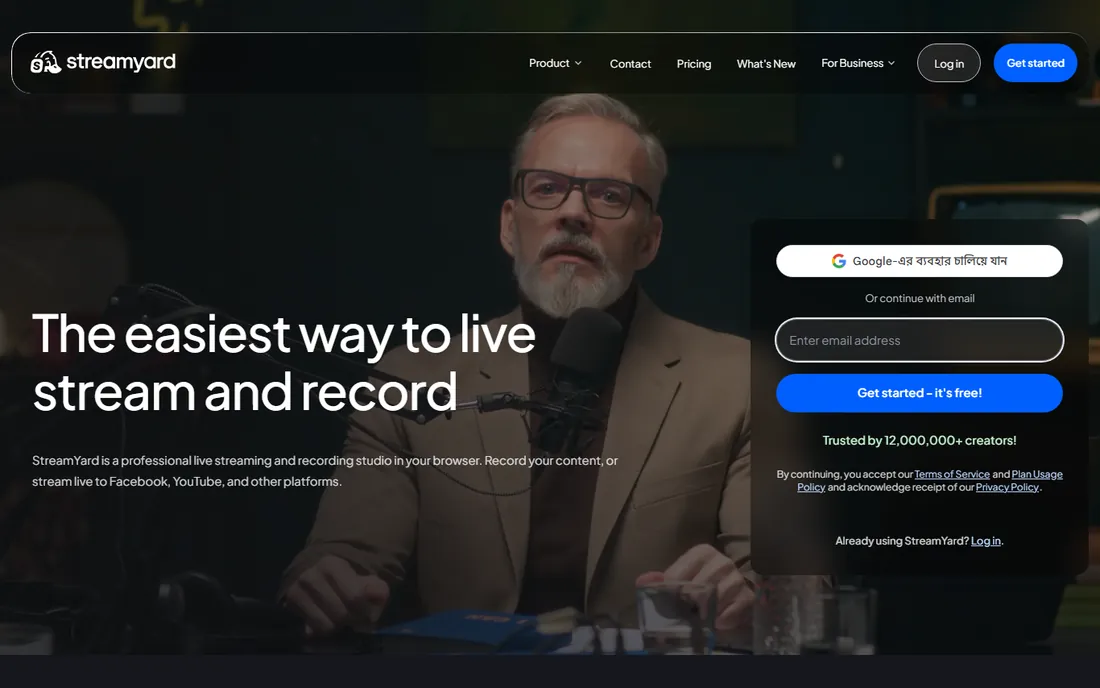
StreamYard is a studio first and a multistreamer second. Everything runs in the browser: you invite guests with a link, arrange layouts, add lower thirds and banners, and push the finished show to several platforms at once. Podcasters and interview shows live here because the guest experience needs zero technical skill.
Multistreaming arrives with the paid Core plan with three destinations, or eight on Advanced. The free tier is really a trial: one destination, StreamYard logo on screen, limited hours. At $44.99 per month, Core costs more than twice the entry price of Restream, so buy StreamYard for the studio and the guest workflow, not for cheap distribution. If you only need a relay, look elsewhere.
What we like- Guests join from a browser link with no install
- Polished overlays, banners and branding controls
- Local and cloud recordings in HD
Watch out for- Free plan streams to a single destination
- Paid entry is the steepest in this list
#3
Castr
Best for: budget multistreaming for creators who already use OBS
Visit castr.io
Starting price$12.50 per month (Starter)
Free planFree trial (7 days on Starter)
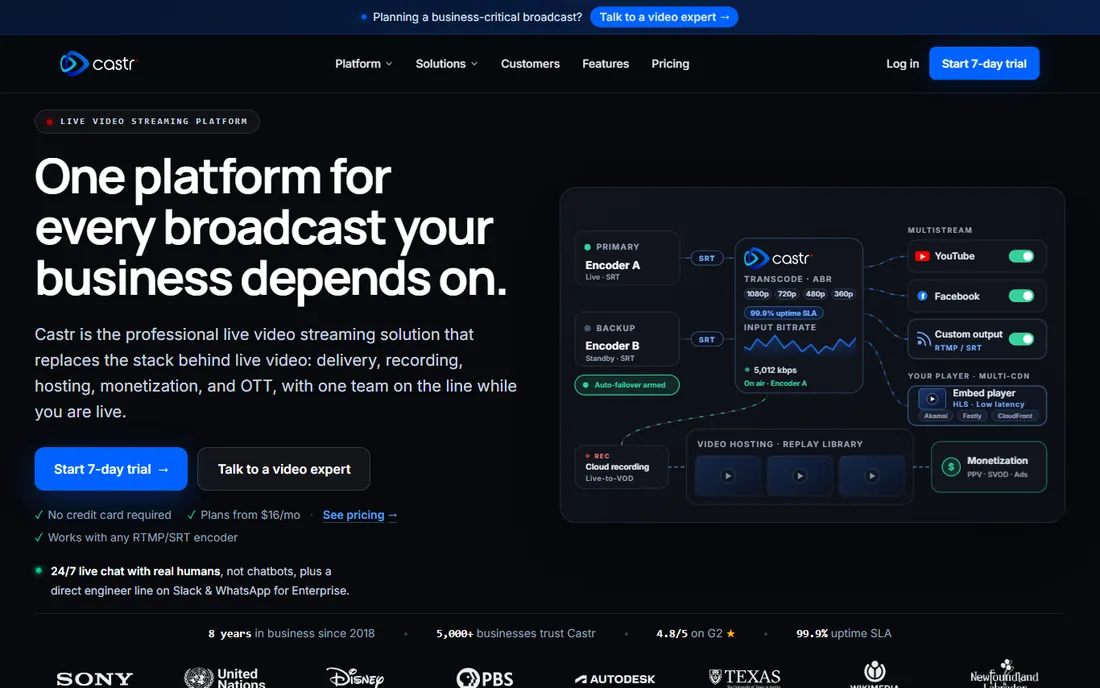
Castr is the no-frills relay for people who already have their production figured out. If you run OBS, vMix or a hardware encoder, Castr takes your feed and distributes it to 30+ platforms, with bandwidth and destination limits scaling across five tiers from $12.50 to $250 per month.
Two extras set it apart: IP camera streaming, which lets cameras broadcast directly without a computer in the middle, and bundled video hosting with monetization options on higher plans. The trade-off is polish. There is no browser studio with guest links here, and no free-forever tier, just a 7-day trial. For a straight distribution pipe at the lowest price, it is hard to beat.
What we like- Lowest entry price among dedicated relays
- IP camera streaming without a computer
- White-label player and video hosting on higher tiers
Watch out for- No permanent free plan
- Dashboard is more technical than studio-style rivals
#4
OneStream Live
Best for: scheduling pre-recorded videos to air as live streams
Visit onestream.live
Starting price$39 per month (Standard; $32 per month billed annually)
Free planYes
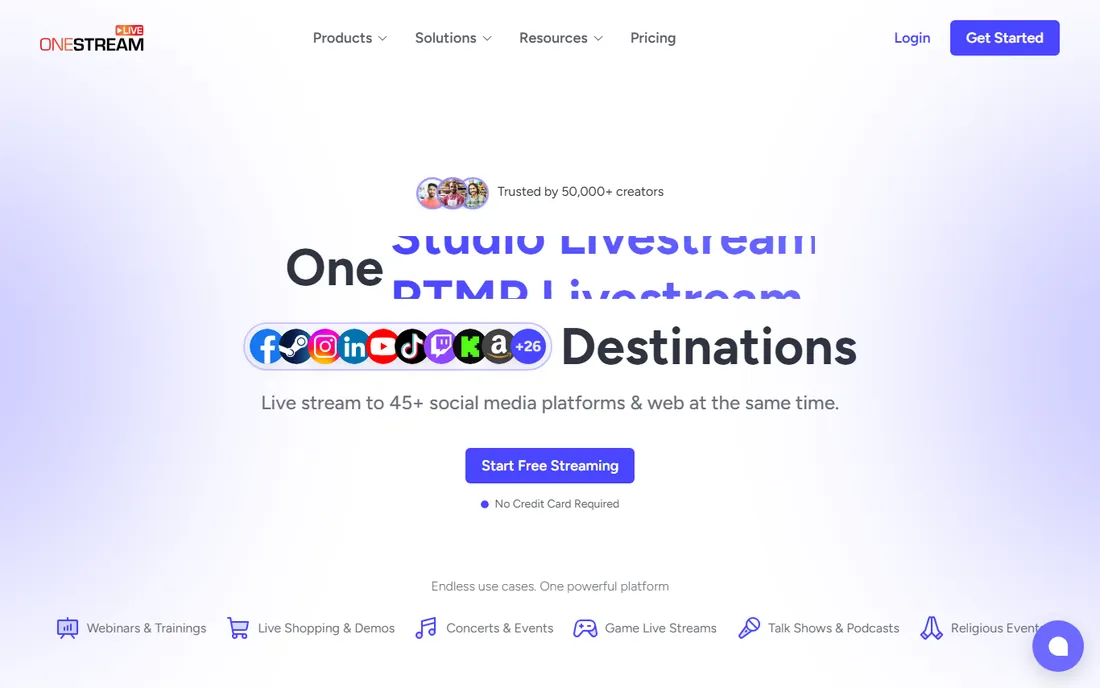
OneStream Live's signature feature is pre-recorded streaming: upload a video, schedule it, and it airs as a live broadcast across your platforms while you sleep. For creators who batch-produce content, that is a bigger deal than another browser studio. The Live Studio also handles up to 16 guests with screen sharing, virtual backgrounds and a teleprompter.
The free plan is genuinely useful rather than a demo, which makes OneStream easy to evaluate. Paid plans start at $39 per month for Standard, with Professional and Enterprise adding destinations and storage. Watch the add-on menu: extra destinations, bandwidth and team seats are sold separately, so price your actual setup before committing.
What we like- Generous free plan with real multistreaming
- Schedule pre-recorded content up to 60 days ahead
- 45+ destinations with custom RTMP
Watch out for- Paid tiers jump in price for more destinations
- Add-ons for bandwidth and storage inflate the bill
#5
Streamlabs
Best for: gamers who want overlays, alerts and multistreaming in one subscription
Visit streamlabs.com
Starting price$27 per month (Ultra; $189 per year)
Free planYes (Starter plan)
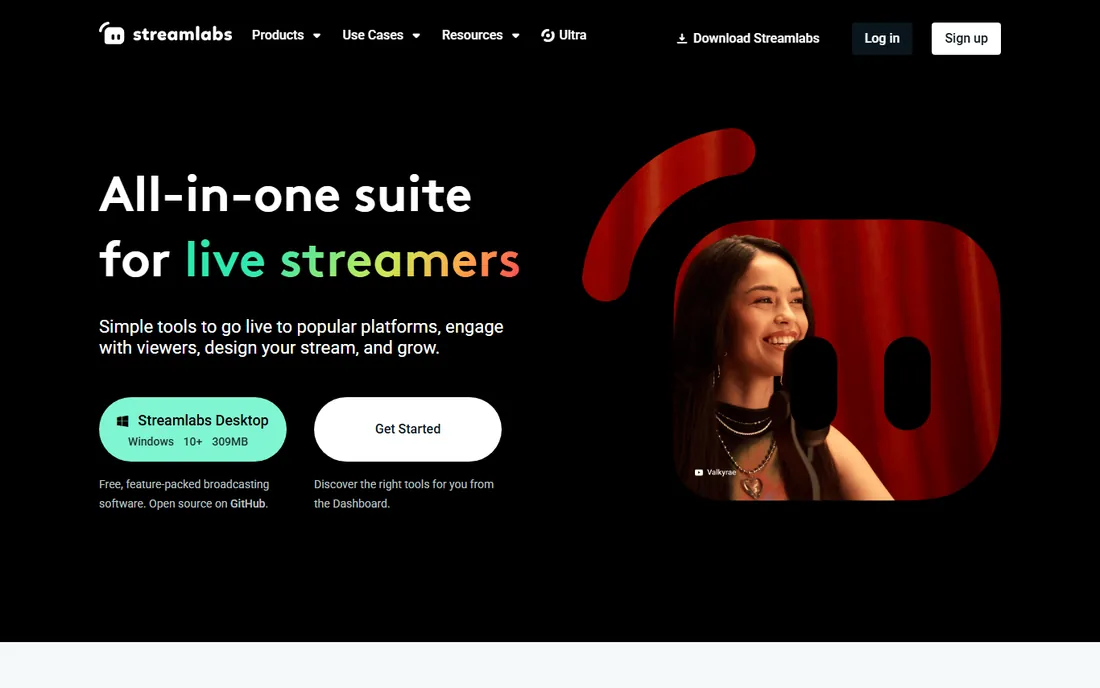
Streamlabs is the creator toolkit that happens to multistream. The desktop app bundles overlays, donation alerts, chatbots, tipping pages and editing tools that gamers and live sellers use daily. Multistreaming arrives with the Ultra subscription at $27 per month, alongside premium overlay themes and extra cloud features.
Dual Output deserves a mention: it can send a horizontal stream to Twitch and a vertical one to TikTok simultaneously, which matters as short-form video eats viewing time. The honest catch is performance. Streamlabs is built on OBS but runs heavier, so older PCs may struggle where plain OBS plus a cheap relay would fly. Buy it for the whole toolkit, not for multistreaming alone.
What we like- Huge library of overlays, alerts and widgets built in
- Dual Output streams horizontal and vertical at once
- Console streaming without a capture card
Watch out for- Multistreaming requires the paid Ultra subscription
- Heavier on CPU and RAM than plain OBS
Starting priceSee website (quote-based; no published pricing)
Free planFree trial
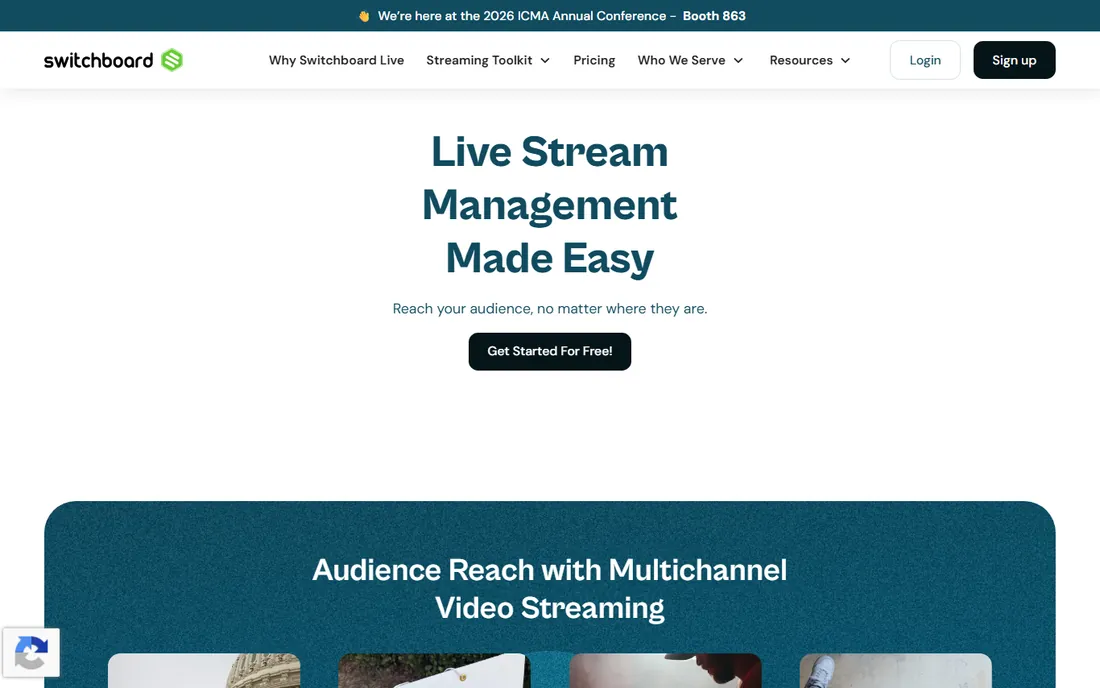
Switchboard Live is the enterprise-flavored option in this list. Where consumer tools count destinations, Switchboard plans historically allowed unlimited destinations, which is exactly what agencies, churches and sports teams need when one event must hit fifty Facebook pages. The cloud console includes a confidence monitor so producers can verify the outgoing feed.
The catch is the buying process. Switchboard no longer publishes pricing; every plan requires talking to sales. Third-party listings put historical entry plans around $35 to $99 per month, but treat those as stale. If you are a solo creator, the sales-led model alone is a reason to pick something else. If you manage streams for clients, the destination flexibility may justify the call.
What we like- Streams to an unlimited number of destinations on paid plans
- Built for managing dozens of Facebook pages at once
- Confidence monitor to verify the feed
Watch out for- Pricing is no longer published and requires a sales conversation
- Historically started at $35 per month, so not a budget pick
#7
Prism Live Studio
Best for: streaming from a phone with effects and avatars
Visit prismlive.com
Starting priceSee website (free app; Prism Plus subscription for multistreaming)
Free planYes
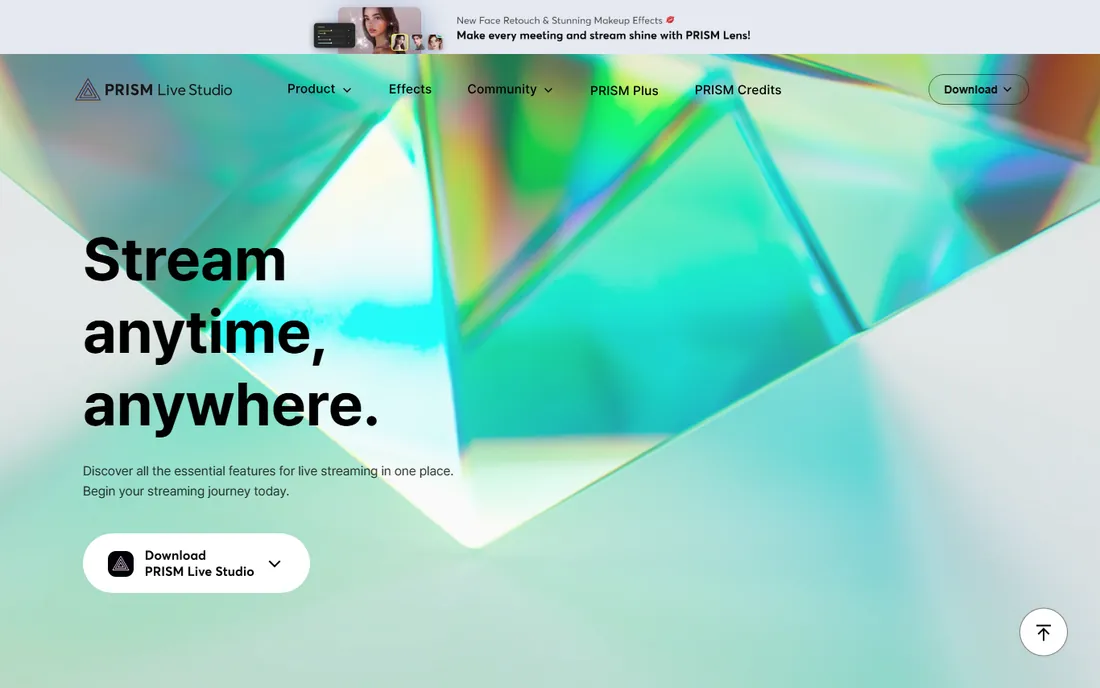
Prism Live Studio, from Naver, is the mobile-first entry here. The phone app handles camera streaming, game casting and VTuber broadcasts with effects, music and media overlays, then multistreams to YouTube, Twitch, Facebook and others. For IRL streamers and mobile creators, it removes the laptop from the equation entirely.
The app itself is free, with an optional Prism Plus subscription that adds multistreaming and premium features across mobile and desktop. The desktop version can use your phone as a wireless camera, which is a neat hybrid setup. It will not replace OBS for complex productions, but for phone-led shows it is the most polished free starting point in this list.
What we like- Free mobile app with beauty effects, filters and VTuber avatars
- Multistream from one phone to several platforms
- Desktop app with phone-as-camera mode
Watch out for- Multistreaming needs the paid Prism Plus subscription
- Desktop studio is simpler than OBS
Starting price$15 per month (Standard; $49 per month Pro)
Free planYes (limited monthly streaming hours)
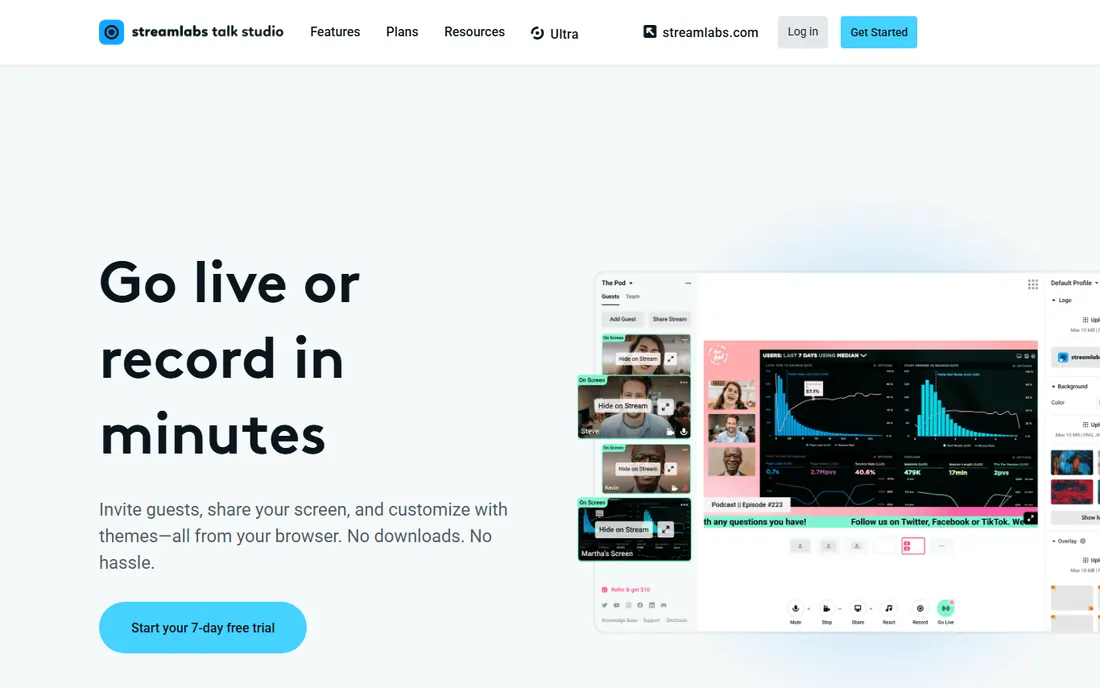
Melon is the lightweight alternative to StreamYard: a browser studio focused on getting guests on screen fast. The headline feature is that guests need no account, just a link, which removes the biggest drop-off point in remote interviews. Recording, basic branding and multistreaming to several platforms round out the package.
Pricing is friendly at $15 per month for Standard, with Pro at $49 adding 1080p and higher limits. The free plan lets you stream with a monthly hour cap, enough to test the workflow. The honest caveat is scale: Melon is a smaller operation than its rivals, with fewer integrations and a quieter development pace. For simple talk shows and interviews, that simplicity is the appeal.
What we like- Guests join with no account required
- Clean, minimal browser studio
- Donations with no platform fee
Watch out for- Smaller company with fewer integrations
- Free plan caps monthly streaming time
Relay or studio?
A relay like Restream or Castr takes a feed from OBS and distributes it; you handle production yourself. A studio like StreamYard or Melon runs the whole show in the browser with guests and graphics. Pick the relay if you already produce in OBS, the studio if you want guests without software.
Count your real destinations
Most creators overbuy destinations. Two or three platforms cover the vast majority of audiences: YouTube plus Twitch, or YouTube plus Facebook. Do not pay for eight destinations until your analytics show viewers actually watching on all eight.
Watch the quality caps
Browser studios often cap output quality on cheaper plans: 720p is common at entry level, 1080p costs more. If you use your own encoder with a relay, you keep your own quality up to 4K on any plan. Decide where the encoding happens before comparing prices.
Test the free tier with a real stream
Every tool here offers a free plan or trial. Run an actual unlisted test stream to all your destinations before paying. Check audio sync, chat aggregation and recording quality under real conditions, not just the marketing page.
Frequently asked questions
Do I need fast upload speed to multistream?
Not as much as you would think. A cloud relay receives one stream from you, typically 6 to 10 Mbps for 1080p, and handles distribution to platforms on its own servers. Your upload only needs to support that single feed. Streaming to five platforms directly from your PC would need five times the bandwidth.
Can I multistream to TikTok and Instagram?
Vertical platforms are the tricky ones. TikTok and Instagram have restrictions on third-party streaming and often require specific integrations or mobile apps. Tools with Dual Output or vertical canvas support, like Streamlabs and some studios, handle this best. Check each platform's current policy before planning around it.
Is multistreaming allowed by YouTube and Twitch?
YouTube allows simulcasting freely. Twitch changed its rules to permit simulcasting to other platforms, with some conditions around the chat experience and quality. Rules shift, so check the current terms of each platform before you build a schedule around them.
What is the difference between Restream and StreamYard?
Restream is primarily a cloud relay that distributes your feed to many destinations, with a basic browser studio attached. StreamYard is primarily a browser studio for producing shows with guests, with multistreaming built in. Creators who use OBS usually pair it with Restream; interview shows usually pick StreamYard.
Do I still need OBS if I use one of these platforms?
Not necessarily. Browser studios like StreamYard, Melon and Prism Live Studio replace OBS for simple shows. Relays like Restream and Castr are designed to sit behind OBS or another encoder. Many creators use both: OBS for production, a relay for distribution.
How we chose
We checked vendor pricing pages and feature documentation against public reviews on G2, Capterra and creator forums, weighting real multistreaming capability, destination counts, quality caps and free-tier usefulness. We did not claim hands-on testing. Pricing in this category moves often, so confirm the current plans on the vendor site before buying.
Multistreaming maximizes reach per hour of effort, but it is not always the best strategy. Native streaming on a single platform lets you use platform-specific features: Twitch channel points and raids, YouTube Premieres, TikTok's discovery feed. Some audiences also engage more when the creator is visibly present in that platform's chat rather than broadcasting everywhere at once.
A common middle path: multistream your regular shows for reach, and go native for special events where interaction matters most. Also remember that splitting a small audience across five platforms can make every chat feel empty. Until you have the viewership to fill two chats, consider focusing on one or two platforms and doing them well.
Sources we checked (12)
- https://restream.io
- https://www.streamyard.com
- https://castr.io
- https://onestream.live
- https://streamlabs.com
- https://switchboard.live
- https://prismlive.com
- https://melonapp.com
- https://upstream.so/blog/restream-pricing/
- https://www.learningrevolution.net/restream-vs-streamyard/
- https://www.learningrevolution.net/streamyard-vs-zoom/
- https://www.dacast.com/blog/restream-alternatives/
Is your product missing or out of date?
We review this list regularly. Vendors can request a listing, send updated pricing or ask about featured placement.

Shihab Mia · Founder, Rankite
Shihab has spent more than a decade helping SaaS and e-commerce brands grow through search. He writes Rankite's software buying guides from pricing pages, documentation and public user reviews. More about Shihab.