How we make this list: we compare pricing pages, product documentation and public user reviews. Rankite is independent; if a vendor ever pays for a featured spot, that listing is clearly labeled Partner.
Key takeaways
- SmartSHOW 3D and Photopia Creator are the deepest desktop options, with keyframes, multi-layer slides, and 4K or DVD export for photographers and studios.
- Movavi Slideshow Maker sits in the middle: easier than a video editor, more capable than a template app, and a good fit for beginners who want polish fast.
- PhotoStage and Icecream Slideshow Maker both run usable free versions, which makes them the cheapest way to make a decent slideshow on Windows or Mac.
- Animoto, Renderforest, Canva, and Adobe Express run in the browser, so you can start on a laptop and finish on a phone, but free exports usually carry a watermark.
- If you sell slideshows to clients, check the commercial license terms before you commit: free versions of several tools exclude commercial use.
Quick comparison
| Tool | Best for | Starting price | Free plan |
|---|
 Movavi Slideshow Maker Movavi Slideshow Maker | beginners who want a polished slideshow in an afternoon | See website | Free trial |
 SmartSHOW 3D SmartSHOW 3D | photographers who want 3D animation without learning video editing | See website | Free trial |
 PhotoStage Slideshow Producer PhotoStage Slideshow Producer | home users who want a free non-commercial slideshow maker | See website | Yes |
 Icecream Slideshow Maker Icecream Slideshow Maker | casual users who want a free, simple photo-to-video slideshow | See website | Yes |
 Animoto Animoto | marketers turning photos into social videos fast | See website | Yes |
 Renderforest Renderforest | small businesses that need branded slideshow intros and promos | See website | Yes |
 Adobe Express Adobe Express | teams already in the Adobe ecosystem | See website | Yes |
 Canva Canva | non-designers making presentation-style slideshows | See website | Yes |
 Photopia Creator Photopia Creator | enthusiasts who outgrew template-based makers | $9.95/month ($99.95/year) | Free trial |
Is your product missing or out of date?
We review this list regularly. Vendors can request a listing, send updated pricing or ask about featured placement.
The best professional slideshow software, reviewed
#1
Movavi Slideshow Maker
Best for: beginners who want a polished slideshow in an afternoon
Visit movavi.com
Starting priceSee website
Free planFree trial
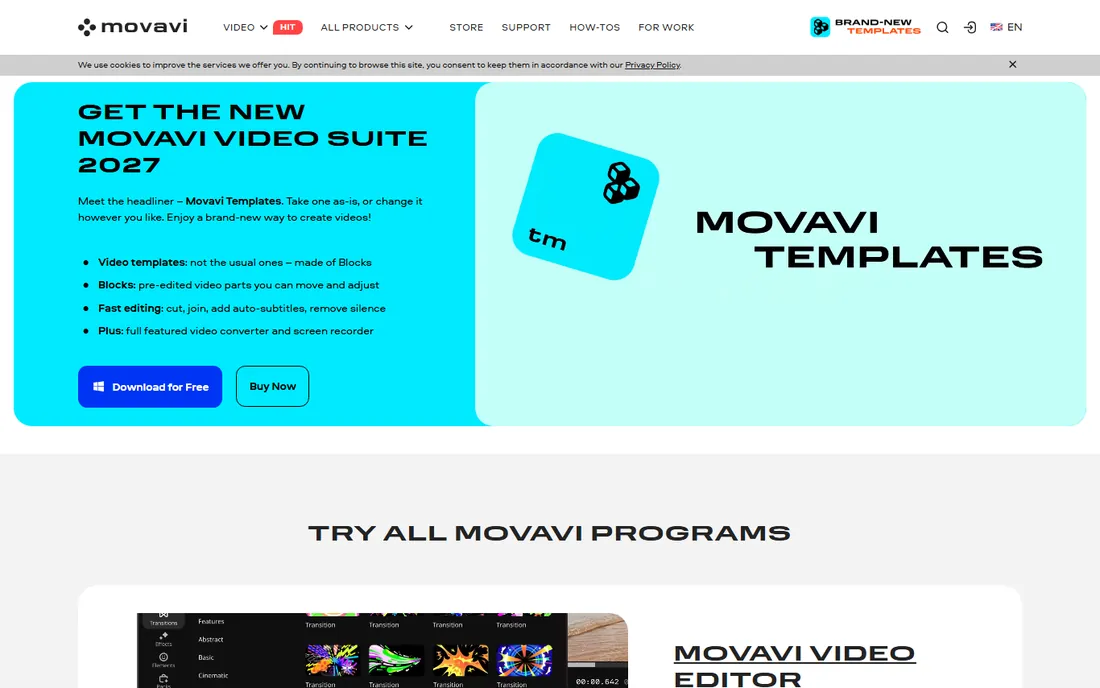
Movavi aims at the gap between a phone app and a full video editor. You drop photos and clips onto a timeline, pick one of the themed templates, add transitions and music, and export a video that looks like it took far longer than it did. The effects library is genuinely large, with titles, stickers, filters, and transitions that cover weddings, travel, and business presentations without extra purchases.
The trial is the catch. Exports carry a watermark and are limited in length, and some advanced features stay locked until you pay. Movavi sells both subscriptions and lifetime licenses depending on the product and region, so check the store page for the current offer before you budget.
Pick Movavi when you want a real step up from free template apps but have no interest in learning keyframes.
What we like- Large template and effects library
- Intuitive drag-and-drop editor
- Exports to common video formats
Watch out for- Trial adds a watermark and limits export length
- Paid version is subscription or license
- Advanced AI features are paid-only
Starting priceSee website
Free planFree trial
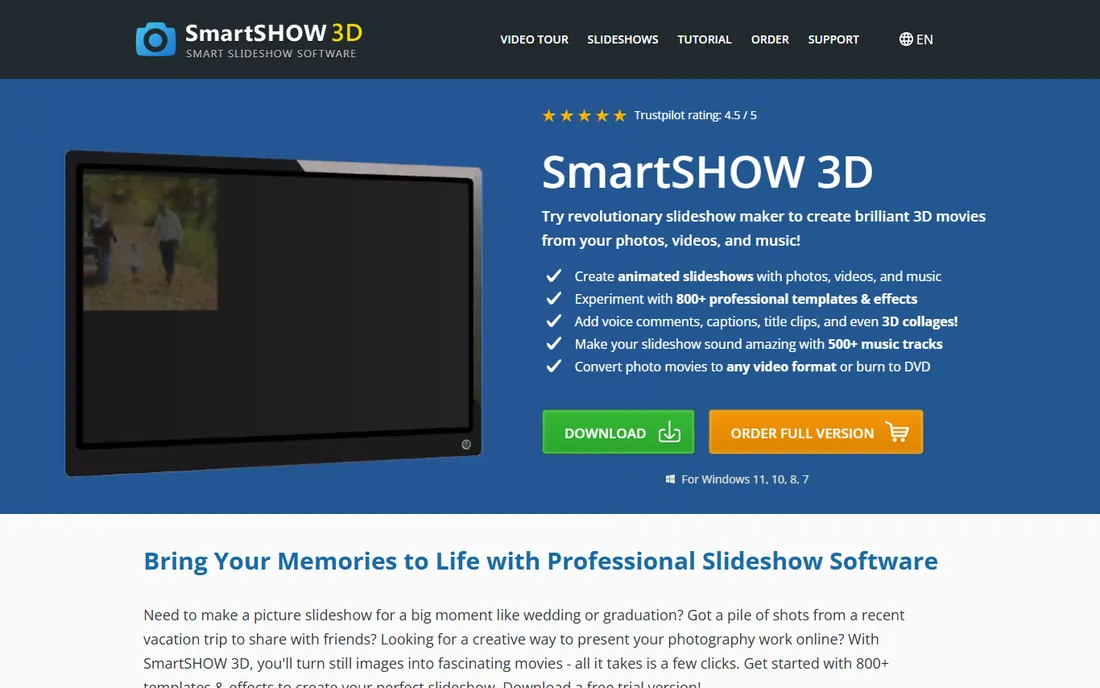
SmartSHOW 3D has been refining the same idea for years: give non-editors professional-grade animation tools. You can stack multiple layers on a slide, animate each one in three dimensions, and fine-tune motion with keyframes. The template library runs past 800 designs, with transitions ranging from classic fades to 3D effects.
The trade is platform and polish. This is a Windows-only desktop program, and the interface shows its age next to modern editors. The vendor sells Standard and Deluxe editions, with the deeper animation and effects tools reserved for the higher tier, so the headline price may not buy the features you saw in the demo.
For photographers who want to offer slideshows as a client service, this is one of the few tools on the list with real depth.
What we like- 800 plus templates and effects
- Keyframes and multi-layer slides
- DVD burning and HD export
Watch out for- Windows only
- Interface looks dated
- The deepest features need the higher edition
#3
PhotoStage Slideshow Producer
Best for: home users who want a free non-commercial slideshow maker
Visit nchsoftware.com
Starting priceSee website
Free planYes
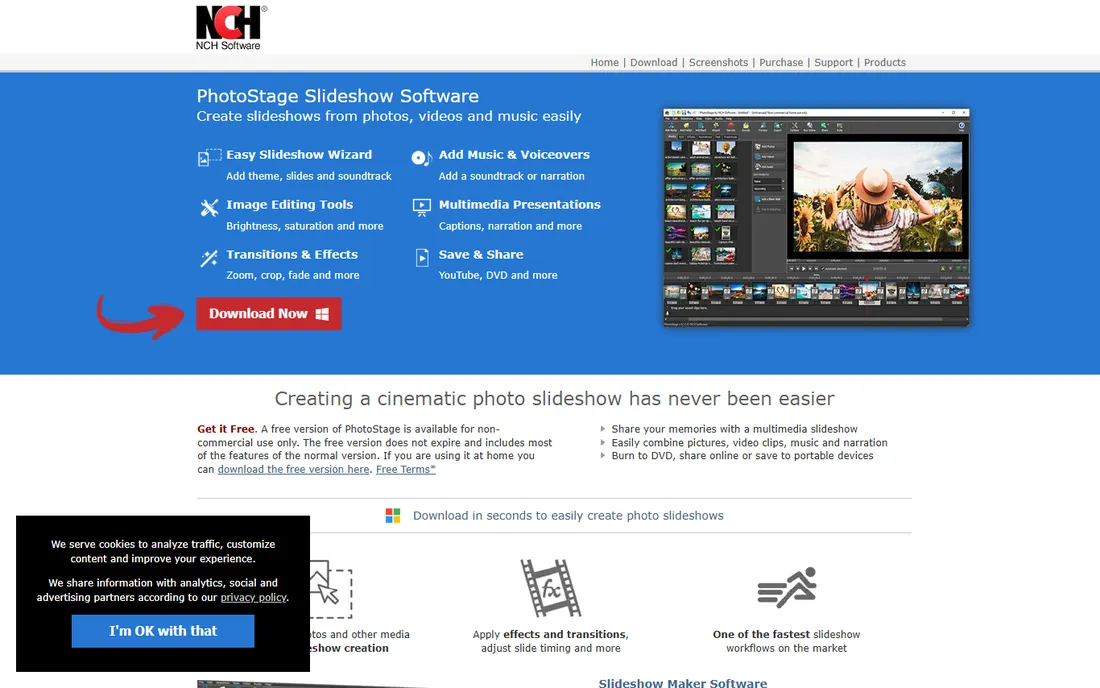
PhotoStage is the quiet bargain of this roundup. NCH Software offers a free version for non-commercial use that does not expire, and it includes most of the features of the paid edition: transitions, pan and zoom effects, photo optimization, narration recording, and music mixing. The Quick Create option turns a folder of images into a finished slideshow in minutes, and everything works offline with no account required.
The free license draws a hard line at commercial use, so anyone making client work needs the paid edition. The effects library is serviceable rather than inspiring, and the interface is plain compared with Movavi or SmartSHOW. There is no web or mobile version; this is a Windows and Mac desktop program.
If your slideshow is for family or a school project, the free version may be all you ever need.
What we like- Free version for non-commercial use never expires
- Works fully offline
- Quick-create turns a folder of images into a slideshow
Watch out for- Commercial use requires a paid license
- Effects library is simpler than rivals
- Desktop only, no web version
#4
Icecream Slideshow Maker
Best for: casual users who want a free, simple photo-to-video slideshow
Visit icecreamapps.com
Starting priceSee website
Free planYes
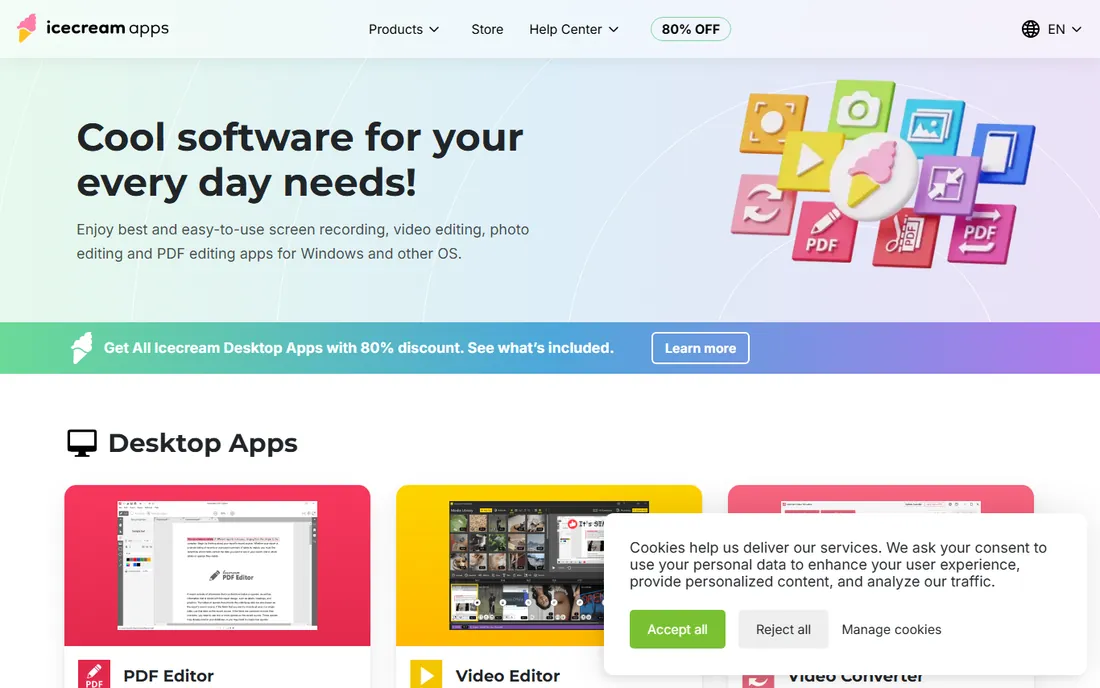
Icecream Slideshow Maker does one job with minimal fuss: photos plus music become a video. The interface walks you through adding images, setting slide duration, choosing a transition, and adding an audio track. There is a free version for basic projects and a Pro license, sold as a one-time purchase rather than a subscription, for higher quality and more options.
You give up depth for that simplicity. The transition and effect choices are modest next to SmartSHOW or Photopia, and there is no keyframe animation or multi-layer slide design. If your needs grow past birthday videos and vacation recaps, you will outgrow it. The vendor's main site also pushes its bundle of eleven apps, which tells you where development attention goes.
Still, for a free tool that a non-technical relative could use unsupervised, it earns its place.
What we like- Genuinely simple workflow
- Free version available
- One-time Pro license instead of subscription
Watch out for- Smallest effects library in this roundup
- Advanced animation needs a bigger tool
- No mobile app
#5
Animoto
Best for: marketers turning photos into social videos fast
Visit animoto.com
Starting priceSee website
Free planYes
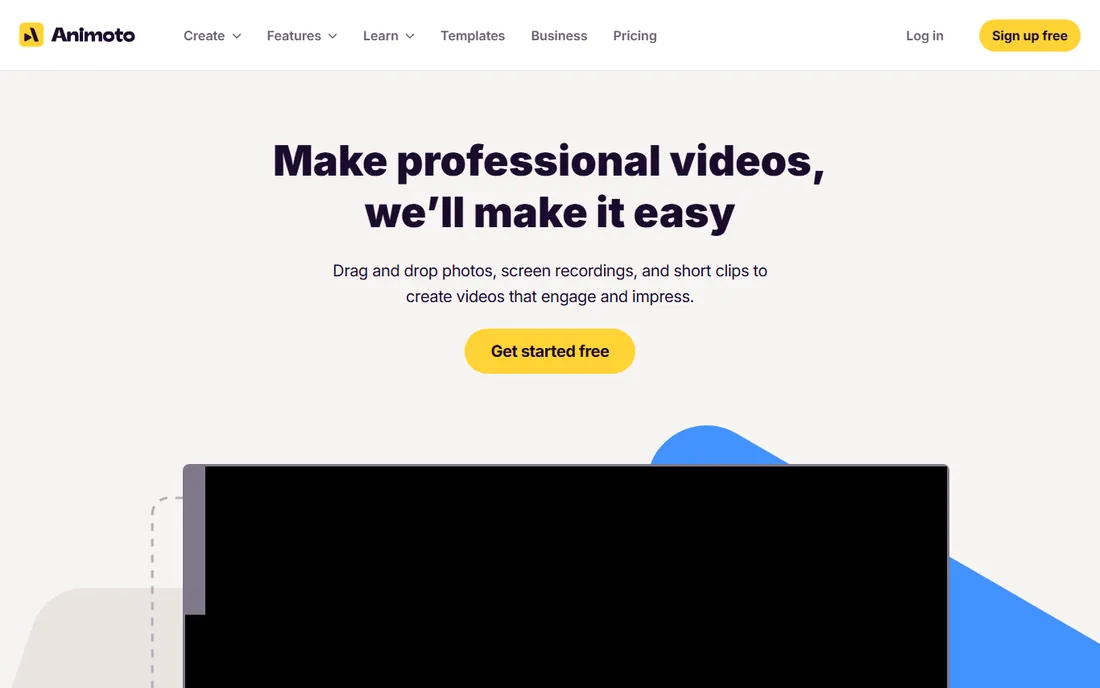
Animoto built its name on speed: pick a template, drop in photos and clips, add text and music, and publish a video sized for Instagram, Facebook, or YouTube. The template library covers product promos, event recaps, testimonials, and real estate, and the built-in stock library means you can build a decent video even with thin source material. A free plan lets you test the whole workflow.
The business model is subscription, with no lifetime license option, and the free plan's exports include Animoto branding. Timing and animation controls are template-driven, so you cannot fine-tune motion the way a desktop tool allows. Teams that need pixel-level control will feel the ceiling quickly.
For marketers who need a presentable video this afternoon, Animoto is hard to beat.
What we like- Free plan to start
- Stock photo and video library included
- Hundreds of templates for social and business
Watch out for- Free exports carry branding
- Paid plans are subscription only
- Fine timing control is limited
#6
Renderforest
Best for: small businesses that need branded slideshow intros and promos
Visit renderforest.com
Starting priceSee website
Free planYes
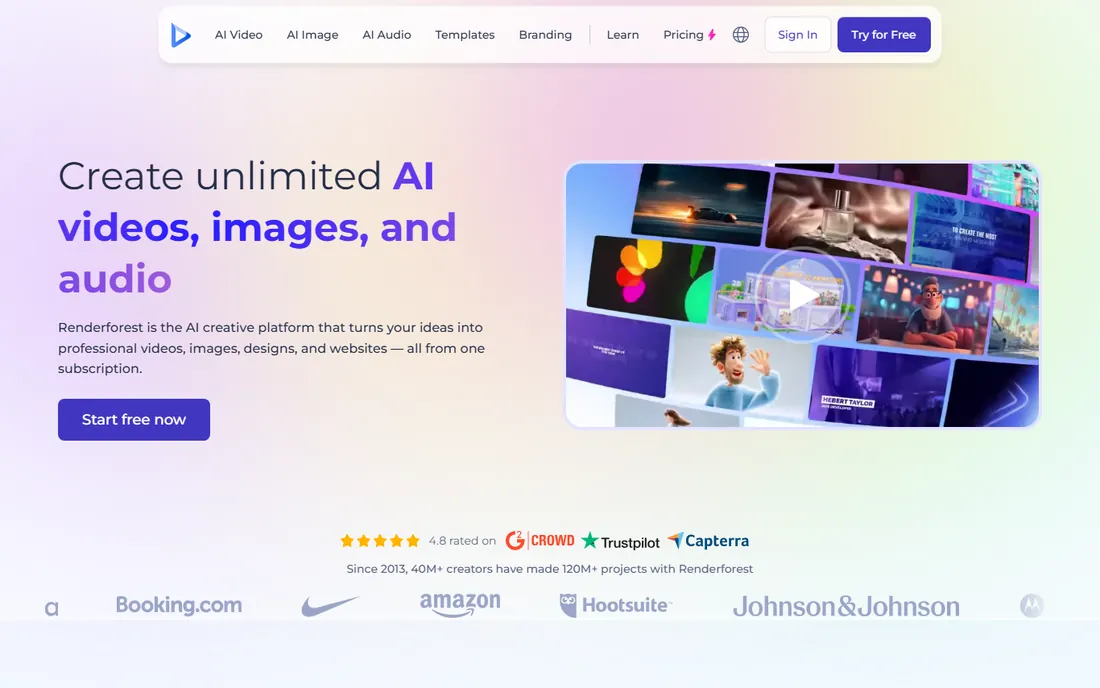
Renderforest is a browser-based studio with over 1,200 templates spanning slideshows, intros, logo animations, and promos. Its own FAQ confirms the free plan's limits plainly: exports carry a watermark and come out at lower resolution, while paid plans remove the watermark and add Full HD and 4K. Recent updates added AI video generation alongside the template library, which keeps it current.
Pricing scales with video length, export quality, and storage, so a business making regular content should price its actual usage rather than the entry tier.
Choose Renderforest when you need branded video content on a schedule.
What we like- Free plan with basic templates
- More than 1,200 video templates
- AI video and image tools built in
Watch out for- Free exports are watermarked and lower resolution
- Longer videos need higher tiers
- Popular templates can look familiar
Starting priceSee website
Free planYes
Adobe Express is Adobe's answer to Canva: a browser and mobile design tool with a genuinely useful free plan. For slideshows, you get animated templates, a huge font library, Adobe Stock assets, and easy resizing for every social platform. If your team already uses Adobe products, the shared assets and brand kits on the Premium plan keep everything consistent.
The honest limitation is depth. Express handles presentation-style slideshows with light animation well, but it cannot do the keyframed, multi-layer motion work of SmartSHOW or Photopia. The Premium plan is a subscription, and your projects live inside the Adobe account system, which is fine until you want to leave.
It fits marketing teams that already pay for Adobe and need quick social slideshows between bigger projects.
What we like- Generous free plan
- Adobe Fonts and stock assets included
- Brand kits and premium templates on the paid plan
Watch out for- Slideshow and animation tools are basic next to desktop editors
- Premium features need a subscription
- Projects live in your Adobe account
#8
Canva
Best for: non-designers making presentation-style slideshows
Visit canva.com
Starting priceSee website
Free planYes
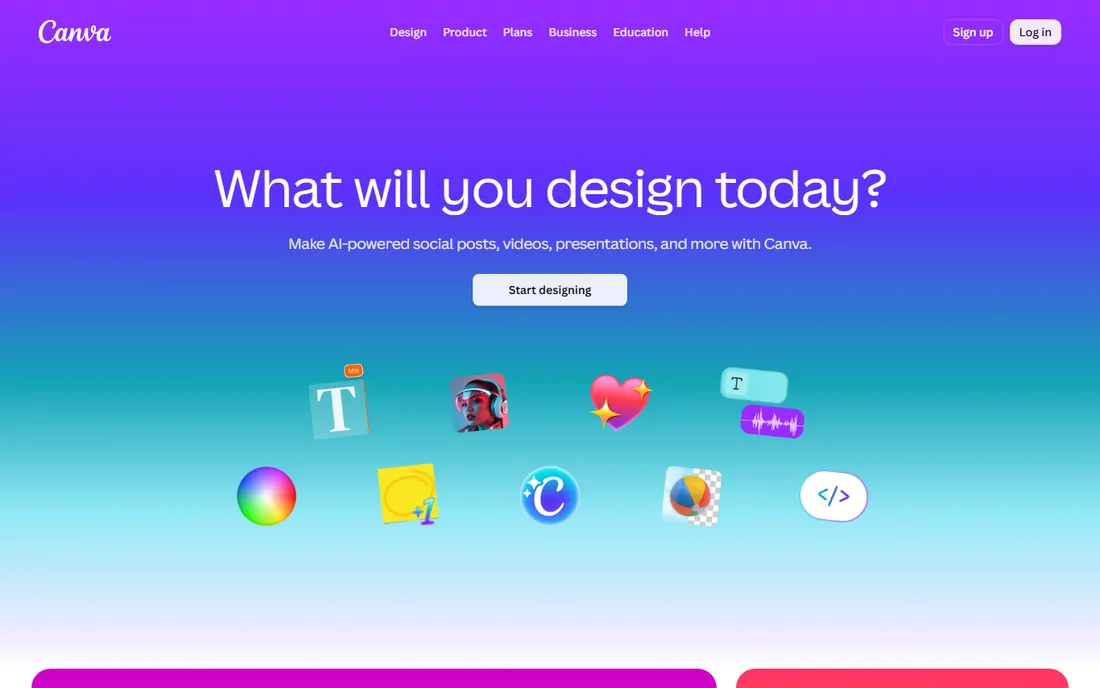
Canva is the default design tool for non-designers, and its slideshow features follow the same philosophy: thousands of templates, drag-and-drop editing, and one-click presenting or video export. The free plan covers a surprising amount, including animation presets and a large stock library, which is why so many small teams make their slideshows here by default.
The ceiling is real, though. Animation is preset-based with limited timing control, and longer or higher-quality video exports push you toward Pro. The brand kit, background remover, and premium stock assets that make client work look professional are all paid features. Canva is also a general design platform, so slideshow-specific workflows like music-synced timing get less attention than in dedicated tools.
If your slideshow is a narrated presentation with light motion, Canva is the fastest path.
What we like- Free plan is genuinely useful
- Enormous template library
- Easy sharing, collaboration, and presenting
Watch out for- Animation and timing controls are basic
- Video length limits on free
- Brand kit and background remover need Pro
#9
Photopia Creator
Best for: enthusiasts who outgrew template-based makers
Visit photopia.nl
Starting price$9.95/month ($99.95/year)
Free planFree trial
Photopia Creator is the enthusiast's choice that grew out of the old ProShow community. You get 950 plus built-in effects, full keyframe control over motion, multi-photo slides, and export to more than 50 formats including 4K, DVD, and Blu-ray. The show wizard builds a timed slideshow from a theme in minutes, and then you can fine-tune every slide as far as you want to go.
The pricing is subscription only at $9.95 a month or $99.95 a year, with a free trial that is short for a tool this deep. The community is passionate but small compared with Canva or Adobe, so tutorials and third-party templates are thinner on the ground. It runs on Windows and Mac as a desktop program.
Pick Photopia when templates bore you and you want real creative control without learning a full video editor.
What we like- 950 plus built-in effects and filters
- Deep motion control with keyframes
- More than 50 export formats
Watch out for- Subscription only, no lifetime license
- Short trial for learning a deep tool
- Smaller community than Canva or Adobe
How to pick slideshow software without overpaying
Start with the end product. A wedding film shown on a 4K TV needs resolution, color control, and careful timing, which points to a desktop tool. A product promo for Instagram needs speed, captions, and the right aspect ratio, which points to a browser tool. Buying a deep desktop editor for social clips is overpaying in both money and learning time.
Then check the license model against your usage. A one-time purchase or lifetime license wins if you make slideshows for years. A subscription wins if you need one project this month and nothing for the next six, since you can cancel. Watch for the commercial-use line: several free versions on this list exclude client work, and using them commercially can violate the license.
Finally, test the export before you commit. Make a short sample with your own photos, export it at the quality you need, and watch it on the screen where it will be shown. Watermarks, resolution caps, and format limits only appear at export time, which is the worst moment to discover them.
Desktop vs browser-based slideshow makers
Desktop tools win on control and quality. Keyframes, multi-layer slides, precise audio sync, and high-bitrate 4K exports are standard in SmartSHOW, Photopia, and Movavi, and your files stay on your machine. The price is a learning curve and a single-computer workflow, plus platform limits: several of the deepest tools are Windows only.
Browser tools win on speed and access. Templates, stock libraries, and collaboration live in Canva, Adobe Express, Animoto, and Renderforest, and you can start on a laptop and tweak on a phone. The price is subscription billing, watermarked free exports, and less precise control over motion and timing.
A practical split works well: use a browser tool for quick social content and a desktop tool for the projects that matter.
How we chose
We checked vendor homepages, pricing pages, and product documentation for each tool, and cross-checked claims against public reviews on G2, Capterra, and Reddit. We favored tools with clear pricing, a current 2026 release or active development, and export quality that holds up on modern screens. We looked at license models carefully, since free versions in this category often exclude commercial use, and we noted platform limits like Windows-only releases. We did not claim hands-on testing. Instead we compared feature lists, trial terms, and recent user reports to find the honest trade-offs.
Frequently asked questions
What is the best slideshow software for beginners?
For a complete beginner, Movavi Slideshow Maker or Canva will get you from photos to a finished video fastest, thanks to templates and guided workflows. If you want it free, PhotoStage and Icecream Slideshow Maker both run usable free versions on desktop.
Can I make a professional slideshow for free?
Yes, with limits. PhotoStage offers a free version for non-commercial use that never expires, and Canva, Adobe Express, Animoto, and Renderforest all run free plans. The usual limits are watermarks on exports, lower resolution, and restricted templates or stock assets. For personal projects these are fine; for client work, budget for a paid plan or a one-time license.
Which slideshow software is best for photographers?
Photographers who sell slideshows usually land on SmartSHOW 3D or Photopia Creator, because keyframes, multi-layer slides, and 4K or DVD export give client work a finished feel that templates cannot match. Both handle large photo batches well and export in formats clients can actually play. Check the commercial license terms of the edition you buy.
Do I need a powerful computer for slideshow software?
Browser tools like Canva and Adobe Express run on almost anything with a modern browser, since the heavy work happens on the vendor's servers. Desktop tools need more: 4K export and complex animations benefit from a recent processor and enough RAM, though none of the tools on this list demand a workstation. If your computer is older, start with a browser tool or the free desktop trials before paying.
What video format should I export my slideshow in?
MP4 with H.264 encoding is the safe default: it plays on phones, TVs, YouTube, and social platforms without conversion. Use 1080p for social and general sharing, and 4K only when the viewing screen justifies the larger file. If you are burning a DVD for family, check that your tool still supports disc authoring, since several vendors have dropped it.
Can I use my own music in a slideshow?
Every tool on this list lets you add your own audio tracks, and most include a built-in music library as well. The legal side matters more than the technical side: commercial music needs a license for client work or public posting, while the built-in libraries are cleared for the uses their licenses describe. When in doubt, use the vendor's included tracks or royalty-free sources.
Sources we checked (11)
- https://www.movavi.com
- https://smartshow-software.com/
- https://nchsoftware.com/slideshow/
- https://icecreamapps.com/
- https://animoto.com/
- https://www.animoto.com/pricing
- https://renderforest.com/
- https://express.adobe.com
- https://www.canva.com
- https://photopia.nl/
- https://photopia.nl/subscribe-photopia-creator/
Is your product missing or out of date?
We review this list regularly. Vendors can request a listing, send updated pricing or ask about featured placement.

Shihab Mia · Founder, Rankite
Shihab has spent more than a decade helping SaaS and e-commerce brands grow through search. He writes Rankite's software buying guides from pricing pages, documentation and public user reviews. More about Shihab.