How we make this list: we compare pricing pages, product documentation and public user reviews. Rankite is independent; if a vendor ever pays for a featured spot, that listing is clearly labeled Partner.
Key takeaways
- Qustodio is the best all-rounder for cross-platform families, with the strongest location tracking and a real free plan.
- Bark is the pick for teenagers on social media: it reads less and alerts smarter, monitoring 30+ apps for concerning content.
- Google Family Link, Apple Screen Time and Microsoft Family Safety are free and cover the basics well inside their own ecosystems.
- Norton Family and Net Nanny are solid mid-priced filters, but both skip call and text monitoring.
- Kaspersky Safe Kids has a genuinely useful free tier, but it cannot be bought in the US.
- Mobicip covers the widest range of devices, including Chromebook and Kindle, at a low entry price.
Quick comparison
| Tool | Best for | Starting price | Free plan |
|---|
 Qustodio Qustodio | all-round control across iPhone, Android, Windows and Mac | $54.95 per year (Basic; $99.95 per year Complete) | Yes (1 device with basic web filtering and time limits) |
 Bark Bark | monitoring teenagers across social media without reading everything | $14 per month (Premium; $5 per month Bark Jr) | Free trial |
 Norton Family Norton Family | families already using Norton security products | $49.99 per year | Free trial (30 days) |
 Net Nanny Net Nanny | real-time content filtering for younger children | $39.99 per year (1 device; $54.99 for 5; $89.99 for 20) | Free trial (14 days) |
 Google Family Link Google Family Link | free essentials on Android and Chromebooks | $0 | Yes |
 Apple Screen Time Apple Screen Time | free limits inside the Apple ecosystem | $0 (built into iOS, iPadOS and macOS) | Yes |
 Kaspersky Safe Kids Kaspersky Safe Kids | budget filtering with a genuinely useful free tier | See website (free plan available; premium plans from under $30 per year) | Yes (web filtering, app control, screen time and YouTube safe search) |
 Mobicip Mobicip | wide device coverage on a tight budget | $2.99 per month billed annually (Lite; $4.99 Standard; $7.99 Premium) | Free trial (7 days) |
 Microsoft Family Safety Microsoft Family Safety | free controls for Windows, Xbox, Android and iOS families | $0 | Yes |
Is your product missing or out of date?
We review this list regularly. Vendors can request a listing, send updated pricing or ask about featured placement.
#1
Qustodio
Best for: all-round control across iPhone, Android, Windows and Mac
Visit qustodio.com
Starting price$54.95 per year (Basic; $99.95 per year Complete)
Free planYes (1 device with basic web filtering and time limits)
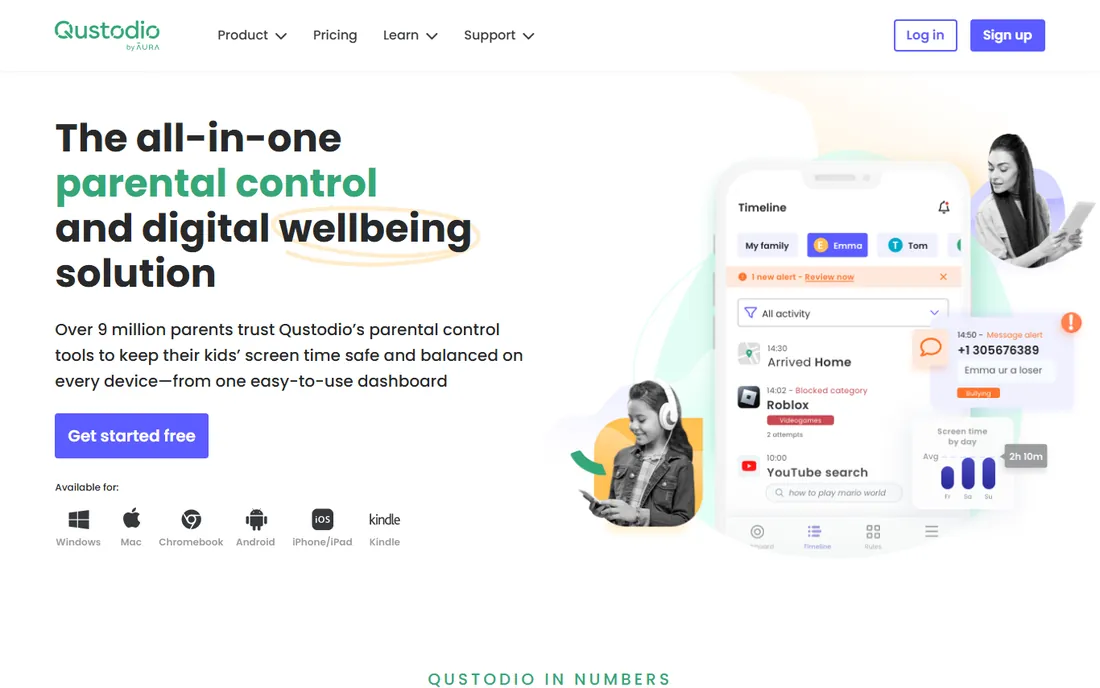
Qustodio is the safest default choice for a family with mixed devices. It runs on iOS, Android, Windows, Mac, Chromebook and Kindle, and the parent dashboard is the same everywhere. Location tracking is its standout: a full daily timeline of where your child has been, plus arrival and departure alerts for places like home and school.
The free plan covers one device with web filtering and time limits, enough to test the system properly. The Basic plan adds app blocking and location for five devices, while Complete adds per-app time limits, YouTube monitoring and call and text monitoring on Android. The honest weakness is the iOS gap: Apple simply does not allow the deep monitoring Android permits, so iPhone families get filtering and location more than surveillance.
What we like- Accurate GPS timeline with geofencing alerts and a panic button
- Monitors iMessage on iOS where rivals cannot
- 30-day money-back guarantee
Watch out for- IOS features are thinner than Android
- The features most families want need the $99.95 Complete plan
#2
Bark
Best for: monitoring teenagers across social media without reading everything
Visit bark.us
Starting price$14 per month (Premium; $5 per month Bark Jr)
Free planFree trial
Bark takes a different approach from the filters in this list. Instead of blocking the internet into a small safe corner, it watches your child's activity across 30+ apps and messages, then sends you an alert when it detects bullying, predation, self-harm, sexual content or similar risks. You do not read every text; you get told when something needs your attention.
That philosophy suits teenagers better than lockdown tools do. Bark Jr at $5 per month covers filtering, screen time and location for younger kids, while Premium adds the full monitoring suite. The price is the catch: $14 per month every month adds up against annual rivals. And iOS families should know the setup takes about 45 minutes and needs occasional attention after iOS updates.
What we like- Monitors 30+ apps and alerts you only to concerning content
- One price covers unlimited kids and devices
- Works with school-issued devices
Watch out for- The most expensive option here for what is mostly monitoring
- IOS setup needs maintenance after Apple updates
Starting price$49.99 per year
Free planFree trial (30 days)
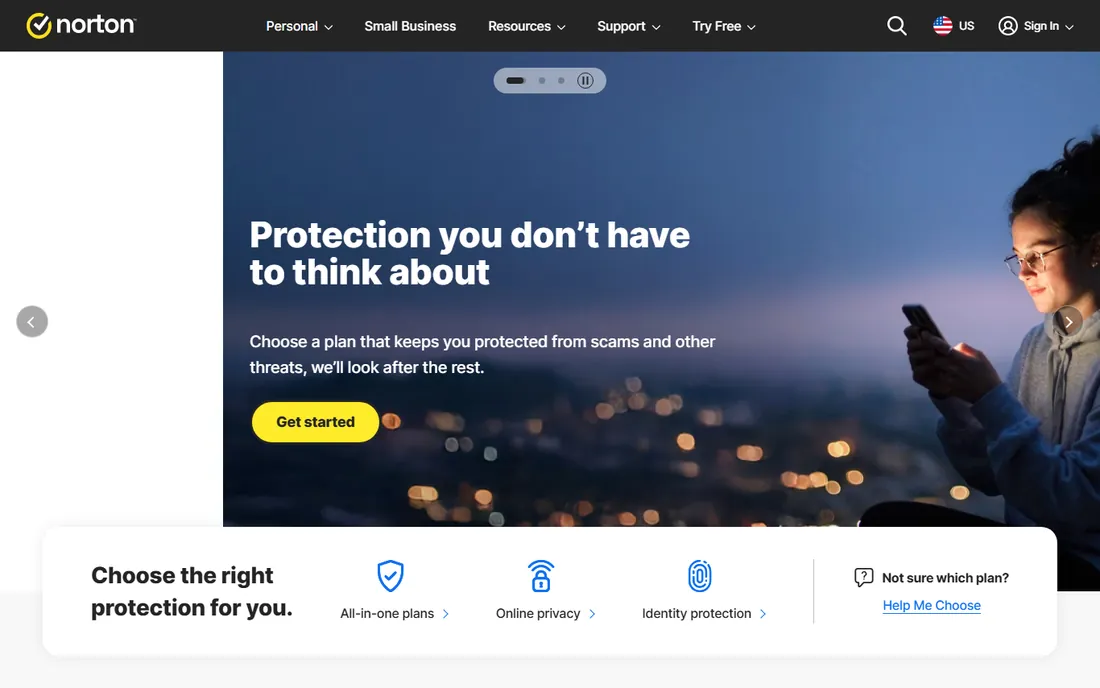
Norton Family is the sensible pick if your household already runs Norton antivirus. It comes bundled with Norton 360 Deluxe and higher tiers, which can eliminate a separate subscription entirely. Standalone, it costs $49.99 per year and covers web filtering, time supervision, app management, location tracking with 30-day history, and school-time schedules.
The feature set is honest about its limits: there is no monitoring of texts, calls or social messages, and a child's Mac cannot be protected (parents can still use the web portal from a Mac). For Windows and Android households that want web categories, schedules and location without message surveillance, it is good value with an unusually generous refund window.
What we like- 60-day money-back guarantee, the longest here
- Strong web supervision plus YouTube video and search monitoring
- Included free with Norton 360 Deluxe and higher
Watch out for- No call or text monitoring at all
- Child Macs are not supported
Starting price$39.99 per year (1 device; $54.99 for 5; $89.99 for 20)
Free planFree trial (14 days)
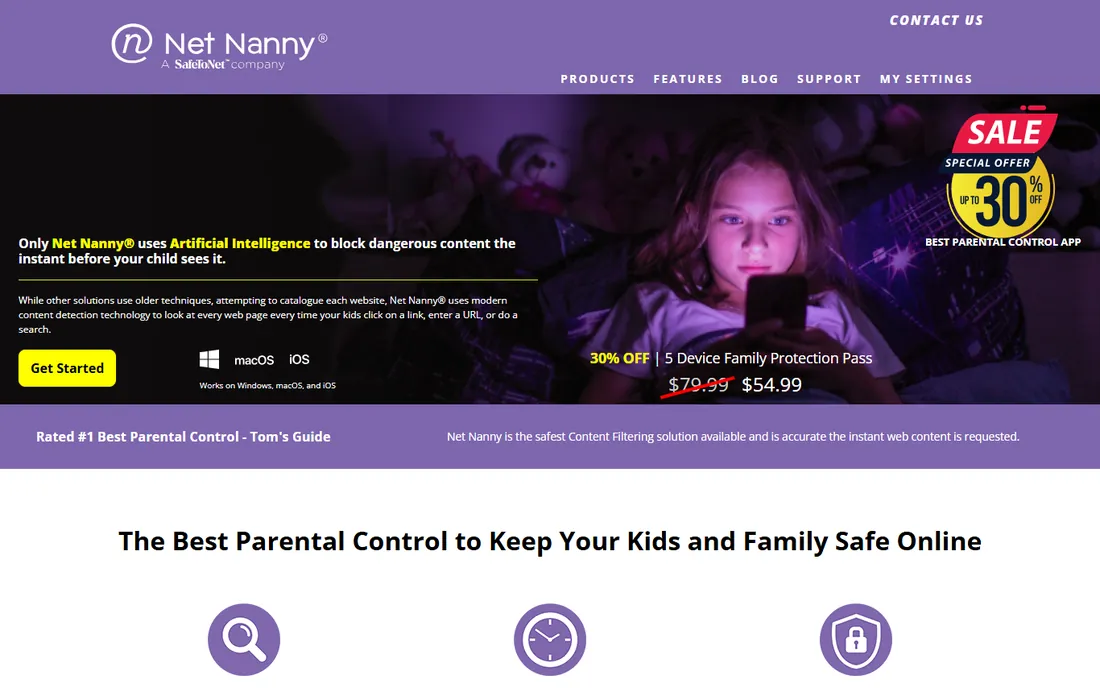
Net Nanny is one of the oldest names in parental controls, and its core strength is still content filtering. Rather than checking URLs against a list, it reads page content as it loads and decides whether it fits the child's profile. That catches new and obscure sites that list-based filters miss, which matters for younger kids who click everything.
Plans are annual only: $39.99 for one device, $54.99 for five, $89.99 for twenty, all with the full feature set. There is no monthly billing, so the upfront cost is higher than the per-month figures suggest. Location tracking exists but is basic compared with the GPS timelines elsewhere in this list. Buy Net Nanny for filtering quality, not for finding your teenager.
What we like- Analyzes page content in real time instead of relying on blocklists
- Protecting families since 1996
- YouTube monitoring and instant alerts included
Watch out for- Annual billing only, no monthly option
- Location features lag behind Qustodio and Bark
Starting price$0
Free planYes
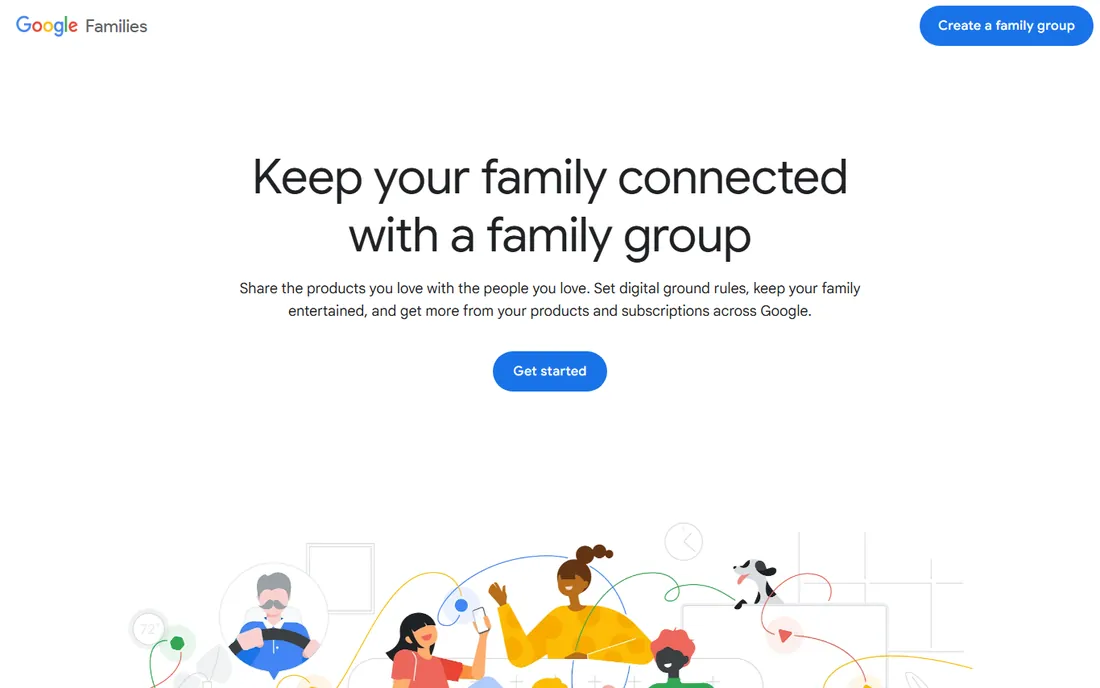
If your child uses an Android phone or a Chromebook, start here before spending anything. Family Link handles the fundamentals well: approve or block app downloads, set daily limits and bedtimes, filter content in Google services, and see location. It costs nothing and has no premium tier waiting to upsell you.
The limits are the ecosystem. On an iPhone, Family Link can do far less, and it does nothing for Windows PCs or Macs. There is no monitoring of messages or social apps beyond Google's own services. For a young child whose digital life is mostly Android and YouTube Kids, it is genuinely enough. For a teenager spread across five social apps, pair it with something stronger.
What we like- Completely free with no upsell
- App approvals, screen time and bedtime schedules built in
- Location sharing included
Watch out for- Weak on iPhones and non-Google devices
- No call, text or social media monitoring
#6
Apple Screen Time
Best for: free limits inside the Apple ecosystem
Visit apple.com
Starting price$0 (built into iOS, iPadOS and macOS)
Free planYes
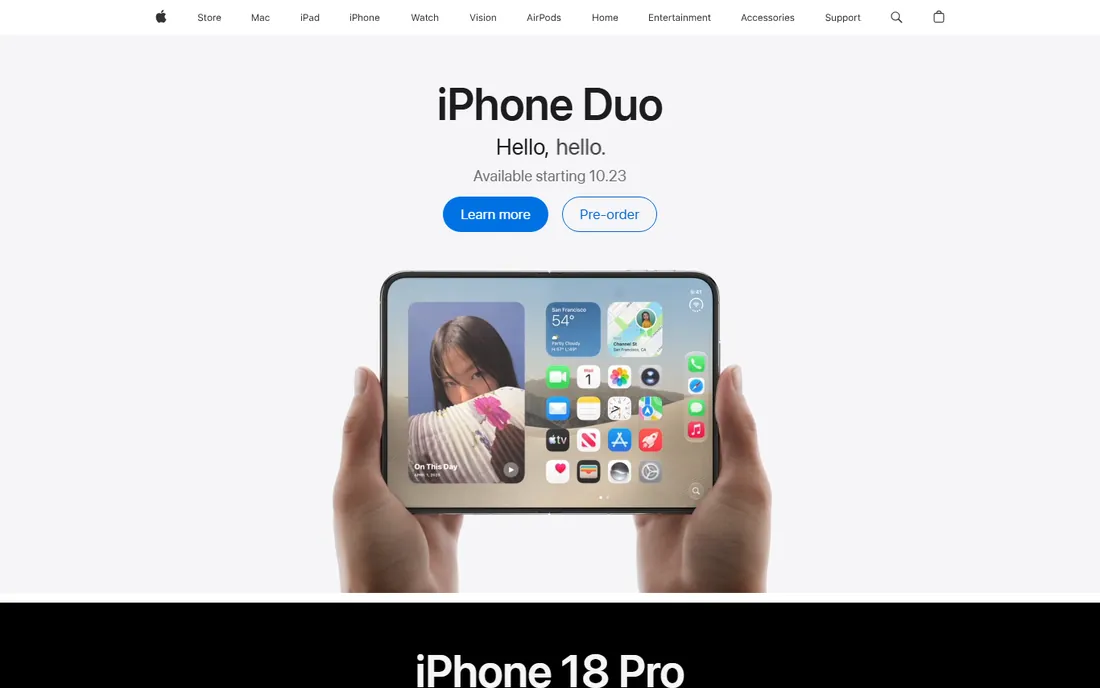
Apple Screen Time is the option most iPhone families already have and have not fully set up. Downtime schedules the phone off at bedtime, app limits cap social media or games, and content restrictions filter by age rating across apps, web and purchases. It syncs across your child's Apple devices under one Family Sharing setup.
It costs nothing and needs no third party, which is also its boundary. In a house with an Android tablet or a Windows laptop, Screen Time covers only part of the picture. And teenagers share workarounds online, from changing time zones to using alternative browsers, so treat it as friction rather than a wall. For under-10s on iPads, though, it is often all you need.
What we like- Built into every iPhone, iPad and Mac with nothing to install
- Downtime, app limits and content restrictions work well
- Purchase approvals for kids' accounts
Watch out for- Apple-only, useless for Android or Windows devices
- Determined kids find workarounds
Starting priceSee website (free plan available; premium plans from under $30 per year)
Free planYes (web filtering, app control, screen time and YouTube safe search)

Kaspersky Safe Kids has the best free tier in this category. The free plan includes web filtering, app management, screen time controls and YouTube safe search on unlimited devices, which covers the basics for most families at no cost. The premium tier adds scheduling, GPS tracking, social monitoring and real-time alerts for one of the lowest prices in the market.
The giant asterisk is geography: Kaspersky products cannot be sold in the United States following the government ban, so US families should skip this entry entirely. Outside the US it is a strong budget pick, though social media monitoring stays shallow and iOS functionality is limited, the usual Apple constraints applying here too.
What we like- Free plan covers unlimited devices with real features
- Premium is among the cheapest paid options
- Battery tracker and geofencing included
Watch out for- Cannot be purchased in the US due to the government ban
- Social media monitoring is basic
Starting price$2.99 per month billed annually (Lite; $4.99 Standard; $7.99 Premium)
Free planFree trial (7 days)
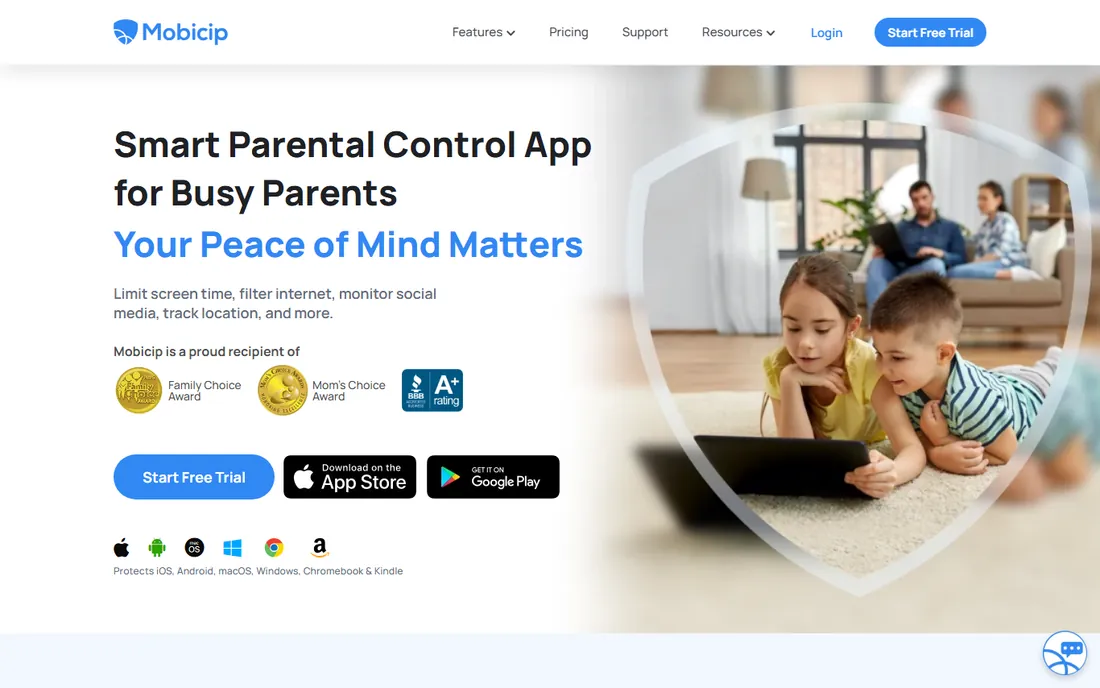
Mobicip is the coverage play: six platforms under one subscription, including Chromebook and Kindle, which several rivals skip. The Lite plan at $2.99 per month billed annually is the cheapest entry in this list, covering screen time, website blocking and activity reports on five devices.
Read the tier differences before buying. Social media monitoring and app timers, arguably the point of a parental app for older kids, only appear on the $7.99 Premium plan. The Standard tier mostly adds device count. There is also no geofencing, so location-aware families should look at Qustodio or Bark instead. For basic, affordable, everywhere coverage, Mobicip is hard to beat.
What we like- Covers iOS, Android, Windows, Mac, Chromebook and Kindle
- Lite plan is one of the cheapest entries available
- Premium adds social media monitoring
Watch out for- Full features need the $7.99 per month Premium plan
- No geofencing alerts
#9
Microsoft Family Safety
Best for: free controls for Windows, Xbox, Android and iOS families
Visit microsoft.com
Starting price$0
Free planYes
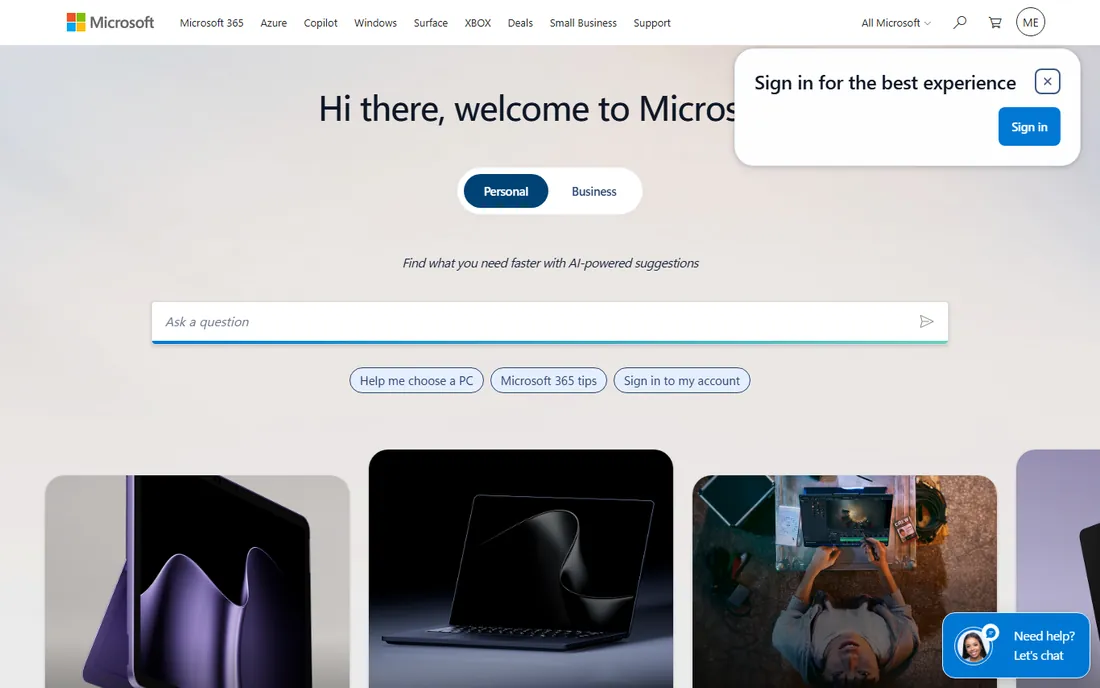
Microsoft Family Safety is the free option Windows and Xbox households overlook. It sets screen time limits across Windows PCs and Xbox consoles from one app, filters web content, manages app and game purchases by age rating, and shares family location. Parents use it from Android or iPhone; the child side covers Windows, Xbox, Android and iOS.
It is strongest where Microsoft is strongest. Game time limits on Xbox and app limits on Windows are genuinely useful, while controls on a child's iPhone are thinner. Driving reports, which summarize a teen driver's phone use behind the wheel, sit behind a Microsoft 365 subscription. As a free layer on top of the devices you already own, it is excellent value.
What we like- Completely free
- Screen time, content filters, app and game limits, and location sharing
- Works across Windows, Xbox, Android and iOS
Watch out for- App and game limits work best inside Microsoft's ecosystem
- Driving safety reports need a Microsoft 365 subscription
Setting Up Parental Controls Without the Fights
The tool matters less than the rollout. Tell your child what you are installing and why, before it appears on their phone. Secret surveillance discovered later destroys trust faster than any app can rebuild it. Agree on the rules together: which hours are screen-free, which apps need approval, what happens when a limit hits.
Start strict, then loosen. It is easier to relax a rule your child has outgrown than to tighten one after problems start. Review the dashboard together weekly at first; the goal is a teenager who eventually needs none of this, not a permanent monitoring contract. And put the same kinds of limits on your own phone for a month. Nothing sells the rules like visible fairness.
How we chose
We compared vendor pricing pages and feature documentation against public reviews on Capterra, G2 and parent forums, weighting true cross-platform support on both iPhone and Android. We favored tools with real free tiers or trials and noted where iOS restrictions weaken a feature set. We did not claim hands-on testing. Prices and plan names change, so confirm on the vendor site before buying.
What to Look for in a Parental Control App
True cross-platform coverage
Check that the features you care about work on your child's actual devices. Many tools list iOS and Android support while reserving the best monitoring for Android. If your house is all iPhones, test the iOS version during the trial before committing.
Filtering versus monitoring
Filters block content before your child sees it; monitoring watches activity and alerts you after. Younger kids need filtering. Teenagers usually respond better to monitoring with clear rules, since total lockdown at 15 tends to produce workarounds rather than safety.
Location done right
If location matters to you, look for a live map, location history and geofencing alerts for home, school and other places. A simple "last known location" is much less useful than a timeline with arrival notifications.
Pricing honesty
Compare annual totals, not monthly teasers. Some tools quote a low monthly figure that requires annual prepayment. Check device limits too: a cheap plan covering two devices can cost more than a pricier unlimited plan in a three-child household.
Frequently asked questions
Do parental control apps work on both iPhone and Android?
The apps in this list all offer both iOS and Android versions, but features differ by platform. Apple restricts third-party monitoring, so call logs, text monitoring and some app controls are Android-only almost everywhere. Always check the iOS feature list if your child uses an iPhone.
Can my child bypass parental controls?
A determined teenager can bypass almost anything: VPNs, alternate browsers, factory resets, or simply a friend's device. Controls work best as friction plus conversation, not as a vault. No app replaces agreed rules and regular check-ins.
Should I tell my child they are being monitored?
Yes. Covert monitoring tends to backfire when discovered, and in some places monitoring an older teen secretly raises legal questions. Frame it as a safety phase with a path to fewer restrictions as trust builds. Most family therapists recommend transparency.
What age should I start using parental controls?
For filtering and screen-time limits, as soon as a child gets their own device, often around 8 to 10. Monitoring-style tools fit the early teen years when social media enters the picture. Plan to reduce controls through the mid-teens rather than maintaining the same setup at 17 as at 9.
Are free parental controls enough?
For young children on a single ecosystem, often yes: Google Family Link on Android or Apple Screen Time on iPhone covers filtering and limits well. Paid tools earn their price with cross-platform dashboards, location tracking, social media monitoring and support for mixed-device households.
Sources we checked (13)
- https://www.qustodio.com
- https://www.bark.us
- https://us.norton.com
- https://www.netnanny.com
- https://families.google.com
- https://www.apple.com
- https://usa.kaspersky.com
- https://www.mobicip.com
- https://www.microsoft.com
- https://www.securityhero.io/best-parental-control-app-for-iphone/
- https://www.cloudwards.net/qustodio-review/
- https://www.safetydetectives.com/best-parental-control/net-nanny/
- https://www.safetydetectives.com/best-parental-control/kaspersky-safe-kids/
Is your product missing or out of date?
We review this list regularly. Vendors can request a listing, send updated pricing or ask about featured placement.

Shihab Mia · Founder, Rankite
Shihab has spent more than a decade helping SaaS and e-commerce brands grow through search. He writes Rankite's software buying guides from pricing pages, documentation and public user reviews. More about Shihab.