How we make this list: we compare pricing pages, product documentation and public user reviews. Rankite is independent; if a vendor ever pays for a featured spot, that listing is clearly labeled Partner.
Key takeaways
- Empower's free Personal Dashboard is the best free starting point for US investors who want net worth tracking plus a retirement planner.
- Sharesight is the strongest pick for dividend investors and anyone who needs tax-ready performance reports across multiple countries.
- Kubera is the only tool here built for total net worth, tracking property, vehicles, and private investments alongside brokerage accounts.
- Morningstar Investor is research software, not a tracker: buy it for analyst reports and Portfolio X-Ray, not for watching daily balances.
Quick comparison
| Tool | Best for | Starting price | Free plan |
|---|
 Empower Empower | Free all-in-one money tracking | Free (Personal Dashboard) | Yes |
 Morningstar Investor Morningstar Investor | Independent research before you buy | $249/year ($34.95/month) | No (7-day free trial) |
 Sharesight Sharesight | Dividend tracking and tax reports | From $7/month (billed annually) | Yes (1 portfolio, 10 holdings) |
 Kubera Kubera | Tracking everything you own and owe | From $199/year | No (14-day trial for $1) |
 Simply Wall St Simply Wall St | Visual company analysis for beginners | From $10/month | Yes (5 company reports per month) |
 Snowball Analytics Snowball Analytics | Dividend income and rebalancing | From $6.70/month ($79.99/year) | Yes (1 portfolio, 10 holdings) |
 Delta Investment Tracker Delta Investment Tracker | Mobile-first multi-asset tracking | $99.99/year (Pro) | Yes |
 StockMarketEye StockMarketEye | Desktop investors who distrust the cloud | $74.99/year | Free trial (14 days) |
Is your product missing or out of date?
We review this list regularly. Vendors can request a listing, send updated pricing or ask about featured placement.
Investment software that keeps your money visible
Starting priceFree (Personal Dashboard)
Free planYes
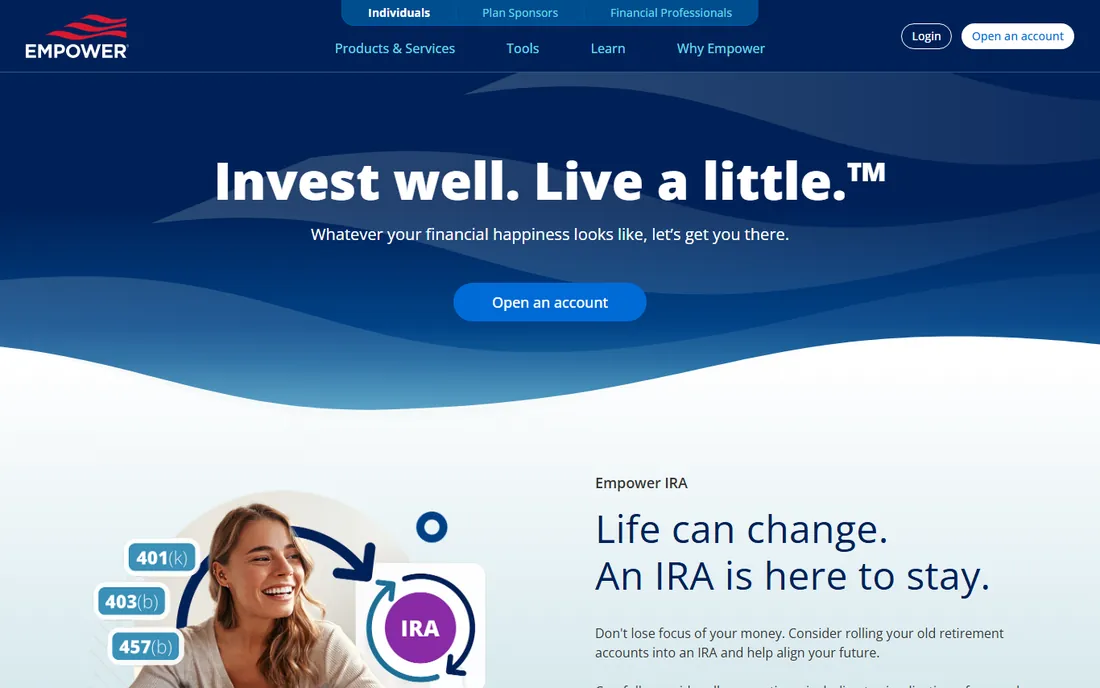
Empower, formerly Personal Capital, offers the most capable free dashboard in personal finance. Link your bank, brokerage, and loan accounts and you get net worth tracking, cash flow views, a retirement planner with Monte Carlo projections, and a fee analyzer that surfaces what your mutual funds and 401(k) quietly charge. No card is required to sign up.
The business model is the catch. Empower gives the dashboard away to find customers for its paid advisory service, which starts at 0.89% a year with a $100,000 minimum, and users report persistent sales outreach after linking large balances. International investors should also note the US-centric design: no real multi-currency tracking and no capital gains tax reports. For US-based investors who want a free command center, nothing else matches it.
What we like- Free net worth tracking across linked accounts
- Retirement planner with projections
- Investment fee analyzer finds hidden fund costs
Watch out for- US-focused with weak multi-currency support
- Expect sales calls for its paid advisory service
Starting price$249/year ($34.95/month)
Free planNo (7-day free trial)
Morningstar Investor is not a portfolio tracker, it is a research library. The subscription buys analyst reports on thousands of stocks and funds, each with a fair value estimate from analysts paid by subscribers rather than by the companies they cover. Portfolio X-Ray looks through your holdings to show true asset allocation, overlapping positions, and the fees you actually pay.
At $249 a year, the math only works above a certain portfolio size. On a $100,000 portfolio the fee is 0.25% a year, trivial if it helps you swap one mediocre fund. On a $10,000 portfolio it is 2.49%, which no amount of research justifies. Use the 7-day trial aggressively: run X-Ray on your holdings, read the reports on your five largest positions, and decide before day seven, since annual plans do not refund.
What we like- Analyst reports with fair value estimates
- Star and Medalist ratings on funds
- Portfolio X-Ray exposes overlap and fees
Watch out for- Expensive for small portfolios
- Monthly plan costs far more than annual
Starting priceFrom $7/month (billed annually)
Free planYes (1 portfolio, 10 holdings)
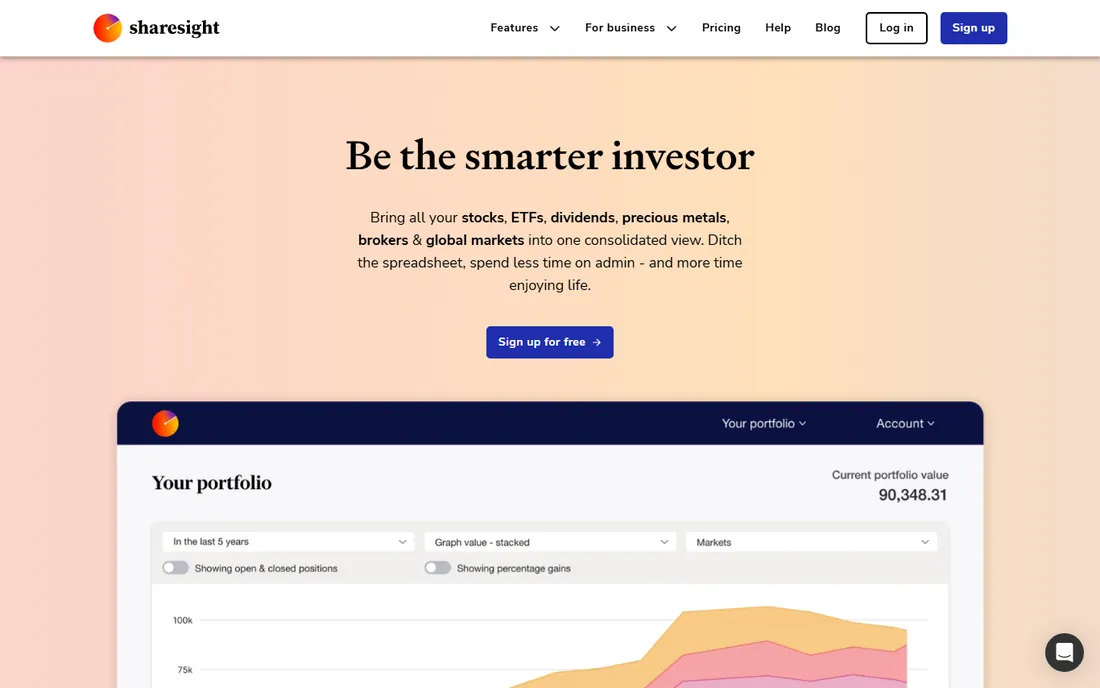
Sharesight has tracked portfolios since 2007 and built its reputation on the boring work that matters: automatic dividend recording, corporate action handling, and country-specific tax reports that save hours every April. It connects to roughly 240 brokers and separates capital gains from currency gains in its performance numbers, a detail multi-currency investors will appreciate.
The free plan covers one portfolio with 10 holdings, enough for an index fund investor to use forever. Paid tiers run from $7 a month for Starter to $23.25 for Expert, gating holdings, portfolio counts, and advanced reports. The limitation is scope: real estate and private equity are second-class entries, and there is no liability tracking. For stock and ETF investors, especially dividend-focused ones, it remains the benchmark.
What we like- Automatic dividend tracking and corporate actions
- Tax reports for the US, UK, Canada, Australia, and NZ
- Connects to around 240 brokers
Watch out for- Built for listed securities, weak on property and alternatives
- Each portfolio locks to one base currency
Starting priceFrom $199/year
Free planNo (14-day trial for $1)
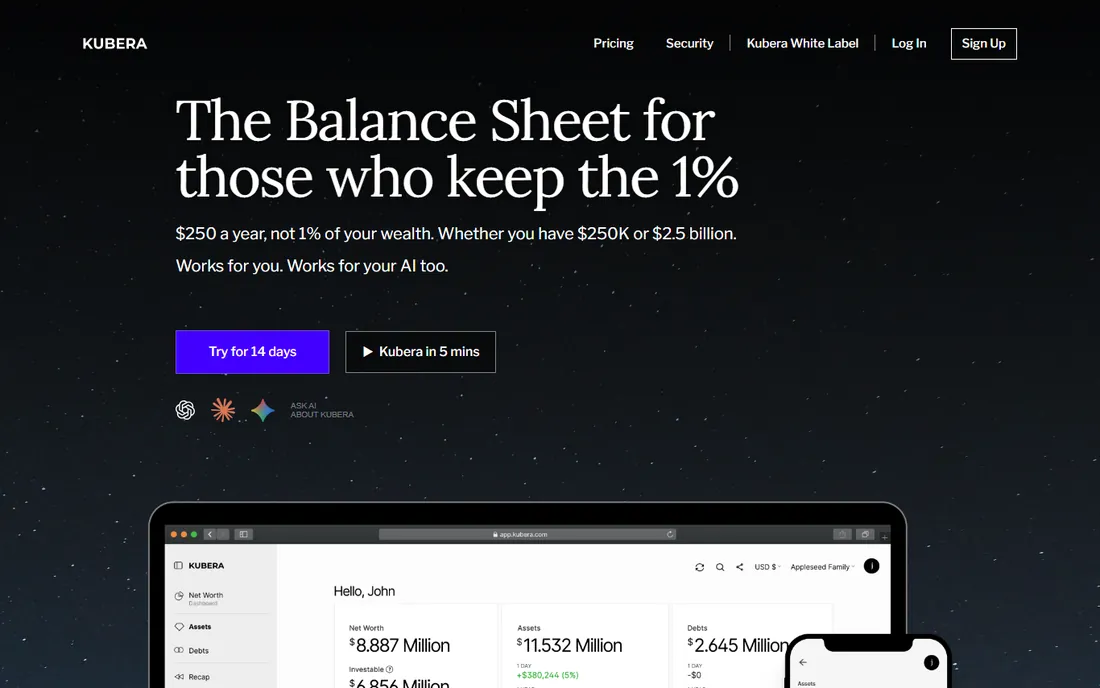
Kubera answers a different question from every other tool here: not how is my portfolio doing, but what is my net worth. Alongside stocks, ETFs, and crypto it tracks real estate valuations, vehicles, private investments, cash, and debts, then nets everything into one number with a future net worth estimator. Connections cover more than 20,000 financial institutions across dozens of countries.
There is no free plan, and at $199 a year it is priced for people with meaningful assets to track. The analytics are also thinner than dedicated portfolio tools: Kubera tells you what you own, not whether your allocation is smart. Pair it with a research tool if you need both, or accept that net worth visibility is the whole point.
What we like- Tracks property, vehicles, crypto, and private investments alongside stocks
- 20,000+ bank and broker connections
- Digital vault and estate planning tools
Watch out for- No free tier at all
- Weaker on deep investment analytics than Sharesight or Snowball
Starting priceFrom $10/month
Free planYes (5 company reports per month)
Simply Wall St turns balance sheets into pictures. Its Snowflake visualization scores every company on value, future growth, past performance, financial health, and dividends, letting a beginner judge fundamentals without reading a 10-K. Coverage of UK, Australian, and European exchanges is stronger than most US-focused tools, and the portfolio Snowflake aggregates your whole portfolio's health into one view.
The free tier allows just 5 company reports a month, so real use starts at around $10 a month for Premium or $20 for Unlimited. It is built for buy-and-hold investors, not traders: there is no technical analysis to speak of, and the analysis depth will not satisfy anyone building their own valuation models. As a first research tool for long-term investors, the visual approach works.
What we like- Snowflake visual summarizes a stock's health at a glance
- Strong international market coverage
- Affordable paid tiers
Watch out for- Shallow for active traders
- Free tier is very limited
Starting priceFrom $6.70/month ($79.99/year)
Free planYes (1 portfolio, 10 holdings)
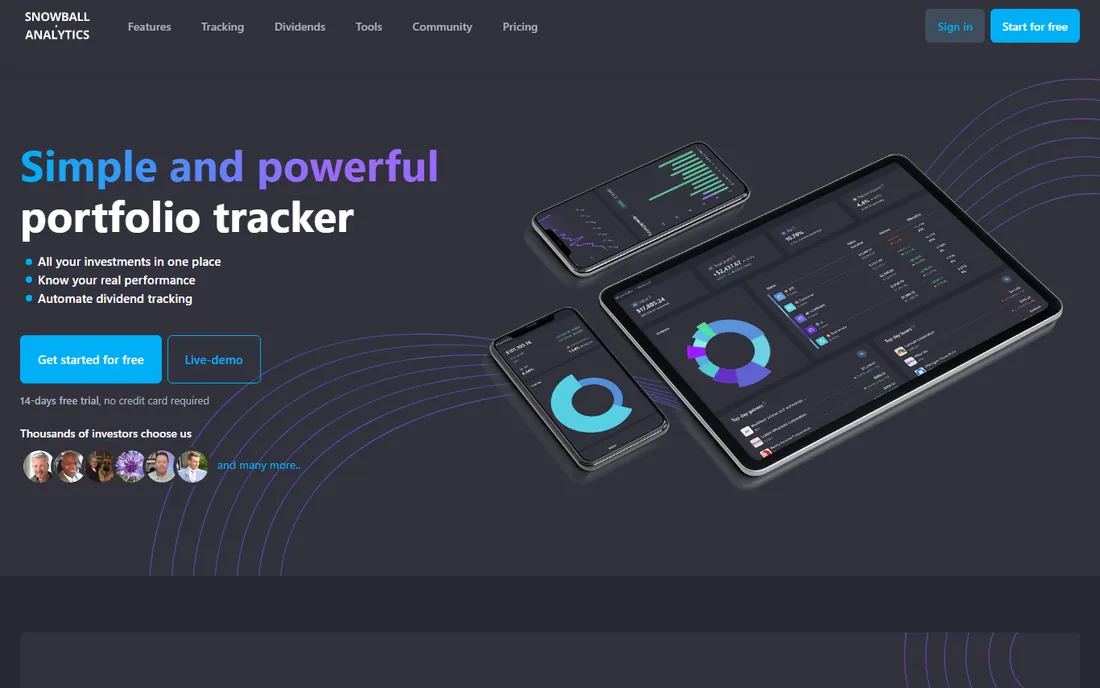
Snowball Analytics is built for the dividend and FIRE crowd. The dividend calendar forecasts 12 months of income, a proprietary Dividend Rating scores payers, and the rebalancing tools suggest trades to hit your target allocation. Backtesting lets you stress-test allocation strategies against 30+ years of data, and the dashboard is fully customizable with native mobile apps.
Pricing is friendly: a free tier with 10 holdings, then Starter at $79.99 a year, Investor at $149.99, and Expert at $249.99, each with a 14-day trial. The gaps are real, though: no liabilities, no options or short positions, and no cost-basis methods for capital gains tax. For mainstream stock and ETF portfolios with a dividend focus, it is one of the best values here.
What we like- Dividend calendar with 12-month income forecast
- Rebalancing and allocation backtesting tools
- Native iOS and Android apps
Watch out for- No liability tracking or options support
- Newer company with a smaller track record
#7
Delta Investment Tracker
Best for: Mobile-first multi-asset tracking
Visit delta.app
Starting price$99.99/year (Pro)
Free planYes
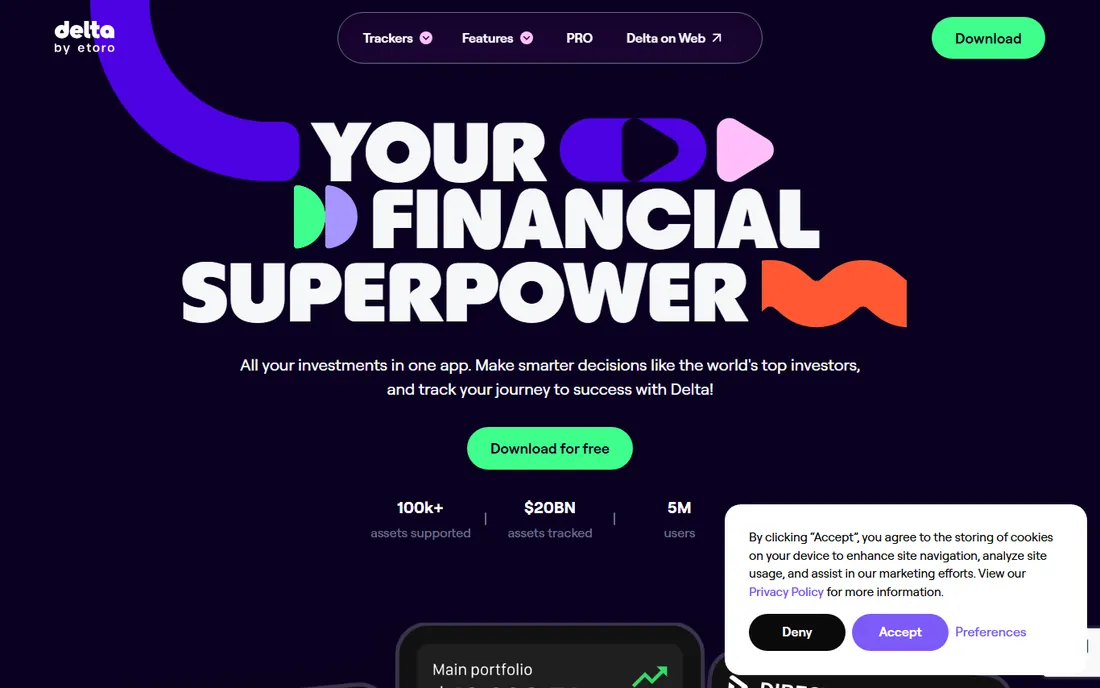
Delta started as a crypto tracker and grew into a polished multi-asset portfolio app with one of the best mobile interfaces in the category. Stocks, ETFs, crypto, funds, and commodities sit in one dashboard with real-time pricing, personalized alerts, and curated news explaining why your holdings move. Being part of the eToro family since its acquisition adds institutional backing.
The free plan covers casual tracking but limits broker and exchange connections, pushing serious users to Pro at $99.99 a year. It is a tracker, not an analyst: do not expect Morningstar-style research or Sharesight-grade tax reports. For investors who check their portfolio on the phone and want everything in one good-looking app, Delta delivers.
What we like- Clean mobile app covering stocks, crypto, ETFs, and funds
- Real-time prices and alerts
- Now part of eToro
Watch out for- Free plan limits connected platforms
- Desktop experience is secondary
Starting price$74.99/year
Free planFree trial (14 days)
StockMarketEye is refreshingly old-fashioned: desktop software that keeps your portfolio data on your own machine. It imports from brokerages, tracks performance and allocations, charts historical prices, and supports multiple currencies, with companion mobile apps for checking in on the go. At $74.99 a year it undercuts most cloud competitors.
The age shows. The interface looks like 2010, and recent user reviews complain about quote feed reliability, which is fatal for a tracker. There is no free tier, only a 14-day trial, so test the quote quality on your own holdings before paying. For privacy-minded investors who want local control, it remains one of the few options left.
What we like- Runs on Windows, Mac, and Linux with local data
- Brokerage import plus watchlists and charting
- No subscription lock on your data
Watch out for- Interface feels dated
- Quote reliability has drawn user complaints
When a spreadsheet stops being enough
Most investors start in a spreadsheet and it works until it does not. The breaking points are predictable: dividends and splits that need manual recording, multiple brokers that never reconcile, currency conversions you keep getting wrong, and tax time when cost basis becomes a archaeology project. If you spend more than an hour a month maintaining your tracker, paid software has already paid for itself.
The free tier ladder is worth climbing first. Empower, Sharesight, Snowball Analytics, and Delta all offer genuinely usable free plans. Run two side by side for a month with your real accounts before paying for anything, since the best tool is the one whose workflow you will actually maintain.
How we chose
We reviewed official pricing pages, feature documentation, and support materials for each vendor, then cross-checked against independent reviews on G2, Reddit investing communities, and current portfolio tracker roundups. We weighted account connection breadth, asset class coverage, dividend and tax reporting quality, mobile and desktop experience, pricing transparency, and the usability of free tiers. We did not open brokerage accounts to test syncing hands-on.
How to pick your portfolio tracker
Start with what you hold. US investors with standard brokerage and retirement accounts should try Empower's free dashboard first. Dividend investors and anyone needing tax reports should shortlist Sharesight and Snowball Analytics. If your wealth spans property, crypto, and private investments, Kubera is the only tool built for that job.
Separate tracking from research. Trackers tell you what you own and how it performed. Research tools like Morningstar Investor and Simply Wall St tell you whether you should own it. Most serious investors end up with one of each, and the combined cost is still less than a single bad fund choice.
Mind the upsell. Free dashboards from Empower and others exist partly to sell advisory services. That does not make them bad tools, but understand the business model before linking every account you own, and use read-only connections where the platform supports them.
Frequently asked questions
What is the best free investment tracking software?
Empower's Personal Dashboard is the most capable free option for US investors, with net worth tracking, a retirement planner, and a fee analyzer at no cost. Sharesight, Snowball Analytics, and Delta also offer usable free tiers with holding limits.
Do I need to pay for portfolio tracking?
Not at first. Free tiers cover basic tracking for small portfolios, and a spreadsheet works for very simple setups. Paid plans become worth it when you hold many positions across brokers, need tax reports, or spend real time maintaining manual records.
Is it safe to link my brokerage accounts to these apps?
Reputable trackers use read-only connections through aggregators and do not store your login credentials themselves. Use strong unique passwords, enable two-factor authentication everywhere, and prefer platforms that support read-only or token-based connections.
What is the difference between a portfolio tracker and a robo-advisor?
A tracker shows what you own and how it performs; it does not move your money. A robo-advisor like Wealthfront or Betterment actually manages and rebalances your investments for a fee, usually around 0.25% a year.
Can these tools track crypto and real estate too?
Kubera tracks crypto, real estate, vehicles, and private investments alongside traditional assets. Delta covers crypto and stocks in one app. Sharesight and Snowball Analytics focus on listed securities, with alternatives handled as basic custom entries.
Which tool is best for dividend investors?
Sharesight leads on automatic dividend tracking and tax-ready income reports, with Snowball Analytics close behind on dividend calendars and income forecasting. Both offer free tiers so you can compare them on your own portfolio.
Sources we checked (12)
- https://www.empower.com
- https://www.morningstar.com
- https://www.sharesight.com
- https://www.kubera.com
- https://simplywall.st
- https://snowball-analytics.com
- https://delta.app
- https://www.stockmarketeye.com
- https://www.saasworthy.com/product/sharesight/pricing
- https://www.saasworthy.com/product/snowball-analytics/pricing
- https://www.mymillennialguide.com/empower-review/
- https://tickernerd.com/resources/morningstar-review/
Is your product missing or out of date?
We review this list regularly. Vendors can request a listing, send updated pricing or ask about featured placement.

Shihab Mia · Founder, Rankite
Shihab has spent more than a decade helping SaaS and e-commerce brands grow through search. He writes Rankite's software buying guides from pricing pages, documentation and public user reviews. More about Shihab.