How we make this list: we compare pricing pages, product documentation and public user reviews. Rankite is independent; if a vendor ever pays for a featured spot, that listing is clearly labeled Partner.
Key takeaways
- Quicken Classic remains the most complete checkbook register for US households, with bank downloads and bill tracking, sold as an annual subscription.
- If you want to own your software outright, Moneydance and AceMoney still sell perpetual licenses with no subscription.
- YNAB is the best pick for people who overspend, built around giving every dollar a job, with a free trial and no free plan.
- Goodbudget, EveryDollar and PocketGuard all offer genuinely free plans that cover a basic digital checkbook register.
- GnuCash is completely free and open source, best for detail-oriented users who like double-entry accounting.
Quick comparison
| Tool | Best for | Starting price | Free plan |
|---|
 Quicken Classic Quicken Classic | US households that want everything in one place | See website (annual subscription, tiered) | No |
 YNAB YNAB | People who want to stop living paycheck to paycheck | See website (monthly or annual subscription) | Free trial |
 Moneydance Moneydance | People who want to buy finance software once | See website (one-time purchase) | Free trial |
 CountAbout CountAbout | A simple online register without the Quicken weight | See website (annual plans, basic and premium) | Free trial |
 Banktivity Banktivity | Apple-only households | See website (annual subscription) | Free trial |
 Goodbudget Goodbudget | Couples sharing an envelope budget | Free plan; paid Plus tier, see website | Yes |
 EveryDollar EveryDollar | Fans of simple zero-based budgeting | Free plan; paid tier with bank sync, see website | Yes |
 PocketGuard PocketGuard | People who mainly want to know what is safe to spend | Free plan; paid Plus tier, see website | Yes |
 AceMoney AceMoney | A no-frills Windows checkbook register | See website (one-time purchase) | Free trial |
 GnuCash GnuCash | Detail lovers who want free double-entry accounting | Free (open source) | Yes |
Is your product missing or out of date?
We review this list regularly. Vendors can request a listing, send updated pricing or ask about featured placement.
The best checkbook software
A freelance designer in Ohio told me she kept her checking account in a paper register until 2024, then lost a weekend untangling three months of unreconciled statements. A week after switching to a digital checkbook app, she spotted a duplicate subscription charge she had missed for half a year. That is the real job of checkbook software: not fancy charts, but a register you trust enough to reconcile every month. I compared the ten tools that do this job best in 2026, weighing bank connectivity, reconciliation features, pricing honesty and how they treat your data.
#1
Quicken Classic
Best for: US households that want everything in one place
Visit quicken.com
Starting priceSee website (annual subscription, tiered)
Free planNo

Quicken invented this category and still defines it. Bank accounts download transactions automatically, bills show up before they are due, and the register reconciliation flow matches the paper process closely enough that converts feel at home. Deluxe covers most households; Premier adds investing tools.
The subscription model changed the deal. Let it lapse and downloads stop, which gives the vendor painful control over access to your own financial data. Still, for a US household with several accounts, a mortgage and investments, nothing else connects to as many institutions or handles the edge cases as well. Buy the tier you need and no higher.
What we like- Deepest bank and bill-pay coverage in the US
- Strong reconciliation workflow
- Decades of refinement
Watch out for- Subscription only, stops working fully if you lapse
- Interface carries years of accumulated clutter
- Upsells within the app
Starting priceSee website (monthly or annual subscription)
Free planFree trial
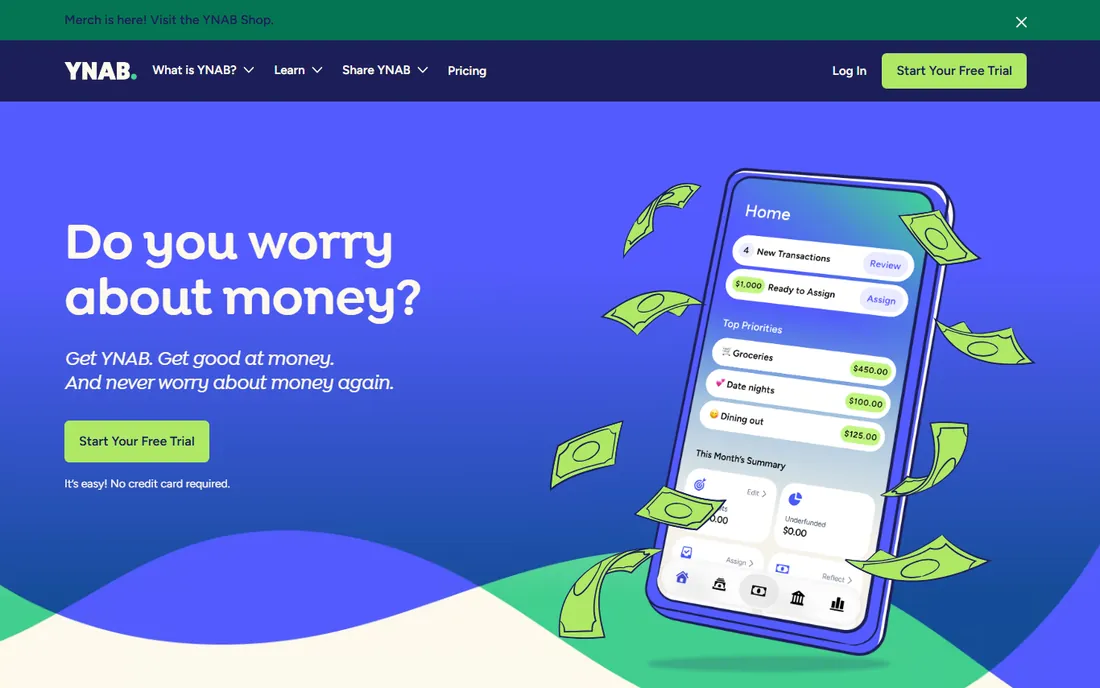
YNAB is less a checkbook and more a discipline. Every dollar gets assigned a job before the month starts, and the software makes overspending visible immediately instead of at month end. Users who stick with the method report the classic result: an emergency fund where none existed.
It demands participation. If you will not categorize transactions and check balances before spending, the subscription is wasted. There is no free tier, only a trial, so commit to the trial fully: connect your accounts, do one full month, and judge it on whether your savings moved.
What we like- Method actually changes spending behavior
- Excellent education and support
- Bank sync plus manual entry
Watch out for- No free plan
- Subscription price has risen over the years
- Requires real engagement, not passive tracking
Starting priceSee website (one-time purchase)
Free planFree trial
Moneydance is the quiet rebel: a full desktop finance manager sold for a single one-time payment. It downloads transactions, reconciles accounts, tracks investments and budgets, and stores everything locally instead of in someone's cloud. Upgrades to major new versions are discounted, not forced.
You trade polish for ownership. The interface will not impress anyone raised on fintech apps, and the mobile experience is limited. But if the idea of renting access to your own financial records bothers you, this is the most capable buy-once option left standing.
What we like- Perpetual license, no subscription
- Bank downloads via direct connect
- Your data stays on your computer
Watch out for- Interface looks dated
- Mobile app is a companion, not a full client
- Smaller team means slower feature pace
Starting priceSee website (annual plans, basic and premium)
Free planFree trial
CountAbout built its reputation as the refuge for people fleeing heavier tools. The register is straightforward, bank downloads work for the major US institutions, and it imports years of Quicken or Mint history cleanly. The annual price undercuts Quicken noticeably.
It is deliberately narrow. Investment tracking is basic, reporting will not satisfy a data nerd, and there is no desktop version for offline work. For someone whose main need is a dependable online checkbook with automatic downloads, that narrowness is the point.
What we like- Clean web-based register
- Imports Quicken and Mint data
- Low annual price
Watch out for- Fewer institutions supported than Quicken
- No desktop app
- Basic reporting
Starting priceSee website (annual subscription)
Free planFree trial
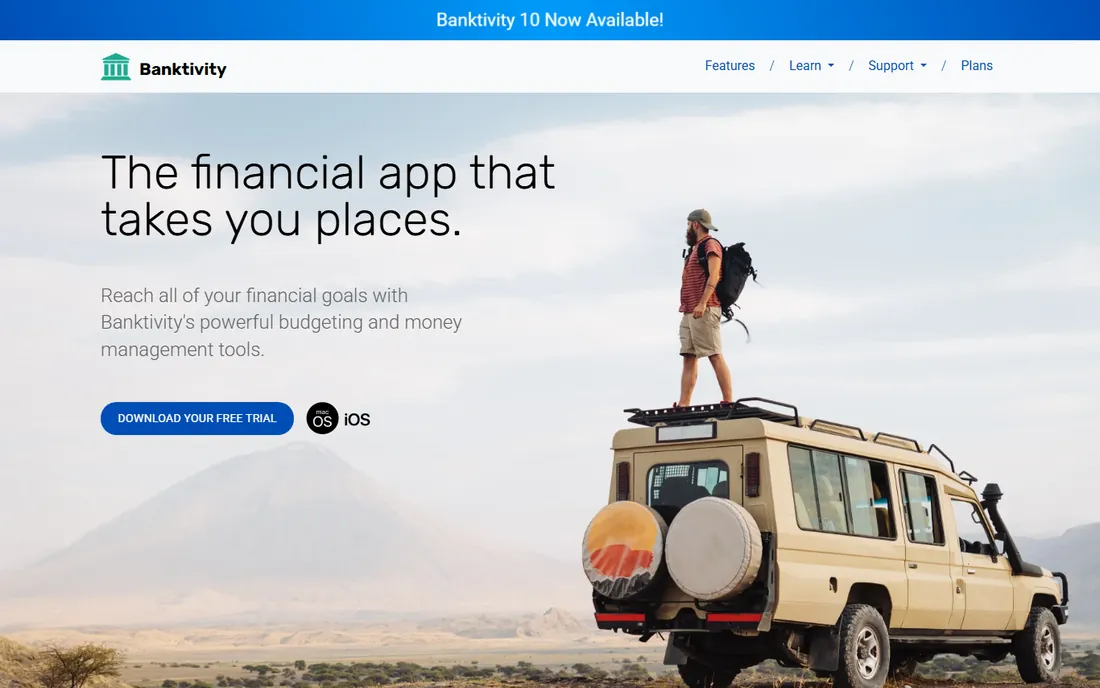
Banktivity is what Quicken would feel like if Apple designed it. The Mac app is fast and attractive, the iPhone app is a genuine companion, and sync between them is reliable. Budgeting, bill tracking and investment views are all polished.
The platform lock-in is total: no Windows, no Android. International bank support beyond the US and Canada is thinner than Quicken's. For an all-Apple household that wants its finance app to feel native, it is the best choice. Mixed-device households should look elsewhere.
What we like- Best-in-class Mac and iOS design
- Direct bank connections
- Strong budgeting and reporting
Watch out for- No Windows or Android version
- Subscription required for bank downloads
- US and Canadian banks best covered
Starting priceFree plan; paid Plus tier, see website
Free planYes
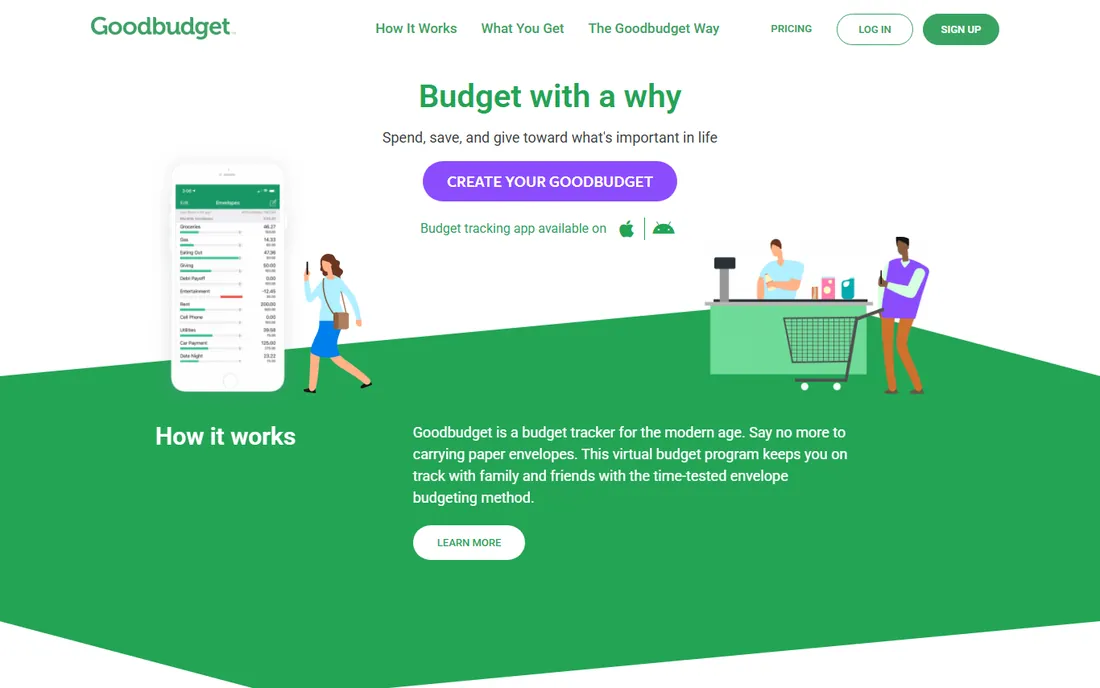
Goodbudget digitizes the envelope system: each spending category is an envelope, and when it is empty you stop spending. Partners share one budget and see the same envelopes, which ends more money arguments than any chart. The free plan covers the core method.
Everything is manual entry, which is either the feature or the flaw. Manual entry forces awareness, which is why the method works, but it also means ten minutes of logging after every shopping trip. If automatic downloads matter to you, this is not your app. If mindfulness matters more, it might be.
What we like- Digital envelope method both partners can share
- Genuinely useful free plan
- Syncs across devices
Watch out for- No automatic bank downloads, everything is manual
- Envelope limits on the free plan
- Dated visual design
Starting priceFree plan; paid tier with bank sync, see website
Free planYes
EveryDollar implements zero-based budgeting with minimal fuss: income minus planned spending equals zero, every month. The free plan covers manual budgeting fully, and the interface stays out of your way. It is the least intimidating on-ramp to intentional budgeting.
The catch is bank sync, which sits behind the paid tier. Without it you are typing transactions by hand, which many users abandon by month three. If you will pay for the sync, compare it with YNAB first. If you will enter manually, the free plan does the job.
What we like- Simplest path to a zero-based budget
- Clean mobile app
- Free plan is usable
Watch out for- Bank connections require the paid tier
- Reporting is thin
- Tied to the Ramsey ecosystem
Starting priceFree plan; paid Plus tier, see website
Free planYes

PocketGuard answers one question well: after bills, goals and necessities, what can I actually spend? The headline number does the mental math most apps leave to you. Setup takes minutes, categories assign themselves, and the free plan demonstrates the concept.
Depth is limited. Budget customization is basic, the free plan caps connected accounts, and users report occasional bank sync delays. It works best as a spending guardrail alongside a real register elsewhere, not as your only finance tool.
What we like- "In My Pocket" number shows safe-to-spend cash
- Automatic categorization
- Quick setup
Watch out for- Free plan limits accounts and goals
- Budgeting tools are shallow
- Occasional sync hiccups reported
Starting priceSee website (one-time purchase)
Free planFree trial
AceMoney is the closest thing to the old desktop checkbook programs, still sold, still updated, for a single one-time payment. The register behaves like paper: enter, reconcile, done. It tracks multiple accounts and currencies, and your data never leaves your PC.
Expect a Windows-only, function-over-form experience with limited automatic downloads. This is a tool for people who reconcile manually and like it that way. If that describes you, one payment beats every subscription here.
What we like- One-time price, no subscription
- Familiar register interface
- Handles multiple currencies
Watch out for- Windows only
- Dated design
- Bank download support is limited
#10
GnuCash
Best for: Detail lovers who want free double-entry accounting
Visit gnucash.org
Starting priceFree (open source)
Free planYes
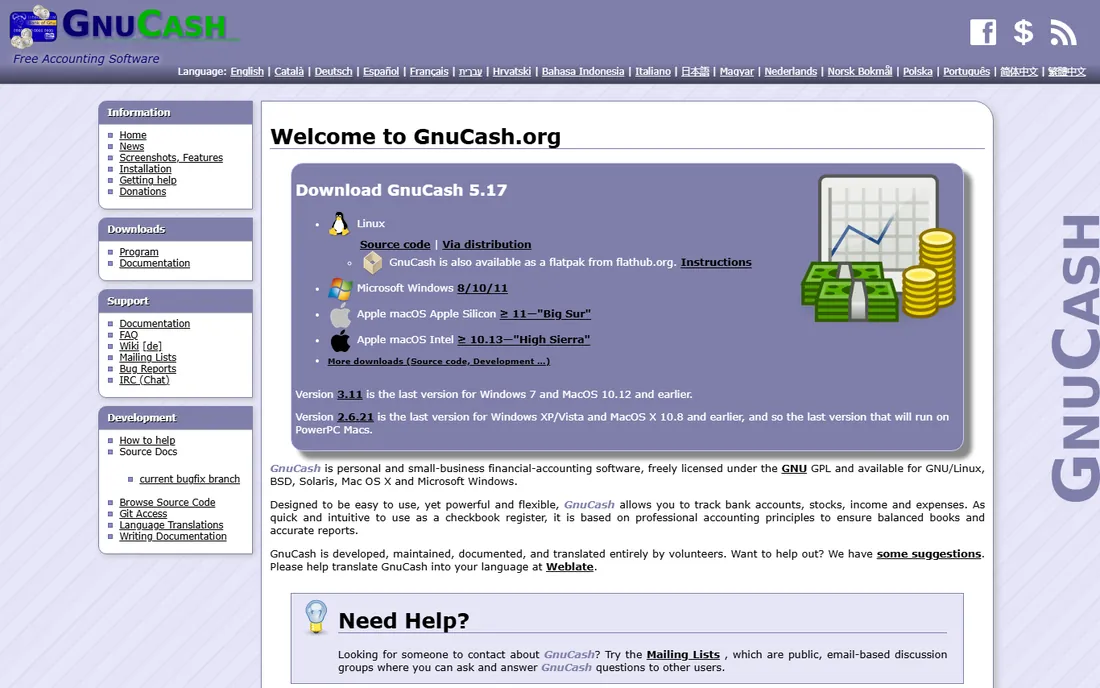
GnuCash is the free software answer to personal finance: full double-entry bookkeeping, scheduled transactions, budgeting and reports, at zero cost forever. Small business owners and the financially meticulous get professional-grade accounting without a subscription.
Double-entry is the hurdle. If debits and credits mean nothing to you, the first week is confusing, though the documentation and community help. Import formats and bank connections take manual configuration. For users willing to learn the method, it is the most powerful free option in this list.
What we like- Completely free with no tiers or upsells
- Real double-entry accounting
- Runs on Windows, Mac and Linux
Watch out for- Learning curve for non-accountants
- Interface is utilitarian
- Bank downloads need setup effort
How we chose
We reviewed the personal finance tools that US households actually use for checkbook-style money management, cross-checking vendor sites, app stores and community discussions on Reddit's personal finance forums. Every product above is available today. Prices come from vendor pricing pages where published; several vendors price by tier or quote, and we say so instead of guessing. We weighted reconciliation workflow, bank connectivity, data ownership and pricing honesty over feature count, and we excluded discontinued products like Mint. We did not link bank accounts or test with real money for this guide.
What actually matters in a checkbook app
Reconciliation is the core feature, so test it first. A good app walks you through matching your register against the bank statement and flags discrepancies clearly. If the trial makes this awkward, nothing else about the app will save it.
Next, check your bank. Automatic downloads only work if your institution is supported, and coverage varies wildly between vendors. Quicken and YNAB cover the most US banks; smaller tools may require manual import. Confirm yours before paying.
Then consider data ownership. Subscriptions that stop downloading when you cancel keep charging you to maintain access to your own history. Local-storage tools like Moneydance, AceMoney and GnuCash keep your history regardless. Decide how much that independence is worth to you before you commit years of financial history to a cloud.
Free versus paid: where the money goes
Free plans cluster at the simple end: Goodbudget, EveryDollar and PocketGuard all offer usable free tiers because their paid upgrades sell bank sync and extra envelopes. If you will enter transactions manually, free may be all you ever need.
Paid tools charge for connectivity and depth. Bank downloads, bill tracking and investment views cost vendors real money in aggregator fees, which is why Quicken, YNAB and Banktivity are subscriptions. The buy-once tools, Moneydance and AceMoney, keep prices low by skipping or limiting automatic downloads.
Do the two-year math. A $15 monthly subscription is $360 over two years against a one-time license. If the subscription's downloads save you an hour a month, it may still win. If you reconcile manually anyway, the perpetual license wins easily.
Frequently asked questions
What is checkbook software?
Software that replaces a paper check register: a digital record of deposits, withdrawals and checks that you reconcile against your bank statement. Modern versions add automatic bank downloads, bill reminders and budgeting, but the register and reconciliation remain the core.
Is Quicken still the best checkbook software?
For US households wanting the deepest bank coverage and bill management in one place, yes. But it is subscription-only now, and lighter or cheaper tools suit many people better. Match the tool to your needs rather than defaulting to the biggest name.
Can I get checkbook software without a subscription?
Yes. Moneydance and AceMoney sell perpetual licenses, GnuCash is free forever, and CountAbout charges a low annual fee rather than monthly. Several others offer usable free plans.
What happened to Mint?
Mint was discontinued and its users were moved to Credit Karma. If you are looking for a replacement, CountAbout and other net-worth tracking tools cover the automatic tracking side, while YNAB or Goodbudget cover the budgeting side.
Should I let an app connect to my bank account?
Bank connections use encrypted aggregator services and are standard practice, but they are not risk-free. If the idea bothers you, choose a tool with good manual entry like Goodbudget, Moneydance or GnuCash. Never share your actual bank login credentials outside your bank's own site or a reputable aggregator flow.
Sources we checked (10)
- https://www.quicken.com
- https://www.youneedabudget.com
- https://infinitekind.com
- https://www.countabout.com
- https://www.banktivity.com
- https://goodbudget.com
- https://www.everydollar.com
- https://pocketguard.com
- https://www.mechcad.com
- https://www.gnucash.org
Is your product missing or out of date?
We review this list regularly. Vendors can request a listing, send updated pricing or ask about featured placement.

Shihab Mia · Founder, Rankite
Shihab has spent more than a decade helping SaaS and e-commerce brands grow through search. He writes Rankite's software buying guides from pricing pages, documentation and public user reviews. More about Shihab.