How we make this list: we compare pricing pages, product documentation and public user reviews. Rankite is independent; if a vendor ever pays for a featured spot, that listing is clearly labeled Partner.
Key takeaways
- Wix has the strongest free plan and the widest app marketplace, starting at $17 per month paid annually.
- Squarespace leads on design polish but has no free tier; Basic starts at $19 per month annually.
- Webflow gives designers pixel-level control with a CMS, though pricing runs across site and workspace plans.
- Duda is built for agencies managing client sites, while GoDaddy bundles marketing tools for speed.
- WordPress.com is the cheapest path to a custom domain at $4 per month, with real extensibility on higher tiers.
Quick comparison
| Tool | Best for | Starting price | Free plan |
|---|
 Wix Wix | all-round small business sites | $17/mo (billed annually) | Yes |
 Squarespace Squarespace | design-forward portfolios and stores | $19/mo (billed annually, reported) | Free trial (14 days) |
 Webflow Webflow | designer-controlled custom sites | $15/mo (billed annually, reported) | Yes |
 Duda Duda | agencies managing client sites | $19/mo (reported) | Free trial (14 days) |
 WordPress.com WordPress.com | cheap, extensible publishing | $4/mo (billed annually, reported) | Yes |
 GoDaddy GoDaddy | fast launch with marketing tools | $9.99/mo (billed annually, reported) | Yes |
 Framer Framer | interactive, animation-rich sites | See website | Yes |
Is your product missing or out of date?
We review this list regularly. Vendors can request a listing, send updated pricing or ask about featured placement.
The best web building software
How do you get a professional website live without hiring a developer or fighting a learning curve for weeks? The builders here all work in the browser, but they split on template polish, design freedom, ecommerce depth, and who they are really built for.
Starting price$17/mo (billed annually)
Free planYes
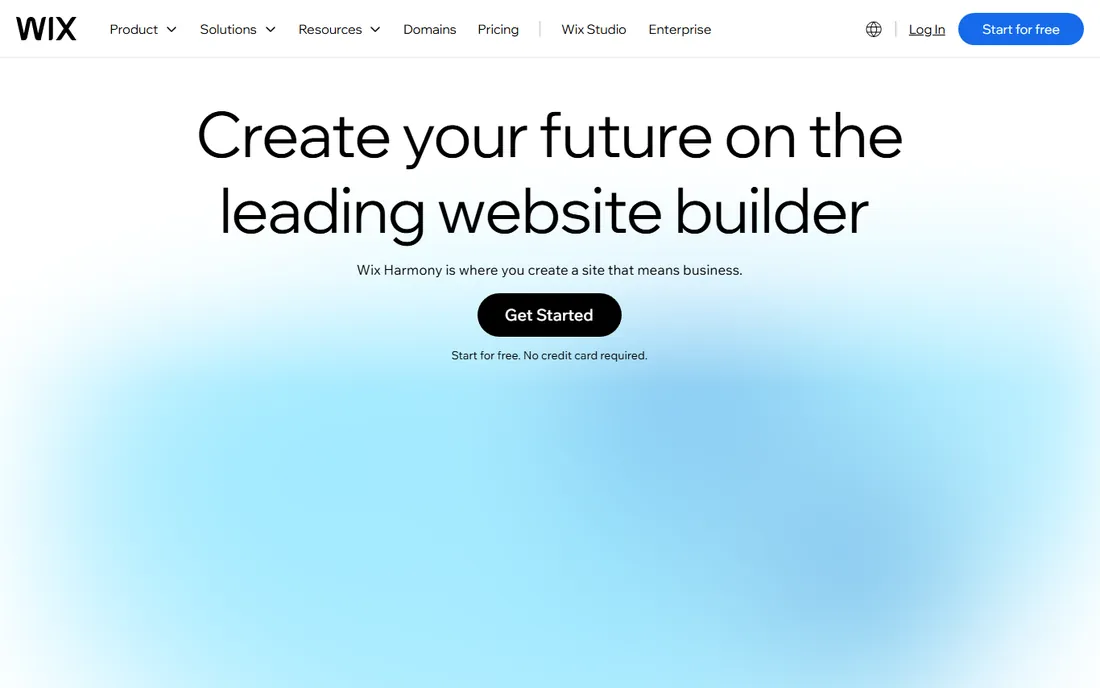
Wix remains the default recommendation for small businesses that want a site up this week. The drag-and-drop editor is easy, there are thousands of templates, and the app market adds bookings, restaurants, events and stores without code. The free plan is genuinely usable for testing, with a Wix subdomain and ads.
Paid plans start at $17 per month on the Light plan (annual billing), with Core at $29 and Business at $39 adding ecommerce and storage. The catch is portability: a Wix site cannot be exported and moved elsewhere, so you are committing to the platform. For most small service businesses that never plan to leave, that tradeoff is fine.
What we like- Strong free plan
- Huge template and app library
- AI site builder for fast starts
Watch out for- Site migration off Wix is painful
- Design flexibility is bounded by templates
Starting price$19/mo (billed annually, reported)
Free planFree trial (14 days)
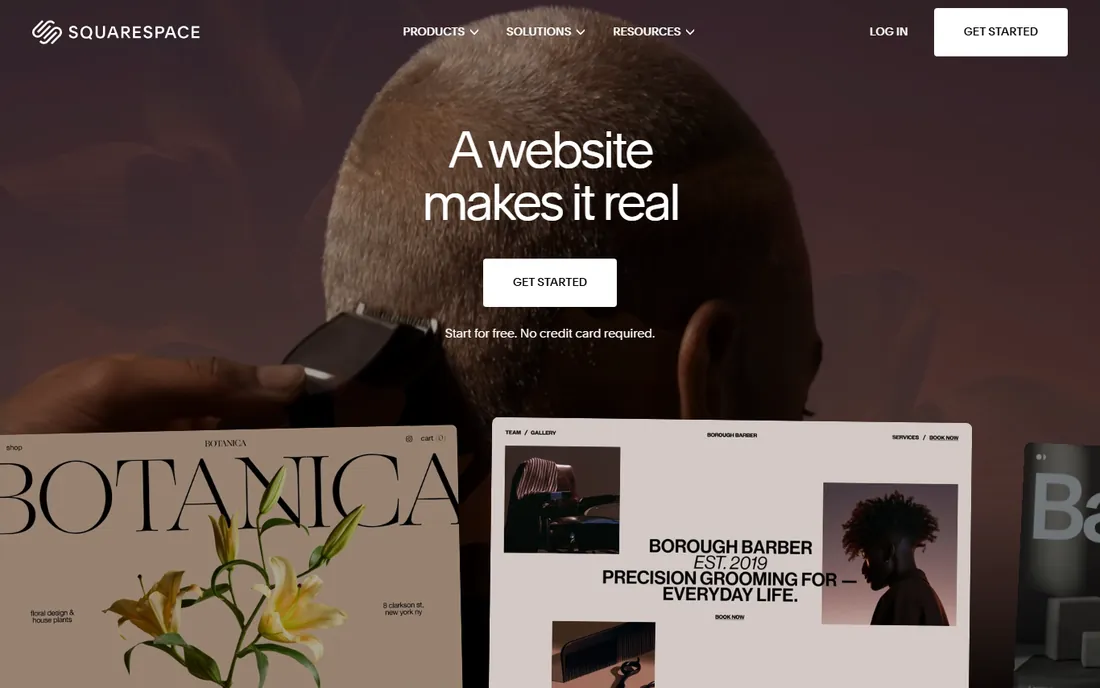
Squarespace wins on looks. Its templates hold their layout and spacing even after non-designers edit them, so sites keep a premium feel without a designer's attention. The built-in store, blogging, scheduling and email campaigns mean fewer add-ons than Wix, and analytics are built in rather than purchased.
Pricing runs $19 (Basic), $29 (Core), $49 (Plus) and $99 (Advanced) per month on annual billing, per October 2026 US pricing. Basic carries a 2% transaction fee on store sales, which Core removes. There is no free plan, but every site starts with a 14-day trial. Choose Squarespace when visual quality is the priority: photographers, consultants, restaurants and boutique brands.
What we like- Best-in-class template design
- Built-in store with no app needed
- Analytics included
Watch out for- No permanent free plan
- 2% transaction fee on the entry plan
Starting price$15/mo (billed annually, reported)
Free planYes
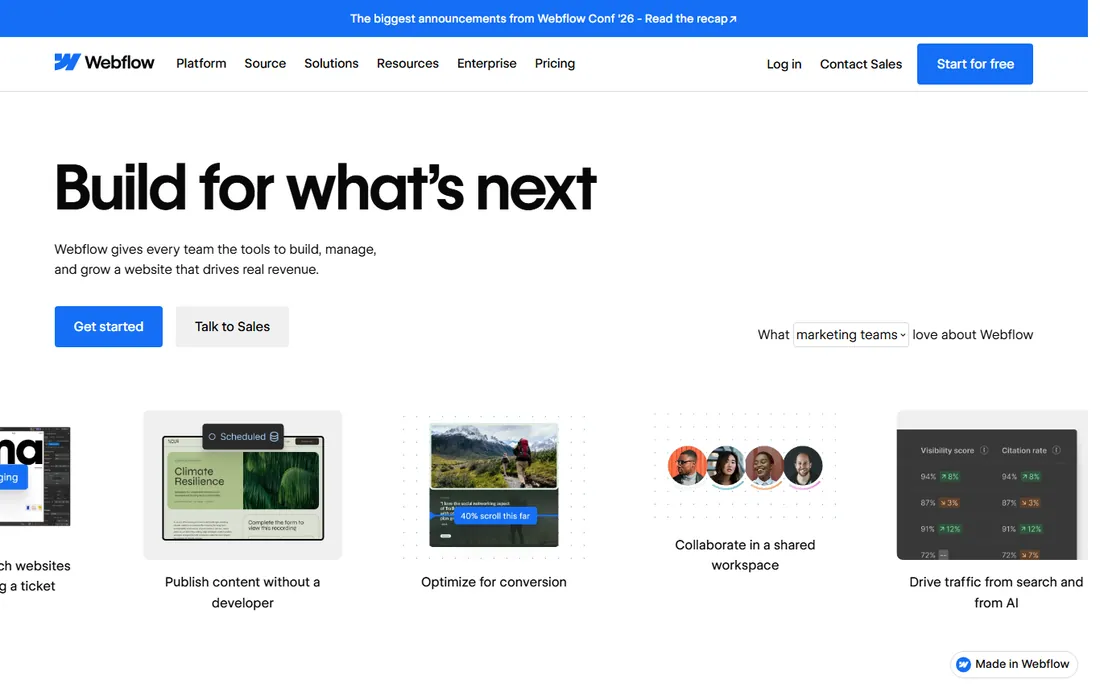
Webflow is a visual development platform rather than a template builder. Designers get granular control over layout, interactions and responsive breakpoints, and the platform outputs clean semantic code. The built-in CMS handles blogs and content sites, and hosting, SSL and security come standard.
Pricing changed in May 2026: site plans now run Starter (free), Basic at $15 per month, Premium at $25 per month, plus Enterprise, all billed annually. Workspace plans for teams are separate, starting at $19 per seat per month, and add-ons like analytics and localization stack on top. Model the full bill before committing. Webflow suits teams with design standards that templates cannot meet.
What we like- Visual design with real HTML/CSS control
- Built-in CMS
- Clean code output good for SEO
Watch out for- Pricing has three layers (site, workspace, add-ons)
- Steeper learning curve
Starting price$19/mo (reported)
Free planFree trial (14 days)
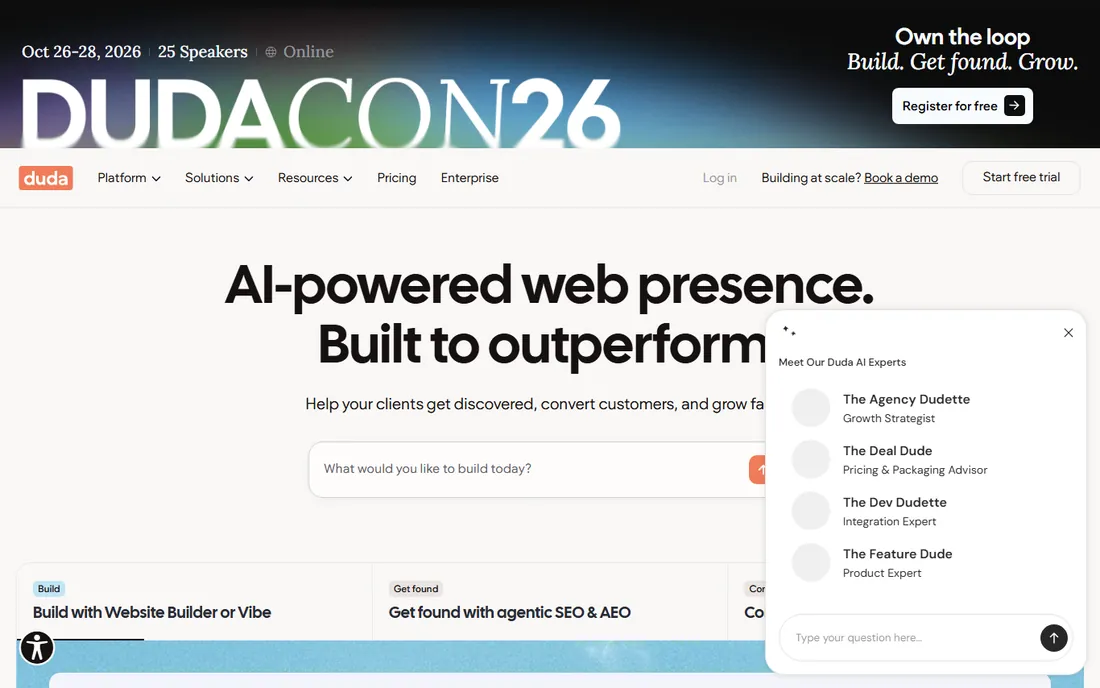
Duda is the only builder here designed around agencies rather than end users. It offers a white-label editor under your brand, a centralized dashboard for all client sites, team permissions, client billing, and Dynamic Pages for data-driven sites like directories and multi-location businesses. Sites are known for strong loading performance.
Plans start around $19 per month for Basic, with Team, Agency and White Label tiers scaling up to $149 per month for full white-label setups. A 14-day free trial is available. If you build sites for clients, Duda's workflow pays for itself; if you need one site for your own business, the consumer builders are cheaper.
What we like- White-label editor and client portal
- Multi-site dashboard
- Strong Core Web Vitals performance
Watch out for- Overkill for single-site owners
- Smaller template library
Starting price$4/mo (billed annually, reported)
Free planYes

WordPress.com is the hosted version of WordPress, run by Automattic. The Personal plan at $4 per month (annual) is the cheapest route to a custom domain among serious builders, and the free tier works for blogs. Higher tiers open up premium themes, and since an April 2026 change, every paid plan can install plugins, with Business at $25 per month adding developer tools like SFTP and staging.
The tradeoff is design effort: WordPress.com gives you more raw capability than any template builder, but building a polished site takes more time and judgment. Pick it when you want extensibility and content ownership above drag-and-drop speed.
What we like- Cheapest custom-domain plan
- Massive theme and plugin ecosystem
- Content ownership
Watch out for- Plugin installs gated by plan
- Design requires more effort than template builders
Starting price$9.99/mo (billed annually, reported)
Free planYes
GoDaddy's builder prioritizes speed to launch: answer a few questions and the AI generates a starter site, which you then adjust. Marketing tools like email campaigns, social posting and appointment booking are built into the plans, and every plan includes hosting, SSL and a custom domain option. There is a free-forever tier for testing.
US pricing starts at $9.99 per month on annual billing for Basic, with Standard at $14.99, Premium at $19.99 and an ecommerce plan at $24.99. Watch renewal rates, which run higher than intro pricing. GoDaddy fits owners who want a site plus marketing basics in one bill and value phone support.
What we like- Quick AI-assisted setup
- Email marketing and social tools built in
- 24/7 phone support
Watch out for- Less design flexibility
- Renewal prices jump from intro rates
Starting priceSee website
Free planYes
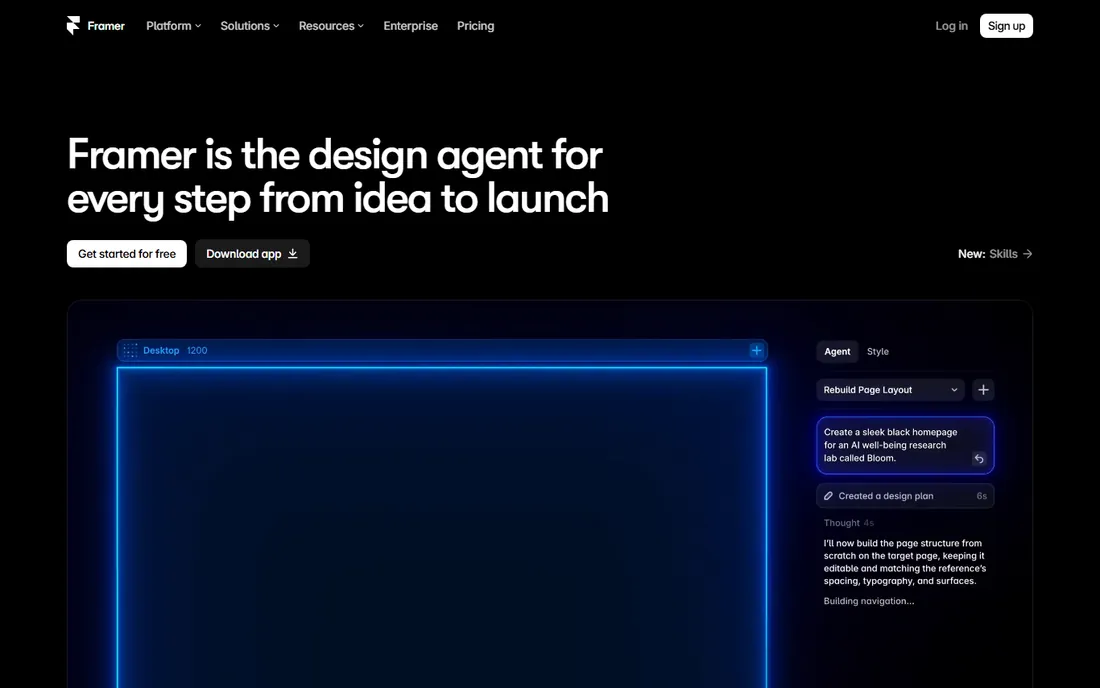
Framer blurs the line between a design tool and a website builder: you design on a canvas much like Figma and publish directly to the web. It is especially strong for landing pages and marketing sites where motion and interaction matter. The free tier lets you experiment before paying.
Framer suits designers and startups that want a distinctive, animated site without touching code. Check the current pricing page for site plans before budgeting, since tiers have changed frequently.
What we like- Design-tool-like canvas with real site publishing
- Strong animation and interaction support
- Fast workflow for designers
Watch out for- Pricing not verified
- Smaller ecosystem than Wix or WordPress
How we chose
We reviewed vendor pricing pages and documentation, current pricing guides updated in 2026, and public reviews on G2, Capterra, TrustRadius and tech publications. We compared template quality, design freedom, ecommerce features, free tiers, transaction fees, and fit for solo owners versus agencies. We did not claim hands-on testing.
What to evaluate before you buy
Match the builder to how the site will actually be used. If it is a brochure site for a local service business, prioritize ease and price: Wix, GoDaddy or WordPress.com. If the site is your brand, like a portfolio or boutique store, Squarespace or Framer earn their keep through design quality.
Check the real cost, not just the headline plan. Transaction fees, email marketing limits, scheduling add-ons and renewal prices all change the math. Squarespace charges 2% on store sales at the entry tier; GoDaddy's renewal rates jump; Webflow's workspace seats and add-ons stack on top of site plans.
Finally, think about exit. Wix and Squarespace sites cannot be exported to another platform, while WordPress.com gives you portability through the WordPress ecosystem. If you might outgrow the builder, start on a platform you can leave.
Template builders vs. visual development
Most builders here are template platforms: you pick a design, swap in your content, and launch. Wix, Squarespace, GoDaddy and Duda all work this way, differing in template quality and business tools. They are fast and forgiving.
Webflow and Framer are visual development tools: the canvas exposes real layout mechanics, so you can build exactly what you imagine. That freedom costs learning time, and Webflow's pricing reflects a professional workflow with seats and add-ons. Template builders win on speed; visual development wins on distinctiveness. Agencies that build for clients should weigh Duda's white-label workflow against Webflow's design depth.
One more practical factor: who else needs to edit the site after launch. Template builders like Wix, Squarespace and GoDaddy let non-technical staff update text and images safely, which is why they dominate the small business market. Webflow's editor roles and Duda's client portal serve the same need for larger teams. If your site will be touched by people who did not build it, check the editing experience and permission roles before you commit, not just the design canvas. A beautiful site that nobody dares to update quickly goes stale.
Frequently asked questions
Which is better, Wix or Squarespace?
Wix is easier and cheaper to start, with a free plan and more templates. Squarespace produces better-looking sites and includes more built-in business tools. Pick Wix for speed and budget, Squarespace for design quality.
Is there a truly free website builder?
Wix, WordPress.com, GoDaddy and Framer all offer free tiers, and Webflow's Starter plan is free. Free plans come with platform subdomains, branding and feature limits, so expect to pay for a custom domain and full features.
Can I sell products on these builders?
Yes. Wix, Squarespace, Webflow, Duda, GoDaddy and WordPress.com all support online stores. Check transaction fees: Squarespace charges 2% on its Basic plan, Webflow's ecommerce Standard charges 2%, and GoDaddy's Commerce plan has 0% platform fees.
Which website builder is best for SEO?
All of them cover the basics: custom titles, meta descriptions, mobile-friendly output and SSL. Webflow and Duda are often praised for clean code and fast loading, which helps. Content quality matters more than the platform.
Can I move my site from Wix to another platform later?
Not directly. Wix and Squarespace do not export sites, so you would rebuild. WordPress.com lets you export content and move within the WordPress ecosystem.
How much should a small business website cost per year?
Expect $48 to $348 per year for the builder plan alone, depending on the tool and tier. Add a domain renewal after year one, any paid apps or add-ons, and payment processing fees if you sell online. Most small service businesses land under $500 a year all-in on a template builder.
Do I need to know how to code?
No. Every tool here is built for non-developers. Webflow rewards some design knowledge, but none of them require writing code.
Sources we checked (9)
- https://reverbico.com/blog/wix-vs-squarespace/
- https://www.wix.com/blog/wix-vs-weebly
- https://www.webcreate.io/website-builders/weebly-review/weebly-pricing/
- https://landerlab.io/blog/webflow-pricing
- https://colorlib.com/wp/best-website-builder-software/
- https://www.lowcode.agency/nocode-tools/duda
- https://eseospace.com/blog/wordpress-com-plans/
- https://www.techradar.com/reviews/godaddy-website-builder
- https://en.wikipedia.org/wiki/Webflow
Is your product missing or out of date?
We review this list regularly. Vendors can request a listing, send updated pricing or ask about featured placement.

Shihab Mia · Founder, Rankite
Shihab has spent more than a decade helping SaaS and e-commerce brands grow through search. He writes Rankite's software buying guides from pricing pages, documentation and public user reviews. More about Shihab.