How we make this list: we compare pricing pages, product documentation and public user reviews. Rankite is independent; if a vendor ever pays for a featured spot, that listing is clearly labeled Partner.
Key takeaways
- Tithe.ly Sites starts at $19/month with sermons, giving, and events built in.
- Sharefaith bundles the website with kids curriculum and 100K+ church graphics.
- Subsplash combines the website with apps, giving, streaming, and management in one stack.
- ChurchSpring offers website, giving, app, and ChMS with no setup fees.
- WordPress.org and Squarespace are solid general alternatives for churches with web skills.
Quick comparison
Is your product missing or out of date?
We review this list regularly. Vendors can request a listing, send updated pricing or ask about featured placement.
Starting price$19/month
Free planNo
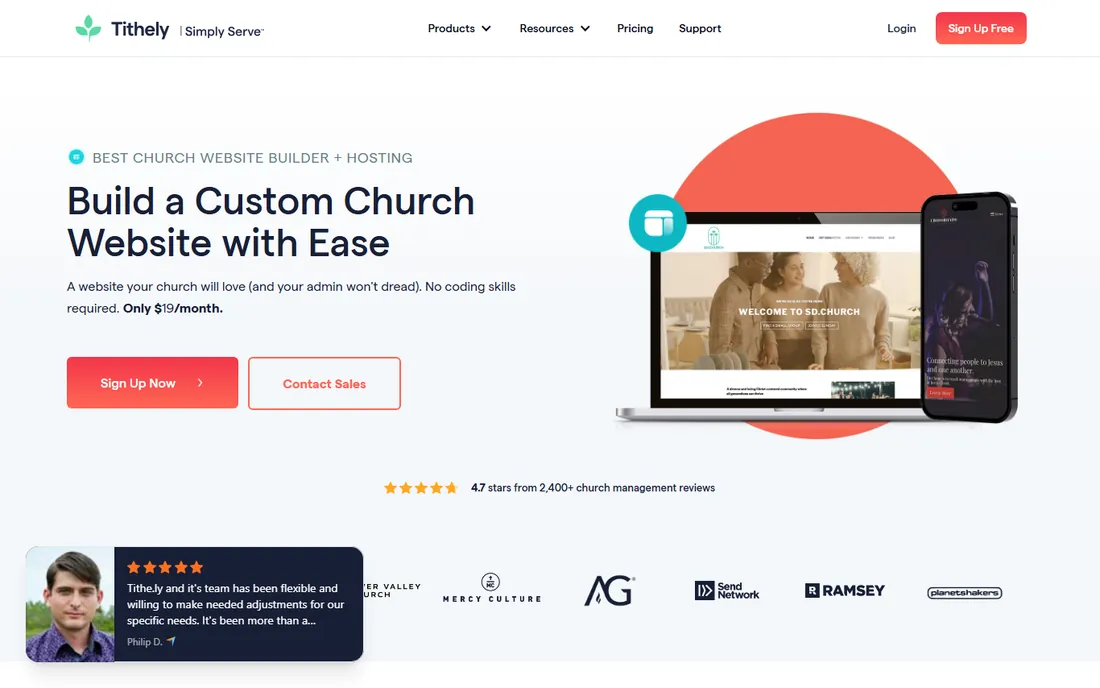
Tithe.ly Sites is purpose-built for churches at $19 a month, with mobile-optimized templates, a sermon library and podcast feed, events calendar, integrated online giving, and a Plan Your Visit tool that turns website browsers into first-time guests. Hosting, security, SEO basics, and unlimited users come included.
It is free for churches on the $119/month All Access plan that bundles the app, ChMS, and messaging. Small churches get a complete site fast without coding or a designer. The Plan Your Visit feature deserves special mention: it automates guest follow-up that many churches otherwise lose to disorganization.
What we like- Built-in sermons, events, giving, and Plan Your Visit
- Hosting included
- No contracts
Watch out for- Design options narrower than general builders
- Extra Tithe.ly products cost more
Starting priceSee website
Free planNo
Sharefaith bundles an award-winning church website builder with over 250 ministry designs alongside its famous media library: 100,000+ church graphics, worship backgrounds, kids ministry curriculum, and sermon tools. Giving, streaming, ChMS, and a mobile app round out the suite under Ministry Brands.
Churches that spend heavily on media and kids resources get the most value. The website itself is solid, but the real draw is getting design, media, and ministry tools from one vendor. Kids ministry leaders especially like the ready-made curriculum that updates monthly.
What we like- Over 250 ministry website designs
- Huge graphics and kids media library
- Giving, streaming, and app in the suite
Watch out for- Website is part of a larger suite
- Pricing requires a conversation
Starting priceSee website
Free planNo
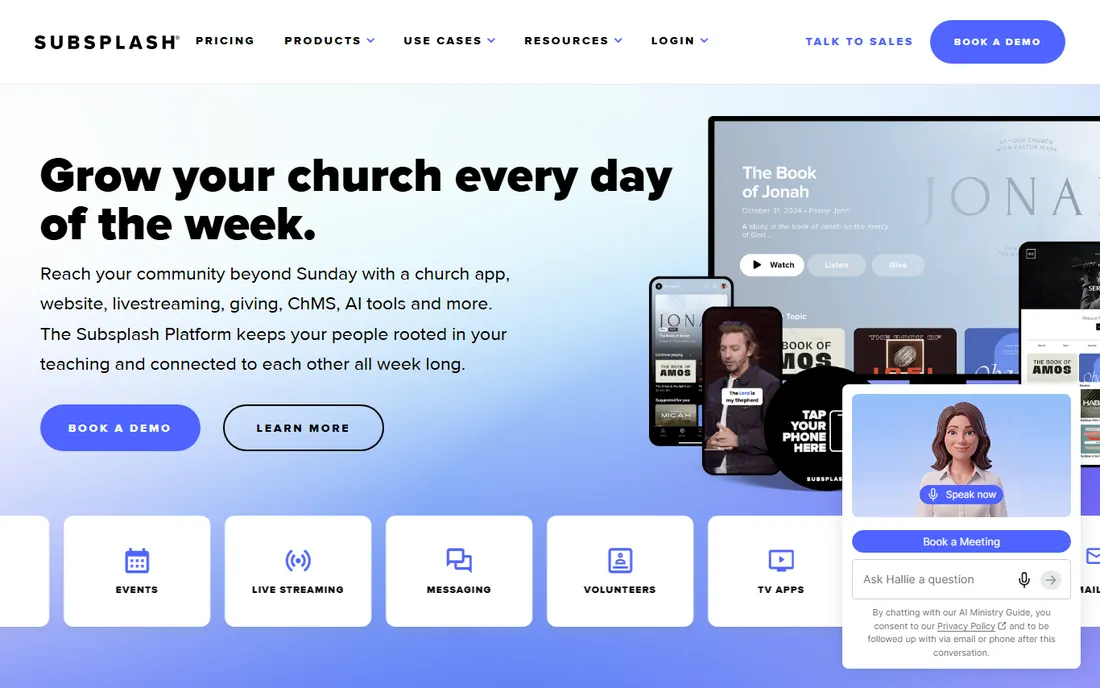
Subsplash is the full-stack church platform: a drag-and-drop website integrated with custom mobile and TV apps, digital giving with competitive rates, sermon media hosting, live streaming, groups, messaging, and member management. Publish a sermon once and it flows to the app, website, and email automatically. Pulpit AI turns sermons into clips, social posts, and discipleship material.
It is the strongest choice for mid-size and large churches consolidating a patchwork of tools. Smaller churches may find it more platform than they need. The published customer stories emphasize consolidation savings: one invoice instead of five separate tool subscriptions.
What we like- Website, apps, giving, streaming, and management in one
- Create once, publish everywhere
- Pulpit AI sermon tools
Watch out for- Premium pricing for the full platform
- More than small churches need
Starting priceSee website
Free planNo
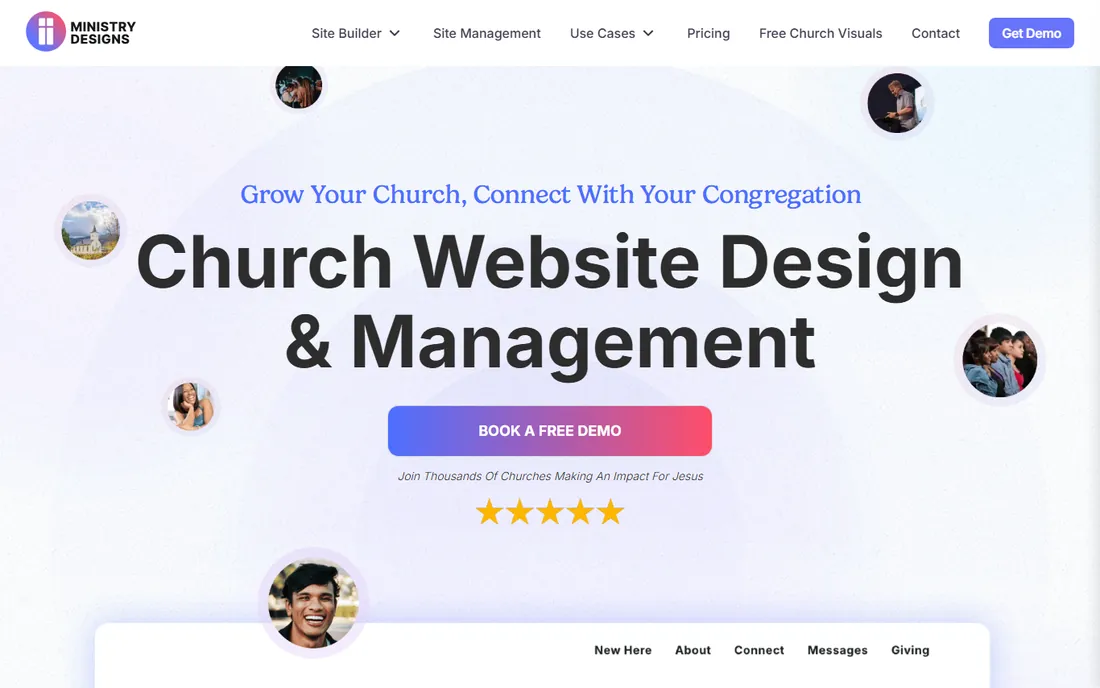
Ministry Designs is less a builder and more a done-for-you service: their team builds the church website from existing content, optimizes it for search, and can manage daily content updates. A library of 80,000 church graphics and engagement tools like BirdSeed live chat come included.
Churches without tech-savvy volunteers benefit most: hand the site to the team and focus on ministry. It costs more than DIY builders, but the SEO guarantee makes it attractive for churches competing for "church near me" searches. Ask for recent examples in your denomination or style before signing, since the managed approach means their taste becomes your site.
What we like- Team builds and manages the site for you
- SEO-first approach
- 80,000 free graphics
Watch out for- Managed service costs more than DIY
- You rely on their team for updates
Starting priceSee website
Free planNo
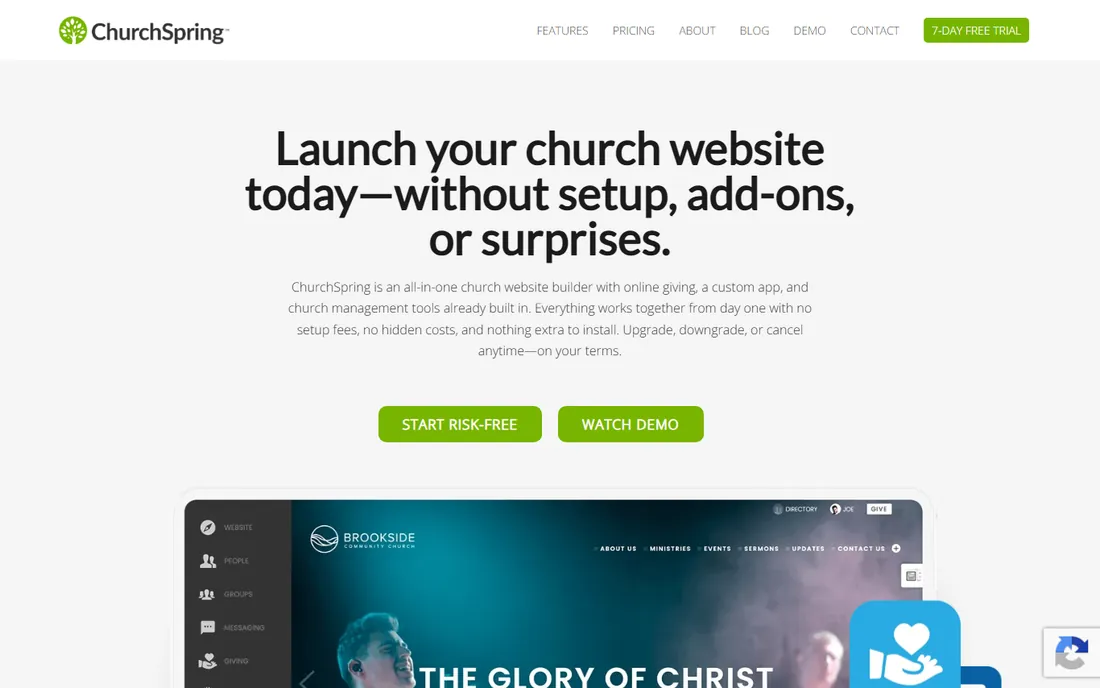
ChurchSpring packs a website builder, online giving, a custom mobile app, and church management tools into one affordable platform with no setup fees and a 90-second launch. Unlimited website designs, free migration, VIP support, and no contracts make it one of the most approachable all-in-one options.
It is aimed squarely at small and mid-size churches that want everything in one place without Subsplash-level pricing. The designs are serviceable rather than striking. Support gets frequent praise in user comments, which matters when the person updating the site is a busy pastor.
What we like- Website, giving, app, and ChMS included
- No setup fees
- Launch in 90 seconds
Watch out for- Templates less distinctive
- Advanced features trail premium platforms
Starting priceSee website
Free planNo
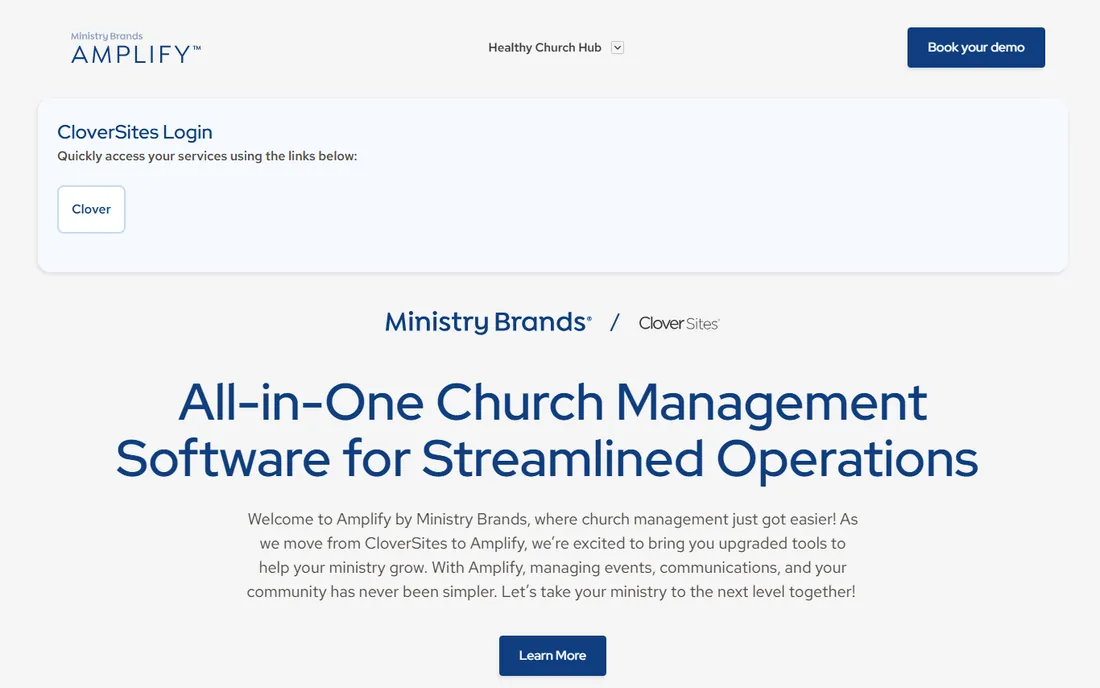
Amplify is the evolution of Clover Sites under Ministry Brands, bringing upgraded tools for events, communications, and community management alongside the church website builder. Ministry Brands' portfolio includes Shelby Systems, Fellowship One, and Sharefaith, so the ecosystem is deep.
Longtime Clover Sites users are being moved to Amplify. New buyers get a mature platform backed by a large ministry-tech company, though pricing requires talking to sales. Ask directly about data migration and contract terms during the sales call, since both are common pain points in platform transitions.
What we like- Backed by Ministry Brands ecosystem
- Website plus events and communications
- Established track record
Watch out for- Transition from Clover Sites may confuse
- Pricing not published
Starting priceFree
Free planYes
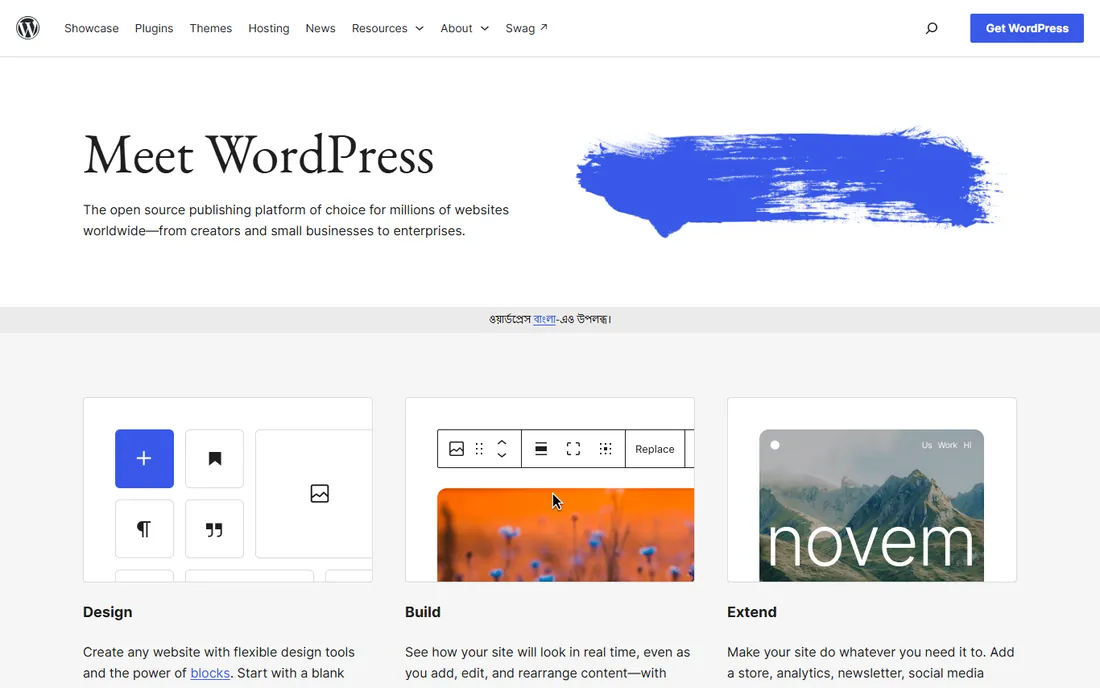
WordPress.org is the free, open-source publishing platform that powers a huge share of church websites. Any design is possible with church themes and plugins for sermons, events, giving, and podcasts. The software itself costs nothing; you pay for hosting.
It is the best choice for churches with a tech-capable volunteer who wants full control without monthly platform fees. The catch is maintenance: updates, backups, and security land on you. Plan for succession too: document everything so the site survives when your volunteer moves on.
What we like- Completely free and open source
- Unlimited plugins and themes
- Huge church community
Watch out for- Needs hosting and maintenance
- Volunteer must keep it updated
Starting price$19/month
Free planFree trial
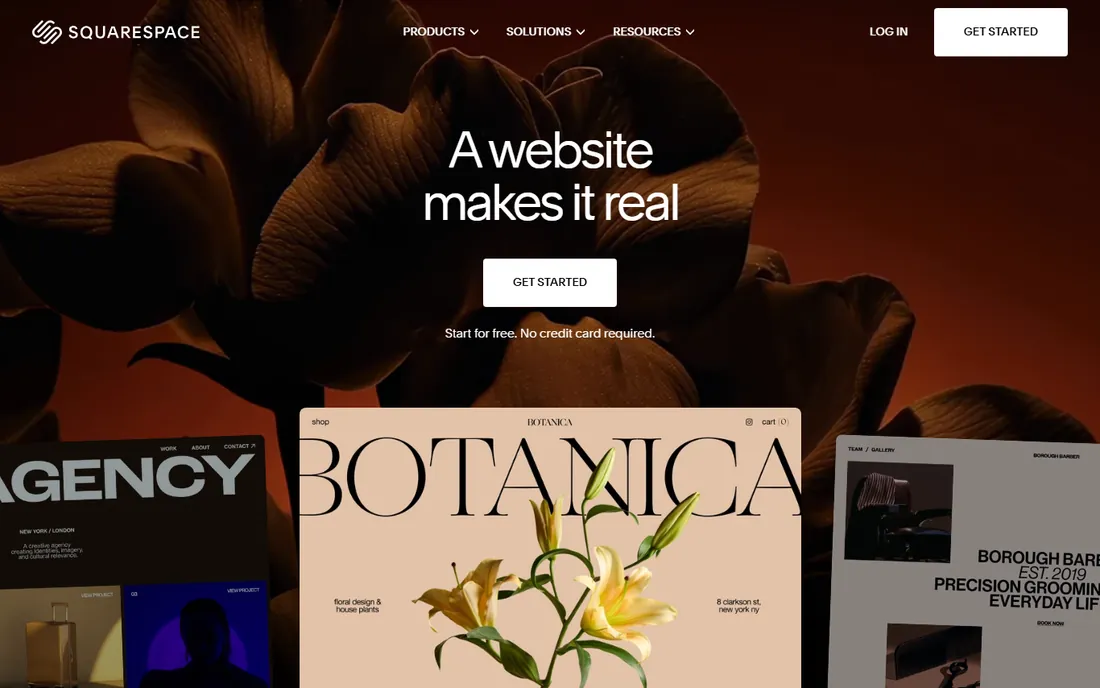
Squarespace starts at $19 a month after a 14-day free trial, with hosting, SSL, and security included. Its templates are among the most beautiful of any builder, and the drag-and-drop editor needs no technical skill. AI tools help generate copy and layouts quickly.
Churches that already use separate tools for giving and sermons and just want a stunning site do well here. You will wire up third-party tools for church-specific functions, which adds cost and complexity. The 14-day trial is genuinely free with no card required, so test the full build before committing.
What we like- Polished templates and easy editor
- Hosting and security included
- 14-day free trial
Watch out for- No church-specific features built in
- Giving and sermons need integrations
How we chose
We reviewed vendor product pages, pricing pages, and feature lists, plus church-leader discussion and review sites, comparing church-specific functionality, pricing, ease of use, and ecosystem depth. Every platform had to be currently available with a working website. We did not claim hands-on testing. If you are down to two finalists, use their free trials or demos to post a real sermon and build an events page before committing.
The plan-your-visit factor
First-time guests decide whether to visit largely from your website, so the visitor experience deserves its own test. Look for a plan-your-visit tool, clear service times on the homepage, and a mobile experience that loads fast on a phone in the parking lot. Tithe.ly and ChurchSpring both bake guest follow-up into the platform; with the others, check how much you would need to build yourself.
Start with church-specific features. Sermon libraries, events calendars, online giving, and prayer walls come built in with church platforms and require plugins or integrations with general builders. If your team is volunteers with limited tech skill, built-in beats flexible. Map the five tasks your site must handle, like posting sermons and updating service times, and confirm each platform handles them natively.
Consider the whole stack. All-in-one platforms bundle the website with apps, giving, streaming, and member management, which can cost less than five separate subscriptions. But they also lock you into one vendor's ecosystem. Before committing, ask how you export your data and what happens to your domain if you leave.
Budget for giving fees separately. Website subscriptions are only part of the cost; online giving processing fees run on every donation regardless of platform. Compare those rates when evaluating total cost. A platform that looks cheap but charges more per gift can cost more overall for a generous congregation.
Think about who updates the site. If the answer is a rotating cast of volunteers, prioritize simplicity and good support over features. The prettiest platform is worthless if nobody on the team feels comfortable editing it. Free migrations and onboarding help, like the ones ChurchSpring and Ministry Designs offer, make switching far less painful.
Frequently asked questions
How much does a church website cost?
Church-specific platforms run roughly $19 to $50 a month for the website alone, with all-in-one suites costing more. WordPress.org is free software plus hosting. Done-for-you services like Ministry Designs cost more but include the build. Most churches land somewhere between $20 and $100 a month for the website before giving fees.
Should a church use a church-specific platform or WordPress?
Church-specific platforms are easier for volunteers: sermons, giving, and events come built in. WordPress offers more control and a lower price but needs maintenance. Choose based on your team's technical capacity, and be honest about how much time your volunteers can actually commit.
Do church website platforms include online giving?
Most do, including Tithe.ly, Subsplash, ChurchSpring, and Sharefaith. Processing fees apply per donation. Some platforms charge a monthly fee for giving, others only take processing fees. Compare the per-gift rate at your average donation size, since small differences compound across a year of giving.
Can volunteers manage these platforms?
Yes, that is their core pitch. Tithe.ly, ChurchSpring, and Ministry Designs specifically target churches without technical staff. Squarespace and WordPress are also volunteer-friendly, though WordPress needs more maintenance. Whoever takes the role, have a second person learn the basics so the site does not depend on one person.
What is the difference between Clover Sites and Amplify?
Clover Sites has been folded into Amplify by Ministry Brands, with upgraded tools for events, communications, and community management. Existing Clover Sites customers are transitioning to the Amplify platform. If you are evaluating it fresh, ask sales what the transition means for pricing and support going forward.
Sources we checked (8)
- https://get.tithe.ly/sites
- https://sharefaith.com/
- https://www.subsplash.com/
- https://ministrydesigns.org/
- https://churchspring.com/
- https://cloversites.com/
- https://wordpress.org/
- https://squarespace.com/
Is your product missing or out of date?
We review this list regularly. Vendors can request a listing, send updated pricing or ask about featured placement.

Shihab Mia · Founder, Rankite
Shihab has spent more than a decade helping SaaS and e-commerce brands grow through search. He writes Rankite's software buying guides from pricing pages, documentation and public user reviews. More about Shihab.
 Tithe.ly Sites
 Sharefaith
 Subsplash
 Ministry Designs
 ChurchSpring
 Amplify
 WordPress.org
 Squarespace