How we make this list: we compare pricing pages, product documentation and public user reviews. Rankite is independent; if a vendor ever pays for a featured spot, that listing is clearly labeled Partner.
Key takeaways
- Restream ($16/month annual on Standard) is the best-known multistreaming relay: send one feed, reach 30-plus platforms, and read all chats in one place.
- StreamYard ($35.99/month billed annually on Core) is the easiest browser studio for interviews and talk shows, with multistreaming to 3 destinations on the paid tier.
- OBS Studio is free, open source, and the backbone of most serious setups, but it multistreams through a relay service or plugin, not on its own.
- Pre-recorded and 24/7 streams are a separate game: OneStream Live and LiveReacting run them from the cloud, so your computer can stay off.
Quick comparison
| Tool | Best for | Starting price | Free plan |
|---|
 Restream Restream | Creators and businesses multistreaming to the most platforms | $16/month billed annually ($19 monthly) on Standard | Yes (2 channels at once, Restream branding) |
 StreamYard StreamYard | Interview shows and webinars run from a browser | $35.99/month billed annually ($44.99 monthly) on Core | Yes (StreamYard logo, streaming limits) |
 OBS Studio OBS Studio | Creators who want full control at zero cost | Free (open source, no paid tier) | Yes |
 Streamlabs Streamlabs | Streamers who want alerts, overlays, and multistream in one login | Free (Ultra adds 3+ destinations; see website for current Ultra pricing) | Yes (2 destinations, limited apps and overlays) |
 OneStream Live OneStream Live | Pre-recorded videos streamed as live to many platforms | Free ($0 forever); Standard $39/month ($384/year) | Yes (2 destinations, 720p, 3 scheduled events) |
 LiveReacting LiveReacting | Interactive streams with polls, trivia, and giveaways | Free (3 streams/month); paid plans, see website | Yes (3 streams a month, does not expire) |
 Castr Castr | Businesses and pros wanting supported RTMP multistreaming | Plans from $16/month (7-day free trial) | Free trial (7 days, no credit card) |
 vMix vMix | Windows-based multi-camera live production | $60 one-time (Basic HD); 60-day free trial | Free trial (60 days of the full Pro edition) |
 Switchboard Live Switchboard Live | Government meetings, schools, and organizations streaming to many channels | See website (no public free tier found) | No |
 PRISM Live Studio PRISM Live Studio | Streaming to multiple platforms straight from a phone | Free (PRISM Plus subscription available for extras) | Yes |
Is your product missing or out of date?
We review this list regularly. Vendors can request a listing, send updated pricing or ask about featured placement.
Picture this: your weekly show starts in ten minutes. You want it live on YouTube, Facebook, Twitch, and LinkedIn at the same time. Your guest is joining from a browser link. The chat from all four platforms needs to land in one window, and the recording should survive even if your internet hiccups. No single button does all of that, but the ten tools below cover every version of the job, from a free app on your phone to a broadcast-grade Windows production suite.
#1
Restream
Best for: Creators and businesses multistreaming to the most platforms
Visit restream.io
Starting price$16/month billed annually ($19 monthly) on Standard
Free planYes (2 channels at once, Restream branding)
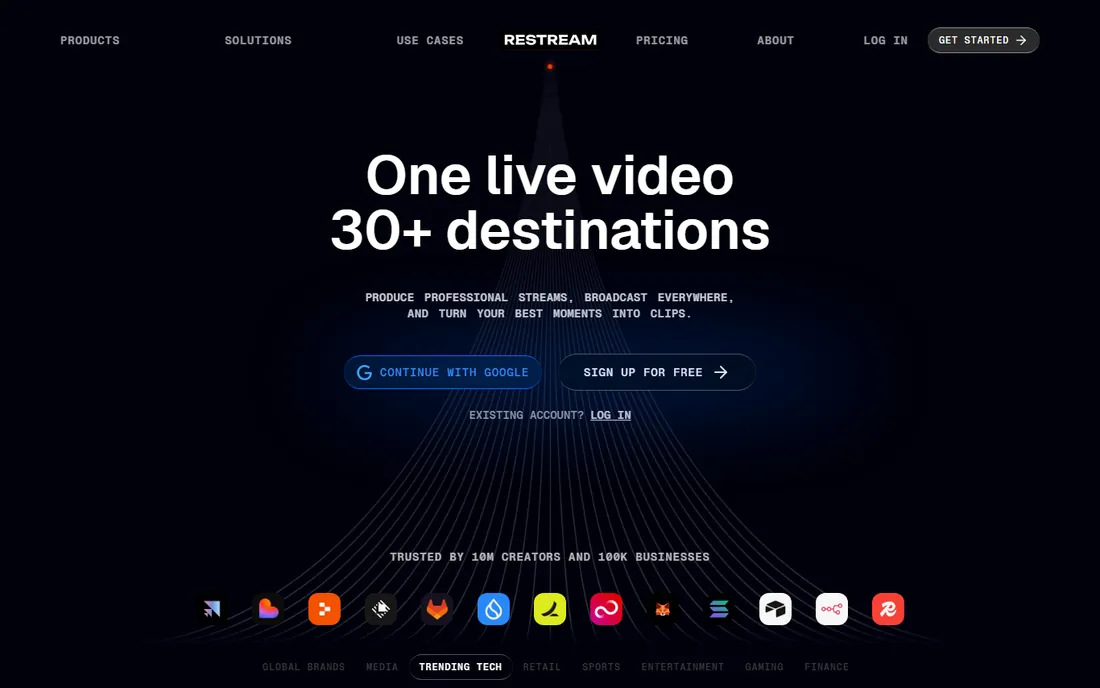
Restream is the name most people mean when they say "multistream." You send one feed to Restream's cloud and it publishes to YouTube, Twitch, Facebook, LinkedIn, and dozens more at the same time, merging every platform's chat into a single feed. If you already produce in OBS or vMix, Restream slots in as the distribution layer without changing your workflow.
The pricing logic is simple: you pay for simultaneous channels and Studio quality. Free covers 2 channels with branding. Standard at $16 a month billed annually (or $19 monthly) adds a third channel, custom RTMP destinations, and removes the logo. The jump to Professional ($39 annual / $49 monthly) is about 1080p Studio output, 5 channels, and dual-format streaming to horizontal and vertical platforms at once. Check which tier your destination count actually needs before subscribing.
What we like- Streams to 30-plus platforms at once with cross-platform chat in one window
- Works as a cloud relay with OBS, vMix or Zoom as the encoder
- Free plan is genuinely usable with 2 channels
Watch out for- 1080p Studio quality and dual-format streaming need the $39/month Professional plan
- Simultaneous-channel limits force higher tiers fast
- Branding stays until you pay
Starting price$35.99/month billed annually ($44.99 monthly) on Core
Free planYes (StreamYard logo, streaming limits)
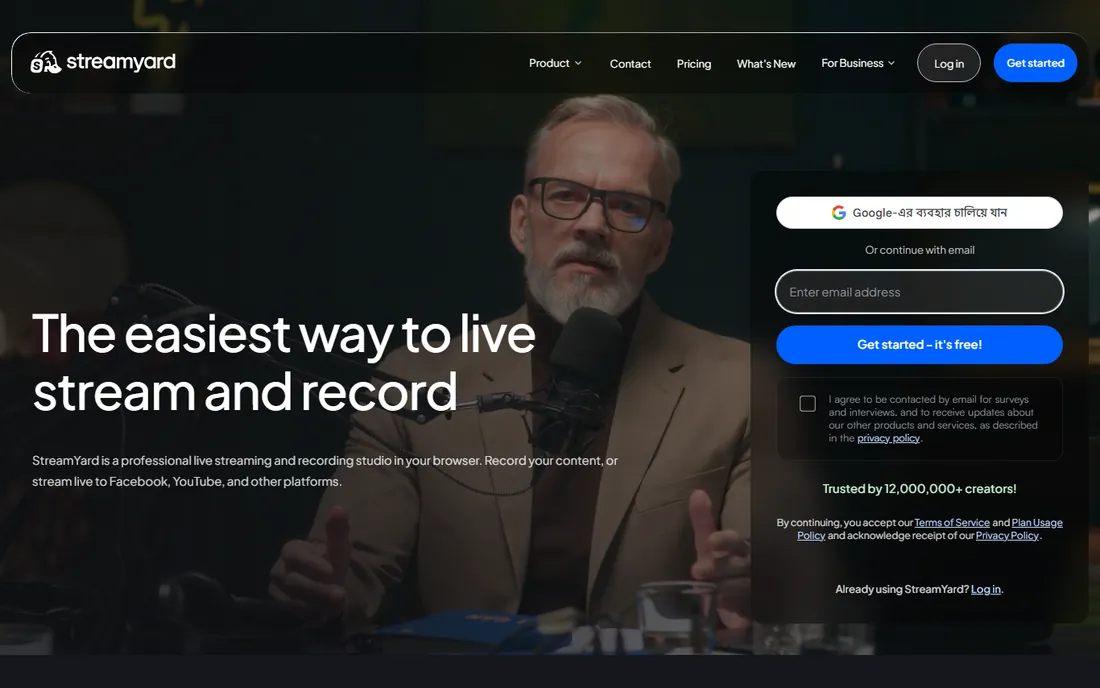
StreamYard is the easiest way to look professional on a live interview. You run the studio in your browser, guests click a link, and layouts, overlays, banners, and video clips are a few clicks away. Multistreaming arrives on the Core plan: 3 destinations, 1080p output, custom RTMP, and guest channels, plus 10 on-screen participants and AI clips.
The honest catch is the price. At $35.99 a month billed annually, Core costs more than twice Restream's Standard for fewer destinations, and the jump to Advanced ($68.99 annual / $88.99 monthly) for 8 destinations is steep. What you are paying for is the studio experience and reliability, which reviewers consistently praise. If your show is mostly you talking to guests, it is worth it. If you just need raw multistream distribution, pair a cheaper relay with OBS.
What we like- Guests join from a browser link with nothing to install
- Core includes multistreaming to 3 destinations, 1080p, and custom RTMP
- Local and cloud recordings on paid plans
Watch out for- Core and Advanced are for individual use only, not teams
- Advanced multistreaming to 8 destinations needs the $68.99/month Advanced plan
- Paid plans are priced well above most rivals
Starting priceFree (open source, no paid tier)
Free planYes
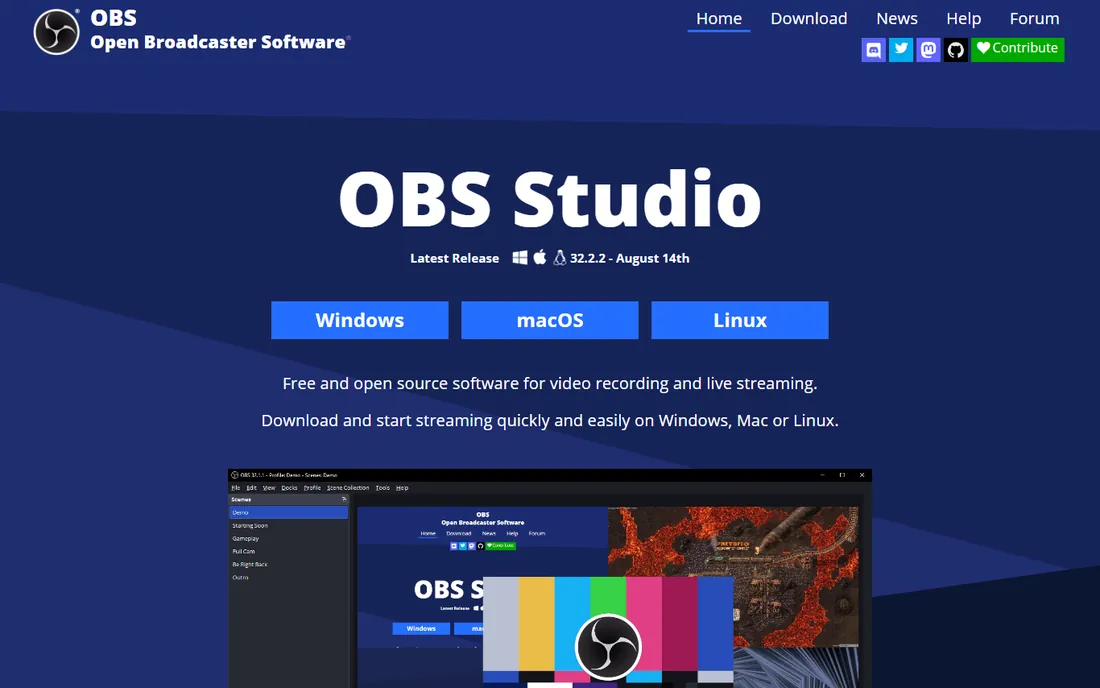
OBS Studio is the free engine under half the streaming internet. It captures, mixes, and encodes video from your computer with a scene system, an audio mixer with VST support, Studio Mode previews, and hotkeys for everything. It is maintained by an open-source project backed by sponsors including YouTube, Twitch, NVIDIA, and Logitech, and it runs on Windows, Mac, and Linux.
The one thing it does not do natively is multistream. Out of the box, OBS sends one RTMP feed to one destination. To reach multiple platforms you either add the multiple-outputs plugin or, more commonly, point OBS at a relay like Restream or Castr and let the cloud handle distribution. That combination, OBS plus a relay, is the best-value serious setup in streaming: free production software, cheap distribution.
What we like- Free forever with no watermarks, limits, or accounts
- Scenes, sources, audio mixing, and VST filters rival paid software
- Plugins add multistreaming and dozens of integrations
Watch out for- No native multistreaming: you need a relay service or the multiple-RTMP-outputs plugin
- The learning curve is real for complex productions
- No official support, just community docs and forums
#4
Streamlabs
Best for: Streamers who want alerts, overlays, and multistream in one login
Visit streamlabs.com
Starting priceFree (Ultra adds 3+ destinations; see website for current Ultra pricing)
Free planYes (2 destinations, limited apps and overlays)
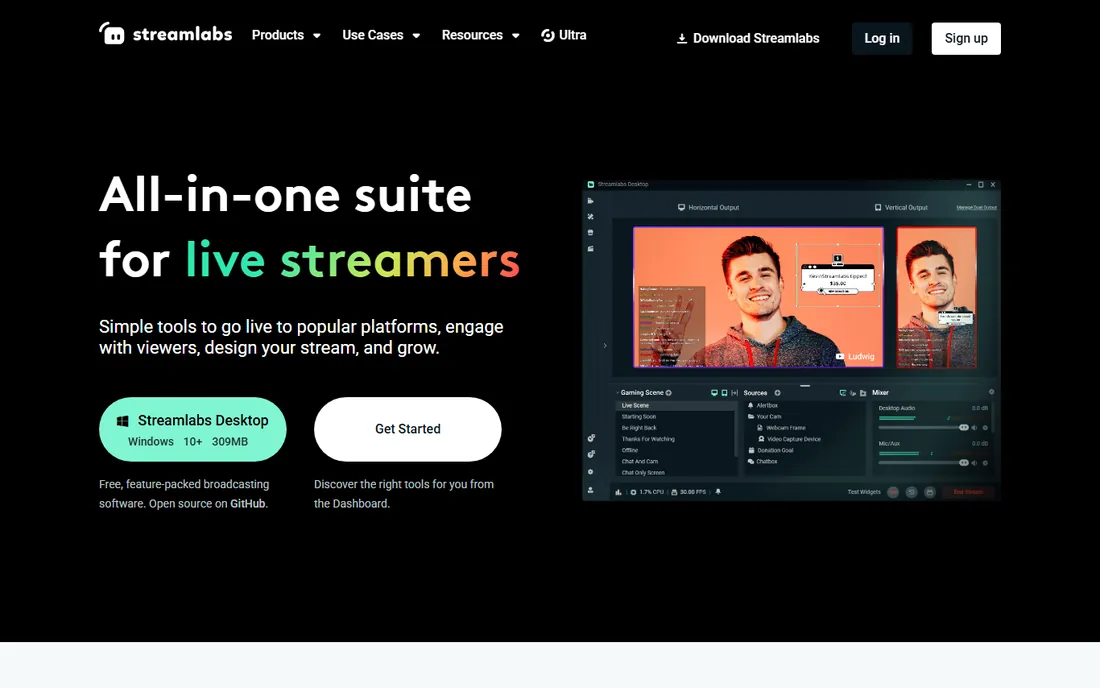
Streamlabs wraps the streamer toolkit into one account: desktop streaming software, alerts and widgets, overlays and themes, tipping, a merch store, Cloudbot moderation, and multistreaming. The free tier lets you broadcast to 2 destinations with the core tools, which is enough to test YouTube plus Twitch before committing.
Ultra is where the ceiling lifts: 3 or more destinations, the full overlay and theme library, 60-plus apps, Collab Cam, and pro editors for video and podcast content. Streamlabs lists prices from $0 to $189 across its product line, so check the current Ultra figure on its pricing page before comparing. The trade-off against OBS is convenience versus control: Streamlabs is friendlier, OBS is leaner and fully free.
What we like- Free tier multistreams to 2 destinations with alerts and widgets built in
- Huge library of overlays, themes, and apps
- Console and mobile streaming plus a Talk Studio for guests
Watch out for- Three or more destinations require the paid Ultra subscription
- The suite pushes upgrades across many tools at once
- Desktop software is heavier than OBS
#5
OneStream Live
Best for: Pre-recorded videos streamed as live to many platforms
Visit onestream.live
Starting priceFree ($0 forever); Standard $39/month ($384/year)
Free planYes (2 destinations, 720p, 3 scheduled events)
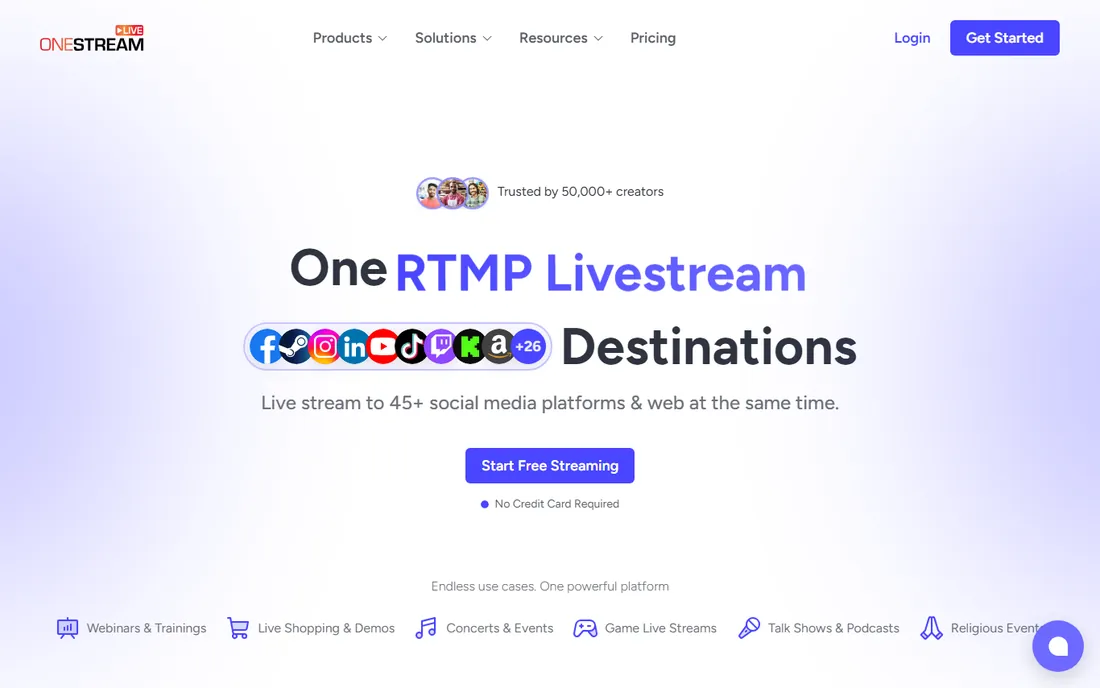
OneStream Live owns a specific niche: the pre-recorded live stream. Upload a video, schedule it, and the cloud broadcasts it to 45-plus platforms as if it were live, while you answer comments in the chat. It also does real-time browser-studio streaming and RTMP ingest from OBS and Zoom, plus custom websites and embeddable players.
The free plan is usable for testing: 2 destinations at 720p with 3 scheduled events. Paid plans start at Standard, $39 a month or $384 a year, with Professional at $49 and Enterprise at $139. Add-ons sell extra capacity a la carte: 5 more destinations for $10 a month, 24-hour streams for $30. If your strategy is "record once, broadcast everywhere on a schedule," nothing else on this list does it as directly.
What we like- Schedules pre-recorded videos to go out "live" on 45-plus platforms
- Cloud-based, so streams run with your computer off
- Extra destinations and 24-hour streams available as add-ons
Watch out for- Real-time production features lag behind StreamYard
- Paid plan pricing jumps from free straight to $39/month on Standard
- Pre-recorded-as-live disclosure rules vary by platform
Starting priceFree (3 streams/month); paid plans, see website
Free planYes (3 streams a month, does not expire)
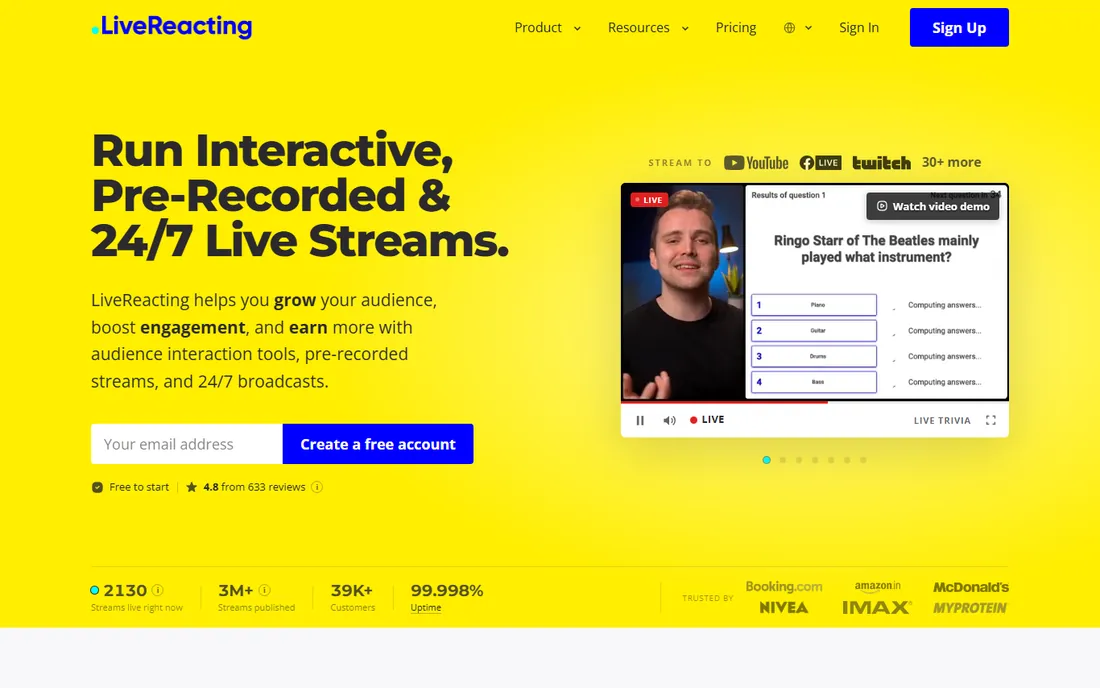
LiveReacting is the engagement play. Viewers join trivia games, polls, and giveaways by typing in the live chat, and the software counts answers and puts results on screen. It also handles pre-recorded and 24/7 streams from its servers, with up to 20 simultaneous destinations on higher plans, and a browser-based Live Studio for guests and multi-camera layouts.
The free plan is unusually honest: 3 streams a month, no credit card, no expiry. The company reports 39,000-plus customers and multi-million stream counts, with brand case studies from Booking.com, McDonald's, and Huawei. The catch is discovery: plan prices and per-plan stream limits live on the pricing page, so open it before you build a format around the tool. For channels that live on audience participation, the interactive layer is the differentiator.
What we like- Trivia, polls, and giveaways run inside the stream from viewer chat comments
- 24/7 playlist streams run from the cloud with no computer needed
- Free plan never expires
Watch out for- Paid pricing is not published on the homepage, so you must check the pricing page
- Interactive features skew toward Facebook and YouTube audiences
- Multistream limits depend on the plan
#7
Castr
Best for: Businesses and pros wanting supported RTMP multistreaming
Visit castr.com
Starting pricePlans from $16/month (7-day free trial)
Free planFree trial (7 days, no credit card)
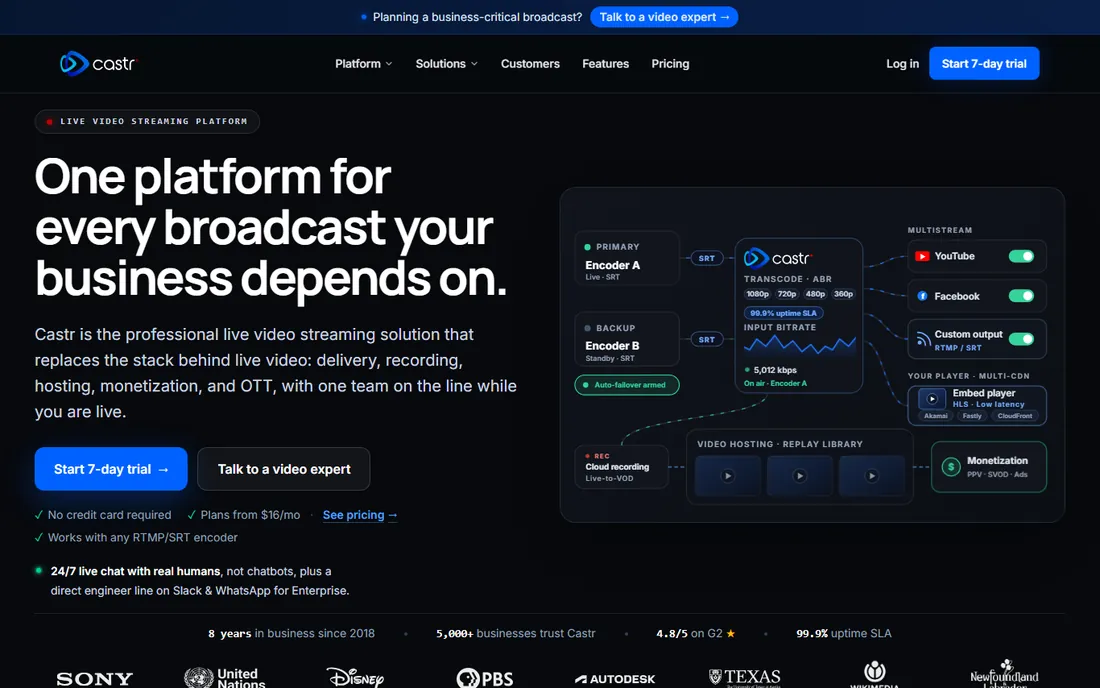
Castr (formerly at castr.io, now castr.com) is the multistream relay for people whose stream cannot fail. It takes your encoder feed over RTMP or SRT and distributes it to your destinations with backup ingest, multi-CDN delivery across Akamai, Fastly, and CloudFront, and 24/7 live chat with humans on every plan. Churches, sports broadcasters, and agencies are the core audience.
Plans start at $16 a month, and the company has expanded into a full video platform with hosting, 24/7 playout, paywalls, and white-label OTT, which explains the enterprise tone. For a solo creator, Restream's free tier is the cheaper start. For an organization where a dropped stream means lost revenue or angry stakeholders, Castr's support and redundancy story is the reason to pay.
What we like- Professional ingest with RTMP and SRT plus backup ingest
- 24/7 human support on every plan
- Multi-CDN delivery with a 99.9% uptime SLA
Watch out for- No permanent free tier, only a 7-day trial
- The product has moved upmarket toward media and OTT workflows
- Overkill for a solo creator with two destinations
#8
vMix
Best for: Windows-based multi-camera live production
Visit vmix.com
Starting price$60 one-time (Basic HD); 60-day free trial
Free planFree trial (60 days of the full Pro edition)
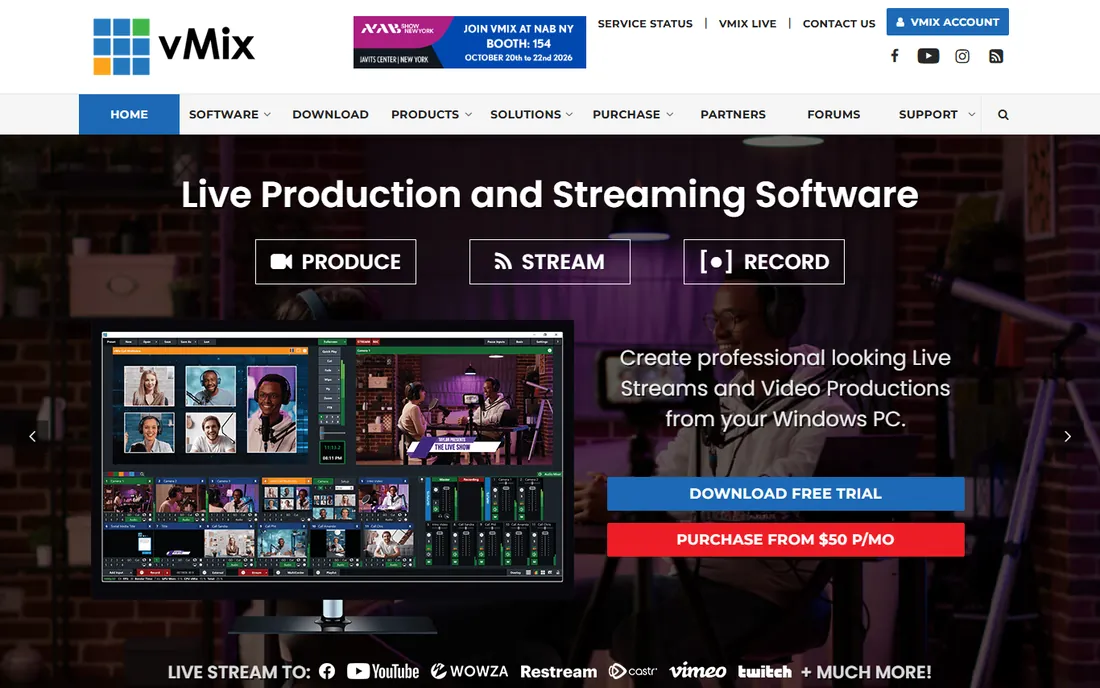
vMix is the closest thing to a TV control room you can buy as software. It mixes cameras, NDI sources, video files, virtual sets, and remote guests, adds instant replay for sports, and streams the finished program to multiple destinations at once. The 60-day trial runs the full Pro edition, which is the right way to evaluate it.
The pricing model is refreshingly old-school: perpetual licenses, not subscriptions. Basic HD costs $60 one-time, HD $350, 4K $700, and Pro $1,200, each with 12 months of free version updates (a $60 renewal extends them). vMix's own upgrade page confirms the edition structure. For a church, school, or event company running multi-camera shows on a Windows PC, one $350 payment can replace thousands in hardware switchers.
What we like- Broadcast-grade switching, NDI, instant replay, and vMix Call remote guests in one app
- Streams to multiple destinations natively from higher editions
- One-time licenses with 12 months of updates, no subscription required
Watch out for- Windows only, with no native Mac version
- Basic HD is limited to 4 inputs, so real productions start at the $350 HD edition
- The learning curve and hardware demands are serious
#9
Switchboard Live
Best for: Government meetings, schools, and organizations streaming to many channels
Visit switchboard.live
Starting priceSee website (no public free tier found)
Free planNo
Switchboard Live is the institutional pick. It is positioned for government-approved public meetings, schools, and organizations that need to push one stream to an unlimited number of destinations, including partners' social channels without password sharing. Auto start and stop, SRT input, and stream archives round out a reliability-first feature set.
The trade-off is transparency: there is no free tier and the homepage publishes no prices, so you will talk to the company before you know the cost. Creators will find Restream or StreamYard friendlier and cheaper. But if you are a city council, school district, or event organizer that needs a stream to land on a dozen official channels at once, the unlimited-destination model is built for exactly that.
What we like- Unlimited simultaneous destinations with custom RTMP
- Lets you stream to partners' and guests' channels without sharing passwords
- Built for public meetings, webinars, and sports reliability
Watch out for- No free plan and no published pricing on the homepage
- The product skews institutional rather than creator-friendly
- Fewer production features than studio tools
#10
PRISM Live Studio
Best for: Streaming to multiple platforms straight from a phone
Visit prismlive.com
Starting priceFree (PRISM Plus subscription available for extras)
Free planYes
PRISM Live Studio, from NAVER, is the answer for creators whose studio is their phone. The free mobile app multistreams to several platforms at once in up to 1080p at 60fps, with real-time effects, background music, screen casting for mobile games, and VTuber modes. CONNECT mode turns the phone into a camera, mic, or remote for the PRISM desktop app, which is handy for hybrid setups.
The honest limitation is scope: this is a phone app, not a production switcher. Multi-camera interviews, complex scenes, and heavy graphics belong in StreamYard or OBS. But for IRL streamers, mobile gamers, and creators who go live from events, PRISM removes the laptop from the equation entirely, and the price is right.
What we like- Free mobile app with multi-channel simulcasting in up to 1080p60
- Effects, beauty filters, chroma key, and screen casting built in
- Phone can act as a camera for the desktop app in CONNECT mode
Watch out for- Mobile-first, so complex productions still need a PC tool
- Some advanced features sit behind the PRISM Plus subscription
- Desktop companion is less mature than OBS or vMix
Cloud relay vs. desktop encoder: pick your architecture
Every setup on this list is one of two architectures, and picking the wrong one is the most common beginner mistake.
A cloud relay (Restream, Castr, Switchboard Live) takes one feed from your computer and copies it to many platforms from a data center. Your upload bandwidth only carries one stream, and if your internet blips, the relay's backup feed can keep destinations alive. The cost is a subscription and a little added latency.
A desktop encoder (OBS Studio, vMix, Streamlabs Desktop) does the mixing on your PC and sends the finished feed out. You get total control over scenes, audio, and graphics, but your computer and connection do all the work, and native multistreaming is limited. Most serious creators combine both: produce in OBS or vMix, distribute through Restream or Castr. Start with the free tiers of each and upgrade the piece that limits you first.
The hidden costs of "free" multistreaming
Free plans in this category are marketing budgets, not charities, and each one taxes you differently. Restream and StreamYard watermark your stream until you pay. Streamlabs caps free multistreaming at 2 destinations and reserves the third for Ultra. OneStream Live limits free streams to 720p and 3 scheduled events. LiveReacting gives you 3 streams a month, full stop.
Then there are the platform rules nobody advertises. Some platforms restrict or discourage simultaneous streaming for monetized or partner accounts, and pre-recorded streams presented as live can violate terms of service if you do not label them. Read the current rules for each destination you care about, especially YouTube and Twitch, before you build a schedule around 24/7 or pre-recorded content. The tool is rarely the problem; the platform policy is.
How we chose
We started with the searches buyers run: best way to stream to multiple platforms, multistreaming software, and stream to YouTube and Twitch at the same time. For each candidate we opened the vendor's own homepage, confirmed the product is current and actually multistreams (retired tools like Melon and Mobcrush were excluded), and took prices from the vendor's own pricing pages: Restream, StreamYard, OneStream Live, Castr, and vMix all publish theirs. Where a price was not published on the vendor's site we wrote "see website" instead of guessing, and we cross-checked plan details against public reviews and streamer communities.
Frequently asked questions
What is the cheapest way to stream to multiple platforms?
OBS Studio plus Restream's free tier costs nothing and covers 2 destinations. That combination handles production in OBS and distribution through Restream's cloud. When you outgrow 2 channels or want the watermark gone, Restream Standard at $16 a month billed annually is the next step.
Do I need a powerful computer to multistream?
Not with a cloud relay. Restream, Castr, OneStream Live, and LiveReacting do the heavy lifting in their data centers, so even a modest laptop works. You only need a strong PC if you produce complex scenes locally in OBS or vMix, where encoding happens on your machine.
Can I stream to YouTube and Twitch at the same time?
Yes, with the tools on this list, but check each platform's current rules first. Platform policies on simultaneous streaming change, especially for partner and affiliate accounts, and some impose exclusivity conditions. The software will happily send your feed everywhere; whether the platforms allow it is a separate question.
What is the difference between Restream and StreamYard?
Restream is a distribution relay: it takes your feed and sends it to many platforms, with a browser studio attached. StreamYard is a production studio first: it gives you guest links, layouts, and branding in the browser, with multistreaming included on paid plans. Many creators use both, producing in StreamYard and distributing through Restream for more destinations.
Can I multistream from my phone?
Yes. PRISM Live Studio multistreams from iOS and Android for free in up to 1080p60. Streamlabs also offers mobile streaming. For phone-based creators, start with PRISM before paying for anything.
Is multistreaming bad for growth?
It depends on the platform and the content. Reaching viewers where they already are usually beats forcing everyone onto one platform, and unified chat tools mean you can talk to all audiences at once. The risk is spreading a small audience thinner and tripping platform exclusivity rules, so check the terms of your partner agreements before simulcasting.
Sources we checked (14)
- https://restream.io/
- https://restream.io/pricing
- https://streamyard.com/
- https://streamyard.com/pricing
- https://obsproject.com/
- https://streamlabs.com/
- https://onestream.live/
- https://onestream.live/pricing/
- https://livereacting.com/
- https://castr.com/
- https://www.vmix.com/
- https://www.vmix.com/purchase/upgrades.aspx
- https://www.switchboard.live/
- https://prismlive.com/
Is your product missing or out of date?
We review this list regularly. Vendors can request a listing, send updated pricing or ask about featured placement.

Shihab Mia · Founder, Rankite
Shihab has spent more than a decade helping SaaS and e-commerce brands grow through search. He writes Rankite's software buying guides from pricing pages, documentation and public user reviews. More about Shihab.