How we make this list: we compare pricing pages, product documentation and public user reviews. Rankite is independent; if a vendor ever pays for a featured spot, that listing is clearly labeled Partner.
Key takeaways
- YouTube Live, Twitch, Facebook Live, and LinkedIn Live are free destinations; pick the one where your audience already spends time.
- Restream and StreamYard are multistreaming tools that let you broadcast to several destinations at once from one studio.
- Vimeo, Dacast, and IBM Video Streaming are business-grade platforms for branded, monetized, or private streams.
- Wowza is the infrastructure choice for developers and organizations that need to build their own streaming setup.
Quick comparison
| Tool | Best for | Starting price | Free plan |
|---|
 YouTube Live YouTube Live | Creators who want the biggest possible live audience | Free | Yes |
 Twitch Twitch | Gamers and community-driven live creators | Free | Yes |
 Restream Restream | Broadcasting one stream to many platforms at once | See website | Yes |
 StreamYard StreamYard | Interview shows and podcasts that need an easy browser studio | See website | Yes |
 Facebook Live Facebook Live | Reaching an existing audience of followers and group members | Free | Yes |
 LinkedIn Live LinkedIn Live | B2B content, thought leadership, and professional events | Free | Yes |
 Vimeo Vimeo | Businesses that want branded, ad-free live video | See website | Yes |
 Dacast Dacast | Businesses that monetize live streams with paywalls or ads | See website | Free trial (14 days) |
 Wowza Wowza | Developers and organizations building custom streaming infrastructure | See website | Free trial |
 IBM Video Streaming IBM Video Streaming | Enterprises running town halls, virtual events, and 24/7 channels | See website | See website |
Is your product missing or out of date?
We review this list regularly. Vendors can request a listing, send updated pricing or ask about featured placement.
#1
YouTube Live
Best for: Creators who want the biggest possible live audience
Visit youtube.com
Starting priceFree
Free planYes
YouTube Live is the default answer for a reason: the audience is already there, streaming is free, and every broadcast can live on as a regular video afterward. For creators, educators, and businesses building a public presence, no other platform combines reach and cost this way. Mobile streaming requires a channel in good standing, and desktop streaming through OBS or similar software works without restrictions.
The catch is competition. Going live to zero viewers on YouTube is a lonely experience, and the algorithm favors channels with existing momentum. Content policies are enforced by automation that sometimes gets it wrong, and appeals take time. If you already have subscribers, YouTube Live is unbeatable. If you are starting from zero, pair it with a multistreaming tool so you are not betting everything on one algorithm.
What we like- Massive built-in audience
- Free with no time limits
- Recordings become searchable videos automatically
Watch out for- Discovery favors established channels
- Monetization rules and content policies are strict
#2
Twitch
Best for: Gamers and community-driven live creators
Visit twitch.tv
Starting priceFree
Free planYes
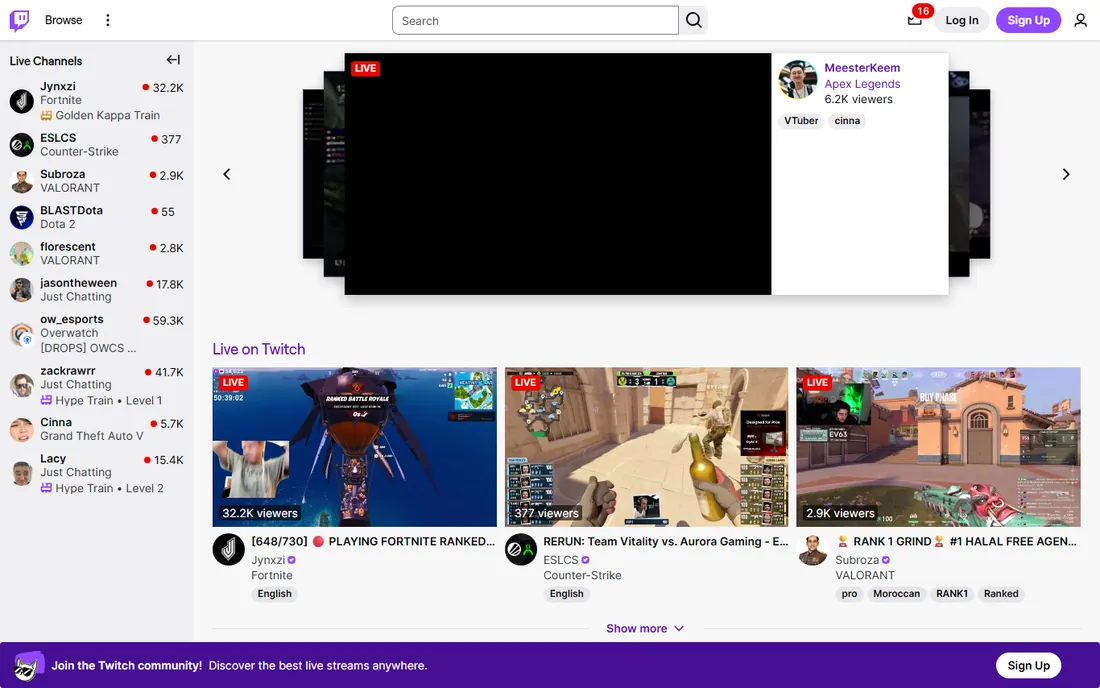
Twitch remains the home of live streaming culture. Its audience shows up specifically to watch live, which is a fundamentally different behavior from YouTube viewers who mostly watch on demand. Subscriptions, bits, and channel points give creators monetization mechanics no other free platform matches, and the community norms around raiding and hosting help small channels grow.
The honest limitation is scope. Outside gaming, talk, music, and IRL content, Twitch audiences are thin, and breaking in as a new streamer takes months of consistent scheduling. The platform also takes a significant cut of subscription revenue. If your content is live-first and community-driven, Twitch is the best free stage available. If it is not, you are performing in the wrong theater.
What we like- The most engaged live audience on the internet
- Subscriptions and bits built in
- Strong community culture
Watch out for- Almost entirely gaming and IRL focused
- Discoverability is brutal for new streamers
#3
Restream
Best for: Broadcasting one stream to many platforms at once
Visit restream.io
Starting priceSee website
Free planYes
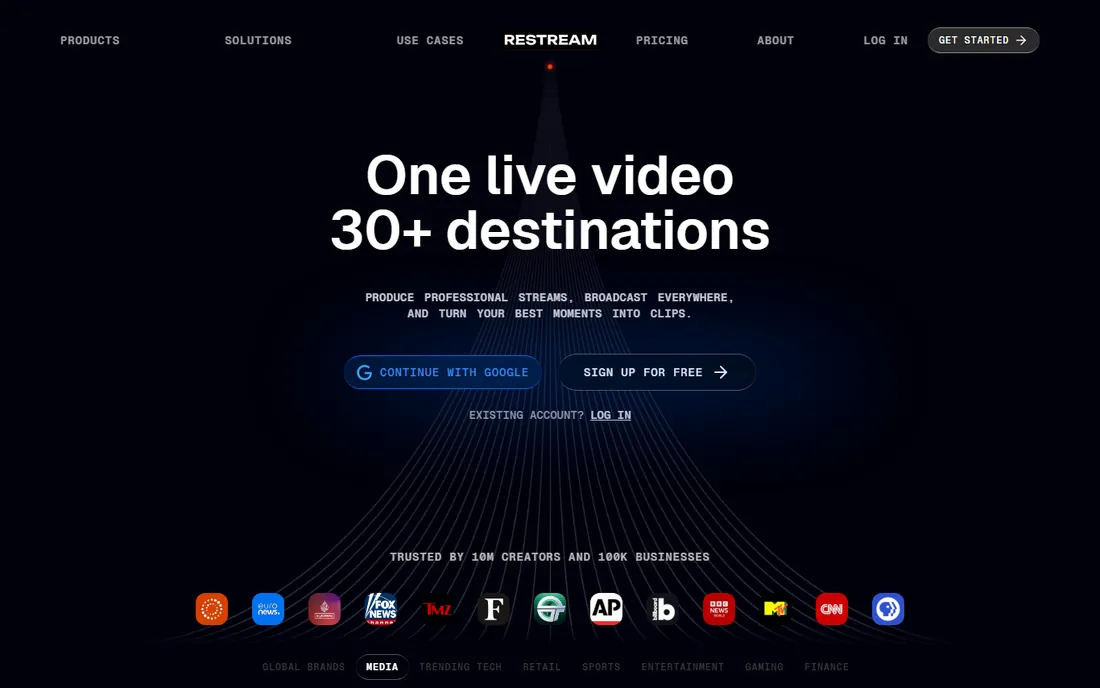
Restream solves the destination problem: instead of choosing between YouTube, Twitch, Facebook, and LinkedIn, you stream once and Restream sends it everywhere. The browser-based Studio handles guests, overlays, and layouts without extra software, and the unified chat pulls comments from every platform into one feed.
Pricing was not verified on the vendor's pricing page, so check the site; third-party sources list a free plan, Standard around $19 a month, and Professional around $49 a month, with annual billing cheaper. The free plan covers two destinations with Restream branding, which is enough to test the workflow. The catch is that multistreaming splits your audience across platforms, so community building is harder than going all-in on one destination.
What we like- Streams to 30+ destinations simultaneously
- Unified chat across platforms
- Free plan is genuinely useful
Watch out for- Free plan limits destinations and adds branding
- Advanced features like 4K need higher tiers
#4
StreamYard
Best for: Interview shows and podcasts that need an easy browser studio
Visit streamyard.com
Starting priceSee website
Free planYes
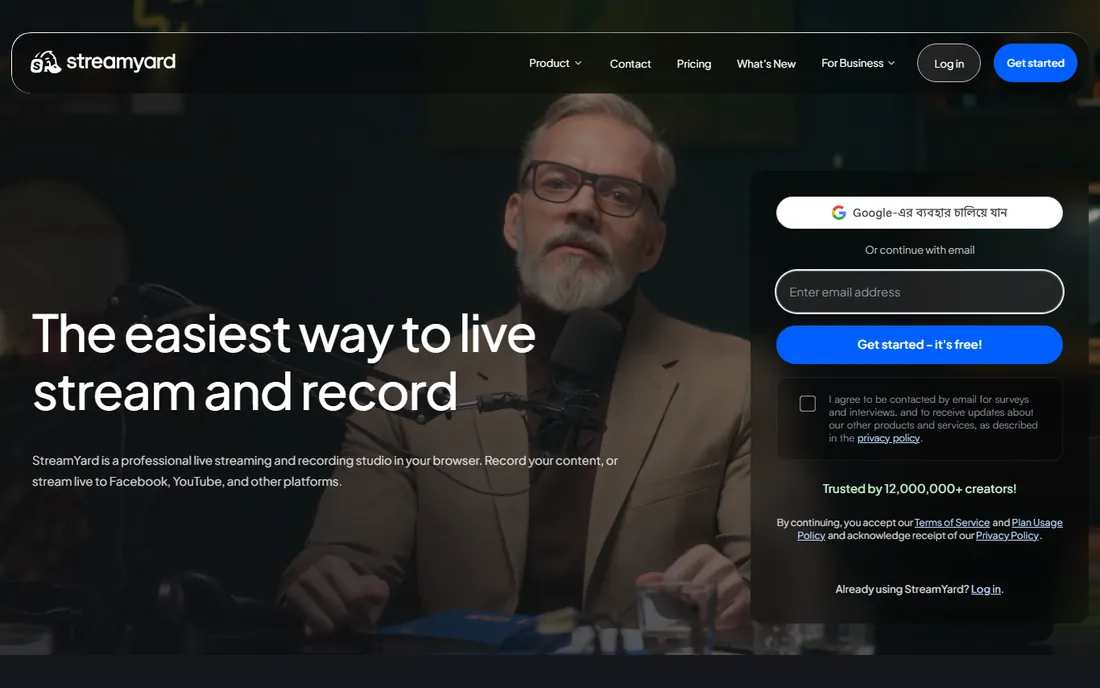
StreamYard is the tool behind a huge share of the interview shows and live podcasts you have watched. Guests join from a browser link with no downloads, the host controls layouts and branding, and recordings come out clean enough to repurpose as podcast episodes. It is genuinely the simplest professional-feeling live studio available.
Pricing was not verified on the vendor page, so see the site directly; third-party sources list a free plan, Core around $35.99 a month billed annually, and Advanced around $68.99 a month billed annually. That makes StreamYard pricier than Restream for pure multistreaming, but the guest experience and recording quality justify it for interview formats. If your show is you talking to guests, start here.
What we like- Easiest guest experience in the business
- Runs entirely in the browser
- Good recording features
Watch out for- More expensive than Restream for multistreaming
- Free plan limited to one destination
#5
Facebook Live
Best for: Reaching an existing audience of followers and group members
Visit facebook.com
Starting priceFree
Free planYes
Facebook Live's strength is distribution to people who already follow you. For local businesses, churches, community organizations, and creators with established pages or groups, going live where the audience already scrolls beats asking them to install something new. Setup takes seconds from a phone or desktop.
The weakness is reach beyond your followers. Organic distribution of live video has declined, and the demographics skew older than TikTok or Twitch. Monetization options exist but pay meaningfully only at large scale. Use Facebook Live as one destination in a multistreaming setup rather than your only stage, unless your community genuinely lives in your Facebook group.
What we like- Free and frictionless for your existing audience
- Groups make community streaming easy
- Good for local businesses
Watch out for- Declining organic reach
- Younger audiences are elsewhere
- Limited monetization for most creators
#6
LinkedIn Live
Best for: B2B content, thought leadership, and professional events
Visit linkedin.com
Starting priceFree
Free planYes
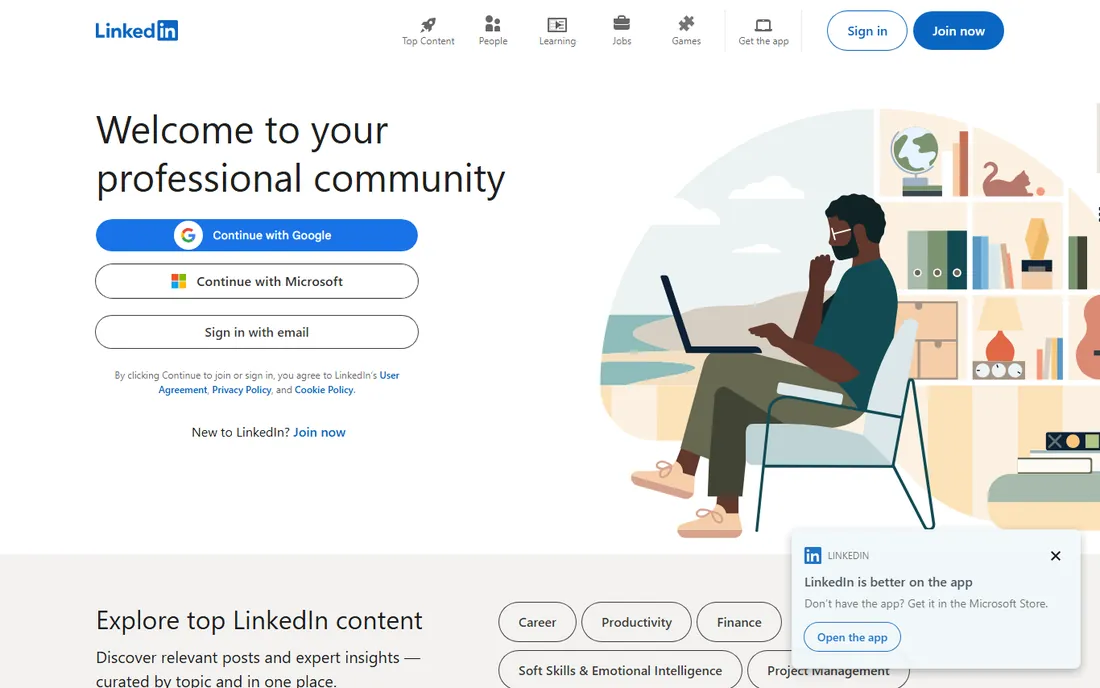
LinkedIn Live is the only serious option for professional live content. Webinars, product announcements, founder interviews, and industry panels reach an audience that is at work and in buying mode, which is worth more per viewer than entertainment traffic. It is free for eligible profiles and pages.
Eligibility is the gate: your profile or page needs more than 150 followers, an account at least 30 days old, and a clean policy record. Since June 2026, every stream must be attached to a scheduled LinkedIn Event rather than started spontaneously, though you can schedule minutes ahead. You also cannot stream directly from LinkedIn; you need a tool like Restream or StreamYard, both of which LinkedIn lists as preferred partners.
What we like- Free for eligible accounts
- Professional audience with business intent
- Recordings stay on your profile
Watch out for- Requires 150+ followers and a 30-day-old account
- Since June 2026 all streams must be scheduled events
#7
Vimeo
Best for: Businesses that want branded, ad-free live video
Visit vimeo.com
Starting priceSee website
Free planYes
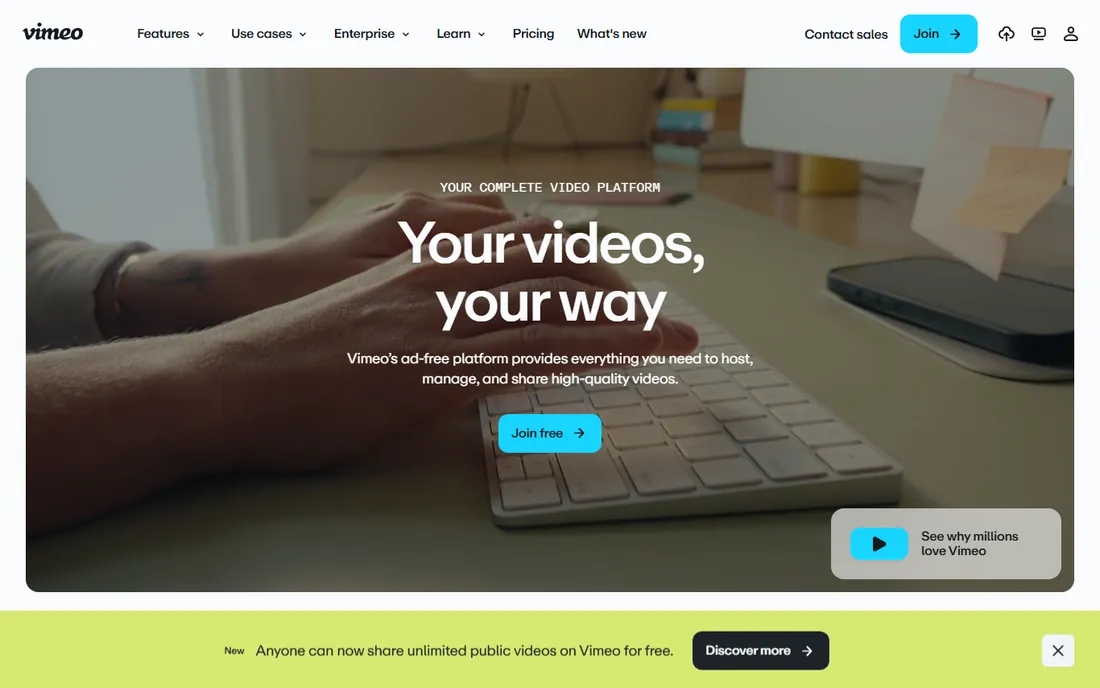
Vimeo positions itself as the professional alternative to YouTube: no ads, no competitor suggestions, your branding on the player, and granular privacy controls. Live streaming, webinars, and multi-destination streaming sit on the Advanced tier, alongside AI features and marketing integrations.
Pricing was not verified on the vendor page, so check the site; third-party sources list Starter around $12 a month billed annually, Standard around $25, and Advanced around $75. The fine print that matters is the 2 TB monthly bandwidth cap across self-serve plans, which can surprise growing channels. Vimeo fits businesses that care about brand control and already use it for video hosting. Pure creators chasing audience should stay on free destinations.
What we like- Ad-free player with your branding
- Live streaming plus video hosting in one platform
- Strong privacy controls
Watch out for- Live streaming requires the Advanced tier
- 2 TB monthly bandwidth cap on self-serve plans
#8
Dacast
Best for: Businesses that monetize live streams with paywalls or ads
Visit dacast.com
Starting priceSee website
Free planFree trial (14 days)
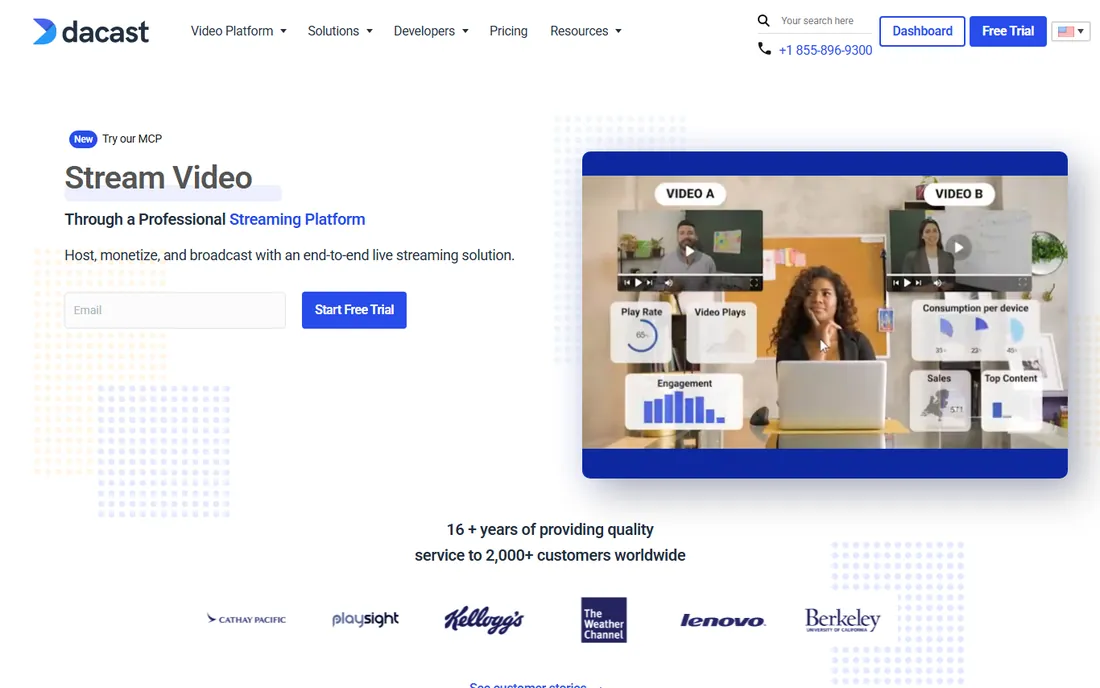
Dacast is a business-grade online video platform built for organizations that sell access to live content: pay-per-view events, subscription channels, and ad-supported streams. The white-label player carries your branding, security features protect paid content, and the platform handles both live and on-demand video.
Pricing was not published on the page we opened, so see the site; third-party sources list Starter around $39 a month, Event around $63, and Scale around $165 a month billed annually, with a 14-day free trial and no credit card required. Note that the lower tiers bill annually upfront, which changes the real commitment. Dacast suits event producers, sports organizations, churches, and educators selling content. Casual creators will find it overkill.
What we like- Built-in pay-per-view and subscription monetization
- White-label player
- China video hosting option
Watch out for- Starter and Event plans require annual billing
- Interface has a learning curve
#9
Wowza
Best for: Developers and organizations building custom streaming infrastructure
Visit wowza.com
Starting priceSee website
Free planFree trial
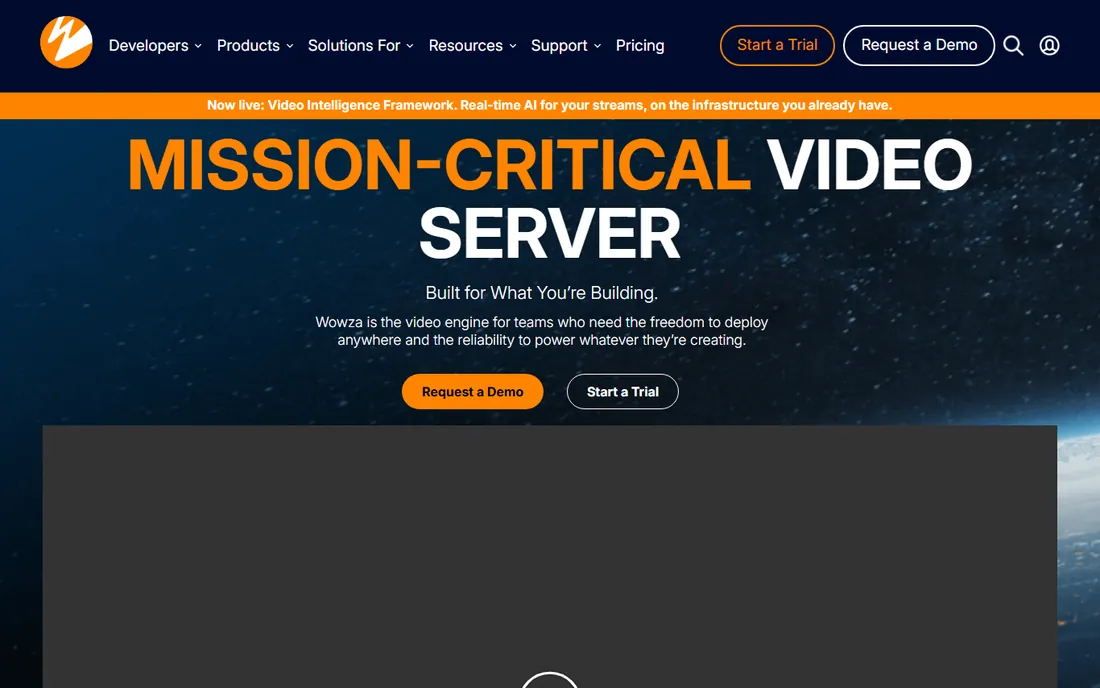
Wowza is infrastructure, not an app. Its Streaming Engine powers custom video platforms, surveillance systems, houses of worship with unusual requirements, and anyone who needs to control every part of the streaming pipeline. Protocol support is exhaustive, deployment runs on-premises, in the cloud, or at the edge, and the API and SDK allow deep customization.
Pricing was not verified on the vendor page, so check the site; third-party sources put Streaming Engine around $195 a month and the cloud Wowza Video product around $25 a month plus usage. The real cost is expertise: you need engineers who understand streaming to get value from Wowza. If you want to press "go live," buy something else on this list. If you want to build the thing other people press "go live" on, Wowza is the standard.
What we like- Extremely flexible and configurable
- Supports every major protocol
- Deploy anywhere including on-premises
Watch out for- Requires serious technical skill
- Infrastructure costs sit on top of licensing
#10
IBM Video Streaming
Best for: Enterprises running town halls, virtual events, and 24/7 channels
Visit video.ibm.com
Starting priceSee website
Free planSee website
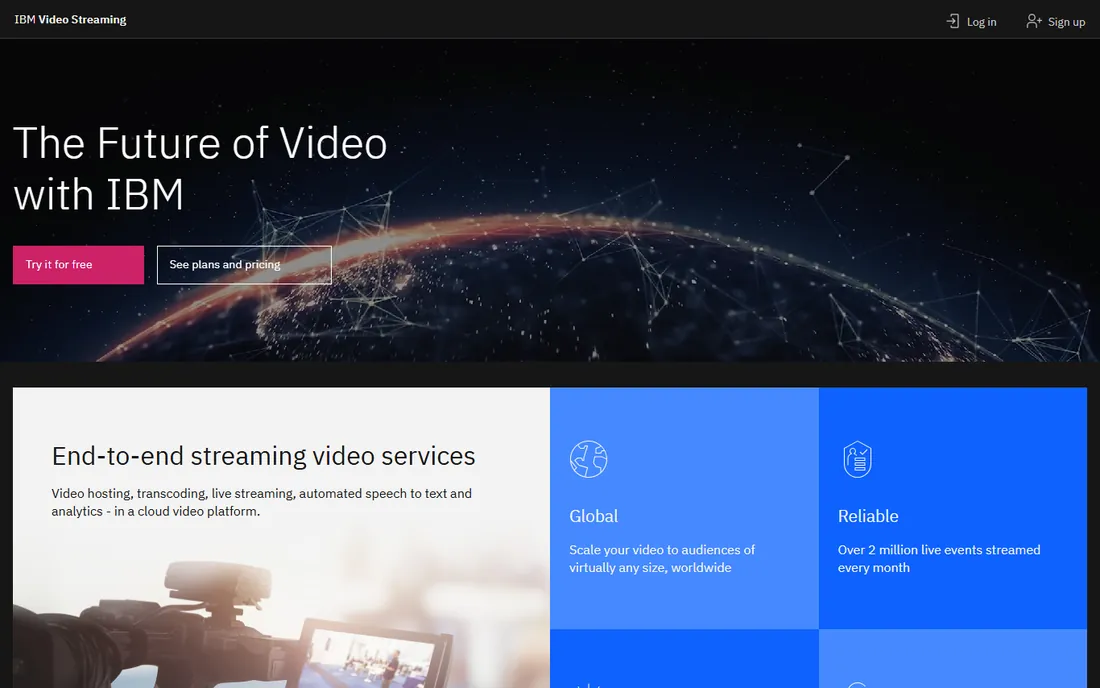
IBM Video Streaming, the former Ustream, is built for the biggest live video jobs: executive town halls, global virtual events, product launches, and always-on channels. The platform reports over 2 million live events streamed monthly, and features like AI-powered captions and video search come from IBM's Watson technology.
Pricing was not published on the vendor page, so see the site; third-party sources list Silver around $137 a month for 100 viewer hours, scaling to Gold and Platinum tiers. This is unambiguously an enterprise product. Small teams will get better value from Vimeo or Dacast. But when the CEO's town hall cannot fail and compliance needs paperwork, IBM is the safe choice.
What we like- Enterprise reliability at massive scale
- Watson AI captions and search
- Strong security and compliance
Watch out for- Expensive for small teams
- Overkill outside enterprise use cases
Before comparing features, decide which game you are playing. Destinations like YouTube, Twitch, Facebook, and LinkedIn give you a free stage and a built-in audience, but you play by their rules, their algorithms, and their branding. Toolkits like Restream and StreamYard let you broadcast everywhere at once, but you have to bring your own audience to each destination.
Most serious creators end up with both: a multistreaming tool feeding two or three destinations, with one primary platform where community actually gathers. Businesses follow a similar pattern with a different stack: a branded platform like Vimeo or Dacast as the home base, with highlights clipped to free destinations for discovery.
The wrong choice is paying for infrastructure you do not need. Wowza and IBM serve real use cases, but a creator buying Wowza is like buying a broadcast truck to film a vlog. Match the tool to the job, and start free wherever you can.
How we chose
We verified each platform exists today and checked homepages directly, confirming current product names and URLs. Pricing marked "See website" reflects prices we could not verify on the vendor's own pricing page at the time of writing, so we declined to repeat third-party figures as fact. We weighed public reviews on G2, Capterra, and TrustRadius, plus creator discussions on Reddit, for real-world reliability and support quality. We considered fit across creator sizes, from solo streamers to enterprises, and noted integrations, monetization options, and contract terms. We did not test streaming performance hands-on.
Frequently asked questions
What is the best free live streaming platform?
YouTube Live is the best free option for most people because of its audience size and unlimited free streaming. Twitch is better for gaming and community-driven content, Facebook Live for existing follower bases, and LinkedIn Live for professional audiences. All four are free.
Do I need multistreaming software?
Only if you want to reach audiences on multiple platforms at once. Restream and StreamYard let you broadcast to YouTube, Twitch, Facebook, and LinkedIn simultaneously. If your audience lives on one platform, streaming there directly is simpler and builds community faster.
How much does professional live streaming cost?
It ranges widely. Multistreaming tools start with free plans and paid tiers roughly from $16 to $50 a month. Business platforms like Vimeo Advanced or Dacast run roughly $39 to $125 a month. Enterprise options like IBM Video Streaming start in the low hundreds monthly, and Wowza infrastructure depends on your scale.
Can I make money from live streaming?
Yes, through several routes: platform monetization like Twitch subscriptions and YouTube ads, pay-per-view and subscriptions through Dacast or Vimeo OTT, sponsorships, and selling products during streams. Free destinations are best for audience building; paywalled platforms are best for direct revenue.
What equipment do I need to start live streaming?
Less than you think. A phone or webcam, decent lighting, and a stable internet connection are enough to start on any free platform. Upgrade to a dedicated camera, microphone, and encoder software like OBS when your audience justifies it. The platform choice matters more than the gear at the beginning.
Is LinkedIn Live still available in 2026?
Yes. LinkedIn Live remains available for eligible profiles and pages, but since June 2026 all broadcasts must be attached to a scheduled LinkedIn Event. You need more than 150 followers, an account at least 30 days old, and a third-party streaming tool like Restream or StreamYard to broadcast.
Sources we checked (10)
- https://www.youtube.com
- https://www.twitch.tv
- https://vimeo.com
- https://restream.io/
- https://streamyard.com/
- https://www.facebook.com
- https://www.linkedin.com/
- https://dacast.com/
- https://www.wowza.com/
- https://video.ibm.com/
Is your product missing or out of date?
We review this list regularly. Vendors can request a listing, send updated pricing or ask about featured placement.

Shihab Mia · Founder, Rankite
Shihab has spent more than a decade helping SaaS and e-commerce brands grow through search. He writes Rankite's software buying guides from pricing pages, documentation and public user reviews. More about Shihab.