How we make this list: we compare pricing pages, product documentation and public user reviews. Rankite is independent; if a vendor ever pays for a featured spot, that listing is clearly labeled Partner.
Key takeaways
- CrushFTP and Cerberus cover the most ground for classic secure file serving, with CrushFTP winning on platform breadth and Cerberus on Windows compliance features.
- Titan SFTP Server is the natural pick for regulated industries and Cisco shops; GoAnywhere MFT is the step up when you need workflow automation, not just transfers.
- FileZilla Server and ProFTPD are genuinely free and fine for basic needs, but both have real limits: FileZilla Server is FTP/FTPS only with no SFTP, and ProFTPD is config-file Linux software.
- Wing FTP Server is the budget automation pick with its scriptable event manager, while CompleteFTP suits enterprises that value a long vendor track record.
- Licensing models differ more than features do: check if pricing is per server, per user or per connection before you shortlist.
Quick comparison
| Tool | Best for | Starting price | Free plan |
|---|
 CrushFTP CrushFTP | Broad protocol support on any OS | See website | See website |
 Cerberus FTP Server Cerberus FTP Server | Windows shops with compliance needs | See website | See website |
 Titan SFTP Server Titan SFTP Server | Regulated industries, Cisco environments | See website | See website |
 Serv-U Serv-U | Small businesses wanting simple MFT | See website | See website |
 GoAnywhere MFT GoAnywhere MFT | Enterprises automating file workflows | See website | Free trial (30 days) |
 FileZilla Server FileZilla Server | Budget teams needing basic secure FTP | Free | Yes |
 Wing FTP Server Wing FTP Server | Scriptable automation on a budget | See website | Free edition (noncommercial) |
 CompleteFTP CompleteFTP | Enterprises valuing vendor track record | See website | See website |
 ProFTPD ProFTPD | Linux admins who want deep config | Free | Yes |
Is your product missing or out of date?
We review this list regularly. Vendors can request a listing, send updated pricing or ask about featured placement.
File server software worth your shortlist
Starting priceSee website
Free planSee website
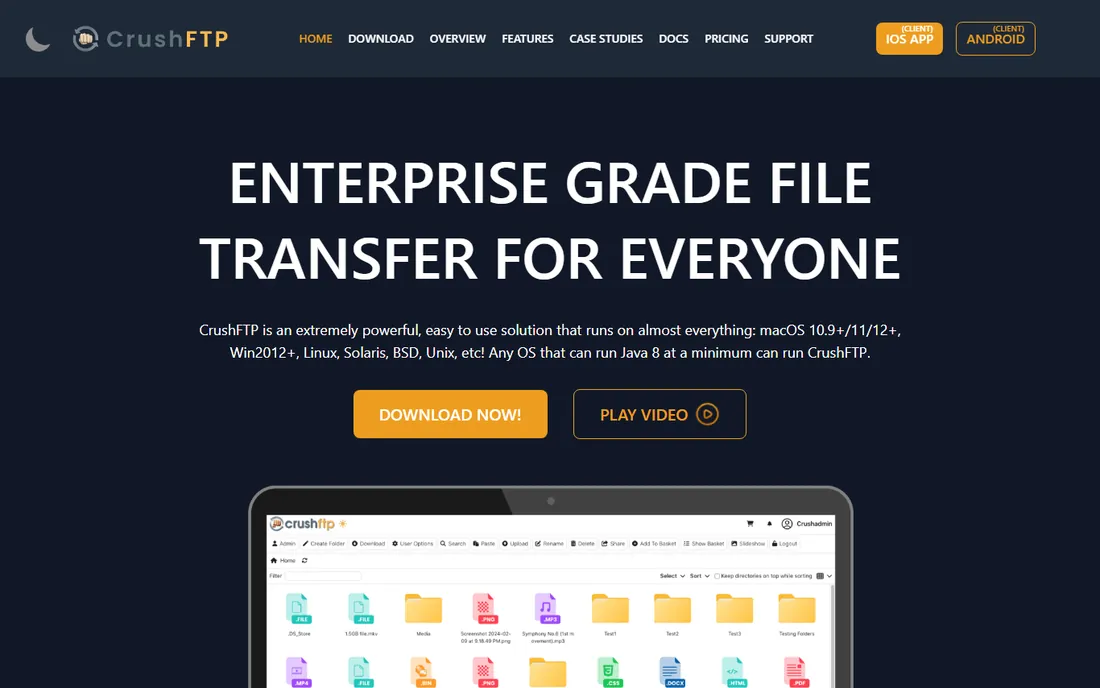
CrushFTP is the Swiss-army option. Because it is Java-based, the same server runs on Windows, Linux, macOS, Solaris and BSD. Out of the box it speaks FTP, FTPS, SFTP, SCP, HTTPS and WebDAV, and the web interface means partners can upload and download from a browser without installing anything. User management supports inheritance and virtual file systems, and event configuration lets you automate post-processing like zipping, encrypting or emailing on upload.
The tradeoffs are polish and packaging. The admin UI looks its age, and the features that larger shops need, multi-server sync and high-availability mode, sit in the Enterprise tier. Licensing is mostly a one-time purchase that scales with connection limits rather than named users, which is friendlier than per-seat models if you have many occasional partners. For a single server that has to talk to everyone, it is hard to beat on breadth.
What we like- Runs on almost any OS via Java
- FTP, FTPS, SFTP, SCP, HTTPS and WebDAV in one server
- Licensing scales by connections, not users
Watch out for- Web admin interface feels dated
- High-availability and sync features need the Enterprise tier
- Documentation assumes a technical admin
Starting priceSee website
Free planSee website
Cerberus is the compliance-minded Windows file server. It supports SFTP, SCP, FTP/S and HTTP/S, authenticates against Active Directory and LDAP, runs as a Windows service, and offers the audit logging and integrity controls that regulated environments demand. Development is active: 2026 releases added FIPS 140-3 support and cloud storage backing for virtual directories via Amazon S3 and Azure Blob.
One fact buyers should know: Cerberus was acquired by Redwood Software in 2023, which now develops and supports it. The product continues as its own line, but it is no longer an independent vendor. Pricing is quote-based rather than published. If you run Windows, answer to auditors, and want a server with serious security credentials, it belongs on your shortlist.
What we like- FIPS 140-3 validated cryptography and detailed audit trails
- Active Directory and LDAP authentication
- Under active development with 2026 releases
Watch out for- Windows only
- Pricing is not published
- Acquisition by Redwood changed the product's independent feel
Starting priceSee website
Free planSee website
Titan SFTP Server, from South River Technologies, targets organizations where file transfer has to be provably secure. Healthcare, finance and legal teams use it for partner file exchange, encrypted data transfers and customer upload portals, with controls aligned to HIPAA, PCI and SOX requirements. Configuration can be set independently at the server, group and user levels, which administrators appreciate when different partners need different rules. Cisco recommends it for backing up the Unified Communications suite, a telling endorsement in enterprise circles.
The positioning is deliberately narrow: this is secure transfer without full orchestration. If you need scheduling, complex workflows and B2B process management, South River sells Titan MFT Server as the bigger sibling. Pricing is not public, so expect a sales conversation. For encrypted partner exchange on Windows without the weight of a full MFT suite, it is a focused, proven choice.
What we like- HIPAA, PCI and SOX-aligned security controls
- Granular config at server, group and user levels
- Cisco-recommended for Unified Communications backups
Watch out for- Primarily a Windows product
- Pricing is not published
- Full workflow automation requires the separate Titan MFT tier
Starting priceSee website
Free planSee website
Serv-U is SolarWinds' entry in this space, aimed at the small-to-mid business that needs managed file transfer without a dedicated integration team. It handles FTP, FTPS and SFTP, and its strength is the end-user experience: browser and mobile interfaces for viewing, uploading and downloading, plus ad hoc sharing for one-off transfers with outside parties. Setup is straightforward compared with the enterprise MFT platforms.
Two caveats. First, SolarWinds' name still raises eyebrows in security-conscious shops after the 2020 supply-chain attack; the company has since invested heavily in secure development, but some buyers will want that conversation on the record. Second, pricing is quote-based. Serv-U fits teams that want dependable, supported file transfer with a gentle learning curve rather than a workflow automation platform.
What we like- Intuitive web and mobile interfaces for end users
- Ad hoc file sharing alongside FTP/SFTP
- Backed by SolarWinds support infrastructure
Watch out for- Pricing is not published
- SolarWinds brand still carries post-2020 breach baggage
- Lighter on advanced automation than enterprise MFT suites
Starting priceSee website
Free planFree trial (30 days)
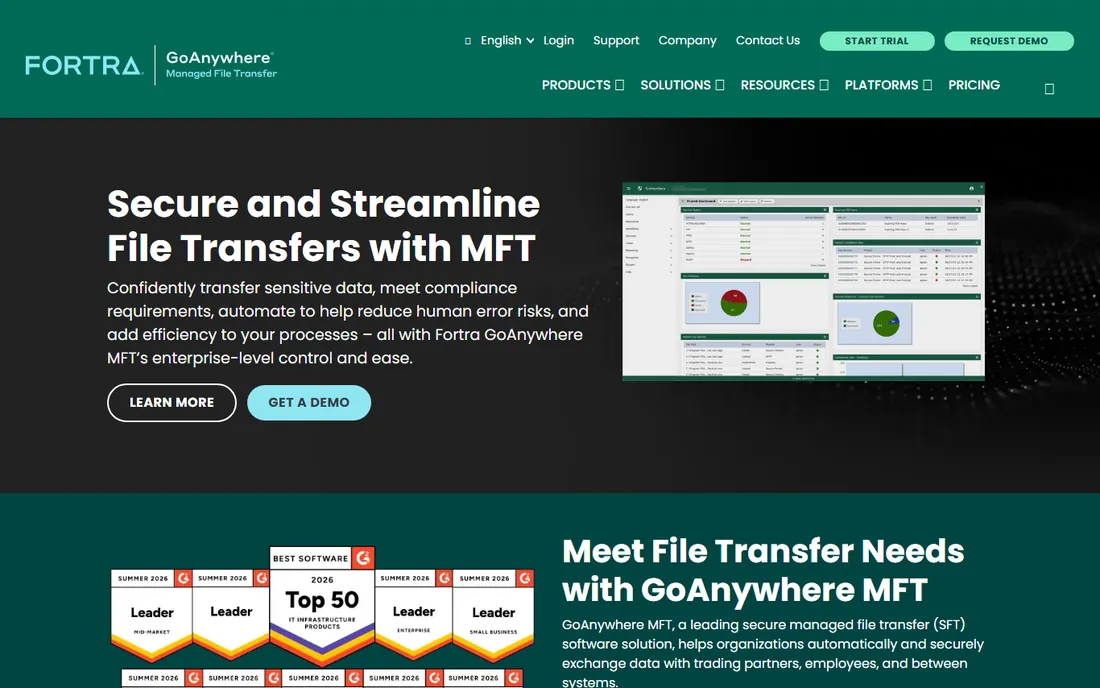
GoAnywhere, from Fortra, is what you buy when file transfer becomes a business process. Beyond SFTP, FTPS and HTTPS, you get a visual workflow designer, event triggers, scheduling and alerting, so transfers run themselves and someone gets notified when they do not. Compliance features cover HIPAA, PCI DSS and GDPR, and the optional FileCatalyst service accelerates large transfers well beyond standard protocol speeds. Deployment is flexible: on-premises, cloud, hybrid or SaaS.
This is not a casual purchase. Pricing is enterprise-grade and quote-based, and a production rollout wants proper planning around workflows and partner onboarding. If your current automation is a collection of scripts nobody fully understands, GoAnywhere is the grown-up replacement. If you just need a place for partners to drop files, it is more than you need.
What we like- Visual workflow designer with triggers and scheduling
- Strong compliance support for HIPAA, PCI DSS and GDPR
- FileCatalyst acceleration for large transfers
Watch out for- Enterprise pricing and sales process
- Heavier than needed for simple file serving
- Implementation deserves real planning time
Starting priceFree
Free planYes
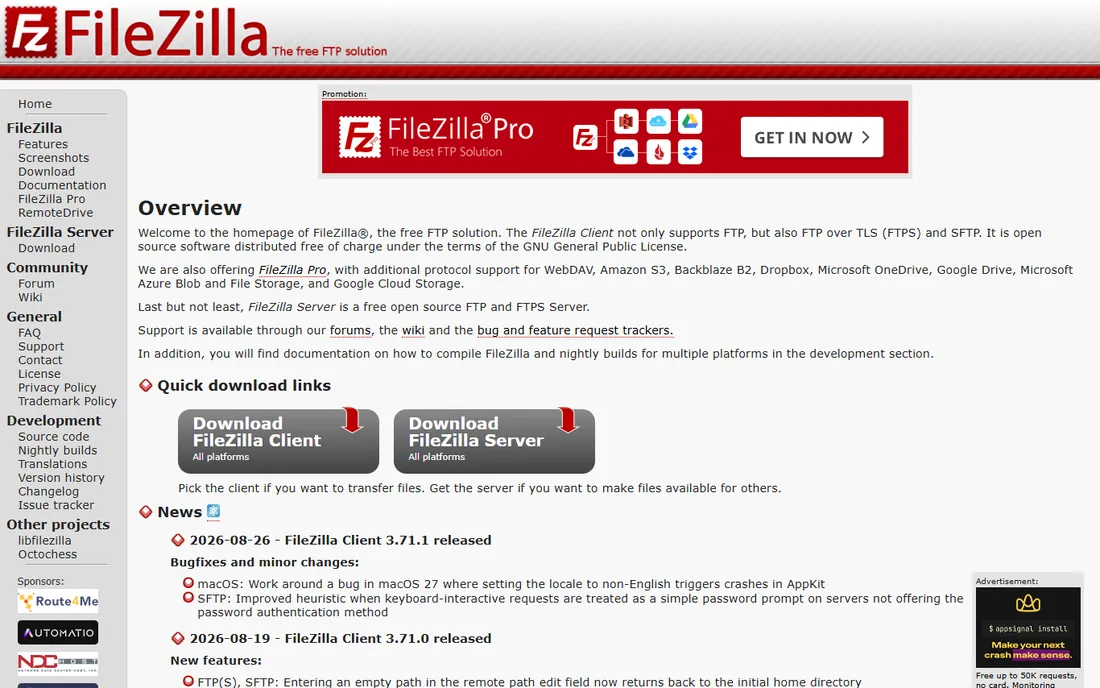
FileZilla Server is the free answer to "we just need a secure FTP server." It is open source, installs in minutes on Windows, and supports FTP and FTPS, which covers encrypted transfer for most basic needs. Administration will feel familiar to anyone who has used the FileZilla client, and for internal file exchange or a small partner setup, it simply works.
Know the boundaries before you commit. The free server does not do SFTP; that protocol is reserved for the paid FileZilla Pro Enterprise Server. It runs on Windows only, and you get none of the high-availability, clustering or workflow features of the commercial tools. For a departmental server or a lab environment, it is ideal. For anything auditors will inspect, look at the paid options above.
What we like- Free and open source with a simple setup
- Supports FTP and FTPS with TLS encryption
- Familiar administration for anyone who knows the FileZilla client
Watch out for- No SFTP support in the free server
- Windows only
- Minimal enterprise features like HA or advanced automation
Starting priceSee website
Free planFree edition (noncommercial)
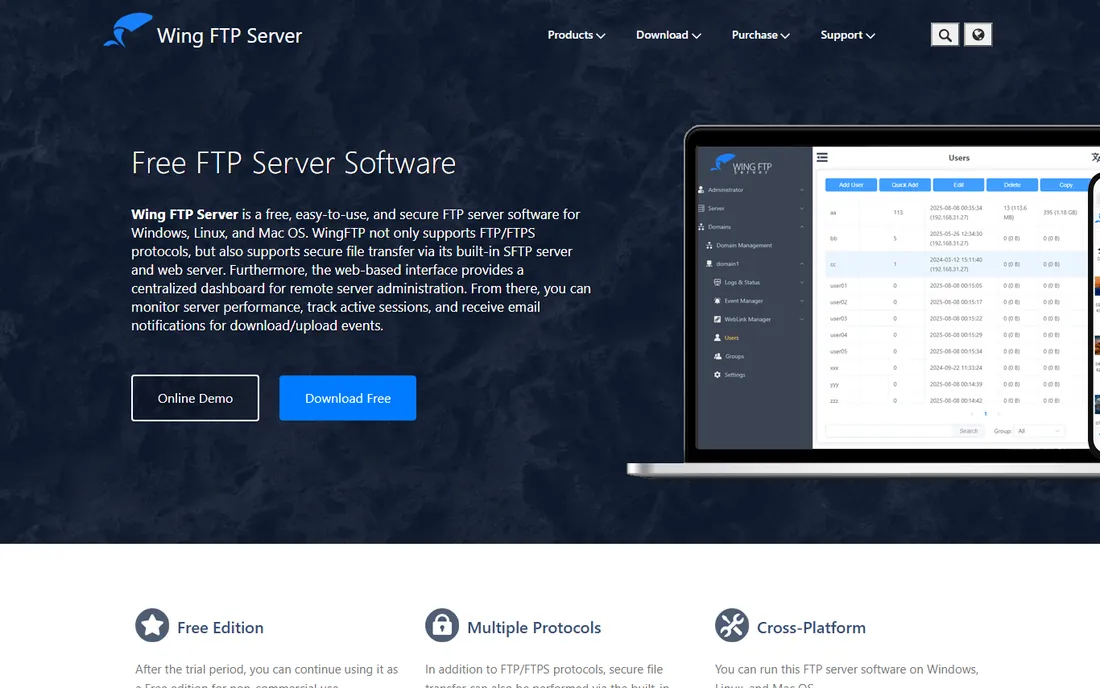
Wing FTP Server punches above its price. It runs on Windows, Linux and macOS, supports FTP, FTPS, SFTP and HTTP/S, and administration happens entirely through a web browser, including a web client with an online text editor and media viewer. The standout is the event manager: trigger Lua scripts, email notifications or third-party programs on transfer events, which gives you real automation without MFT-suite money. Database and LDAP authentication are supported, and clustering via Wing Gateway covers basic high availability.
The free edition is for noncommercial use only, so businesses need a paid license, and the vendor is small, which shows in support depth. The interface is functional rather than beautiful. For a technical admin who wants a scriptable, cross-platform server without enterprise pricing, it is one of the best values here.
What we like- Cross-platform with web-based administration
- Lua-scriptable event manager for automation
- Free edition available for noncommercial use
Watch out for- Commercial use requires a paid license
- Smaller vendor with a modest support operation
- Interface design shows its age
Starting priceSee website
Free planSee website
CompleteFTP, from Australia's Enterprise Distributed Technologies, is the quiet veteran: a multi-protocol FTP/SFTP server with customers including large enterprises, built by a company that has been in the file transfer business since 1999. It covers the standard secure protocols, integrates as a Windows service, and suits organizations that prefer buying from an established specialist rather than the newest name.
The low profile cuts both ways. You will not find the community discussion or third-party content that surrounds CrushFTP or FileZilla, and pricing requires contacting the vendor. Feature-wise it competes in the same lane as Cerberus and Titan rather than the MFT suites. If vendor longevity matters in your procurement process, CompleteFTP deserves a demo alongside the better-known names.
What we like- Multi-protocol server from a vendor operating since 1999
- Enterprise customer base
- Deep Windows integration
Watch out for- Pricing is not published
- Windows-centric
- Lower profile than CrushFTP or Cerberus in current discussions
Starting priceFree
Free planYes
ProFTPD is the Linux admin's file server. Free and open source, it uses an Apache-style configuration file with per-directory .ftpaccess files, virtual hosting and anonymous FTP support, and its modular architecture adds SQL authentication, LDAP, RADIUS and TLS without rebuilding. It has been a staple of web hosting environments for decades because it is predictable, scriptable and free.
There is no GUI and no hand-holding: you edit config files, you manage the service, you apply the patches. It is primarily a Unix/Linux tool, and while it can run on Windows via Cygwin, nobody chooses it for that. Pair it with a hardened OS and standard monitoring and it will run for years. If your team lives on the command line and wants total control at zero license cost, this is the pick.
What we like- Free and open source under the GPL
- Apache-style configuration admins already understand
- Modular design with SQL, LDAP and TLS modules
Watch out for- Configuration files only, no graphical admin
- Unix-focused with Windows only via Cygwin
- You own patching and maintenance
FTP vs MFT: do you need the upgrade
A file server moves files; a managed file transfer platform manages the movement. The practical difference shows up in four places. Automation: MFT suites schedule transfers, trigger workflows on events and retry failures without human help, while plain FTP servers mostly wait for someone to connect. Visibility: MFT gives you dashboards, alerts and audit-ready reports; FTP servers give you logs you have to read yourself. Governance: MFT bakes in compliance controls, approval steps and data-loss guardrails. Cost and complexity: MFT costs more and takes longer to implement.
Choose a plain server when the job is simple: partners uploading files, internal distribution, or a handful of scheduled transfers you already handle with scripts. Choose MFT when transfers are business-critical, auditors ask questions, or the script collection has become a liability nobody wants to touch. Many organizations start with a server like CrushFTP or Cerberus and graduate to GoAnywhere when the workflow demands it; that is a reasonable path, not a failure.
How we chose
We focused on server software businesses actually deploy, not cloud storage services or sync tools. We verified each vendor is operating today, read homepages and documentation for protocol support, platform coverage and security features, and cross-checked against independent comparisons and review sites for pricing signals and recurring complaints. We mixed free open-source servers with commercial products and included both classic FTP/SFTP servers and full MFT suites so different budgets and requirements are covered. We did not install or benchmark these servers; everything here comes from vendor-published material and independent public sources.
Choosing a file server: the questions that actually matter
Start with protocols, because "FTP server" means different things. Your partners' capabilities decide this more than your preferences: SFTP is the modern default for encrypted transfer, FTPS suits legacy systems that expect FTP with TLS, and a web/HTTPS interface removes client software from the equation entirely. CrushFTP and GoAnywhere cover the widest protocol spread; FileZilla Server is FTP/FTPS only.
Next, platform and authentication. Windows-only shops can pick any tool here, but Linux teams should shortlist CrushFTP, Wing FTP Server or ProFTPD. If users already exist in Active Directory or LDAP, confirm the server can authenticate against it rather than maintaining a parallel user database; Cerberus, Titan, Wing FTP and ProFTPD all can.
Then decide how much automation you need, honestly. Scheduled transfers, event-triggered scripts and failure alerts are available in Wing FTP's event manager and CrushFTP's job features without MFT money. Full visual workflows, partner onboarding portals and compliance dashboards are MFT territory. Finally, read the license before you fall in love: per-server, per-user and per-connection models produce wildly different totals at scale, and most commercial vendors here quote rather than publish. Get the quote early, and ask what support and upgrades cost in year two.
Frequently asked questions
What is the difference between FTP, FTPS and SFTP?
FTP is the original protocol and sends credentials and data unencrypted, so it should not be used as-is anymore. FTPS adds TLS encryption to FTP, and SFTP runs file transfer over SSH. For new deployments, SFTP is the usual default; FTPS exists mainly for legacy systems built around FTP. All the commercial tools here support both encrypted options.
Do I need MFT software or just an FTP server?
If files simply need a secure place to land with user accounts and encryption, an FTP/SFTP server is enough. MFT earns its keep when transfers are scheduled, multi-step, compliance-audited or business-critical enough that failures need automatic retries and alerts. Start with the simpler tool; upgrade when the scripts and manual checks start costing real staff time.
Can I run a file server on Linux?
Yes. CrushFTP, Wing FTP Server and ProFTPD all run on Linux, and Serv-U and GoAnywhere support Linux deployments too. Cerberus, Titan and CompleteFTP are Windows-centric, and FileZilla Server is Windows only. If your infrastructure is Linux-first, that shortlist writes itself.
Which file server software is free?
FileZilla Server and ProFTPD are free and open source, and Wing FTP Server offers a free edition for noncommercial use. They cover basic secure transfer well. The tradeoff is support and advanced features: no SLAs, no high availability, and you handle maintenance yourself. For business-critical transfers, budget for a commercial product.
How do outside partners access files without installing software?
Most modern servers include a web client: partners get a link, log in through a browser, and upload or download. CrushFTP, Cerberus, Titan, Serv-U and GoAnywhere all offer this, and Wing FTP Server's web client even includes an online text editor and media viewer. This is worth confirming on a demo if your partners are non-technical.
What should I ask about on a vendor demo?
Ask how licensing scales with your user and connection counts, what authentication sources are supported, how upgrades and support are priced after year one, and what the audit trail looks like for compliance reviews. For MFT suites, ask to see a workflow built live and a failure handled automatically. For plain servers, ask about high availability and backup of the configuration.
Sources we checked (9)
- https://crushftp.com/
- https://www.cerberusftp.com
- https://titanftp.com
- https://www.solarwinds.com/serv-u-managed-file-transfer-server
- https://www.goanywhere.com
- https://filezilla-project.org
- https://www.wftpserver.com
- https://enterprisedt.com
- https://www.proftpd.org
Is your product missing or out of date?
We review this list regularly. Vendors can request a listing, send updated pricing or ask about featured placement.

Shihab Mia · Founder, Rankite
Shihab has spent more than a decade helping SaaS and e-commerce brands grow through search. He writes Rankite's software buying guides from pricing pages, documentation and public user reviews. More about Shihab.