How we make this list: we compare pricing pages, product documentation and public user reviews. Rankite is independent; if a vendor ever pays for a featured spot, that listing is clearly labeled Partner.
Key takeaways
- Altium Designer remains the professional standard for complex PCB design, but it is priced for teams that bill clients, not for weekend projects.
- KiCad is the best free circuit design software with no board-size limits, and version 10 narrowed the gap with paid tools further.
- Autodesk Fusion Electronics is now the only route for former EAGLE users, since Autodesk ended EAGLE sales and support on June 7, 2026.
- EasyEDA is the fastest path from schematic to ordered PCBs for simple boards, because it is free and connects directly to JLCPCB manufacturing.
- LTspice is free and unmatched for analog circuit simulation, but it is not a PCB layout tool, so it complements rather than replaces an EDA package.
Quick comparison
| Tool | Best for | Starting price | Free plan |
|---|
 Altium Designer Altium Designer | Professional PCB teams and complex high-speed designs | See website | See website |
 KiCad KiCad | Free, unrestricted PCB design for hobbyists, students, and startups | Free | Yes |
 Autodesk Fusion (Fusion Electronics) Autodesk Fusion (Fusion Electronics) | Former EAGLE users and teams merging mechanical and PCB design | $57 per user/month (billed annually) | Free trial (30 days) |
 EasyEDA EasyEDA | Quick prototypes ordered straight to fabrication | Free | Yes |
 DipTrace DipTrace | Engineers who want to own their license outright | $75 one-time | Yes (300-pin limit) |
 Proteus Design Suite Proteus Design Suite | Simulating circuits with real microcontroller firmware before building | See website | Free demo |
 OrCAD X OrCAD X | Teams invested in the Cadence ecosystem and PSpice simulation | See website | See website |
 LTspice LTspice | Free, fast analog circuit simulation | Free | Yes |
 NI Multisim NI Multisim | Teaching electronics and interactive circuit exploration | See website | See website |
Is your product missing or out of date?
We review this list regularly. Vendors can request a listing, send updated pricing or ask about featured placement.
The best circuit design software for 2026
#1
Altium Designer
Best for: Professional PCB teams and complex high-speed designs
Visit altium.com
Starting priceSee website
Free planSee website

Ask a contract electronics design house what runs on their machines and most will say Altium Designer. The interactive router, length tuning, and multi-board support handle the kind of dense HDI work that breaks lesser tools, and the Altium 365 cloud platform makes design reviews with clients and manufacturers straightforward. If you bill clients for board design, the seat cost is a rounding error against one avoided fabrication spin.
The catch is the model. Altium now sells through platform solutions (Altium Develop and Altium Agile) with subscription licensing, and public list pricing is gone, so budgeting requires a sales conversation. It is also Windows-only, which matters if your team mixes macOS or Linux machines. Hobbyists and solo makers should look at KiCad or EasyEDA first and only graduate here when client work demands it.
What we like- Unified schematic, layout, and 3D in one environment
- Deep supply chain data through Octopart integration
- Large talent pool since it is the industry standard
Watch out for- Pricing is quote-based and aimed at commercial teams
- Windows-only, which complicates mixed-OS workflows
#2
KiCad
Best for: Free, unrestricted PCB design for hobbyists, students, and startups
Visit kicad.org
Starting priceFree
Free planYes
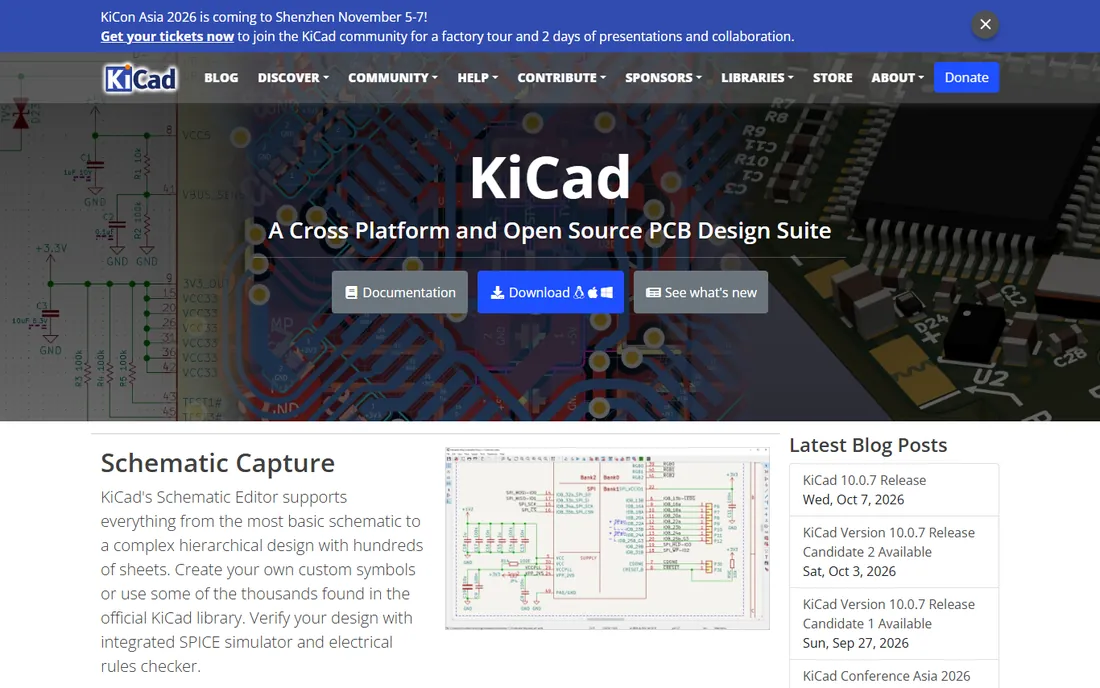
KiCad is the reason the best free circuit design software conversation is short. Version 10 brought a refined interactive router, better import of Altium and EAGLE files, and a 3D viewer that is genuinely useful for checking mechanical fit. For a four-layer microcontroller board or an open-hardware product, it does everything a small team needs without a dollar changing hands.
Where it shows its price is in the workflow polish. Setting up libraries takes more clicks, there is no live supplier data to warn you a part is out of stock, and high-speed constraint management is less guided than in Altium or OrCAD. Teams that design DDR or PCIe regularly will feel the gap. Everyone else gets a professional-grade tool for free, which is hard to argue with.
What we like- Completely free and open source with no board-size or layer limits
- Runs on Windows, macOS, and Linux
- Active plugin ecosystem and large community libraries
Watch out for- Library management is more manual than commercial tools
- No built-in live component pricing or supply chain data
#3
Autodesk Fusion (Fusion Electronics)
Best for: Former EAGLE users and teams merging mechanical and PCB design
Visit autodesk.com
Starting price$57 per user/month (billed annually)
Free planFree trial (30 days)
The EAGLE era is over. Autodesk stopped selling and supporting EAGLE on June 7, 2026, and Fusion Electronics is where that user base now lives. For former EAGLE users the migration is the obvious move, since libraries and designs carry over and the schematic-to-PCB flow feels familiar. The bigger draw is unified ECAD and MCAD: designing the board and its enclosure in one model removes the STEP export dance entirely.
The tradeoff is depth and dependence. Very complex boards with strict high-speed rules are still easier in Altium or OrCAD, and Fusion wants an internet connection for the full experience, which can frustrate engineers in labs with locked-down networks. Still, for product startups building connected devices, one subscription that covers CAD, CAM, and PCB is a strong package at $57 per user per month billed annually.
What we like- Electronics and mechanical design in one cloud platform
- Direct migration path from EAGLE libraries and files
- Affordable for small teams compared with Altium
Watch out for- Cloud-dependent workflow that suffers with poor connectivity
- Electronics features are less deep than dedicated EDA tools for complex boards
#4
EasyEDA
Best for: Quick prototypes ordered straight to fabrication
Visit easyeda.com
Starting priceFree
Free planYes
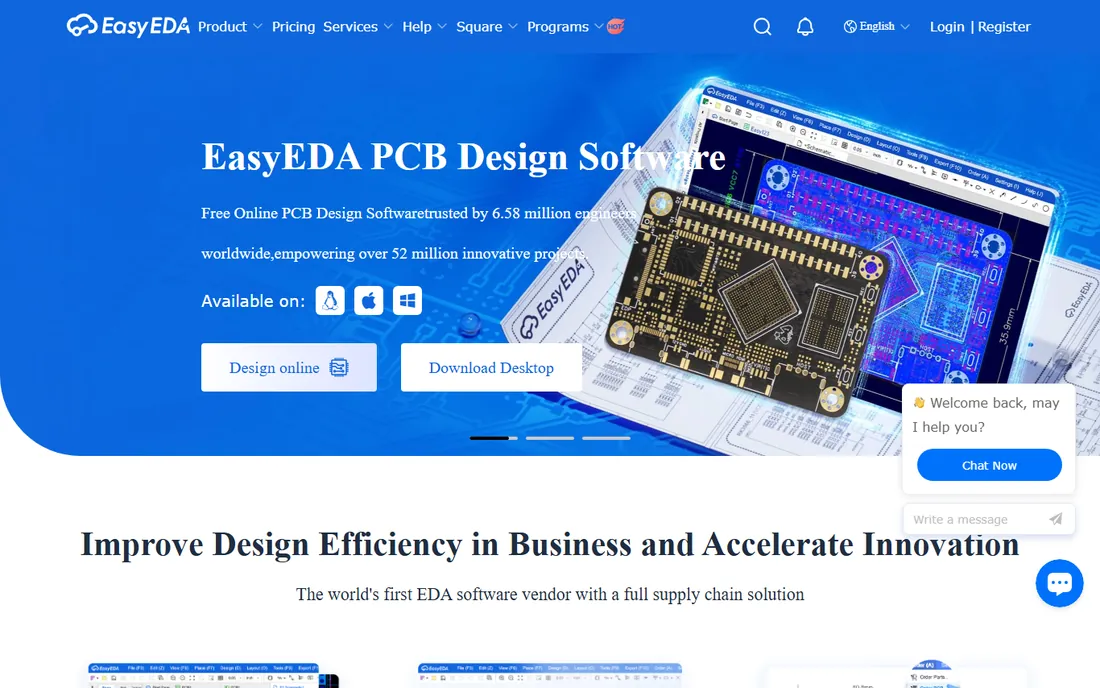
EasyEDA wins on the shortest path from idea to physical board. You draw the schematic in a browser tab, lay out the PCB in the same tab, and send the Gerbers to JLCPCB without leaving the tool. For Arduino shields, sensor boards, and class projects, that convenience beats raw feature depth. The free tier covers public projects plus a limited number of private ones, which is enough for most solo designers.
Serious limitations show up at scale. There is no offline mode, the router and DRC are basic compared with KiCad or DipTrace, and companies with strict IP policies will not want designs on a third-party cloud. Treat it as the fastest prototyping tool in this list, not the one to build a product line on.
What we like- Free in the browser with nothing to install
- One-click ordering through JLCPCB
- Huge shared library and community projects to copy from
Watch out for- Cloud-only, so designs live on someone else's servers
- Advanced routing and constraint features lag behind desktop tools
Starting price$75 one-time
Free planYes (300-pin limit)
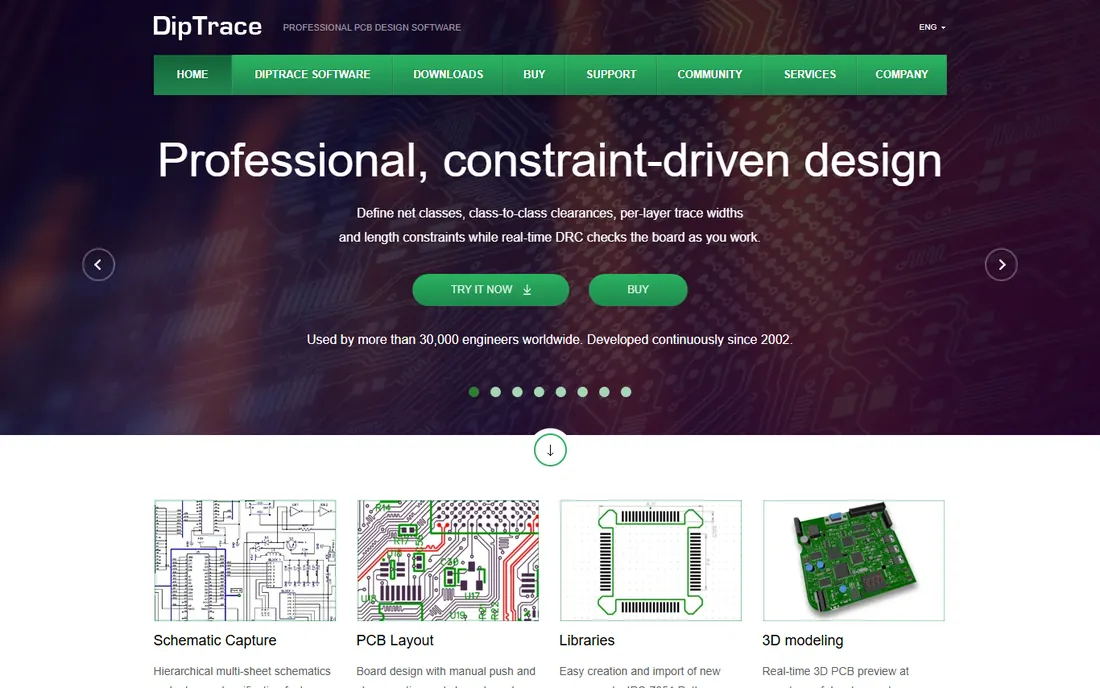
DipTrace occupies the sensible middle ground: paid enough to feel professional, cheap enough for a freelancer to buy out of pocket. The tiered editions scale from the $75 Starter to the $995 Full version by pin and layer count, and every license is perpetual, which is increasingly rare. The push-and-shove router, real-time DRC, and one-click schematic-to-board conversion make it one of the easiest desktop tools to learn.
It does not try to be Altium. The component libraries are smaller, the community is quieter than KiCad's, and the most demanding high-speed workflows will outgrow it. But for small businesses shipping two-to-eight-layer boards, a one-time purchase that never phones home for a renewal is a genuine advantage.
What we like- Perpetual licenses from $75 with no subscription
- Intuitive interface that beginners learn fast
- Solid autorouter and 3D preview included
Watch out for- Smaller library ecosystem than KiCad
- High-end high-speed features are thinner than Altium or OrCAD
#6
Proteus Design Suite
Best for: Simulating circuits with real microcontroller firmware before building
Visit labcenter.com
Starting priceSee website
Free planFree demo
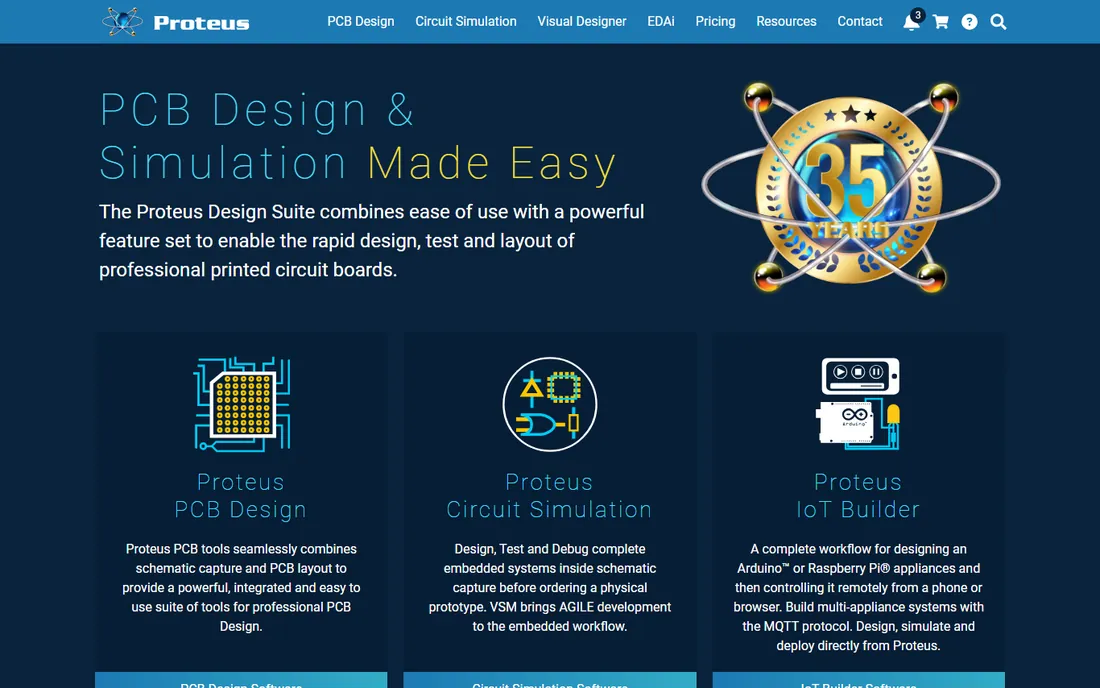
Proteus is the odd one in this list because simulation, not layout, is its superpower. You can write firmware for a PIC or Arduino-class microcontroller and watch it execute against the simulated circuit, which catches logic errors long before you order boards. For embedded engineers and electronics courses, that virtual prototyping loop is worth more than any routing feature.
As a pure PCB layout tool it is competent rather than exceptional, and the Windows-only, quote-based pricing keeps it out of casual consideration. The demo version lets you evaluate the simulation side properly. Buy it for the simulation depth; judge the layout tools against KiCad or DipTrace before committing.
What we like- Mixed-mode SPICE simulation with working microcontroller models
- Schematic, simulation, and PCB layout in one suite
- Strong in education and embedded prototyping
Watch out for- Windows-only
- Pricing is not published and requires contacting sales
#7
OrCAD X
Best for: Teams invested in the Cadence ecosystem and PSpice simulation
Visit cadence.com
Starting priceSee website
Free planSee website
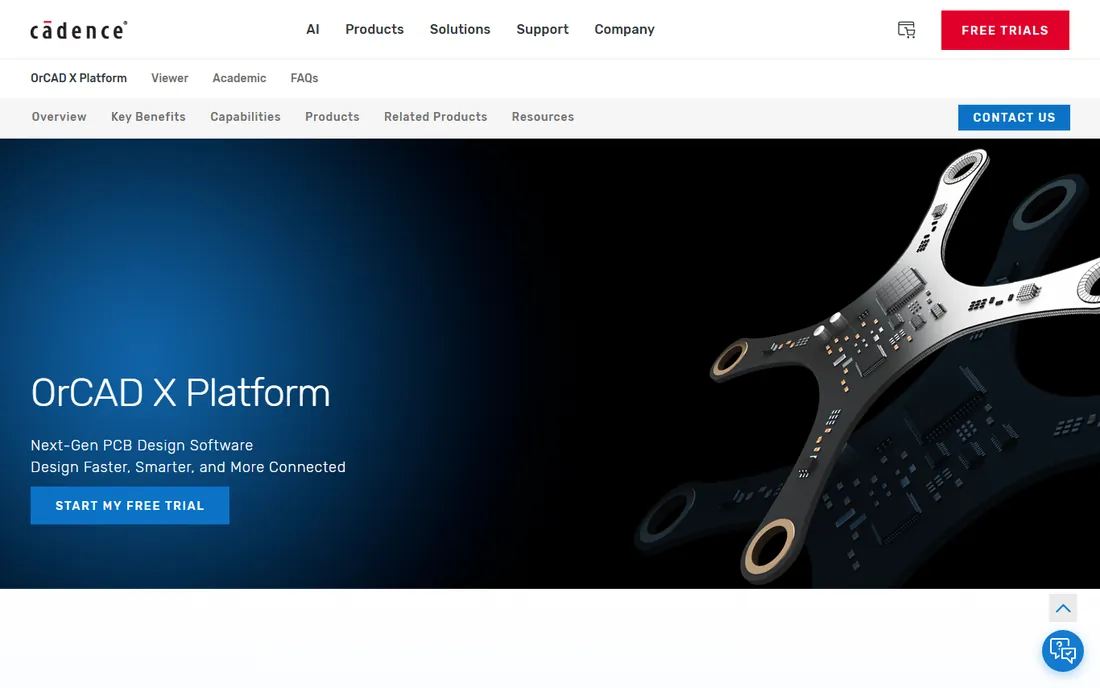
Cadence rebranded its mainstream PCB line as OrCAD X, folding in cloud collaboration, AI-assisted layout, and live component data from distributors. If your company already uses PSpice models or plans to grow into Allegro for enterprise boards, starting in OrCAD X keeps the whole flow inside one vendor. The simulation pedigree is real: PSpice models from semiconductor vendors just work.
For everyone else, the barrier is opacity. There is no public pricing page, trials go through sales, and the interface assumes you already speak EDA. Small teams often get more done faster in Fusion or DipTrace. OrCAD X earns its place when simulation accuracy and supply chain data are non-negotiable.
What we like- PSpice is still the benchmark for analog and mixed-signal simulation
- Deep supply chain integration with live pricing and stock
- Scalable path to Allegro for bigger designs
Watch out for- Pricing is quote-based with no public tiers
- Learning curve is steep for newcomers
Starting priceFree
Free planYes
Every analog engineer keeps LTspice installed, and the reason is simple: it simulates most circuits faster than anything else and costs nothing. Analog Devices ships it with an enormous model library, and the waveform viewer makes probing a transient analysis genuinely pleasant. Version 26 added native Apple Silicon and ARM64 Windows builds, so it runs well on modern machines.
It is not PCB software, and pretending otherwise causes confusion. LTspice draws schematics and simulates them; Gerbers come from somewhere else. Pair it with KiCad or EasyEDA and you have a free design flow that covers simulation through fabrication, which is exactly how many small hardware teams work.
What we like- Completely free with no limits from Analog Devices
- Very fast SPICE engine
- Huge library of vendor models and demo circuits
Watch out for- Schematic editor feels dated
- Not a PCB layout tool, so it cannot take you to fabrication
#9
NI Multisim
Best for: Teaching electronics and interactive circuit exploration
Visit ni.com
Starting priceSee website
Free planSee website
Multisim built its reputation in university labs, and it still owns that niche. Students probe a simulated circuit with virtual oscilloscopes and function generators, which teaches measurement thinking better than staring at waveform plots. Multisim Live extends this to the browser with a free tier, so instructors can assign work without managing installs.
Outside education it is a harder sell. The professional desktop editions carry enterprise pricing, and the companion PCB layout tool Ultiboard feels dated next to KiCad or Altium. If you are learning electronics or teaching it, Multisim is excellent. If you are shipping products, the other tools on this list do more for the money.
What we like- Interactive simulation with virtual instruments like oscilloscopes
- Huge component database
- Multisim Live runs in a browser for classroom use
Watch out for- Professional editions are expensive
- PCB layout via Ultiboard is an extra cost and less modern than rivals
How to pick EDA software without overpaying
Start with the board, not the brand. A two-layer sensor board does not need a tool built for 16-layer HDI, and paying for one wastes both money and learning time. Match the tool to the complexity you actually ship.
Count your layers and speed requirements
Simple boards with microcontrollers, power regulation, and standard interfaces are comfortable in EasyEDA, KiCad, or DipTrace. Once you add DDR memory, PCIe, USB 3, or controlled impedance, you need the constraint managers in Altium Designer, OrCAD X, or Fusion Electronics. Be honest about which camp your next twelve months fall into.
Decide how you feel about subscriptions
DipTrace and KiCad let you avoid recurring fees entirely, one with perpetual licenses and the other by being free. Autodesk Fusion and Altium are subscription-only, which is fine for a funded team and painful for a side project. Factor in what happens if you stop paying: KiCad and DipTrace keep working, subscriptions stop.
Check the library and manufacturing path
A great router is useless if you spend days drawing footprints. EasyEDA's JLCPCB link, Altium's live supplier data, and OrCAD X's distributor integration all shorten the path from schematic to assembled board. KiCad users should budget time for library setup or lean on community libraries. Whichever tool you pick, confirm it exports clean Gerber, drill, and pick-and-place files your fabricator accepts.
What changed in 2026: EAGLE is gone
The biggest shift in circuit design software this year is not a feature but a funeral. Autodesk ended EAGLE sales and support on June 7, 2026, and Fusion Electronics is the official successor. If you still have EAGLE 9.x installed, it keeps running, but there will be no updates, no new OS support, and no official help when something breaks.
Migration is straightforward for most users. Fusion imports EAGLE libraries and board files, and the keyboard-driven workflow will feel familiar. The main adjustment is the cloud project structure and the subscription model, which replaces EAGLE's old tiers. KiCad is the alternative if you want to leave Autodesk entirely; its EAGLE import has improved enough that most designs transfer cleanly.
The lesson for buyers is to watch vendor roadmaps. EDA tools live for decades in companies, and a discontinued tool strands libraries, training, and tribal knowledge. Favor vendors with clear succession plans, open file formats, or at minimum reliable export, so the next transition costs you a weekend instead of a quarter.
How we chose
We compared current product pages, pricing pages, documentation, and public reviews on G2, Capterra, and Reddit communities like r/PrintedCircuitBoard. Every tool listed is actively sold or maintained as of October 2026, with EAGLE deliberately excluded since Autodesk ended it. We weighted real buyer concerns: license model, platform support, library depth, simulation quality, and the path from schematic to manufactured board. No hands-on testing is claimed; this is a research comparison, not a lab review.
Frequently asked questions
What is the best free circuit design software?
KiCad is the best free option for full PCB design, with no limits on board size, layers, or commercial use. EasyEDA is the best free choice if you want the fastest route from browser to ordered boards. LTspice is the best free tool for simulation, but it does not do PCB layout.
Is Autodesk EAGLE still available?
No. Autodesk ended EAGLE sales and support on June 7, 2026. Existing installs keep working but receive no updates. Autodesk directs users to Fusion Electronics, which imports EAGLE designs and libraries.
Which circuit design software is best for beginners?
EasyEDA has the gentlest learning curve because it runs in the browser and connects directly to PCB fabrication. KiCad takes longer to learn but teaches professional workflows and costs nothing. DipTrace sits between them with an intuitive desktop interface and affordable perpetual licenses.
Do I need to pay for circuit design software as a hobbyist?
No. KiCad, EasyEDA, and LTspice cover schematic capture, PCB layout, and simulation for free. Paid tools earn their price with high-speed design features, supply chain data, and support, which matter for commercial work but rarely for hobby projects.
What is the difference between EDA software and a circuit simulator?
EDA software like Altium Designer or KiCad takes you from schematic to a manufacturable PCB with layout, routing, and fabrication files. A circuit simulator like LTspice or Multisim models how the circuit behaves electrically but produces no board files. Most engineers use both: simulate first, then lay out.
Can I design PCBs on a Mac or Linux machine?
Yes, with the right tool. KiCad, EasyEDA, and LTspice all run on macOS, and KiCad runs on Linux too. Altium Designer and Proteus are Windows-only, and Fusion runs on Windows and macOS. Check platform support before committing, especially for team licenses.
Sources we checked (11)
- https://www.altium.com/altium-designer/
- https://www.kicad.org/
- https://www.autodesk.com/products/fusion-360
- https://www.autodesk.com/products/fusion-360/blog/future-of-autodesk-eagle-fusion-360-electronics/
- https://easyeda.com
- https://diptrace.com/
- https://www.labcenter.com/
- https://www.cadence.com/en_US/home/tools/pcb-design-and-analysis/orcad.html
- https://www.analog.com/en/resources/design-tools-and-calculators/ltspice-simulator.html
- https://www.ni.com/
- https://en.wikipedia.org/wiki/EAGLE_(program
Is your product missing or out of date?
We review this list regularly. Vendors can request a listing, send updated pricing or ask about featured placement.

Shihab Mia · Founder, Rankite
Shihab has spent more than a decade helping SaaS and e-commerce brands grow through search. He writes Rankite's software buying guides from pricing pages, documentation and public user reviews. More about Shihab.