How we make this list: we compare pricing pages, product documentation and public user reviews. Rankite is independent; if a vendor ever pays for a featured spot, that listing is clearly labeled Partner.
Key takeaways
- Designers who model in Revit or SketchUp should start with Enscape, since it renders inside the modeling app and turns design reviews into live walkthroughs.
- For portfolio-grade interior stills, V-Ray and Chaos Corona remain the quality leaders, with Corona being the easier learn and V-Ray the deeper toolkit.
- D5 Render is the value pick for studios: real-time ray tracing with a free Community tier and Pro at $360 per year, far below traditional arch-viz licenses.
- Solo designers and small firms on tight budgets can run a real practice on Planner 5D or RoomSketcher, both of which combine floor plans with client-ready 3D.
- Chief Architect and Cedreo suit designers who need construction documents alongside visuals, not just pretty pictures.
Quick comparison
| Tool | Best for | Starting price | Free plan |
|---|
 Enscape Enscape | Presenting designs live inside Revit or SketchUp | $47.90 per user/month (billed annually) | Free trial (14 days) |
 V-Ray V-Ray | High-end interior stills and material accuracy | $45 per user/month (billed annually) | Free trial (14 days) |
 D5 Render D5 Render | Photoreal interiors on a small-studio budget | $38 per user/month (billed annually) | Yes (Community edition) |
 Chaos Corona Chaos Corona | Beautiful interiors with minimal setup | $34.50 per user/month (billed annually) | Free trial (30 days) |
 Lumion Lumion | Full-property presentations with rich context | See website | Free trial |
 Twinmotion Twinmotion | Free client walkthroughs for small practices | Free (full version for revenue under $1M per year) | Yes |
 Cedreo Cedreo | Whole-home design with fast photoreal renders | $129 per user/month | Yes |
 Planner 5D Planner 5D | Affordable room design with 4K renders | $4.99 per user/month (billed annually) | Yes |
 RoomSketcher RoomSketcher | Floor plans and 3D visuals for client presentations | $12 per user/month (billed annually) | Yes |
 Chief Architect Chief Architect | Interiors backed by construction documents | $229 per user/month (billed annually) | See website |
Is your product missing or out of date?
We review this list regularly. Vendors can request a listing, send updated pricing or ask about featured placement.
Starting price$47.90 per user/month (billed annually)
Free planFree trial (14 days)
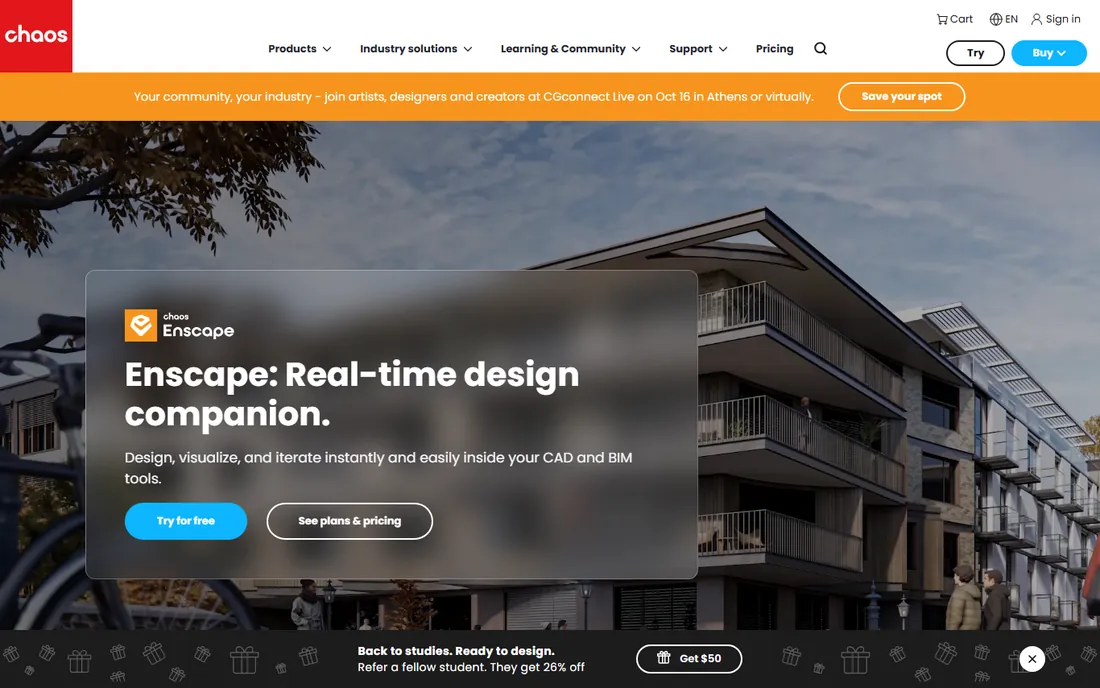
For interior designers, Enscape's strongest feature is where it lives. Because it runs as a plugin inside Revit, SketchUp, Rhino, Archicad or Vectorworks, you can orbit a finished-looking interior while the client suggests changes, then export a panorama they can open on their phone that evening.
That immediacy reshapes the design conversation: fewer misunderstandings about finishes and light, faster sign-offs. The trade-off is that hero shots for a portfolio usually still go through an offline renderer. Treat Enscape as your presentation engine and it justifies the $47.90 monthly seat quickly.
What we like- Renders inside the BIM or modeling app you already use
- Walkthroughs and panoramas sell schemes in meetings
- Staff learn it in days, not months
Watch out for- Final stills lag dedicated offline renderers
- License adds to the CAD subscription you already pay
#2
V-Ray
Best for: High-end interior stills and material accuracy
Visit chaos.com
Starting price$45 per user/month (billed annually)
Free planFree trial (14 days)
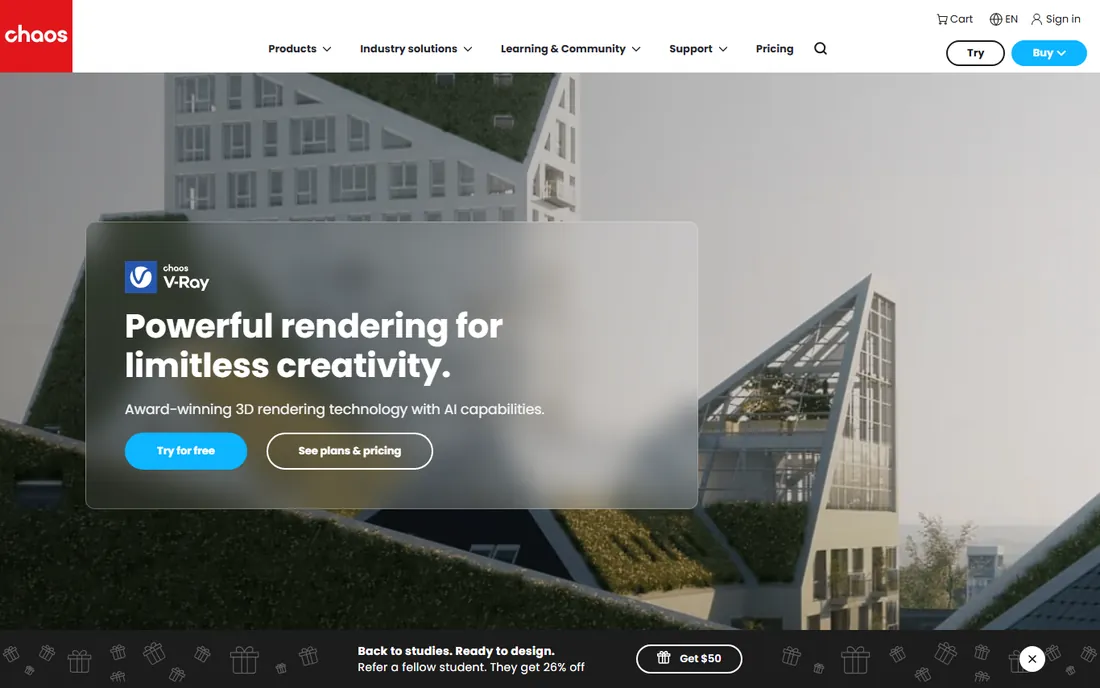
When an interior still has to look like a photograph, studios reach for V-Ray. Its handling of bounced daylight, fabric, glass and subtle reflections is the reason so many award-winning interior renders carry its name, and the material library means you rarely build a finish from scratch.
The cost is learning time. V-Ray assumes you understand lighting and sampling, and casual users can produce worse results than with simpler tools. But for designers whose reputation rests on imagery, the Solo plan at $45 per month is a modest price for the industry's benchmark quality.
What we like- Superb control over interior daylight and artificial light
- Huge library of real-world materials
- Works inside SketchUp, Revit, Rhino, 3ds Max and more
Watch out for- Demands real study to master
- Overkill for designers who only need concept visuals
Starting price$38 per user/month (billed annually)
Free planYes (Community edition)
D5 Render has become the quiet favorite of interior designers who want near-V-Ray quality without the render times or the price. Its real-time engine handles the tricky parts of interiors, light through windows, glossy reflections, soft shadows, with a physical plausibility that older real-time tools could not match.
At $360 per year for Pro, it costs a fraction of traditional visualization suites, and the free Community edition lets you test it on real projects. You will need a decent NVIDIA graphics card, and client deliverables require the paid plan, but for presentation-heavy practices the math is compelling.
What we like- Real-time ray tracing handles interiors convincingly
- Live-sync plugins for SketchUp, Revit, 3ds Max and more
- Free Community edition for evaluation
Watch out for- Needs an NVIDIA RTX GPU for the best results
- Free tier watermarks output and caps resolution
#4
Chaos Corona
Best for: Beautiful interiors with minimal setup
Visit chaos.com
Starting price$34.50 per user/month (billed annually)
Free planFree trial (30 days)
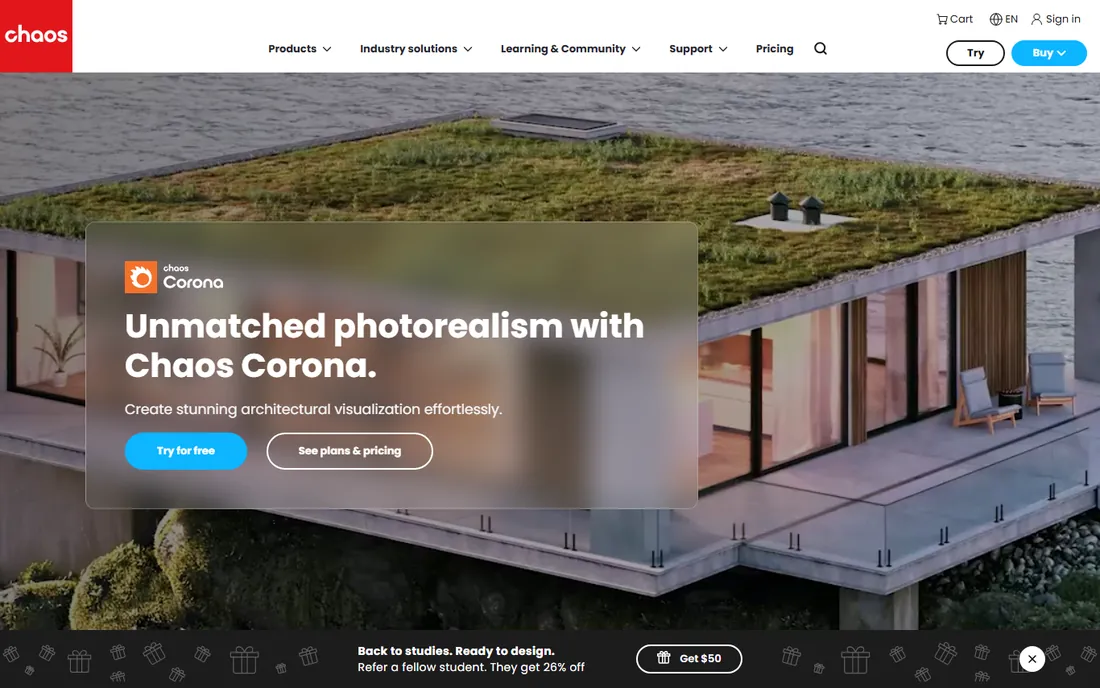
Corona is beloved by interior visualizers because it removes the technical busywork. Set up a sun and a few interior lights, press render, and the image that comes back usually needs little fixing. That friendliness makes it the fastest route to portfolio-quality interior stills for artists who model in 3ds Max or Cinema 4D.
The CPU-only architecture means a strong multi-core workstation matters, and designers working in SketchUp or Revit will need to export their models first. At $34.50 per month, though, it is one of the cheapest professional routes to genuinely photoreal interiors.
What we like- Smart defaults produce clean interiors fast
- Excellent daylight and interior lighting
- Generous 30-day trial
Watch out for- CPU only, so render speed depends on your processor
- Limited to 3ds Max and Cinema 4D
#5
Lumion
Best for: Full-property presentations with rich context
Visit lumion.com
Starting priceSee website
Free planFree trial
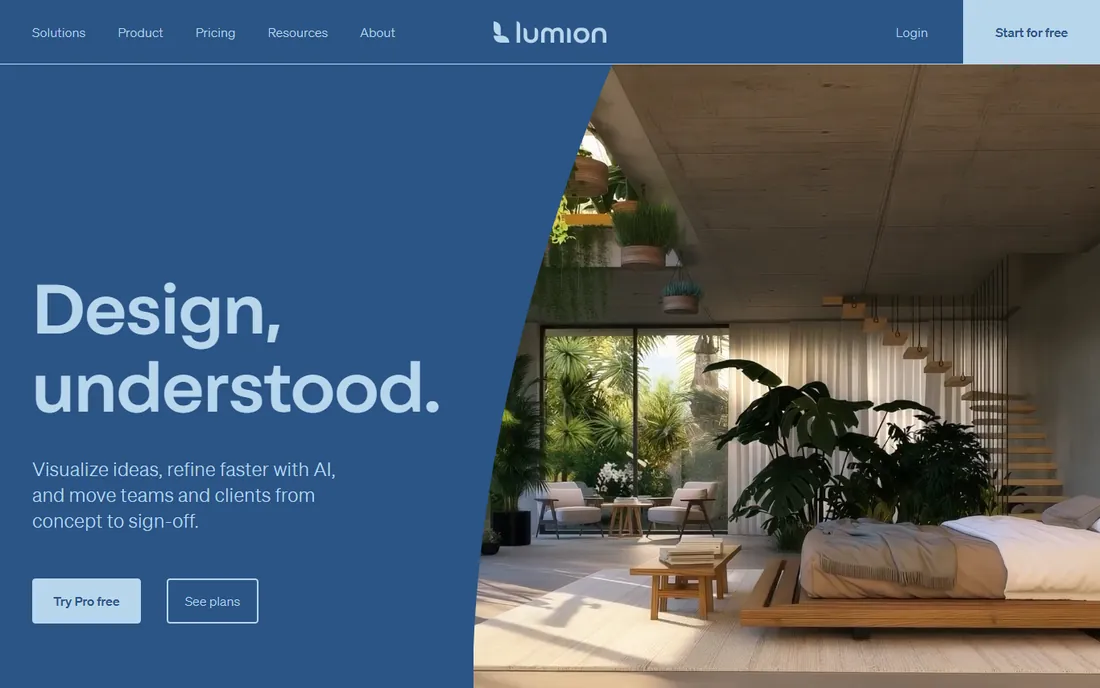
Interior designers who also present exteriors and site context get Lumion's full value. Its library of roughly ten thousand models, furniture, lighting fixtures, plants, people, lets you dress a complete property quickly, and flythrough videos come together in an afternoon.
Pure interior specialists should weigh this carefully: Lumion shines brightest on larger scenes, and interior close-ups take extra material work to avoid a stylized look. Pricing is annual per named user or floating seat, so check the vendor site when budgeting, and use the trial to judge interior quality on your own projects first.
What we like- Massive library of furniture, people and nature
- Fast stills and flythrough animation
- Easy enough for non-specialist staff
Watch out for- Annual-only pricing with no free tier
- Interiors need more tuning than exteriors
Starting priceFree (full version for revenue under $1M per year)
Free planYes
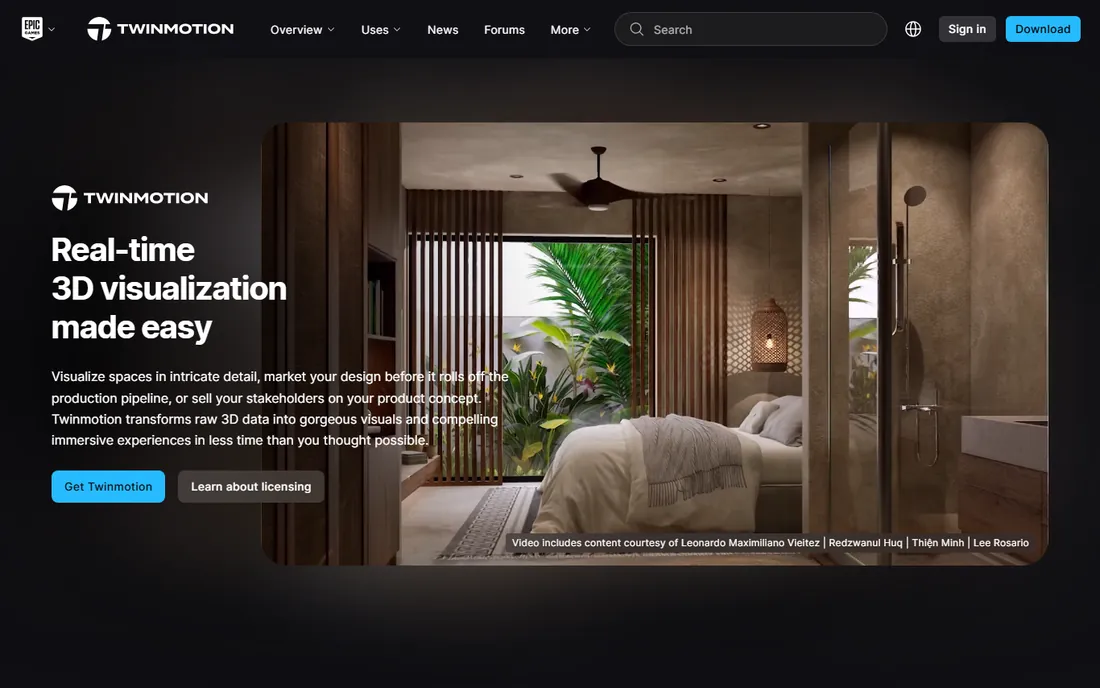
Twinmotion is hard to argue with for a young studio: the full application is free if your revenue is under $1M a year, with no watermark and no feature crippling. You can build furnished interiors, generate walkthroughs and produce client presentations without spending anything on software.
The asset library is thinner than Lumion's, so you may source furniture models yourself, and the interface trades depth for approachability. Still, for client communication and concept approval, it covers the essentials, and the $445 annual seat stays reasonable if you outgrow the free tier.
What we like- Complete application free below $1M revenue
- Simple enough to learn over a weekend
- Path tracer mode lifts still quality
Watch out for- Smaller built-in asset library than Lumion
- Paid seats kick in once the practice grows
#7
Cedreo
Best for: Whole-home design with fast photoreal renders
Visit cedreo.com
Starting price$129 per user/month
Free planYes
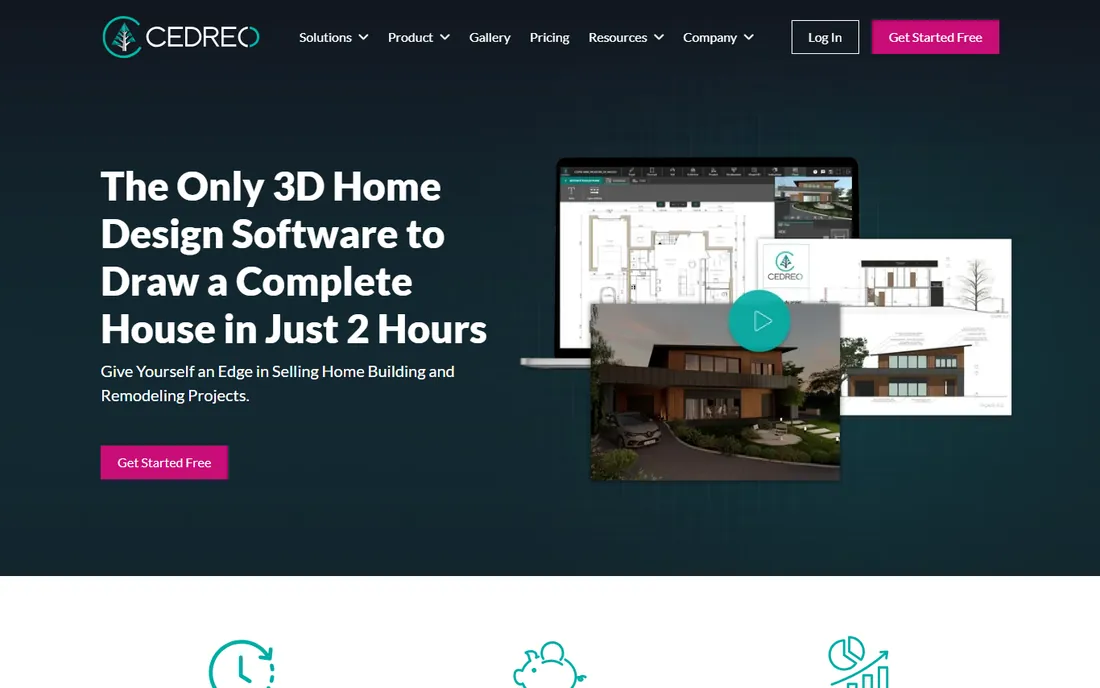
Cedreo comes from the residential construction world, which shows in its strengths: draw a floor plan, get walls, roofs, elevations and 3D in one flow, then render photorealistic interiors and exteriors in minutes from the cloud. Designers who handle whole-home projects and remodels get documentation and visuals from a single tool.
Pure interior stylists may find its finish libraries less deep than dedicated interior tools, and $129 per user per month is a serious commitment. But if your projects span architecture and interiors, the all-in-one workflow and fast renders can replace two or three separate subscriptions.
What we like- Floor plan to 3D to render in one browser workflow
- Photorealistic renders in about five minutes
- Automatic roofs, elevations and site plans
Watch out for- Aimed at home builders more than pure interior stylists
- Monthly price is steep for solo designers
Starting price$4.99 per user/month (billed annually)
Free planYes
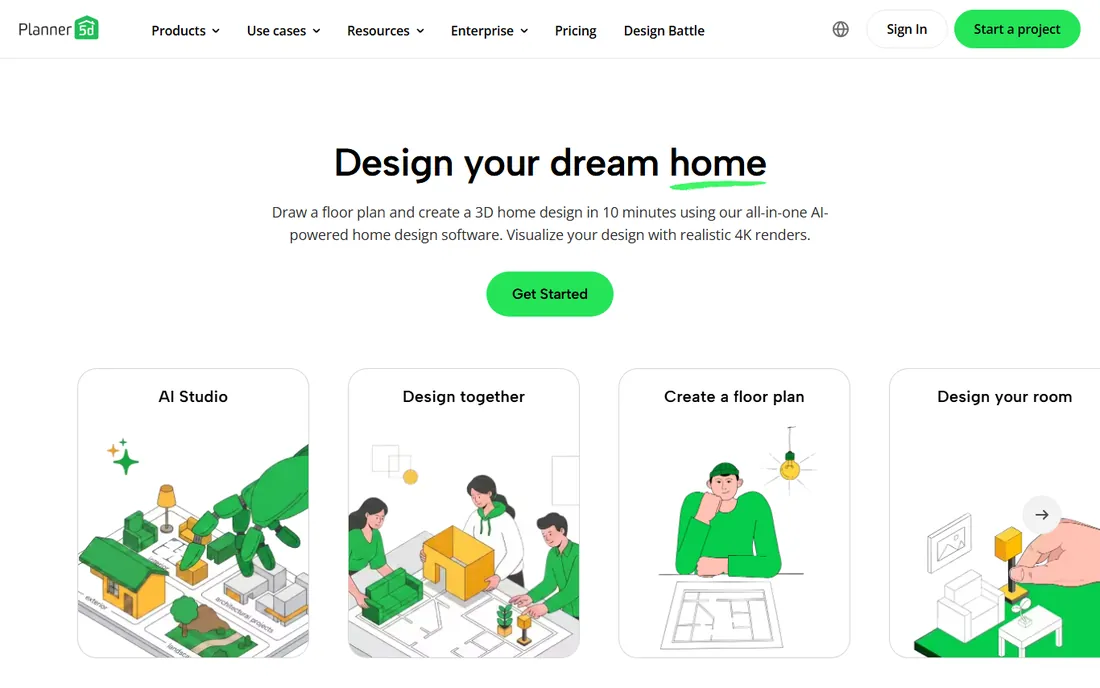
Planner 5D is the rare tool that serves both homeowners and working designers. The free plan covers unlimited projects with a large furniture catalog, while the Professional tier at $33.33 per month adds unlimited watermark-free 4K renders, 360 walkthroughs, CAD export and branded presentations.
It will not replace Revit for construction documentation, and precise custom millwork is easier elsewhere. But for e-design services, rental staging concepts and client-facing mood work, it delivers professional-looking output at a price any solo designer can absorb.
What we like- Genuinely free plan with unlimited projects
- Professional tier adds unlimited 4K renders and CAD export
- Works on web and mobile
Watch out for- Catalog and precision trail professional CAD tools
- Best suited to residential rather than commercial work
Starting price$12 per user/month (billed annually)
Free planYes
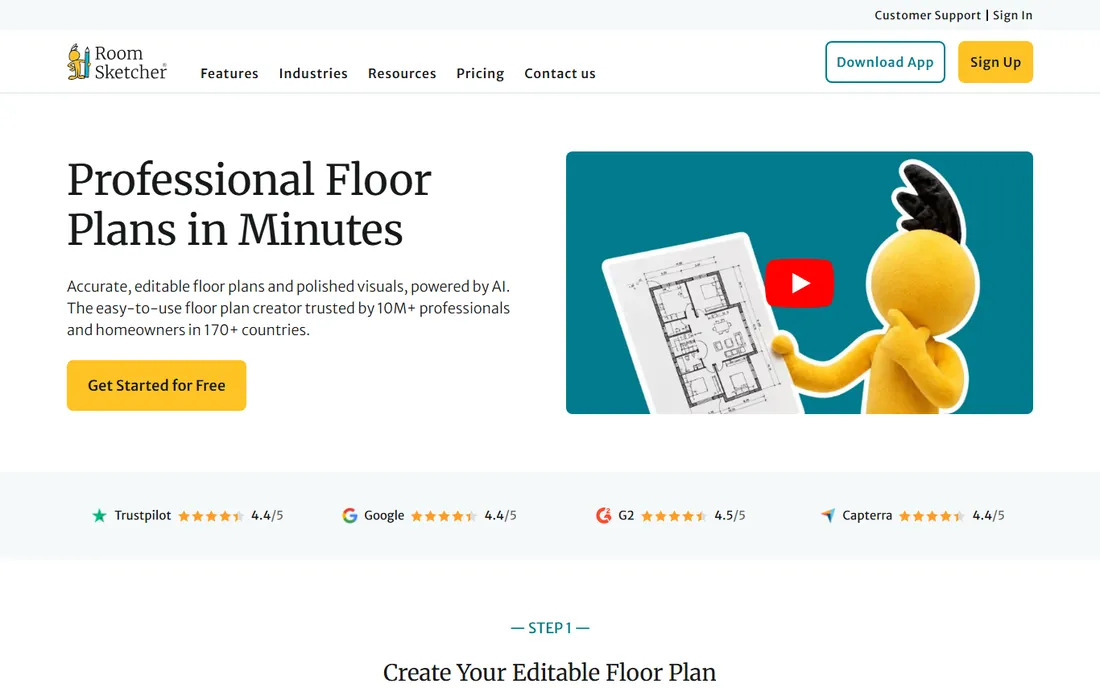
RoomSketcher targets the practical middle of interior practice: accurate floor plans, furnished 3D views and interactive walkthroughs that clients understand instantly. The learning curve is gentle, and the free tier includes enough to test it on a real project.
At $12 per month billed annually, Pro is one of the cheapest paid plans in this roundup, adding professional floor plans, measurements and branding. It is a communication tool first and a rendering tool second, so pair it with an offline renderer if your marketing depends on photographic stills.
What we like- Draw floor plans and furnish in 3D in one app
- Live 3D walkthroughs impress clients
- Free tier lets you start without paying
Watch out for- Visual quality suits presentations, not portfolio hero shots
- Advanced output needs the Pro subscription
Starting price$229 per user/month (billed annually)
Free planSee website
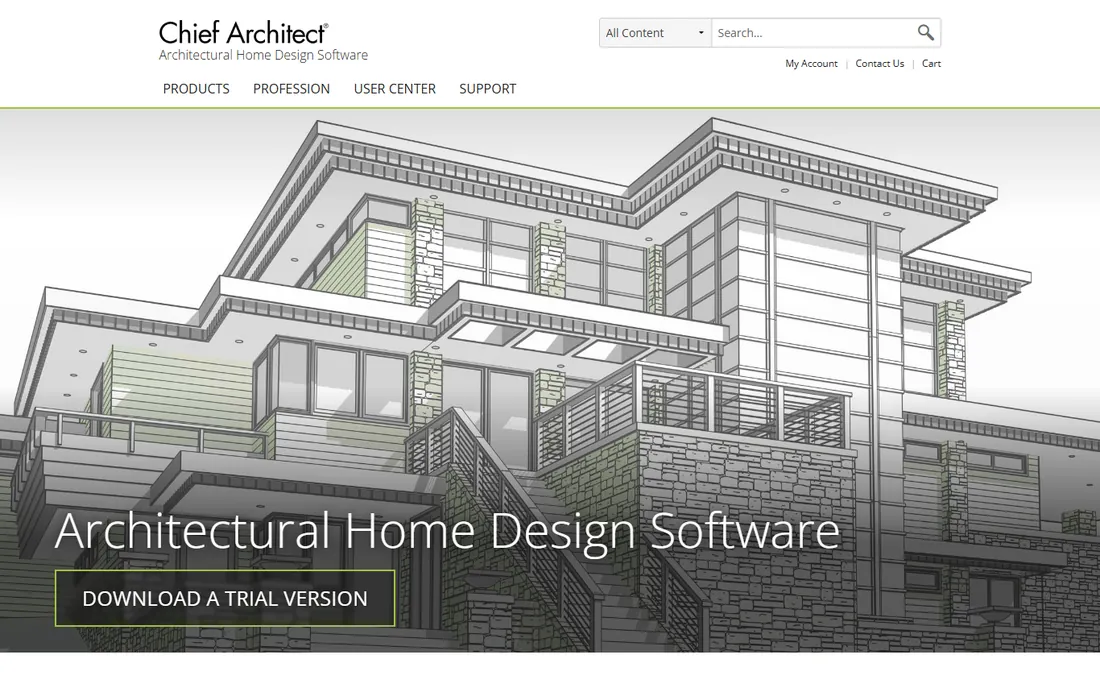
Chief Architect is the pick when the pretty picture is only half the deliverable. You model the interior in 3D, and the software generates floor plans, elevations, sections, electrical plans and material schedules from the same model, which is exactly what kitchen, bath and remodeling designers need.
The Premier subscription at $229 per month or $1,995 per year is priced for professionals who bill for documentation, not for hobbyists. If you only need visuals, the tools above do it cheaper; if you need permit-ready drawings and renders from one model, few tools compete.
What we like- 3D model automatically generates plans, sections and schedules
- Strong cabinetry and finish libraries for kitchens and baths
- One model serves design and documentation
Watch out for- Expensive for visualization alone
- Interface carries two decades of legacy
Buying guide: choose for your workflow, not the feature list
Start with where you model. If your practice runs on Revit, Enscape or V-Ray for Revit keeps you in one application, which saves more time over a year than any render setting. SketchUp-based designers have the same choice between Enscape's immediacy and V-Ray's quality, while 3ds Max shops should look at Corona first.
Next, separate presentation from portfolio. Client communication rewards speed: live walkthroughs, panoramas and quick revisions win approvals, and Enscape, Twinmotion, D5 and RoomSketcher all serve that need. Portfolio and marketing imagery reward quality: V-Ray and Corona stills carry more weight on a website or in a design competition.
Budget honestly across the whole practice. A solo designer can run professionally on Planner 5D or RoomSketcher for under $150 a year, add Twinmotion free for walkthroughs, and rent V-Ray for a month when a hero project demands it. Larger studios should price per-seat annual plans against utilization, since a $1,149 Lumion seat used twice a month is the most expensive renderer you own.
Finally, test on a real project before committing. Every tool here offers a free plan or trial, and interior lighting is unforgiving: a renderer that flatters exteriors may struggle with a windowless powder room. Run your hardest typical room through the trial and judge the output, the speed and how much you enjoyed the process.
How we chose
We worked from vendor pricing pages, documentation and feature lists, then cross-checked against public reviews on G2 and Capterra, interior design community discussions and current arch-viz comparisons. We weighted Revit and SketchUp integration, material and furniture libraries, presentation features like walkthroughs and panoramas, pricing transparency and the usefulness of the free tier. We did not run hands-on tests, so performance impressions reflect vendor specifications and reported user experience.
Plugin vs standalone: where should rendering live
Plugins like Enscape, V-Ray and Corona live inside your modeling software, so every design change is immediately renderable and there is no export step to break. The cost is dependence: you need the host license, and learning the renderer means learning it inside a complex app.
Standalone tools like Lumion, Twinmotion, D5 Render, Cedreo, Planner 5D and RoomSketcher import your model and give you a dedicated visualization environment, often with better asset libraries and presentation features. The cost is the round trip: model changes mean re-exporting, which gets tedious on fast-moving projects.
Many interior practices end up with one of each: a plugin for daily design work and a standalone tool for client presentations. If you can only buy one, choose the plugin when you revise constantly and the standalone when presentations are the product.
Frequently asked questions
What is the best rendering software for interior designers who use SketchUp?
Enscape and V-Ray both run inside SketchUp, which makes them the natural shortlist. Enscape is faster to learn and better for live client presentations, while V-Ray produces higher-quality final stills. D5 Render with its SketchUp live-sync plugin is a strong budget alternative.
Can interior designers get good renders without learning complex software?
Yes. Enscape, Twinmotion, Planner 5D and RoomSketcher are all designed for designers rather than 3D specialists, and produce client-ready visuals within days of starting. Reserve V-Ray, Corona and Arnold for the point where your work demands their quality.
How much should an interior design studio budget for rendering software?
Solo designers can work professionally for $0 to $400 per year using free tiers and affordable plans like Planner 5D or RoomSketcher. A quality-focused seat of V-Ray, Corona or Enscape runs $414 to $575 per year. Budget for the workstation too, since real-time tools need a capable GPU.
Do clients care which rendering software I use?
Clients care about the result, not the tool. Fast, clear visuals that they can explore, walkthroughs and panoramas, win approvals regardless of the engine behind them. Invest in presentation features and your own lighting skills before chasing a more expensive renderer.
Should I use the same software for floor plans and 3D renders?
If your deliverables include measured plans, tools like RoomSketcher, Planner 5D, Cedreo and Chief Architect combine both and save duplicated work. If plans come from an architect and you only produce visuals, a dedicated renderer like V-Ray or D5 gives better image quality.
Is a free rendering tool enough for professional interior work?
For client communication, often yes: Twinmotion's free tier and Planner 5D's free plan both support real projects. For portfolio-grade stills and print marketing, paid renderers justify themselves through material accuracy and output resolution. Many designers mix both.
Sources we checked (15)
- https://enscape3d.com/
- https://www.chaos.com/vray
- https://d5render.com/
- https://www.d5render.com/enscape-compare
- https://www.chaos.com/corona
- https://lumion.com/
- https://www.twinmotion.com/en-US
- https://cedreo.com/
- https://planner5d.com/
- https://planner5d.com/pricing
- https://www.roomsketcher.com/
- https://www.roomsketcher.com/pricing/
- https://chiefarchitect.com/
- https://www.homedesignersoftware.com/chief-architect/
- https://illustrarch.com/articles/design-softwares/73606-lumion-vs-enscape-vs-twinmotion.html
Is your product missing or out of date?
We review this list regularly. Vendors can request a listing, send updated pricing or ask about featured placement.

Shihab Mia · Founder, Rankite
Shihab has spent more than a decade helping SaaS and e-commerce brands grow through search. He writes Rankite's software buying guides from pricing pages, documentation and public user reviews. More about Shihab.