How we make this list: we compare pricing pages, product documentation and public user reviews. Rankite is independent; if a vendor ever pays for a featured spot, that listing is clearly labeled Partner.
Key takeaways
- Adobe Lightroom remains the default for high-volume RAW workflows, with Lightroom Classic still the choice for photographers who want local catalogs.
- Capture One is the studio standard for tethered shooting and color-critical work, especially among fashion and commercial photographers.
- DxO PhotoLab 10 delivers the best RAW image quality per dollar with its DeepPRIME denoising, and it is a perpetual license, not a subscription.
- Affinity by Canva is now completely free and covers most of Photoshop's pixel-editing capability, which changes the value math for retouchers.
- Topaz Photo (formerly Topaz Photo AI) is a specialist finisher for noise, sharpening, and upscaling rather than a full editor.
Quick comparison
| Tool | Best for | Starting price | Free plan |
|---|
 Adobe Lightroom Adobe Lightroom | High-volume RAW workflows and cloud-synced libraries | See website | Free trial |
 Capture One Capture One | Tethered studio shooting and color-critical commercial work | See website | Free trial |
 Adobe Photoshop Adobe Photoshop | High-end retouching, compositing, and pixel-level control | See website | Free trial |
 DxO PhotoLab DxO PhotoLab | Maximum RAW image quality without a subscription | $249.99 one-time | Free trial (30 days) |
 Affinity Affinity | Free, professional-grade pixel editing and design | Free | Yes |
 ON1 Photo RAW ON1 Photo RAW | A Lightroom-style all-in-one editor you can own | $99.99 one-time | Free trial (30 days) |
 Luminar Luminar | Fast, AI-assisted creative edits with minimal manual work | See website | See website |
 Topaz Photo Topaz Photo | AI-powered denoise, sharpening, and upscaling as a finishing step | $17 per user/month (billed annually) | See website |
 ACDSee Photo Studio Ultimate ACDSee Photo Studio Ultimate | Fast cataloging plus layered editing without leaving one app | $149.95 one-time | Free trial (15 days) |
 Exposure X7 Exposure X7 | Film emulation and a catalog-free editing workflow | See website | See website |
Is your product missing or out of date?
We review this list regularly. Vendors can request a listing, send updated pricing or ask about featured placement.
Professional photo editing software: the 10 best picks for 2026
#1
Adobe Lightroom
Best for: High-volume RAW workflows and cloud-synced libraries
Visit adobe.com
Starting priceSee website
Free planFree trial
Lightroom is the tool most working photographers open first, and usually the last one they would give up. The Develop module handles exposure, color, and local adjustments quickly, and features like AI Denoise and Generative Remove have closed gaps that used to require round-trips to Photoshop. For event and wedding shooters processing thousands of frames, nothing matches its speed.
The pricing structure demands attention. Adobe sells it only by subscription, with the Lightroom plan at one tier and the Photography plan adding Photoshop at a higher one, and plan contents have shifted over the years. Check the current Adobe pricing page before buying rather than trusting a review's numbers. If you need Photoshop anyway, the bundle is the sensible buy.
What we like- Fastest culling and batch editing at scale
- Cloud sync across desktop, mobile, and web
- Huge preset and tutorial ecosystem
Watch out for- Subscription only with no perpetual option
- The two-app split between Lightroom and Lightroom Classic still confuses buyers
#2
Capture One
Best for: Tethered studio shooting and color-critical commercial work
Visit captureone.com
Starting priceSee website
Free planFree trial
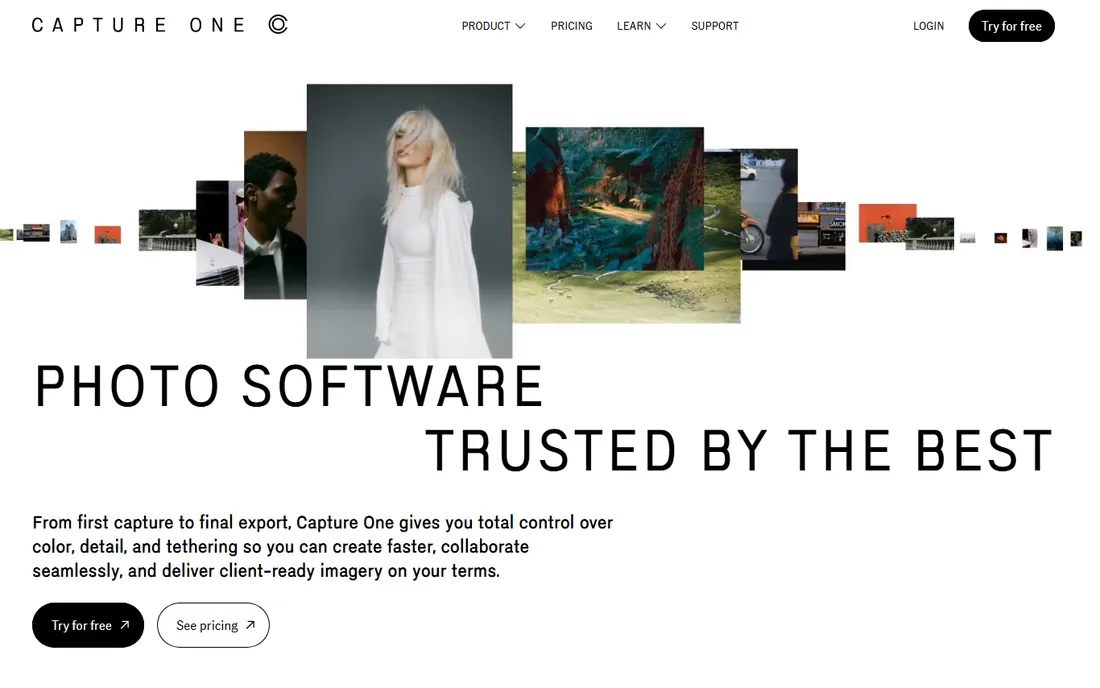
Walk onto a fashion or commercial set and the digitech is probably running Capture One. Its tethering is faster and more reliable than Lightroom's, live view and focus tools are built for the pace of a shoot, and the color editor gives finer control than Adobe's HSL panel. Fujifilm shooters in particular favor it for X-Trans files and film simulations.
It is also one of the pricier options, with subscriptions climbing and a Studio tier aimed at teams. The perpetual license remains available for solo buyers who would rather own a version outright. Choose it when tethering reliability or color precision directly affects your income; otherwise Lightroom or DxO do the editing job for less.
What we like- Most stable and capable tethered capture in the industry
- Color rendering many pros prefer out of the box
- Still offers a perpetual license
Watch out for- Subscription pricing has risen and the plan lineup keeps changing
- Catalog and session model takes adjustment for Lightroom migrants
#3
Adobe Photoshop
Best for: High-end retouching, compositing, and pixel-level control
Visit adobe.com
Starting priceSee website
Free planFree trial
Photoshop is not a photo manager and was never meant to be one. It earns its place when a job needs frequency separation on skin, complex compositing, or precise selections that parametric editors cannot do. Generative Fill has genuinely changed retouching speed for background cleanup and extensions, and the plugin ecosystem, from retouching panels to sharpening tools, has no equal.
The honest advice is to pair it rather than replace with it. Most professionals do 90 percent of a job in Lightroom or Capture One and bring only the hero frames into Photoshop. Buying Photoshop alone for general photo editing is paying for depth you will rarely use. The Photography plan bundle exists precisely because the two tools are companions.
What we like- Unmatched depth for retouching and compositing
- Generative Fill and Firefly AI speed up object removal and extension
- Vast plugin and action ecosystem
Watch out for- Subscription only
- Overkill and slow for straightforward RAW batch work
#4
DxO PhotoLab
Best for: Maximum RAW image quality without a subscription
Visit dxo.com
Starting price$249.99 one-time
Free planFree trial (30 days)
DxO PhotoLab 10 is the connoisseur's pick. Its DeepPRIME and DeepPRIME XD denoising recover high-ISO files that look unusable in other editors, and the lens modules, built from laboratory measurements of specific camera and lens combinations, correct distortion, vignetting, and sharpness falloff automatically. The new version adds depth-aware masking and one-click export to Affinity for pixel work.
What it does not do is organize. The PhotoLibrary is serviceable but far behind Lightroom's catalog for large archives, and there is no mobile story. Buy it for image quality first: outdoor, wildlife, and low-light shooters get visibly cleaner files, and the $249.99 perpetual license means the cost stops after purchase.
What we like- DeepPRIME denoising is the best in the business
- Automatic lens corrections from lab-measured profiles
- Perpetual license with no subscription
Watch out for- Catalog and asset management are weaker than Lightroom's
- No cloud sync or mobile companion
Starting priceFree
Free planYes
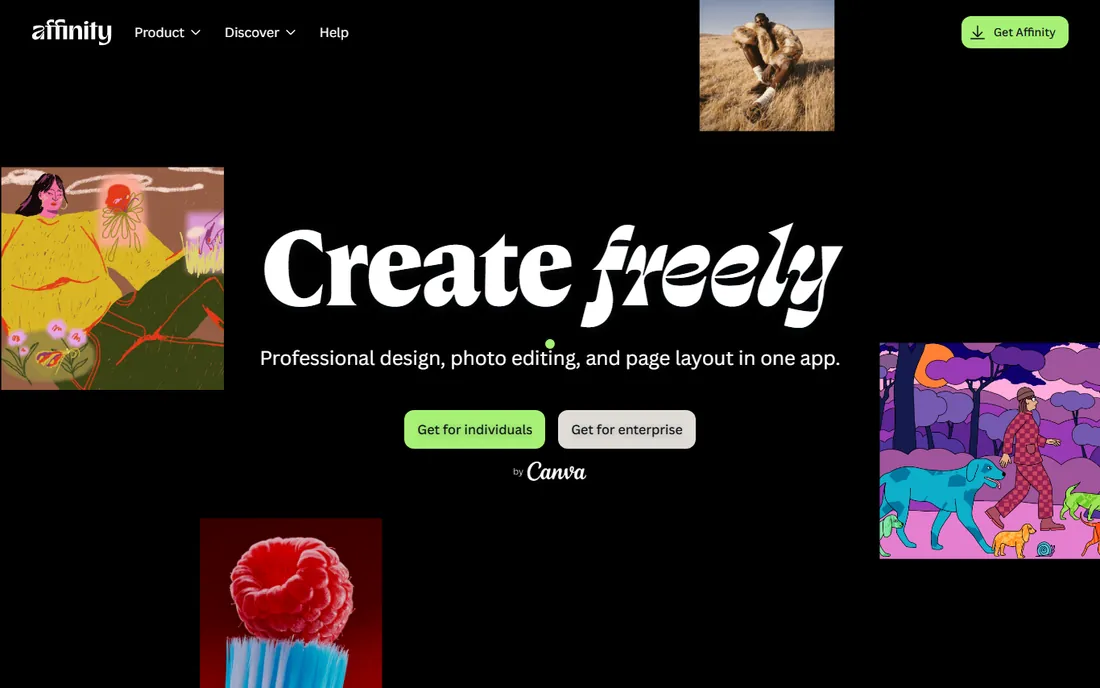
The October 2025 relaunch changed this market. Canva merged Affinity Photo, Designer, and Publisher into one free application, and the pixel-editing workspace covers nearly everything a retoucher does in Photoshop: layers, masks, frequency separation, HDR merge, focus stacking, and 32-bit editing. For a working retoucher watching subscription costs, free is a disruptive price.
There are strings attached, and buyers should know them. You need a Canva account to sign in, the AI tools like Generative Fill sit behind Canva's premium tier, and Photoshop's plugin library does not transfer. But the core editing engine is the real thing, not a trial or a lite version. If your retouching does not depend on specific Photoshop plugins, this is the value pick of the decade.
What we like- Completely free with no subscription or feature limits
- Full layer, mask, and adjustment-layer workflow
- Opens PSD files with high compatibility
Watch out for- Requires a free Canva account to use
- AI features need a Canva premium plan
- Smaller plugin ecosystem than Photoshop
#6
ON1 Photo RAW
Best for: A Lightroom-style all-in-one editor you can own
Visit on1.com
Starting price$99.99 one-time
Free planFree trial (30 days)
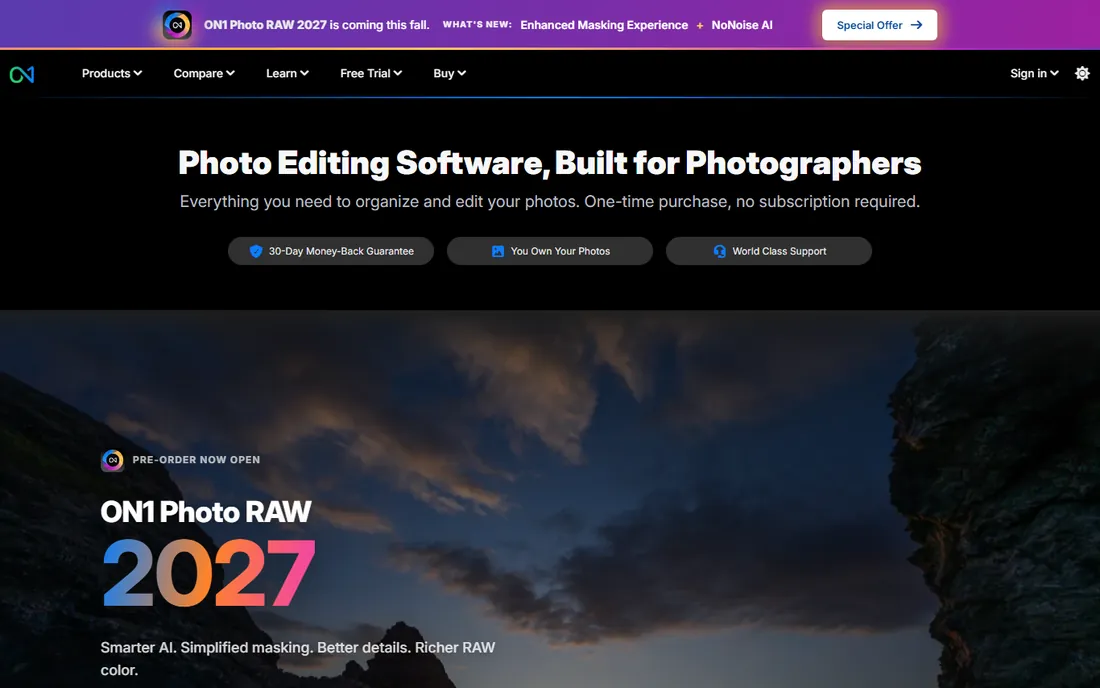
ON1 Photo RAW 2027 is built for photographers who want the Lightroom-shaped workflow without the Adobe subscription. It browses folders directly with no import step, processes RAW files non-destructively, and layers in effects, portrait retouching, sky replacement, and resizing tools that would each be a separate purchase elsewhere. The MAX edition adds plugin hosting inside Adobe apps and cloud sync.
It is not quite as fast as Lightroom when chewing through a 5,000-frame wedding, and the interface tries to do everything at once. But at $99.99 for a perpetual license, it undercuts a single year of Adobe's Photography plan while covering more ground. For photographers leaving Adobe on principle or on budget, it is the most complete single-app replacement.
What we like- Perpetual license available with no subscription required
- Combines browsing, RAW editing, layers, and effects in one app
- Works as a plugin inside Lightroom and Photoshop
Watch out for- Performance can lag Lightroom on very large catalogs
- Interface packs a lot in and takes time to learn
#7
Luminar
Best for: Fast, AI-assisted creative edits with minimal manual work
Visit skylum.com
Starting priceSee website
Free planSee website
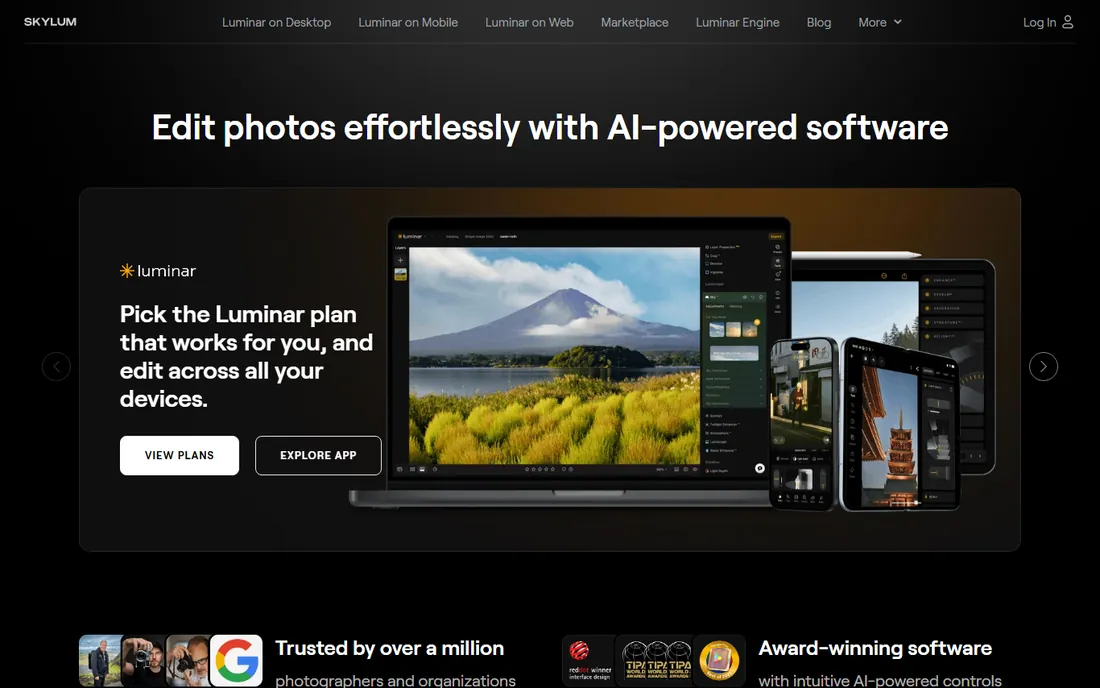
Skylum renamed Luminar Neo to simply Luminar in 2026, but the pitch is unchanged: get to a finished image fast. The AI tools for sky replacement, skin retouching, and relighting produce convincing results in seconds, which makes it popular with portrait and real-estate photographers who bill per image. It also runs as a plugin, so it can live inside a Lightroom workflow rather than replacing it.
Power users hit the ceiling quickly. There is no real digital asset management to speak of, and layered editing is basic next to Photoshop or Affinity. Think of it as an accelerator for specific jobs rather than a studio backbone. The pricing page lists perpetual and subscription options that change with promotions, so check Skylum's site for the current offer.
What we like- Sky replacement, portrait, and relight AI tools work with one click
- Approachable interface for non-technical editors
- Works as a plugin for Lightroom and Photoshop
Watch out for- Catalog management is thin compared with Lightroom
- Serious retouchers will miss Photoshop-level layer control
#8
Topaz Photo
Best for: AI-powered denoise, sharpening, and upscaling as a finishing step
Visit topazlabs.com
Starting price$17 per user/month (billed annually)
Free planSee website
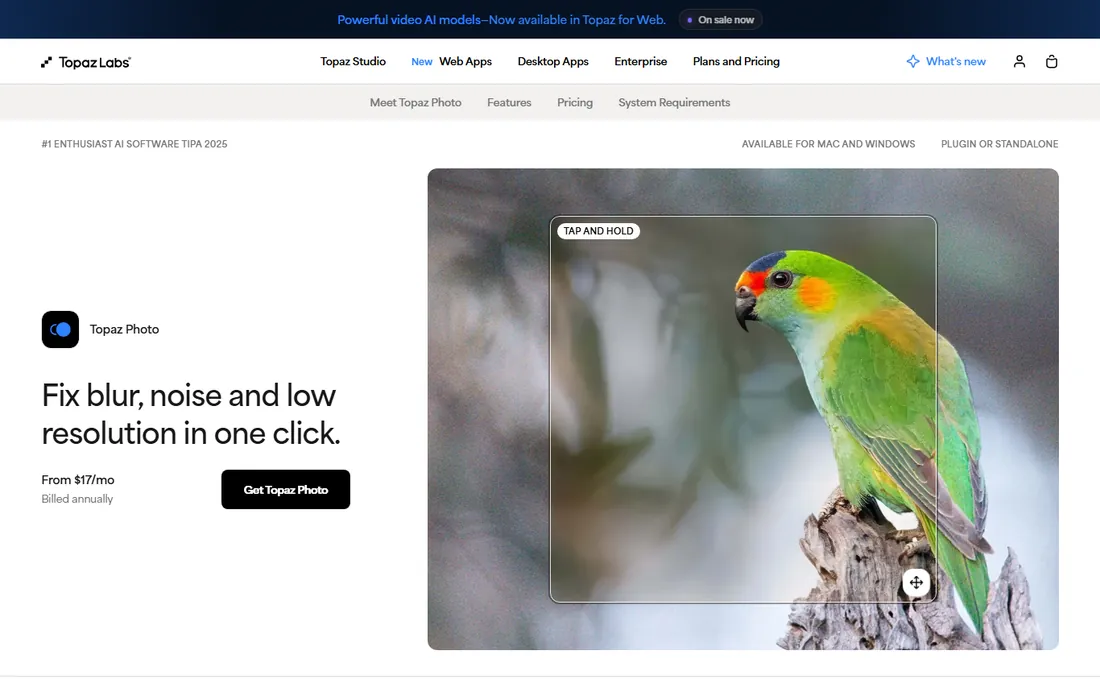
Topaz renamed Photo AI to Topaz Photo and shifted to subscription pricing, which annoyed longtime owners but did not change what the software does best. Feed it a noisy high-ISO file, a slightly missed focus, or a small image that needs to print large, and the AI models produce results that conventional sharpening cannot touch. Wedding and wildlife photographers keep it as the last step before delivery.
Understand its lane. It does not catalog, it does not do local color grading, and at $17 per user per month billed annually it is a meaningful add-on cost. Used as a specialist finisher on problem images, it earns its keep. Used as a general editor, it will frustrate you.
What we like- Best-in-class noise reduction and sharpening models
- Face recovery rescues soft portraits
- Works standalone or as a plugin for Lightroom, Photoshop, and Capture One
Watch out for- Moved from one-time purchase to subscription pricing
- Not a photo organizer or full editor
#9
ACDSee Photo Studio Ultimate
Best for: Fast cataloging plus layered editing without leaving one app
Visit acdsee.com
Starting price$149.95 one-time
Free planFree trial (15 days)

ACDSee has spent three decades on one problem: managing huge photo libraries quickly. Photo Studio Ultimate 2027 still browses folders faster than Lightroom imports them, and the combination of digital asset management with genuine layered editing means many photographers never open a second app. Face detection, AI keywords, and batch tools suit high-volume shooters.
The rough edges are real. The interface shows its age, and the newer AI features run on a credit system that adds ongoing cost on top of the license. But the $149.95 perpetual license for Ultimate is fair for what is effectively two applications, and the 15-day trial is enough to judge whether its speed fits your archive.
What we like- Very fast browsing and keywording of large libraries
- Develop and Edit modes cover RAW processing and layered pixel work
- Perpetual license option
Watch out for- AI features consume credits on some plans
- Interface feels dated next to Adobe and Capture One
Starting priceSee website
Free planSee website
Exposure X7, from the company formerly known as Alien Skin, is the film photographer's digital darkroom. Its presets recreate classic stocks with grain, color, and tone curves that look authentic rather than filtered, and the catalog-free design means you point it at a folder and start editing. It also works as a plugin for Lightroom and Photoshop.
It is a niche tool and honest about it. If your work lives in accurate color and tethered capture, look elsewhere. If your clients hire you for a filmic look, Exposure gets there faster than building the same grades by hand in Lightroom. Check the vendor's camera support list before buying if you shoot a brand-new body.
What we like- Hundreds of realistic film presets from Kodak, Fuji, and Ilford stocks
- No catalog import step, just browse folders
- Perpetual license with no subscription
Watch out for- Smaller company with slower camera-profile updates
- RAW processing depth trails DxO and Capture One
Picking the right editor for paid work
Match the software to the bottleneck in your business, not to the feature list. A wedding photographer drowning in culls needs speed. A commercial shooter needs tethering and color. A retoucher needs layers. Buy for the constraint.
Volume shooters should prioritize culling speed
If you deliver hundreds of images per job, Lightroom, Capture One, or ACDSee will save more hours than any preset pack. Test each with a real 1,000-frame import before committing, and time the cull. The fastest editor for your hands is the right one, regardless of reviews.
Retouchers should prioritize layers and plugins
Photoshop remains the deepest tool, Affinity the best free alternative, and both accept that retouching is slow, deliberate work. Check that your essential plugins and actions run in Affinity before switching, since Photoshop's ecosystem does not transfer one to one.
Decide the subscription question once
Adobe, Capture One subscriptions, Topaz Photo, and Luminar's subscription tier charge forever. DxO PhotoLab, ON1 Photo RAW, Affinity, Exposure X7, and ACDSee's perpetual licenses charge once. Add up three years of each option against your actual revenue before deciding that a subscription is cheap.
Frequently asked questions
Which photo editing software do most professionals use?
Adobe Lightroom and Photoshop dominate by installed base, especially among wedding, event, and portrait photographers. Capture One leads in commercial studios and tethered fashion work. DxO PhotoLab has a loyal following among outdoor and wildlife photographers who prioritize image quality.
Is Lightroom or Capture One better for professionals?
Lightroom wins on library management, cloud sync, and ecosystem. Capture One wins on tethered shooting stability and color editing depth. Studios that shoot tethered usually choose Capture One; high-volume shooters who need mobile sync usually choose Lightroom. Both offer free trials, so test with your own files.
Can I get professional results without an Adobe subscription?
Yes. DxO PhotoLab 10 produces better RAW quality than Lightroom in many tests and is a perpetual license. Affinity replaces Photoshop's pixel editing for free. ON1 Photo RAW covers the full Lightroom-style workflow for a one-time $99.99. Many professionals now run DxO plus Affinity and pay Adobe nothing.
What is the best photo editor for beginners who want to go pro?
Start with the free option that matches your goal. Affinity teaches real layer-based retouching for free. ON1 Photo RAW's trial shows the full RAW workflow. When client work starts paying, Lightroom's speed or Capture One's tethering usually justify their subscriptions.
Do I need both Lightroom and Photoshop?
Most professionals use both but for different jobs. Lightroom handles culling, RAW development, and batch delivery. Photoshop handles deep retouching, compositing, and anything requiring layers. Adobe's Photography plan bundles them because they are designed as companions, not competitors.
How we chose
We compared current product pages, pricing pages, documentation, and public reviews on G2, Capterra, and photography communities including Reddit's r/photography and DPReview forums. Every tool is actively sold and maintained as of October 2026, and renamed products are listed under their current names. We weighted factors that affect working photographers: RAW quality, culling speed, tethering, retouching depth, license model, and plugin compatibility. No hands-on testing is claimed.
Where the market moved in 2026
Two shifts reshaped professional photo editing this year. First, the free tier got serious: Canva's Affinity relaunch put Photoshop-class pixel editing at zero cost, and DxO PhotoLab 10's one-click Affinity export made the free-and-perpetual combo of DxO plus Affinity a genuine Adobe alternative. Second, subscriptions kept spreading, with Topaz moving Photo AI to the Topaz Photo subscription and Capture One raising plan prices again.
The practical result is a clearer split. Photographers who bill for speed and tethering keep paying Adobe or Capture One because the workflow earns it back. Everyone else can now assemble a professional toolkit with no recurring fees. Before renewing any subscription, price the perpetual alternative against one year of the fee; the answer surprises a lot of working photographers.
Sources we checked (11)
- https://www.adobe.com/products/photoshop-lightroom.html
- https://www.adobe.com/products/photoshop.html
- https://www.captureone.com
- https://dxo.com/
- https://affinity.studio
- https://www.on1.com/
- https://skylum.com/
- https://www.topazlabs.com/topaz-photo-ai
- https://acdsee.com/
- https://exposure.software/
- https://www.canva.com/newsroom/news/affinity-free/
Is your product missing or out of date?
We review this list regularly. Vendors can request a listing, send updated pricing or ask about featured placement.

Shihab Mia · Founder, Rankite
Shihab has spent more than a decade helping SaaS and e-commerce brands grow through search. He writes Rankite's software buying guides from pricing pages, documentation and public user reviews. More about Shihab.