How we make this list: we compare pricing pages, product documentation and public user reviews. Rankite is independent; if a vendor ever pays for a featured spot, that listing is clearly labeled Partner.
Key takeaways
- If your contacts live in Google, iCloud and Outlook at once, ContactsPlus is the most direct fix: native two-way sync across all three, with one account free.
- Evercontact ($149/year Solo) is the pick for teams whose CRM decays: it reads email signatures and keeps records current automatically.
- For relationship nurturing rather than syncing, Dex ($12/month annual) and Mesh pull LinkedIn, email and calendars into one personal CRM.
- iPhone-only households can solve the Google/iCloud split with the Contacts Sync app instead of paying for a subscription.
Quick comparison
| Tool | Best for | Starting price | Free plan |
|---|
 ContactsPlus ContactsPlus | People whose contacts are split across Google, iCloud and Outlook | See website (Premium adds 5 accounts and continuous sync) | Yes (1 connected account) |
 Evercontact Evercontact | Teams whose CRM contacts decay faster than anyone updates them | $149/year (Solo, 10 emails analyzed per day) | Free trial (14 days, no card required) |
 Contacts Sync Contacts Sync | iPhone owners who need Google or Outlook contacts on their phone | See website (app purchase tiers) | Yes |
 Covve Covve | Networkers who collect contacts at events and want follow-up reminders | $12.99/month | Yes |
 Mesh Mesh | Founders and executives managing a large relationship network | See website | Yes |
 Dex Dex | Professionals whose network centers on LinkedIn | $12/month (Premium, billed annually) | Yes |
 Sync.ME Sync.ME | Mobile users who want caller ID plus contact syncing | See website | Yes |
 Cloud Contacts Cloud Contacts | One-time, reviewed copies of contacts between providers | See website | Yes |
Is your product missing or out of date?
We review this list regularly. Vendors can request a listing, send updated pricing or ask about featured placement.
Most people do not have a contacts problem. They have five contacts problems: a work Google account, a personal Gmail, iCloud on the iPhone, Outlook at the office, and a CRM that stopped matching any of them months ago. The tools below attack that mess from two directions. The first group syncs the actual address books so every platform holds the same list. The second group pulls everything into one relationship hub so you stop caring where the original lives.
#1
ContactsPlus
Best for: People whose contacts are split across Google, iCloud and Outlook
Visit contactsplus.com
Starting priceSee website (Premium adds 5 accounts and continuous sync)
Free planYes (1 connected account)
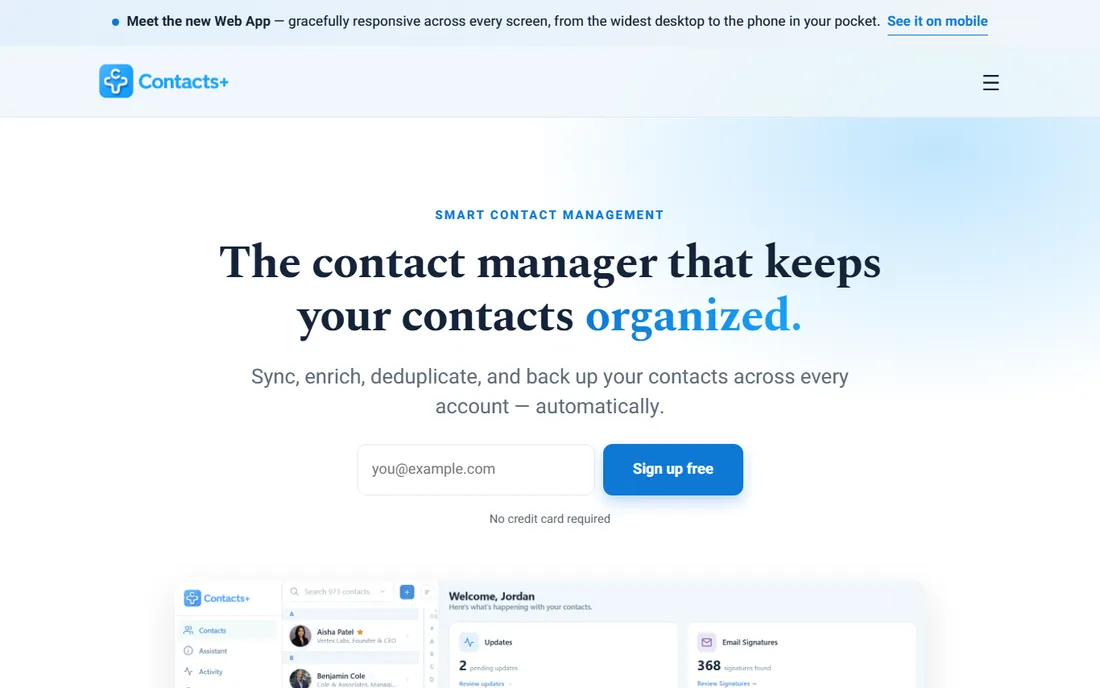
ContactsPlus is the most literal answer to this article's question. It connects Google Contacts, iCloud and Microsoft/Outlook directly and keeps them in two-way sync, so a contact added on an iPhone appears in Gmail and Outlook without exports. The per-account direction control is the standout detail: you can pull everything into one clean list read-only, two-way sync a single account, or push a finished master list out to the account you live in.
The honest catch is the free tier. One connected account covers a simple Google-to-iCloud setup, but the real multi-platform mess needs Premium for up to five accounts and continuous sync. First syncs on large lists take time, and Google or Apple may briefly throttle the connection. For households and small teams living across Apple, Google and Microsoft, this is the shortest path to one list.
What we like- Native iCloud sync with no third-party bridge, which most competitors cannot do
- Per-account sync direction (pull in, push out, or two-way)
- Automatic duplicate merging and photo sync
Watch out for- Only one account on the free plan, so multi-platform setups need Premium
- Heavy first syncs on big lists can take a while to settle
#2
Evercontact
Best for: Teams whose CRM contacts decay faster than anyone updates them
Visit evercontact.com
Starting price$149/year (Solo, 10 emails analyzed per day)
Free planFree trial (14 days, no card required)
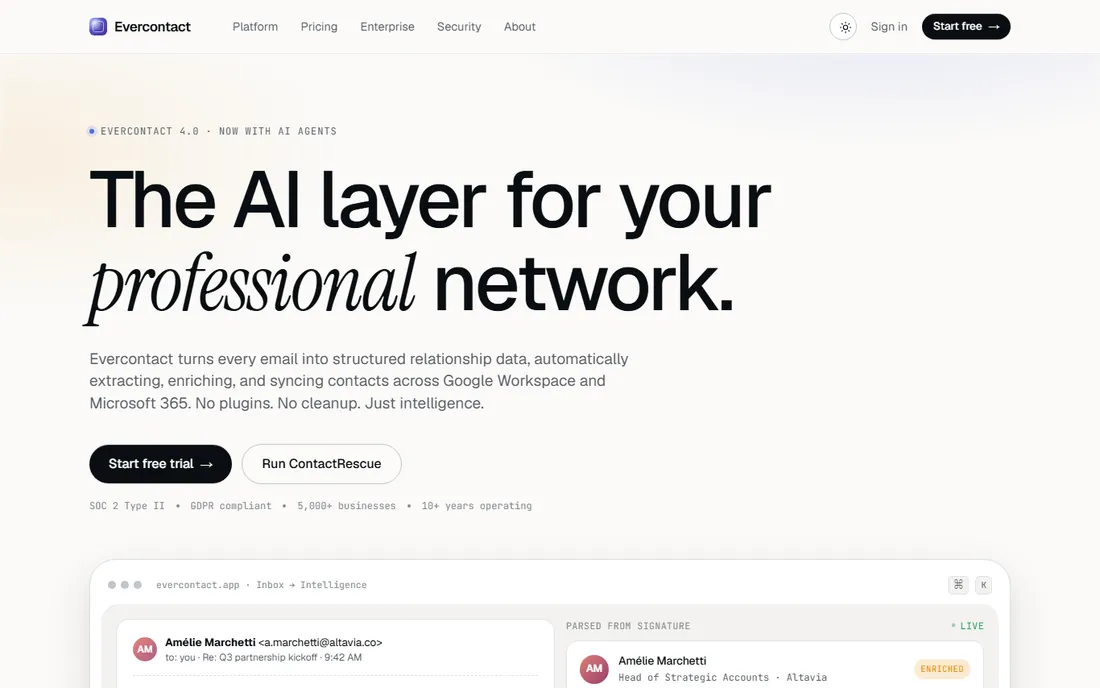
Evercontact treats your inbox as the source of truth. Its models read signatures, bodies and threads, extract names, titles, phones and companies, dedupe them, and push clean records into your CRM and address books continuously. The Solo plan at $149 per year covers one person; Pro at $199 per year raises the daily email analysis limit and adds CSV export; Team at $249 per year is built for 50-plus users.
The honest catch is that it is inbox-centric. If your contacts live mostly on your phone and rarely email you, there is little signal to extract. But for sales and partnerships teams where every new contact arrives via email first, it removes the manual CRM entry that nobody does. The company is explicit that it never trains on customer data and never sells contact data, which matters when the tool reads your mail.
What we like- Extracts contacts from email signatures automatically across 30+ languages
- Writes clean records back to Salesforce, HubSpot, Pipedrive and others
- Privacy-first posture with SOC 2 Type II and no data resale
Watch out for- Per-email daily limits on lower tiers
- Built for Google Workspace and Microsoft 365, so personal iCloud-only users get less
#3
Contacts Sync
Best for: iPhone owners who need Google or Outlook contacts on their phone
Visit contactssync.com
Starting priceSee website (app purchase tiers)
Free planYes
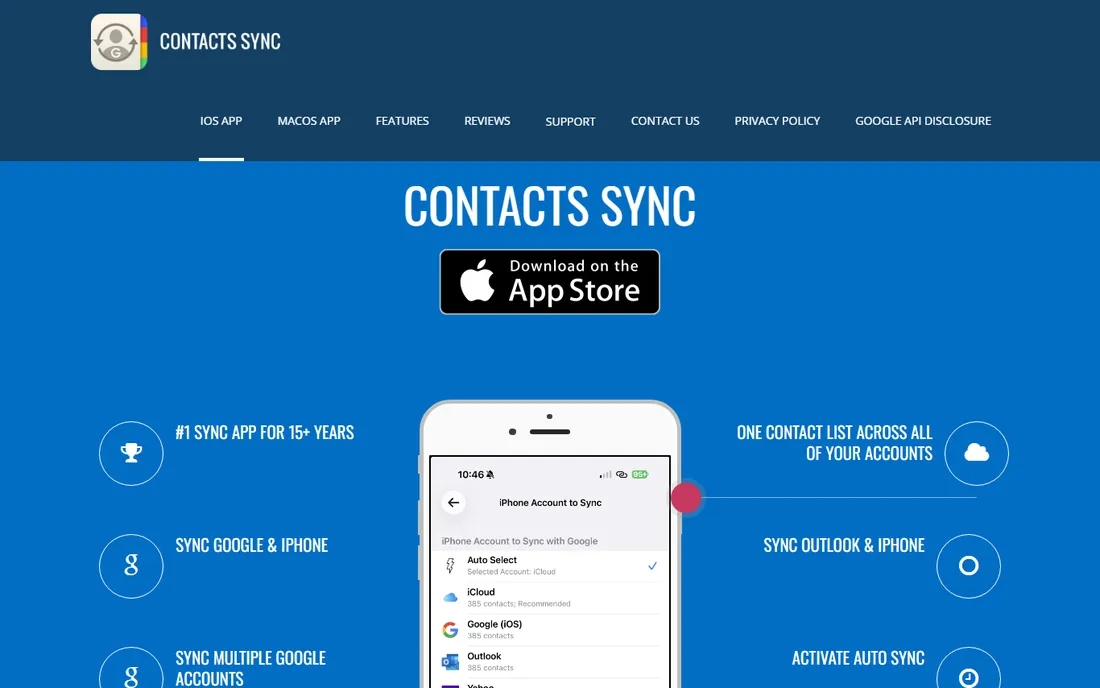
Contacts Sync by Playa Apps is the veteran iPhone answer to the Google/iCloud split. It syncs Google contacts or Outlook contacts with the iPhone in both directions, merges matching contacts on the first run, and keeps Google labels and Outlook categories aligned with iPhone groups so group emails and messages work. It syncs every field, including phonetic names, custom labels and photos, and runs automatic background sync.
The honest catch is scope. This is a sync utility, not a contact manager: there is no web dashboard, no CRM features, no enrichment. But for the extremely common case of "my work contacts are in Google, my phone is an iPhone, make them match," it is cheaper and simpler than a subscription platform. Review changes before syncing if you are nervous about the first merge.
What we like- True two-way sync that merges changes from either side
- Syncs Google labels and Outlook categories to iPhone groups
- Syncs all fields including photos, custom labels and social profiles
Watch out for- IPhone-only, so Android and desktop users are out
- Focused on phone sync rather than full contact management
#4
Covve
Best for: Networkers who collect contacts at events and want follow-up reminders
Visit covve.com
Starting price$12.99/month
Free planYes
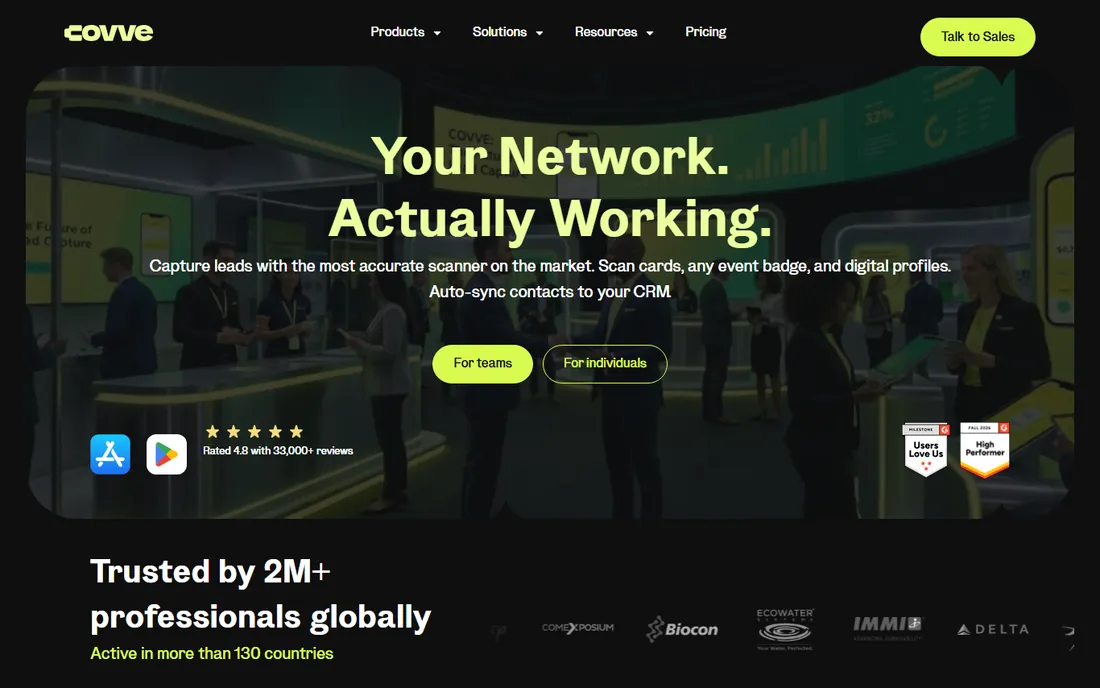
Covve is a personal CRM that starts from the moment you meet someone. Scan a business card, an event badge or a LinkedIn QR, add notes by voice, and the app files it into your network with tags, reminders and statistics on your outreach. It nudges you to follow up, surfaces news about your contacts as a reason to reach out, and keeps everything searchable.
The honest catch is positioning drift. The current homepage leads with business card scanning and lead capture for teams, and the classic personal CRM pitch sits behind that. The underlying app still does the relationship work, and at $12.99 per month with a free version it remains one of the cheaper dedicated options. Best for people whose contact list grows at conferences and lunches rather than in inboxes.
What we like- Accurate business card and badge scanning with voice capture
- Smart follow-up reminders and contact news alerts
- No setup, mobile-first design
Watch out for- The homepage now leads with lead capture, so the personal CRM positioning is less prominent than it once was
- Per-month pricing adds up against free alternatives
#5
Mesh
Best for: Founders and executives managing a large relationship network
Visit clay.earth
Starting priceSee website
Free planYes
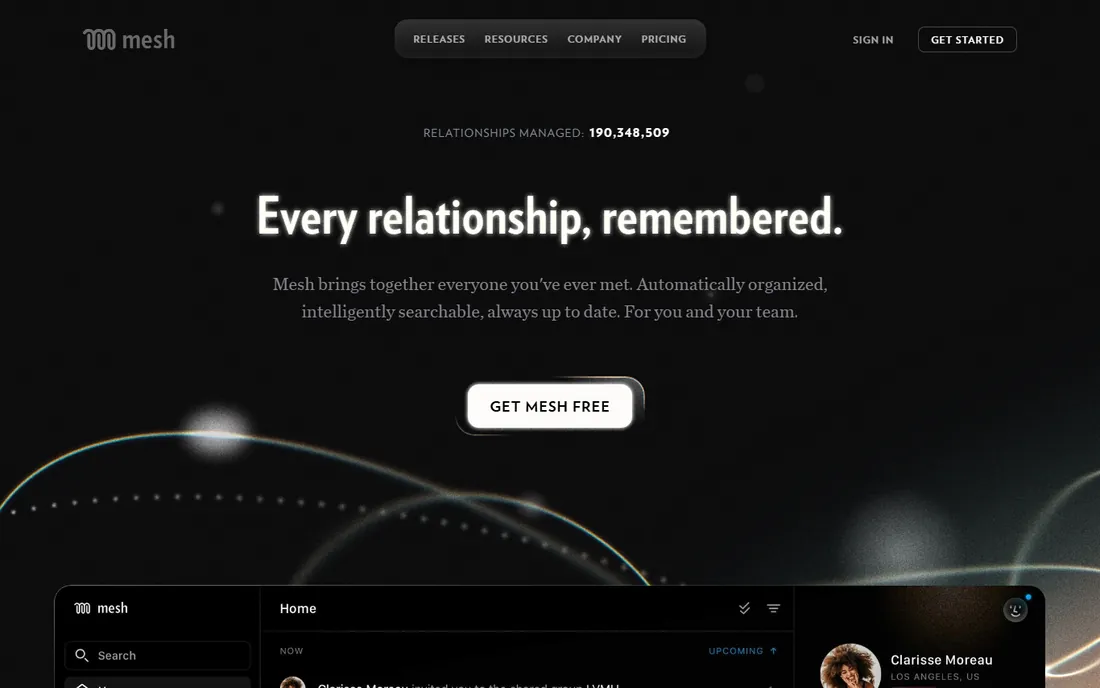
Mesh is the current name for what longtime users know as Clay. It pulls together email, meetings, LinkedIn, WhatsApp and social connections into one searchable relationship graph, keeps contact details current automatically, and prompts you when it is time to reconnect or when a contact changes jobs. The team tier turns individual networks into shared intelligence: see who knows whom and never miss a warm introduction.
The honest catch is the rebrand. Search results, app store listings and old tutorials still say Clay, which confuses new buyers. Functionally it is the same product, now with heavier team and AI positioning. Pricing is not published, so expect a sales conversation for team plans. For individuals, the free tier covers the core personal CRM use.
What we like- Automatically organizes everyone you have ever met with intelligent search
- Tracks job changes and news without manual checking
- Team features for shared relationship intelligence
Watch out for- Rebranded from Clay, so older reviews and guides reference the old name
- Pricing is not published on the homepage
#6
Dex
Best for: Professionals whose network centers on LinkedIn
Visit getdex.com
Starting price$12/month (Premium, billed annually)
Free planYes
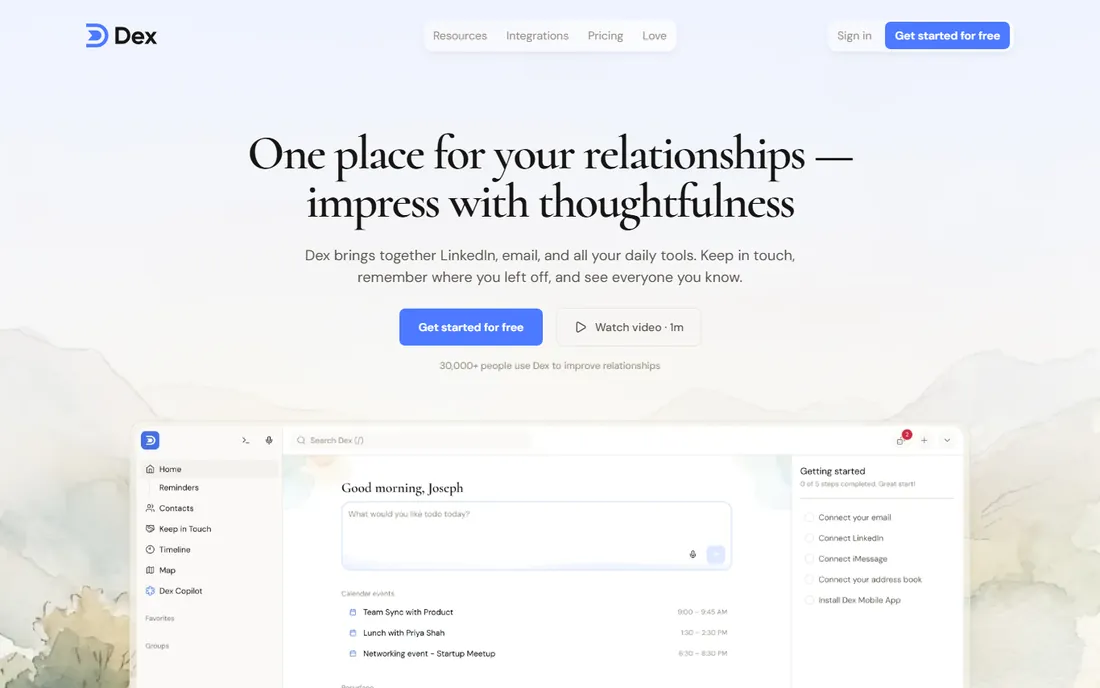
Dex is a personal CRM built for people, explicitly not for sales pipelines. Connect LinkedIn, Gmail, WhatsApp, iMessage and calendars, and it consolidates everyone into one place with notes, reminders and custom fields. When a connection changes their LinkedIn title, Dex tells you, which is a natural reason to reach out. The Premium plan at $12 per month annual includes two-way contact sync and the browser extension.
The honest catch is the LinkedIn cap. Power networkers with more than 2,500 connections need Professional at $20 per month. Dex is SOC 2 Type II certified and subscription-funded, so your data is not the product. For founders, investors and operators whose network is their net worth, it is the most polished LinkedIn-centric option here.
What we like- LinkedIn sync that auto-updates job titles
- Keep-in-touch reminders with full interaction history
- Browser extension plus iOS, Android, web and desktop apps
Watch out for- LinkedIn sync caps at 2,500 connections on Premium
- The Professional tier at $20 per month is needed for Outlook integration and API access
#7
Sync.ME
Best for: Mobile users who want caller ID plus contact syncing
Visit sync.me
Starting priceSee website
Free planYes
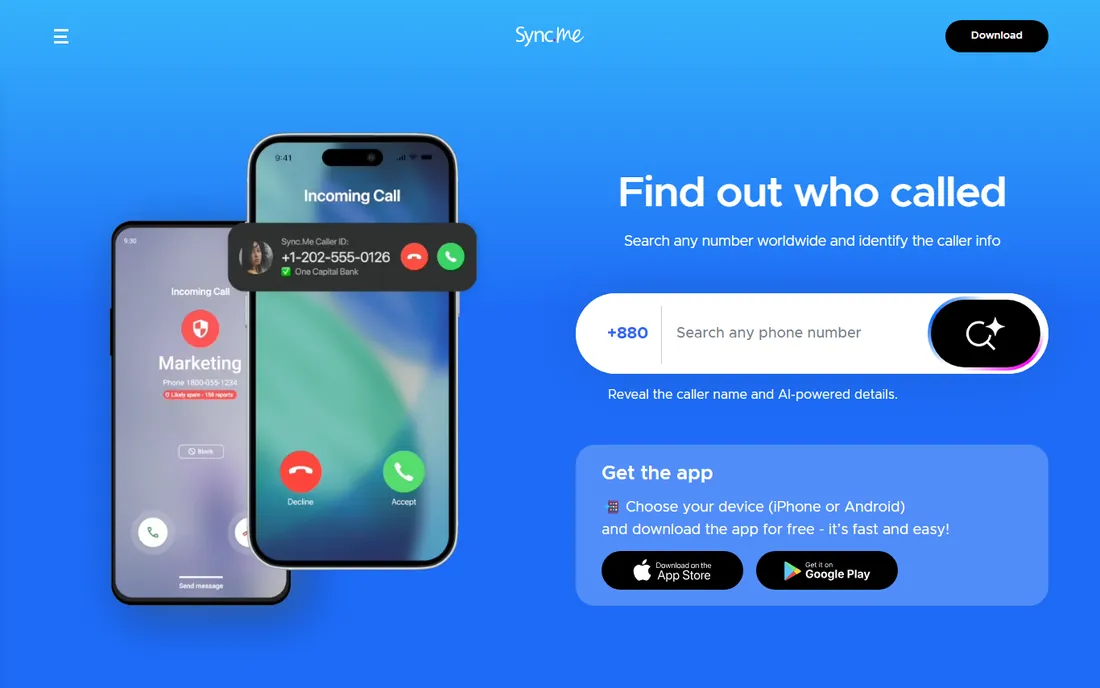
Sync.ME approaches contacts from the phone dialer. Its caller ID identifies unknown numbers, blocks robocalls and scams, and runs reverse phone lookups, while the sync side keeps the address book updated with caller photos, names and connected social profiles. Contacts can be backed up, restored and merged from the app.
The honest catch is fit. If your problem is Google versus iCloud versus Outlook, this is the wrong tool. If your problem is an aging phone address book full of numbers with no names and no photos, it fixes that specific pain well. The free tier covers the basics; premium removes ads and adds the fuller feature set. Worth including because for many small business owners, the phone book IS the contact list.
What we like- Real-time caller ID with spam and scam blocking
- Syncs profile photos and social profiles into the address book
- Contact backup, restore and merge
Watch out for- The product is caller-ID first, so cross-platform sync is secondary
- Privacy-sensitive buyers should read the data policy before syncing
Starting priceSee website
Free planYes
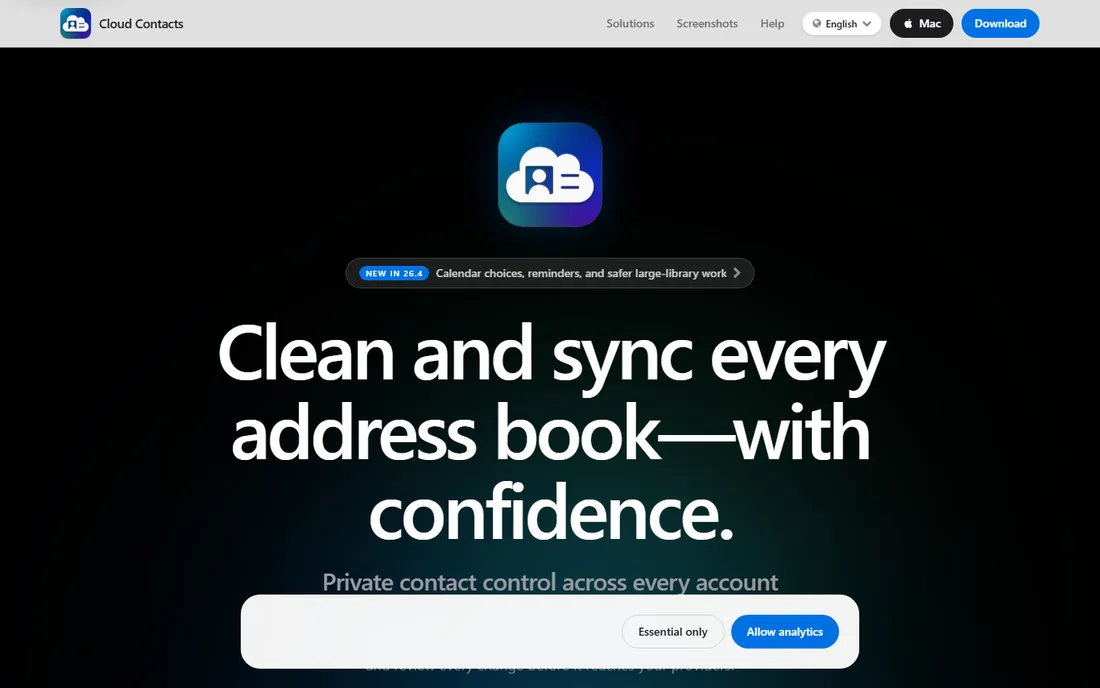
Cloud Contacts is the careful option. Instead of continuous sync, it runs manual, reviewed, one-way copies between providers: pick Google Contacts as the source and Apple Contacts as the destination, review the add and update candidates, and approve the copy. The source is never modified, and the tool is upfront that no software can guarantee zero duplicates.
The honest catch is that this is not sync in the ongoing sense. If you want a one-time migration from Google to iCloud done safely, it is ideal. If you want changes to flow forever, pick ContactsPlus or Contacts Sync instead. But for the cautious buyer who has been burned by a bad merge, the review-before-write model is the selling point.
What we like- Clear provider-to-provider copy (e.g. Google Contacts to Apple Contacts) with a review step before writing
- Never deletes from the source
- Honest about not promising zero duplicates
Watch out for- Manual one-way copies, not continuous two-way sync
- Groups and labels do not transfer between providers
What to check before you commit
Start with where your contacts actually live. If the answer is two or three big platforms (Google, iCloud, Outlook), you need a sync tool: ContactsPlus, Contacts Sync, or Cloud Contacts for a one-time move. If the answer is "everywhere, and I cannot keep track," you need a relationship hub: Evercontact, Dex, Mesh, or Covve.
Then check the free tier against your account count. ContactsPlus gives one account free; the moment you connect work Google plus personal iCloud plus Outlook, you are paying. Dex and Mesh have usable free tiers for individuals. Evercontact's trial is 14 days, which is enough to see whether the inbox extraction actually finds your contacts.
Finally, think about who owns the data. Sync tools move your contacts between your own accounts, which is low risk. Enrichment and personal CRM tools read your inbox, calendar or LinkedIn, which is higher trust. Prefer vendors with published security postures (SOC 2, GDPR) and subscription revenue over ad-supported models when the tool touches your entire network.
How we chose
We started from the buyer problem: contacts scattered across Google, iCloud, Outlook, phones and CRMs. For each candidate we opened the vendor's homepage, confirmed the product still exists and fits the category, and checked pricing pages and documentation. We mixed dedicated sync utilities with personal CRMs so both halves of the problem are covered. Where a price could not be verified on the vendor's own page we wrote "See website" rather than guessing, and we excluded tools that had pivoted away from contact management.
Where sync breaks down
No sync tool fixes bad data habits on its own. Two-way sync faithfully propagates duplicates, outdated job titles and typo-filled records to every platform, faster than before. Run a dedupe pass first: most tools here merge duplicates on import, but reviewing the merge candidates beats trusting it blindly on a 10,000-contact list.
Watch for platform limits. Google and Apple throttle aggressive syncs, so the first run on a big list can take hours and may flash transient errors. That is normal. What is not normal is a tool that needs your Apple ID password directly instead of OAuth; that is a sign to walk away.
And keep a backup outside the sync loop. A synced copy is not a backup: a deletion that flows two-way is still a deletion. Export your contacts to a CSV or vCard file before the first sync and after major cleanups, and keep that file somewhere the sync cannot reach.
Frequently asked questions
What is the best way to sync iCloud and Google Contacts?
Use a tool with native iCloud sync, because most apps cannot touch iCloud directly. ContactsPlus connects Google, iCloud and Outlook natively with per-account sync direction. For iPhone-only setups, the Contacts Sync app handles Google-to-iPhone two-way sync.
Can I merge duplicate contacts across platforms?
Yes. ContactsPlus, Evercontact and Dex all merge duplicates automatically on import, and Contacts Sync merges matching contacts during the initial sync. Review the merge candidates on large lists rather than accepting everything blindly.
Is there a free way to manage contacts across platforms?
Yes, with limits. ContactsPlus syncs one account free, Cloud Contacts does free one-way copies, and Dex and Mesh have free personal tiers. Multi-account continuous sync generally requires a paid plan.
How does Evercontact keep contacts updated?
It reads email signatures and threads, extracts names, titles, phones and companies, dedupes them against existing records, and pushes clean data to your CRM and address books. It works with Google Workspace and Microsoft 365 and never trains on your data.
What happened to Clay?
Clay rebranded to Mesh. The product is the same personal relationship CRM, now with heavier team features. Older reviews and guides still reference the Clay name.
Should I use a personal CRM or a sync tool?
Use a sync tool if your contacts live in two or three platforms and you want them identical everywhere. Use a personal CRM if your contacts are scattered across email, LinkedIn, events and messages and you want one searchable relationship hub with reminders.
Sources we checked (8)
- https://www.contactsplus.com/contact-sync/
- https://evercontact.com/
- https://contactssync.com
- https://covve.com/
- https://clay.earth/
- https://getdex.com/
- https://sync.me/
- https://cloudcontacts.app/icloud-and-google-contacts
Is your product missing or out of date?
We review this list regularly. Vendors can request a listing, send updated pricing or ask about featured placement.

Shihab Mia · Founder, Rankite
Shihab has spent more than a decade helping SaaS and e-commerce brands grow through search. He writes Rankite's software buying guides from pricing pages, documentation and public user reviews. More about Shihab.