How we make this list: we compare pricing pages, product documentation and public user reviews. Rankite is independent; if a vendor ever pays for a featured spot, that listing is clearly labeled Partner.
Key takeaways
- Voice actors who record themselves should start with Audacity (free) or Reaper ($60 one-time), and step up to Adobe Audition or Hindenburg PRO for broadcast workflows.
- Creators who need narration without a microphone should compare ElevenLabs, Murf and Lovo on the free tier first, since voice quality varies by language and use case.
- Descript is the odd one out in a useful way: you edit audio by editing text, which suits podcasters and video makers more than pure voice talent.
- iZotope RX is not a voice over recorder at all, but it is the tool that saves a bad recording, so it belongs in any voice actor's kit.
Quick comparison
| Tool | Best for | Starting price | Free plan |
|---|
 Audacity Audacity | free recording and editing for voice work | See website (free, open source) | Yes |
 Adobe Audition Adobe Audition | professional voice production inside the Adobe suite | See website | Free trial (7 days) |
 Reaper Reaper | a full DAW for voice actors on a budget | $60 one-time (Discounted license) | Free trial (60 days) |
 Descript Descript | editing voiceover by editing a transcript | $24 per user/month | Yes |
 ElevenLabs ElevenLabs | the most natural-sounding AI voices | $6 per month | Yes |
 Murf Murf | structured studio-style voiceover projects | $29 per month | Yes |
 WellSaid WellSaid | enterprise teams that need dependable AI voiceover | $50 per user/month | Free trial (7 days) |
 iZotope RX iZotope RX | rescuing and cleaning up recorded voice | $99 one-time (Elements) | Free trial |
 Lovo Lovo | AI voiceover bundled with a simple video editor | $24 per month | Free trial (14 days) |
 Hindenburg PRO Hindenburg PRO | journalists, podcasters and spoken-word producers | $99 per year | Free trial |
Is your product missing or out of date?
We review this list regularly. Vendors can request a listing, send updated pricing or ask about featured placement.
Starting priceSee website (free, open source)
Free planYes
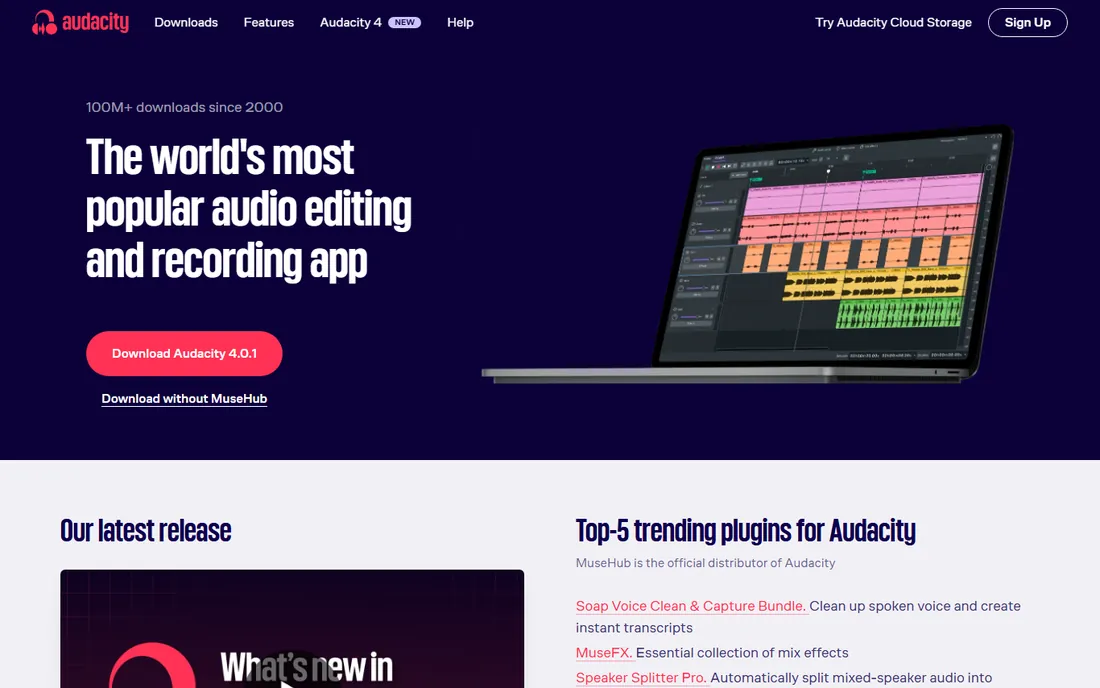
Twenty years on, Audacity remains the default answer when someone asks for the best voice over software free of charge. It records, edits and exports multitrack audio, applies noise reduction and compression, and supports VST plugins for extra processing. For narration, audiobooks and podcast episodes, the core toolkit covers nearly everything a beginner needs.
The catch is polish. The interface looks its age, effects are destructive rather than real-time, and you will spend time learning workarounds that paid tools handle with one click. Audacity 4 modernized the codebase, but it is still an editor built by volunteers, not a guided voiceover studio. If your budget is zero, though, nothing else comes close.
What we like- Completely free with no usage limits
- Solid noise reduction and editing tools
- Runs on Windows, macOS and Linux
Watch out for- Dated interface
- No real-time effects
- Limited MIDI and no dedicated voiceover workflow
#2
Adobe Audition
Best for: professional voice production inside the Adobe suite
Visit adobe.com
Starting priceSee website
Free planFree trial (7 days)
Audition is the choice when voice work lives next to video. The spectral frequency display lets you see mouth clicks and hums and paint them out, which is a genuine advantage for voice acting cleanup. Multitrack sessions, loudness metering and batch processing handle series work like audiobook chapters or weekly episodes.
You pay for that depth in two ways. The Creative Cloud subscription keeps billing whether you record or not, and the app wants a decent machine with enough RAM. Solo voice actors who only need a recorder and a few effects may find it more tool than they need. For teams already paying for Premiere Pro, the integration makes it an easy yes.
What we like- Excellent spectral editing and noise repair
- Tight Premiere Pro integration
- Strong podcast and broadcast templates
Watch out for- Subscription only
- Heavy on system resources
- Steeper learning curve than simpler editors
Starting price$60 one-time (Discounted license)
Free planFree trial (60 days)
Reaper gives you a professional-grade DAW for the price of a dinner. The discounted $60 license covers individuals and small businesses, it never phones home with subscriptions, and the 60-day trial is fully functional. Routing, takes, comping and scripting are all there, which matters when you record the same script twenty times and need to assemble the best read.
Beginners should know the first hour is configuration, not recording. The default layout is plain, and you will want to set up templates for voice work yourself. But once configured, Reaper is one of the most dependable tools on this list, and many working voice actors never outgrow it.
What we like- Very cheap one-time license
- Endlessly customizable
- Light on CPU and fast to launch
Watch out for- Sparse built-in content
- Dated default theme
- Setup takes more effort than beginner editors
Starting price$24 per user/month
Free planYes
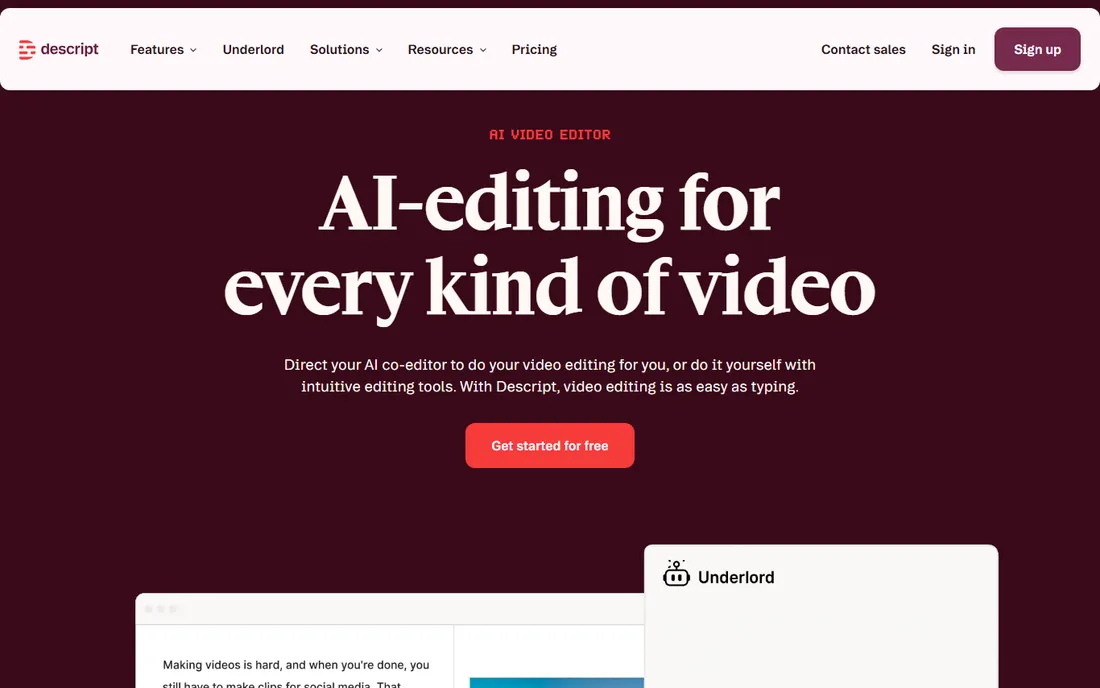
Descript flips the editing model: you delete a sentence from the transcript and the audio follows. For podcasters and video creators who dread waveform editing, that alone justifies the price. Studio Sound polishes rough recordings, filler-word removal tidies speech automatically, and Overdub lets you type a correction in your own cloned voice instead of booking another session.
Watch the meters. Plans are priced per person and count media hours, so a heavy podcast schedule can push you up a tier. The free plan is fine for testing the workflow but caps exports at 720p with a watermark. If your work is pure voice acting with a script, a traditional DAW may still be faster.
What we like- Text-based audio and video editing
- Studio Sound cleanup
- Overdub voice cloning fixes mistakes without re-recording
Watch out for- Usage is metered by media hours
- Many features need an internet connection
- Team costs add up
Starting price$6 per month
Free planYes
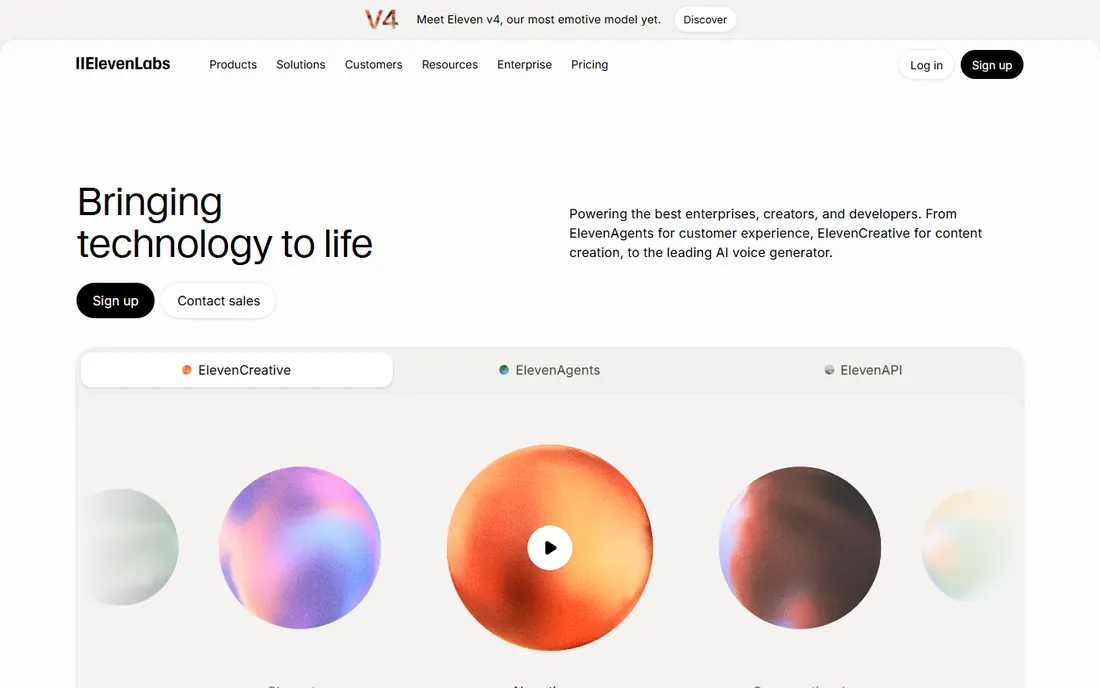
When people talk about AI voiceover in 2026, ElevenLabs is the reference point. The Starter plan at $6 a month is the cheapest paid entry on this list, and it includes a commercial license, which matters the moment a video earns money. Voice cloning, dubbing and a huge voice library cover everything from YouTube narration to product demos.
Two honest warnings. The credit system charges roughly per character, so long scripts burn through allowances faster than you expect, and the free tier requires attribution and forbids commercial use. For short projects it is remarkable value. For hours of narration a month, compare the higher tiers carefully against Murf or Lovo.
What we like- Best-in-class voice realism
- Strong voice cloning
- Large library of community and stock voices
Watch out for- Free plan is non-commercial
- Credit math takes getting used to
- Expensive at high volume
#6
Murf
Best for: structured studio-style voiceover projects
Visit murf.ai
Starting price$29 per month
Free planYes
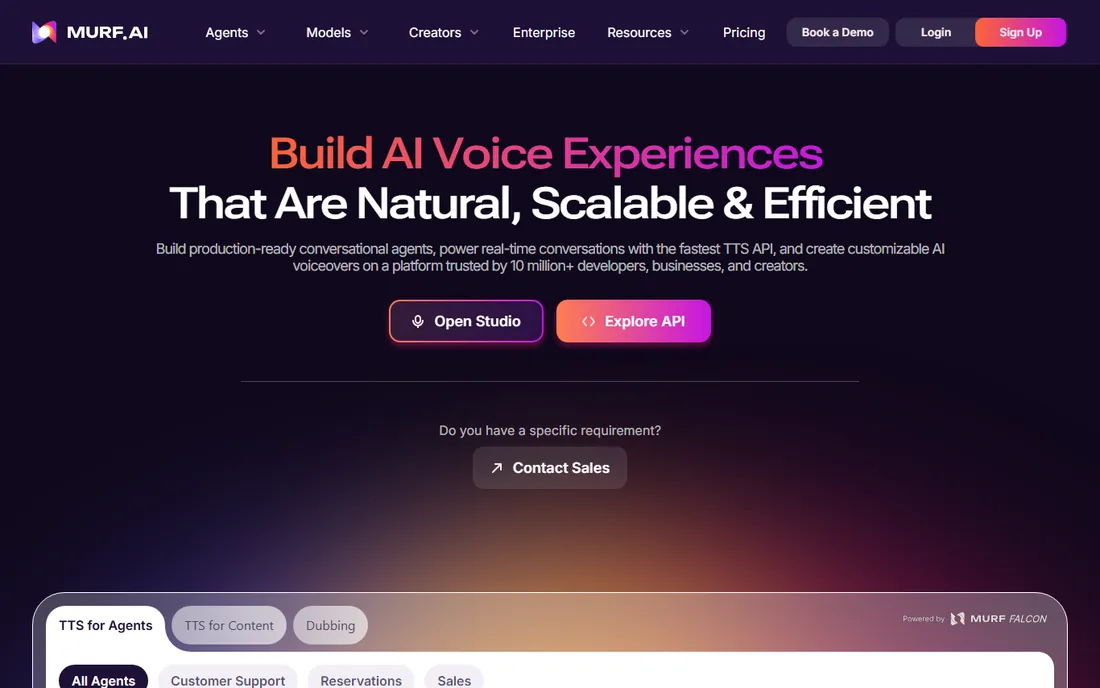
Murf thinks in projects, not API calls. You paste a script into the Studio, assign voices per block, sync to video, and export. That project-first design suits course creators, marketers and e-learning teams who produce voiceover on a schedule. The free plan gives about 10 minutes of generation for testing, though you cannot download anything until you pay.
Pricing has moved around, so confirm the current Creator figure at checkout rather than trusting old roundups. Voice cloning and the deepest customization live on the pricier tiers. If ElevenLabs feels too developer-oriented, Murf's editor-first approach will feel more like home.
What we like- Visual Studio editor with timeline control
- Canva and Google Slides integrations
- AI dubbing in dozens of languages
Watch out for- Free plan blocks downloads
- Pricing tiers have shifted over time
- Voice cloning sits on higher tiers
Starting price$50 per user/month
Free planFree trial (7 days)
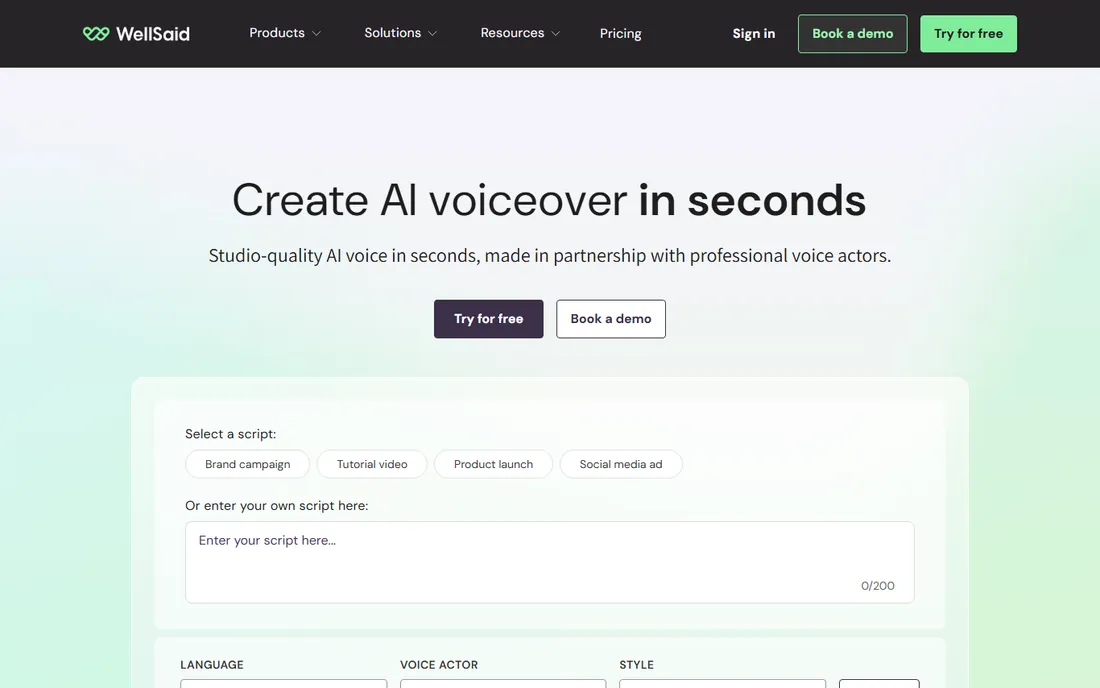
WellSaid plays at the serious end of AI voice. The Creative plan starts around $50 per user per month, and what you get is studio-grade consistency: an AI director for emphasis and pacing, shared pronunciation rules across a team, and compliance credentials that matter in healthcare and regulated industries. The voices are trained on licensed voice-actor data, which is a genuine ethical plus.
This is not the tool for a solo YouTuber. There is no free-forever tier, just a 7-day trial, and per-user pricing multiplies fast on a team. But if your company produces training videos or product narration at scale and needs the same voice saying the same product names correctly every time, WellSaid earns its premium.
What we like- Very natural voices with fine control
- Pronunciation library keeps brand terms consistent
- SOC 2 and GDPR compliance
Watch out for- Pricey per user
- No permanent free tier
- Built for teams rather than solo creators
Starting price$99 one-time (Elements)
Free planFree trial
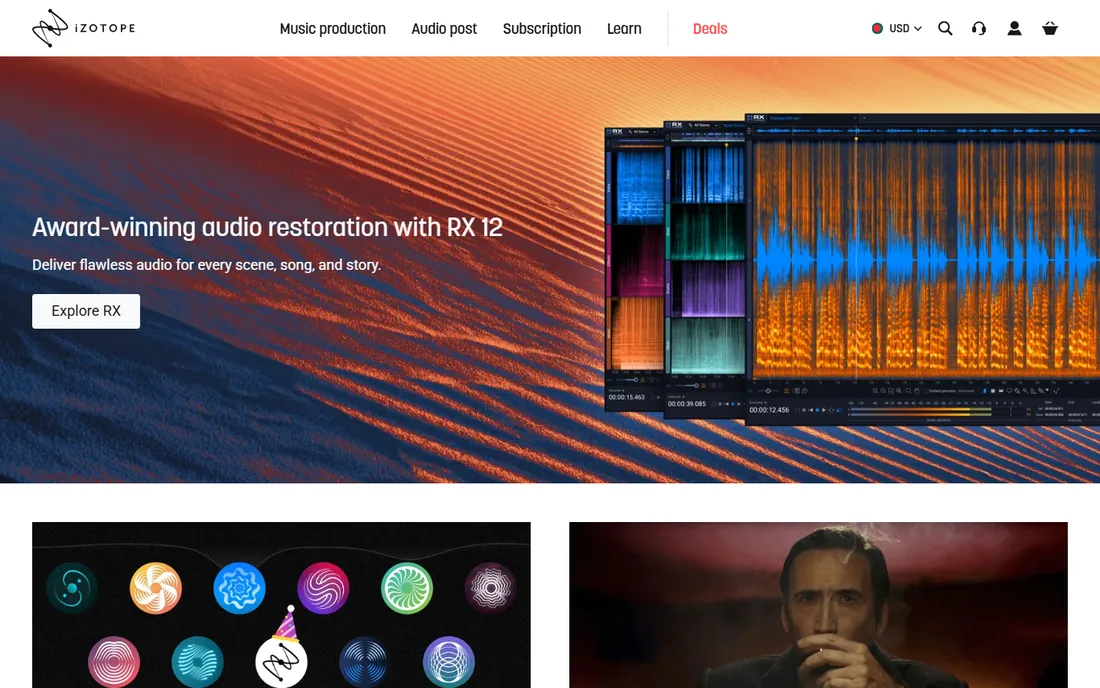
RX is not where you record. It is where you save a recording that has a humming fridge, a barking dog or a mouth click on every other word. The Elements edition at $99 handles common cleanup with the Repair Assistant, while Standard and Advanced add the deep spectral tools that post-production houses rely on. For voice actors, it is the difference between re-recording and delivering.
Buy the edition that matches your pain. Elements covers basic noise and click removal; if you regularly rescue location audio or podcast interviews, Standard is the sensible test. Note the trial lets you preview but not export, so evaluate with your worst 60 seconds of audio before spending.
What we like- Industry-standard repair tools
- Dialogue Isolate and De-click fix real problems
- Spectral editing is unmatched
Watch out for- The full Advanced edition is expensive
- Elements lacks the standalone editor
- Trial exports are disabled
#9
Lovo
Best for: AI voiceover bundled with a simple video editor
Visit lovo.ai
Starting price$24 per month
Free planFree trial (14 days)
Lovo's Genny platform tries to be the whole production desk: write the script with its AI writer, generate the voice, edit the video, add subtitles. For social content and short ads, that all-in-one flow saves real time. The 14-day trial includes a chunk of generation minutes, so you can test voice quality on your actual scripts before paying.
The pricing history is messy, with Basic and Pro tiers both reported at $24 in different periods, so check the current page. And remember the trial does not grant commercial rights, so upgrade before publishing client work. As a pure voice generator it competes well; as a video editor it is a convenience, not a replacement.
What we like- Hundreds of voices across many languages
- Genny editor combines script, voice and video
- Auto subtitle generation
Watch out for- Plan structure is confusing
- Trial lacks commercial rights
- The video editor is basic next to real NLEs
Starting price$99 per year
Free planFree trial
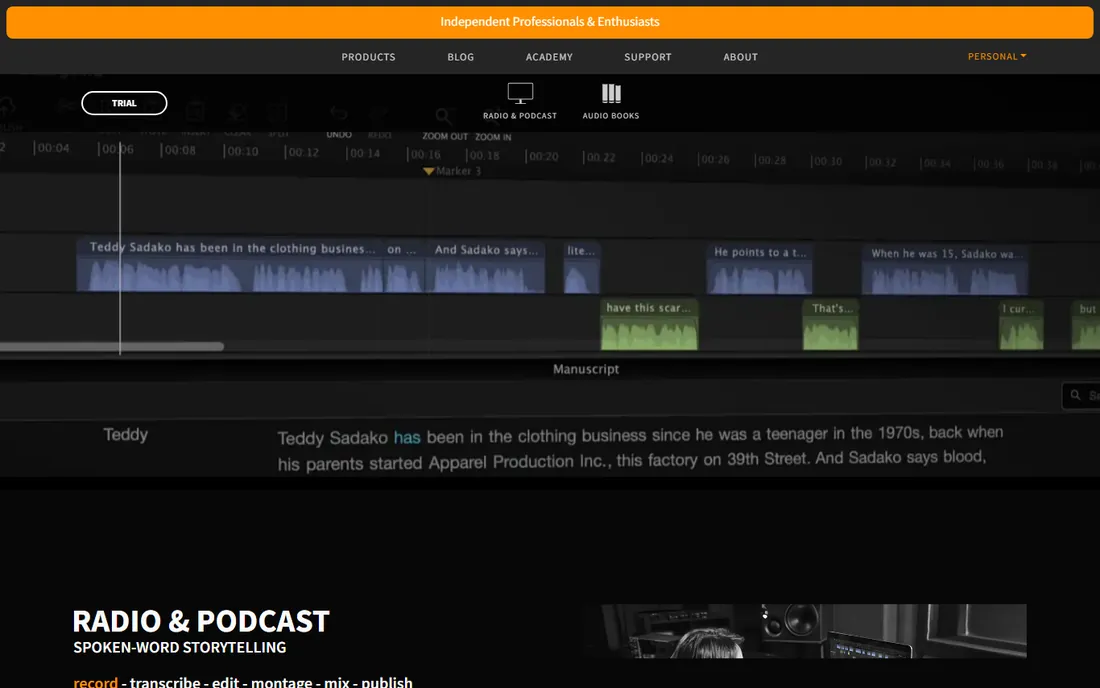
Hindenburg is the DAW for people who talk for a living. Where music DAWs bury you in MIDI tracks and virtual instruments, Hindenburg PRO gives you voice profiles, automatic levels and publishing presets. The subscription runs about $99 a year, and there is a perpetual license option at a higher price for those who dislike renting software.
It is a niche tool by design. If your work is interviews, narration and podcasts, that focus is a feature. If you also produce music or sound design, you will miss the depth of Reaper or Audition. For spoken-word professionals, though, few tools get out of the way as well as this one.
What we like- Designed for voice rather than music
- Automatic loudness and profiles
- Transcript-based editing in PRO 2
Watch out for- Subscription only
- Weak for music production
- Smaller plugin and tutorial community
How we chose
We compared tools that working voice professionals and content creators actually use in 2026, checking vendor pricing pages, product documentation, and public reviews on G2, Capterra and Reddit. We split the category deliberately: recording and editing tools for voice actors, and text-to-speech platforms for AI voiceover, because buyers shopping for one rarely need the other.
We did not do hands-on testing for this roundup. We weighted real buyer details instead: whether the free tier allows commercial use and downloads, whether pricing is per user or per project, what the limits look like on lower plans, and how each tool fits company size, from solo narrators to enterprise content teams. Prices change, so treat the figures here as a snapshot and confirm at checkout.
Recording or generating: which kind of voice over software do you need?
Start with the job, not the tool. If you are a voice actor, narrator or podcaster, you need a recorder and editor: Audacity, Reaper, Audition or Hindenburg. Your microphone and your room matter more than the software, and the free options are strong enough to carry paid work.
If you need narration without recording, you need a text-to-speech platform: ElevenLabs, Murf, Lovo or WellSaid. Compare them on three things: voice quality in your language, whether the plan you can afford includes commercial rights, and how the usage limits map to your script length. A 10-minute YouTube video and a 4-hour audiobook are different purchases.
The hybrid cases are real. Descript records and edits human voice but also clones it. iZotope RX fixes human recordings. Many creators end up with two tools: one to capture or generate the voice, and RX to clean it.
The free route: what costs nothing and what the catch is
Audacity is the only fully free, unlimited option for recording and editing, and it is genuinely the best voice over software free users can get. Reaper's 60-day trial is generous, and its $60 license is the cheapest paid step up.
On the AI side, every free tier has a fence. ElevenLabs gives you monthly credits but no commercial use. Murf's free plan lets you generate but not download. Lovo and WellSaid offer trials, not permanent free plans. That is fair enough for evaluation, but plan the paid tier into your budget before you promise a client AI narration.
Frequently asked questions
What is the best voice over software for beginners?
Audacity, because it is free and covers recording, editing and basic cleanup. When you outgrow it, Reaper is the natural next step at $60. Beginners chasing AI voiceover should test ElevenLabs and Murf on their free tiers first and compare voices on their own scripts.
What is the best software for voice acting professionally?
Working voice actors most often use Adobe Audition, Reaper, or Pro Tools, with iZotope RX for cleanup. Audition suits those in the Adobe ecosystem, Reaper suits budget-conscious independents, and Hindenburg PRO suits spoken-word specialists like narrators and podcasters.
Can I get good voice over software for free?
Yes. Audacity handles recording and editing with no cost and no limits. For AI voices, ElevenLabs and Murf have free tiers for testing, though both restrict commercial use or downloads until you pay. Free is excellent for learning and evaluation, less so for client delivery.
Is AI voiceover good enough for professional work?
For e-learning, explainer videos, ads and YouTube narration, the top tools are convincing, especially ElevenLabs and WellSaid. For audiobooks and dramatic work, human voice actors still win on emotion and nuance. Always check the commercial license terms before publishing.
Descript vs Audacity: which should I pick?
Pick Audacity if you want a free, traditional audio editor and do not mind learning waveforms. Pick Descript if you edit by listening and reading, publish podcasts or videos regularly, and value the transcript workflow and AI cleanup enough to pay a subscription.
Sources we checked (17)
- https://audacityteam.org
- https://www.adobe.com
- https://reaper.fm/
- https://www.descript.com
- https://elevenlabs.io
- https://murf.ai
- https://wellsaidlabs.com/
- https://www.izotope.com
- https://lovo.ai/
- https://hindenburg.com
- https://1of10.com/blog/descript-pricing/
- https://dev.to/stimlau/elevenlabs-pricing-explained-free-starter-creator-and-pro-in-2026-4p6b
- https://news.ssbcrack.com/best-ai-voice-generators/
- https://www.fahimai.com/wellsaid-labs
- https://www.fahimai.com/lovo
- https://www.soundonsound.com/news/izotope-rx-12-here
- https://slashdot.org/software/comparison/Hindenburg-Journalist-vs-KingShiper-Audio-Editor/
Is your product missing or out of date?
We review this list regularly. Vendors can request a listing, send updated pricing or ask about featured placement.

Shihab Mia · Founder, Rankite
Shihab has spent more than a decade helping SaaS and e-commerce brands grow through search. He writes Rankite's software buying guides from pricing pages, documentation and public user reviews. More about Shihab.