How we make this list: we compare pricing pages, product documentation and public user reviews. Ratings come from G2, Capterra or Trustpilot, with the date we checked them.
Key takeaways
- VOD means video on demand: viewers choose what to watch and when, unlike a scheduled live stream.
- Monetization choice matters most: subscriptions, one time rentals, ads, or a mix each need different tools and audience habits.
- Enterprise platforms suit large media and training libraries, while creator platforms suit memberships and courses.
- Check bandwidth, storage, DRM, captions, and app support before pricing, because those limits decide real cost.
- A free trial on your own videos, with your own audience, tells you more than any feature list.
Quick comparison
| Tool | Best for | Starting price | Free plan |
|---|
 Brightcove Brightcove | Enterprise video at scale | See website | No |
 Kaltura Kaltura | Enterprise video and learning | See website | No |
 Muvi Muvi | Full OTT service launch | $399 per month | Free trial |
 Uscreen Uscreen | Creator memberships | See website | Free trial |
 Dacast Dacast | Live plus VOD for businesses | $39 per month | Free trial |
 Wistia Wistia | Marketing video and webinars | See website | Yes |
 Panopto Panopto | Learning and training video | See website | No |
Is your product missing or out of date?
We review this list regularly. Vendors can request a listing, send updated pricing or ask about featured placement.
#1Brightcove
Best for: Enterprise video at scale4.1/5 on
G2 (54 reviews, checked Oct 2026)
Visit brightcove.com
Starting priceSee website
Free planNo
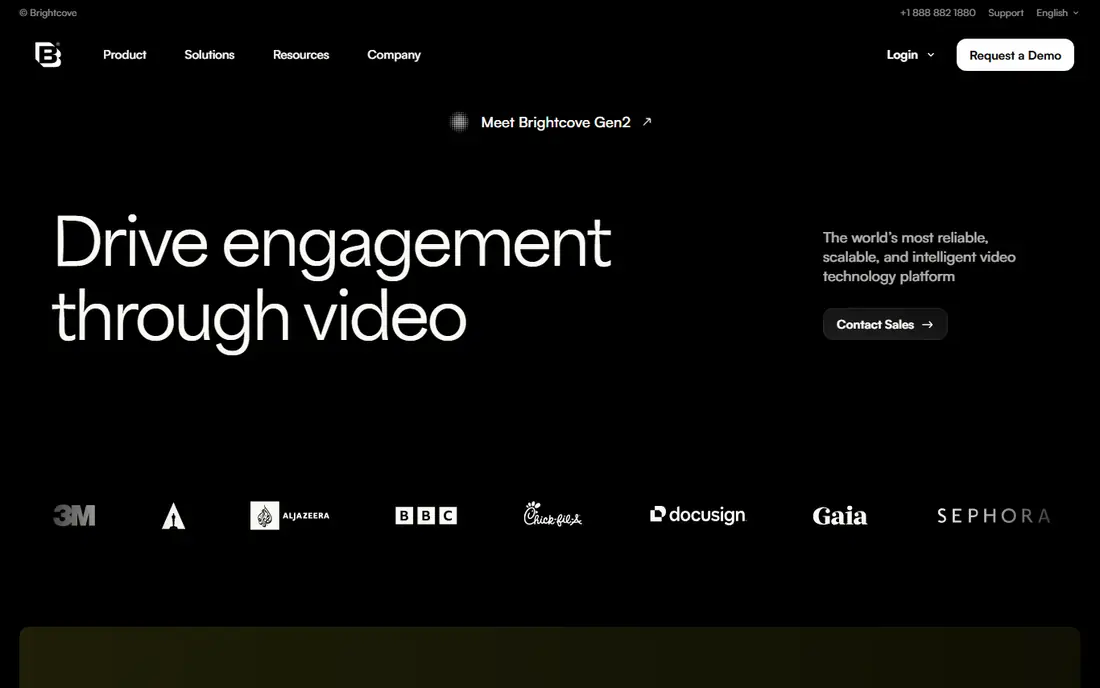
Brightcove suits media companies, publishers, and large brands with sizable video libraries and audiences. Its platform covers hosting, a player, live streaming, OTT apps, advertising, subscription, and transactional sales, with analytics to track what viewers actually watch. For a team that needs dependable delivery under traffic spikes, that breadth and scale are the main reasons to choose it.
The honest catch is access and cost. Brightcove is built for enterprise buyers, so pricing is discussed with sales rather than published as a simple starter plan, and implementation takes planning. Small creators with a few dozen videos will usually move faster on a creator focused platform. Large teams should ask for a trial on their own catalogue, with their own traffic pattern, before committing.
What we like- Reliable large scale hosting and delivery
- Broad monetization options
- Strong analytics and integrations
Watch out for- Enterprise pricing is quoted
- Smaller creators may find it more than they need
#2Kaltura
Best for: Enterprise video and learning4.3/5 on
G2 (118 reviews, checked Oct 2026)
Visit kaltura.com
Starting priceSee website
Free planNo
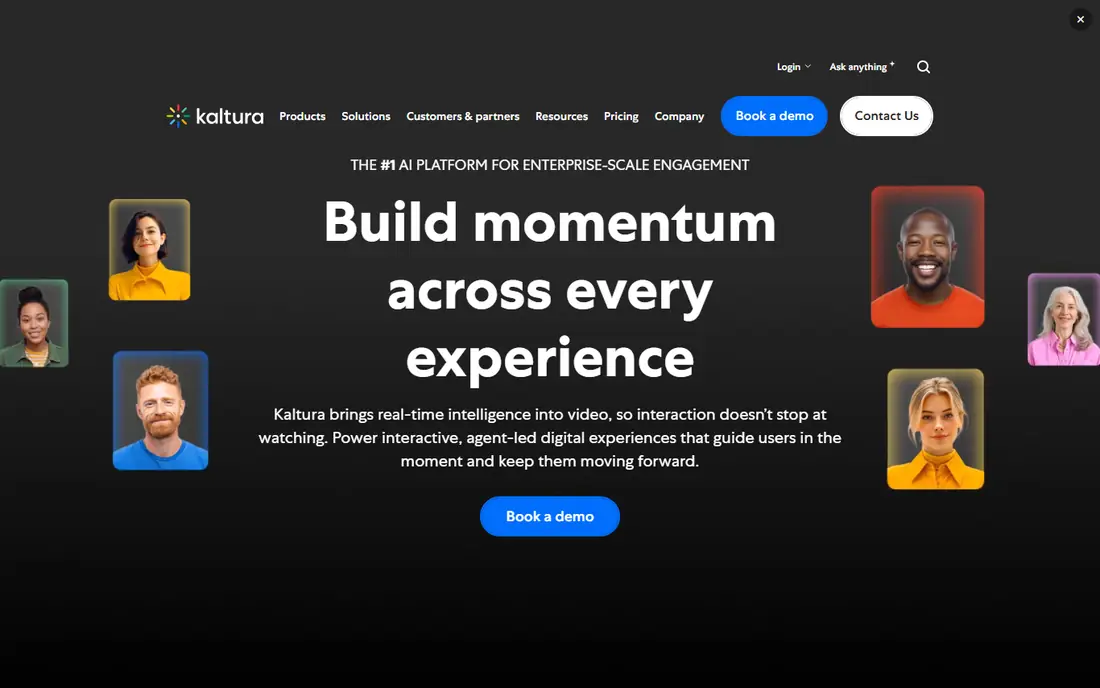
Kaltura suits universities, large employers, and media organisations that treat video as a managed library, not just a set of files. Its tools cover video portals, virtual events, learning management integrations, content management, and governance, with AI features for search and engagement. For a university with thousands of lectures, or a company with global training, that management layer matters as much as playback quality.
The trade off is complexity. Kaltura can do a great deal, which means setup, permissions, and integrations need a project plan and an owner. Smaller teams that only need simple hosting and sales may find it heavy. Ask about the exact modules in your quote, the time to launch, and how support works during term time or a major event, when video failure is most visible.
What we like- Strong video management for education and enterprise
- Portals, events, and learning integrations
- AI features
Watch out for- Enterprise scope can be complex
- Pricing is quoted and implementation takes time
Starting price$399 per month
Free planFree trial
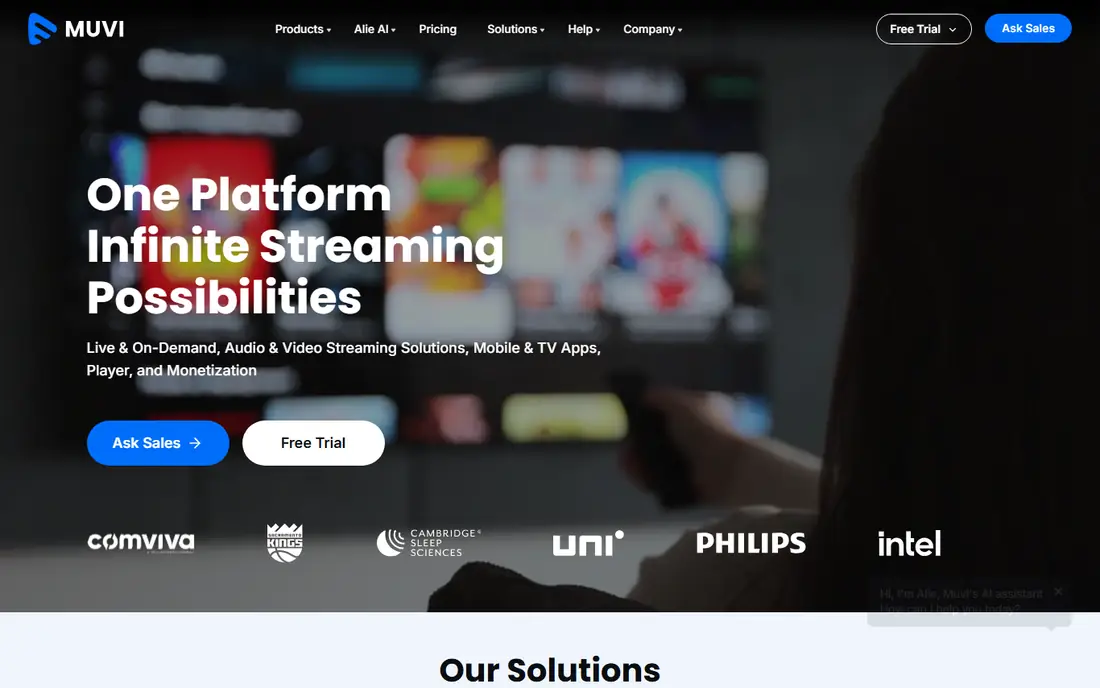
Muvi suits businesses that want to launch their own streaming service, with apps and a website under their own brand. The platform includes a player, content delivery, DRM protection, encoding, and subscription, rental, and ad supported options, and it states that apps can launch quickly once content is ready. For a media company, sports league, or niche content owner, that all in one OTT path is faster than building apps separately.
The catch is price and scope. At $399 per month for its Muvi One starting point, Muvi is aimed at businesses, not hobby creators, and customisation is quoted separately. Before signing, map your content volume, expected viewers, and monetization model, and ask what is included in support and app updates. A clear launch plan with a small catalogue first will test demand before you invest in a large library.
What we like- Website, mobile, and TV apps in one service
- DRM and multiple monetization models
- Fast launch for OTT
Watch out for- Starter price is high for solo creators
- Custom work adds cost beyond the base plan
#4Uscreen
Best for: Creator memberships4.7/5 on
G2 (96 reviews, checked Oct 2026)
Visit uscreen.tv
Starting priceSee website
Free planFree trial
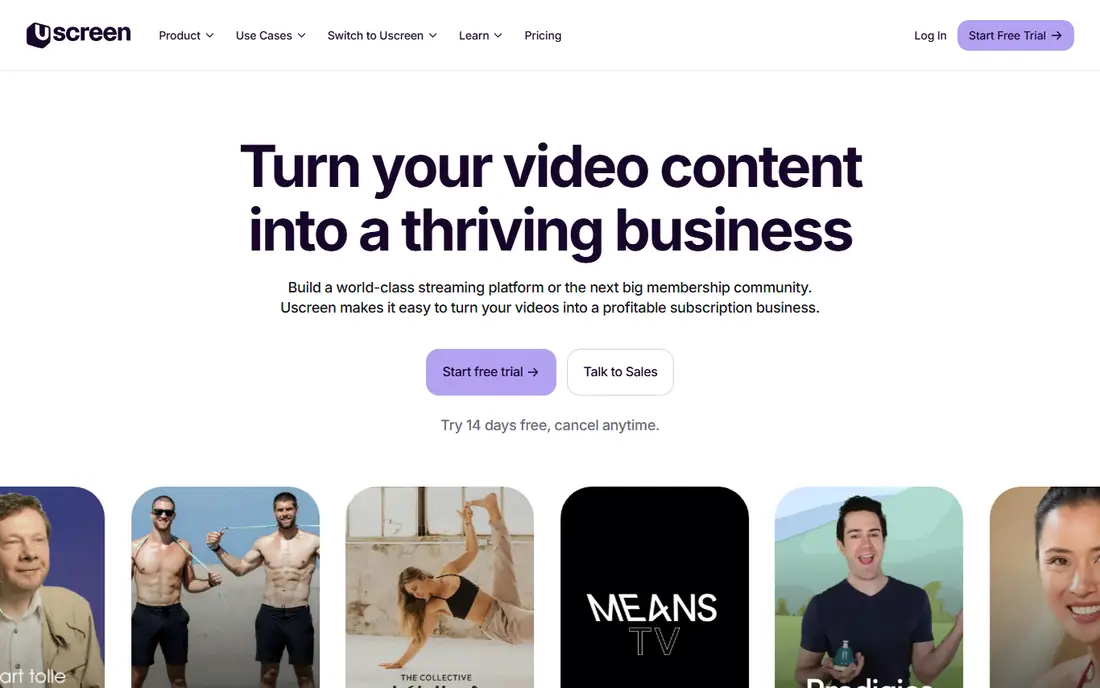
Uscreen suits creators and educators who sell video as a membership: courses, fitness, coaching, music, or niche training. The platform combines video hosting, live streaming, community features, and mobile and TV apps, so members get a branded experience rather than a simple video page. Onboarding and account managers help creators design a membership, which is useful for people who are strong on content but new to subscriptions.
The limit is model fit. Uscreen is built around recurring memberships, so a business that mainly sells one off rentals or ad supported free video may not use its strengths. Ask about transaction fees, app costs, and what happens to your member list if you leave, because those details affect long term value more than a monthly plan price. A free trial with a small founding audience is the best way to test retention.
What we like- Membership, community, and apps built for creators
- Subscription focus
- Onboarding and account support
Watch out for- Best for membership models
- Pricing varies by plan and app needs
#5Dacast
Best for: Live plus VOD for businesses4.3/5 on
G2 (30 reviews, checked Oct 2026)
Visit dacast.com
Starting price$39 per month
Free planFree trial
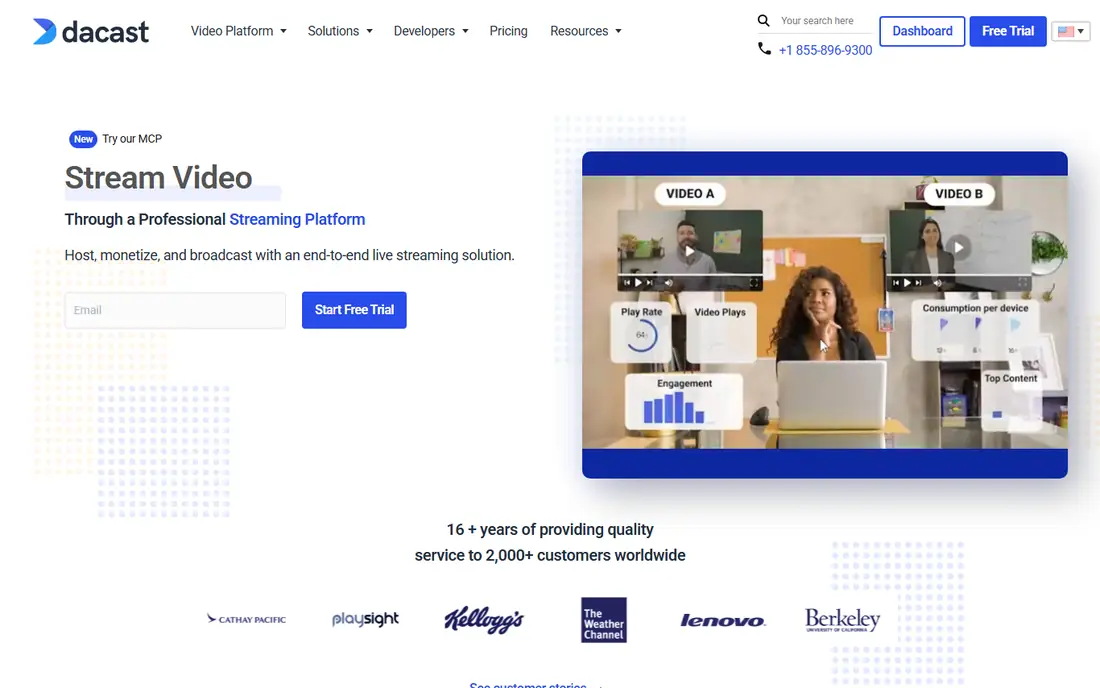
Dacast suits businesses, churches, sports groups, and event producers that need both live streaming and a VOD library. The platform covers secure hosting, live events, OTT delivery, monetization, and analytics, with a starting point at $39 per month and a free trial that needs no card. That combination makes it practical for organisations that stream regularly but do not need an enterprise media platform.
The honest catch is usage limits. Bandwidth, storage, and viewer capacity depend on plan, so a viral event or a large library can push costs up. Check the plan limits against your real event size and archive growth, and ask how overages are charged. For predictable, moderate audiences, Dacast is a strong value choice; for very large, spiky audiences, an enterprise quote may be safer.
What we like- Live and on demand in one platform
- Paywall and monetization options
- Accessible starting price
Watch out for- Bandwidth and storage limits vary by plan
- Enterprise features sit on higher tiers
#6Wistia
Best for: Marketing video and webinars4.6/5 on
G2 (1,192 reviews, checked Oct 2026)
Visit wistia.com
Starting priceSee website
Free planYes
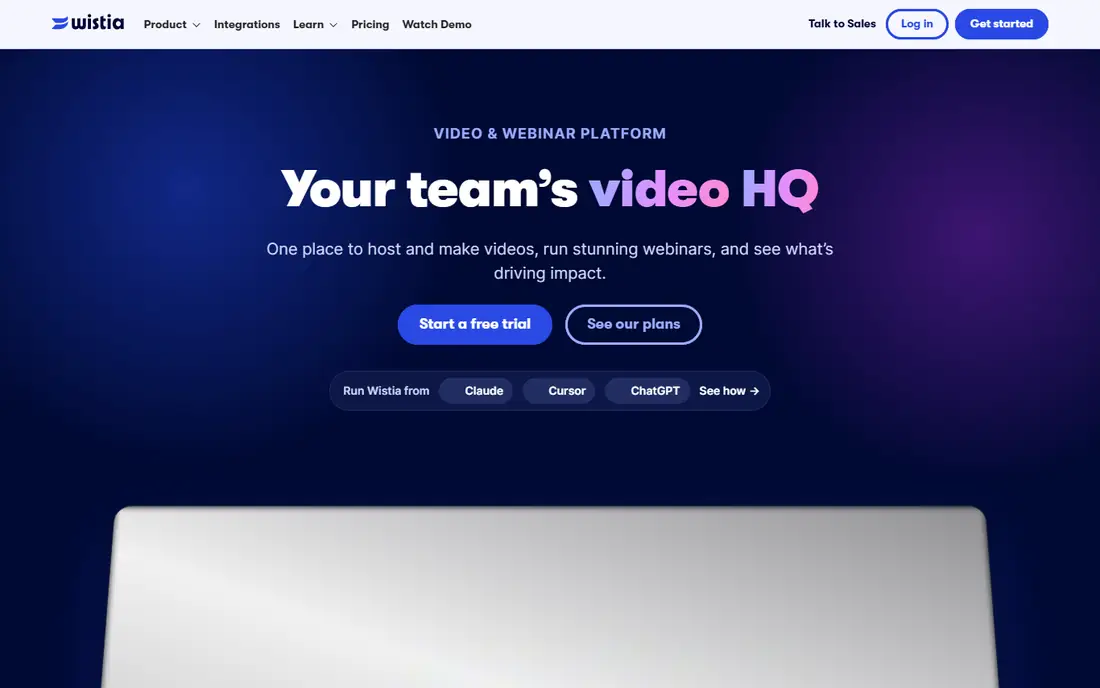
Wistia suits marketing teams that use video to explain, capture leads, and support sales. Its platform hosts video, runs webinars, and connects viewing behaviour to marketing tools, so a team can see who watched, how far they got, and whether they are ready for a sales conversation. The player is clean and ad free, which fits brand focused websites better than a generic video embed.
The trade off is monetization scope. Wistia is not primarily an OTT subscription or rental platform, so creators who want to sell a streaming service should look at Muvi or Uscreen instead. For marketing use, start with the free tier, test lead capture and analytics on real campaigns, and only upgrade when video volume or webinar needs justify it.
What we like- Marketing focused analytics and lead tools
- Webinars and video in one place
- Clean, ad free player
Watch out for- Less focused on OTT subscriptions or rentals
- Larger libraries need higher plans
#7Panopto
Best for: Learning and training video4.4/5 on
G2 (166 reviews, checked Oct 2026)
Visit panopto.com
Starting priceSee website
Free planNo
Panopto suits universities, training providers, and enterprises that need a searchable library of lectures, training, and expert knowledge. Recorded sessions become searchable by spoken words, slides, and captions, so staff and students can find a precise answer inside a long video rather than rewatching it all. Integrations with learning systems and accessibility features, including captions and transcripts, support large, diverse audiences.
The limit is audience model. Panopto is built for learning and internal knowledge, not for selling subscriptions to the public, so consumer OTT businesses should choose a different platform. For education and training buyers, ask about migration from an existing library, caption accuracy, search quality on your own recordings, and support during peak teaching periods. Those tests show whether a knowledge platform will actually be used.
What we like- Searchable video knowledge library
- Strong accessibility and LMS integrations
- Training and education focus
Watch out for- Less suited to consumer OTT sales
- Enterprise pricing is quoted
How we chose
We compared vendor pricing pages, product descriptions, and public reviews, and we opened each official homepage to confirm it belongs to that platform. We favoured platforms with a clear VOD offer, a working trial or published starting point where available, and a distinct audience, from enterprise media to creator memberships to learning. Where pricing is quoted, we wrote See website instead of repeating an unverified figure.
Start with how viewers will pay, or whether they pay at all. A subscription audience needs membership tools, apps, and retention analytics. A rental audience needs paywalls and a simple checkout. A free, ad supported audience needs ad tools and scale. An internal audience needs permissions, search, and learning integrations. That single decision narrows the list faster than comparing every feature.
Test delivery before you commit
Upload your longest and most complex videos, test on mobile, TV, and slow connections, and check captions, search, and playback controls. Invite a small group of real viewers and watch where they drop off. Also test the admin side: how long it takes to publish, update, and remove a video, and how clear analytics are. A platform that is hard to operate will slow every release.
Plan for growth and exit
Ask about bandwidth and storage overages, app update costs, transaction fees, and how you can export your videos and viewer data if you leave. A low starter price can hide high growth costs, while a higher platform price can include support and apps that save money elsewhere. Compare total cost at your expected audience size in one year, not only at launch.
Frequently asked questions
What does VOD mean?
VOD stands for video on demand. Viewers choose a video from a library and watch it when they want, rather than watching a scheduled broadcast. Most streaming services, course libraries, and corporate training portals are VOD, even when they also offer live events.
What is the difference between SVOD, TVOD, and AVOD?
SVOD is subscription video on demand, where viewers pay regularly for access. TVOD is transactional video on demand, where viewers rent or buy a single title. AVOD is advertising supported video on demand, where viewers watch free with ads. Many services mix models, for example a subscription plus one off rentals.
Do I need DRM for my videos?
DRM, or digital rights management, helps protect paid content from copying and unauthorised sharing. It matters most for premium, licensed, or high value content. For free marketing or internal training video, password protection and domain controls may be enough, but check your content licences before deciding.
How much bandwidth will my VOD service need?
Bandwidth depends on video length, quality, and viewer numbers. A short, low resolution library for a small audience needs far less than a large, high definition catalogue with thousands of viewers. Ask vendors to estimate bandwidth at your expected audience size, and check how overages are charged before launch.
Can I migrate videos from another platform?
Usually yes, but migration time depends on library size, metadata, captions, and viewer data. Ask the new vendor for a migration plan, including how titles, descriptions, thumbnails, and access rules transfer. Test migration on a small set of videos before moving a full library.
Which VOD platform is best for a small creator?
A small creator with a membership or course usually fits Uscreen or Wistia, depending on whether the goal is subscriptions or marketing. A small business with live events plus VOD often fits Dacast. Start with a trial, test with real viewers, and choose the platform whose pricing and limits match your audience size.
Sources we checked (7)
- https://www.brightcove.com
- https://www.kaltura.com
- https://www.muvi.com
- https://www.uscreen.tv
- https://www.dacast.com
- https://wistia.com
- https://www.panopto.com
Is your product missing or out of date?
We review this list regularly. Vendors can request a listing, send updated pricing or ask about featured placement.

Shihab Mia · Founder, Rankite
Shihab has 5+ years in B2B and SaaS SEO. He writes Rankite's software buying guides from pricing pages, documentation and public user reviews. More about Shihab.