How we make this list: we compare pricing pages, product documentation and public user reviews. Rankite is independent; if a vendor ever pays for a featured spot, that listing is clearly labeled Partner.
Key takeaways
- Leawo Blu-ray Creator ($39.95 for one year) and DVDFab Blu-ray Creator (from $46.99) are the two purpose-built authoring tools, with real menu designers and 180-plus supported input formats.
- AnyMP4 Blu-ray Creator at $12.50 is the cheapest paid option and covers the basics: burn video to BD-25/BD-50, folders or ISO with menu editing.
- BurnAware (free edition) and Ashampoo Burning Studio FREE (free forever) handle everyday burning and copying for nothing; pay only if you need their pro features.
- Nero Burning ROM 2026 ($55.95, currently $44.76 on the vendor's site) remains the pick for secure archiving with SecurDisc 4.0 encryption and M-Disc support.
The best Blu-ray authoring software
Nobody shops for the best Blu-ray authoring software for fun in 2026. You are here because a wedding client wants a disc, a corporate archive requires physical media, or a home theater setup still runs on Blu-ray. The market has shrunk to a handful of serious tools and a few free burners, which actually makes the choice simpler: pick a purpose-built authoring tool if you need menus and chapters, or a free burner if you just need files on a disc. These seven cover both jobs.

#1
Leawo Blu-ray Creator
Best for: Home video enthusiasts who want styled menus without a learning curve
Visit leawo.com
Starting price$39.95 (1-year license; lifetime license also available)
Free planFree trial (output limited to the first 5 minutes of each source video)
Leawo Blu-ray Creator is the most approachable true authoring tool on this list. The workflow is three steps: add videos or photos, pick or customize a menu from 40-plus templates, and burn to BD-25, BD-50, DVD or an ISO image. The built-in editor covers trimming, cropping, brightness and contrast adjustments, watermarks and subtitles, and the 3D settings offer several effects for converting regular video to 3D Blu-ray.
Pricing is straightforward: $39.95 for a one-year license with a lifetime one-time-payment option alongside it. The free trial lets you check import, menu rendering and a short playback sample, but the 5-minute-per-video limit means you cannot test a full project before buying. For family videos, slideshows and event discs where a polished menu matters more than pro mastering controls, this is the easiest path from MP4 files to a finished disc.
What we like- Burns 180-plus video formats to Blu-ray, DVD, folder or ISO
- 40-plus menu templates with DIY menu customization
- Built-in video editor with trim, crop, effects and watermark tools
- 2D-to-3D conversion with 3D effects
Watch out for- Trial is short at 5 minutes per video, so full-length tests need the paid license
- 4K UHD authoring requires the separate Leawo UHD Creator product

#2
DVDFab Blu-ray Creator
Best for: Users who want a pro-grade authoring module inside a full media suite
Visit dvdfab.cn
Starting price$46.99
Free planFree trial available
DVDFab Blu-ray Creator is the authoring module of the DVDFab suite, and it shows in the depth. It accepts over 200 video formats from camcorders, phones and SD cards, burns to blank Blu-ray discs or saves as ISO files and folders, and includes chapter customization, external subtitle support (SRT/ASS), and crop, trim and watermark tools. The menu library is a genuine strength: static and dynamic templates in many themes with audio-track and subtitle switching for multi-language discs.
Two features stand out for serious users. GPU acceleration speeds up burning substantially, and the software automatically generates .nfo metadata files so homemade discs display properly on media servers. There is also a cloud-powered AI enhancement option for restoring detail in lower-quality source video. At $46.99 it costs more than AnyMP4, but the format support and output flexibility justify it for anyone authoring discs regularly.
What we like- Supports 200-plus input formats with BD-50, BD-25 and AVCHD DVD output
- Large library of static and dynamic menu templates, updated regularly
- GPU acceleration (CUDA, Intel Quick Sync) for faster burning
- Auto-generates .nfo metadata files for Plex-style media servers
Watch out for- Sold as a module of the DVDFab suite, so the ecosystem pushes you toward add-ons
- Higher starting price than the budget authoring tools

#3
BurnAware
Best for: Windows users who want a capable free burner for discs and ISOs
Visit burnaware.com
Starting priceSee website (Free edition; Premium and Professional editions are paid)
Free planYes (full-featured Free edition)
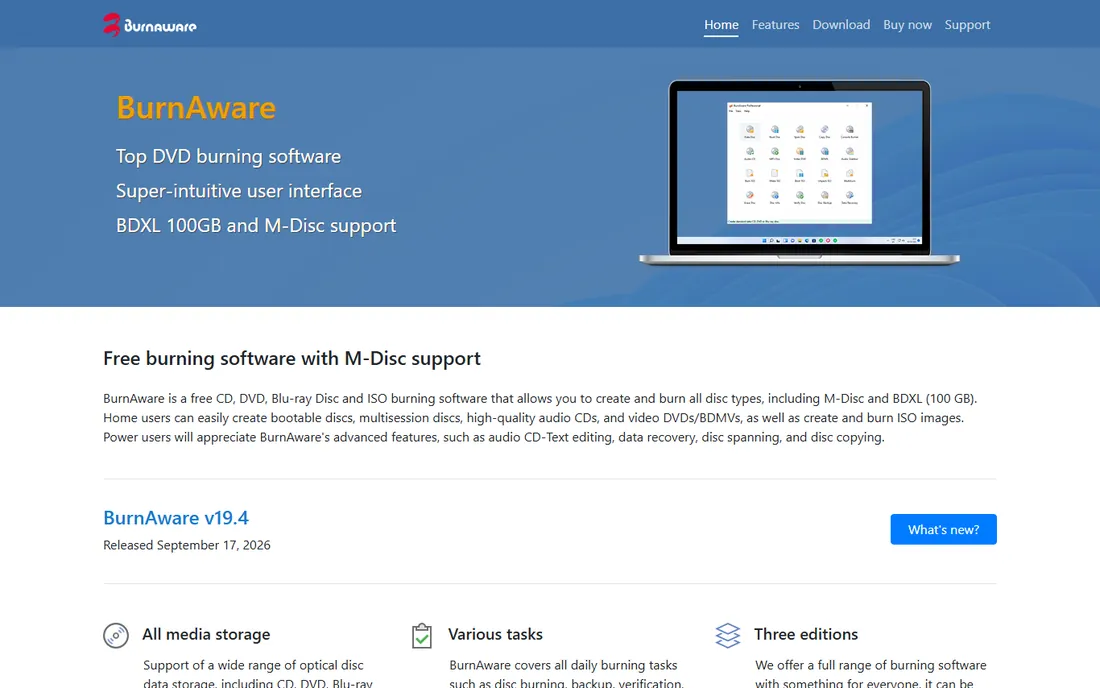
BurnAware is the free burner done right. The Free edition handles every common disc job: data discs, bootable discs, audio CDs with CD-Text, video DVDs and BDMVs, ISO creation and burning, disc copying and erasing, spanning files across multiple discs, and data recovery from damaged discs. Media support is broad, including M-Disc and 100 GB BDXL Blu-ray, which matters for long-term archiving.
What it is not is an authoring tool. There is no menu designer, no chapter editor and no slideshow builder, so wedding-style discs with navigation menus need Leawo or DVDFab instead. But for the common real-world jobs, burning a data archive, making a bootable disc, copying a disc, the free edition is complete and the interface stays out of the way. Premium and Professional editions add extra tools for power users; check the vendor's editions page for current pricing.
What we like- Free edition covers CD, DVD, Blu-ray, M-Disc and BDXL (100 GB) burning
- Bootable discs, multisession discs, audio CDs, video DVDs and BDMV
- Data recovery, disc spanning and disc copying included
- Lightweight with no bloat
Watch out for- No real authoring features: no menu designer or chapter tools
- Paid-tier pricing is not clearly published on the site

#4
Ashampoo Burning Studio
Best for: Beginners who want a friendly all-in-one burning suite with a free option
Visit ashampoo.com
Starting price$30 (Burning Studio 2027, download version)
Free planYes (Burning Studio FREE, free forever)
Ashampoo Burning Studio has been around long enough to be boring in the best way. The lineup has two branches: Burning Studio FREE, which the vendor says you can download and use forever, covering data discs, backups, audio CD ripping and creation, and movie burning to Blu-ray; and the paid Burning Studio (currently version 2027 at $30 as a download), which adds disc spanning across multiple discs, backups to USB and external drives, phone and tablet backup, cover and inlay design, and scratch protection for damaged discs.
The paid version carries a 30-day money-back guarantee, and Ashampoo's store frequently discounts older versions. For a small business that burns discs occasionally and wants one friendly app instead of a tangle of freeware, the $30 one-time price is easy to justify. Just note the free edition exists first: many buyers never need more than it.
What we like- Burning Studio FREE is genuinely free forever, not a trial
- Paid version adds disc spanning, backups, cover designer and scratch protection
- 30-day money-back guarantee on paid versions
- Long-running German vendor with regular new versions
Watch out for- The free edition is a subset, so advanced features need the paid version
- Version numbering and upgrade pricing change often, so confirm which version you are buying

#5
Nero Burning ROM
Best for: Archiving and secure backups where disc reliability matters most
Visit nero.com
Starting price$55.95 (currently $44.76 on the vendor's site)
Free plan15-day free trial
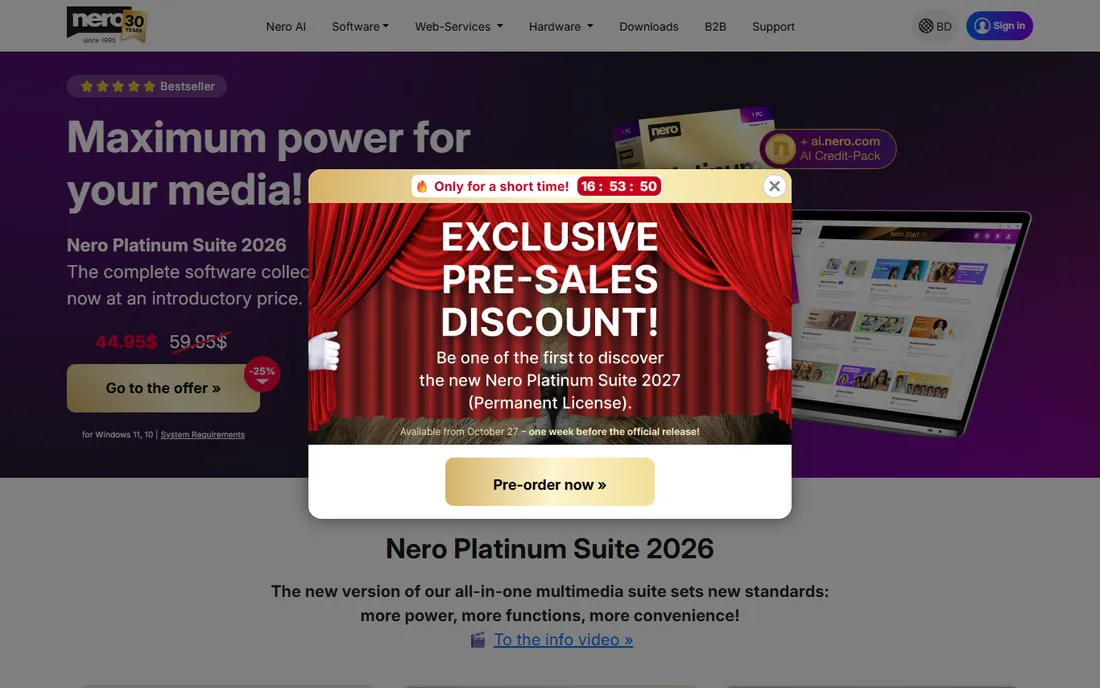
Nero Burning ROM is the original disc burning brand, and in 2026 it has settled into the role of the archivist's tool. The headline feature is SecurDisc 4.0: 256-bit encryption, digital signatures and password protection for burned data archives, plus adjustable data redundancy so scratched discs stay readable. Combined with M-Disc support, it is the most defensible choice when the disc itself is the backup.
The 2026 version lists at $55.95 with the vendor currently discounting it to $44.76, and a 15-day free trial lets you verify it handles your media before paying. Be aware the vendor's site pushes the Nero Platinum Suite hard; if you only need burning, buy Burning ROM standalone and ignore the suite. For pure reliability in ripping, copying and burning with security options, nothing else on this list matches its depth.
What we like- SecurDisc 4.0 with 256-bit encryption, digital signature and password protection
- Adjustable data redundancy keeps scratched discs readable
- M-Disc support for long-life archival media
- 30-day money-back guarantee
Watch out for- The highest price on this list for a single-purpose burner
- The full Nero Platinum Suite upsell is constant on the vendor's site

#6
AnyMP4 Blu-ray Creator
Best for: Budget buyers who need basic Blu-ray authoring at the lowest price
Visit anymp4.com
Starting price$12.50
Free planFree trial available
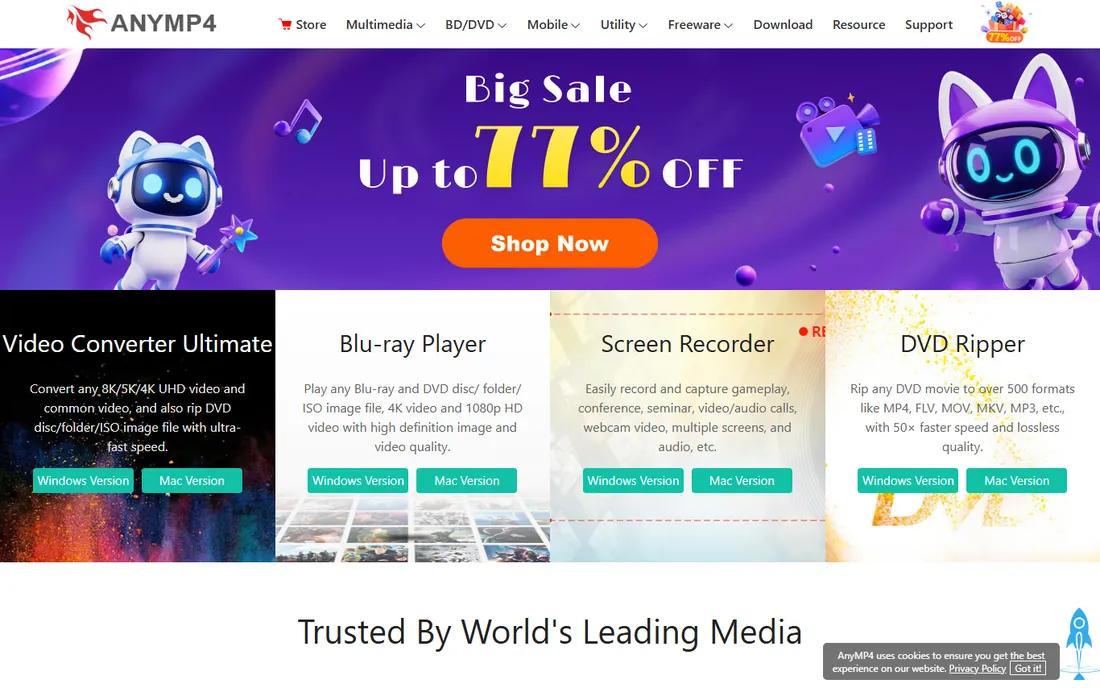
AnyMP4 Blu-ray Creator wins on price alone: $12.50 on the vendor's own product page makes it the cheapest paid authoring tool here by a wide margin. For that you get the essentials done well: burn common and HD video (including 4K and AVCHD sources) to BD-25 and BD-50 discs, Blu-ray folders or ISO images, with menu editing for frames, buttons and text, plus brightness, contrast, saturation and hue adjustments, cropping, watermarks, clipping and subtitle and audio track controls.
GPU acceleration through CUDA, AMD APP and Intel Quick Sync keeps encoding times reasonable. The trade-offs are the narrower input format list and simpler menu templates next to Leawo and DVDFab. But if your job is turning a folder of MP4s into a playable Blu-ray with a decent menu, and you do it a few times a year, $12.50 is hard to argue with.
What we like- Lowest paid price on this list at $12.50
- Burns video to BD-25 and BD-50 discs, folders and ISO files
- Menu, frame, button and text customization
- GPU acceleration via NVIDIA CUDA, AMD APP and Intel Quick Sync
Watch out for- Thinner feature set than Leawo or DVDFab: fewer input formats and simpler menus
- The vendor's site leans on upsells to its other converters

#7
Express Burn
Best for: Windows and Mac users who want a simple burner for CDs, DVDs and Blu-ray discs
Visit nch.com.au
Starting priceSee website (no paid price published on the vendor's product page)
Free planYes (free for non-commercial use; the free version burns CDs only)
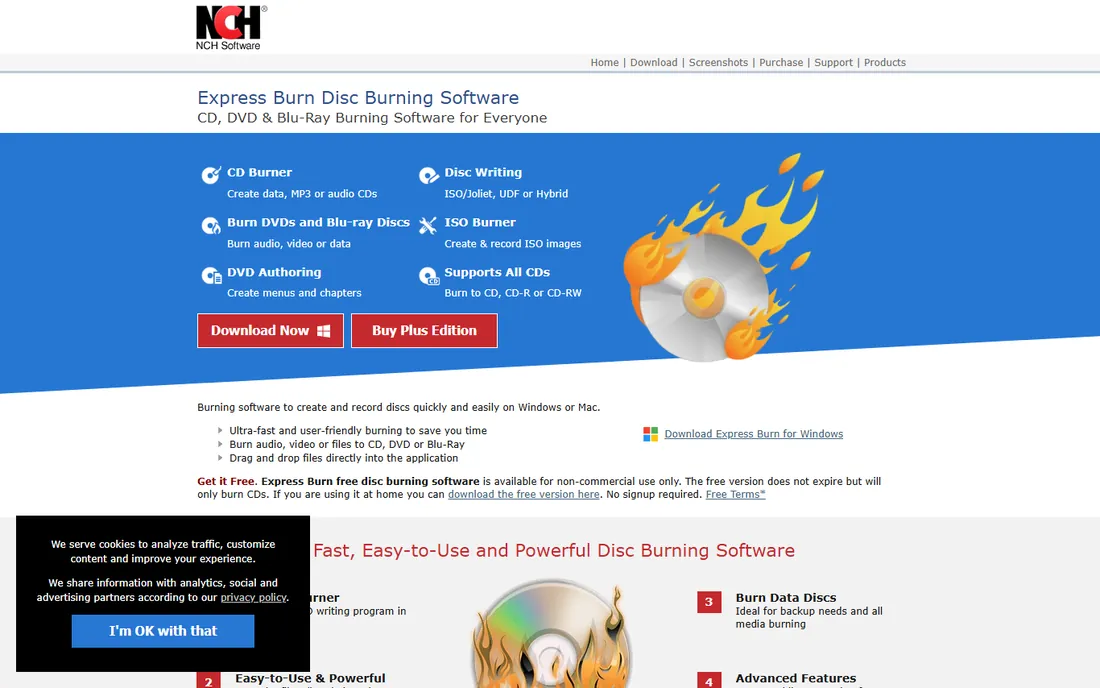
Express Burn is NCH Software's long-running disc burner, and its pitch is simplicity: pick audio, video or data, drag files in, and burn. On the video side it goes beyond plain burning, with DVD authoring that includes menu and button templates and chapter creation, plus dual-layer DVD and Blu-ray support, ISO creation, and disc copying. It runs on both Windows and Mac, which is rarer than it should be in this category, and the command-line support suits anyone scripting repeat burning jobs.
The catch is the free version. It is free for non-commercial use and does not expire, but it only burns CDs. DVD and Blu-ray burning require the paid version, and NCH does not publish that price on the product page, so you will need to go through their purchase flow to see the number. For basic disc jobs the free tier is genuinely useful; for Blu-ray authoring with polished menus, Leawo or DVDFab remain the stronger picks.
What we like- Burns audio, video and data to CD, DVD and Blu-ray
- DVD authoring with menu and button templates plus chapter creation
- Drag-and-drop interface with command-line support for automation
- ISO creation and disc copying
- Runs on Windows and Mac
Watch out for- The free version only burns CDs, so DVD and Blu-ray burning need the paid version
- No paid price is published on the product page
- The interface and feature set feel dated next to newer burners
Quick comparison
| Tool | Best for | Starting price | Free plan |
|---|
| Leawo Blu-ray Creator | Home video enthusiasts who want styled menus without a learning curve | $39.95 (1-year license; lifetime license also available) | Free trial (output limited to the first 5 minutes of each source video) |
| DVDFab Blu-ray Creator | Users who want a pro-grade authoring module inside a full media suite | $46.99 | Free trial available |
| BurnAware | Windows users who want a capable free burner for discs and ISOs | See website (Free edition; Premium and Professional editions are paid) | Yes (full-featured Free edition) |
| Ashampoo Burning Studio | Beginners who want a friendly all-in-one burning suite with a free option | $30 (Burning Studio 2027, download version) | Yes (Burning Studio FREE, free forever) |
| Nero Burning ROM | Archiving and secure backups where disc reliability matters most | $55.95 (currently $44.76 on the vendor's site) | 15-day free trial |
| AnyMP4 Blu-ray Creator | Budget buyers who need basic Blu-ray authoring at the lowest price | $12.50 | Free trial available |
| Express Burn | Windows and Mac users who want a simple burner for CDs, DVDs and Blu-ray discs | See website (no paid price published on the vendor's product page) | Yes (free for non-commercial use; the free version burns CDs only) |
Is your product missing or out of date?
We review this list regularly. Vendors can request a listing, send updated pricing or ask about featured placement.
What to look for in Blu-ray authoring software
First, decide whether you need authoring or just burning. Authoring means menus, chapters, subtitles and navigation: the things that make a disc feel finished. Only Leawo, DVDFab and AnyMP4 on this list do real authoring. If you only need files written to a disc, an ISO burned, or a disc copied, BurnAware's free edition or Ashampoo FREE do it for nothing.
Second, check input formats against your footage. Phone video, camcorder AVCHD, MKV rips and old AVI files all need to import cleanly. DVDFab leads with 200-plus formats, Leawo covers 180-plus, and AnyMP4 handles the common HD formats. If your source is 4K UHD, confirm the tool supports it: Leawo splits UHD authoring into a separate product.
Third, look at output options. BD-25 and BD-50 cover most needs, but AVCHD DVD output (Blu-ray structure on a DVD) is useful if you lack a Blu-ray burner, and ISO or folder output matters for media-server playback. GPU acceleration is worth having for long projects: DVDFab, Leawo and AnyMP4 all include it.
Finally, price the license honestly. A $12.50 tool you use twice beats a $55.95 tool you use twice, but a wedding videographer delivering twenty discs a season should buy the tool with the best menu designer and fastest batch workflow, not the cheapest one.
Do you still need Blu-ray in 2026?
For most people, no, and that is fine. Streaming, USB drives and cloud sharing have replaced the disc for everyday video. But three groups still buy Blu-ray authoring software, and they are not going away. Event videographers deliver physical discs because clients ask for them and grandparents can play them. Archivists and small businesses use M-Disc Blu-rays as offline, ransomware-proof backups with decades of shelf life. And home theater owners with big screens still prefer disc bitrates over compressed streams.
If you are in one of those groups, buy for the long term: pick a tool with an active vendor, a perpetual or lifetime license option, and M-Disc or BDXL support. Optical drives are disappearing from new PCs, so budget for an external USB Blu-ray burner too. The software on this list will outlast the hardware trend for years, but the burner is the part you will actually need to replace.
How we chose
We started with the categories buyers search: Blu-ray authoring software, Blu-ray burner software and Blu-ray creator. For each candidate we opened the vendor's own product page, checked prices against the vendor's store or pricing pages and public reviews on G2, Capterra and practitioner discussion on Reddit, and compared input format support, menu and chapter features, output options and license terms. Where a price could not be verified on the vendor's page we wrote "See website" rather than guessing.
Frequently asked questions
What is the difference between Blu-ray burning and Blu-ray authoring?
Burning writes files to a disc. Authoring builds a finished disc: menus, chapters, subtitles and navigation that play on a standard Blu-ray player. BurnAware and Ashampoo burn; Leawo, DVDFab and AnyMP4 author.
Which Blu-ray authoring software is best for beginners?
Leawo Blu-ray Creator. The three-step workflow (add videos, pick a menu, burn), 40-plus menu templates and built-in editor make it the shortest path from video files to a finished disc at $39.95 for a year.
Is there free Blu-ray authoring software?
Truly free authoring with menus is rare. BurnAware's free edition and Ashampoo Burning Studio FREE burn discs and make video DVDs for nothing, but neither builds Blu-ray menus. The paid authoring tools all offer free trials with limits.
Can I burn a Blu-ray without a Blu-ray burner?
You can author the project and save it as an ISO file or Blu-ray folder, which plays in software players and media servers. To write a physical disc you need a Blu-ray burner drive; external USB models are the practical choice since most new PCs lack optical drives.
What is M-Disc and do I need it?
M-Disc is an archival optical disc rated for very long data life, supported by BurnAware and Nero Burning ROM. You need it if the disc is your backup: family archives, legal records, or business data you want readable in decades. For a one-off video gift, a standard BD-R is fine.
Do these tools work on Mac?
Most Blu-ray authoring tools are Windows-first. Leawo and DVDFab both sell Mac versions of their products; Nero, BurnAware, Ashampoo and AnyMP4's creator are Windows-focused. Check the vendor's site for the current Mac lineup before buying.
Sources we checked (7)
- https://leawo.com/
- https://dvdfab.cn/
- https://burnaware.com/
- https://ashampoo.com/
- https://www.nero.com
- https://anymp4.com/
- http://www.nch.com.au/burn/
Is your product missing or out of date?
We review this list regularly. Vendors can request a listing, send updated pricing or ask about featured placement.

Shihab Mia · Founder, Rankite
Shihab has spent more than a decade helping SaaS and e-commerce brands grow through search. He writes Rankite's software buying guides from pricing pages, documentation and public user reviews. More about Shihab.