How we make this list: we compare pricing pages, product documentation and public user reviews. Rankite is independent; if a vendor ever pays for a featured spot, that listing is clearly labeled Partner.
Key takeaways
- VMware Workstation Pro and VMware Fusion are now completely free for all users, including commercial use, after Broadcom's 2024 change.
- Parallels Desktop is the most polished way to run Windows on a Mac, at $99.99 per year for Standard.
- Hyper-V comes built into Windows Pro and Enterprise at no extra cost.
- Proxmox VE, QEMU, UTM, and GNOME Boxes are free and open source, with Proxmox aimed at servers and the rest at desktops.
- Match the tool to the host: Windows, Mac, and Linux each have a natural best pick.
Quick comparison
| Tool | Best for | Starting price | Free plan |
|---|
 VMware Workstation Pro VMware Workstation Pro | Running VMs on Windows and Linux | $0 (free for all use) | Yes |
 VMware Fusion VMware Fusion | Running VMs on a Mac, free | $0 (free for all use) | Yes |
 Parallels Desktop Parallels Desktop | Easiest Windows on Mac | $99.99 per year (Standard) | Free trial (14 days) |
 Hyper-V Hyper-V | Built-in Windows virtualization | Included with Windows Pro/Enterprise | Yes |
 Proxmox VE Proxmox VE | Free virtualization for servers | $0 (free; paid support optional) | Yes |
 QEMU QEMU | Flexible open-source emulation | $0 | Yes |
 UTM UTM | Easy VMs and emulation on Mac | $0 (free; $9.99 on Mac App Store) | Yes |
 GNOME Boxes GNOME Boxes | Simplest VMs on Linux | $0 | Yes |
Is your product missing or out of date?
We review this list regularly. Vendors can request a listing, send updated pricing or ask about featured placement.
The best VM software
Starting price$0 (free for all use)
Free planYes
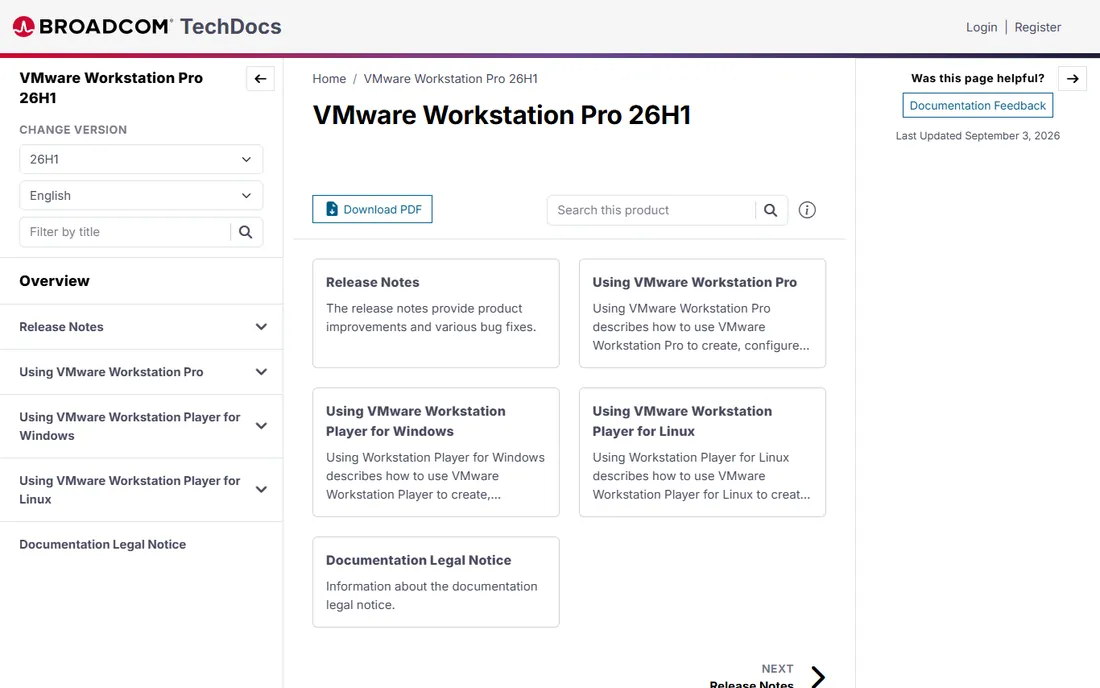
VMware Workstation Pro was the paid gold standard of desktop virtualization for two decades, and since November 2024 it has been free for everyone, including commercial users. Broadcom stopped selling licenses and made the full Pro version a free download. That makes it the most capable free VM software on Windows and Linux.
The feature set is deep: snapshots, cloning, virtual networking with custom topologies, remote connections to ESX hosts, and support for a huge range of guest operating systems. Performance is excellent, and compatibility with the broader VMware ecosystem matters if your company also runs vSphere.
The honest catch is support. Free users rely on community forums and documentation rather than vendor support, which can worry IT departments managing business endpoints. For everyone else, getting Workstation Pro's feature set for free is remarkable value.
What we like- Professional-grade features now completely free
- Snapshots and cloning
- Runs on Windows and Linux
Watch out for- No direct vendor support on the free tier
- Heavier than lightweight alternatives
Starting price$0 (free for all use)
Free planYes
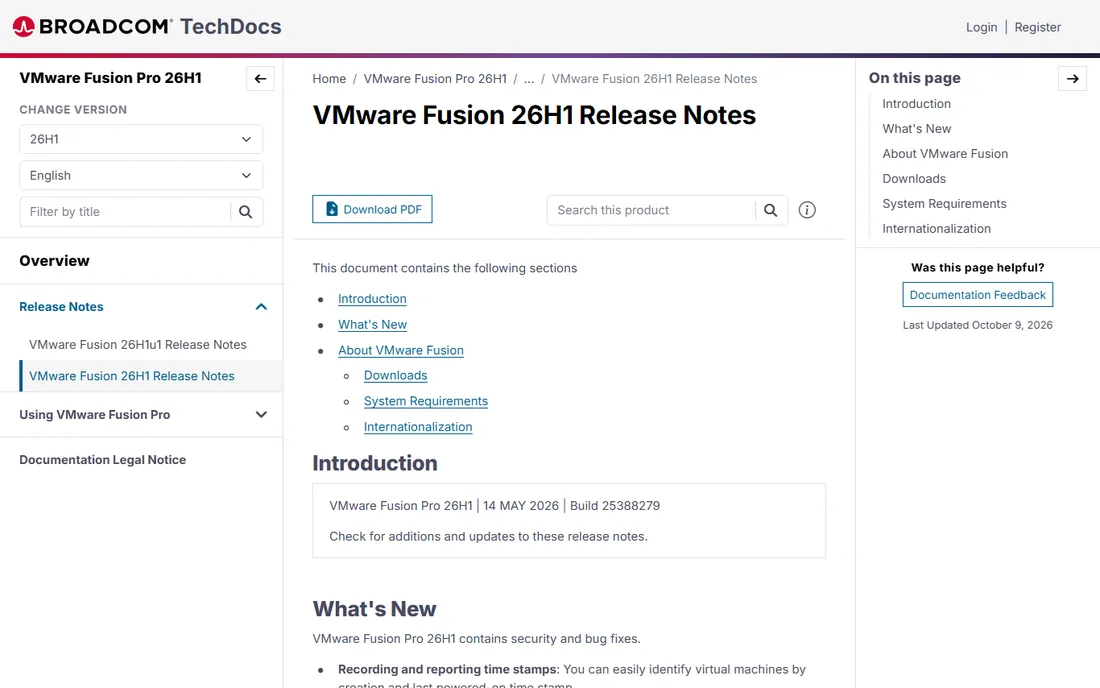
VMware Fusion is Workstation's Mac sibling, and it went free at the same time: full-featured Fusion Pro for commercial, educational, and personal use with no license key. For Mac users who want professional virtualization without paying, it is the obvious first download.
Setup is straightforward. Fusion can download and install Windows 11 for Arm automatically on Apple silicon Macs, and it supports Intel Macs too, with DirectX 11 graphics, snapshots, and virtual networking. Recent releases added support for the newest Linux guests and remote connections to ARM-based ESX hosts.
The tradeoff is polish. Parallels integrates Windows apps into macOS more smoothly, and VMware develops Fusion more slowly than Parallels develops its product. But for free, Fusion's capabilities are hard to argue with.
What we like- Full-featured Fusion Pro now free
- Runs Windows 11 on Apple silicon
- Easy Windows setup
Watch out for- Less polished Windows integration than Parallels
- Slower development pace
Starting price$99.99 per year (Standard)
Free planFree trial (14 days)
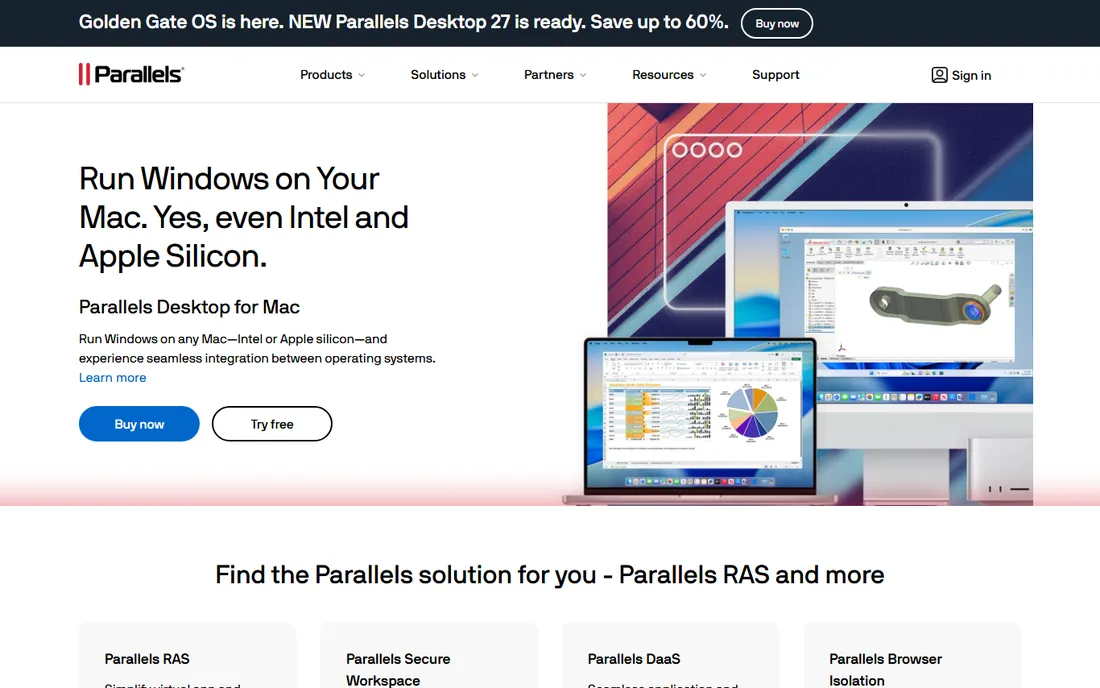
Parallels Desktop is the premium way to run Windows on a Mac. Coherence mode lets Windows apps run alongside Mac apps as if they were native, with shared folders, clipboard sync, drag-and-drop file transfers, and Retina optimization. Standard costs $99.99 per year, with Pro and Business tiers for developers and IT teams.
What you pay for is frictionlessness. Windows 11 installs in one click, Microsoft recognizes the setup as a compatible solution on Apple silicon, and peripherals, printers, and USB devices just work. For business users who live in both operating systems daily, the time saved justifies the subscription.
The honest catch is the ongoing cost plus a separate Windows license. If you only need Windows occasionally, free Fusion does the job. If Windows on your Mac is a daily driver, Parallels earns its price.
What we like- Smoothest Windows-on-Mac experience
- Coherence mode hides the Windows desktop
- One-click Windows 11 install
Watch out for- Annual subscription
- Windows license sold separately
Starting priceIncluded with Windows Pro/Enterprise
Free planYes
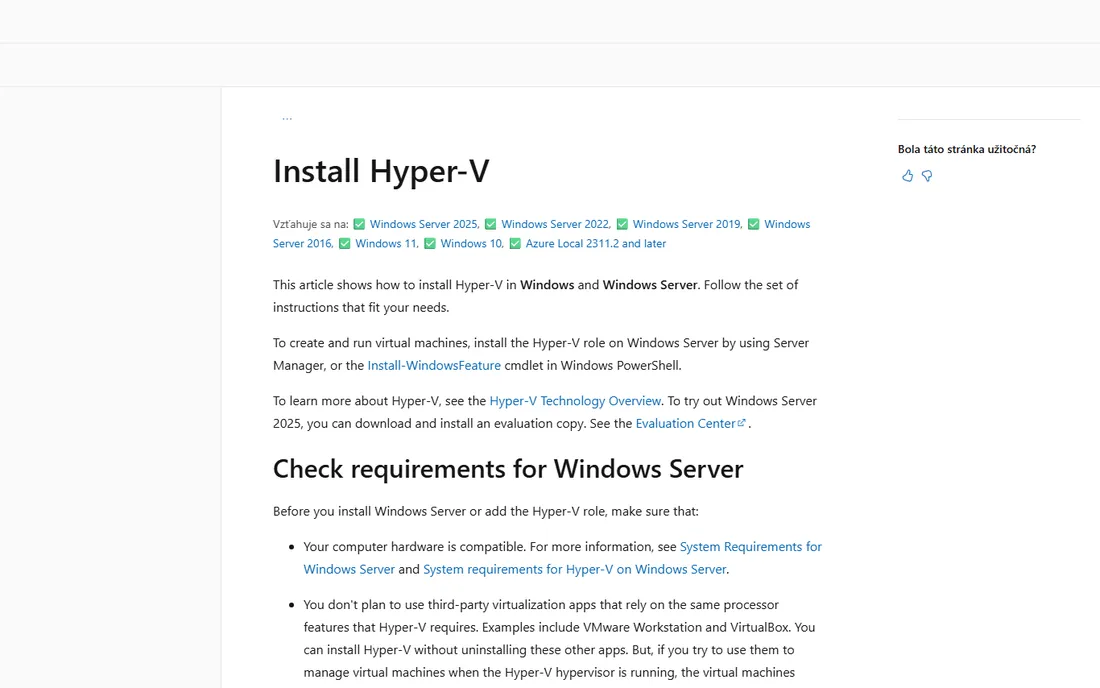
Hyper-V is Microsoft's hypervisor, built into Windows 10 and 11 Pro and Enterprise as an optional feature. There is nothing to download and nothing to pay beyond the Windows license you already have. Enable it in Windows Features and you can create and run virtual machines with near-native performance.
For Windows-centric shops, the integration is the appeal. Hyper-V Manager handles local and remote hosts, PowerShell cmdlets automate everything, and the same technology underpins Azure. It is a genuine type-1 hypervisor, so performance beats hosted alternatives for demanding workloads.
The tradeoff is approachability. Hyper-V is an IT tool, not a consumer one: no drag-and-drop niceties, and it is unavailable on Windows Home. It also conflicts with other desktop hypervisors that need the same CPU features. For Pro and Enterprise users who want solid virtualization without new software, it is already there.
What we like- Already included with Windows Pro and Enterprise
- Strong performance
- PowerShell management
Watch out for- Not available on Windows Home
- Less friendly for casual desktop use
Starting price$0 (free; paid support optional)
Free planYes
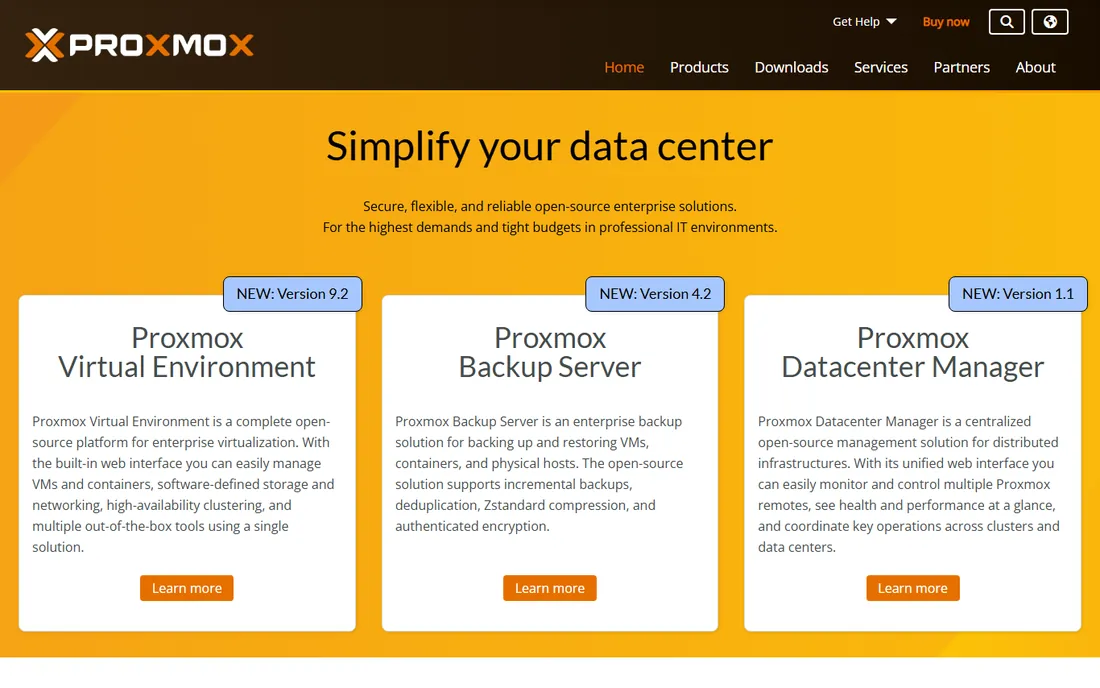
Proxmox VE is the open-source answer to expensive server virtualization. It combines KVM virtual machines and LXC containers in one platform with web-based management, clustering, live migration, backups, and a firewall. The software is free; the company sells optional enterprise support subscriptions.
For small businesses running their own servers, Proxmox replaces five-figure virtualization licenses. A single host can run your file server, test environments, and internal apps as separate VMs, managed from a browser. The community is large and the documentation is thorough.
The honest catch is that this is infrastructure software. You need comfort with Linux, networking, and storage concepts to run it well. Desktop users should look at Workstation, Fusion, or Boxes instead. For server virtualization on a budget, nothing else comes close.
What we like- Complete server virtualization platform for free
- Web-based management
- Containers plus VMs
Watch out for- Aimed at servers, not desktops
- Needs Linux and networking knowledge
Starting price$0
Free planYes
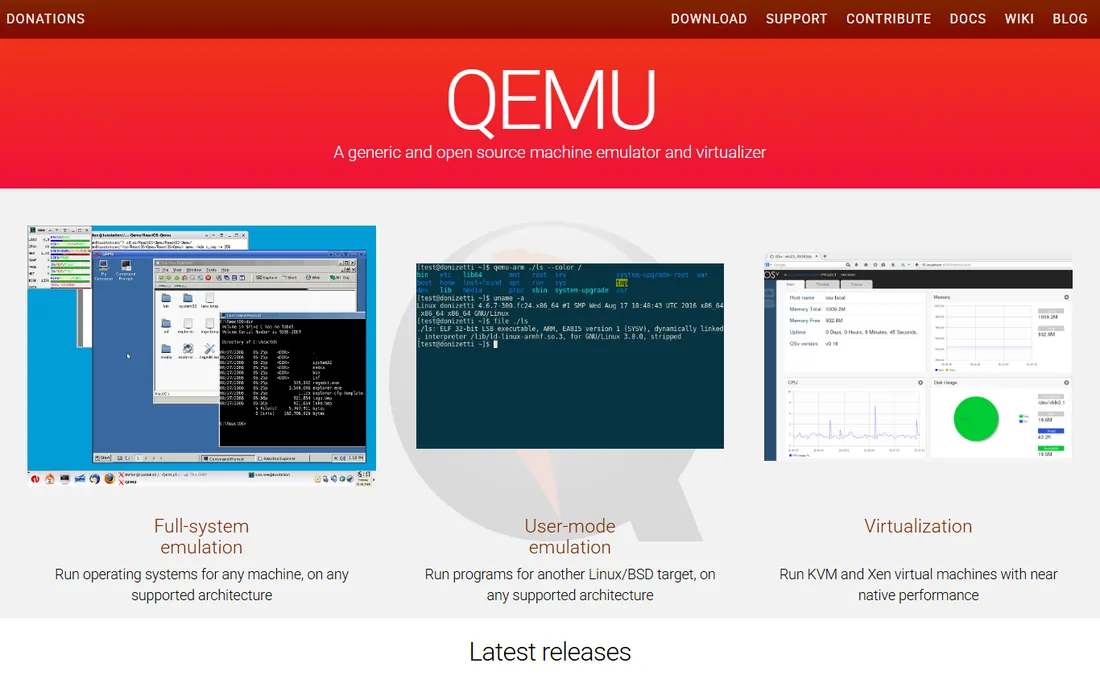
QEMU is the engine underneath much of the open-source virtualization world. It emulates full systems across dozens of CPU architectures, runs KVM virtual machines at near-native speed on Linux, and handles everything from x86 desktops to ARM embedded boards. It is completely free.
Developers and researchers value QEMU for its flexibility. Need to test software for a processor you do not own? QEMU emulates it. Need scriptable, automatable VMs? QEMU's command line and monitor interface do it all. Tools like UTM and GNOME Boxes build their friendly interfaces on top of it.
The tradeoff is usability. QEMU is a command-line tool with a learning curve that assumes technical skill. Most people are better served by a frontend like UTM, Boxes, or Proxmox. But when you need raw emulation power, QEMU is unmatched.
What we like- Emulates almost any CPU architecture
- Free and open source
- Powers many other tools
Watch out for- Command-line focused
- Not beginner-friendly
Starting price$0 (free; $9.99 on Mac App Store)
Free planYes
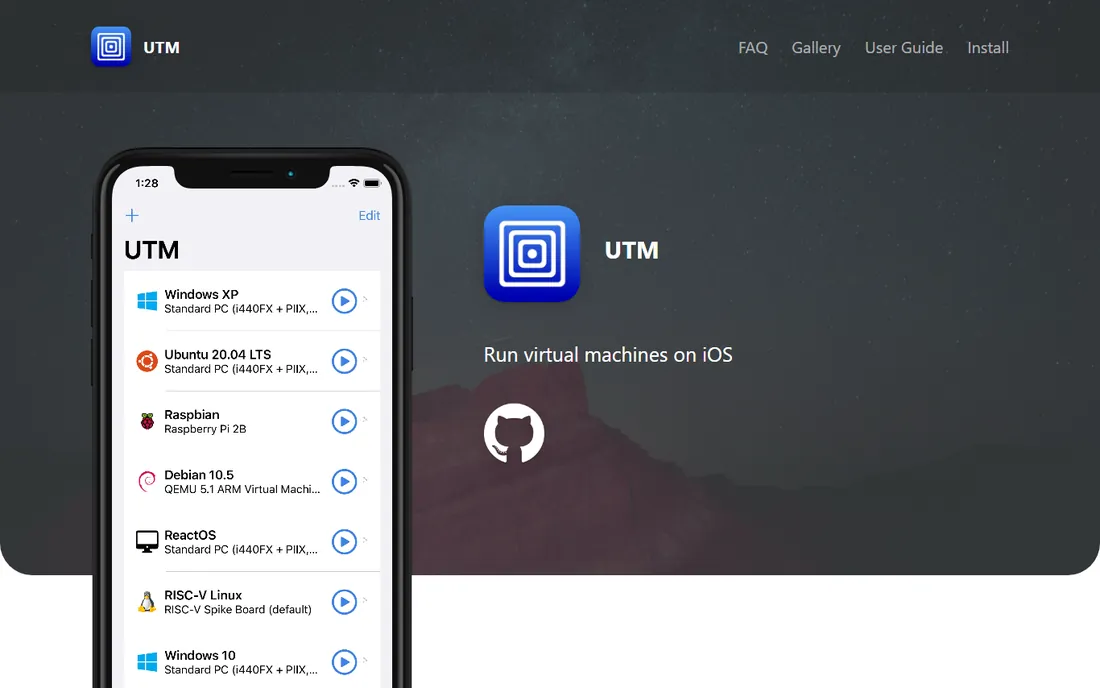
UTM puts a friendly face on QEMU for Apple users. It runs virtual machines on Mac with a native interface, supports over 30 processors for emulation, and even runs on iPhone and iPad. The app is free and open source; the Mac App Store version costs $9.99 to support development.
For Mac users who need more than Windows, UTM shines. Run Linux distributions, older operating systems, or exotic architectures that Parallels and Fusion do not cover. Shared directories, clipboard sharing, and port forwarding handle the practical needs.
The honest catch is performance for emulated systems. Virtualized ARM guests run well, but emulating other architectures is slower, and graphics acceleration is limited. For its niche, though, UTM is the easiest free option on Apple hardware.
What we like- Free and open source
- Runs on Mac and iOS
- Emulates 30+ processors
Watch out for- Limited graphics acceleration
- Slower than native virtualization for emulated guests
Starting price$0
Free planYes
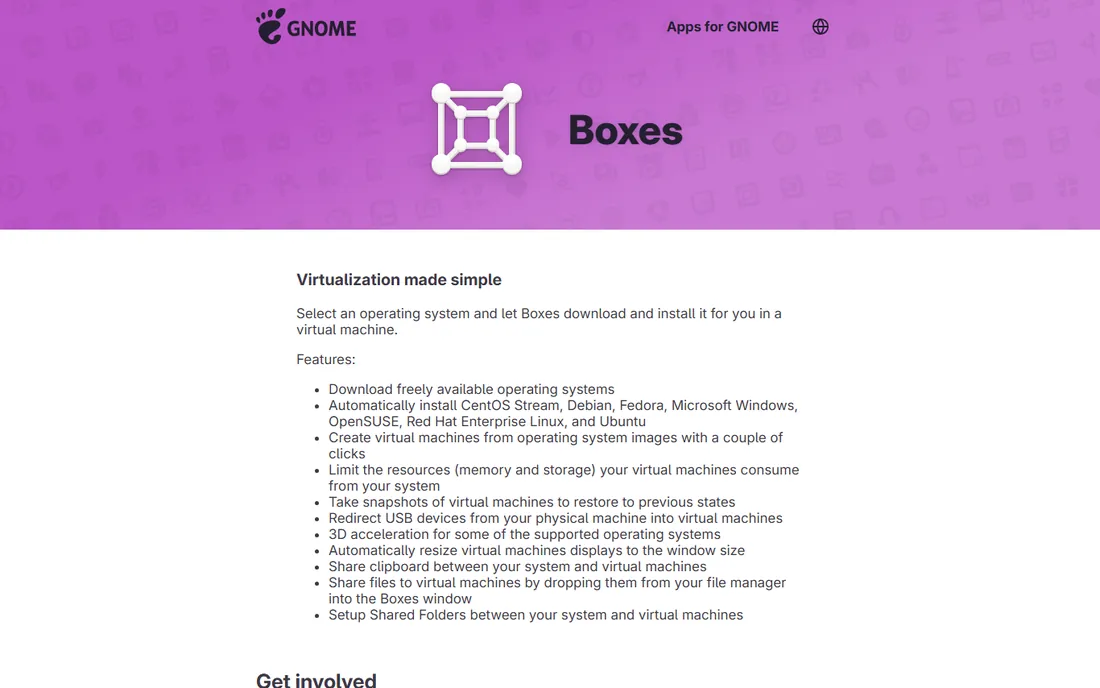
GNOME Boxes is virtualization for people who do not want to think about virtualization. Pick an operating system from the list and Boxes downloads and installs it automatically, handling the configuration for you. It is free, open source, and ships with most GNOME-based Linux distributions.
The simplicity is deliberate. Creating a VM takes a couple of clicks, snapshots let you roll back experiments, and USB redirection, shared folders, and clipboard sharing cover daily needs. A rewrite in progress adds Windows 11 support with automatic Secure Boot and TPM configuration.
The tradeoff is scope. Boxes is Linux-only and skips the advanced networking and cloning features of Workstation or Proxmox. For Linux users who want a quick test VM without a manual, it is the fastest path.
What we like- Easiest VM setup on Linux
- Downloads OS images automatically
- Free and open source
Watch out for- Linux only
- Fewer advanced features than Workstation
How we chose
We focused on VM software that individuals and small businesses can actually install and use, covering Windows, Mac, and Linux hosts. We checked vendor pages for current pricing and availability, read documentation for platform support and key features, and weighed public reviews from G2, Capterra, and Reddit. We excluded discontinued products and tools whose homepages could not be verified.
What to check before you choose VM software
Match the tool to your host operating system first. Windows users get Hyper-V free and Workstation Pro free; Mac users choose between free Fusion and paid Parallels; Linux users have Boxes, QEMU, and Proxmox. The host narrows the field immediately.
Check what you need to run inside the VM. Windows 11 needs TPM and Secure Boot support, which modern tools provide. Older operating systems, unusual architectures, or GPU-heavy apps need specific features, so verify guest support before committing.
Count the hardware. VMs share your computer's CPU, RAM, and disk, so a comfortable host needs headroom: 16 GB of RAM is the practical minimum for running a guest alongside your work, and SSD storage makes an enormous difference to VM speed.
Think about snapshots and networking. Snapshots let you roll back a VM to a known state, which is invaluable for testing. Virtual networking options matter if your VMs need to talk to each other or appear as separate machines on your network.
Desktop virtualization vs server virtualization
Desktop virtualization runs VMs on your personal computer for testing, incompatible apps, and sandboxes. Workstation Pro, Fusion, Parallels, Hyper-V, UTM, and Boxes all live here. The goal is convenience: one machine, many environments.
Server virtualization runs VMs on dedicated hardware to consolidate workloads: instead of ten underused servers, you run ten VMs on two hosts. Proxmox VE and Hyper-V on Windows Server live here. The goals are utilization, uptime, and manageability, with features like live migration and clustering.
Most small businesses need the desktop kind. You reach for server virtualization when you have physical servers to consolidate or services that must stay running. The tools differ because the jobs differ, so buy for the job you have.
Frequently asked questions
Is VMware Workstation Pro really free now?
Yes. Broadcom made VMware Workstation Pro and Fusion Pro free for all users, including commercial use, in November 2024, and stopped selling licenses. You download from the Broadcom Support Portal with a free account. Support comes from community forums rather than the vendor.
What is the best free VM software for Windows?
VMware Workstation Pro is the most capable free option, with snapshots, cloning, and broad guest support. Hyper-V is built into Windows Pro and Enterprise at no extra cost. Both are excellent; Workstation is friendlier, Hyper-V is already installed.
Can I run Windows 11 on a Mac with Apple silicon?
Yes. Parallels Desktop, VMware Fusion, and UTM all run Windows 11 for Arm on Apple silicon Macs. Parallels offers the smoothest experience, Fusion is free, and UTM is the free open-source alternative. You still need a Windows license.
Do I need a powerful computer to run virtual machines?
It helps. Each VM shares your CPU, RAM, and disk, so 16 GB of RAM and an SSD are the practical minimum for comfortable use. Lightweight Linux guests run fine on modest hardware; Windows guests want more resources.
What is the difference between virtualization and emulation?
Virtualization runs a guest OS directly on your CPU, which is fast but requires a compatible processor architecture. Emulation translates instructions for a different architecture, which works anywhere but runs slower. QEMU and UTM do both; most other tools here virtualize.
Is Proxmox really free for business use?
Yes. Proxmox VE is open source and free to use, including commercially. The company sells optional support subscriptions, and the free version shows a subscription nag screen, but all features work without paying.
Sources we checked (9)
- https://techdocs.broadcom.com/us/en/vmware-cis/desktop-hypervisors/workstation-pro/26H1.html
- https://techdocs.broadcom.com/us/en/vmware-cis/desktop-hypervisors/fusion-pro/26H1/release-notes/vmware-fusion-26h1-release-notes.html
- https://parallels.com/
- https://learn.microsoft.com/sk-sk/windows-server/virtualization/hyper-v/get-started/Install-Hyper-V
- https://www.proxmox.com/
- https://www.qemu.org/
- https://getutm.app/
- https://apps.gnome.org/Boxes/
- https://www.macobserver.com/tips/round-ups/best-virtual-machine-software-for-mac/
Is your product missing or out of date?
We review this list regularly. Vendors can request a listing, send updated pricing or ask about featured placement.

Shihab Mia · Founder, Rankite
Shihab has spent more than a decade helping SaaS and e-commerce brands grow through search. He writes Rankite's software buying guides from pricing pages, documentation and public user reviews. More about Shihab.