How we make this list: we compare pricing pages, product documentation and public user reviews. Rankite is independent; if a vendor ever pays for a featured spot, that listing is clearly labeled Partner.
Key takeaways
- VMware vSphere is still the enterprise standard for large fleets, but per-core subscription pricing makes it the most expensive option by a wide margin.
- Proxmox VE is the leading VMware alternative: free and fully featured under an open-source license, with optional support from 120 EUR per socket per year.
- Microsoft Hyper-V is the pragmatic pick for Windows-heavy shops, included with Windows Server at no extra hypervisor cost.
- XCP-ng and oVirt give you enterprise-grade open-source virtualization with real clustering, HA, and live migration for zero license cost.
- Nutanix AHV suits companies already on Nutanix infrastructure, while VirtualBox and Workstation Pro cover single-machine virtualization.
Quick comparison
| Tool | Best for | Starting price | Free plan |
|---|
 VMware vSphere VMware vSphere | large enterprise VMware estates | $135/core/year (vSphere Foundation) | Free trial |
 Microsoft Hyper-V Microsoft Hyper-V | Windows Server shops | Included with Windows Server | Free trial |
 Proxmox VE Proxmox VE | free open-source VMware alternative | Free | Yes |
 oVirt oVirt | free KVM management at scale | Free | Yes |
 Citrix Hypervisor Citrix Hypervisor | Xen-based enterprise virtualization | Free edition | Yes |
 XCP-ng XCP-ng | free Xen hypervisor with paid support option | Free | Yes |
 Nutanix AHV Nutanix AHV | Nutanix hyperconverged infrastructure | Included with Nutanix | Free trial |
 VirtualBox VirtualBox | free desktop virtualization | Free | Yes |
 VMware Workstation Pro VMware Workstation Pro | desktop VMs on Windows and Linux | Free for personal use | Free trial |
Is your product missing or out of date?
We review this list regularly. Vendors can request a listing, send updated pricing or ask about featured placement.
The best virtual server software
Starting price$135/core/year (vSphere Foundation)
Free planFree trial
VMware vSphere remains the hypervisor everything else is measured against. vMotion, Distributed Resource Scheduler, High Availability, and Fault Tolerance work the way the brochures promise, and the third-party ecosystem, from Veeam backups to monitoring integrations, is deeper than any rival's. If you run thousands of VMs across multiple sites, nothing else matches the operational tooling.
The Broadcom-era pricing is the whole conversation now. Perpetual licenses are gone, the free ESXi tier is gone, and subscriptions start at $135 per core per year for vSphere Foundation with a 16-core minimum per processor. A modest two-socket server can cost thousands annually before you add support. vSphere makes sense if you are already invested and your team knows it cold. For new deployments, the math pushes most buyers to look at the free options below first.
What we like- The deepest enterprise feature set
- Unmatched ecosystem of backup and management tools
- Proven at massive scale
Watch out for- Per-core subscription pricing is expensive
- Free ESXi hypervisor is gone
- 16-core minimum per processor
Starting priceIncluded with Windows Server
Free planFree trial
Hyper-V is the virtualization most Windows shops already own without realizing it. It ships as a role in Windows Server, so if your servers run Windows, the hypervisor costs you nothing extra. Windows guests run excellently, live migration and failover clustering are solid, and the Azure hybrid story, Azure Arc and Azure Stack HCI, gives Microsoft shops a coherent path.
The weaknesses show up in mixed environments. Linux guests work but get less polish than on VMware or KVM-based platforms, and building a proper cluster takes more manual configuration than vSphere or Proxmox. Microsoft has also signaled no new standalone Hyper-V Server releases, so the free bare-metal path is a dead end. For a company standardized on Windows, though, Hyper-V is the lowest-friction choice on this list.
What we like- No separate hypervisor license for Windows Server customers
- Strong Windows guest performance
- Integrates with System Center and Azure
Watch out for- Linux guest tooling lags VMware
- Clustering setup is more manual
- Standalone Hyper-V Server has no future versions
Starting priceFree
Free planYes
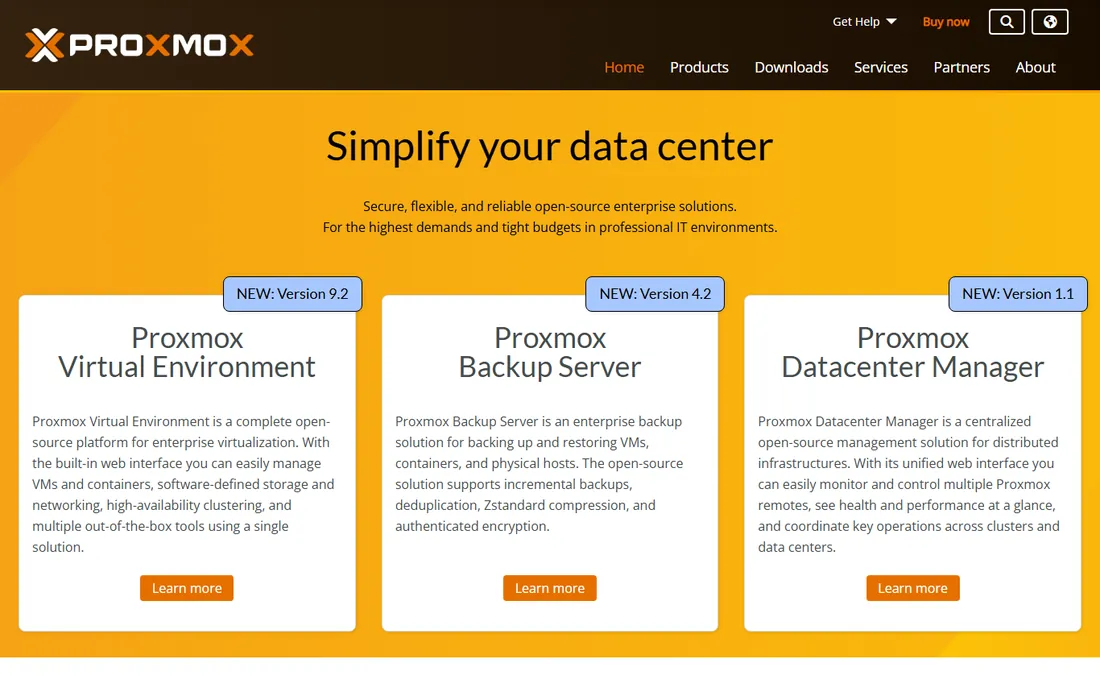
Proxmox VE is where most VMware refugees land. It is a Debian-based platform combining KVM virtual machines and LXC containers with built-in clustering, high availability, live migration, and firewalling, all free under an open-source license with zero feature gating. The software you download is the full product; the paid subscriptions, from 120 EUR per socket per year for Community, buy the tested enterprise repository and support, not extra features.
That model is exactly why adoption exploded past 800,000 hosts. A three-node cluster that would cost tens of thousands a year on VMware runs on Proxmox for the price of optional support. The trade-offs are a smaller ecosystem of third-party tools and backup vendors compared with VMware, and support that you pay for separately if you need an SLA. For small and mid-size companies, Proxmox is now the default recommendation.
What we like- Completely free with no feature gating
- Clustering, HA, and live migration included
- LXC containers plus KVM in one platform
Watch out for- Support is a paid extra
- Smaller third-party backup ecosystem
- Web UI less polished than vCenter
Starting priceFree
Free planYes
oVirt is the open-source virtualization management platform behind Red Hat Virtualization, built on KVM. It gives you the full enterprise checklist, live migration, high availability, templates, quotas, and a proper management engine, with no license cost at all. Organizations that want KVM at scale without building their own tooling find oVirt more complete than raw KVM with libvirt.
The price of that completeness is complexity. Installation and upgrades demand real Linux skills, and the community is smaller and quieter than Proxmox's, so answers are harder to find. Commercial support routes through Red Hat's virtualization products. oVirt suits teams with strong Linux administrators who want a free, serious platform and are comfortable owning the operational burden.
What we like- Enterprise-grade KVM management for free
- Strong template and quota features
- Backed by Red Hat heritage
Watch out for- Complex to install and maintain
- Smaller community than Proxmox
- Enterprise support means going to Red Hat
#5
Citrix Hypervisor
Best for: Xen-based enterprise virtualization
Visit citrix.com
Starting priceFree edition
Free planYes
Citrix Hypervisor, the former XenServer, is the veteran Xen-based hypervisor that predates most of this list. The core platform is free, with paid editions adding advanced features and support. It remains a solid choice in environments already tied to Citrix, particularly where virtual desktops and applications are part of the picture.
The honest problem is momentum. Mindshare has drifted to Proxmox and XCP-ng in the open-source Xen world, and the third-party ecosystem is a fraction of VMware's. New deployments rarely choose it unless there is an existing Citrix relationship. If you are already a Citrix shop, it is a reasonable consolidation play. Otherwise, XCP-ng offers the same Xen lineage with more community energy.
What we like- Mature Xen-based platform
- Free edition covers core features
- Strong in VDI-adjacent deployments
Watch out for- Mindshare has shrunk for years
- Ecosystem smaller than VMware or Proxmox
- Premium features need paid tiers
#6
XCP-ng
Best for: free Xen hypervisor with paid support option
Visit xcp-ng.com
Starting priceFree
Free planYes
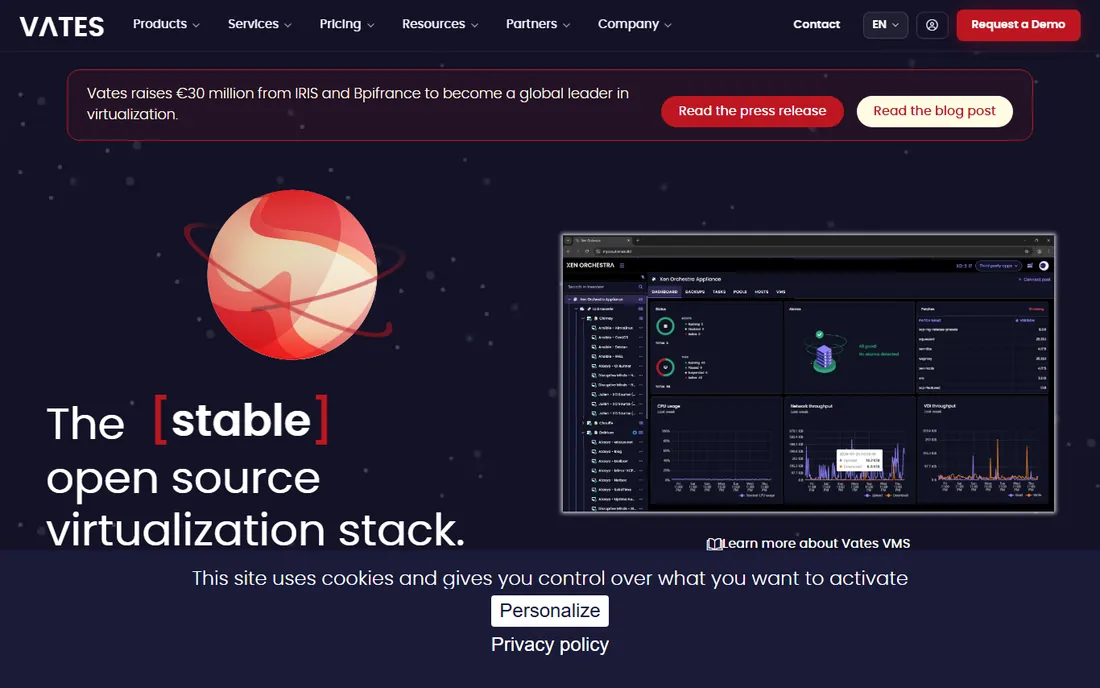
XCP-ng is the community fork of Citrix XenServer, stripped of proprietary bits and developed openly with backing from the French company Vates. The hypervisor itself is free with every feature enabled: live migration, high availability, and GPU passthrough all work without a license key. Xen Orchestra, the web management UI, has a free community edition, with Vates selling supported bundles per host per year.
This is the platform for Xen loyalists who watched Citrix's focus drift. Migration from XenServer is straightforward, and the per-host support pricing, rather than per-core, makes costs predictable. The downsides are a smaller community than Proxmox's and a thinner job market for administrators. For a Xen shop that wants to stay on Xen without Citrix pricing, XCP-ng is the answer.
What we like- Fully open-source with all features
- Live migration and HA included
- Clean migration path from Citrix XenServer
Watch out for- Management UI is a separate project
- Paid support adds real cost
- Smaller talent pool than VMware
Starting priceIncluded with Nutanix
Free planFree trial
Nutanix AHV is the hypervisor built into Nutanix's hyperconverged infrastructure, included with the platform rather than licensed separately. For companies already running Nutanix, it eliminates the VMware tax entirely: virtualization, storage, and management in one stack with one-click upgrades and solid automation. AHV has matured into a genuinely capable hypervisor with live migration, availability zones, and network virtualization.
The catch is that AHV only makes sense inside the Nutanix world. You do not deploy it on generic servers; you buy into Nutanix's infrastructure and its premium pricing. For a Nutanix customer it is close to a no-brainer. For everyone else, it is not a standalone option at all. Evaluate AHV as part of a Nutanix decision, not as a hypervisor swap.
What we like- Built into the Nutanix stack at no extra cost
- One-click upgrades
- Strong automation and self-service
Watch out for- Only makes sense on Nutanix infrastructure
- Less flexibility outside the Nutanix ecosystem
- Premium Nutanix licensing
Starting priceFree
Free planYes
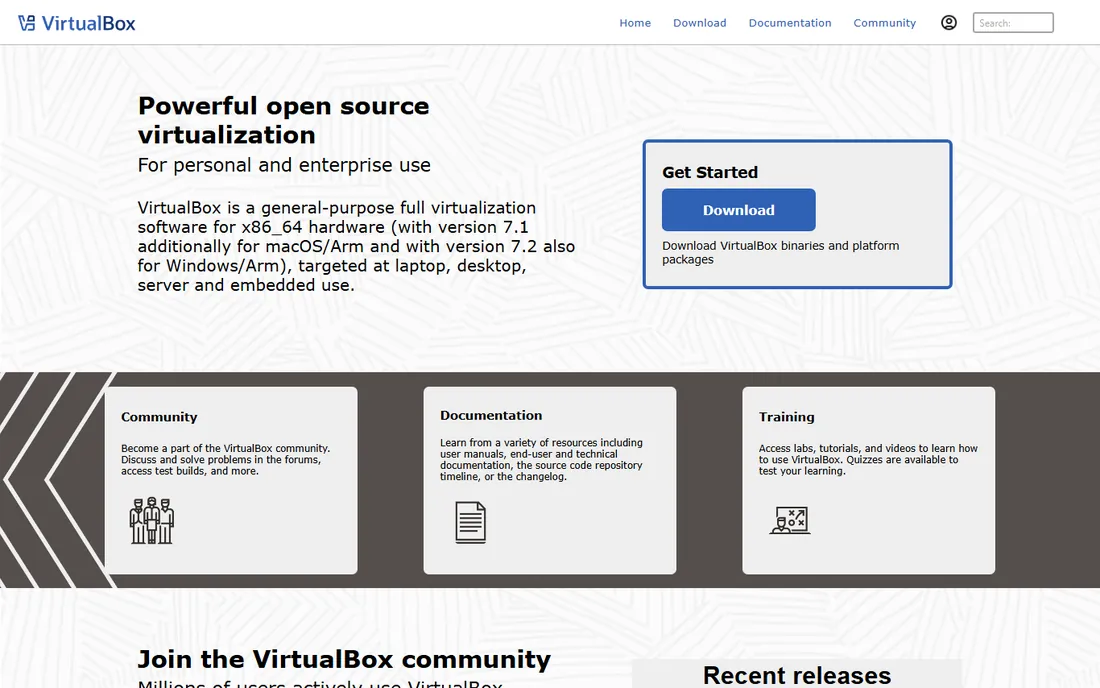
VirtualBox is the free desktop hypervisor from Oracle that millions of developers use to run test VMs on their laptops. It is open source, cross-platform, and dead simple: install it, create a VM, and you are running Linux on your Windows machine in minutes. For development, testing, and training, it remains the easiest free path to virtualization.
It is not server software, and this placement comes with that warning. There is no built-in clustering, high availability, or live migration, and performance trails bare-metal hypervisors like ESXi, Hyper-V, or KVM. Nobody should run production servers on VirtualBox. But for labs, demos, and developer workstations, it is free, stable, and everywhere.
What we like- Free and open source
- Runs on Windows, Mac, and Linux
- Huge community and documentation
Watch out for- Not a server platform
- No native clustering or HA
- Performance lags bare-metal hypervisors
#9
VMware Workstation Pro
Best for: desktop VMs on Windows and Linux
Visit vmware.com
Starting priceFree for personal use
Free planFree trial
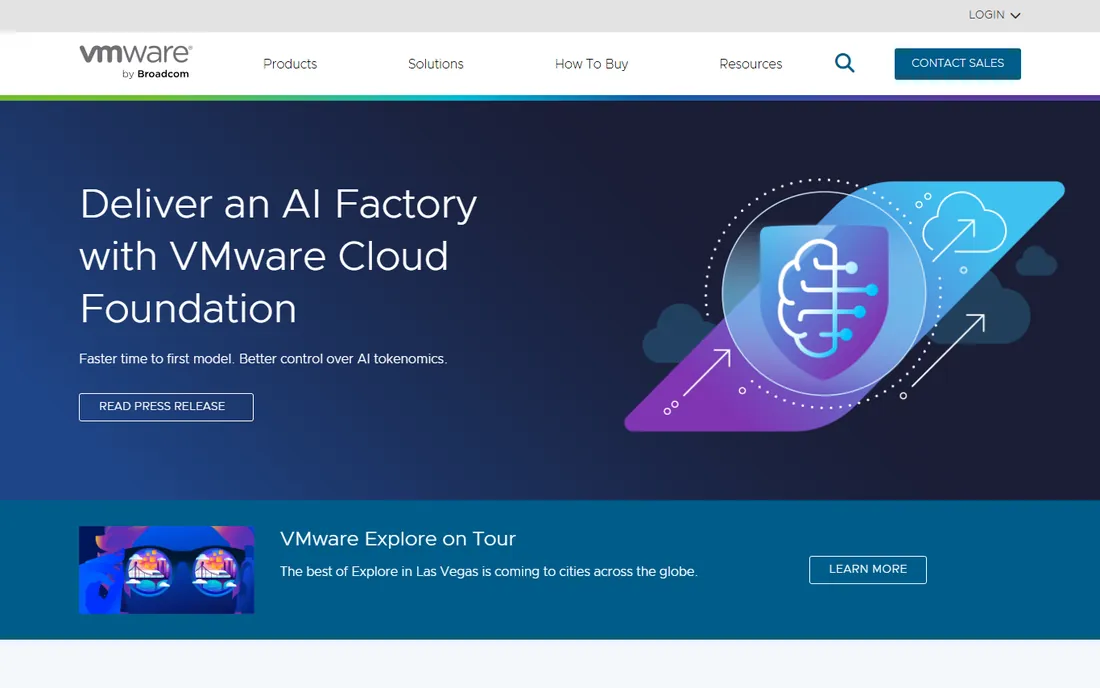
VMware Workstation Pro is the desktop counterpart to vSphere: run multiple VMs on your Windows or Linux workstation with snapshots, cloning, and virtual networking that just works. Broadcom made it free for personal use, which makes it the best free way to run a nested ESXi lab or test VM configurations before touching production.
Commercial use requires a paid subscription through Broadcom, and the pricing there is quote-based rather than transparent. It also shares VirtualBox's fundamental limit: this is single-machine virtualization, not a server platform. For IT pros who live in VMware all day, Workstation Pro is the natural desktop companion. For everyone else, VirtualBox does the same job for free.
What we like- The most polished desktop VM experience
- Excellent snapshot and cloning tools
- Runs nested ESXi for labs
Watch out for- Commercial use needs a paid subscription
- No server clustering features
- Broadcom's roadmap favors enterprise
What your workload actually needs
Match the hypervisor to the job, not to the brand. Production server fleets with uptime requirements need clustering, high availability, and live migration, which means vSphere, Hyper-V, Proxmox VE, oVirt, Citrix Hypervisor, XCP-ng, or Nutanix AHV. Single machines for development, testing, or training need none of that, which is where VirtualBox and Workstation Pro belong.
Count your sockets and cores before you price anything. VMware's per-core model with a 16-core minimum per processor punishes modern high-core servers, while Proxmox prices per socket and XCP-ng's support is per host. A 3-node cluster of dual-socket servers can cost a few thousand a year on Proxmox support or six figures on VMware. Run your actual hardware through both models before deciding.
Check your guest operating systems next. Windows-heavy shops get the smoothest ride on Hyper-V. Linux-heavy shops do well on any KVM-based platform. Mixed shops should verify that their backup software, monitoring, and any certified applications support the hypervisor they pick; some vendors still certify only VMware, and that constraint alone can decide the purchase.
Finally, be honest about your team's skills. vSphere and Hyper-V have the largest talent pools and the most documentation. Proxmox has a huge community but fewer certified professionals. oVirt and XCP-ng reward strong Linux teams and punish everyone else. The cheapest license is expensive if nobody on staff can run the platform.
How we chose
We read the current licensing and pricing pages for every platform, focusing on how the license is actually metered: per core, per socket, per host, or bundled. We checked recent enterprise reviews, Reddit sysadmin threads, and migration guides for recurring complaints about Broadcom-era VMware pricing and about the operational gaps in free alternatives. We weighted production features that matter to buyers, clustering, HA, live migration, and backup ecosystem, over benchmark numbers.
The migration question everyone is asking
If you are on VMware today, the question is not whether the free alternatives work; it is what migration costs. Proxmox, XCP-ng, and oVirt all publish VMware migration guides, and tools exist to convert VMs with minimal downtime. The real cost is operational: retraining staff, rebuilding automation, revalidating backups, and recertifying applications. Budget for that work honestly instead of comparing license prices alone.
The shops that migrate successfully usually do it in waves. Non-critical workloads move first, the team builds skill on the new platform, and the VMware footprint shrinks over 12 to 18 months. The shops that fail try a flash cutover and discover their backup software or monitoring does not support the new hypervisor. Run a pilot, validate the full stack, then commit.
One more consideration: Broadcom's licensing rewards consolidation. If you are staying on VMware, fewer hosts with more cores per host can reduce the bill, since the 16-core minimum per processor is the floor. Right-size before you renew, and negotiate the term; multi-year commitments are where the discounts live.
Frequently asked questions
Is VMware still worth it after the Broadcom pricing changes?
For large enterprises with deep VMware investments, usually yes. The operational tooling, ecosystem, and staff expertise are hard to replace, and migration costs can exceed several years of subscription fees. For small and mid-size shops, or any new deployment, the per-core pricing rarely survives a comparison with free alternatives like Proxmox VE or XCP-ng.
What is the best free virtual server software?
Proxmox VE is the strongest all-round free option, with clustering, HA, and live migration included at no cost. XCP-ng is the best free Xen-based choice, and oVirt is the most enterprise-complete free KVM platform for teams with Linux skills. All three run production workloads; the differences are ecosystem size and operational complexity.
Can I run Windows Server VMs on Proxmox or XCP-ng?
Yes. Both run Windows guests well with the appropriate VirtIO or guest tools installed. You still need valid Windows Server licenses for the guests; the hypervisor being free does not change Microsoft's guest licensing. Hyper-V remains the smoothest option for all-Windows environments, but there is no technical barrier on the free platforms.
What happened to the free version of ESXi?
Broadcom discontinued the free vSphere Hypervisor (ESXi) edition after acquiring VMware. There is no longer a free tier of ESXi for homelabs or small deployments. Former free-ESXi users have mostly moved to Proxmox VE, XCP-ng, or Hyper-V, depending on their needs.
How hard is it to migrate from VMware to Proxmox?
The VM conversion itself is straightforward with published migration tools, and many shops complete it with minimal downtime. The harder parts are operational: retraining administrators, rebuilding automation and monitoring, revalidating backups, and checking application certifications. Most successful migrations run as a phased 12 to 18 month project, not a weekend cutover.
Do I need to pay for Proxmox to use it in production?
No. Proxmox VE is fully functional in production with no subscription; the paid tiers buy access to the tested enterprise repository and vendor support. Many businesses run it subscription-free and rely on community support. If you need an SLA or guaranteed response times, the paid subscriptions start at 120 EUR per socket per year.
Sources we checked (9)
- https://www.vmware.com/products/vsphere.html
- https://learn.microsoft.com/en-us/virtualization/hyper-v-on-windows/
- https://www.proxmox.com/en/proxmox-virtual-environment/pricing
- https://www.ovirt.org
- https://www.citrix.com/products/citrix-hypervisor/
- https://xcp-ng.com/
- https://www.nutanix.com/products/ahv
- https://www.virtualbox.org
- https://www.vmware.com/products/workstation-pro.html
Is your product missing or out of date?
We review this list regularly. Vendors can request a listing, send updated pricing or ask about featured placement.

Shihab Mia · Founder, Rankite
Shihab has spent more than a decade helping SaaS and e-commerce brands grow through search. He writes Rankite's software buying guides from pricing pages, documentation and public user reviews. More about Shihab.