How we make this list: we compare pricing pages, product documentation and public user reviews. Rankite is independent; if a vendor ever pays for a featured spot, that listing is clearly labeled Partner.
Key takeaways
- Topaz Video is the AI restoration leader for old and damaged footage, at $59/month, if your GPU can handle it.
- Neat Video remains the specialist pick for noise, flicker, dust, and scratches, as a plugin inside your existing editor.
- DaVinci Resolve's free version already includes dust-busting, stabilization, and noise reduction good enough for many jobs.
- For tapes and family archives, Remini, TensorPix, and HitPaw VikPea offer the easiest path: upload or import, click, wait.
- Pixop serves broadcasters and archives remastering libraries at scale, not individual creators.
Quick comparison
| Tool | Best for | Starting price | Free plan |
|---|
 Topaz Video Topaz Video | AI restoration of old and damaged footage | $59/month | Free trial |
 Neat Video Neat Video | Noise, flicker, dust, and scratch removal | See website | Free trial (demo) |
 DaVinci Resolve DaVinci Resolve | Free restoration inside a full editor | Free | Yes |
 AVCLabs Video Enhancer AI AVCLabs Video Enhancer AI | One-click desktop restoration for regular users | See website | Free trial |
 HitPaw VikPea HitPaw VikPea | Family archives and non-technical users | See website | Free trial |
 UniFab UniFab | Restoring while converting old formats | See website | Free trial |
 Remini Remini | Fast restoration on your phone | See website | Free plan (free with ads) |
 Pixop Pixop | Archives and broadcasters remastering at scale | See website | Free trial |
 TensorPix TensorPix | Cloud restoration on weak hardware | See website | Free plan (free previews) |
Is your product missing or out of date?
We review this list regularly. Vendors can request a listing, send updated pricing or ask about featured placement.
Video restoration used to mean a dedicated suite, a trained operator, and a budget with several zeros. Now it mostly means picking the right AI tool and letting it run overnight. The underlying jobs have not changed, though: remove noise and grain, fix flicker, repair dust and scratches, stabilize shaky shots, deinterlace old interlaced footage, and upscale what is left. Different tools specialize in different slices of that list, so the trick is matching the tool to your damage.
Starting price$59/month
Free planFree trial
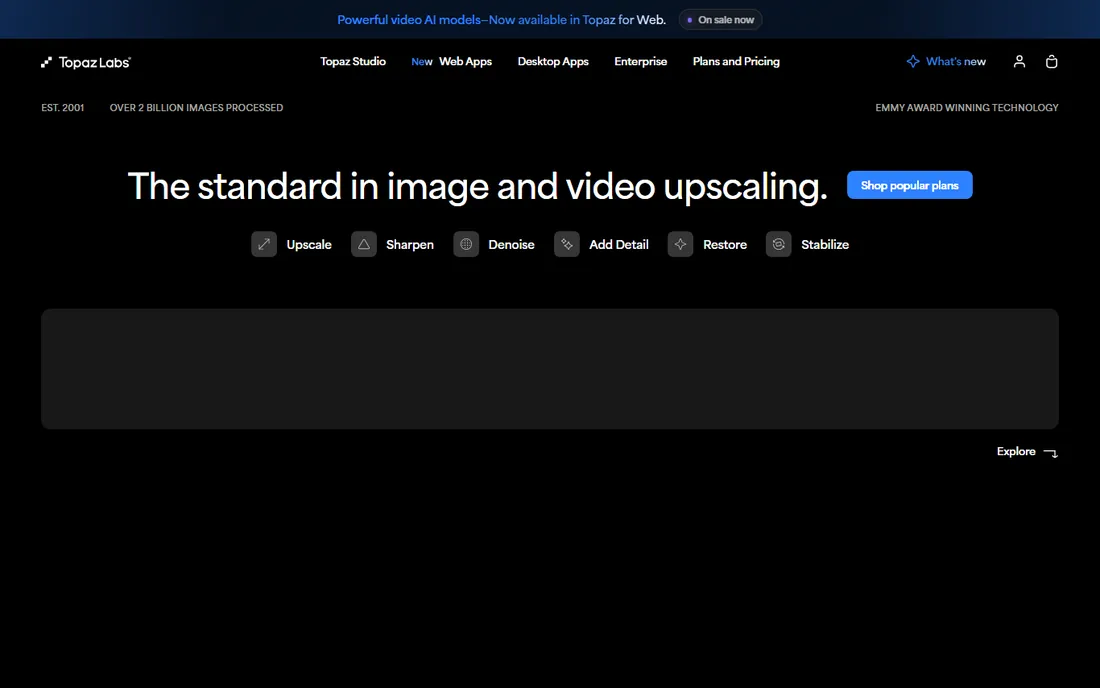
When people say "AI video restoration," they usually mean Topaz Video. Its model lineup maps directly onto restoration tasks: Nyx for noise, Iris for faces, Artemis and Rhea for detail, plus stabilization for shaky archive footage and frame interpolation for odd frame rates. On VHS transfers and early digital footage, the before-and-after can be startling.
The demands are real: this is the most GPU-hungry tool on the list, and the subscription costs $59/month. It also will not save truly destroyed footage; heavy compression artifacts and extreme blur still defeat it. For serious archive projects on capable hardware, it is the benchmark everything else is judged against.
What we like- Dedicated models for denoising (Nyx), faces (Iris), and detail recovery (Rhea, Artemis)
- Stabilization and frame interpolation included
- Unlimited local rendering
Watch out for- Needs a powerful GPU
- $59/month is steep for occasional use
- Results need checking frame by frame
Starting priceSee website
Free planFree trial (demo)
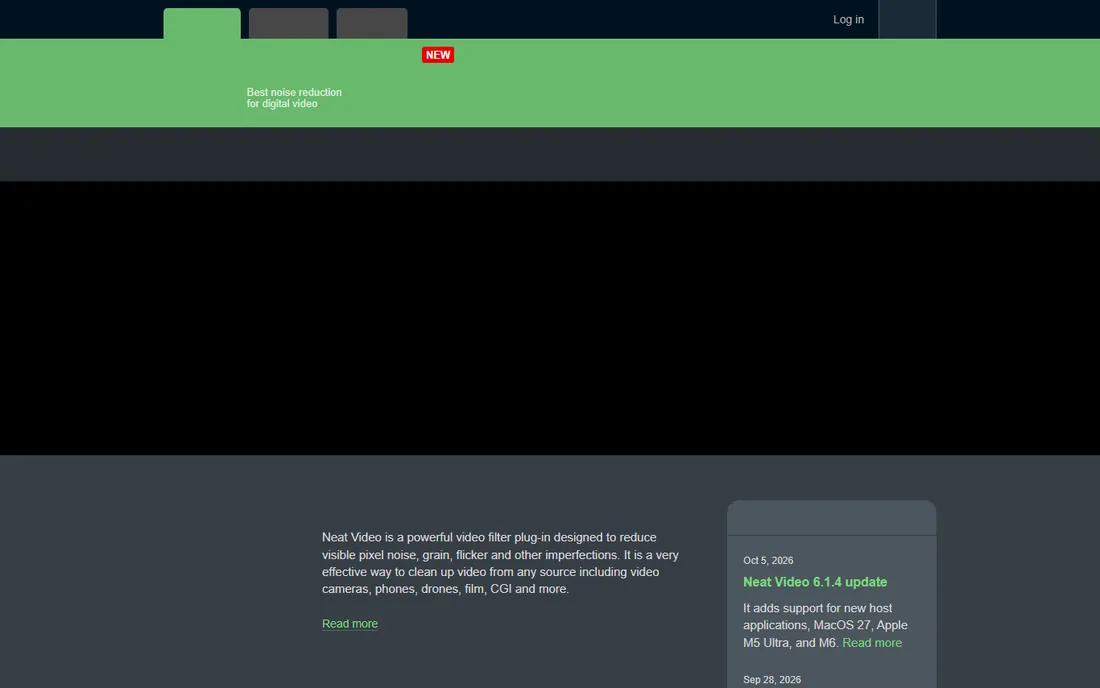
Neat Video has been cleaning up noisy footage since before AI upscaling existed, and it is still the precision instrument for the job. Instead of a one-size model, it builds a noise profile from your actual clip and removes exactly that noise, which is why editors trust it on footage where AI tools smear detail. It also handles flicker, dust, and scratches, the classic archive defects.
Because it is a plugin for Premiere Pro, Final Cut, DaVinci Resolve, and 20+ other hosts, it slots into your existing workflow instead of replacing it. The demo lets you test on your own footage. For noise and grain specifically, many professionals still prefer it to any AI alternative.
What we like- Best-in-class noise profiling that adapts to your specific footage
- Also removes flicker, dust, and scratches
- Works as a plugin in 20+ editors
Watch out for- It is a filter, not a full restoration suite
- Heavy settings need render time
- No AI upscaling
Starting priceFree
Free planYes
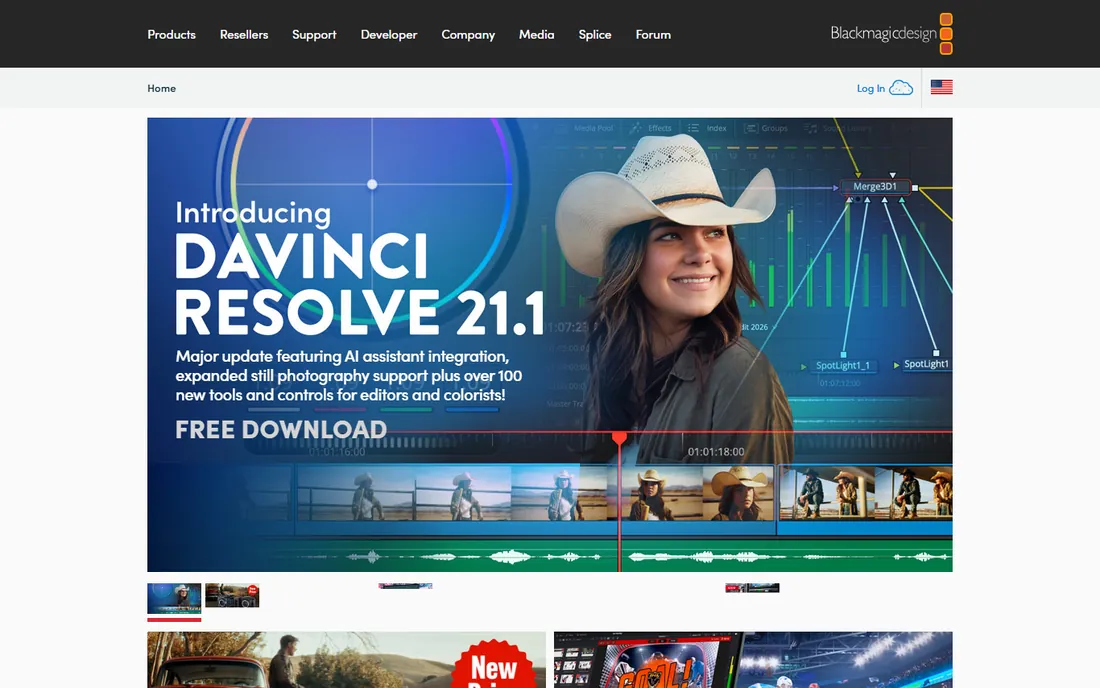
Before buying anything, check what Resolve already does for free. The Color page has temporal and spatial noise reduction, the Edit page has stabilization, and there are dedicated tools for dust busting and deflicker. For mild to moderate damage, the free version genuinely covers the job.
The tools are not as automated as Topaz's models; you will be tuning parameters rather than clicking one button. And they are scattered across Resolve's pages, which confuses beginners. But the price is zero, the quality is professional, and you get a full editor and color suite around the restoration tools.
What we like- Free version includes noise reduction, stabilization, dust removal, and deflicker
- Full editing and color built around them
- No watermark or trial limits
Watch out for- Restoration tools are spread across pages
- Learning curve
- Wants decent hardware
#4
AVCLabs Video Enhancer AI
Best for: One-click desktop restoration for regular users
Visit avclabs.com
Starting priceSee website
Free planFree trial
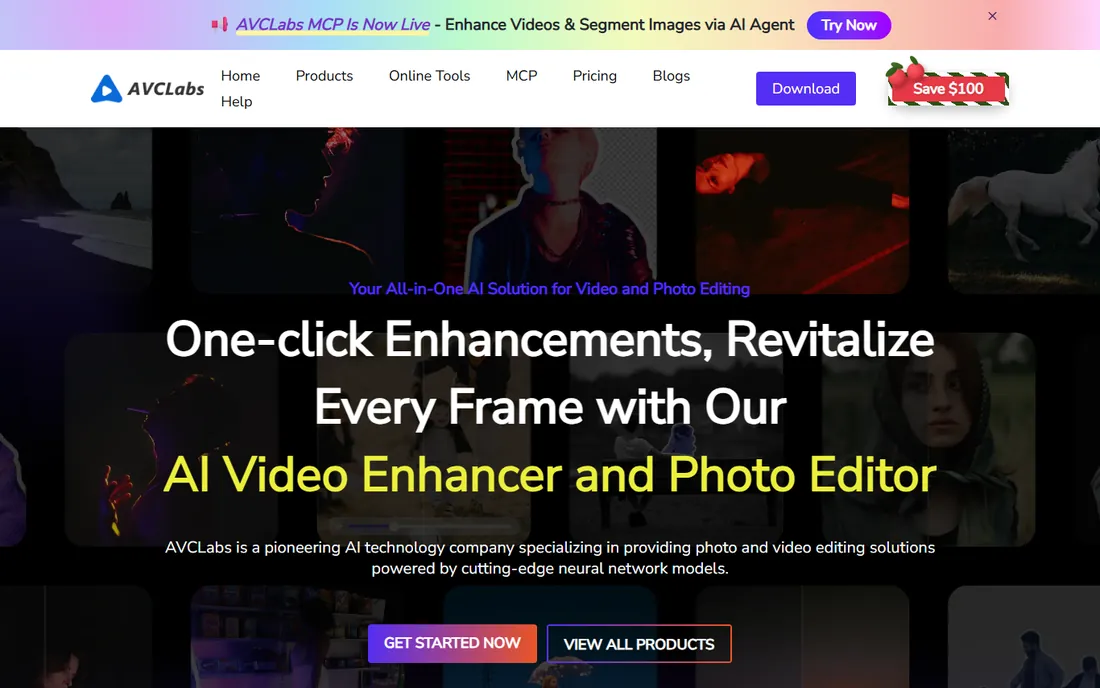
AVCLabs sits between the one-click cloud tools and the deep specialist apps. It is a desktop program, so your footage never uploads anywhere, but the workflow is closer to "pick a model and go" than to Neat Video's profiling or Resolve's manual controls. Denoise, deblur, face enhancement, and upscaling to 4K/8K cover the standard restoration checklist.
It is a sensible pick for creators and small businesses restoring footage regularly who find Topaz overwhelming and cloud tools too slow or costly at volume. Test the trial on your worst clip first; like all AI tools, it shines on some sources and struggles on others.
What we like- Upscaling, denoising, deblurring, and face refinement in one app
- Handles old home movies well
- Simpler than Topaz
Watch out for- Less control over the process
- Needs a good GPU
- Results vary with source quality
#5
HitPaw VikPea
Best for: Family archives and non-technical users
Visit hitpaw.com
Starting priceSee website
Free planFree trial
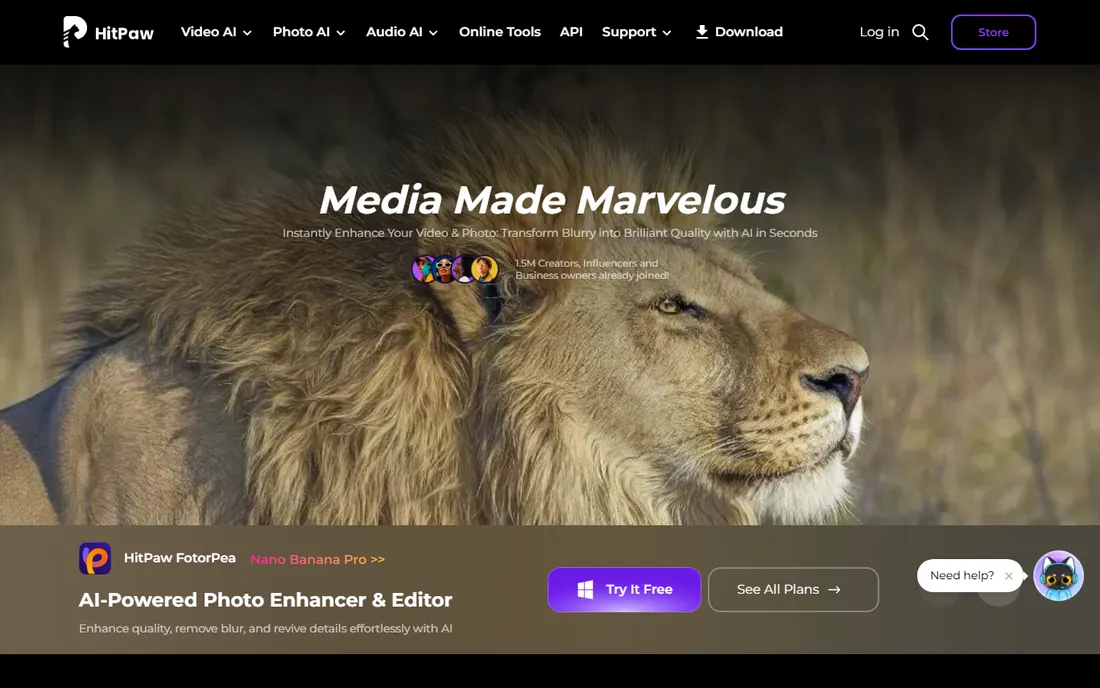
HitPaw VikPea is the tool you hand to someone who has a box of digitized tapes and zero interest in learning video engineering. The AI models are organized by footage type, you pick the closest match, and the software handles denoise, sharpening, and face enhancement. Reviews consistently highlight its work on old home movies.
You trade away the fine control that Neat Video and Resolve offer. But for the most common restoration job in the world, making grandma's tapes watchable, ease of use beats theoretical quality, and VikPea is among the easiest competent options.
What we like- Extremely approachable
- Models tuned for old video, faces, and anime
- Good for digitized tapes and home movies
Watch out for- Limited fine control
- Desktop processing still wants a decent GPU
Starting priceSee website
Free planFree trial
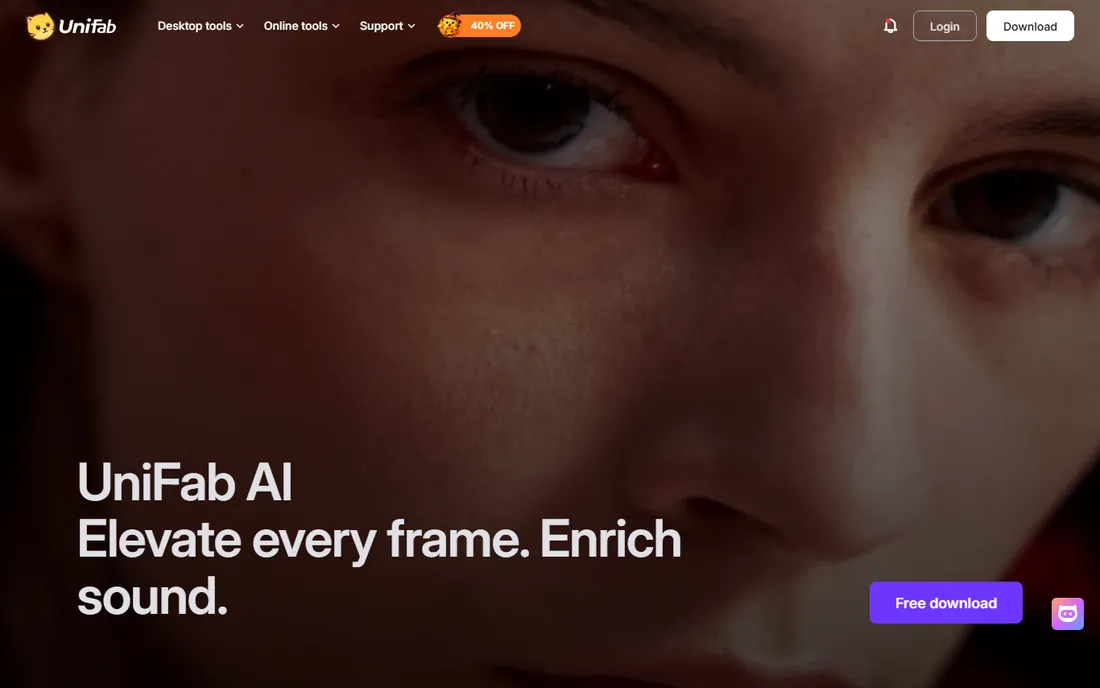
Archive projects rarely involve just restoration. Old footage arrives as odd codecs, interlaced DVDs, or ancient containers that need converting before anything else. UniFab bundles AI restoration (denoising, deinterlacing, upscaling, HDR conversion) with the format conversion the DVDFab family is known for, so one program handles the whole digitize-and-restore pipeline.
If you only need restoration, the suite is more than necessary. But for anyone working through a library of old discs, tapes-turned-files, and legacy formats, having conversion and restoration in one place removes a lot of friction.
What we like- Restoration (denoise, deinterlace, upscale, SDR-to-HDR) plus 1,000+ format conversion
- Good for digitizing projects
- From the DVDFab team
Watch out for- Suite pricing for a restoration-only need
- Windows-focused
Starting priceSee website
Free planFree plan (free with ads)
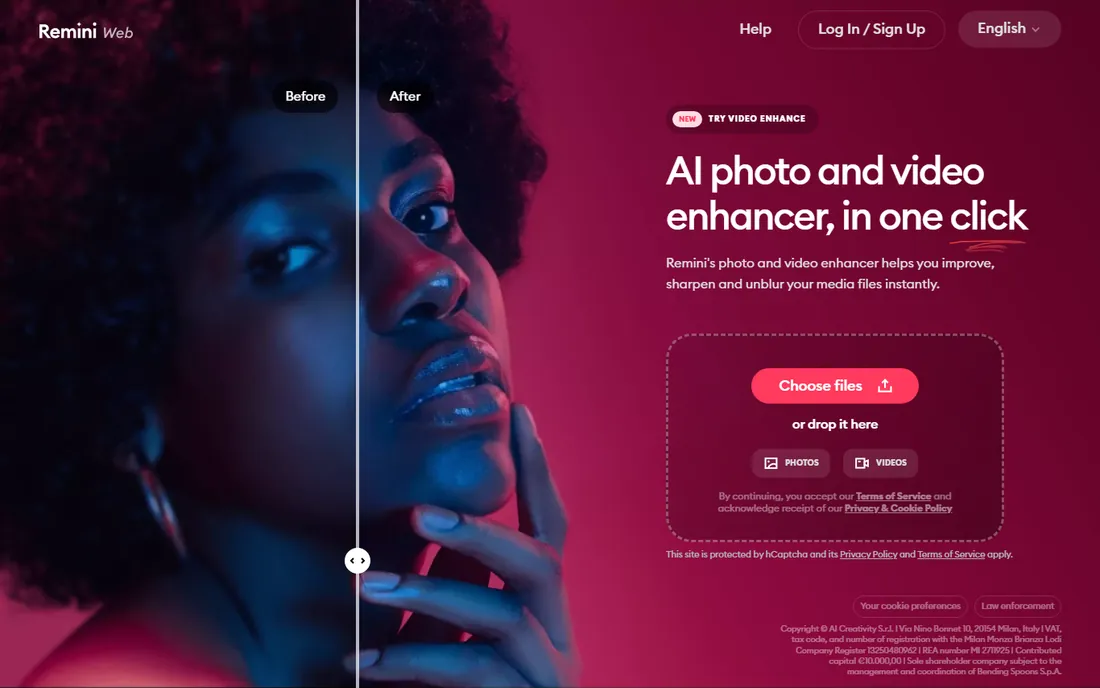
Remini's pitch is speed: upload a clip, tap once, get a cleaner version. Its face enhancement is genuinely good, which covers a huge share of what people actually restore (old family videos, throwback clips, blurry phone footage). The free tier, supported by ads, makes it a zero-cost experiment.
It will not replace Topaz or Neat Video for serious work; the 2x upscale cap and lack of controls see to that. But as a first attempt, or for social clips where "better" beats "perfect," it is the lowest-effort option here.
What we like- Fastest path from bad clip to better clip
- Strong face enhancement
- Generous free tier
Watch out for- 2x upscale limit
- Minimal control
- Quality drops on complex wide shots
#8
Pixop
Best for: Archives and broadcasters remastering at scale
Visit pixop.com
Starting priceSee website
Free planFree trial

Pixop operates at the other end of the scale from Remini: broadcasters and media companies remastering entire libraries. Its machine-learning pipeline covers the full restoration set, and you can license it to run in your own cloud (Pixop Prime) or hand over assets to their managed service (Pixop FILE). Hundreds of thousands of videos have gone through it.
This is not a consumer product and is not priced like one. But if you are an archive, a broadcaster, or a production company sitting on SD masters that need to meet modern delivery specs, Pixop is the professional answer.
What we like- Production-proven restoration pipeline
- Licensed software or fully managed service
- Handles denoising, deinterlacing, upscaling, and more
Watch out for- Enterprise sales process
- Priced for organizations, not individuals
Starting priceSee website
Free planFree plan (free previews)
TensorPix's cloud approach fits restoration well, because archive footage is often short clips rather than feature films, and the people restoring it often lack powerful hardware. Upload the clip, get a free preview, and pay only for what you keep. Denoising, stabilization, deinterlacing-style cleanup, and upscaling to 4K are all covered.
For a weekend project digitizing family tapes, the free previews alone might finish the job. For larger archives, compare credit costs against a month of Topaz before committing.
What we like- No GPU needed
- Free previews before you pay
- Also stabilizes, denoises, and interpolates to 60fps
Watch out for- Credit costs add up on long projects
- Upload/download time on big files
Different damage wants different tools, and mismatching wastes time. Heavy noise and grain: Neat Video or Topaz's Nyx model. Flicker, dust, and scratches on film scans: Neat Video first, Resolve's tools second. Blurry, low-resolution footage that needs detail: Topaz Video, AVCLabs, or TensorPix. Shaky footage: Resolve's stabilizer or Topaz. Mixed bag of old tapes: HitPaw VikPea or Remini for speed. Entire archives: Pixop or a Topaz-plus-Resolve workflow. And whatever you choose, keep the originals; restoration is interpretation, and future tools will do it better.
Frequently asked questions
Can AI really restore old VHS footage?
To a point. AI tools cleanly remove noise, stabilize shake, and sharpen detail, and the improvement on VHS transfers is often dramatic. They cannot recover detail that was never recorded, and heavy tracking errors or tape damage may need manual work or remain unfixable.
What is the best free video restoration software?
DaVinci Resolve's free version, for manual restoration with professional tools. For one-click AI restoration, Remini and TensorPix both offer meaningful free tiers. Neat Video, Topaz, and AVCLabs all have free trials or demos.
How is restoration different from upscaling?
Upscaling increases resolution. Restoration repairs damage: noise, flicker, dust, scratches, shake, and interlacing artifacts. The best results come from restoring first, then upscaling the cleaned footage, which is why tools like Topaz combine both.
How long does restoring a video take?
It varies wildly. Cloud tools process about a minute of SD footage in 5 to 10 minutes. Desktop AI tools range from near real-time on strong GPUs to many times real time on weak ones. Manual restoration in Resolve or with Neat Video depends on how much hand-tuning each shot needs.
Should I deinterlace old footage before upscaling?
Yes. Interlaced footage (old DVDs, DV tapes, broadcast captures) should be deinterlaced first; upscaling interlaced frames bakes in comb artifacts. UniFab, Topaz, and most NLEs include deinterlacing, and it should happen early in the chain.
What happened to Digital Vision Phoenix?
Digital Vision's web presence has lapsed; its former domain now hosts unrelated content and the Phoenix restoration product is no longer available from the vendor. DaVinci Resolve (which absorbed the old Revival technology) and Pixop now cover the professional restoration ground Phoenix once held.
How we chose
We verified each vendor's homepage and current product status, then evaluated on restoration-specific capabilities (denoise, deinterlace, dust/scratch repair, stabilization, upscaling), ease of use, hardware demands, and fit for distinct users: archivists, creators, families, and broadcasters. We checked practitioner discussions and reviews rather than marketing claims, and we confirmed that Digital Vision Phoenix is no longer available. We did not run controlled restoration benchmarks.
Sources we checked (9)
- https://topazlabs.com/
- https://www.neatvideo.com
- https://www.blackmagicdesign.com
- https://www.avclabs.com
- https://hitpaw.com/
- https://unifab.ai
- https://remini.ai/
- https://pixop.com/
- https://tensorpix.ai/
Is your product missing or out of date?
We review this list regularly. Vendors can request a listing, send updated pricing or ask about featured placement.

Shihab Mia · Founder, Rankite
Shihab has spent more than a decade helping SaaS and e-commerce brands grow through search. He writes Rankite's software buying guides from pricing pages, documentation and public user reviews. More about Shihab.