How we make this list: we compare pricing pages, product documentation and public user reviews. Rankite is independent; if a vendor ever pays for a featured spot, that listing is clearly labeled Partner.

Key takeaways
- Topaz Video is the quality benchmark for desktop upscaling, at $59/month, but it demands a strong GPU and patience.
- HitPaw VikPea, AVCLabs, and UniFab are the friendlier desktop alternatives, with simpler interfaces aimed at creators rather than engineers.
- If your computer is weak, go browser-based: TensorPix, Nero AI, Remini, and Vmake process everything in the cloud, and several offer free previews or free tiers.
- Pixop is the pro pick for broadcasters and media companies that need a managed pipeline rather than a desktop app.
- DVDFab Video Enhancer AI no longer exists as a standalone product; DVDFab now routes its AI video enhancement to UniFab.
Quick comparison
| Tool | Best for | Starting price | Free plan |
|---|
 Topaz Video Topaz Video | Maximum upscale quality on a strong PC | $59/month | Free trial |
 HitPaw VikPea HitPaw VikPea | Creators who want one-click desktop enhancement | See website | Free trial |
 Nero AI Video Upscaler Nero AI Video Upscaler | Quick upscales with nothing to install | See website | Free plan |
 AVCLabs Video Enhancer AI AVCLabs Video Enhancer AI | Desktop all-rounder for enhance and repair | See website | Free trial |
 UniFab UniFab | Upscaling bundled with conversion and editing | See website | Free trial |
 TensorPix TensorPix | Cloud upscaling on weak hardware | See website | Free plan (free previews) |
 Pixop Pixop | Broadcasters and media companies | See website | Free trial |
 Remini Remini | Fast phone and web enhancements | See website | Free plan (free with ads) |
 Vmake Vmake | Social sellers enhancing product clips | See website | Free plan |
Is your product missing or out of date?
We review this list regularly. Vendors can request a listing, send updated pricing or ask about featured placement.
A client hands you a 720p interview recorded on a phone in 2016 and wants it on a 4K homepage hero. Five years ago you would have said no. Today you run it through an AI upscaler and, most of the time, the result is genuinely usable. The catch is that these tools differ wildly in quality, speed, cost model, and how much hardware they demand. Here is how the real options stack up.
Starting price$59/month
Free planFree trial
Topaz Video is the name everyone else gets compared to, and there is a reason. Its model library covers distinct jobs: Proteus for general enhancement, Iris for faces, Nyx for noise, Rhea for detail recovery, plus frame interpolation (Apollo, Chronos) and stabilization. When the source is decent and the settings are right, the output is the closest thing this category has to magic.
The price of that quality is hardware. Topaz renders locally, and on a modest machine a few minutes of footage can take hours. The subscription is $59/month with unlimited local rendering plus a small monthly cloud credit allowance. If you upscale regularly and own a good GPU, it is worth it. If you upscale twice a year on a laptop, a cloud tool will serve you better.
What we like- Widest range of trained models (Proteus, Iris, Nyx, Rhea, Artemis and more)
- Unlimited local rendering on the paid plan
- Frame interpolation and stabilization built in
Watch out for- Needs a powerful GPU for sane render times
- $59/month adds up
- Model choice can overwhelm beginners
#2
HitPaw VikPea
Best for: Creators who want one-click desktop enhancement
Visit hitpaw.com
Starting priceSee website
Free planFree trial
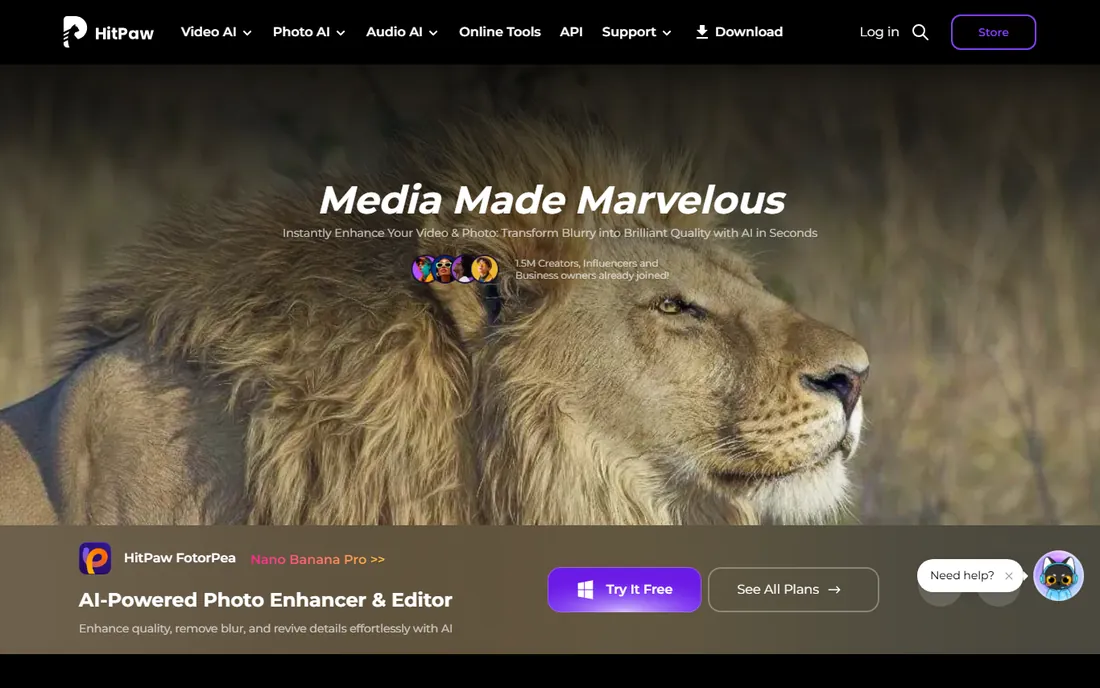
HitPaw VikPea (the video enhancer in HitPaw's lineup, previously sold as HitPaw Video Enhancer) aims at the person who does not want to learn what a diffusion model is. You pick an AI model matched to your footage type, old video, anime, faces, and let it run. PCWorld and Macworld coverage both note how little setup it needs, and user reviews consistently praise its work on digitized home movies.
It will not give you Topaz-level control over every parameter, and HitPaw's habit of selling a dozen adjacent products means you will see cross-promotions. But for YouTubers and family archivists who want better footage without a learning curve, it hits the sweet spot between power and simplicity.
What we like- Very approachable interface
- Handles denoise, face enhancement, and SDR-to-HDR
- Good for old home movies
Watch out for- Less fine-grained control than Topaz
- Upsell-heavy product family
#3
Nero AI Video Upscaler
Best for: Quick upscales with nothing to install
Visit ai.nero.com
Starting priceSee website
Free planFree plan
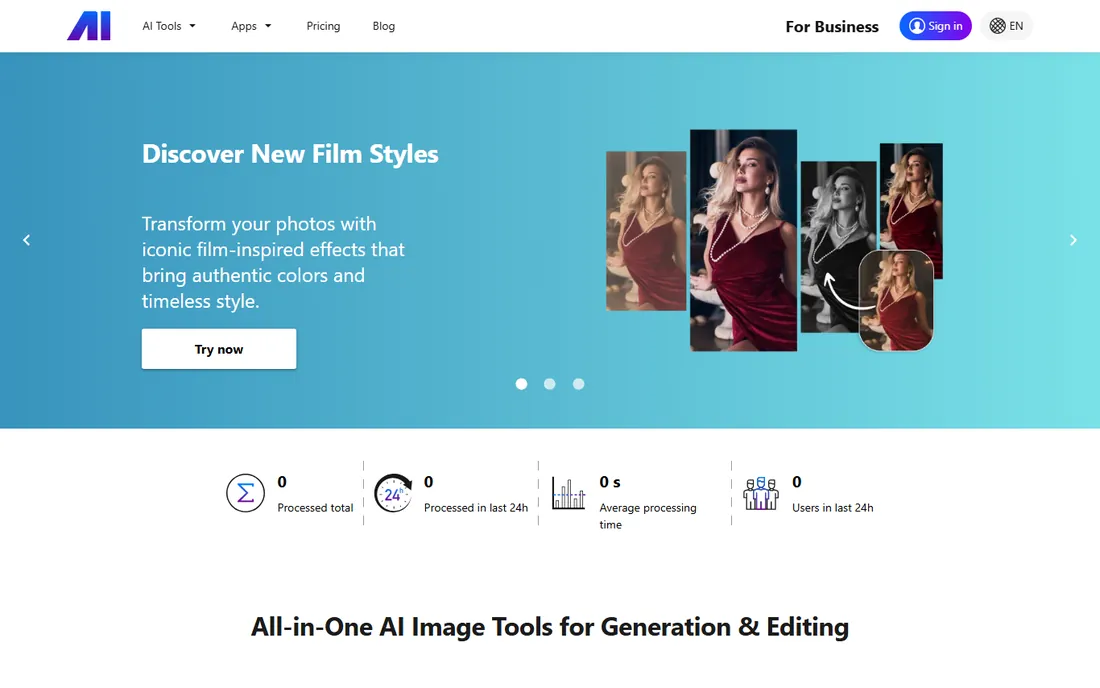
Nero, the old disc-burning brand, reinvented itself as Nero AI, a browser-based set of AI media tools. The video upscaler is straightforward: upload, pick your enhancement, download the result. Because everything runs server-side, your own hardware barely matters.
The tradeoff is depth. This is a generalist toolkit, not a specialist upscaler with a dozen trained models, so on difficult footage it will not match Topaz or Pixop. For quick jobs, short clips, social posts, and one-off fixes, the free tier makes it a zero-risk first try.
What we like- Runs in the browser
- Free tier available
- Part of a wider AI media toolkit
Watch out for- Less specialized than dedicated upscalers
- Cloud queues at peak times
#4
AVCLabs Video Enhancer AI
Best for: Desktop all-rounder for enhance and repair
Visit avclabs.com
Starting priceSee website
Free planFree trial
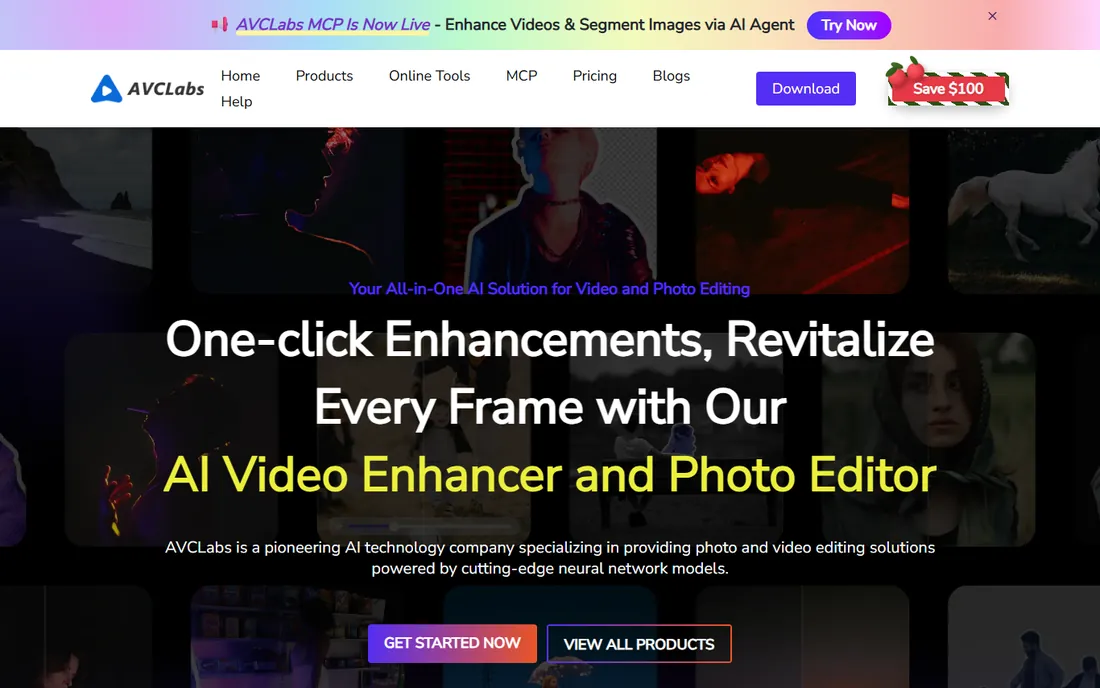
AVCLabs Video Enhancer AI is the workhorse alternative to Topaz for Windows users. It upscales to 4K and 8K, removes noise and blur, refines faces, and even does frame interpolation, all in a desktop app. Customer stories on its site skew toward restoring old family footage and low-quality phone video, which is exactly where these tools earn their keep.
It lacks the polish of HitPaw's interface and the model depth of Topaz, and like all desktop AI video tools it wants a real GPU. But it is a solid mid-priced option for people who process video regularly and prefer owning desktop software to renting cloud credits.
What we like- Upscaling to 8K plus denoise, deblur, and face refinement
- Single purchase options historically offered
- Handles old home movies well
Watch out for- Interface feels utilitarian
- Heavy processing needs a good GPU
#5
UniFab
Best for: Upscaling bundled with conversion and editing
Visit unifab.ai
Starting priceSee website
Free planFree trial
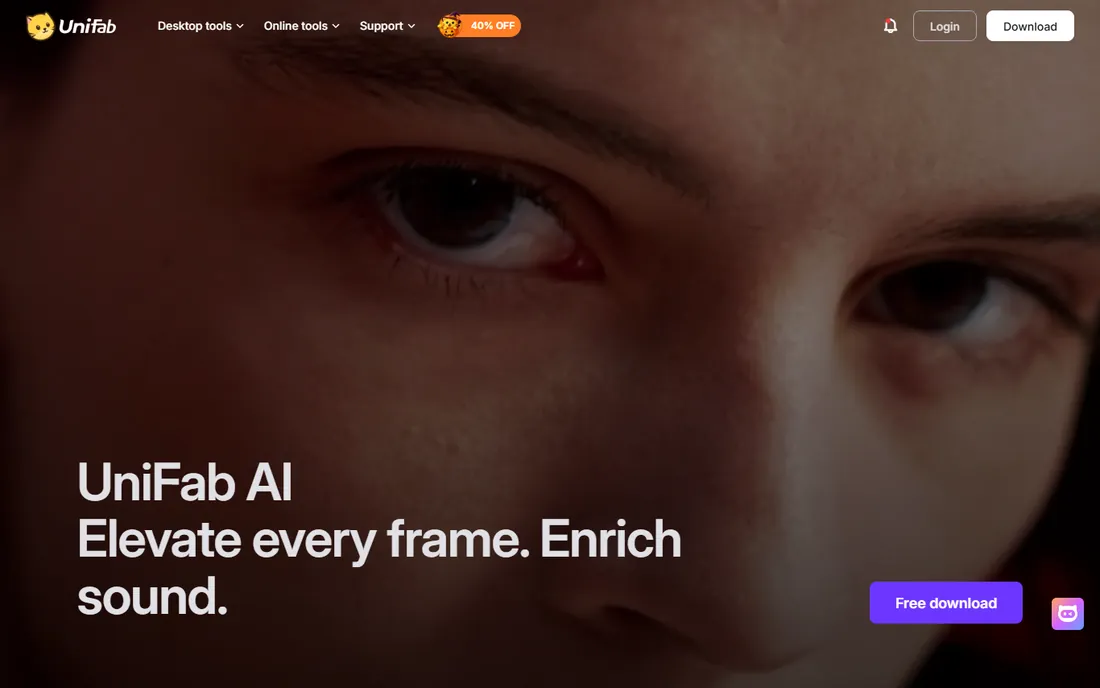
UniFab is where DVDFab's AI video work now lives. It is an all-in-one desktop suite: AI upscaling (up to 16K on paper), SDR-to-HDR conversion, denoising, deinterlacing, frame-rate boosting, plus the format conversion and editing tools the DVDFab family is known for.
That breadth is the pitch and the caveat. If your workflow is "take messy source files, convert them, enhance them, and output clean masters," UniFab replaces two or three programs. If you only ever upscale, you are paying for a suite and using a slice of it. Check the trial against your actual footage before committing.
What we like- 26-in-1 toolkit: upscale to 16K, HDR conversion, denoise, deinterlace
- Strong format conversion built in
- From the DVDFab team
Watch out for- Jack-of-all-trades pricing can feel steep if you only want upscaling
- Windows-focused
Starting priceSee website
Free planFree plan (free previews)
TensorPix is refreshingly honest about its place in the market: its own FAQ says Topaz is better if you own a high-end GPU, and TensorPix is better if you do not. Everything renders on their cloud GPUs, so a Chromebook can upscale to 4K. About a minute of SD footage takes 5 to 10 minutes to process, and you get free previews before spending anything.
The pricing model is the thing to watch. Cloud credits mean a 90-minute archive project costs real money, while Topaz's flat subscription would be cheaper at that volume. For short clips, occasional jobs, and anyone without a gaming-grade PC, TensorPix is one of the best values here.
What we like- 100% browser-based, no GPU needed
- Free previews so you can judge quality first
- Also does stabilization, denoising, and 60fps interpolation
Watch out for- Credit-based pricing penalizes long videos
- Upload and download add time
Starting priceSee website
Free planFree trial

Pixop is the odd one out, and deliberately so. It sells to broadcasters and media companies: machine-learning upscaling, denoising, deinterlacing, and restoration as either licensed software (Pixop Prime, running in your own cloud) or a fully managed service (Pixop FILE, where you submit assets and they handle the rest). Hundreds of thousands of videos have gone through it.
Individual creators should look elsewhere; this is priced and sold for organizations with libraries to remaster. But if you are a media company sitting on SD archives that need to meet modern delivery specs, Pixop is the grown-up answer, and its trial lets you test on your own footage.
What we like- Proven in broadcast production
- Two deployment options (licensed pipeline or managed SaaS)
- Deep restoration filters beyond upscaling
Watch out for- Enterprise-oriented sales process
- Overkill and overpriced for casual creators
Starting priceSee website
Free planFree plan (free with ads)
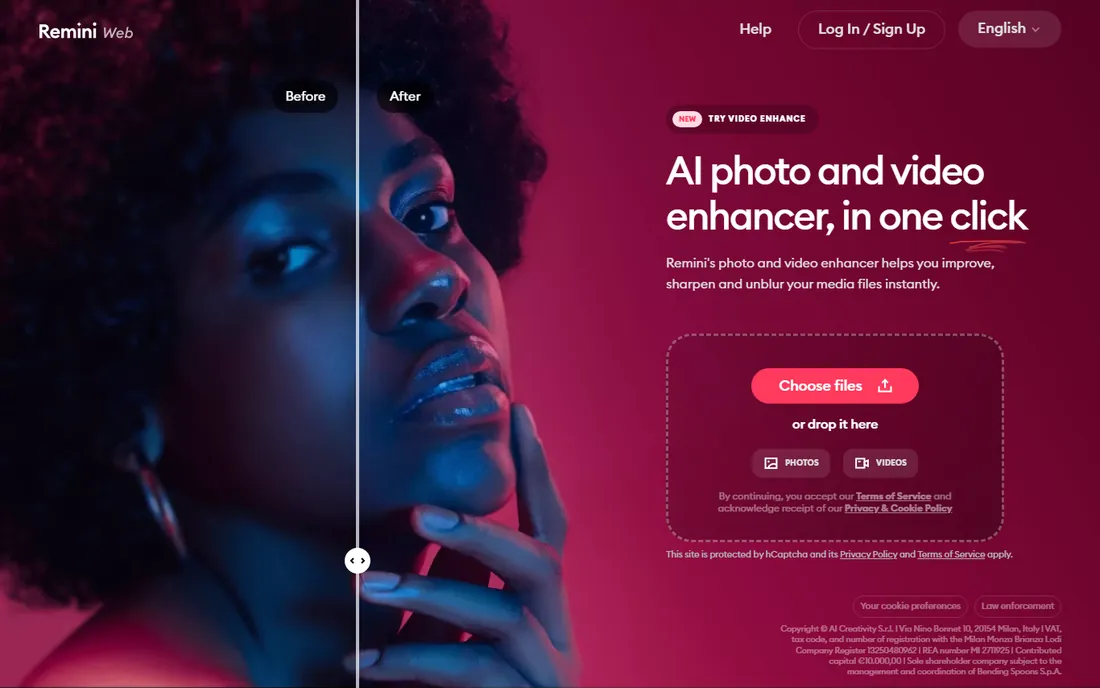
Remini became a household name for photo enhancement and now handles video too. The workflow could not be simpler, and the face recovery is genuinely impressive on portraits and selfies. With 100 million monthly active users claimed on its site, it is by far the most mainstream tool on this list.
The limits are real: the enlarger tops out at 2x, you get minimal control over the process, and results on detailed wide shots lag behind Topaz. But for social clips, talking-head video, and quick fixes on your phone, the free tier makes it the easiest win available.
What we like- Dead simple: upload, tap, done
- Strong face enhancement
- Generous free tier supported by ads
Watch out for- 2x upscale cap on the enlarger
- Less control than desktop tools
- Quality varies on complex scenes
#9
Vmake
Best for: Social sellers enhancing product clips
Visit vmake.ai
Starting priceSee website
Free planFree plan
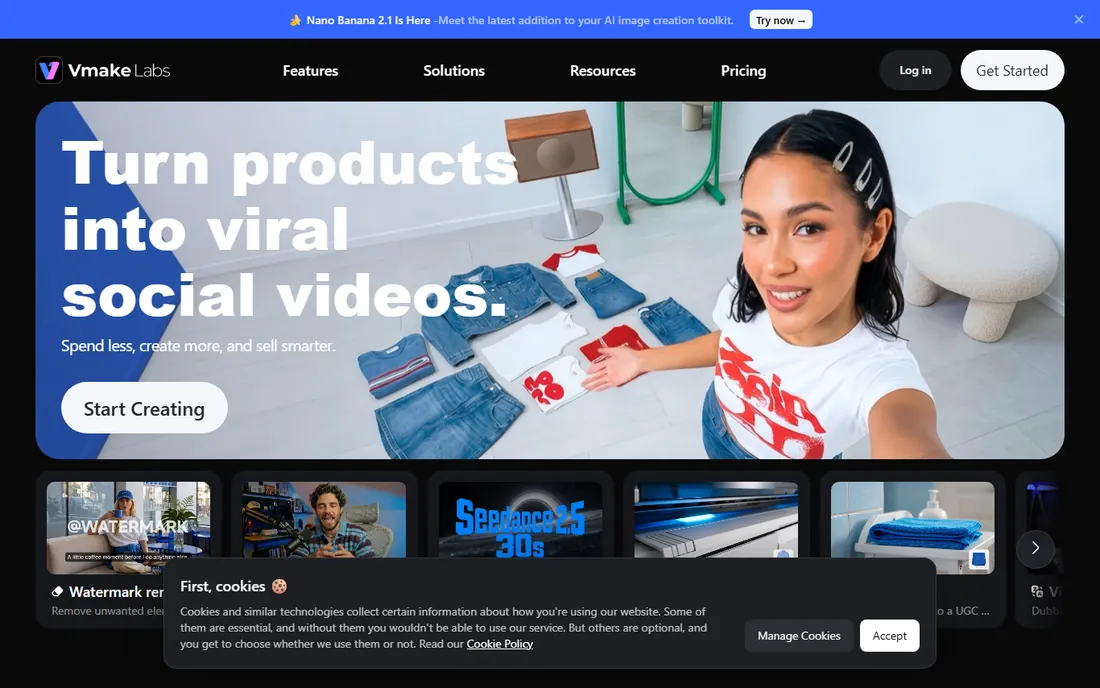
Vmake (now branded Vmake Labs) started as a straightforward AI video enhancer and upscaler, and that DNA is still in the product. Today the headline is AI social video creation for e-commerce sellers and local businesses: generate, enhance, and optimize clips for TikTok, Reels, and Shorts in one flow.
If your job is "make this product clip look sharper before posting," it does that in the browser with no fuss. If you want a dedicated upscaling laboratory with model choices and 8K output, pick Topaz, AVCLabs, or TensorPix instead. Vmake fits sellers and social managers who want enhancement as one step in a bigger content workflow.
What we like- Browser-based, no install
- Enhancement folded into a social-video workflow
- Free tier
Watch out for- Product has pivoted toward AI social video generation, so upscaling is no longer the headline feature
- Less control than specialists
How to pick: desktop GPU vs cloud credits
This is the decision that matters most, so make it first. Desktop tools (Topaz Video, HitPaw VikPea, AVCLabs, UniFab) render on your machine: the cost is upfront in hardware and the software is cheap per video once you own it. Cloud tools (TensorPix, Nero AI, Remini, Vmake, Pixop FILE) render on someone else's GPUs: no hardware needed, but you pay per minute of footage. Heavy, regular upscaling favors desktop. Occasional jobs and weak hardware favor cloud. When in doubt, run the same 30-second test clip through a desktop trial and a cloud free preview, and compare the results on your own screen.
How we chose
We verified each vendor's homepage and current product positioning, then weighed them on output quality reputation (public reviews on G2, Trustpilot, and creator communities), hardware requirements, pricing transparency, and fit for distinct buyers: quality-first editors, casual creators, phone users, and media companies. We noted where products changed: DVDFab folded its video enhancer into UniFab, and Vmake pivoted toward social video generation. We did not run controlled render benchmarks, so treat quality rankings as research-based, not lab-tested.
Frequently asked questions
Does AI upscaling really add detail, or just stretch the video?
Good AI upscalers do more than stretch. They use trained neural networks to reconstruct plausible detail, reduce compression artifacts, and sharpen edges. The result is not the same as true 4K footage, but on decent sources it looks dramatically better than simple resizing.
How long does AI upscaling take?
On a strong GPU, desktop tools like Topaz process roughly in real time to several times real time depending on the model. On weak hardware, the same job can take tens of hours. Cloud services typically return a minute of SD footage in 5 to 10 minutes regardless of your machine.
Can I upscale video for free?
Yes, with limits. TensorPix offers free previews, Nero AI and Remini have free tiers, and most desktop tools offer watermarked or time-limited trials. For a finished, watermark-free project you will usually need to pay.
What is the best AI upscaler for old family videos?
Topaz Video (Iris and Nyx models) and HitPaw VikPea both get consistent praise for old home movies, thanks to face enhancement and denoising tuned for exactly that footage. For a quick free attempt, try Remini or TensorPix first.
Do I need an expensive GPU for AI upscaling?
Only for desktop tools. Topaz, HitPaw, AVCLabs, and UniFab all benefit hugely from a modern NVIDIA GPU. If you do not have one, use a cloud service like TensorPix or Nero AI instead; your hardware barely matters there.
What happened to DVDFab Video Enhancer AI?
DVDFab consolidated its AI video products under UniFab. DVDFab's own site now presents UniFab as its AI video enhancer, so shop for UniFab instead of the old standalone product.
Sources we checked (10)
- https://topazlabs.com/
- https://hitpaw.com/
- https://ai.nero.com/
- https://www.avclabs.com
- https://unifab.ai
- https://dvdfab.cn/
- https://tensorpix.ai/
- https://pixop.com/
- https://remini.ai/
- https://vmake.ai
Is your product missing or out of date?
We review this list regularly. Vendors can request a listing, send updated pricing or ask about featured placement.

Shihab Mia · Founder, Rankite
Shihab has spent more than a decade helping SaaS and e-commerce brands grow through search. He writes Rankite's software buying guides from pricing pages, documentation and public user reviews. More about Shihab.