How we make this list: we compare pricing pages, product documentation and public user reviews. Rankite is independent; if a vendor ever pays for a featured spot, that listing is clearly labeled Partner.
Key takeaways
- DaVinci Resolve is the value king: a genuinely free version with pro-grade color tools, and a paid Studio version for the rest.
- Premiere Pro and Final Cut Pro both grade well inside the edit, so many editors never need a separate color app.
- Baselight remains the high-end finishing standard for facilities, while Assimilate Scratch serves on-set and conform workflows.
- FilmConvert, Dehancer, and 3D LUT Creator are the look-makers: plugins and utilities that give footage a filmic finish fast.
- Colourlab.ai brings AI-assisted grading to the table, useful when deadlines are brutal and the footage is inconsistent.
Quick comparison
| Tool | Best for | Starting price | Free plan |
|---|
 DaVinci Resolve DaVinci Resolve | Free professional color grading and editing | Free | Yes |
 Adobe Premiere Pro Adobe Premiere Pro | Editors who grade without leaving the timeline | See website | Free trial (7 days) |
 Final Cut Pro Final Cut Pro | Mac editors who want grading in the edit | $299.99 one-time | Free trial (30 days) |
 Baselight Baselight | High-end facility color finishing | See website | No |
 FilmConvert FilmConvert | Authentic film stock looks, fast | From $119 one-time (Nitrate) | Free trial (watermarked) |
 3D LUT Creator 3D LUT Creator | Colorists who build their own looks | From $99 one-time (Grading Edition) | Free trial (demo) |
 Colourlab.ai Colourlab.ai | Fast AI-assisted grading under deadline | See website | Free trial |
 Assimilate Scratch Assimilate Scratch | On-set color, dailies, and conform | See website | Free trial |
 Vegas Pro Vegas Pro | Windows editors who grade in-timeline | See website | Free trial |
 Dehancer Dehancer | Filmic analog character in Resolve and photo apps | See website | Free trial |
Is your product missing or out of date?
We review this list regularly. Vendors can request a listing, send updated pricing or ask about featured placement.
Color correction software that actually earns its price
Color correction is the cheapest upgrade in video. A $119 plugin can do more for flat, lifeless footage than a new lens ever will. But the category splits into very different products: full finishing platforms, editing apps with good color pages, and specialist plugins that live inside those apps. Buy the wrong type and you will either overpay for power you never touch or fight a plugin trying to do a platform's job. Here is the field, sorted by what each tool is actually for.
Starting priceFree
Free planYes

DaVinci Resolve did something no competitor matched: it made professional color tools free. The Color page has primary and secondary corrections, curves, qualifiers, tracking, HDR grading, and noise reduction, in a free download. The paid Studio version adds a few advanced features (like some AI tools and stereoscopic support), but the free tier grades real client work.
The catch is the learning curve and the hardware. Resolve wants a real GPU and rewards study; it will not hold your hand the way a plugin does. But if you are willing to learn, nothing else gives you this much color power for zero dollars.
What we like- Full color page with industry-standard tools at no cost
- Also a complete editor, VFX, and audio app
- Huge free tutorial ecosystem
Watch out for- Demands decent hardware
- The interface is deep enough to intimidate beginners
#2
Adobe Premiere Pro
Best for: Editors who grade without leaving the timeline
Visit adobe.com
Starting priceSee website
Free planFree trial (7 days)
Most Premiere editors never open another color app, and honestly most never need to. The Lumetri Color panel covers exposure, white balance, curves, color wheels, and LUT application with a workflow built for speed. Creative looks, technical LUTs, and comparison view handle 90 percent of real grading jobs.
For the remaining 10 percent, heavy secondary work, complex tracking, HDR finishing, Resolve or Baselight still win. And the subscription model means you rent forever. But if you already live in Premiere, its color tools are good enough that a separate purchase is optional, not required.
What we like- Lumetri Color panel is fast and capable
- Huge preset and LUT ecosystem
- Round-trips cleanly with After Effects and Audition
Watch out for- Subscription-only
- Color tools lag Resolve's dedicated page for complex work
#3
Final Cut Pro
Best for: Mac editors who want grading in the edit
Visit apple.com
Starting price$299.99 one-time
Free planFree trial (30 days)
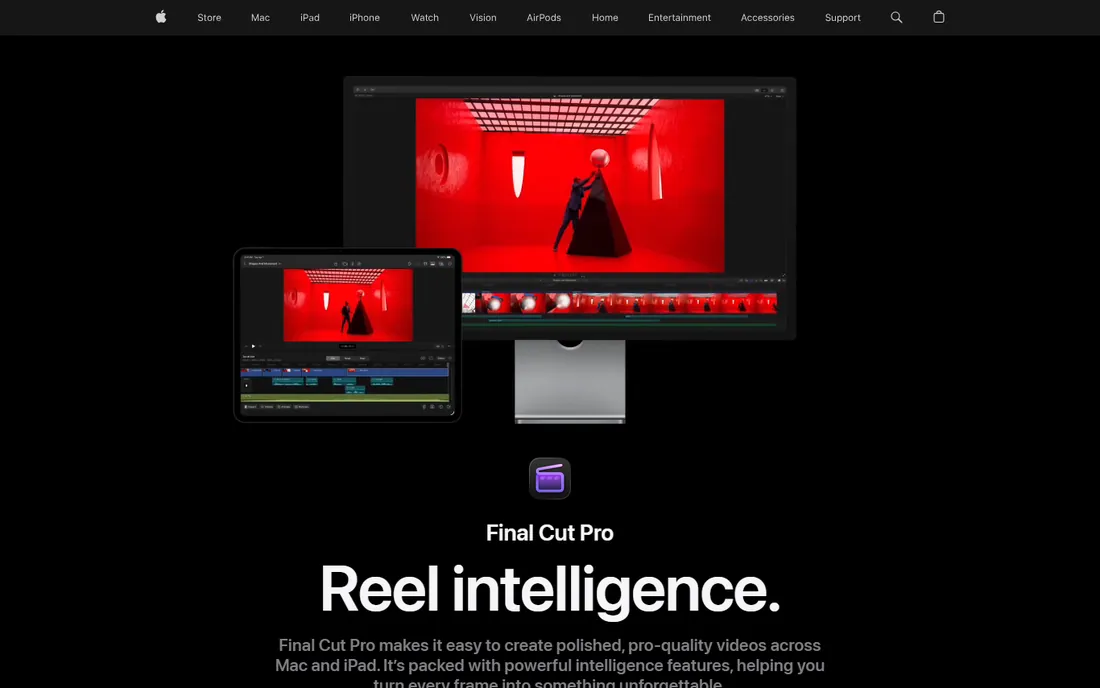
Final Cut Pro takes the opposite approach from Adobe: pay $299.99 once and own it. The color tools (color wheels, curves, hue/saturation curves, HDR grading) are solid for in-timeline work, and on Apple silicon everything flies. The 30-day trial through Apple Creator Studio lets you test properly.
It is Mac-only, which ends the conversation for Windows shops. The plugin ecosystem is thinner than Premiere's, though the essentials (FilmConvert, Dehancer) all support it. For Mac-based editors and YouTubers, the one-time price makes it the cheapest pro NLE to own long-term.
What we like- One-time purchase, no subscription
- Color wheels, curves, and HDR tools built in
- Fast on Apple silicon
Watch out for- Mac only
- Smaller plugin ecosystem than Premiere or Resolve
Starting priceSee website
Free planNo
Baselight is what the big rooms run. FilmLight's system is the finishing standard for features and prestige television, with a toolset that goes deeper than anything else on this list: true color science, complex layer management, and pipeline integration that facilities build around.
None of that matters if you are grading talking-head videos. Baselight is sold and priced for facilities, and learning it is a career investment. It belongs on this list because "best" has to include the top of the market, but buy it only if your work and your clients operate at that level.
What we like- The reference standard for film and episodic finishing
- Unmatched toolset for complex grades
- Deeply integrated into facility pipelines
Watch out for- Facility pricing and hardware expectations
- Total overkill for YouTube or corporate work
Starting priceFrom $119 one-time (Nitrate)
Free planFree trial (watermarked)
FilmConvert Nitrate has been the film-look shortcut for over a decade, and the formula still works: pick your camera profile, pick a film stock, and get grain, color response, and halation modeled on the real thing. CineMatch, its sibling, solves the mixed-camera problem by matching sensors before you grade.
Pricing is one-time from $119 per plugin, with a free watermarked trial on everything. The honest limit is that it is a look layer, not a correction toolkit; you still need to balance exposure and white balance first. For the "make it cinematic" step, though, few plugins are this reliable.
What we like- Built on real film stock data, not guesswork
- Camera matching across mixed footage
- One-time purchase with free watermarked trial
Watch out for- A look plugin, not a full grading platform
- Best results need decent exposure to start from
Starting priceFrom $99 one-time (Grading Edition)
Free planFree trial (demo)
3D LUT Creator is the weird genius of this list. Instead of wheels and sliders, you bend a grid on the color plane: drag a hue where you want it, and the tool builds smooth, mask-free adjustments. The A/B grid, C/L grids, and volume tools genuinely do things no other program does.
It exports standard LUT files that drop into Resolve, Premiere, Final Cut, and Photoshop, so it fits any pipeline. The interface is unlike anything else, which means a learning curve, and it is a still-frame laboratory rather than a video timeline. For look development and LUT creation, it is one of the best $99 purchases in color.
What we like- Unique A/B grid and color-plane tools you will not find elsewhere
- Exports standard .cube/.3dl LUTs for any NLE
- One-time pricing from $99
Watch out for- Idiosyncratic interface
- It is a LUT laboratory, not a timeline tool
Starting priceSee website
Free planFree trial

Colourlab.ai applies AI to the most tedious part of grading: matching. Feed it a reference still and it builds a grade toward that look; point it at a scene and it balances shots to each other. When you have 200 clips from three cameras and a deadline tomorrow, that is a lifeline.
It is not a replacement for a colorist's judgment, and AI-matched grades still need a final human pass for skin tones and consistency. But as an accelerator inside a real workflow, it earns its place, especially for editors who grade because they have to, not because they love it.
What we like- AI look matching from reference images
- Fast shot matching across scenes
- Modern workflow for tight turnarounds
Watch out for- Young product in a fast-moving space
- AI matching still needs a human eye for final passes
Starting priceSee website
Free planFree trial
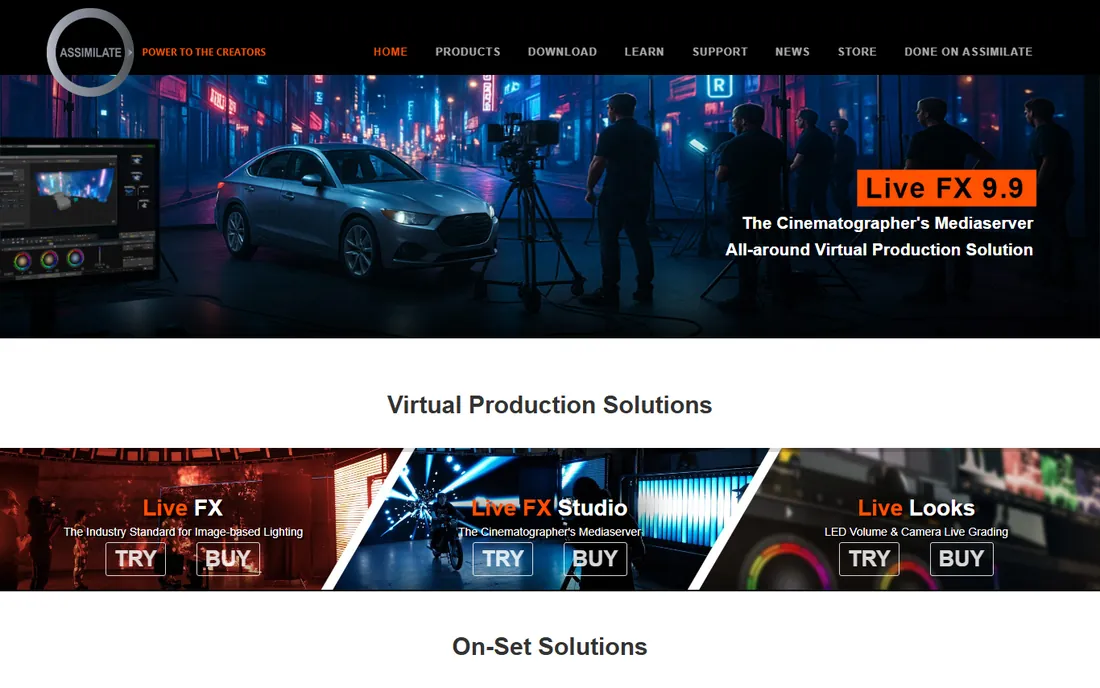
Scratch comes from the world of dailies and on-set color, and it shows. It is built to ingest camera media, apply looks, manage versions, and conform timelines, the unglamorous backbone work between shoot and finish. Colorists who work near set tend to know it well.
It is a specialist tool with quote-based pricing and a smaller user community than the big NLEs. If your work involves dailies, on-set grading, or conform-heavy finishing, it is worth evaluating. If you just need your YouTube videos to look better, it is the wrong shape.
What we like- Built for on-set and near-set workflows
- Strong conform and versioning tools
- Real-time performance pedigree
Watch out for- Niche positioning means a smaller community
- Pricing via quote
Starting priceSee website
Free planFree trial
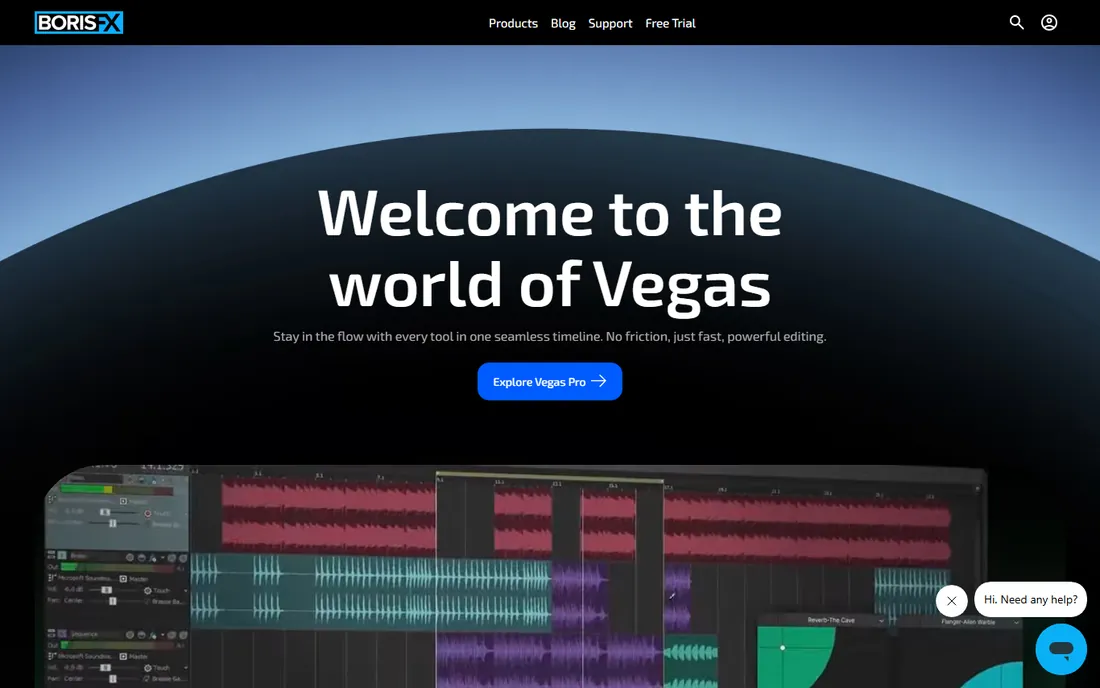
Vegas Pro (now under Boris FX) remains a capable Windows NLE with solid color correction built into the timeline: color wheels, curves, white balance, and LUT support cover the standard grading workflow. Its editing speed is the real selling point; color is the competent supporting act.
The ecosystem is the limitation. Fewer tutorials, fewer plugins, and a smaller colorist community than the Adobe or Blackmagic worlds. But for Windows editors who want to cut and grade in one app without a subscription, Vegas Pro is a legitimate option.
What we like- Capable color tools inside a fast editor
- Now developed under Boris FX
- One-time purchase options historically offered
Watch out for- Windows only
- Color community and tutorials are thinner than Premiere or Resolve
#10
Dehancer
Best for: Filmic analog character in Resolve and photo apps
Visit dehancer.com
Starting priceSee website
Free planFree trial
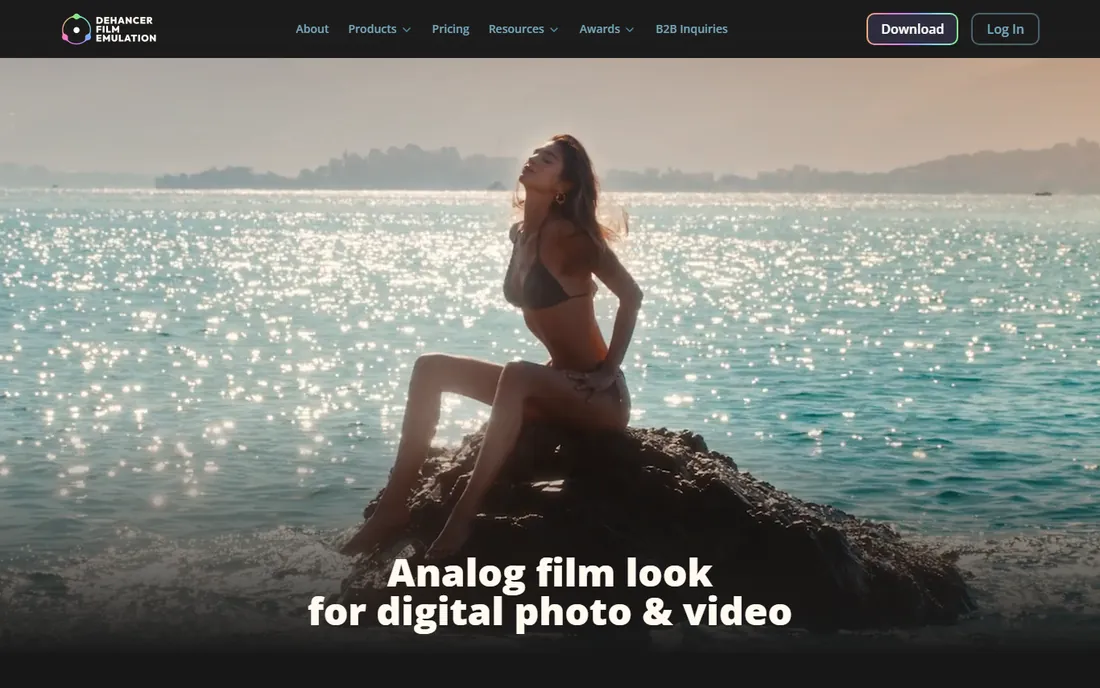
Dehancer is the current darling of the film-emulation world, and the plugin earns it. Dozens of film stocks and camera profiles, plus grain, halation, bloom, and gate weave rendered with real attention to how analog actually behaves. It runs in DaVinci Resolve as well as Photoshop and Lightroom for stills.
Like all look plugins, it is a finisher, not a fixer: balance your image first, then add character. Render times climb when you stack effects, so budget accordingly. For the analog look specifically, it is arguably the best plugin on the market right now.
What we like- 60+ film profiles and 130+ camera profiles
- Grain, halation, and bloom modeled with unusual care
- Works in Resolve, Photoshop, and Lightroom
Watch out for- Can be heavy on render times with everything enabled
- The sheer option count can slow you down
Ask what job you are hiring for. Correction (fixing exposure, white balance, matching shots) belongs in a platform: Resolve, Premiere, Final Cut, or Baselight. Look (film emulation, stylized grades, signature color) belongs in a plugin or LUT tool: FilmConvert, Dehancer, 3D LUT Creator. Most working editors use both: correct in the NLE, finish with a look layer. Buying a $119 plugin will not fix bad exposure, and buying Baselight will not teach you taste. Match the tool to the job and you will spend less and grade faster.
Frequently asked questions
What is the best free color correction software?
DaVinci Resolve. The free version includes a professional color page with tools that rival paid software. No other free option comes close for serious grading work.
Do I need separate color software if I use Premiere Pro?
Usually not. Premiere's Lumetri Color panel handles most grading work. Editors step out to Resolve mainly for complex secondary work, HDR finishing, or when collaborating with a dedicated colorist.
What is the difference between color correction and color grading?
Correction is technical: fixing exposure, white balance, and matching shots so footage looks natural and consistent. Grading is creative: applying a look or style on top of corrected footage. This list covers tools for both.
Are film emulation plugins worth it?
If you want an analog look, yes. FilmConvert and Dehancer model real film stocks with grain, halation, and color response that are hard to build by hand. They are finishers, though: correct your footage first, then apply the look.
What do professional colorists use?
DaVinci Resolve dominates the colorist market, with Baselight the standard in high-end finishing facilities. Many colorists also use 3D LUT Creator for look development and plugins like Dehancer or FilmConvert for specific textures.
Can I color grade on a laptop?
Yes, with limits. Resolve, Premiere, and Final Cut all run on modern laptops, especially Apple silicon machines. Heavy noise reduction, complex tracking, and 4K+ timelines will still push a laptop hard, so proxies and patience help.
How we chose
We verified each vendor's homepage and current product status, then weighed real-world fit: color tool depth, platform vs plugin role, pricing model, and community support. We checked public reviews, colorist forums, and tutorial ecosystems rather than marketing claims. We replaced Color Finale with Dehancer after finding the vendor's site no longer features the plugin. We did not perform controlled grading shootouts.
Sources we checked (10)
- https://www.blackmagicdesign.com
- https://www.adobe.com/products/premiere.html
- https://www.apple.com/final-cut-pro/
- https://filmconvert.com/
- https://3dlutcreator.com
- https://colourlab.ai/
- https://assimilateinc.com/
- https://vegascreativesoftware.com/
- https://dehancer.com/
- https://colorgradingcentral.com/
Is your product missing or out of date?
We review this list regularly. Vendors can request a listing, send updated pricing or ask about featured placement.

Shihab Mia · Founder, Rankite
Shihab has spent more than a decade helping SaaS and e-commerce brands grow through search. He writes Rankite's software buying guides from pricing pages, documentation and public user reviews. More about Shihab.