How we make this list: we compare pricing pages, product documentation and public user reviews. Rankite is independent; if a vendor ever pays for a featured spot, that listing is clearly labeled Partner.
Key takeaways
- Vimeo and Wistia are the general-purpose leaders with strong players and analytics.
- Panopto and Kaltura dominate education with LMS integration and lecture capture.
- Uscreen and Dacast specialize in selling courses through paywalls and subscriptions.
- Brightcove serves enterprise-scale course catalogs.
- SproutVideo is the value pick for small course businesses.
Quick comparison
| Tool | Best for | Starting price | Free plan |
|---|
 Vimeo Vimeo | all-around course hosting | $12 per seat/month (Starter) | Yes |
 Wistia Wistia | marketing-driven courses | $79/month (Business, billed annually) | Yes |
 Panopto Panopto | education and training | See website | No |
 Kaltura Kaltura | enterprise education | See website | Free trial |
 Uscreen Uscreen | selling course subscriptions | $49/month (Starter) | Free trial |
 Dacast Dacast | live and on-demand courses | $39/month (Starter, billed annually) | Free trial |
 Brightcove Brightcove | enterprise course catalogs | See website | No |
 SproutVideo SproutVideo | affordable course hosting | $12/month (Seedling, billed annually) | Free trial |
Is your product missing or out of date?
We review this list regularly. Vendors can request a listing, send updated pricing or ask about featured placement.
Starting price$12 per seat/month (Starter)
Free planYes
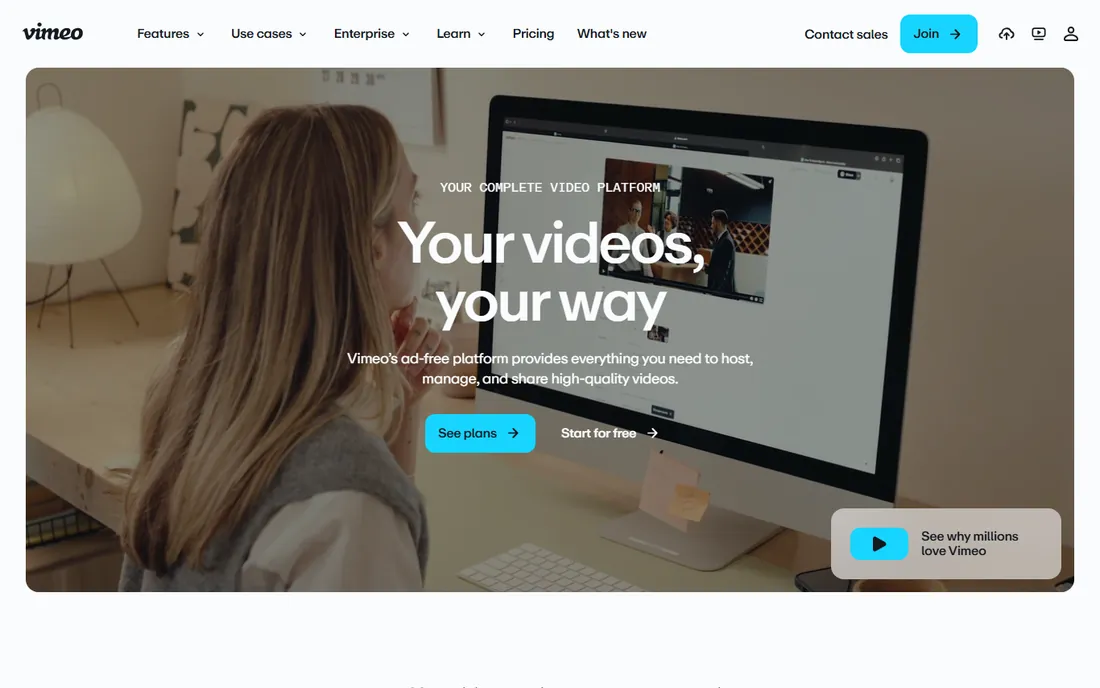
Vimeo is the video platform course creators graduate to: an ad-free customizable player, privacy controls, and plans from a free tier up through Starter at $12 per seat per month, Standard at $25, and Advanced at $75. Auto-captions, translations, and analytics are now included even on the free plan.
For course creators who want a professional player without building infrastructure, Vimeo is the safe default: embed anywhere, lock down access, and track engagement. The platform has been rebuilding its creator focus under new ownership. The catch is the per-seat model: team pricing scales faster than per-video pricing for solo creators. Independent instructors should start on the free or Starter tier.
Vimeo's AI now generates scripts, edits out filler words from transcripts, and translates captions automatically. For course creators producing hours of lessons, that editing assistance cuts production time meaningfully.
What we like- Ad-free player with privacy controls
- Free plan available
- AI-powered editing and captions
Watch out for- Per-seat pricing
- Advanced features in higher tiers
Starting price$79/month (Business, billed annually)
Free planYes
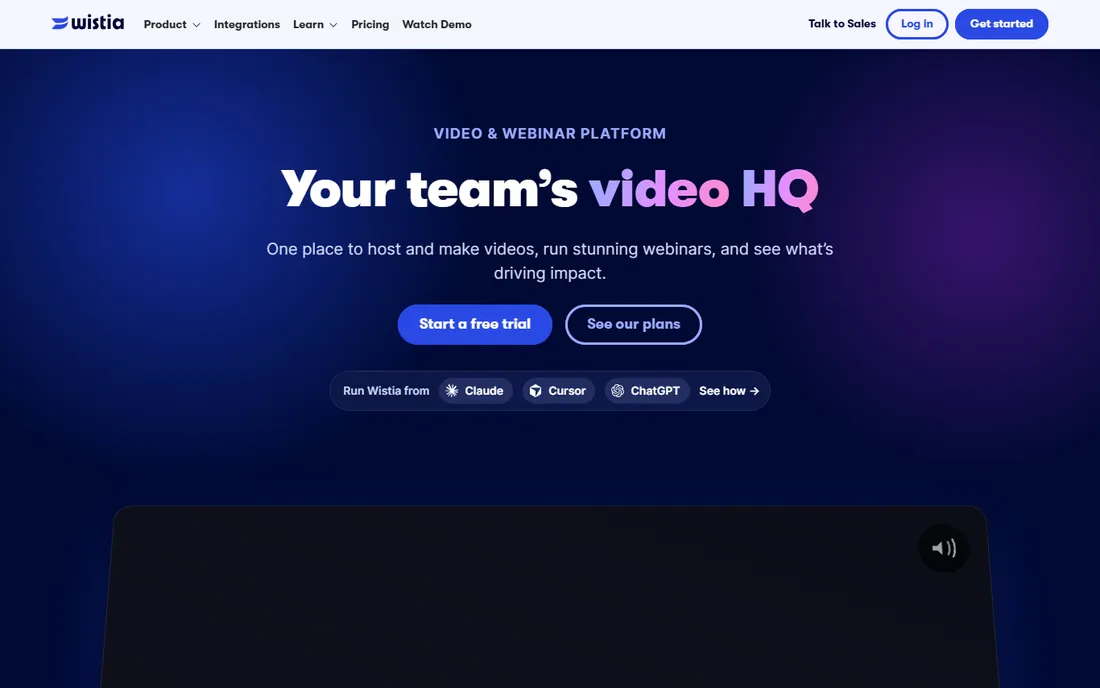
Wistia is the video marketing platform that course businesses use to sell: a free plan for hosting, Business at $79 per month billed annually, and Premium at $329 per month, with lead capture, CTAs, and viewer analytics built into the player. Free trials run on paid plans with no credit card required.
For creators whose courses are a marketing funnel, Wistia is built for the job: capture emails mid-video, score engagement, and push leads to marketing automation. The heatmaps show exactly where learners drop off. The limitation is price: $79 a month is steep for a hobby course. Creators selling high-ticket programs will earn it back quickly.
Wistia's newer webinar and live event hosting extends the platform beyond on-demand courses. For creators who sell through live launches, running the launch and the course library in one place simplifies the tech stack.
What we like- Free plan to start
- Lead capture and CTAs in the player
- Strong analytics and heatmaps
Watch out for- Business plan starts at $79/month
- Enterprise features gated
Starting priceSee website
Free planNo
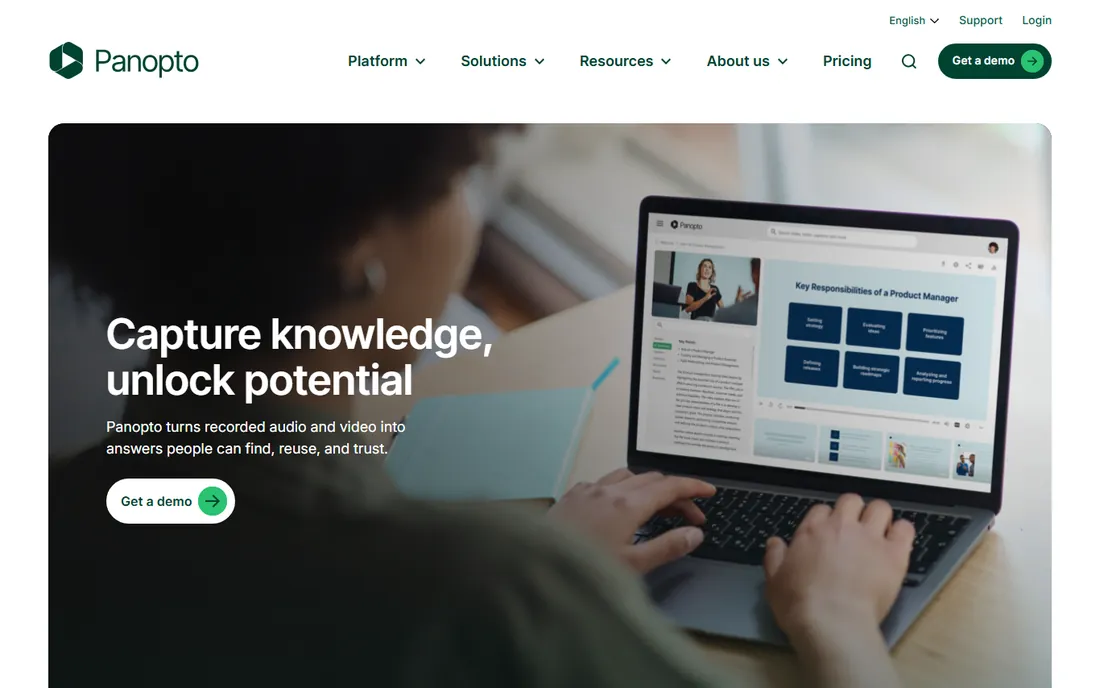
Panopto is the video platform built for education: lecture capture, searchable video libraries, and integrations with Canvas, Moodle, and other learning management systems. Pricing is quote-based, tailored to institutions and enterprises.
For universities and corporate training departments, Panopto is the specialist: record lectures automatically, make every spoken word searchable, and deliver inside the LMS students already use. AI search and knowledge-management features keep it current. The honest catch is fit: solo course creators should look elsewhere. Panopto is priced and packaged for institutions.
Panopto's 2026 launches, including Folio for AI study tools and AI search across video libraries, turn recorded lectures into active learning material. For institutions, that keeps a mature platform current.
What we like- Built for universities and corporate training
- Lecture capture and searchable video
- Deep LMS integration
Watch out for- Quote-based pricing
- Overkill for solo creators
Starting priceSee website
Free planFree trial
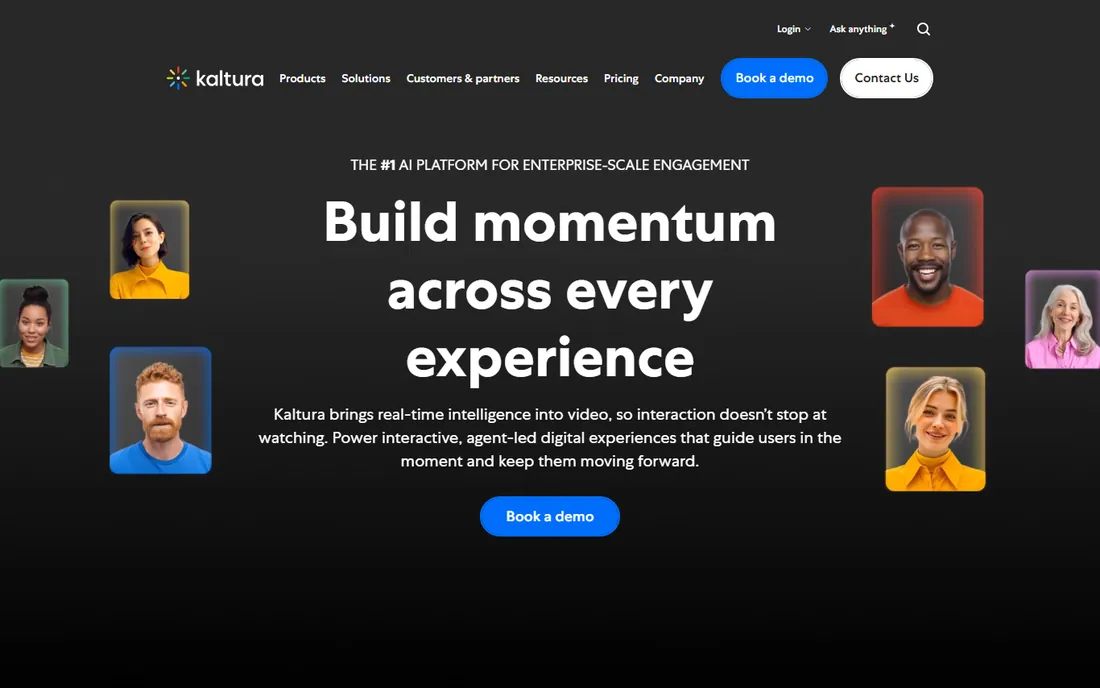
Kaltura is the video experience cloud for education and enterprise: on-demand video, virtual classrooms, webinars, and live events, with an open-source foundation and enterprise deployments worldwide. Pricing is quote-based, with free trials available for evaluation.
For large education providers and enterprises running virtual classrooms at scale, Kaltura's breadth is the point: one platform for courses, events, and internal video. The agentic AI additions keep the platform modern. The limitation is complexity: the platform does so much that implementation takes planning. Institutions should budget for proper onboarding.
Kaltura's Conversational Agent Studio lets institutions build AI assistants on top of their video libraries. For universities with deep archives, that turns passive recordings into answerable knowledge.
What we like- Open-source roots with enterprise scale
- Virtual classroom and events
- Strong education footprint
Watch out for- Pricing is quote-based
- Platform breadth adds complexity
Starting price$49/month (Starter)
Free planFree trial
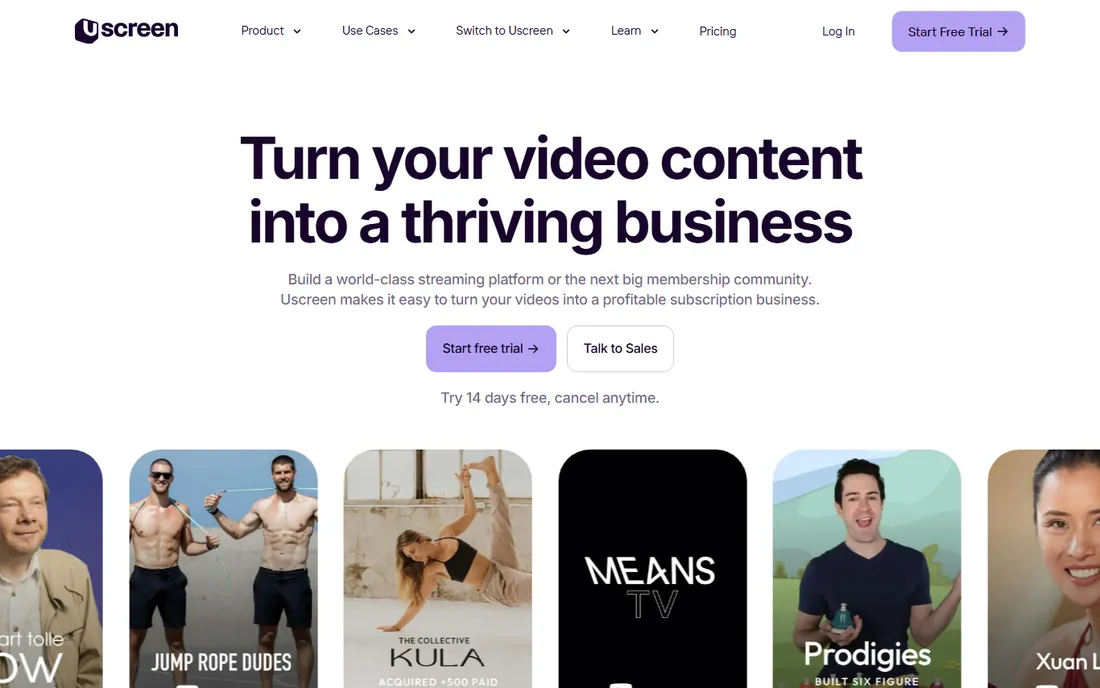
Uscreen is the all-in-one platform for selling video memberships: branded websites and mobile apps, subscriptions, one-time purchases, and community, starting at $49 per month with a free trial. The company has helped creators generate hundreds of millions in recurring revenue.
For course creators who want their own Netflix-style business, Uscreen is the shortcut: launch a branded streaming service without code, keep the customer relationship, and own the revenue. The marketing automation and analytics are built for growth. The catch is the business model: Uscreen makes sense when you are selling. Creators giving courses away free should use a simpler host.
Uscreen's community and commerce features, including mobile and TV apps, make the membership feel like a real streaming service. For creators competing with free YouTube content, that premium feel justifies the subscription.
What we like- All-in-one membership platform
- Branded apps and websites
- Proven monetization for creators
Watch out for- Transaction and subscriber fees on lower tiers
- Built for sellers, not free courses
Starting price$39/month (Starter, billed annually)
Free planFree trial
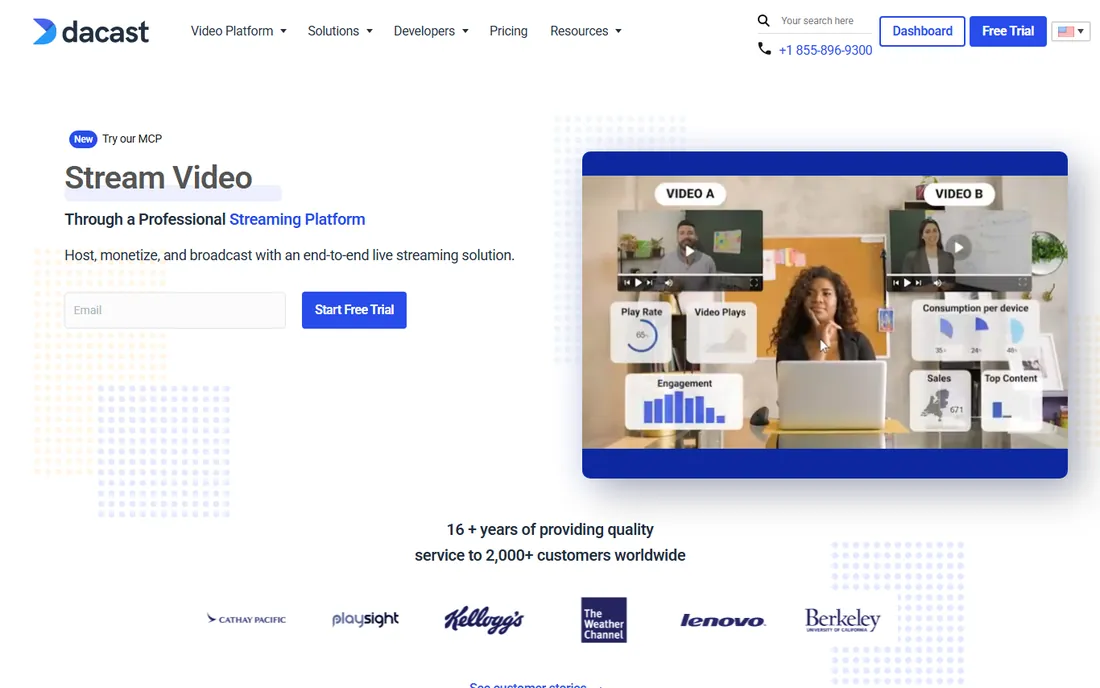
Dacast is the streaming platform for live and on-demand video: live courses, webinars, and VOD with paywalls, subscriptions, and advertising monetization. Plans start at $39 per month billed annually for Starter, with Event at $63 and Scale at $165, plus a free trial.
For educators running live cohorts alongside recorded courses, Dacast covers both in one platform: stream the live session, sell the replay, and gate everything behind a paywall. The white-label player keeps your brand front and center. The limitation is the interface, which feels more utilitarian than Vimeo or Wistia. Live-first educators will find the tradeoff worthwhile.
Dacast's Expo video gallery feature lets educators build branded video portals without code. For schools and training companies, that portal becomes the public face of the course catalog.
What we like- Live streaming plus VOD
- Paywall and monetization built in
- 14-day free trial
Watch out for- Interface less polished than Vimeo
- Bandwidth-based pricing needs watching
Starting priceSee website
Free planNo
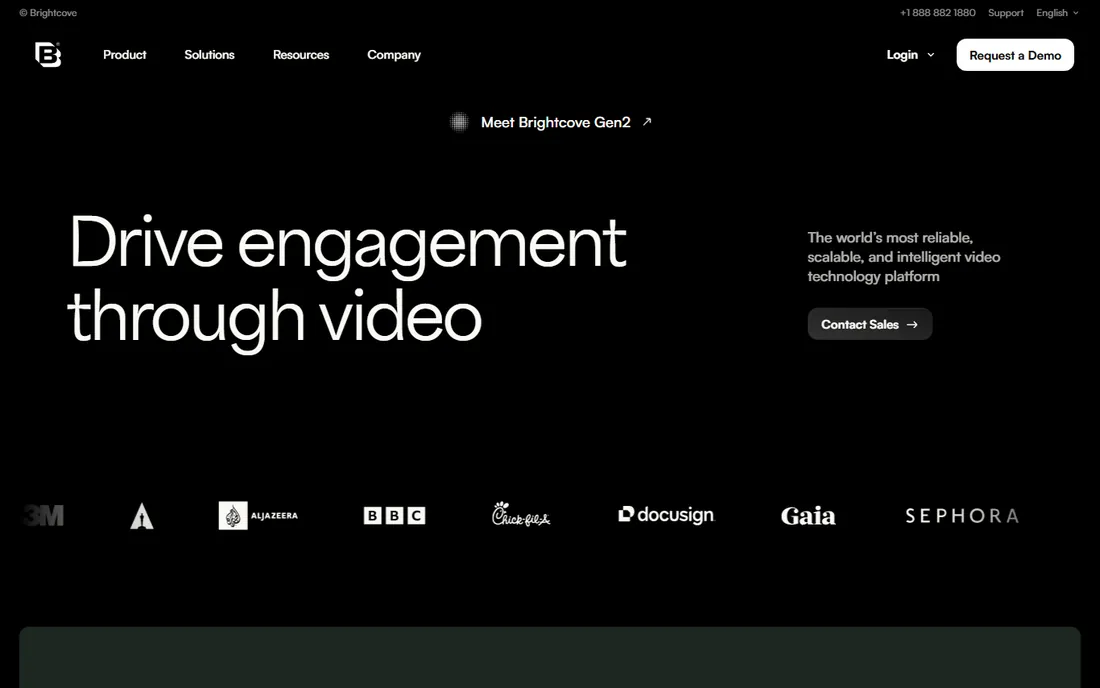
Brightcove is the enterprise video platform: hosting, live streaming, OTT, and AI-powered tools for captions, highlights, and tagging, sold in studio packs for marketing, media, communications, and monetization. Pricing is quote-based.
For enterprises and media companies running large course catalogs or training libraries, Brightcove's reliability and scale are the selling points: global delivery, strong security, and full APIs. The AI suite automates the tedious parts of video management. The honest catch is the audience: small course creators should not bother. Brightcove is built for organizations with video teams.
Brightcove's Marketing Studio pack bundles the player, interactivity, and analytics for demand generation. For enterprises using video across marketing and training, the studio packs simplify buying.
What we like- Enterprise-grade reliability and scale
- AI tools for captions and highlights
- Deep integrations and APIs
Watch out for- Quote-based enterprise pricing
- Not for small creators
Starting price$12/month (Seedling, billed annually)
Free planFree trial
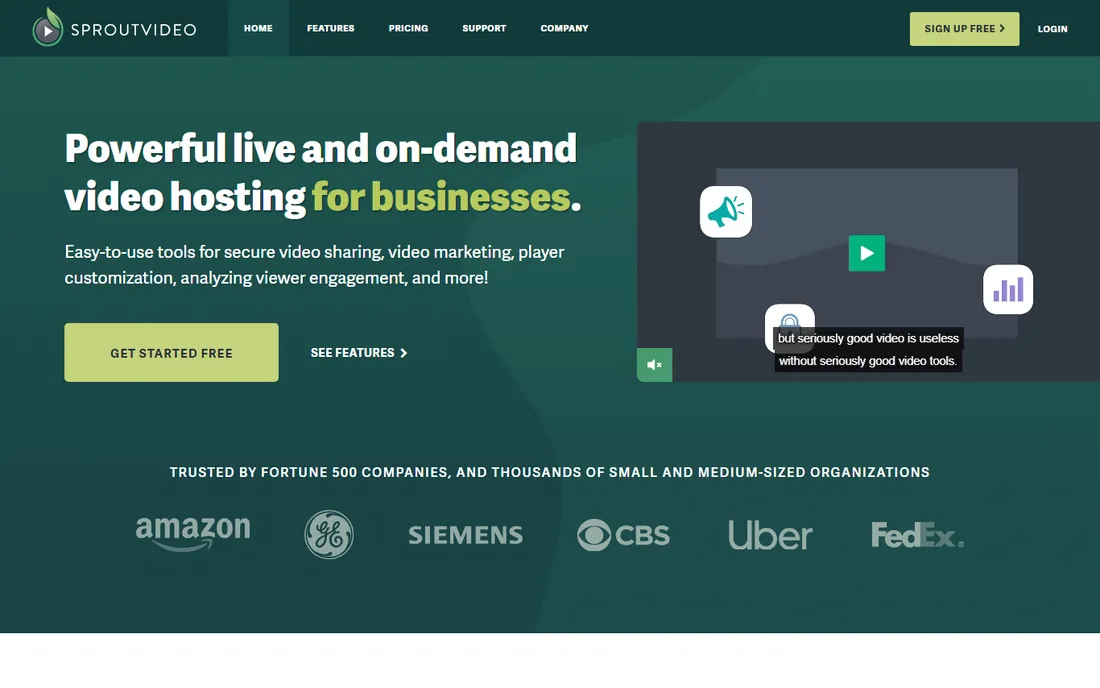
SproutVideo is the business video hosting platform for cost-conscious course creators: a customizable player, privacy controls, engagement tracking, and marketing tools, starting at $12 per month billed annually ($15 monthly), with plans up to $195 per month. A free trial is available.
For small course businesses that need professional hosting without Vimeo or Wistia prices, SproutVideo is the value answer: solid player, good analytics, and security features like password protection and domain whitelisting. The company is small but focused. The limitation is ecosystem: fewer integrations and a smaller community than the leaders. Budget-focused creators will find it more than enough.
SproutVideo's viewer login and SSO options let course sellers gate content to registered users without a full LMS. For small businesses selling B2B training, that access control is often all the gating needed.
What we like- Affordable plans from $12/month
- Strong privacy and security controls
- Engagement analytics
Watch out for- Smaller company
- Fewer integrations than leaders
How we chose
We focused on platforms that serve course creators and educators: gated access, learner analytics, monetization, and LMS integration mattered more than raw streaming specs. We verified each vendor's homepage directly and pulled pricing from each vendor's own pricing page, using "See website" where pricing is quote-based. We never claim hands-on testing.
The right platform depends on how you sell.
Free or lead-magnet courses
Vimeo's free plan or Wistia's free tier handles hosting; your email tool handles enrollment.
Paid courses and memberships
Uscreen for subscriptions, Dacast for live cohorts, SproutVideo for budget-friendly paid courses.
Institutional education
Panopto or Kaltura for LMS integration, lecture capture, and scale. Brightcove for enterprise catalogs.
Whatever the model, test the student experience before committing: enroll as a test student, watch on mobile, and check that chapters, captions, and playback speed all work. The platform that is easiest for students is usually the right one.
The analytics that matter
Views are vanity. For courses, track completion rates, drop-off points, and rewatch segments: they tell you which lessons confuse students. Wistia's heatmaps, Vimeo's engagement graphs, and SproutVideo's engagement tracking all expose this. Whatever platform you choose, review the analytics monthly and revise the lessons where learners stall.
Frequently asked questions
What is the best video hosting platform for online courses?
Vimeo is the best all-around choice, Wistia the best for marketing-driven courses, Panopto and Kaltura the best for institutions, Uscreen the best for selling subscriptions, Dacast the best for live courses, Brightcove the best for enterprise catalogs, and SproutVideo the best budget option.
What is the best video hosting software for selling courses?
Uscreen is purpose-built for selling course subscriptions with branded apps and paywalls, starting at $49 per month. Dacast also offers paywalls with live streaming from $39 per month. Both let you keep the customer relationship instead of renting it from a marketplace.
Can I host online courses on Vimeo?
Yes. Vimeo offers privacy controls, an ad-free player, and plans from a free tier to $12 per seat per month and up. It works well for embedding courses on your own site, though it lacks built-in enrollment and paywalls, so pair it with a course platform or membership tool.
How much does video hosting for courses cost?
Solo creators can start free on Vimeo or Wistia. Paid plans run from $12 per month (Vimeo Starter, SproutVideo) to $49 per month (Uscreen) to $79 per month (Wistia Business), with institutional platforms like Panopto, Kaltura, and Brightcove on quote-based pricing.
Do I need an LMS or just video hosting?
Video hosting delivers the video; an LMS manages enrollment, quizzes, and certificates. Panopto and Kaltura integrate with LMS platforms like Canvas and Moodle. Solo creators often pair Vimeo or Wistia with a course platform like Teachable or Thinkific for the enrollment layer.
What is the difference between Vimeo and Uscreen for courses?
Vimeo is a video hosting platform: you get a professional player to embed on your own site. Uscreen is a complete course business platform: branded website, apps, subscriptions, and community in one. Choose Vimeo if you already have a site and audience; choose Uscreen if you want to launch a membership business.
Sources we checked (8)
- https://vimeo.com/upgrade-plan
- https://wistia.com/pricing
- https://www.panopto.com/pricing/
- https://corp.kaltura.com/pricing/
- https://www.uscreen.tv/pricing/
- https://www.dacast.com/live-streaming-pricing-plans/
- https://brightcove.com/
- https://sproutvideo.com/pricing
Is your product missing or out of date?
We review this list regularly. Vendors can request a listing, send updated pricing or ask about featured placement.

Shihab Mia · Founder, Rankite
Shihab has spent more than a decade helping SaaS and e-commerce brands grow through search. He writes Rankite's software buying guides from pricing pages, documentation and public user reviews. More about Shihab.