How we make this list: we compare pricing pages, product documentation and public user reviews. Ratings come from G2, Capterra or Trustpilot, with the date we checked them.
Key takeaways
- CapCut is the fastest path from footage to upload for beginners, with templates and auto captions that match how new YouTubers actually work.
- DaVinci Resolve is the best free professional editor: Hollywood-grade tools for $0, though the learning curve is real.
- iMovie and Clipchamp cost nothing on the devices beginners already own (Mac/iPhone and Windows respectively).
- Start free and upgrade only when you hit a wall; most beginners outgrow simple editors long before they need Premiere Pro.
Quick comparison
| Tool | Best for | Starting price | Free plan |
|---|
 CapCut CapCut | Fastest start for new YouTubers | Free | Yes |
 DaVinci Resolve DaVinci Resolve | Free professional-grade editing | Free | Yes |
 iMovie iMovie | Zero-cost editing on Apple devices | Free | Yes |
 Clipchamp Clipchamp | Free editing built into Windows | Free | Yes |
 Filmora Filmora | Beginner-friendly paid editor | See website | No |
 Adobe Premiere Pro Adobe Premiere Pro | Industry standard when you outgrow basics | See website | No |
 Final Cut Pro Final Cut Pro | One-time purchase for Mac creators | See website | No |
 OpenShot OpenShot | Free open-source basics | Free | Yes |
Is your product missing or out of date?
We review this list regularly. Vendors can request a listing, send updated pricing or ask about featured placement.
The best video editing software for YouTube beginners
Every YouTuber starts with the same question: what do I edit on? The answer depends on your device, your patience for learning curves and whether you will pay. The good news: several genuinely good editors cost nothing. Eight options from free to pro.
Starting priceFree
Free planYes
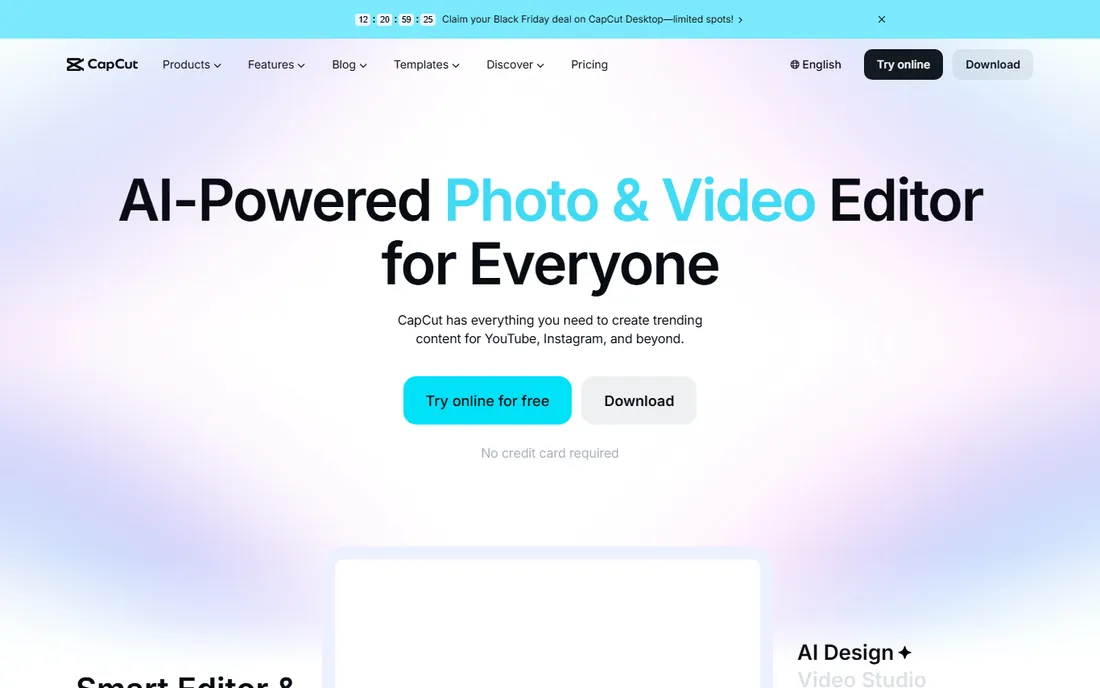
CapCut is where most new creators start now, and the reasons are practical: open the app, pick a template or drop clips on the timeline, add auto captions in one tap, and export. The desktop version handles longer YouTube videos too, and the learning curve is measured in minutes.
It is not a finishing tool for ambitious editors; color grading and audio mixing are basic. But beginners should optimize for shipping videos, not mastering software. CapCut fits new YouTubers who want their first uploads out this week.
What we like- Templates, auto captions and effects that match short-form and YouTube workflows
- Works on phone, desktop and web
- Generous free tier
Watch out for- Advanced color and audio tools are thin
- Some pro features sit behind a subscription
- Owned by ByteDance, which concerns some users
Starting priceFree
Free planYes
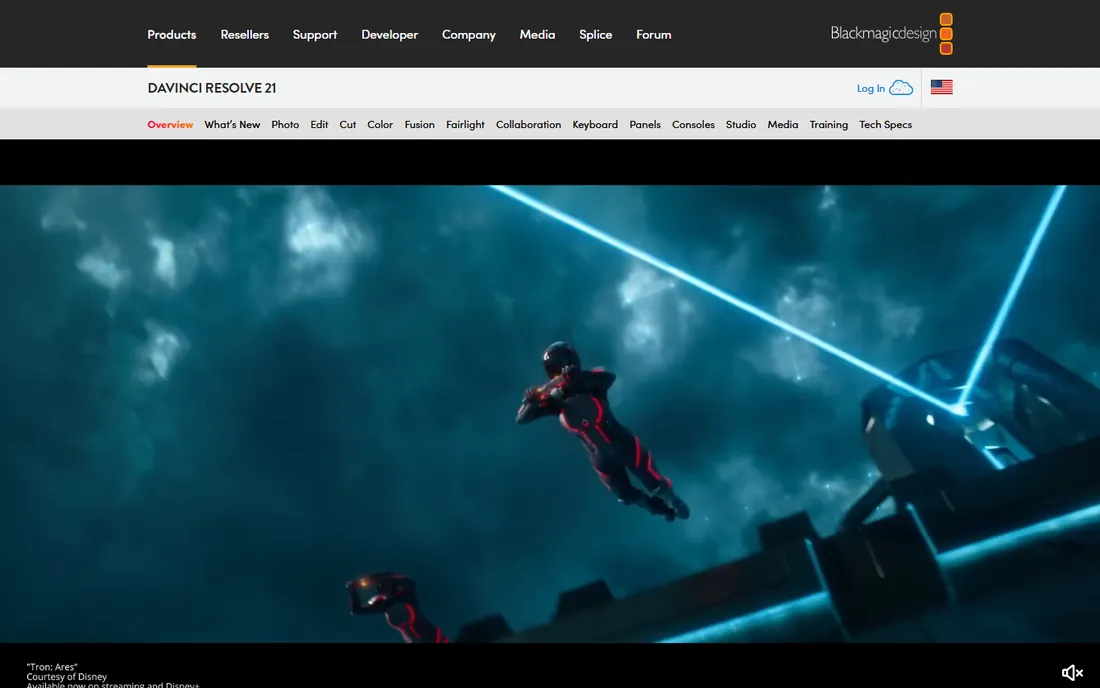
DaVinci Resolve is the remarkable deal in video software: a free editor with professional color, Fusion effects and Fairlight audio that rivals tools costing hundreds. There is no watermark and no meaningful feature gate for beginners.
The price is learning time. The interface assumes editing knowledge, and tutorials become essential. Patient beginners get a tool they may never outgrow. DaVinci Resolve fits creators willing to invest weekends learning in exchange for never paying for software.
What we like- Professional editing, color grading, effects and audio in one free app
- No watermark
- Used on real films and shows
Watch out for- Steep learning curve
- Demanding on older hardware
- The interface overwhelms on day one
Starting priceFree
Free planYes
iMovie is the gentlest introduction to editing: drag clips, trim, add titles and music, share to YouTube. It is free on Apple devices and the skills transfer directly to Final Cut Pro when ambition grows.
The ceiling arrives fast: two video tracks, basic audio, limited effects. iMovie fits absolute beginners on Apple devices making their first dozen videos.
What we like- Free on every Mac, iPhone and iPad
- Genuinely simple
- Trailers and templates for quick projects
- Smooth handoff to Final Cut Pro later
Watch out for- Apple only
- Limited tracks, effects and control
- You will outgrow it
Starting priceFree
Free planYes
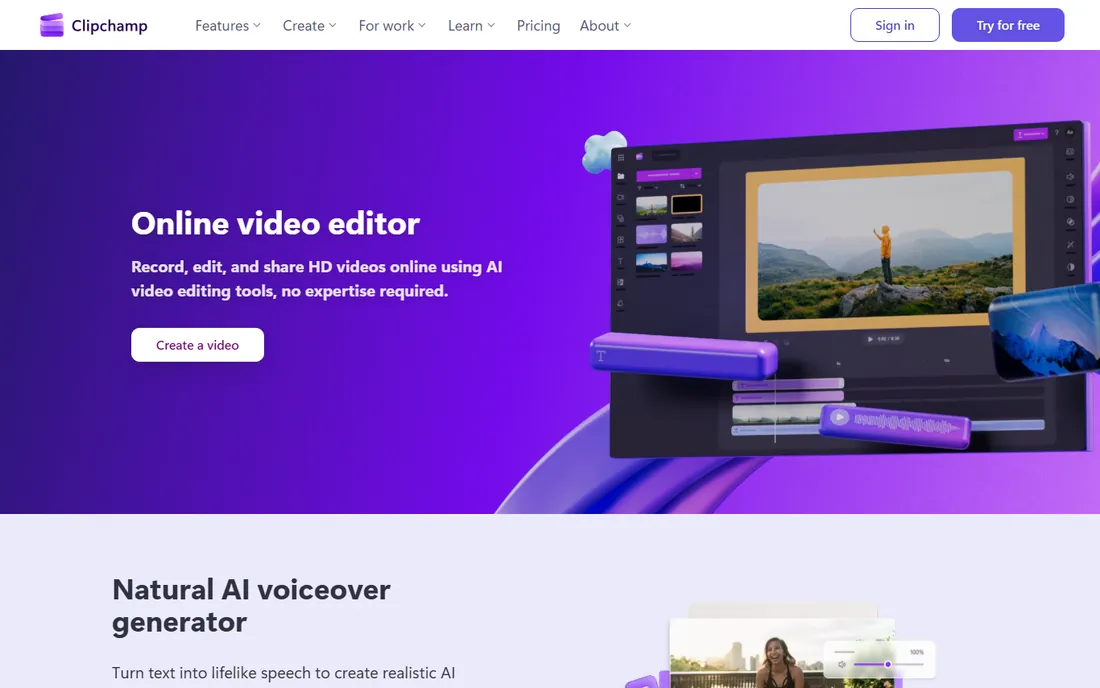
Clipchamp is Microsoft's answer to iMovie: a straightforward editor bundled with Windows, free for 1080p projects with templates, text-to-speech and stock assets. For Windows beginners, it removes the "what do I install" question entirely.
The free tier has limits on premium assets and features, and heavy projects can strain browsers. Clipchamp fits Windows users who want to start editing today with nothing to download or buy.
What we like- Included with Windows 11
- Runs in the browser or as an app
- Templates and stock media
- Free tier covers 1080p exports
Watch out for- Microsoft account required
- Advanced features need a paid plan
- Browser performance varies
Starting priceSee website
Free planNo
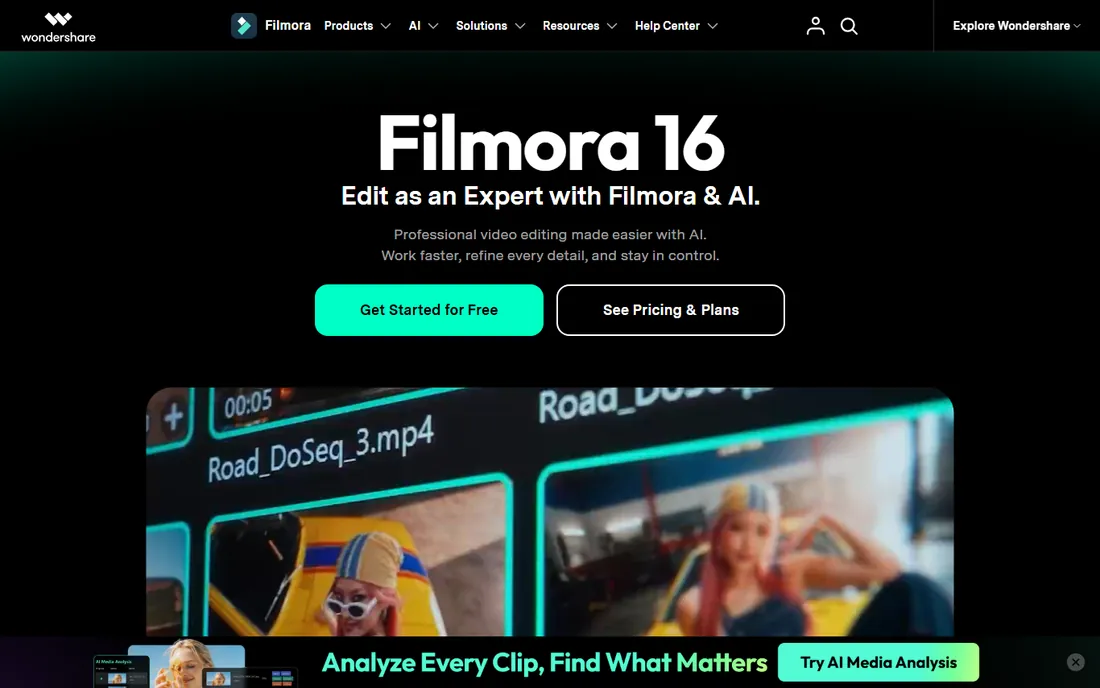
Filmora targets the beginner willing to pay a little for polish: an approachable timeline, thousands of templates, transitions and effects, plus AI helpers for captions and cuts. It sits between CapCut's simplicity and Premiere's depth.
The trial exports with a watermark, so testing the full experience costs money. Filmora fits beginners who want guided creativity and a big asset library without a professional learning curve.
What we like- Friendly interface with drag-and-drop effects
- Large template and asset library
- AI tools for captions and editing assistance
Watch out for- Free trial watermarks exports
- Subscription pricing adds up
- Effects packs can feel gimmicky
#6
Adobe Premiere Pro
Best for: Industry standard when you outgrow basics
Visit adobe.com
Starting priceSee website
Free planNo
Premiere Pro is where many YouTubers eventually land: the industry-standard timeline, deep color and audio, and integration with the Creative Cloud apps creators use for thumbnails and graphics. The tutorial ecosystem means any question has an answer.
Beginners should not start here; the complexity slows early output and the subscription bills from day one. Premiere Pro fits creators with growing channels who have outgrown free editors and want the professional toolset.
What we like- The professional standard with unmatched ecosystem
- Integrates with After Effects, Photoshop and Audition
- Endless tutorials and templates
Watch out for- Subscription pricing
- Overwhelming for beginners
- Demanding hardware requirements
#7
Final Cut Pro
Best for: One-time purchase for Mac creators
Visit apple.com
Starting priceSee website
Free planNo
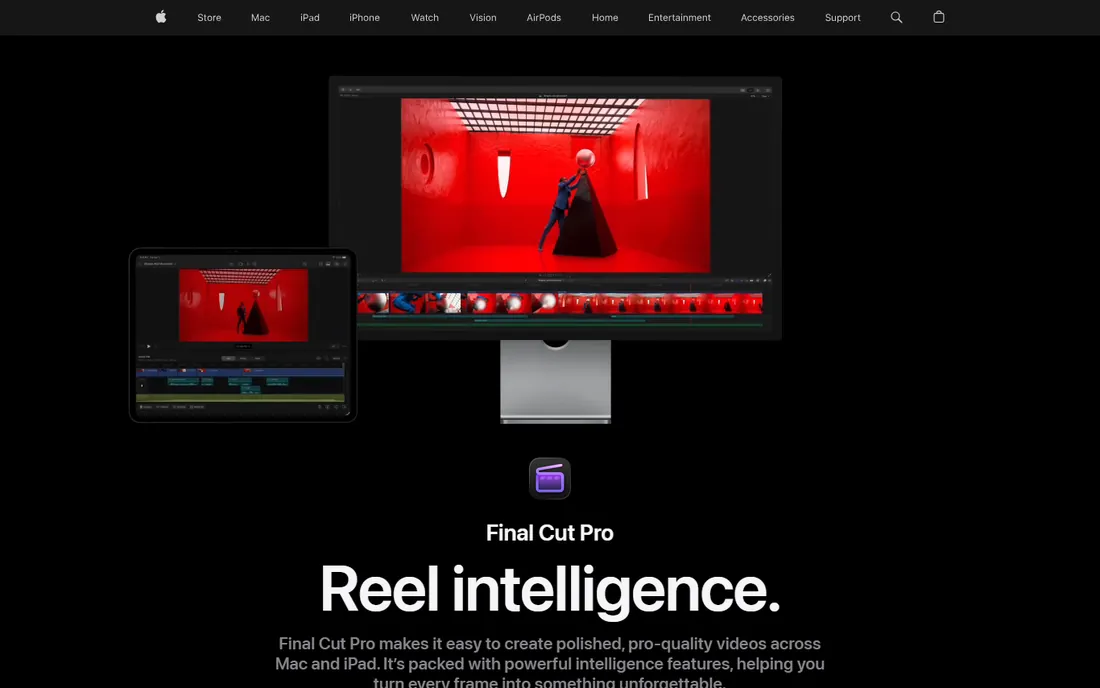
Final Cut Pro is Apple's professional editor: a one-time purchase that undercuts years of Adobe subscriptions, with performance tuned for Mac hardware. The magnetic timeline edits faster once learned, and many YouTubers swear by its speed.
It is Mac-only and the paradigm shift from track-based editing takes adjustment. Final Cut Pro fits Mac creators who want professional power without a subscription.
What we like- One-time purchase, no subscription
- Magnetic timeline speeds up editing
- Optimized for Apple silicon performance
Watch out for- Mac only
- Smaller tutorial ecosystem than Premiere
- The magnetic timeline divides opinion
Starting priceFree
Free planYes
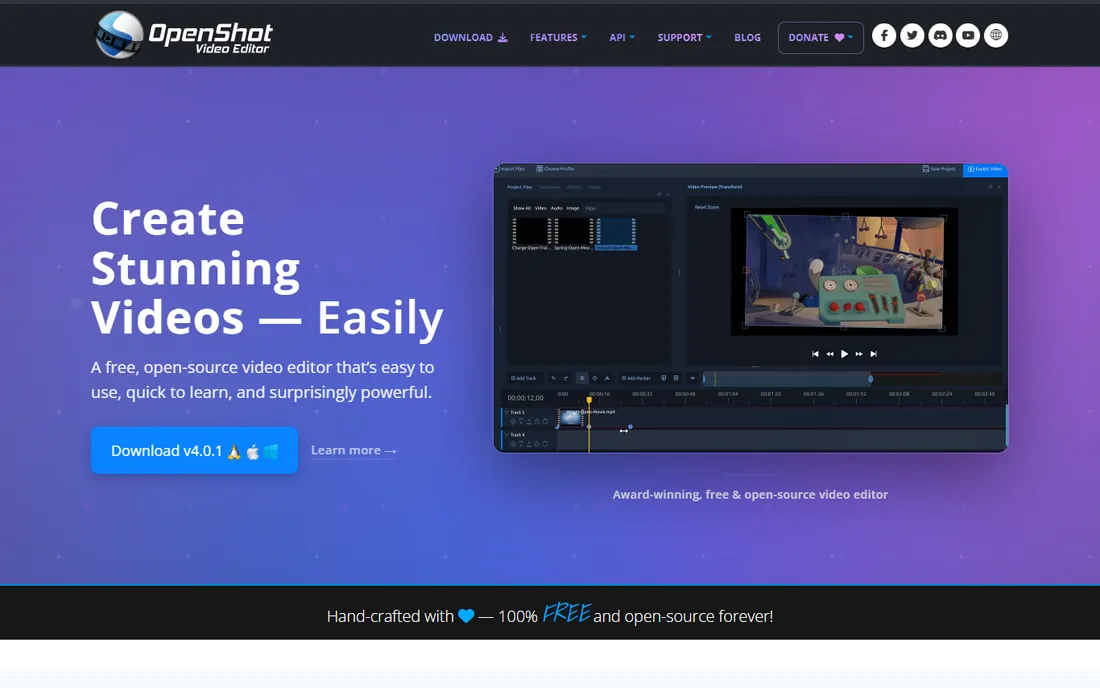
OpenShot is the open-source option: free forever, available on Windows, Mac and Linux, covering trimming, transitions, titles and basic effects. For simple talking-head videos it suffices.
It can struggle with long or complex projects, and the feature set is basic. OpenShot fits Linux users and open-source purists with modest editing needs.
What we like- Completely free and open source
- Cross-platform
- Simple enough for basic cuts, titles and transitions
Watch out for- Stability issues on large projects
- Limited advanced features
- Smaller community than the leaders
What to check before you buy
Start with your device. Apple users get iMovie free; Windows users get Clipchamp; everyone gets CapCut and DaVinci Resolve. Do not buy software before you have edited ten videos in a free tool; you will not know what you need yet.
Check export quality and watermarks: free tiers that watermark or cap at 720p are trials, not tools. Verify the learning resources: YouTube tutorials exist for all eight, but depth varies enormously. Consider your content type: talking-head vlogs need little; cinematic travel videos reward DaVinci's color; fast meme edits favor CapCut. Finally, weigh subscription versus one-time pricing over two years before committing to paid plans.
A beginner editing workflow that works
New editors fail by starting at the timeline. Professionals start before it. This workflow, in order, is what actually produces finished videos.
Organize first. Create a project folder with subfolders: footage, audio, music, graphics, exports. Rename files descriptively as you import (not "clip_0047.mp4" but "intro-talking-head-take2.mp4"). An hour of organization saves three hours of hunting later, and every professional editor does this without exception.
Assemble the story before polishing. Lay down the full structure with rough cuts: hook, main sections, call to action. Watch it through and ask only one question: does the story work? If not, no amount of color grading fixes it. Beginners polish too early; the fix is to stay ugly until the structure is right.
Edit audio before video finesse. Viewers forgive mediocre visuals; they abandon bad audio. Level your voice track, remove background noise, add music at a level that supports rather than competes (around 20 decibels under dialogue is the starting point). If you do nothing else to a video, clean audio doubles its perceived quality.
Cut ruthlessly, then cut again. Your first cut is always too long. Remove every "um," every repeated point, every tangent. The test: if removing a section changes nothing, it should not be there. Aim for a pace where something meaningful happens every fifteen to thirty seconds.
Add graphics and text last. Titles, lower thirds, b-roll and captions come after the edit is locked. Captions deserve emphasis: most YouTube viewing happens on phones, often muted, and captioned videos retain significantly better.
Export with a checklist. Watch the full export once at normal speed before uploading, checking audio sync, text spelling and the first five seconds (the hook decides everything). Render a master file, then the platform upload. The pre-upload watch catches the typo in the title card that would otherwise live forever.
How we chose
We selected video editors with real beginner adoption and workable free or low-cost entry points, covering mobile, desktop and browser options, using vendor sites, documentation and public reviews. Prices are listed as See website where we could not verify a current figure on the vendor's own pricing page. We did not render test projects.
Frequently asked questions
What is the best free video editor for YouTube?
CapCut for speed and simplicity, DaVinci Resolve for professional depth. Both are genuinely free without watermarks, and they suit different temperaments: shippers versus craftspeople.
Do I need a powerful computer to edit YouTube videos?
For 1080p editing in CapCut, iMovie or Clipchamp, any modern laptop works. DaVinci Resolve and Premiere Pro benefit from more RAM and a decent GPU, especially for 4K.
Should beginners learn Premiere Pro right away?
Usually not. Learn editing fundamentals in a free tool first; the concepts transfer. Move to Premiere when paying work or channel growth justifies the subscription and learning investment.
What resolution should I export for YouTube?
1080p is the practical minimum; 4K helps future-proof popular videos and gives YouTube's compression more data to work with. All eight tools export at least 1080p.
How important are auto captions?
Very. Most viewers watch with sound off at least sometimes, and captions boost retention and accessibility. CapCut, Clipchamp and Filmora all generate them automatically.
Can I edit YouTube videos on my phone?
Yes. CapCut's mobile app is the standout, and iMovie on iPhone is capable for basic vlogs. Phone editing suits short-form and simple videos; longer projects are easier on desktop.
How long does it take to learn video editing as a beginner?
Expect to produce your first decent video within a weekend of focused practice, and to feel comfortable within a month of regular editing. The learning curve is mostly about workflow habits (organization, audio, pacing) rather than software features. Most beginners improve fastest by finishing and publishing videos, not by watching more tutorials.
Sources we checked (8)
- https://www.capcut.com
- https://www.blackmagicdesign.com/products/davinciresolve/
- https://www.apple.com/imovie/
- https://clipchamp.com
- https://filmora.wondershare.com
- https://www.adobe.com/products/premiere.html
- https://www.apple.com/final-cut-pro/
- https://www.openshot.org
Is your product missing or out of date?
We review this list regularly. Vendors can request a listing, send updated pricing or ask about featured placement.

Shihab Mia · Founder, Rankite
Shihab has 5+ years in B2B and SaaS SEO. He writes Rankite's software buying guides from pricing pages, documentation and public user reviews. More about Shihab.