How we make this list: we compare pricing pages, product documentation and public user reviews. Rankite is independent; if a vendor ever pays for a featured spot, that listing is clearly labeled Partner.
Key takeaways
- The cheapest serious starting point is free: DaVinci Resolve (free, no watermark) and CapCut (free tier) cover most vlogging needs without spending anything.
- Mac vloggers get the best value from Final Cut Pro at $299.99 one-time, while Windows vloggers on a budget should look at Filmora ($61.99/year) or Movavi ($64.95/year).
- Short-form creators editing for TikTok, Reels and Shorts will move fastest in CapCut; long-form YouTube vloggers need a real timeline editor like Premiere Pro, Final Cut or Resolve.
- Camtasia ($39/year Starter) is the pick for tutorial and talking-head vloggers who record their screen; PowerDirector's free Essential version is worth trying before paying.
Quick comparison
| Tool | Best for | Starting price | Free plan |
|---|
 Adobe Premiere Pro Adobe Premiere Pro | Vloggers who want the industry-standard editor | See website (Adobe does not publish the single-app price in its page text) | Free trial |
 Final Cut Pro Final Cut Pro | Mac-based vloggers who want a one-time purchase | $299.99 one-time | No (30-day trial available through the Apple Creator Studio subscription) |
 DaVinci Resolve DaVinci Resolve | Budget vloggers who want pro-level color tools | Free (paid Studio version also available; see website) | Yes |
 Filmora Filmora | Beginner vloggers who want templates and effects | $61.99/year (Annual plan; Monthly $19.99/month; Perpetual $89.99 one-time) | Free version (exports carry a watermark) |
 CapCut CapCut | Short-form creators on TikTok, Reels and Shorts | $19.99/month (Pro; $179.99/year) | Yes |
 Movavi Video Editor Movavi Video Editor | Vloggers who want simple drag-and-drop editing | $64.95/year (1-year subscription; monthly option $19.95/month) | Free version (watermark and export limits) |
 Camtasia Camtasia | Tutorial and talking-head vloggers | $39/year (Starter; Essentials $179.88/year for the full editor) | Free trial |
 PowerDirector PowerDirector | Vloggers who want AI-assisted editing | See website (CyberLink's store price was not extractable from its pages) | Yes (PowerDirector Essential is free with no time limit) |
 VEGAS Pro VEGAS Pro | Windows vloggers who want a fast timeline | See website (price not shown in the vendor's page text) | Free trial (15 days, full access) |
Is your product missing or out of date?
We review this list regularly. Vendors can request a listing, send updated pricing or ask about featured placement.
The best video editing software for vloggers
Most vloggers do not need the most powerful editor. They need the editor they will actually open every day, one that exports fast, handles their camera's footage without stuttering, and does not punish them for learning as they go. A $300 one-time purchase beats a $23 monthly subscription if you edit weekly for three years, and a free editor beats both if it covers your format. These nine editors cover the real options, from free to pro, with the pricing worked out.
#1
Adobe Premiere Pro
Best for: Vloggers who want the industry-standard editor
Visit adobe.com
Starting priceSee website (Adobe does not publish the single-app price in its page text)
Free planFree trial
Premiere Pro is the default answer for a reason: if you ever hire an editor, collaborate with one, or follow advanced tutorials, they will be in Premiere. The timeline is fast once learned, proxy workflows handle 4K from mirrorless cameras well, and the ecosystem (After Effects for motion graphics, Audition for audio cleanup, Frame.io for review) is unmatched. Adobe's page confirms a free trial is available before you commit.
The honest catch is the rental model. You never own Premiere, and the price adds up over years of vlogging. It is also the most demanding editor here on hardware: 16GB of RAM is the realistic minimum, and older machines will struggle with H.265 footage. If you edit daily and plan to grow a team or outsource editing, it is worth it. If you post twice a month, a cheaper tool will do.
What we like- The editor most collaborators and freelance editors already know, so project sharing is easy
- Deep integration with After Effects, Audition and Photoshop for thumbnails and motion graphics
- Constant updates with new AI features
Watch out for- Subscription-only with no perpetual license, so the cost never ends
- Heavier system requirements than simpler editors, which matters on older laptops
#2
Final Cut Pro
Best for: Mac-based vloggers who want a one-time purchase
Visit apple.com
Starting price$299.99 one-time
Free planNo (30-day trial available through the Apple Creator Studio subscription)
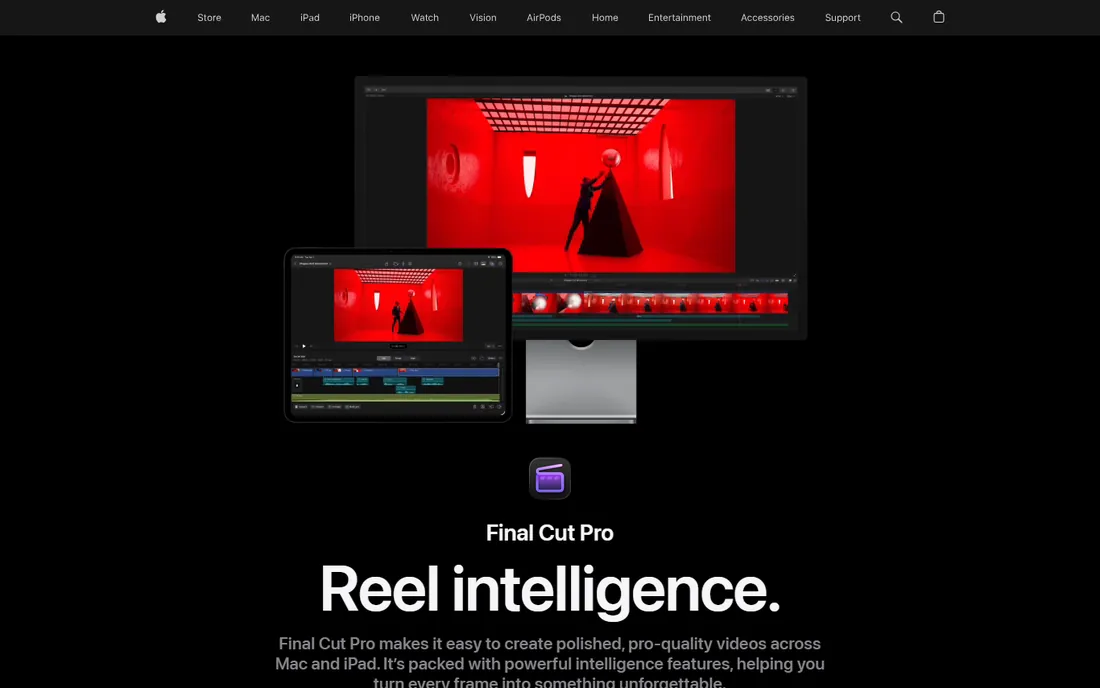
Final Cut Pro is the best value in pro editing if you are on a Mac. Apple sells it as a $299.99 one-time purchase on the Mac App Store, and it keeps getting updated without a subscription. The magnetic timeline divides opinion, but for vlog-style assembly (A-roll, B-roll, music, captions) it is genuinely faster than a traditional track-based timeline. On Apple silicon it exports H.264 and HEVC remarkably fast.
The catch is the platform lock-in. If you ever switch to Windows, your projects do not come with you, and finding a Final Cut editor for hire is harder than finding a Premiere editor. Apple also sells it inside the Apple Creator Studio subscription ($12.99/month), but the one-time purchase remains available and is the better deal for anyone editing long-term.
What we like- One-time purchase with free updates, so the lifetime cost is the lowest of any pro editor
- Magnetic timeline makes assembly edits unusually fast
- Optimized for Apple silicon, so it flies on MacBooks
Watch out for- Mac-only, which locks out Windows collaborators
- Smaller tutorial and template ecosystem than Premiere
Starting priceFree (paid Studio version also available; see website)
Free planYes
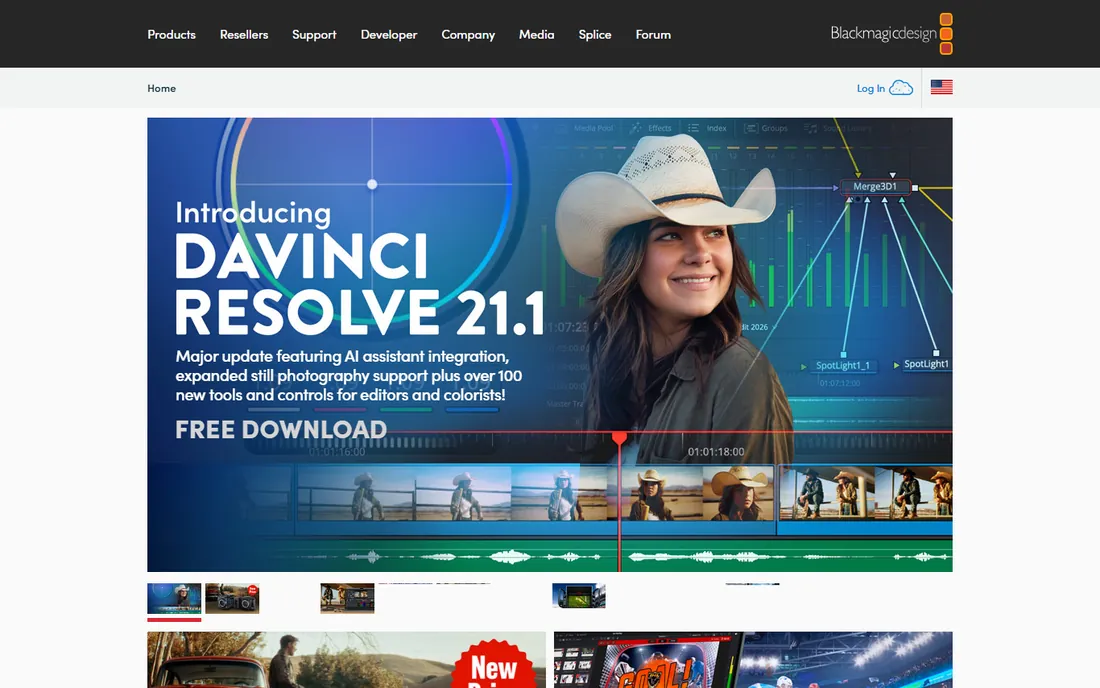
DaVinci Resolve is the rare free product with no catch that matters for vlogging. Blackmagic's own site offers it as a free download, and the free version edits, grades, mixes audio and delivers without watermarks. The color page alone is better than what most paid editors offer, which shows in the final look of your videos. Version 21 added a photo page and more AI tools, and the cut page is designed for fast turnaround work.
The catch is complexity. Resolve was built for post-production houses, and the node-based color page and Fusion effects page will confuse a beginner. The paid Studio version (one-time purchase) adds the full AI toolset and some effects, but most vloggers never need it. If you are willing to spend a weekend learning, this is the most editor you can get for zero dollars.
What we like- The free version is a complete editor with no watermark and no time limit
- Hollywood-grade color grading tools included free
- Regular major updates from Blackmagic
Watch out for- Steeper learning curve than Filmora or CapCut
- Some AI tools and effects are gated behind the paid Studio version
Starting price$61.99/year (Annual plan; Monthly $19.99/month; Perpetual $89.99 one-time)
Free planFree version (exports carry a watermark)
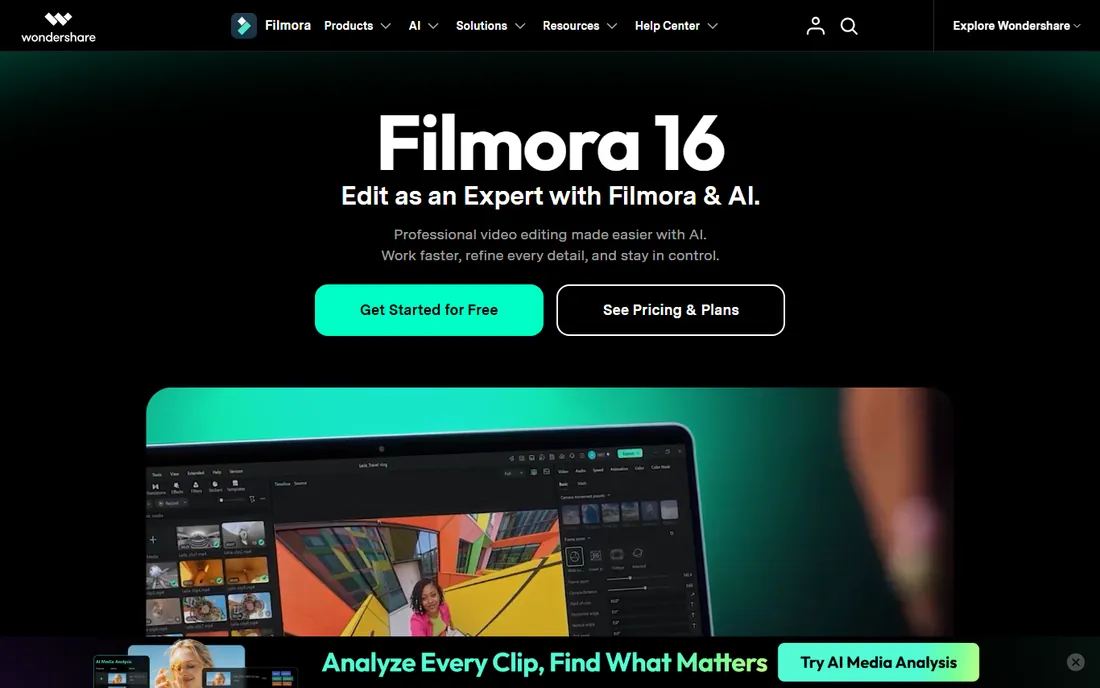
Filmora is built for the vlogger who wants to look good on day one. Wondershare's own store lists the Annual plan at $61.99/year, with a Monthly option at $19.99 and a Perpetual one-time license at $89.99. The template and effects library is the real product: drag-and-drop intros, transitions and title packs that would take hours to build manually. AI captions and background removal work well enough for talking-head videos.
The catch is the upsell structure. The base plan's AI credits are limited, and the full creative-asset library is a separate add-on. The free version lets you edit fully but stamps a watermark on exports. At $61.99/year it is still cheaper than most subscriptions, and the perpetual license is a genuine alternative to renting.
What we like- Large library of templates, effects and titles that make videos look polished fast
- AI features (captions, background removal) included
- Perpetual license option for buyers who hate subscriptions
Watch out for- The free version watermarks exports, so it is a trial in practice
- AI credits and premium asset packs cost extra on top of the subscription
#5
CapCut
Best for: Short-form creators on TikTok, Reels and Shorts
Visit capcut.com
Starting price$19.99/month (Pro; $179.99/year)
Free planYes
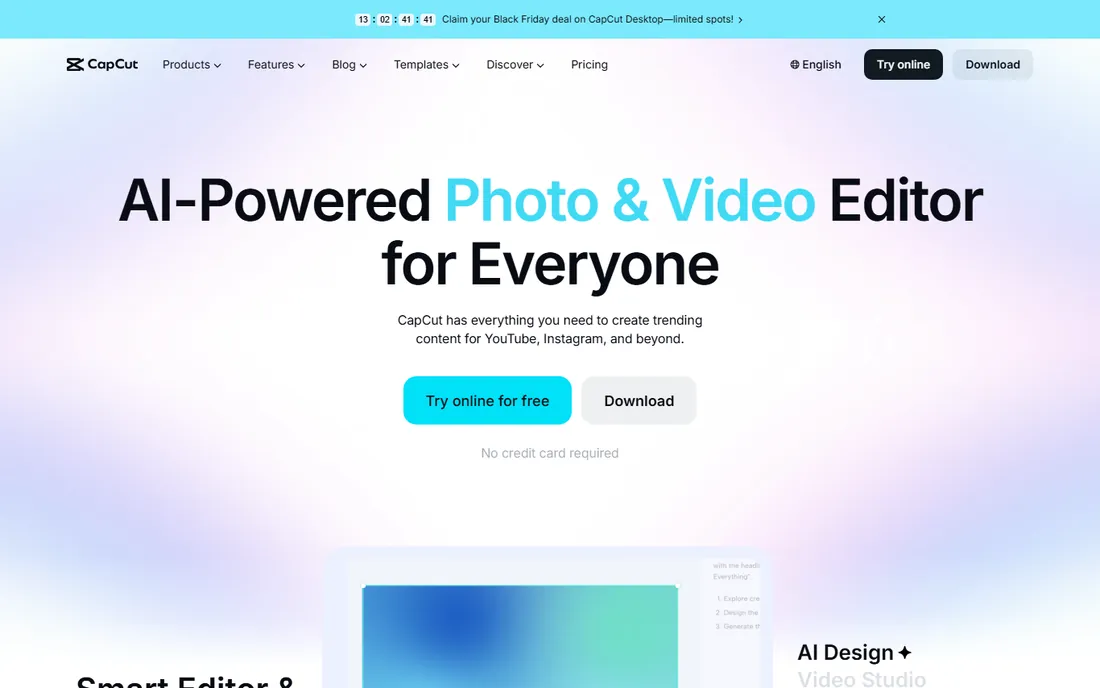
CapCut owns short-form vlogging because it was built for it. ByteDance's own site lists Pro at $19.99/month or $179.99/year, while the free tier handles full 1080p editing with templates, effects and auto-captions. The template ecosystem tracks trends fast: when a format blows up on TikTok, the template is in CapCut within days. For talking-head Shorts and Reels, nothing is quicker.
The catch is the ceiling. Long-form YouTube editing in CapCut is possible but clumsy next to a real NLE, and 4K export requires Pro. Prices also vary by region and app store, so check the web checkout before subscribing on mobile. If your content is vertical and under three minutes, start here and do not overthink it.
What we like- The fastest path from phone footage to a posted vertical video
- Generous free tier covers 1080p editing
- Auto-captions and trending templates built in
Watch out for- Pro features and 4K export sit behind the subscription
- Desktop version is less capable than the mobile app for some workflows
#6
Movavi Video Editor
Best for: Vloggers who want simple drag-and-drop editing
Visit movavi.com
Starting price$64.95/year (1-year subscription; monthly option $19.95/month)
Free planFree version (watermark and export limits)
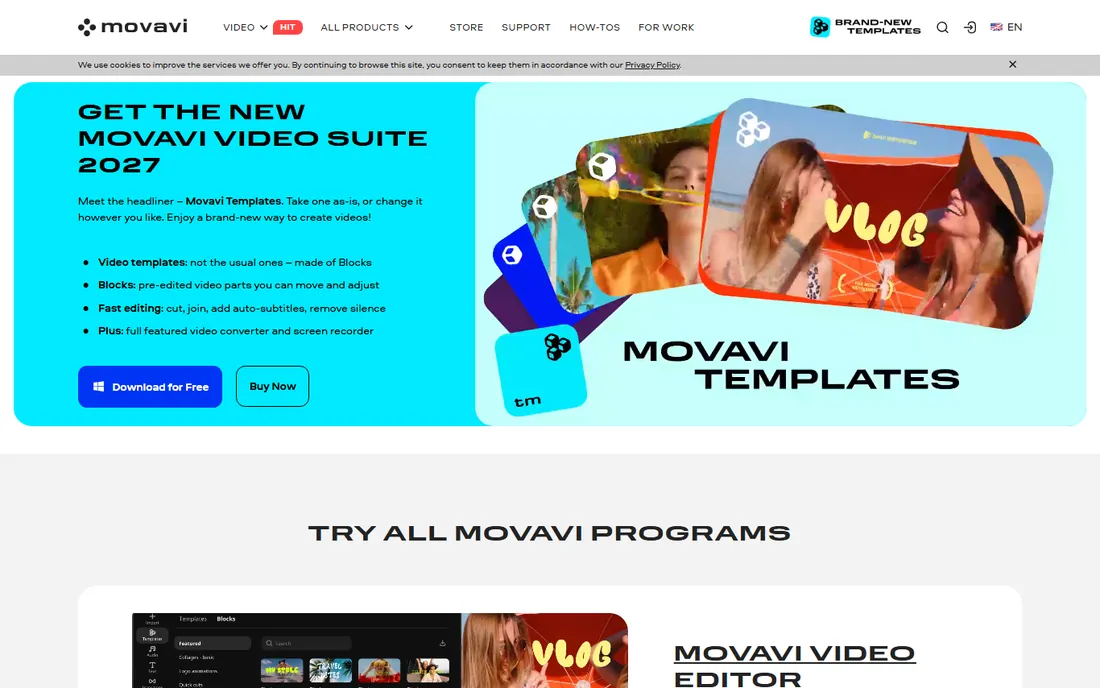
Movavi is the editor for vloggers who find Premiere intimidating and CapCut too phone-centric. Its own store lists the 1-year subscription at $64.95, with a $19.95 monthly option. The interface is drag-and-drop simple: cut, titles, transitions and color tweaks without a manual. AI subtitles and background noise removal are one click, which covers the two most common vlogger needs.
The catch is the free version's limits (watermarked exports, length restrictions), so treat it as a trial. The effects library beyond the basics is a paid add-on. At $64.95/year it sits between Filmora and the pro tools on price, and it is the least demanding of a beginner's time.
What we like- Genuinely easy interface that a non-editor learns in an afternoon
- One-click AI tools for subtitles and noise removal
- Lightweight enough for modest PCs
Watch out for- The free version watermarks exports and limits video length
- Effect packs cost extra
Starting price$39/year (Starter; Essentials $179.88/year for the full editor)
Free planFree trial
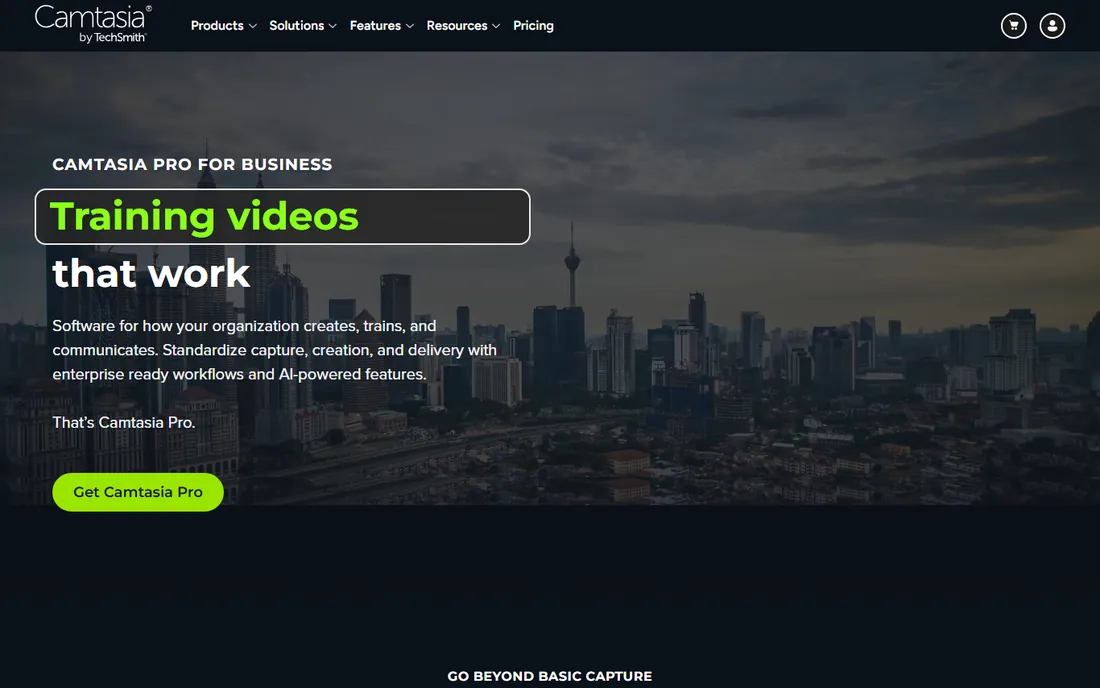
Camtasia is the vlogger's pick when the screen is the star. TechSmith's own store prices it from $39/year for Starter, with Essentials at $179.88/year for the full editor. Recording your screen, webcam and audio on separate tracks, then cutting them in the same app, is a workflow no general editor matches. Annotations, callouts and quizzes are built for teaching, which is exactly what tutorial vloggers do.
The catch is scope. This is not the editor for travel vlogs or cinematic B-roll; the color and effects tools are basic next to Premiere or Resolve. Starter's watermarked exports push most serious users to Essentials. If your channel is tutorials, software demos or online courses, it pays for itself. Otherwise, look elsewhere.
What we like- Screen recording and editing in one app, purpose-built for tutorials
- Annotations, quizzes and captions aimed at educators
- Stable and predictable for talking-head formats
Watch out for- Starter tier watermarks editor exports
- Not built for cinematic color or complex effects work
Starting priceSee website (CyberLink's store price was not extractable from its pages)
Free planYes (PowerDirector Essential is free with no time limit)
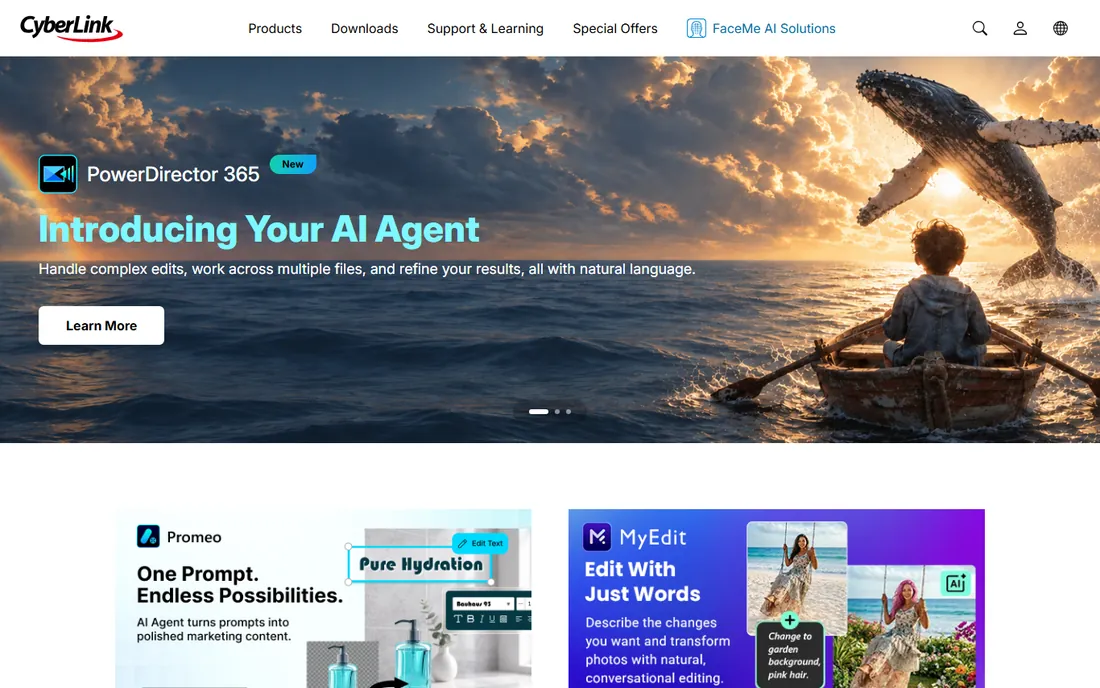
PowerDirector is the AI-forward option. CyberLink's own site confirms a 100% free Essential version with no time limits, covering core editing and basic AI features. The paid 365 subscription adds the full AI suite: describe-the-edit agentic tools, object removal, auto-reframe for vertical formats, and a large Getty-powered stock library. For vloggers who want AI to do the tedious work, it is the most aggressive implementation here.
The catch is pricing transparency: the 365 subscription price is not shown in the page text we could extract, so check CyberLink's store before comparing. AI video generation also consumes credits, which is a separate meter to watch. Try the free Essential version first; it is genuinely usable, not a demo.
What we like- Free Essential version with no time limit for trying the full workflow
- Strong AI toolkit (object removal, auto-reframe, background removal)
- Large royalty-free stock library included
Watch out for- Paid 365 subscription price is hard to pin down without visiting the store
- Some advanced AI features consume credits
Starting priceSee website (price not shown in the vendor's page text)
Free planFree trial (15 days, full access)
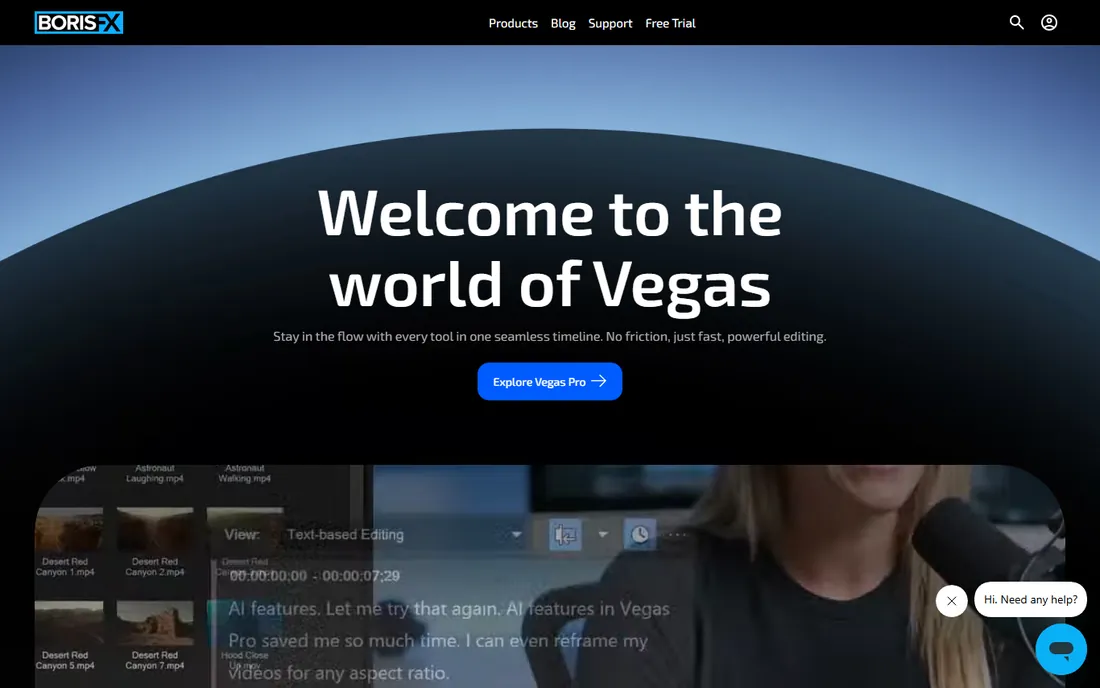
VEGAS Pro is the veteran Windows editor, now under Boris FX. Its own site confirms a free 15-day trial with full access to all features. The timeline is famously fast for assembly editing, and the audio toolset (multitrack mixing, effects) is deeper than most video editors offer, which matters for vloggers who care about sound. Text-based editing and AI masking are included in current versions.
The catch is opacity: the price is not shown in the vendor's page text, so "see website" is the honest listing until you open the store. It is also Windows-only, which rules out Mac-based teams. If you edit on Windows and want a traditional NLE without Adobe's subscription, the trial is worth 15 days of your time.
What we like- Fast, fluid timeline that longtime editors swear by
- Strong audio tools inherited from its Sonic Foundry roots
- Flexible subscription and perpetual options
Watch out for- Windows-only
- Pricing is not published in the page text, so you must visit the store to compare
How we chose
We started with the searches vloggers actually run: video editing software for vloggers, best editor for YouTube beginners, and editing apps for TikTok creators. For each candidate we opened the vendor's own site, checked the pricing or store page for current prices, and confirmed the free plan or trial terms from the vendor's own text. Where a price could not be verified on the vendor's page we wrote "See website" rather than guessing. We favored editors with a real vlogging workflow (fast exports, captions, templates, vertical formats) over pure pro tools with no creator features.
What to check before you pick an editor
Match the editor to your format first. Vertical short-form (TikTok, Reels, Shorts) belongs in CapCut or a mobile-first tool; the templates and auto-captions will save you hours weekly. Long-form YouTube (10+ minutes, B-roll, color work) needs a real timeline: Premiere Pro, Final Cut Pro or DaVinci Resolve. Tutorial and talking-head channels should weigh Camtasia's screen-recording workflow against a general editor.
Then check the hardware math. Premiere Pro and DaVinci Resolve want 16GB of RAM and a discrete GPU for 4K; Filmora, Movavi and CapCut run on modest machines. If your laptop stutters on H.265 footage, either shoot in an easier codec or pick a lighter editor, because no feature set fixes a timeline that drops frames.
Finally, model the three-year cost, not the sticker price. A $299.99 one-time purchase (Final Cut Pro) or a free editor (Resolve, CapCut free tier) beats a $20/month subscription if you edit for years. Subscriptions make sense when you need constant updates or collaborate with subscribers. Vloggers who post weekly should do this math; vloggers who post monthly can start free and upgrade when the channel earns.
Free versus paid: where the line really sits
The free tier is not the same product across these editors, and the difference decides whether "free" is usable. DaVinci Resolve's free version is the full editor minus some AI tools and effects: no watermark, no export limits. CapCut's free tier covers 1080p fully but gates 4K and premium assets. PowerDirector Essential is free with no time limit but restricts advanced AI and some export options. Filmora and Movavi's free versions watermark exports, which makes them trials in practice.
The practical rule: if the free version watermarks your exports, it is not a free plan, it is a demo. DaVinci Resolve, CapCut and PowerDirector Essential are the three genuinely usable free options. Start with one of them, and only pay when you hit a specific wall: 4K export, no watermark, or a feature like multicam or advanced color that the free tier lacks. Most vloggers hit that wall months in, not on day one.
Frequently asked questions
What is the best free video editing software for vloggers?
DaVinci Resolve. The free version is a complete editor with no watermark, and its color tools beat most paid software. CapCut is the best free pick for short-form vertical video, and PowerDirector Essential is a solid free Windows option.
Is Premiere Pro worth it for a beginner vlogger?
Only if you plan to stick with it. The subscription adds up, and the learning curve is real. Beginners usually grow faster in Filmora, CapCut or DaVinci Resolve, then move to Premiere if they start collaborating or need its ecosystem.
Which editor is best for YouTube vlogging on a Mac?
Final Cut Pro at $299.99 one-time. It is optimized for Mac hardware, exports fast, and the one-time price is cheaper than two years of any subscription. DaVinci Resolve free is the runner-up.
Can I edit vlogs on my phone?
Yes, and for short-form content you should. CapCut's mobile app is the standard for TikTok and Reels. For long-form YouTube videos, move to a desktop editor: phone timelines get painful past a few minutes of footage.
Do I need 4K export as a vlogger?
Not at first. Most viewing happens at 1080p on phones. Shoot in 4K if your camera supports it (it gives you room to crop and stabilize), but export in 1080p until you have a reason, like client work, to deliver 4K.
How much should a vlogger spend on editing software?
Start at zero with DaVinci Resolve or CapCut. When the channel earns, budget $60 to $100 per year (Filmora, Movavi, CapCut Pro) or $300 one-time (Final Cut Pro). Only pay for Premiere Pro or Camtasia when a specific workflow, collaboration or tutorial format demands it.
Sources we checked (9)
- https://www.adobe.com/products/premiere.html
- https://www.apple.com/final-cut-pro/
- https://www.blackmagicdesign.com/products/davinciresolve
- https://filmora.wondershare.com/store/buy-filmora-video-editor.html
- https://www.capcut.com/resource/capcut-standard-vs-pro
- https://www.movavi.com/store/
- https://www.techsmith.com/store/camtasia
- https://www.cyberlink.com/products/powerdirector-video-editing-software/overview
- https://www.vegascreativesoftware.com/vegas-pro/
Is your product missing or out of date?
We review this list regularly. Vendors can request a listing, send updated pricing or ask about featured placement.

Shihab Mia · Founder, Rankite
Shihab has spent more than a decade helping SaaS and e-commerce brands grow through search. He writes Rankite's software buying guides from pricing pages, documentation and public user reviews. More about Shihab.