How we make this list: we compare pricing pages, product documentation and public user reviews. Rankite is independent; if a vendor ever pays for a featured spot, that listing is clearly labeled Partner.
Key takeaways
- For most people, the choice comes down to 4K Video Downloader+ (polished interface, one-time license) versus SnapDownloader (from $7.99/month, 900+ sites, built-in trimmer).
- YTD Video Downloader has the most generous free tier: genuinely free forever downloads up to 1080p, with paid plans adding 4K and 8K.
- JDownloader and ClipGrab cost nothing and handle the heavy lifting (batch queues, playlists), but expect a learning curve and a dated interface.
- Download only videos you have the right to save. Every tool here is for personal, lawful use, and platform rules change often, so pick vendors that update frequently.
Quick comparison
Is your product missing or out of date?
We review this list regularly. Vendors can request a listing, send updated pricing or ask about featured placement.
The best video downloader software
Starting priceSee website
Free planFree
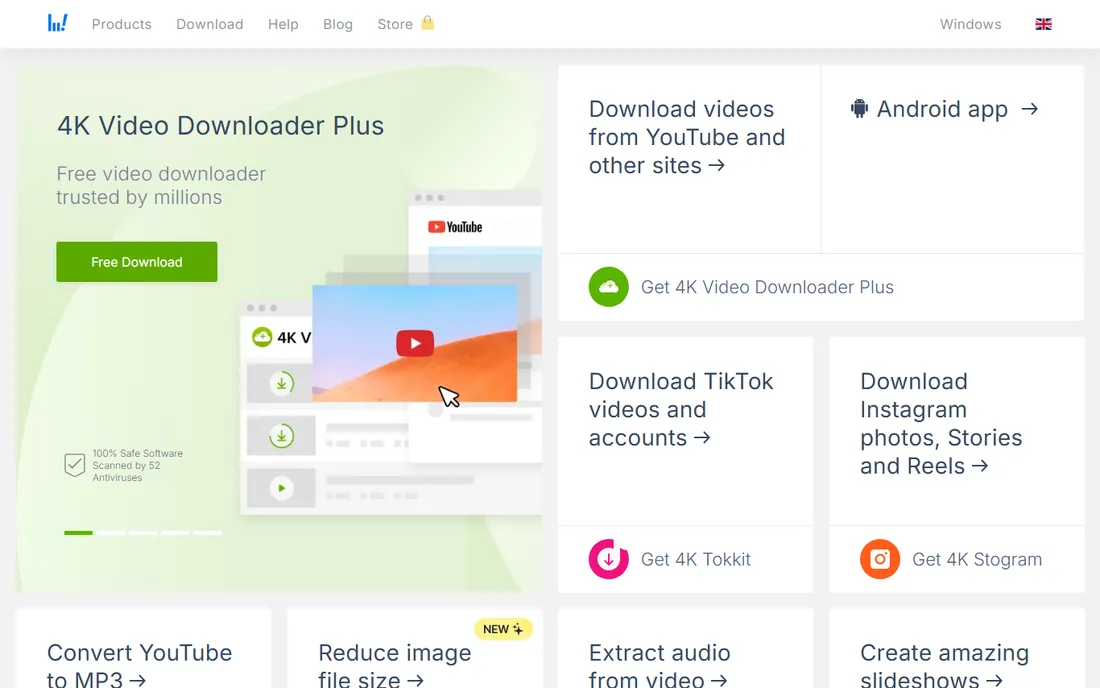
4K Video Downloader+ is the tool most people picture when they think of a video downloader. Paste a link, pick a quality, done. Smart Mode remembers your preferred format and quality so repeat downloads take a single click. It handles entire YouTube playlists and channels, grabs subtitles, and pulls 3D and 360-degree videos too.
The free tier covers casual use but limits how many videos you can download per day. The paid license removes those caps and is sold as a one-time purchase rather than a subscription, which is increasingly rare in this category. Third-party roundups cite around $45 for the personal license, but verify on the vendor's pricing page before buying.
The honest catch applies to every downloader here: YouTube changes its site regularly, and each change can break downloading until the vendor ships an update. 4K Download has a good track record of fast fixes, which is part of what you pay for.
What we like- Clean interface with Smart Mode for one-click downloads
- Downloads playlists, channels and subtitles
- Supports 4K and 8K quality
Watch out for- Free version caps daily downloads
- The vendor's site was unreachable during our check, so confirm pricing on the live page
- YouTube changes occasionally break features until an update ships
Starting price$7.99/month
Free planFree trial (48 hours)
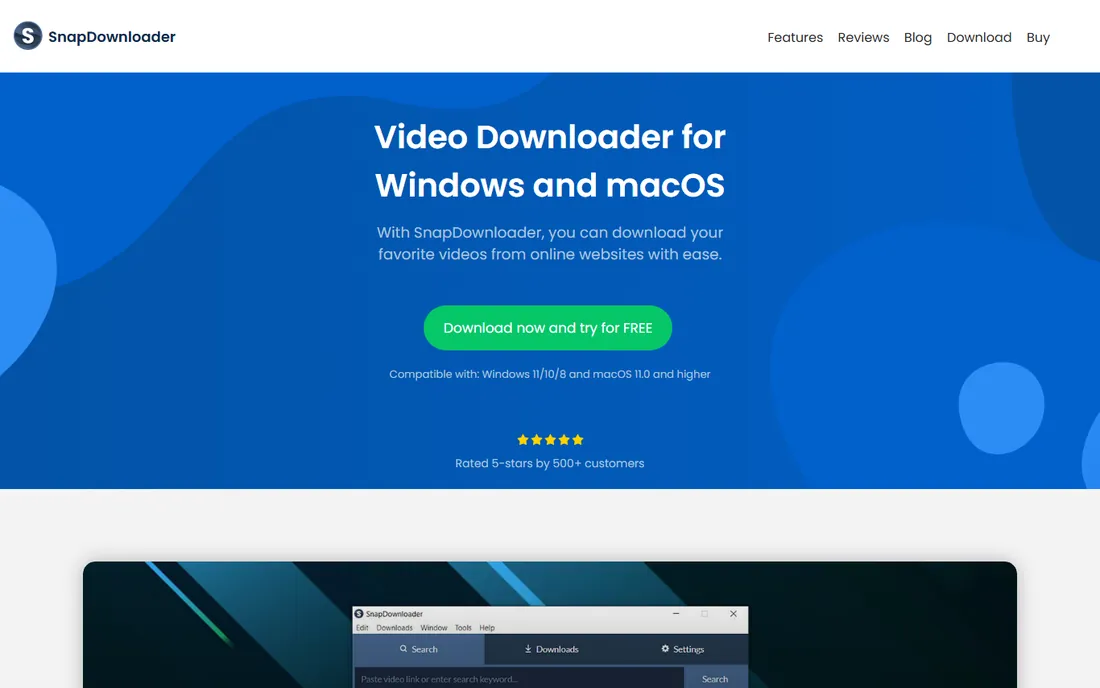
SnapDownloader is the feature king of this list. It downloads from more than 900 sites, supports resolutions up to 8K, and bundles tools the others sell separately: a video trimmer for cutting clips before download, batch queueing, scheduled downloads for off-peak hours, and proxy settings for region-blocked content. It runs on Windows and macOS.
Pricing starts at $7.99 per month, and you get a 48-hour free trial with no payment required. That trial is genuinely useful but short, so go in with a test list ready: try a playlist, a 4K video, an MP3 extraction and the trimmer before the clock runs out.
The tradeoff is complexity and cost. If you download a few videos a month, this is more tool than you need. If you archive content regularly across many sites, the breadth justifies the subscription.
What we like- Supports 900+ websites and up to 8K resolution
- Built-in video trimmer
- Batch downloads, scheduling and proxy support
Watch out for- Subscription pricing adds up
- The 48-hour trial is short for evaluation
- Interface packs in a lot, which can overwhelm beginners
Starting priceFree
Free planFree
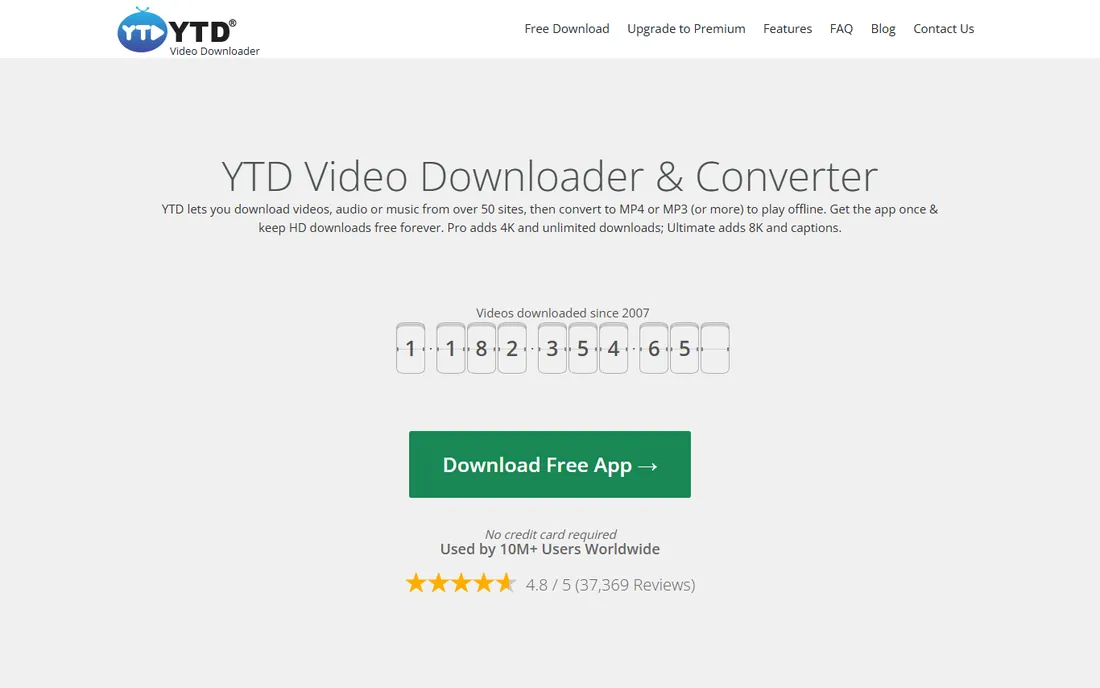
YTD is the old guard of video downloaders, and its pricing page is refreshingly honest. The free plan is free forever: HD downloads up to 1080p, MP3 extraction and format conversion, supported by ads and capped at 95 KB/s with one download per session. For occasional use, that is enough.
Paid plans remove the friction in steps. Lite ($6.99/month or $35.88/year) raises speeds and limits. Pro ($9.99/month or $47.88/year) adds 4K, unlimited downloads and playlist grabbing. Ultimate ($12.99/month or $71.88/year) uncaps speed entirely and adds 8K plus subtitles. Every paid plan carries a 30-day money-back guarantee.
The catch is the speed cap on free, which makes large files painful. YTD is the best free starting point on this list, and the upgrade path is clear when you outgrow it.
What we like- Free forever plan with HD downloads up to 1080p
- Paid tiers clearly laid out
- 4.8 rating from 37,000+ reviews
- 30-day money-back guarantee on paid plans
Watch out for- Free plan caps speed at 95 KB/s and one download per session
- 4K requires Pro, 8K requires Ultimate
- The free app is ad-supported
Starting priceSee website
Free planFree
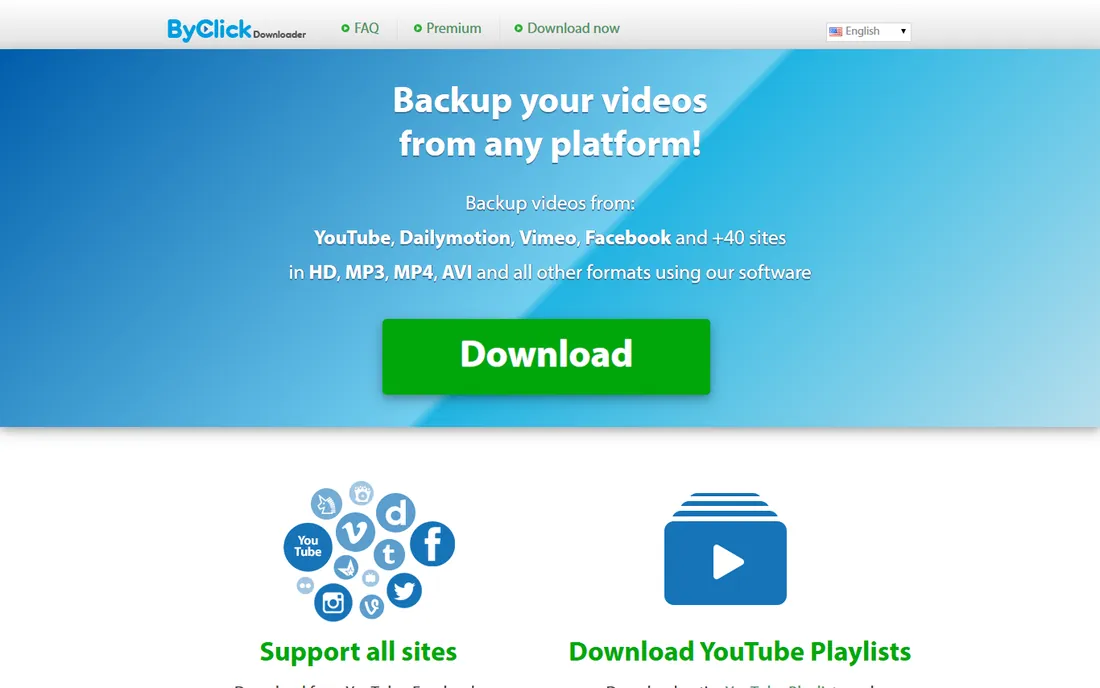
By Click Downloader wins on simplicity. Its signature feature is auto-detect: open a video in your browser and the app offers to download it, no copy-paste needed. It downloads in HD, MP4, MP3 and a dozen other formats, and one click grabs an entire playlist or channel.
It also handles the awkward cases other tools skip, like downloading private videos you have access to and age-restricted content. The interface is plain and the workflow is short, which is exactly what casual users want.
The limitation is breadth. With around 40+ supported sites, it covers the big platforms but not the long tail. If your downloading stays on YouTube, Facebook, Instagram and Vimeo, you will never notice. If you pull from niche sites, look at Allavsoft or SnapDownloader instead.
What we like- Auto-detect mode grabs videos as you browse
- Downloads full playlists and channels in one click
- Handles private and age-restricted videos you can access
Watch out for- YouTube-focused, with fewer supported sites than SnapDownloader or Allavsoft
- 8K support only on higher tiers
- Pricing details require checking the vendor page
Starting priceSee website
Free planFree trial
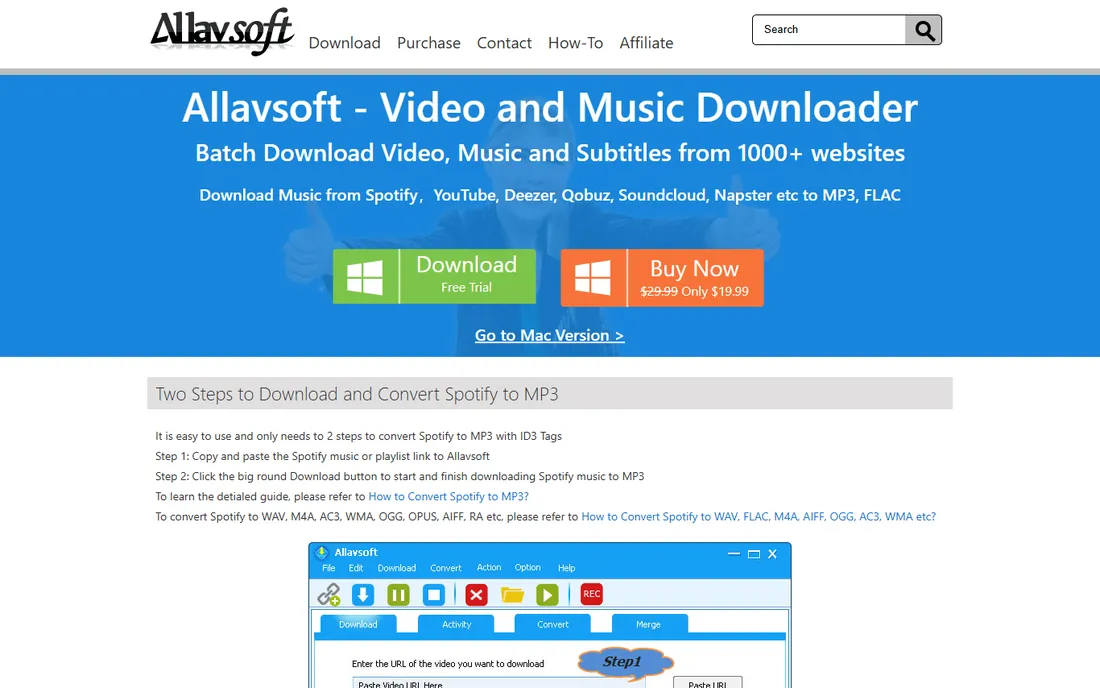
Allavsoft's pitch is coverage. Where most downloaders list the big social platforms, Allavsoft targets the long tail: course sites like Udemy and Lynda, music services like Spotify and Deezer, regional broadcasters and niche video hosts. If the site you need is not on anyone else's list, Allavsoft is worth trying.
It downloads the original source file plus subtitles in two steps, and can convert on the fly to formats from MP4 and AVI to Apple ProRes and WebM. Resolution support runs from 240p up to 8K, with 3D video included.
The tradeoff is polish. The interface feels like software from a decade ago, and you will need to check the vendor's purchase page for current pricing since it is not on the homepage. For mainstream sites the prettier tools win. For obscure ones, Allavsoft earns its place.
What we like- Claims 1,000+ supported sites including course platforms and music services
- Downloads subtitles alongside videos
- One-step download-and-convert to any format
Watch out for- Interface looks dated
- Pricing is not published on the main page
- Download speeds vary by site
Starting priceSee website
Free planFree
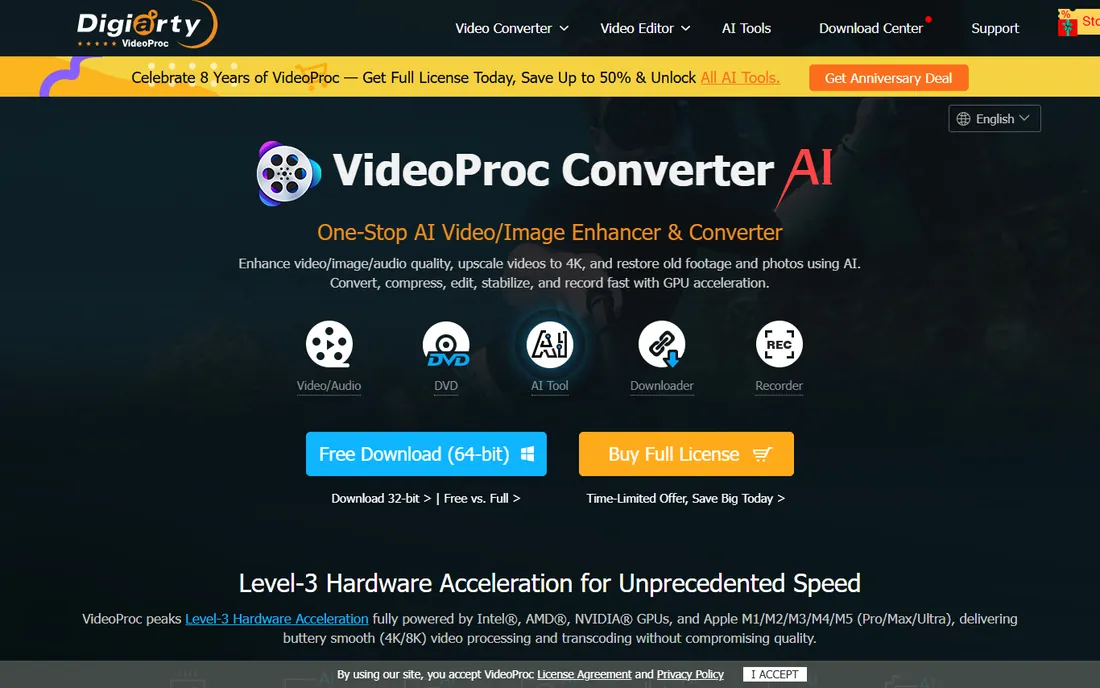
VideoProc Converter AI is not primarily a downloader. It is a complete video processing suite from Digiarty Software, and downloading is one of its components. The downloader engine supports 1,000+ video and audio sites plus 2,000+ niche sites, with batch downloads, playlist support and live stream recording.
What sets it apart is what happens after the download. Convert between 370+ input codecs and 420+ output formats, upscale old footage with AI super resolution, stabilize shaky clips, compress files by up to 90% with minimal quality loss, and record your screen. Full GPU acceleration keeps all of it fast.
Buy VideoProc when you want one app for downloading, converting and basic editing. Buy a dedicated downloader when you only ever download. The free version lets you test the workflow before committing to a license.
What we like- Full video toolkit (converter, editor, screen recorder, downloader) in one app
- GPU acceleration for fast processing
- AI upscaling and enhancement
- 5.2 million users
Watch out for- Downloading is one feature among many, not the specialty
- The full version requires a paid license
- The sheer number of features can confuse single-purpose buyers

#7
Freemake Video Downloader
Best for: Casual free downloading on Windows
Visit freemake.com
Starting priceFree
Free planFree
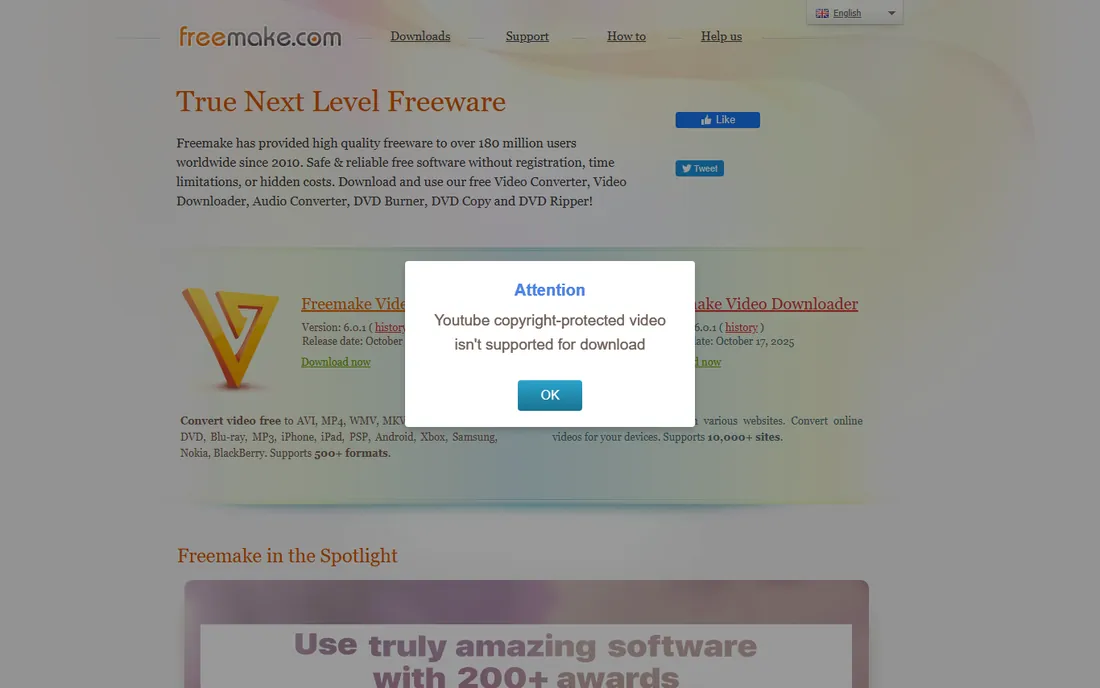
Freemake Video Downloader has been around for years and keeps things simple: paste a link, choose quality, download. It covers the major platforms and outputs to common formats, which is all most casual users need.
The free version is genuinely usable but comes with the classic freemium tradeoff: downloaded videos carry Freemake branding unless you buy the premium pack to remove it. It is also Windows-only, so Mac users should look elsewhere on this list.
One caution: the vendor's site returned an access error during our verification, so treat the URL above as best-evidence and confirm it loads before downloading anything. When free tools change hands or go stale, that is often the first sign.
What we like- Free to use
- Simple three-step workflow
- Downloads from major sites in multiple qualities
Watch out for- Windows only
- The free version adds branding to downloads unless you pay
- The vendor site blocked our verification check, so confirm availability directly
Starting priceFree
Free planFree
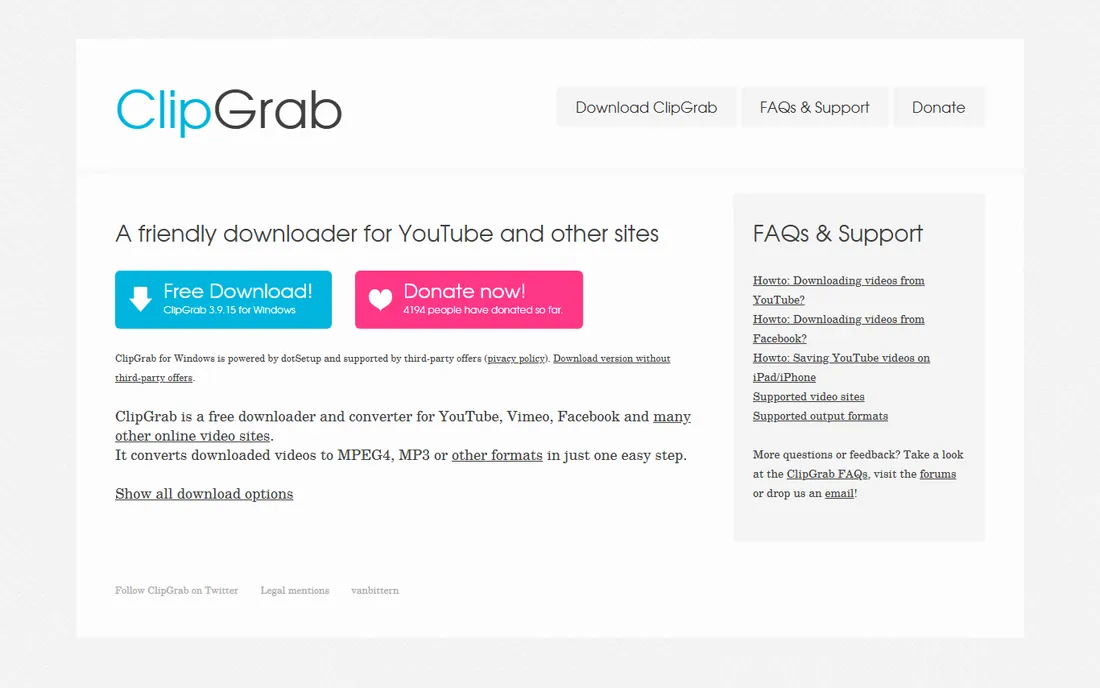
ClipGrab is the minimalist's downloader. It is small, free, and includes a built-in search function, so you can find and download videos without opening a browser at all. Downloads convert to your chosen format in the same step.
It runs on Windows, Mac and Linux, which the commercial tools here do not all match. For straightforward downloads from major sites, it does the job with minimal fuss and zero cost.
The tradeoff is maintenance. Small free tools update more slowly when platforms change their video delivery, so expect occasional dry spells after a YouTube update. And as with Freemake, the vendor site blocked our automated check, so verify the URL yourself before installing.
What we like- Completely free and lightweight
- Built-in search so you can find videos without a browser
- Converts to common formats automatically
Watch out for- Fewer supported sites than the big commercial tools
- Updates can lag behind YouTube changes
- The vendor site blocked our verification check
Starting priceFree
Free planFree
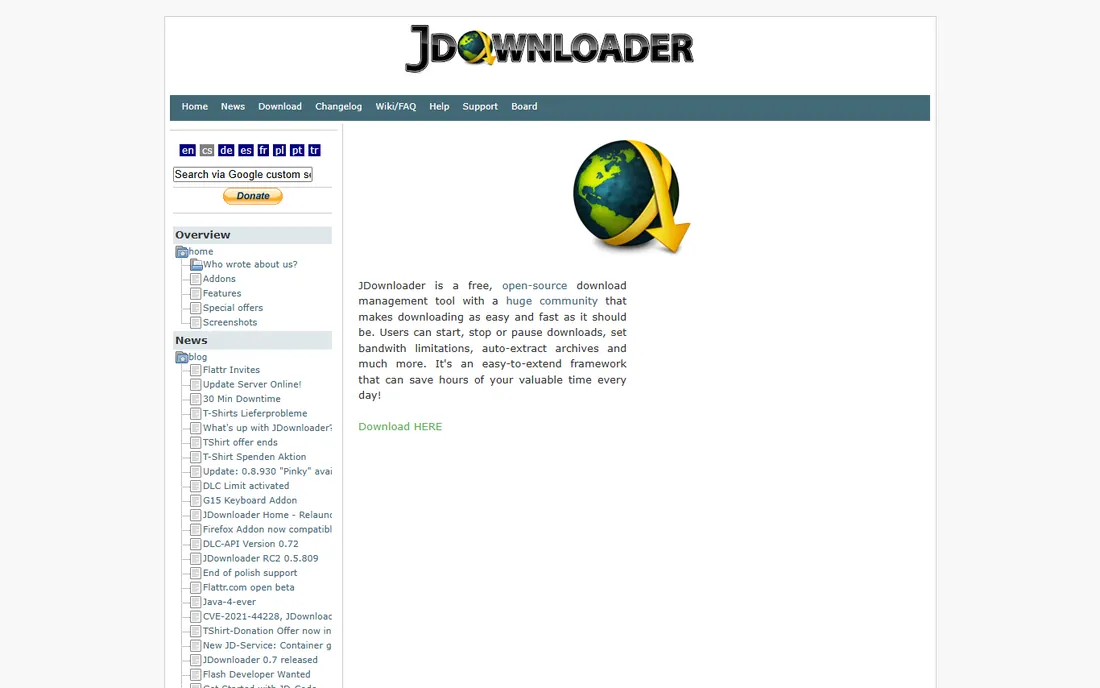
JDownloader is the power tool of free downloading. It is open source, free forever, and built for volume: paste dozens of links, and it queues, retries, extracts archives and manages bandwidth automatically. Clipboard monitoring grabs links as you copy them, and the plugin system covers an enormous range of file hosts beyond video sites.
For archiving playlists, downloading from file hosts, or managing hundreds of files, nothing free touches it. The automation features, like automatic extraction and reconnect handling, are genuinely in a different league from the consumer tools above.
The cost is usability. The Java interface looks dated, the settings run deep, and first-time setup takes patience. If you download one video a week, this is the wrong tool. If you download hundreds a month, it is the only free tool worth learning.
What we like- Completely free and open source
- Unmatched batch and automation features
- Clipboard link detection
- Huge plugin ecosystem
Watch out for- Java-based interface feels dated
- Setup takes real configuration
- Overkill for downloading a single video
How we chose
We compared the tools buyers actually search for, cross-checked against recent roundups from Guru99, EarthWeb and Medium's 2026 downloader guides, and verified each vendor's homepage and pricing page directly. We favored tools that are actively maintained in 2026, since downloaders die quickly when vendors stop updating them. Free tools earned places on real capability, not just price. Four vendor sites blocked our automated verification (4K Download, Freemake, ClipGrab, JDownloader); those URLs are our best-evidence addresses and should be confirmed in a browser before you download. No vendor paid for placement, and we installed nothing.
What to look for before you download anything
Site coverage decides everything. Count the sites you actually use, not the vendor's headline number. A tool claiming 1,000 sites still fails if your one niche site is not among them. Check the supported-sites page before you pay.
Resolution and format support come next. Most tools top out at 1080p on free tiers and reserve 4K and 8K for paid plans. If you only watch on a phone, 1080p is plenty. If you archive for a home theater, confirm the paid tier actually delivers the resolution it advertises, and check whether it merges separate video and audio streams (YouTube serves high resolutions that way).
Update cadence is the hidden spec. YouTube, Instagram and TikTok change their video delivery regularly, and every change breaks downloaders until vendors patch them. Prefer vendors with visible changelogs and recent releases. A downloader last updated two years ago is abandonware no matter how good the reviews were.
Finally, watch the installer. Free downloaders have a long history of bundling adware and browser hijackers. Download only from the vendor's own site, choose custom installation, and decline every bundled offer. If an installer will not let you decline, uninstall it and pick another tool from this list.
Free versus paid: where the money actually goes
Free downloaders make money three ways: ads in the app, speed and quality caps that push you to paid tiers, and bundled software in the installer. YTD is upfront about the first two. Freemake uses the third. None of this is automatically bad, but know which deal you are accepting.
Paid downloaders, typically $8 to $13 a month or a one-time license around $45, buy you three things: no caps, faster fixes when sites change, and support when something breaks. SnapDownloader's subscription and 4K Video Downloader+'s one-time license represent the two pricing philosophies. Subscriptions fund continuous updates. One-time licenses are cheaper if the vendor keeps updating anyway.
The open-source tools, ClipGrab and JDownloader, opt out of the money question entirely. They are free because volunteers maintain them. That makes them the cheapest option and the slowest to fix when a platform changes. Match the funding model to your patience: pay for speed of fixes, or accept the wait for free.
Frequently asked questions
Is it legal to download videos with these tools?
It depends on the video and your location. Downloading your own content, public domain videos, and Creative Commons licensed material is generally fine. Downloading copyrighted content without permission violates platform terms of service and, in many jurisdictions, copyright law. These tools are for lawful personal use.
Why did my downloader suddenly stop working?
Platforms like YouTube change their video delivery systems regularly, which breaks third-party downloaders until vendors release updates. Check for an app update first. If none exists, wait a few days or switch to a tool with a faster update cadence.
Do I need to pay for a video downloader?
Not necessarily. YTD's free tier, ClipGrab and JDownloader handle most needs at no cost. Pay when you need 4K or 8K quality, batch playlist downloads, faster speeds, or quicker fixes after platform changes.
Are these tools available for Mac?
Most are. SnapDownloader, YTD, VideoProc, ClipGrab and 4K Video Downloader all support macOS. Freemake is Windows-only. JDownloader runs anywhere Java runs, including Mac and Linux.
Can I download videos from Netflix or other streaming services?
Generally no. Mainstream downloaders do not handle DRM-protected services like Netflix, Disney+ or Amazon Prime Video. Tools that claim to are a separate category with their own legal gray areas and much higher prices.
Why do some free downloaders install extra software?
Bundled installers are how some free tools make money. Always download from the vendor's official site, choose the custom installation option, and decline bundled offers. If a tool forces bundled software on you, choose a different one.
Sources we checked (7)
- https://snapdownloader.com/
- https://byclickdownloader.com/
- https://allavsoft.com/
- https://ytddownloader.com/
- https://videoproc.com/
- https://www.guru99.com/best-video-downloader-windows-pc.html
- https://earthweb.com/video-downloader-for-mac/
Is your product missing or out of date?
We review this list regularly. Vendors can request a listing, send updated pricing or ask about featured placement.

Shihab Mia · Founder, Rankite
Shihab has spent more than a decade helping SaaS and e-commerce brands grow through search. He writes Rankite's software buying guides from pricing pages, documentation and public user reviews. More about Shihab.
 4K Video Downloader+
 SnapDownloader
 YTD Video Downloader
 By Click Downloader
 Allavsoft
 VideoProc Converter AI
 ClipGrab
 JDownloader