How we make this list: we compare pricing pages, product documentation and public user reviews. Rankite is independent; if a vendor ever pays for a featured spot, that listing is clearly labeled Partner.
Key takeaways
- Professional editors still win for serious work: Premiere Pro for team pipelines, DaVinci Resolve for color and all-in-one post, Final Cut Pro for Mac owners who want to buy once.
- CapCut is the default for short-form social video, and its free tier is generous enough that many creators never pay.
- If you want video without filming, InVideo and Runway generate it from text, with Runway also covering the best video enhancing software use cases like upscaling.
- Camtasia owns the tutorial niche, and Clipchamp is the easiest free editor on a Windows PC.
Quick comparison
| Tool | Best for | Starting price | Free plan |
|---|
 Adobe Premiere Pro Adobe Premiere Pro | professional client work and team pipelines | $22.99 per month (billed annually) | Free trial (7 days) |
 DaVinci Resolve DaVinci Resolve | color grading, audio and VFX in a single free app | $295 one-time (Studio; free version available) | Yes |
 Final Cut Pro Final Cut Pro | Mac editors who want to buy once and own it | $299.99 one-time | Free trial (90 days) |
 CapCut CapCut | short-form social video on any device | $19.99 per month (Pro) | Yes |
 Filmora Filmora | beginners who want AI help and templates | From $9.99 per month | Yes |
 Camtasia Camtasia | screen recordings, tutorials and training videos | $179.88 per year (Essentials) | Free trial |
 InVideo InVideo | AI-generated marketing videos without filming | See website | Yes |
 Runway Runway | AI video generation and video enhancement | $15 per month | Yes (limited credits) |
 Clipchamp Clipchamp | free watermark-free 1080p editing on Windows | See website (free; premium via Microsoft 365) | Yes |
 Canva Video Canva Video | on-brand social clips built from templates | See website | Yes |
Is your product missing or out of date?
We review this list regularly. Vendors can request a listing, send updated pricing or ask about featured placement.
10 video content creation tools that earn their keep
#1
Adobe Premiere Pro
Best for: professional client work and team pipelines
Visit adobe.com
Starting price$22.99 per month (billed annually)
Free planFree trial (7 days)
Premiere Pro remains the industry default for a reason. Multi-track editing, Lumetri color, captions, proxies and a huge plugin ecosystem handle everything from YouTube series to broadcast spots. If you work with agencies or post houses, you will meet Premiere project files, and knowing the tool is a career asset.
The subscription is the trade-off that never goes away. At $22.99 a month on the annual plan, three years of Premiere costs more than most one-time editors. Solo creators who do not need the Adobe ecosystem should weigh DaVinci Resolve's free tier before committing to a meter that runs forever.
What we like- Deep timeline control and effects
- Dynamic Link with After Effects
- Frame.io collaboration built in
Watch out for- Subscription never ends
- Can feel heavy for simple edits
- AI features need a current machine
Starting price$295 one-time (Studio; free version available)
Free planYes
Resolve's free version is the best deal in video software. You get professional editing, node-based color, Fusion compositing and Fairlight audio for nothing, with no watermark and exports up to 4K. The $295 Studio license is a one-time purchase that adds HDR grading, AI tools and higher resolutions, and it never expires.
The price of free is complexity. The interface assumes you will learn it properly, and the color page alone can take weeks to master. It also rewards a powerful GPU more than most editors. But for creators who want pro tools without a subscription, nothing else is close.
What we like- Genuinely capable free version with no watermark
- Hollywood-grade color page
- Fusion VFX and Fairlight audio built in
Watch out for- Steep learning curve on the color page
- Wants a strong GPU
- Fewer third-party plugins than Premiere
#3
Final Cut Pro
Best for: Mac editors who want to buy once and own it
Visit apple.com
Starting price$299.99 one-time
Free planFree trial (90 days)
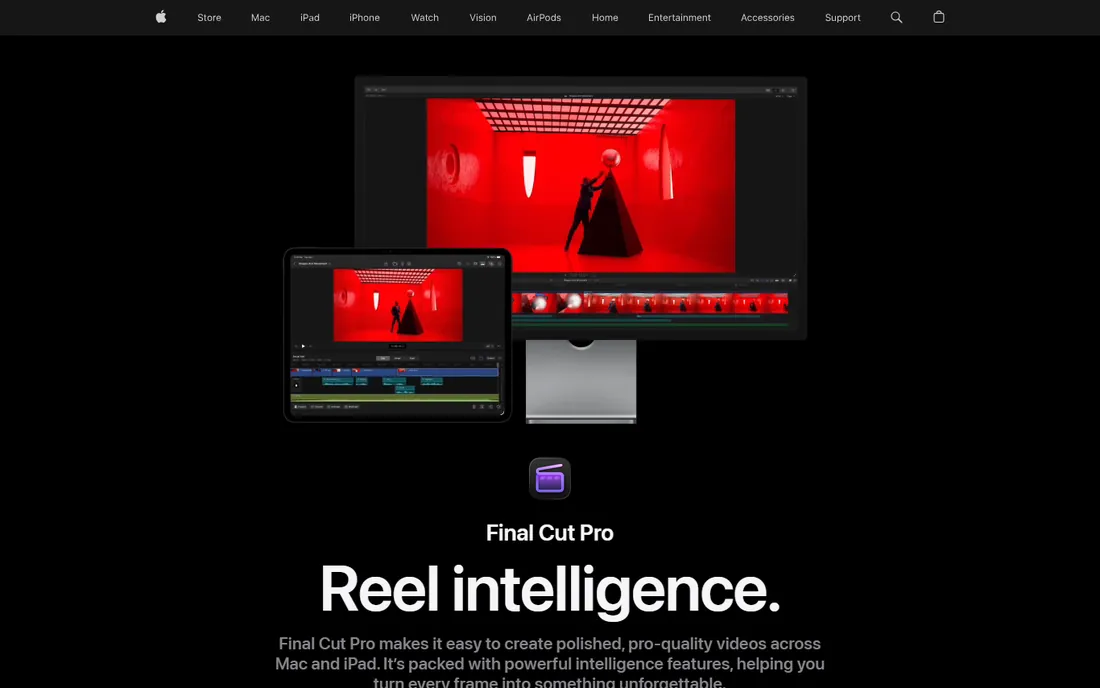
Final Cut Pro is the rare pro editor you buy once. At $299.99 on the Mac App Store it usually pays for itself within a year against Premiere's subscription, and it flies on Apple silicon. The magnetic timeline divides opinion, but editors who commit to it cut fast.
The caveats are platform and direction. There is no Windows version, and Apple's newer Creator Studio subscription gates some premium content away from one-time buyers. If you live on a Mac and edit alone, though, it remains one of the smartest purchases in this category.
What we like- One-time purchase, no subscription
- Magnetic timeline is fast for assembly
- Excellent performance on Apple silicon
Watch out for- MacOS only
- Smaller plugin ecosystem than Premiere
- Some premium content now sits behind Apple's subscription bundle
Starting price$19.99 per month (Pro)
Free planYes
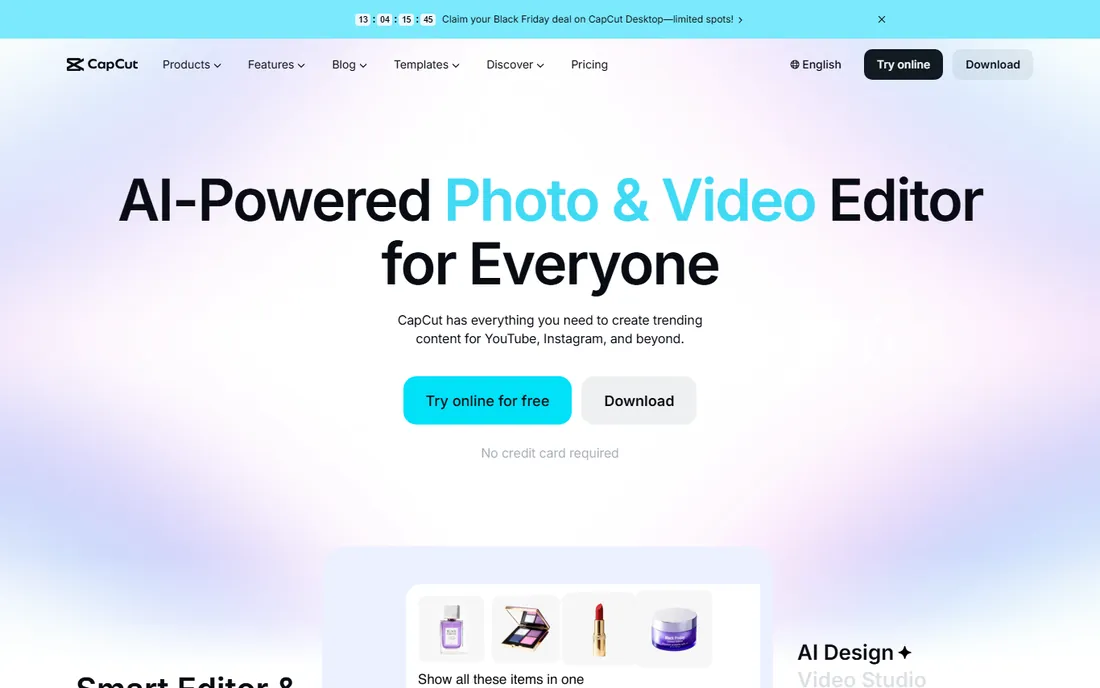
CapCut won short-form video by being free where it counts. The free plan covers the full basic toolkit, auto captions and 1080p export, which is enough for TikTok, Reels and Shorts. Pro at $19.99 a month adds 4K export, the full AI toolkit and a large asset library.
Be aware of the 2026 restructure: the old cheap Pro tier became Standard around $9.99, and the new Pro costs more. Templates and effects marked Pro export with a watermark on the free plan, which can ambush you mid-project. For pure social output, though, the value is still hard to beat.
What we like- Generous free tier with 1080p export
- Strong auto captions and AI tools
- Works on phone, desktop and web
Watch out for- Pricing restructured upward in 2026
- Pro assets watermark free exports
- Desktop app less deep than pro NLEs
Starting priceFrom $9.99 per month
Free planYes
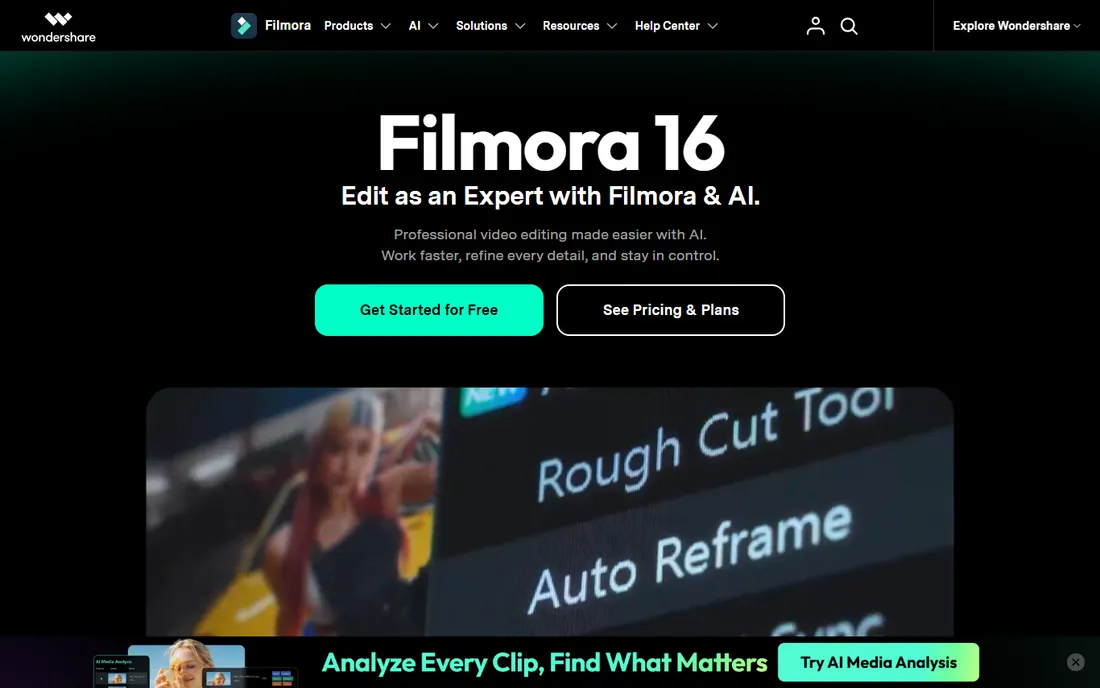
Filmora is built for creators who want results this afternoon. The interface is friendly, AI features generate video from text, remove backgrounds and write captions, and the template library gets a decent-looking video out fast. Paid plans start around $9.99 a month, with annual and perpetual options.
The business model leans on add-ons, so the headline price is not the whole story if you want premium effects. And while AI generation is fun, the editor underneath is simpler than Resolve or Premiere. It is a strong pick for beginners and marketers, not for colorists.
What we like- Very approachable interface
- AI text-to-video and smart features
- Big template and stock library
Watch out for- Free exports carry a watermark
- Upsells for effects and assets
- Not deep enough for pro finishing
Starting price$179.88 per year (Essentials)
Free planFree trial
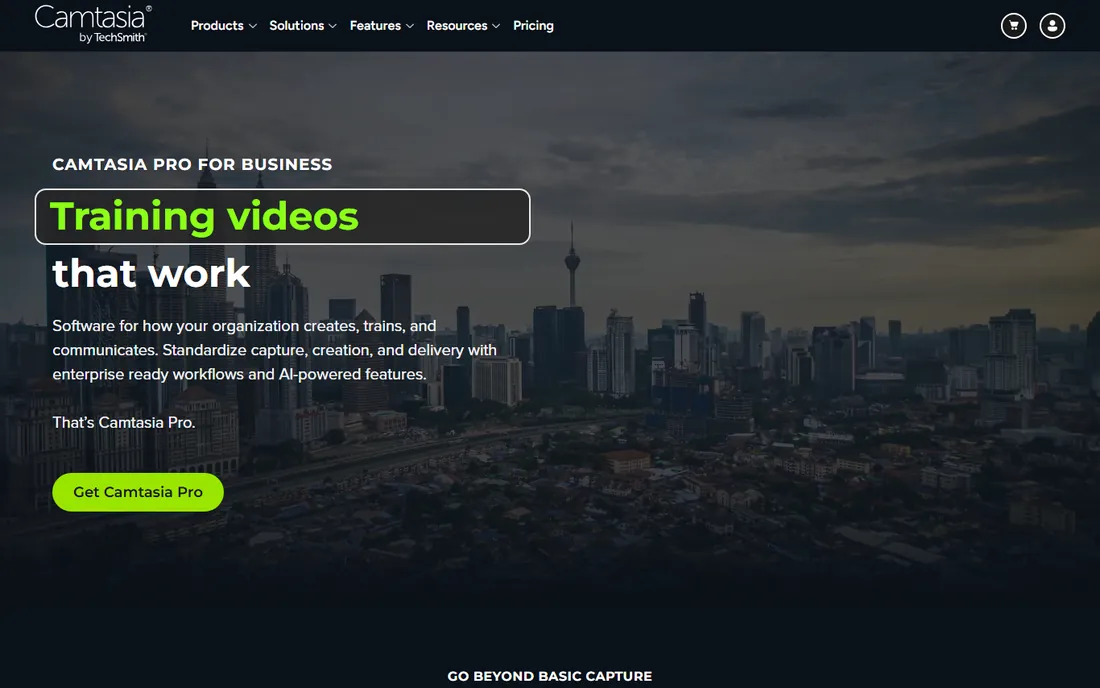
Nobody buys Camtasia to cut a short film. You buy it to record your screen, your webcam and your voice, then turn that into a clean tutorial with callouts, quizzes and captions. The Essentials plan at $179.88 a year includes the full editor, and the workflow is tuned so a subject-matter expert can produce training videos without learning an NLE.
TechSmith moved Camtasia to subscription-only, which stings for a tool many used occasionally. The trial is fully functional but watermarks exports. If your output is courses, demos and how-tos, it is still the most direct tool for the job.
What we like- Recorder and editor in one purpose-built package
- Quizzes and SCORM for e-learning
- Simple enough for non-editors
Watch out for- Subscription only since 2025
- Pricey for casual use
- Not a general creative editor
#7
InVideo
Best for: AI-generated marketing videos without filming
Visit invideo.io
Starting priceSee website
Free planYes
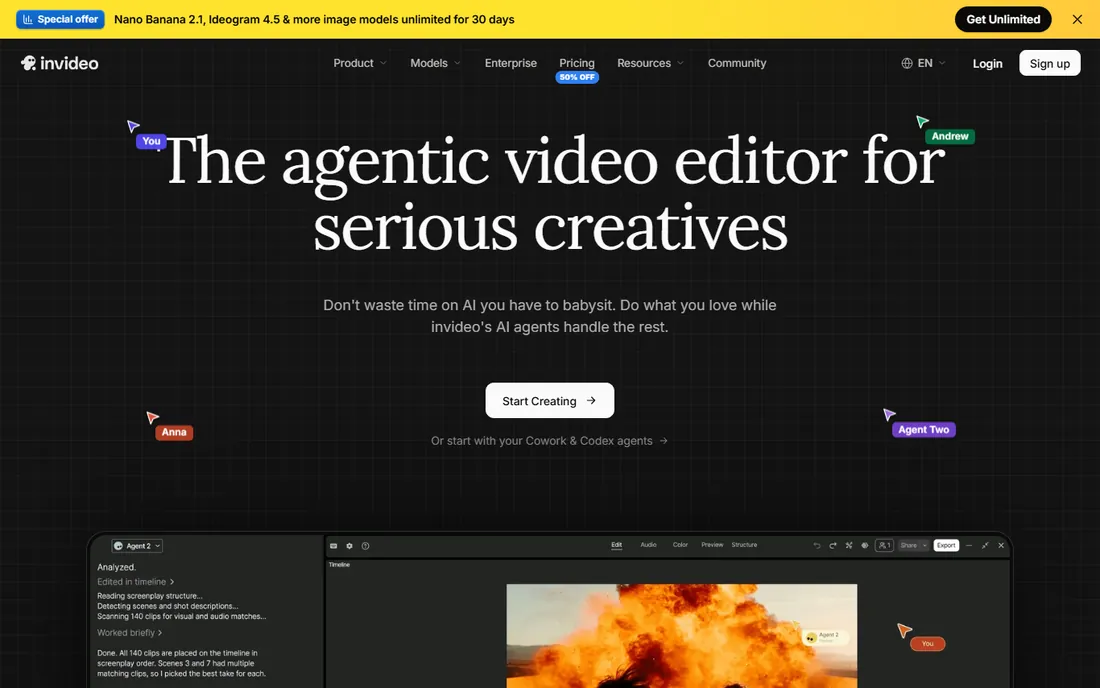
InVideo generates videos from a prompt and pairs that with a traditional timeline editor, so you can start from AI and finish by hand. The stock library is large, the templates suit marketers, and the free plan lets you evaluate properly with watermarked exports.
Read the credit math before you pay. Premium models like Sora-class generators consume allowances quickly, and InVideo has restructured its plans more than once. Confirm the current Plus and Max figures on its pricing page. For teams producing ad variations at volume, it can replace a shoot; for distinctive creative work, expect to customize heavily.
What we like- Text-to-video with a huge stock library
- Templates for ads and social
- Permanent free plan for testing
Watch out for- Credit system can burn fast on premium models
- Pricing tiers shift often
- Stock-heavy output can look generic
Starting price$15 per month
Free planYes (limited credits)
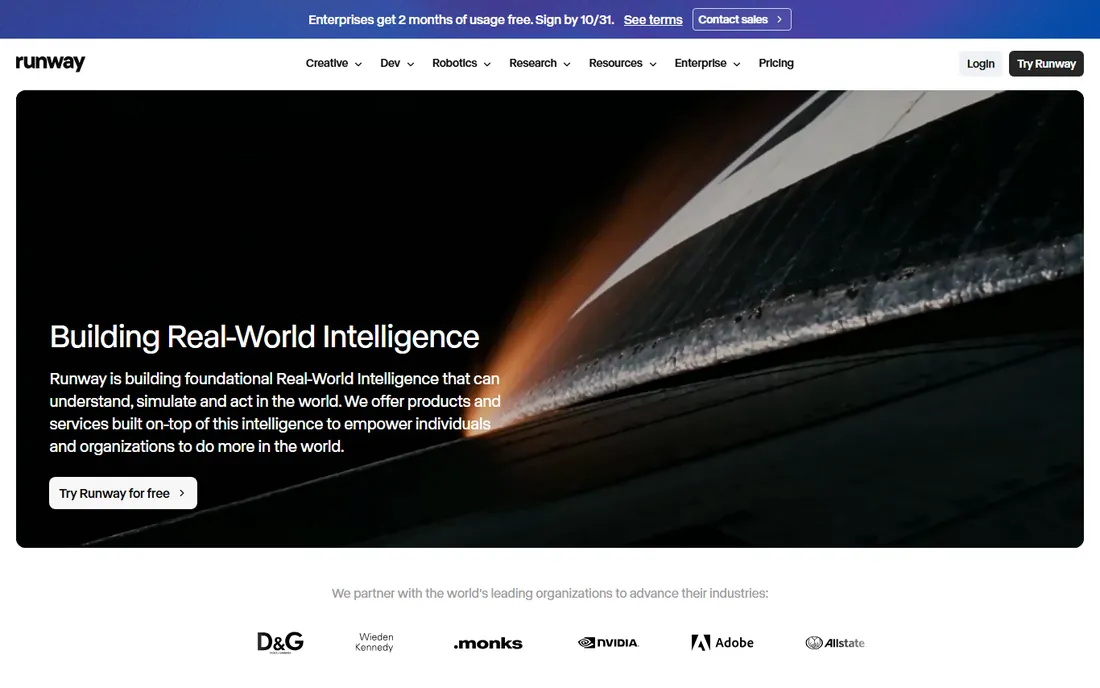
Runway is both a generator and an enhancer, which is why it leads the best video enhancing software conversation. The Standard plan at $15 a month includes 625 credits, watermark-free output and 4K upscaling. Beyond generation, tools like Aleph edit existing footage and the upscaler improves old or low-res clips.
Budget for retries, not just keepers. Every generation attempt spends credits, including the ones you discard, and the free plan's 125 credits are a one-time grant, not monthly. If generated or enhanced footage is core to what you ship, the Pro tier's larger allowance makes more sense than Standard.
What we like- Strong generative models (Gen-4 family)
- Upscaling and enhancement tools
- Aleph editing and Act-Two features
Watch out for- Credits do not roll over on lower plans
- Costs add up with retries
- Free tier is a small one-time allowance
Starting priceSee website (free; premium via Microsoft 365)
Free planYes
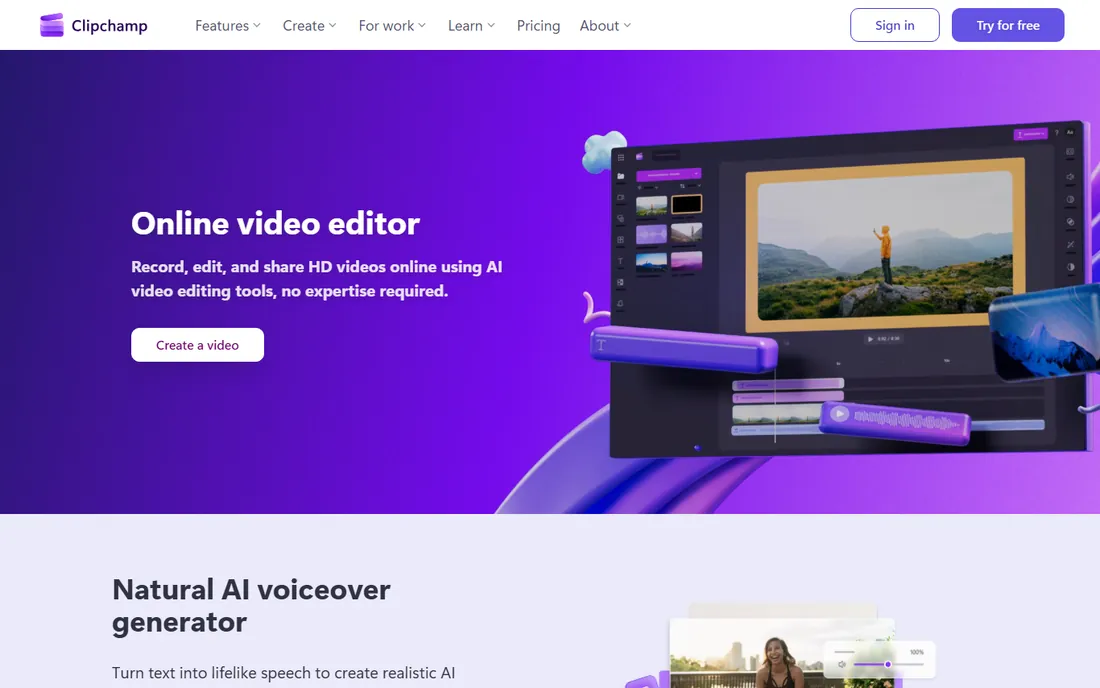
Clipchamp's free plan is quietly one of the best deals here: unlimited exports at 1080p, no watermark, AI captions, silence removal and text-to-speech, all in the browser or the Windows app. For simple social videos and internal comms, it asks for nothing.
The ceiling is low by design. There is no standalone paid upgrade for individuals; premium features like 4K export ride along with Microsoft 365 Personal or Family. Mac and mobile users get a thinner experience. But as a free starting point on Windows, it is hard to argue with.
What we like- Free plan exports 1080p with no watermark
- AI subtitles and text-to-speech included
- Already on many Windows 11 PCs
Watch out for- No real paid tier for individuals
- Limited on macOS and mobile
- 4K and premium stock need Microsoft 365
#10
Canva Video
Best for: on-brand social clips built from templates
Visit canva.com
Starting priceSee website
Free planYes
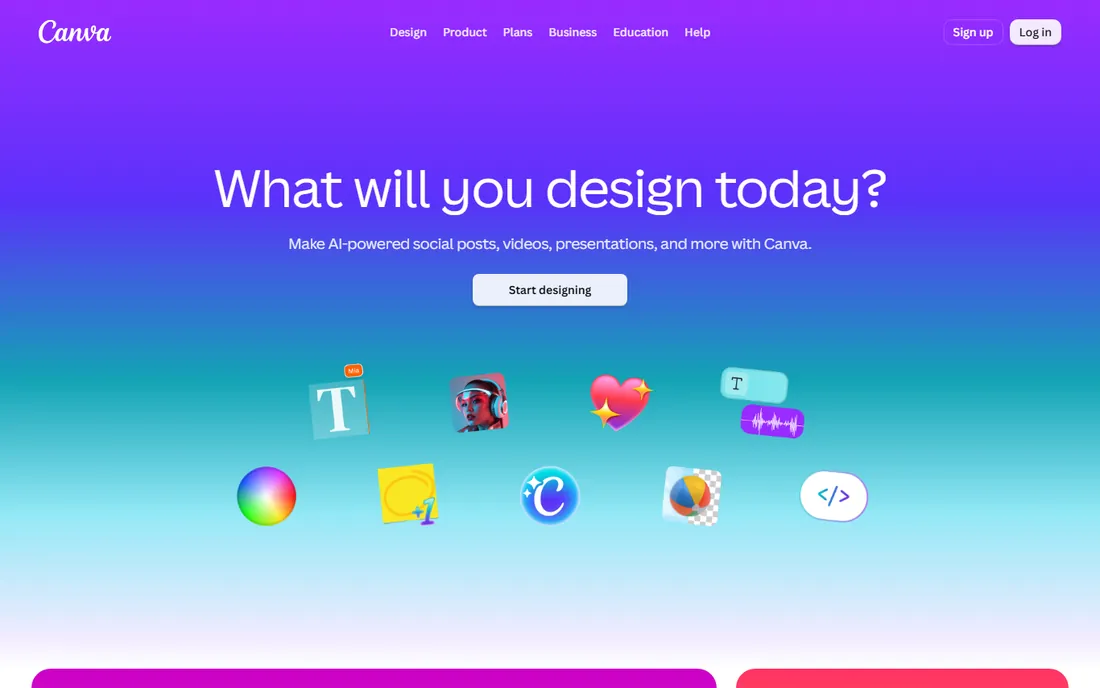
Canva Video makes sense when your brand assets already live in Canva. Thumbnails, decks, social posts and now video share the same templates and brand kit, so a marketer can produce a week of clips without opening an editor. The free plan covers basic video; Pro adds premium stock, background removal and heavier AI features.
Do not mistake it for an NLE. Frame-precise cutting of long footage is not its strength, and AI usage is metered separately through a credit pool. For quick, consistent, on-brand short video, though, it is often the fastest tool in the building.
What we like- Video sits inside the design suite you already use
- Huge template library
- Brand kits keep output consistent
Watch out for- Simpler timeline than dedicated editors
- AI features metered by credits
- Weak for long-form cutting
Start from your output, not the feature list. There is no single best video content creation software for everyone, only the best fit for your footage, your budget and your patience for learning curves. Talking-head YouTube and courses point to Descript-style or traditional editors; short-form social points to CapCut or Canva; client and broadcast work points to Premiere Pro or Resolve; tutorials point to Camtasia.
Then check the money model against your volume. Subscriptions punish occasional use, which is why Resolve's free tier and Final Cut's one-time price appeal to independents. AI generators punish heavy use through credits, so estimate your monthly generations before choosing a tier. And if enhancement is the job, upscaling old footage or cleaning noisy clips, Runway and CapCut's AI tools deserve a direct comparison on your own material.
The video enhancing software question
Enhancement means two things: generating new footage with AI, and improving footage you already have. Runway covers both, with generation models plus upscaling and AI editing. CapCut and Filmora bundle enhancement into their editors: background removal, upscaling, voice isolation and auto captions.
Dedicated enhancers are worth it when footage quality is the bottleneck, like old archives or phone clips destined for a big screen. For most creators, the enhancement features inside CapCut or Premiere are enough, and a separate tool only earns its place when you can see the difference on your own exports.
How we chose
We compared tools that working creators and production teams actually use in 2026, checking vendor pricing pages, product documentation, and public reviews on G2, Capterra and Reddit. We covered four buyer types: professional editors, free and budget tools, mobile and template workflows, and AI generation.
We did not do hands-on testing for this roundup. Instead we weighted practical buying details: free tier limits and watermarks, subscription versus one-time pricing, how credits and media hours meter AI features, platform support, and where each tool fits, from solo creators to teams. Prices move often in this category, so confirm the current figure before you buy.
Frequently asked questions
What is the best video content creation software for beginners?
CapCut for short-form social, Filmora for guided AI-assisted editing, and DaVinci Resolve's free version for anyone willing to learn a pro tool. All three have genuinely usable free tiers, so start free and pay only when a limit blocks you.
Premiere Pro vs DaVinci Resolve: which should I choose?
Choose Premiere Pro if you collaborate with agencies, need After Effects integration, or want the newest AI editing features. Choose DaVinci Resolve if you want pro tools without a subscription, care most about color, or work solo. Resolve's free tier makes the comparison cheap to run yourself.
What is the best video enhancing software?
Runway leads for AI generation plus upscaling and AI editing of existing footage. For enhancement inside a normal editor, CapCut's AI toolkit and Premiere Pro's enhancement features cover upscaling, denoising and voice cleanup. Test on your own footage, since results vary by source quality.
Is there good free video editing software?
Yes. DaVinci Resolve's free version is a full professional editor, CapCut's free tier covers social video well, and Clipchamp exports watermark-free 1080p on Windows. The usual catches are watermarks, resolution caps, or missing AI features on free tiers.
Can AI tools replace a video editor?
For simple marketing videos, ads and social clips, tools like InVideo and Runway can carry the whole job. For anything needing precise timing, story structure, color work or client revisions, a human with a real editor still wins. Most creators end up combining both.
Sources we checked (20)
- https://www.adobe.com
- https://www.blackmagicdesign.com/products/davinciresolve
- https://www.apple.com/final-cut-pro
- https://www.capcut.com
- https://filmora.wondershare.com
- https://www.techsmith.com
- https://invideo.io
- https://www.runwayml.com
- https://www.clipchamp.com
- https://www.canva.com
- https://josephnilo.com/blog/adobe-premiere-pro-cost/
- https://electronics.alibaba.com/question/davinci-resolve-price-breakdown-free-vs-studio-(2026
- https://techdows.com/download-final-cut-pro-for-pc-windows-11-10-mac.html
- https://www.capcut.com/resource/capcut-standard-vs-pro
- https://www.techradar.com/computing/creative-software/wondershare-filmora-ai-video-editor-2026-review
- https://www.elitecontentmarketer.com/deals/camtasia-black-friday/
- https://multilogin.com/blog/invideo-ai-review/
- https://aiweekly.co/learning-ai/generative-ai/how-to-use-runway
- https://dev.to/fredabila/clipchamp-alternatives-in-2026-an-honest-comparison-from-someone-who-builds-one-1f73
- https://www.ngram.com/blog/canva-video-vs-invideo
Is your product missing or out of date?
We review this list regularly. Vendors can request a listing, send updated pricing or ask about featured placement.

Shihab Mia · Founder, Rankite
Shihab has spent more than a decade helping SaaS and e-commerce brands grow through search. He writes Rankite's software buying guides from pricing pages, documentation and public user reviews. More about Shihab.