How we make this list: we compare pricing pages, product documentation and public user reviews. Rankite is independent; if a vendor ever pays for a featured spot, that listing is clearly labeled Partner.
Key takeaways
- Blender (free) is the best free VFX education: 3D, compositing, tracking and simulation in one package, with thousands of free tutorials.
- DaVinci Resolve's Fusion page (free; Studio $295 one-time) teaches node-based compositing, the actual skill behind professional VFX work.
- After Effects is the industry motion-graphics standard, but the subscription is a commitment: learn the concepts free first, then subscribe when clients pay.
- Start with one effect at a time: green screen keying, then tracking, then 3D integration. Beginners who try everything at once learn nothing.
Quick comparison
| Tool | Best for | Starting price | Free plan |
|---|
 Blender Blender | Learning all of VFX for free | Free | Yes |
 DaVinci Resolve (Fusion) DaVinci Resolve (Fusion) | Learning node-based compositing free | Free (Studio $295 one-time) | Yes |
 After Effects After Effects | The motion graphics standard clients expect | See website | Free trial |
 Apple Motion Apple Motion | Mac users who want motion graphics without a subscription | See website | No |
 Nuke Nuke | Learning the compositing standard behind film VFX | See website | Free trial |
 Natron Natron | Free open-source node compositing | Free | Yes |
 Cavalry Cavalry | Modern 2D animation and procedural motion design | See website | Yes (free version) |
 CapCut CapCut | Free instant effects for social video | Free | Yes |
 Filmora Filmora | Guided effects without the pro learning curve | See website | Free trial |
Is your product missing or out of date?
We review this list regularly. Vendors can request a listing, send updated pricing or ask about featured placement.
The best VFX software for beginners
Visual effects look like magic and learn like a trade: one technique at a time, each built on the last. These nine tools are ranked for the learning path, not for studio pipelines. The free options dominate because VFX has the best free tooling of any creative field, and the paid standards come last, for when the skills justify the cost.
Starting priceFree
Free planYes
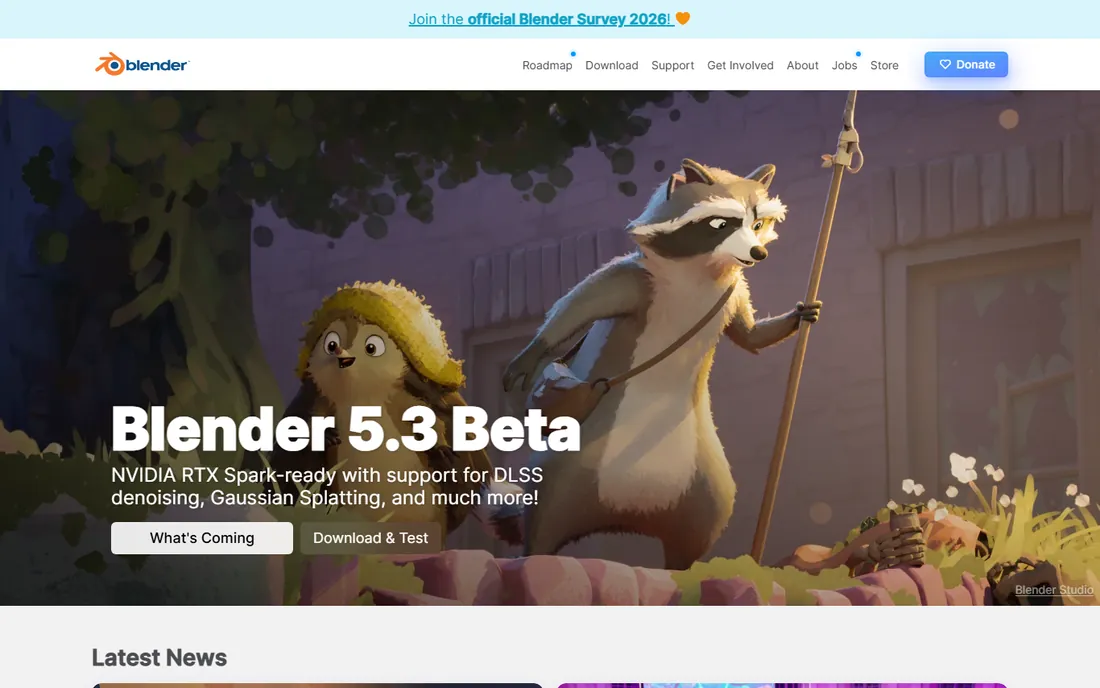
Blender is the miracle of creative software: a complete VFX suite that costs nothing. Model a spaceship, track it into live footage, simulate smoke, composite the result, all in one program. The free tutorial library (YouTube alone could fill years) means every technique has a teacher.
The price of free is complexity: Blender does everything, so it shows you everything. Beginners should pick one area (start with the compositor, or basic 3D) and ignore the rest for months. No other free tool teaches as much.
What we like- Completely free and open source: 3D modeling, sculpting, compositing, motion tracking, simulation and video editing in one download
- The tutorial ecosystem is enormous
Watch out for- The interface overwhelms beginners
- The learning curve is the steepest here
- Rendering complex scenes needs serious hardware
Starting priceFree (Studio $295 one-time)
Free planYes
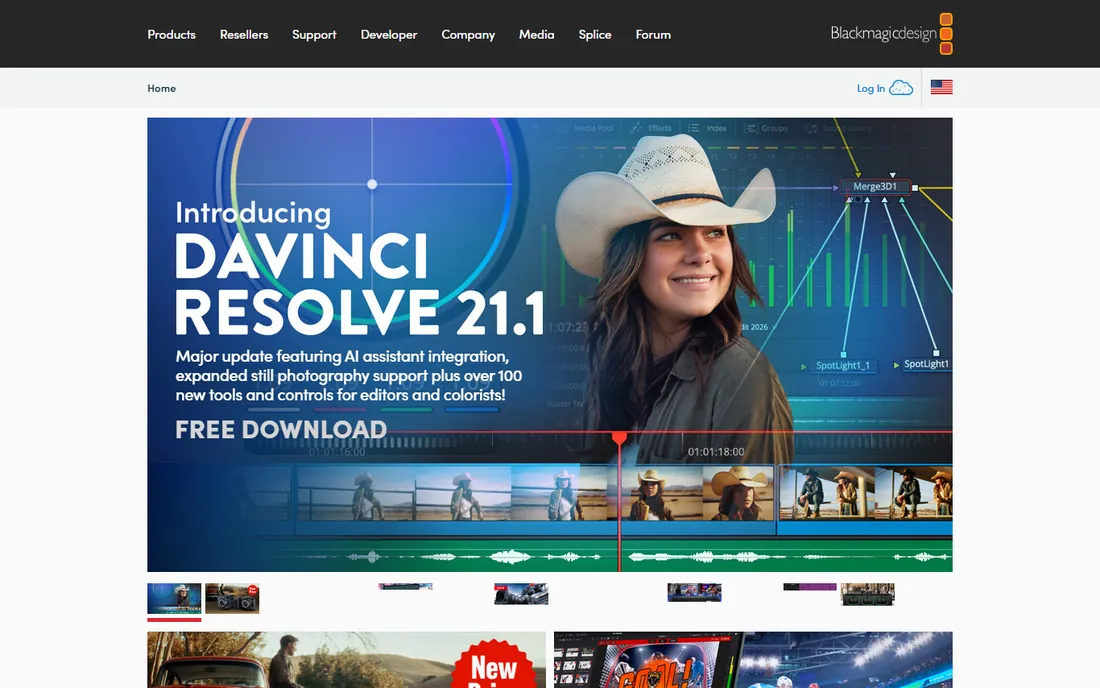
Fusion is the compositor inside DaVinci Resolve, and it teaches the skill that matters: node-based compositing, the same paradigm as Nuke. Connect nodes (keyer to tracker to merge), and you see exactly how the effect is built. The free version includes most of it; Studio at $295 one-time (per blackmagicdesign.com) adds the rest.
For beginners, nodes are harder than layers but more honest: you understand the effect because you built it. Learn Fusion free, and Nuke later feels familiar. That alone makes it the smartest free VFX education after Blender.
What we like- Fusion is built into the free Resolve download: true node-based compositing like the pros use
- The free version is remarkably complete
- Studio ($295 one-time) adds advanced effects
Watch out for- Node workflows confuse beginners used to layers
- Documentation assumes some compositing knowledge
#3
After Effects
Best for: The motion graphics standard clients expect
Visit adobe.com
Starting priceSee website
Free planFree trial
After Effects is where motion graphics jobs happen: titles, explainer videos, compositing, the Trapcode and Video Copilot ecosystem. If clients or employers are in your future, this is the tool they name. The trial lets you evaluate properly.
Check adobe.com for current pricing. The beginner advice: learn keying, tracking and compositing concepts in Blender or Fusion first, then bring those skills to After Effects when the subscription makes economic sense. Paying to learn what free tools teach is backwards.
What we like- The industry standard for motion graphics and compositing: every template, plugin and tutorial targets it
- Integrates with Premiere Pro and the Adobe suite
Watch out for- Subscription pricing requires the Adobe site
- The most expensive way to learn
- Layer-based compositing teaches less about pro pipelines than nodes
#4
Apple Motion
Best for: Mac users who want motion graphics without a subscription
Visit apple.com
Starting priceSee website
Free planNo
Motion is Apple's motion graphics app: fast, capable, and sold as a one-time purchase rather than a subscription. It handles titles, effects and compositing well, and publishes directly to Final Cut Pro as templates and generators.
Check Apple's site for the current price. For Mac-based beginners who want After Effects-style capabilities without Adobe's subscription, it is the pragmatic choice. The ecosystem is smaller, but the fundamentals transfer.
What we like- One-time purchase from Apple (check the Mac App Store for current pricing)
- Real-time performance on Mac
- Tight Final Cut Pro integration
Watch out for- Mac only
- Smaller template and tutorial ecosystem than After Effects
- Development pace is slow
Starting priceSee website
Free planFree trial
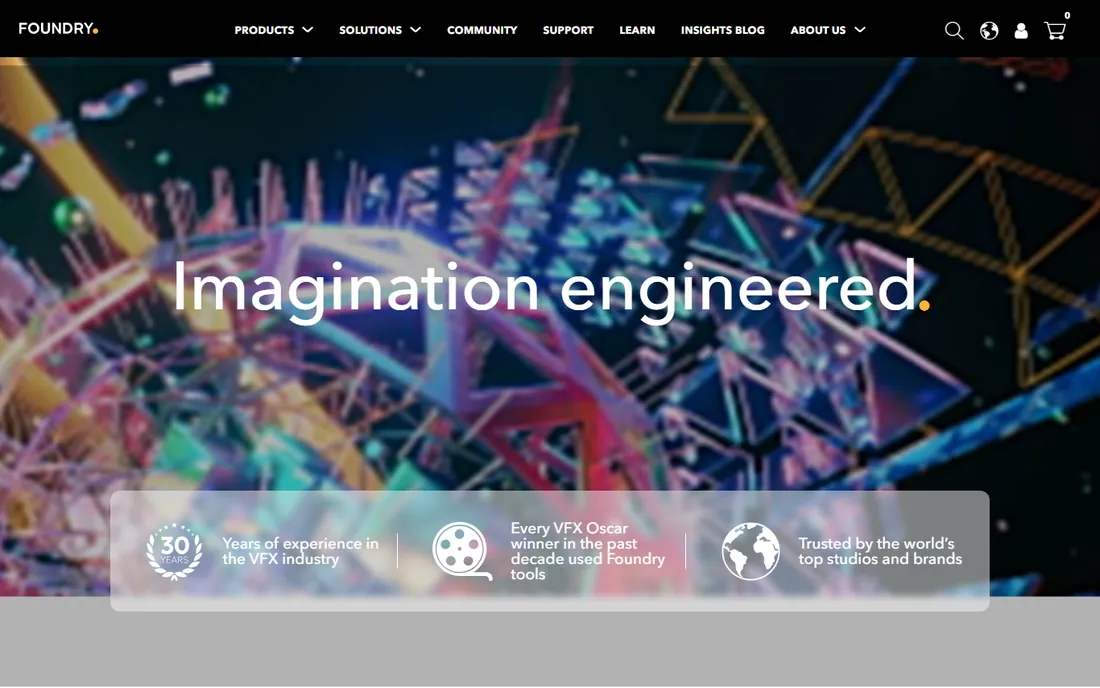
Nuke composites the movies you watch: its node-based workflow is the professional standard. Foundry offers learning options including a free non-commercial version, which makes it viable for beginners to study the real tool. Check foundry.com for current terms.
Do not start here. Learn nodes in Fusion (free), then approach Nuke when the concepts are solid. But know that the ceiling is real: the skills transfer directly to studio work.
What we like- The film industry's compositing standard: learning Nuke is learning the real pipeline
- The node workflow is the cleanest in the business
- A free non-commercial version exists for learning
Watch out for- Pricing requires the Foundry site and targets studios
- Overkill for YouTube-level effects
- The learning curve assumes compositing basics
Starting priceFree
Free planYes
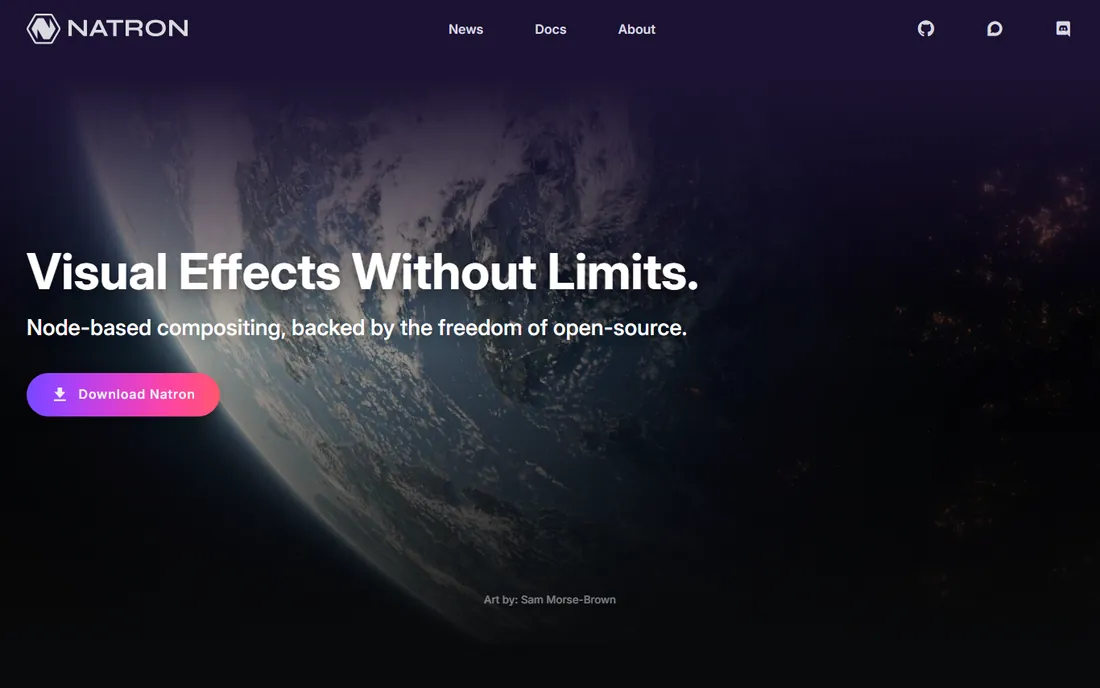
Natron is the open-source Nuke-alike: node-based compositing, free forever. For the beginner who wants to learn node workflows without Blender's 3D complexity or Fusion's Resolve wrapper, it is the focused option.
Development pace is the caveat: it works, but the community is small. Still, as a free compositing education, it does the job. Learn the nodes here, apply them anywhere.
What we like- Free and open source
- Node-based compositing like Nuke
- Familiar to anyone coming from After Effects concepts
Watch out for- Development has slowed
- Smaller community than Blender
- Fewer built-in effects than commercial tools
Starting priceSee website
Free planYes (free version)
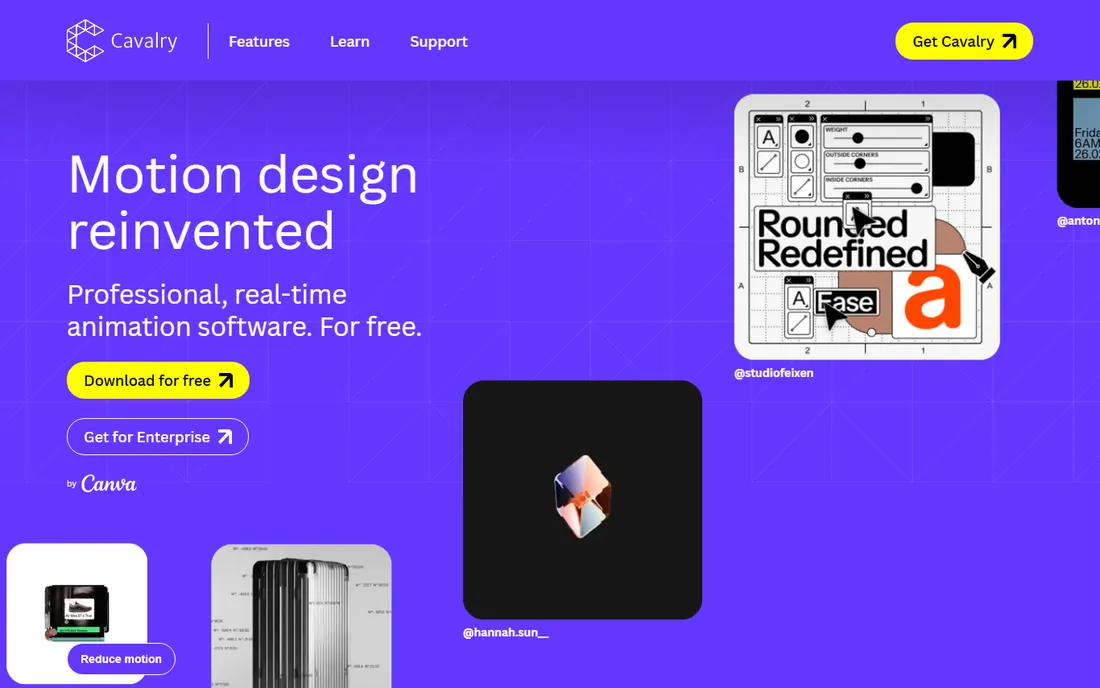
Cavalry rethinks 2D animation: procedural workflows where animations react to data and logic, not just keyframes. For motion design, infographics and animated text, it is fresh and fast. The free version lets beginners learn the paradigm.
Check the site for current pricing. It will not replace After Effects for compositing, but for 2D motion design it is the most interesting new tool here. Beginners focused on animation over effects should look closely.
What we like- A free version exists for learning
- Procedural animation (animate with logic, not keyframes) is genuinely innovative
- Fast and modern interface
Watch out for- Pricing requires the site
- 2D-focused, so no 3D compositing
- Newer, so fewer tutorials than the giants
Starting priceFree
Free planYes
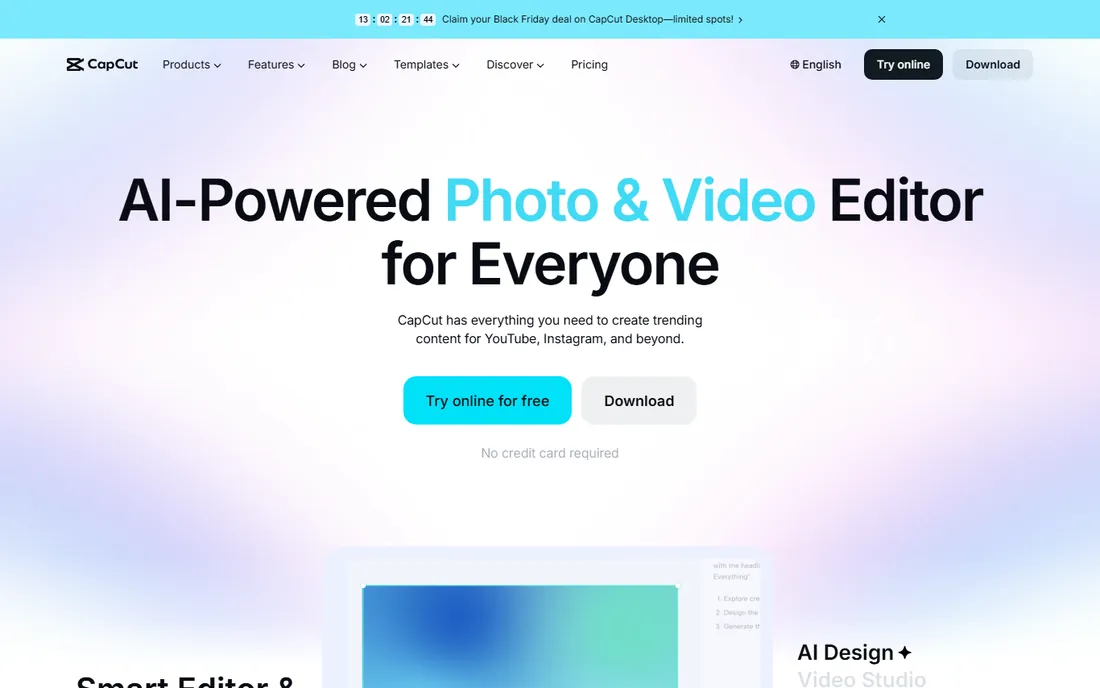
CapCut puts VFX in everyone's pocket: background removal, auto-captions, trending effects, all free and instant. For TikTok and Reels, it is the entire pipeline. Beginners get impressive results in minutes.
The honest framing: CapCut applies effects; it does not teach them. Use it for content now, and learn Blender or Fusion for skills later. Both have their place; neither replaces the other.
What we like- Completely free
- Auto-captions, background removal, effects and templates built for short video
- The fastest path from idea to posted video
Watch out for- Template-driven, so originality is limited
- Not a learning tool for real VFX skills
- Precision is basic
Starting priceSee website
Free planFree trial
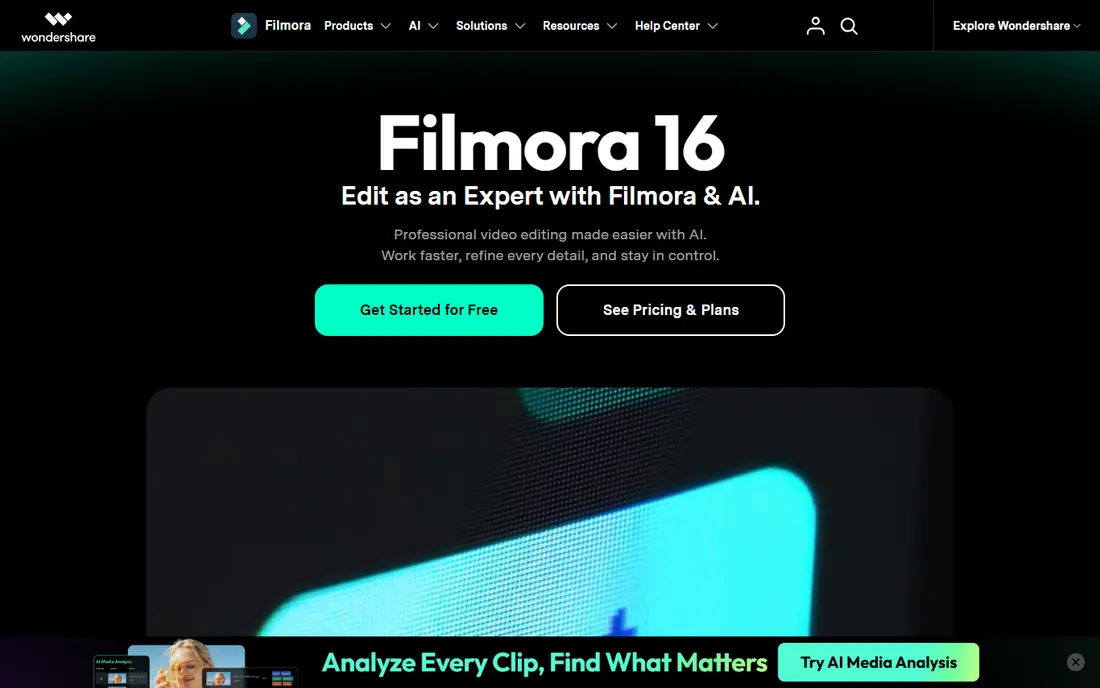
Filmora is the on-ramp: drag-and-drop effects, animated titles and transitions that make videos look professional without compositing knowledge. For the beginner who needs a good-looking video this week, it delivers.
Check filmora.wondershare.com for pricing. The skills are Filmora-specific, so treat it as a production tool, not an education. When the templates feel limiting, graduate to the free pro tools above.
What we like- Effect packs, templates and guided workflows produce polished results fast
- The trial is fully featured
- Gentler than any pro tool here
Watch out for- The trial watermarks exports
- Effect packs can cost extra
- The skills do not transfer to pro pipelines as directly
The beginner VFX learning order
Learn in this sequence, because each step assumes the last. First, keying: remove a green screen cleanly (Blender's compositor or Fusion). Second, tracking: stick text or objects to moving footage. Third, masking and rotoscoping: isolate parts of the frame. Fourth, 3D integration: place a simple 3D object into tracked footage. Fifth, simulation: smoke, particles, destruction.
Each step is a project, not a tutorial: key yourself into a new background, track text onto a moving car, replace a sky. The project forces the learning that passive watching never does. Expect each step to take weeks; the whole sequence takes a year. That is normal.
Free vs. paid in VFX
VFX is the rare field where free tools are genuinely professional: Blender and Fusion's free tier do real studio work. The paid tools (After Effects, Nuke) buy ecosystem and pipeline compatibility, not capability you cannot get free. That inverts the usual advice: in VFX, start free and pay only when someone pays you.
The exception is templates and speed: CapCut and Filmora buy time, not skill. For content businesses where output volume matters, that trade is rational. For skill building, the free pro tools are the curriculum.
Frequently asked questions
What is the best free VFX software for beginners?
Blender: complete 3D and compositing, free, with the largest tutorial library. DaVinci Resolve's Fusion page is the free pick for pure compositing. Between them, every VFX fundamental is learnable at zero cost.
Should beginners learn After Effects or Blender first?
Blender first, because it is free and teaches 3D plus compositing. Learn the concepts (keying, tracking, nodes) free, then learn After Effects when a job or client requires it. The concepts transfer; the subscription does not need to start on day one.
Is Nuke too hard for beginners?
Nuke itself is not harder than Fusion; the pipeline around it is. Learn node compositing in Fusion (free), then Nuke's interface will feel familiar. Foundry's free learning options make the real tool accessible when you are ready.
Can I do VFX on a low-end computer?
Simple compositing and 2D effects, yes. 3D rendering and simulations need serious hardware. Start with keying, tracking and 2D compositing (which run on modest machines), and use render farms or upgraded hardware when 3D demands it.
How long does it take to learn VFX?
Basic effects (keying, simple tracking) in weeks; competent compositing in months; professional 3D integration in a year or more of steady practice. The learning order in this article paces it realistically: one technique per project.
Do I need After Effects to get VFX work?
For motion graphics and freelance video work, usually yes: clients expect it. For film compositing, Nuke. For 3D, Blender is increasingly accepted. Learn the concepts free, then buy the tool the work requires.
How we chose
We started with the VFX tools beginners actually encounter: the free suites, the pro standards and the quick-effect apps. For each we opened the vendor's own site and recorded pricing exactly as shown. DaVinci Resolve Studio's $295 came from blackmagicdesign.com. Where pricing required JavaScript stores or logged-in flows, we wrote "See website." We checked reputations against VFX forums and tutorial communities, and we favored tools with genuinely free learning paths.
Sources we checked (9)
- https://www.blender.org/
- https://www.blackmagicdesign.com/
- https://www.adobe.com/
- https://www.apple.com/
- https://www.foundry.com/
- https://natrongithub.github.io/
- https://cavalry.scenegroup.co/
- https://www.capcut.com/
- https://filmora.wondershare.com/
Is your product missing or out of date?
We review this list regularly. Vendors can request a listing, send updated pricing or ask about featured placement.

Shihab Mia · Founder, Rankite
Shihab has spent more than a decade helping SaaS and e-commerce brands grow through search. He writes Rankite's software buying guides from pricing pages, documentation and public user reviews. More about Shihab.