How we make this list: we compare pricing pages, product documentation and public user reviews. Rankite is independent; if a vendor ever pays for a featured spot, that listing is clearly labeled Partner.
Key takeaways
- Nearly every tune-up suite here has a capable free tier, so you can solve most slowdown problems without paying.
- CCleaner and Glary Utilities remain the household names for junk cleanup and registry fixes.
- AVG TuneUp's Sleep Mode is the standout feature for laptops, pausing background apps instead of killing them.
- PrivaZer is the pick for privacy-focused users: deep, irreversible trace removal that is completely free.
A 2023 study from the University of Copenhagen and Roskilde University (reported by ScienceDaily) found that computer users run into roughly one problem or frustration per hour, most of them involving slow, unresponsive or crashing systems, and waste up to 20 percent of their computer time on them. That is the market these PC utilities sell into: nine tools below, each promising to claw some of that time back.
Quick comparison
| Tool | Best for | Starting price | Free plan |
|---|
 CCleaner CCleaner | The classic all-round junk and privacy cleaner | See website | Yes (free version with core cleaning) |
 Glary Utilities Glary Utilities | A 20-plus tool maintenance toolbox | See website | Yes (free edition with most tools) |
 Advanced SystemCare Advanced SystemCare | One-click cleanup for non-technical users | See website | Yes (free edition with basic cleaning) |
 AVG TuneUp AVG TuneUp | Laptop users wanting automatic background care | See website | No (7-day free trial, no free version) |
 Wise Care 365 Wise Care 365 | Budget-friendly Pro upgrades | See website | Yes (free edition) |
 System Mechanic System Mechanic | Deep repair of errors and system damage | From $19.98/year (list $49.95) | See website |
 Auslogics BoostSpeed Auslogics BoostSpeed | Hardware monitoring plus optimization | See website | Yes (free version with core tools) |
 Ashampoo WinOptimizer Ashampoo WinOptimizer | German-engineered tuning with strong privacy tools | From $19/year | See website |
 PrivaZer PrivaZer | Irreversible privacy cleanup | Free | Yes (completely free, donation-supported) |
Is your product missing or out of date?
We review this list regularly. Vendors can request a listing, send updated pricing or ask about featured placement.
The best utilities software
PC utilities live in a strange corner of software: everyone needs some maintenance, but nobody agrees on how much a cleaner can really do. The honest answer is that junk cleanup and startup management fix real, common problems, while "internet speed boosters" mostly rearrange furniture. These nine are the ones with long track records, active development and transparent vendors behind them.
Starting priceSee website
Free planYes (free version with core cleaning)
CCleaner is the name people type when their PC feels slow. The free version cleans temporary files, browser traces and the registry, manages startup programs and uninstalls apps. Paid tiers (Professional, Professional Plus, Premium) add real-time monitoring, scheduled cleaning, a driver updater and multi-device coverage. It is owned by Gen Digital (the Norton/Avast parent), which means development funding but also the bundled cross-promotion the free installer is known for.
Watch the install screens and decline the extras, and CCleaner remains the fastest way to reclaim gigabytes from a neglected machine. The registry cleaner is the feature most reviewers warn about: it is safe to run, but registry cleaning rarely produces noticeable speed gains. Use it for junk cleanup and startup management, where the benefits are real.
What we like- The most widely recognized PC cleaner, with junk cleanup, registry repair, browser cleaning, startup management and a driver updater
- Free version covers the essentials
- Huge support community
Watch out for- The installer has bundled offers to decline
- Aggressive pricing popups in the paid app annoyed some users
- 2017 supply-chain incident still mentioned in its history
Starting priceSee website
Free planYes (free edition with most tools)
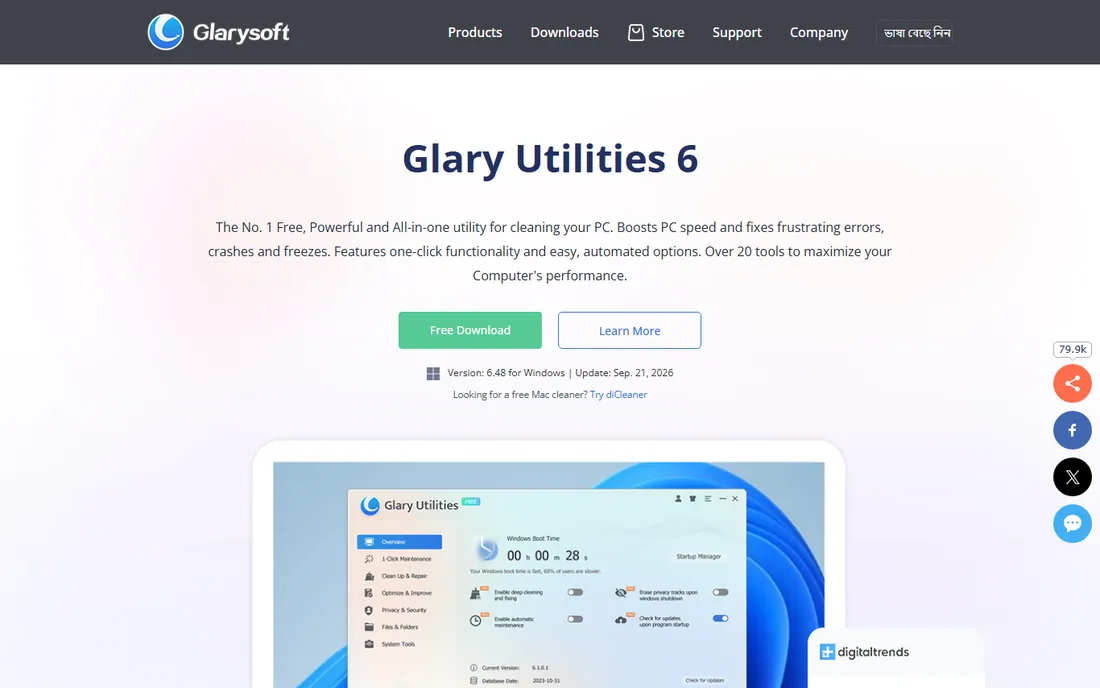
Glary Utilities is the Swiss army knife of this list: over twenty tools for disk cleanup, registry repair, startup management, privacy erasing, duplicate files, disk analysis, file recovery and software updates. The Pro version adds automatic maintenance, scheduled scans and priority support, while the free edition keeps most of the toolbox. Version 6.48 landed in September 2026, so development is active.
The tradeoff is polish. The UI has not kept pace with modern design, and reviewers note that the software updater occasionally flags false positives. If you want one program that covers nearly every maintenance task and you do not mind a utilitarian interface, this is the value pick of the category.
What we like- More than 20 tools under one roof, including duplicate finder, disk space analyzer, file recovery and software updater
- One-click maintenance
- Generous free edition
Watch out for- The interface looks dated
- Some scans surface upgrade prompts
- Documentation is thinner than the big brands
#3
Advanced SystemCare
Best for: One-click cleanup for non-technical users
Visit iobit.com
Starting priceSee website
Free planYes (free edition with basic cleaning)

Advanced SystemCare is built for people who will never open a settings panel. One big button scans for junk files, registry issues, privacy traces, security holes and startup bloat, then fixes everything. The Pro version adds automatic background maintenance, deeper cleaning, real-time optimization and 24/7 support. IObit also sells a compatible ecosystem (Driver Booster, Uninstaller, Smart Defrag) that integrates cleanly.
The catch is the upsell machine: the installer offers extra products and the Action Center keeps promoting them. Decline at install and it is a capable, friendly cleaner. Reviewers consistently find the actual cleanup solid; it is the marketing percentages you should ignore.
What we like- Genuinely one-click optimization with AI-assisted scanning
- Pro adds automatic RAM management, real-time tune-up and privacy controls
- IObit publishes a broad ecosystem of companion tools
Watch out for- The installer pushes other IObit products aggressively
- Free version nudges toward Pro frequently
- Some marketing claims about speed percentages are overblown
#4
AVG TuneUp
Best for: Laptop users wanting automatic background care
Visit avg.com
Starting priceSee website
Free planNo (7-day free trial, no free version)
AVG TuneUp's signature trick is Sleep Mode: instead of killing background programs, it puts them to sleep and wakes them on demand, which measurably reduces the drag of always-on updaters and helpers. It also uninstalls bloatware, cleans the registry, shreds files, updates installed programs automatically and runs maintenance on a schedule. The multi-device license (Windows, Mac, Android, iOS) suits households with several machines.
AVG is explicit that there is no free version, only a 7-day trial that needs no payment card. That honesty is refreshing, but it makes TuneUp the priciest habit on this list if you pay full price. Grab it when discounted, or choose AVG Ultimate if you also need the antivirus.
What we like- Patented Sleep Mode pauses background apps to free resources without uninstalling them
- Automatic software updater closes security gaps
- One subscription covers up to 10 devices
- No payment card needed for the trial
Watch out for- No free version, trial only
- Subscription popups irritate some users
- Renewal pricing has drawn complaints
Starting priceSee website
Free planYes (free edition)
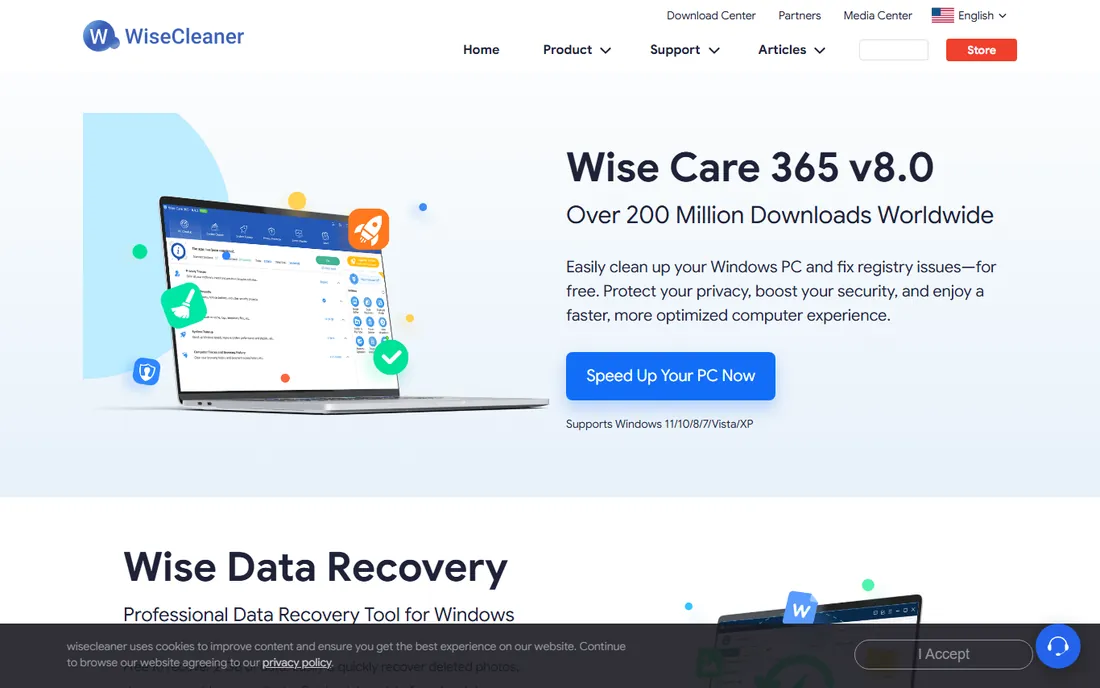
Wise Care 365 does everything the category promises: PC checkup, registry cleaning and defragmentation, disk cleaning, privacy erasing, system monitoring and startup management. WiseCleaner's pricing is notably gentle, and the company even sells lifetime licenses, which is rare among subscription-era competitors. The free edition handles routine cleanup well.
WiseCleaner is a smaller company than Piriform or AVG, so support and documentation are less extensive. But for a small business maintaining a handful of office PCs, the low per-seat cost and lifetime option make it easy to standardize on.
What we like- Clean, modern interface
- The Pro license is among the cheapest here
- Includes registry defrag, system monitoring and a game booster
- Lifetime licenses available
Watch out for- Smaller vendor with a thinner support operation
- Some tools overlap with free Windows features
#6
System Mechanic
Best for: Deep repair of errors and system damage
Visit iolo.com
Starting priceFrom $19.98/year (list $49.95)
Free planSee website
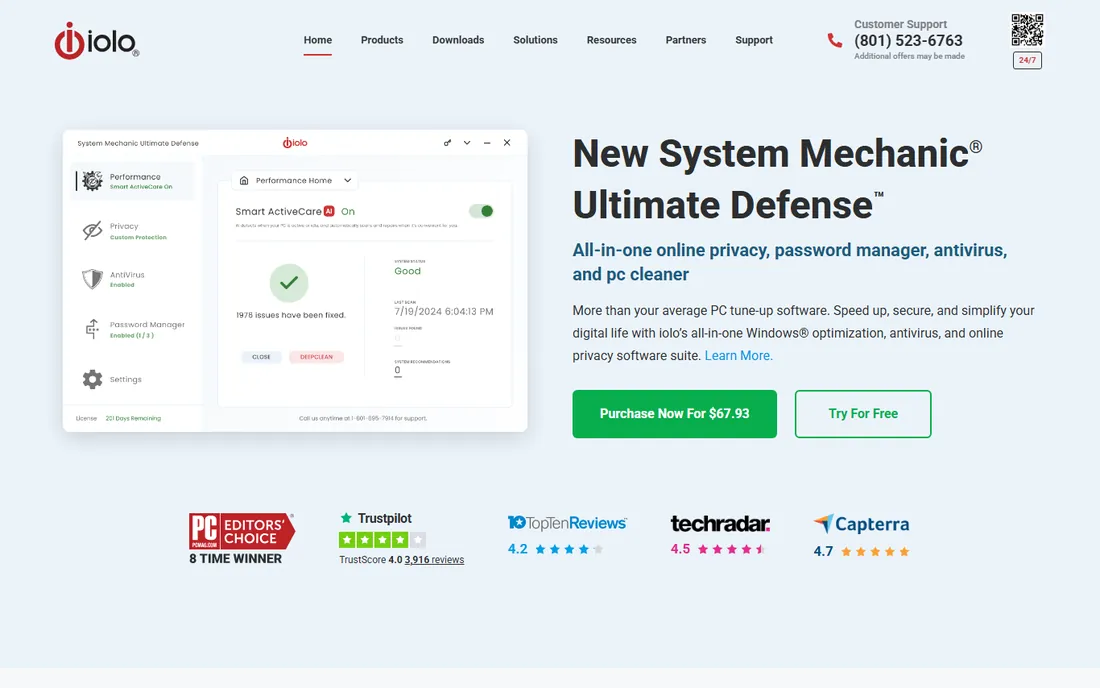
System Mechanic is the veteran: iolo has sold it since 1998, and PC Magazine has named it an Editors' Choice eight times. It goes deeper than junk cleanup, with registry repair, drive optimization, startup and bloatware management, privacy wiping and a real-time performance booster for gaming and editing. The AI-driven ActiveCare schedules repairs when the PC is idle, so maintenance happens without reminders.
The list price is $49.95, though iolo's own site regularly sells it far below that on promotional pages, which makes the "real" price a moving target. Take the scary issue counts with a grain of salt (every tune-up tool inflates these), and evaluate it on the repair and automation features, which are genuinely strong.
What we like- Claims to find and fix over 30,000 problem types with live updates from iolo Labs
- AI-powered ActiveCare runs repairs while the PC idles
- Whole Home License covers all household PCs
- 8-time PC Magazine Editors' Choice
Watch out for- The scan-result numbers can look scarier than the reality
- Iolo's pricing pages rotate heavy discounts that confuse the true cost
- Strongest value is in the full suite, not the base product
Starting priceSee website
Free planYes (free version with core tools)
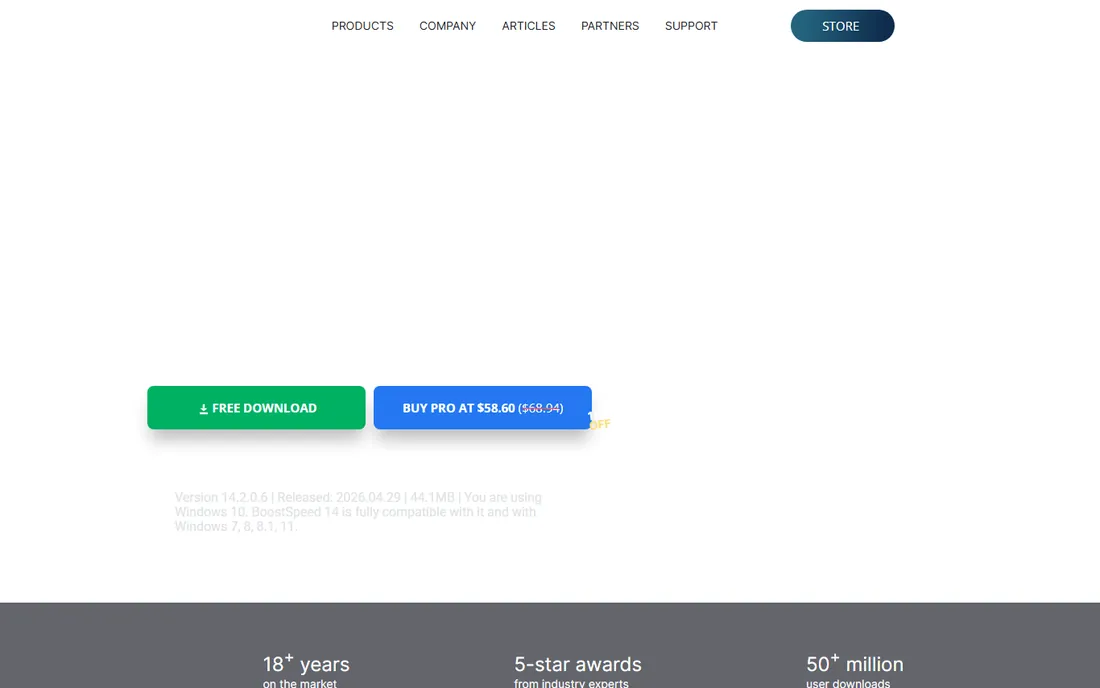
Auslogics BoostSpeed 14 covers the full tune-up checklist: junk cleanup, registry repair, disk defrag, startup management, internet optimization, privacy tools and file shredding. The newer versions add hardware monitoring that warns when the CPU runs hot, plus SSD-specific optimization that avoids defrag-style wear on solid-state drives. The free version includes core maintenance; Pro adds unlimited use of the advanced tools, automation and live expert answers.
TechRadar's testing found it one of the more comprehensive suites, while noting that some of its marketing figures are inflated. Buy Pro at a discount (which is how Auslogics usually sells it) and it is a strong all-rounder, particularly for older machines where the hardware monitoring actually matters.
What we like- New hardware monitoring warns about CPU overheating
- SSD-aware optimization that treats SSDs differently from HDDs
- Scheduled automatic maintenance
- 30-day money-back guarantee on Pro
Watch out for- Some tweak claims feel exaggerated
- Pro is on the expensive side at list price
- The installer needs JavaScript-era patience with offer screens
#8
Ashampoo WinOptimizer
Best for: German-engineered tuning with strong privacy tools
Visit ashampoo.com
Starting priceFrom $19/year
Free planSee website
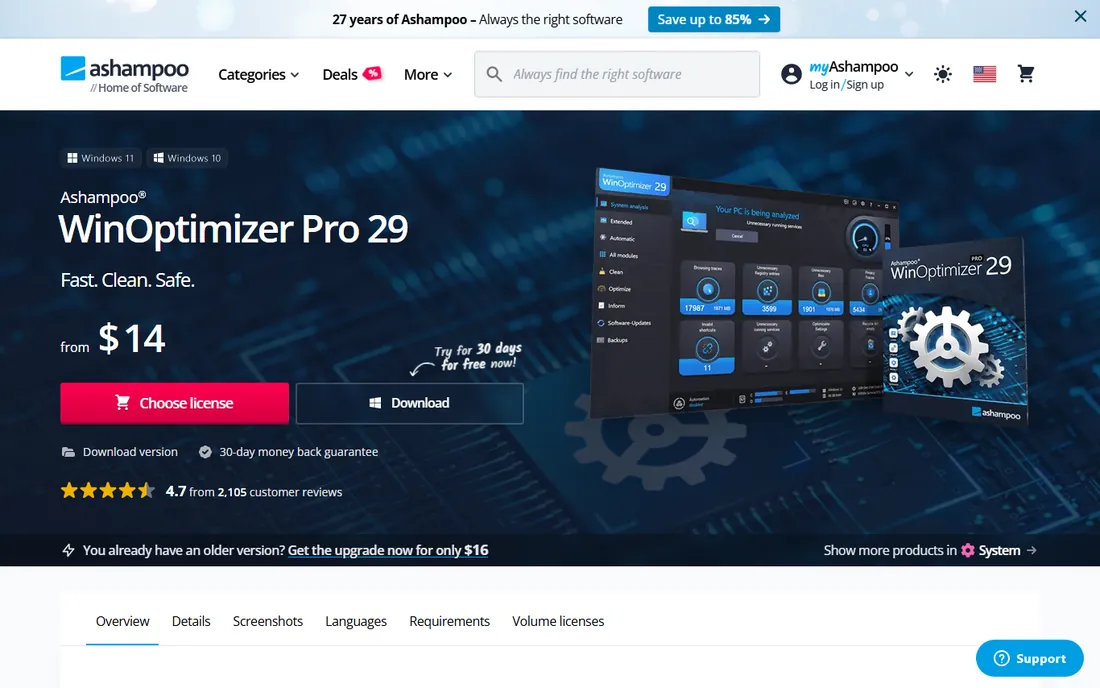
Ashampoo's WinOptimizer (now at Pro 29) packs roughly thirty modules: drive and internet cleaners, registry optimizer, privacy traces cleaner, crash analyzer, startup and service managers, file wiper, encrypter and disk doctor. The privacy tooling is a cut above, with granular control over Windows telemetry that most competitors skip. Ashampoo sells both a subscription and a perpetual license, which is increasingly rare.
The sheer module count is both the appeal and the problem: you get tools you will never open alongside ones you will use weekly. For privacy-conscious users and tinkerers who want deep Windows customization, it is the most feature-dense suite here.
What we like- Around 30 modules including crash analyzer, privacy traces cleaner and disk doctor
- Strong Windows telemetry and privacy controls
- One-click optimizer
- Perpetual license option instead of subscription-only
Watch out for- The module sprawl can overwhelm
- Some tools duplicate Windows built-ins
- The built-in uninstaller is basic
Starting priceFree
Free planYes (completely free, donation-supported)
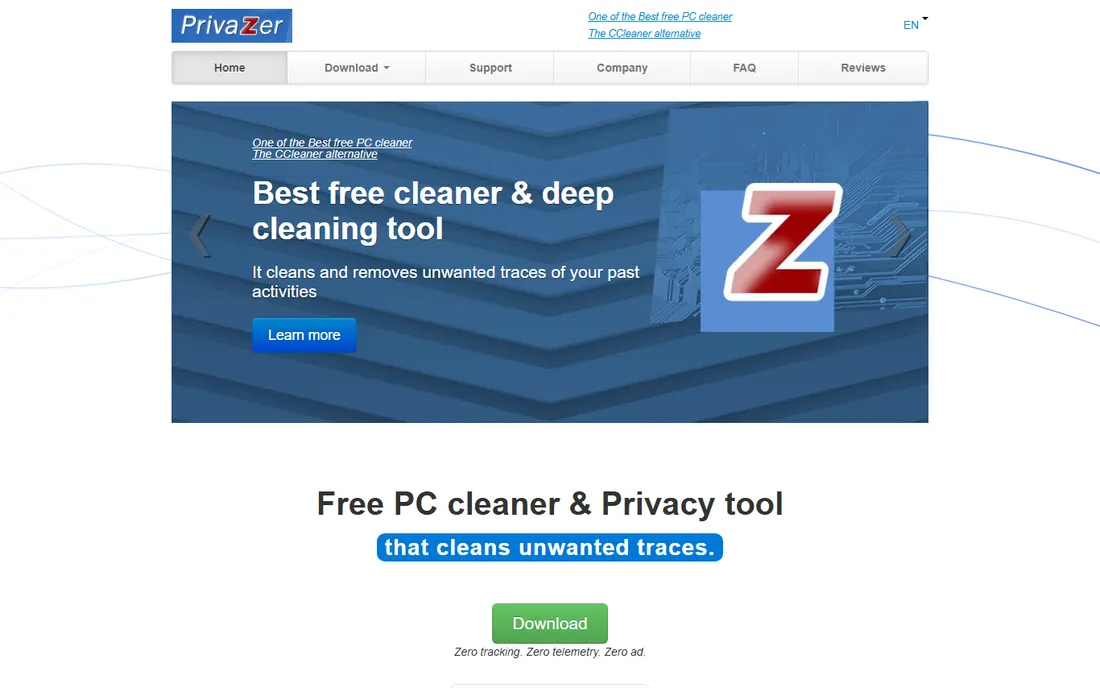
PrivaZer is the specialist: where other tools delete temporary files, PrivaZer overwrites residual traces in file tables, free space and system journals so deleted data cannot be recovered by forensic tools. It visualizes what it finds before cleaning, adapts its overwriting to the drive type, and ships as a portable app you can run from a USB stick. It is freeware, developed by Goversoft, with an optional donor version.
It is not a general PC speed tool, so pair it with a cleaner for that. But for shared computers, office machines being decommissioned, or anyone serious about privacy, it does something the others simply do not.
What we like- Free with no feature locks
- Deep cleaning of MFT, free space, USN journal and prefetch traces
- Smart overwriting adapts to HDDs vs SSDs
- Portable version runs from USB without installing
Watch out for- The interface is technical and dated
- Scans can be slow on first run
- Privacy-first design means it is not a general speed optimizer
How we chose
We started with the PC utilities buyers actually search for, favoring tools with long development histories and transparent vendors. For each, we opened the official website, confirmed the current product name and version, and checked whether a free tier or trial exists on the vendor's own pages. Prices were taken only from vendor pricing pages; where the price did not render on the official page, we marked it "See website" rather than quoting resellers. We cross-checked reputations against public reviews and long-running tech press coverage (PCMag, TechRadar, BetaNews). No hands-on testing is claimed; the method is documentation and review analysis, which is how most buyers actually evaluate these tools.
Free versus paid: the honest math
Almost every tool here has a free tier, and the free tiers do the jobs that matter most: junk cleanup, startup management and privacy erasing. Paid versions mostly buy automation (scheduled scans, real-time monitoring), convenience (driver and software updaters) and support. Before paying, try the free version for a week; if the PC feels fine, the subscription was never going to add much.
Two paid features are genuinely worth money. AVG's Sleep Mode changes how background apps consume resources, which no free tool replicates well. System Mechanic's automated repair engine suits people who maintain PCs for others. Everything else, weigh against the free tier honestly.
What to look for when buying PC utility software
Start with the problem, not the product. If the PC is slow to boot, you need startup management (Windows Task Manager does this free, every tool here does it too). If disk space is the issue, you need junk and duplicate cleanup. If it is crashes and errors, you want the repair-oriented tools like System Mechanic or Ashampoo's disk doctor. Buying a full suite for one problem wastes money.
Check three things before installing anything: that the vendor is real and reachable (all nine here are), that the installer lets you decline bundled offers, and that there is an undo or restore option before registry changes. And keep expectations realistic: no cleaner fixes failing hardware, malware infections or a hard drive that is simply full. Those need hardware, antivirus or bigger storage, in that order.
Frequently asked questions
Do PC cleaners actually speed up your computer?
Sometimes, for specific problems. Removing startup bloat genuinely speeds boot times, and clearing gigabytes of junk helps full drives. Registry cleaning and "internet optimizers" rarely produce noticeable gains. Treat cleaners as maintenance tools, not performance upgrades.
Is CCleaner safe to use?
Yes, with normal caution. It is a legitimate product from an established vendor. Review scan results before applying registry fixes, decline bundled offers during install, and keep a backup. The 2017 supply-chain incident was resolved years ago and the product has been clean since.
Should I pay for a PC tune-up tool or use the free version?
Use the free version first. Most cleanup value is free across this category. Pay only if you specifically want automation, multi-device coverage or a standout feature like AVG's Sleep Mode. Never pay full list price; these tools are perpetually discounted.
Can these tools replace antivirus software?
No. Tune-up utilities clean and optimize; they do not provide real-time malware protection (Advanced SystemCare Ultimate and System Mechanic Ultimate Defense bundle security features, but a dedicated antivirus is still the safer choice). Run one of each, not one instead of the other.
Will a registry cleaner break my PC?
Modern registry cleaners from reputable vendors are conservative and usually create backups or restore points first. Problems are rare but not impossible, which is why every tool here should be used with its backup option enabled. When in doubt, skip the registry section entirely; it contributes the least anyway.
Which utility is best for an old, slow laptop?
AVG TuneUp for its Sleep Mode and automatic maintenance, or Auslogics BoostSpeed for its hardware monitoring and SSD-aware optimization. Both target the resource waste that hurts old machines most. Pair either with PrivaZer if privacy cleanup matters too.
Sources we checked (10)
- https://www.ccleaner.com/
- https://glarysoft.com/
- https://iobit.com/
- https://www.avg.com/en-us/avg-pctuneup
- https://wisecleaner.com/
- https://iolo.com/
- https://www.auslogics.com/en/software/boost-speed/
- https://www.ashampoo.com/en-us/winoptimizer
- https://privazer.com/
- http://www.sciencedaily.com/releases/2023/06/230629125723.htm
Is your product missing or out of date?
We review this list regularly. Vendors can request a listing, send updated pricing or ask about featured placement.

Shihab Mia · Founder, Rankite
Shihab has spent more than a decade helping SaaS and e-commerce brands grow through search. He writes Rankite's software buying guides from pricing pages, documentation and public user reviews. More about Shihab.