How we make this list: we compare pricing pages, product documentation and public user reviews. Rankite is independent; if a vendor ever pays for a featured spot, that listing is clearly labeled Partner.
Key takeaways
- Figma remains the default for product teams, but its per-editor pricing adds up fast, and recent price increases have pushed budget-conscious teams to look at Penpot and Lunacy.
- Sketch is still the best native Mac experience and now the only serious desktop-first option, though Mac-only means mixed-OS teams cannot use it.
- Adobe XD is effectively dead for new buyers (maintenance mode, no standalone sales), so XD users should migrate to Figma or Penpot rather than start new work in it.
- Framer is the pick when the design IS the website, since it publishes production sites, while Axure RP and ProtoPie win when prototypes need realistic logic and device interactions.
- Balsamiq and Lunacy prove you do not need a subscription to do real work: Balsamiq charges per project with unlimited users, and Lunacy is free.
Quick comparison
| Tool | Best for | Starting price | Free plan |
|---|
 Figma Figma | Product teams that design together in real time | $16 per editor/month (billed annually; $20 per editor/month billed monthly) | Yes |
 Sketch Sketch | Mac-based designers who want a fast native app | $12 per editor/month (billed annually) | Free trial (30 days) |
 Framer Framer | Teams whose design output is a live website | $10 per site/month (billed annually; $15 per site/month billed monthly) | Yes |
 Axure RP Axure RP | UX teams prototyping complex, logic-driven software | $29 per user/month (billed annually; $34 per user/month billed monthly) | Free trial (30 days) |
 Balsamiq Balsamiq | Product managers and founders who need fast wireframes | $9 per month (2 projects; $90 per year) | Free trial (30 days) |
 Penpot Penpot | Teams that want professional design without vendor lock-in | Free (open source; paid cloud from $7 per user/month) | Yes |
 UXPin UXPin | Designers who prototype with real code components | $15 per editor/month | Yes |
 ProtoPie ProtoPie | Prototypes with realistic device, sensor, and multi-screen interactions | $67 per editor/month | Yes |
 Lunacy Lunacy | Freelancers and students who want a free desktop design app | Free (Pro $11.99 per user/month billed annually) | Yes |
Is your product missing or out of date?
We review this list regularly. Vendors can request a listing, send updated pricing or ask about featured placement.
User interface design software worth your time in 2026
Picture a three-person startup designing its first app: one founder on a Mac, one on Windows, and basically zero budget for tools. Five years ago the answer was obvious. Today the market leader charges per editor and keeps raising prices, the old Adobe standby is frozen in maintenance mode, and a free open-source tool does 90 percent of the job. The nine tools below reflect that new reality.
#1
Figma
Best for: Product teams that design together in real time
Visit figma.com
Starting price$16 per editor/month (billed annually; $20 per editor/month billed monthly)
Free planYes
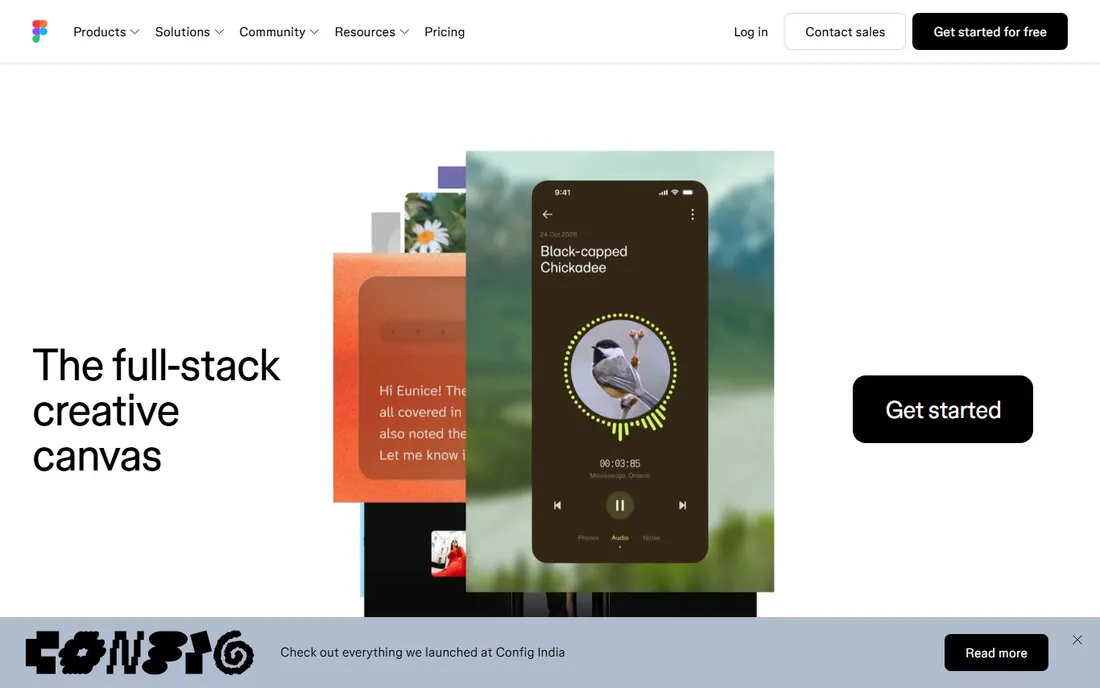
Figma is the industry standard for a reason. Multiple designers can work in the same file at the same time, components and variables keep design systems consistent, and Dev Mode gives developers inspectable specs with real code snippets. The plugin ecosystem, with thousands of community contributions, covers everything from accessibility checks to content population. For a product team shipping software, nothing else matches the complete package.
The catch is the bill. Professional now runs $16 per editor per month on annual billing after a 33 percent price increase, and costs scale linearly with headcount. Developers who only inspect designs need paid seats too, ending the era of free Dev Mode access. The Starter plan is genuinely useful for solo work, but growing teams should model the per-seat math carefully before signing a multi-year contract.
What we like- Best-in-class real-time collaboration
- Huge plugin and community ecosystem
- Strong design systems and Dev Mode handoff
Watch out for- Per-editor pricing scales painfully
- Recent price increases
- Weak offline support
#2
Sketch
Best for: Mac-based designers who want a fast native app
Visit sketch.com
Starting price$12 per editor/month (billed annually)
Free planFree trial (30 days)
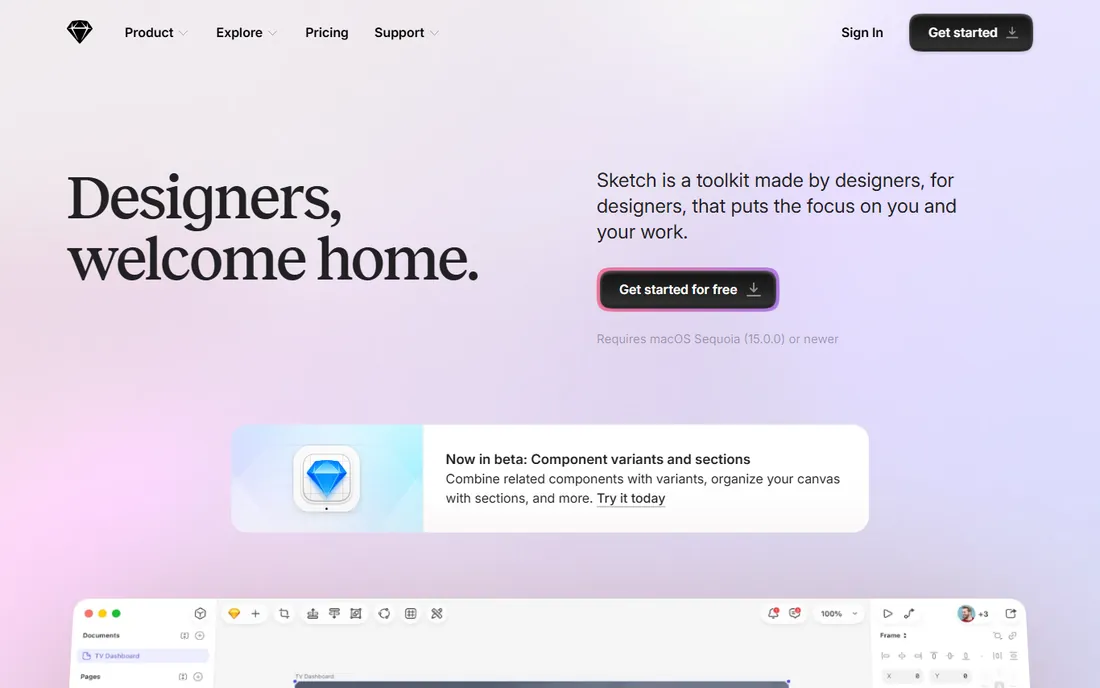
Sketch invented the modern UI design tool category, and on a Mac it still feels like the fastest, most native option. The vector editing is precise, symbols and shared libraries handle design systems well, and the app stays out of your way in a way browser tools sometimes do not. A Mac-only license at $120 per editor per year gives solo designers a cheaper path than the full subscription.
The obvious limitation is the platform: if anyone on the team uses Windows or Linux, Sketch is a non-starter, which has pushed many mixed-OS teams to Figma or Penpot. There is no free plan, only a 30-day trial. Sketch suits Mac-only freelancers and studios that value native speed over multiplayer collaboration.
What we like- Fast native Mac performance
- Mature symbols and libraries
- One-time Mac-only license option for solo users
Watch out for- Mac-only locks out Windows and Linux teammates
- Smaller plugin ecosystem than Figma
- Collaboration runs through the web app
Starting price$10 per site/month (billed annually; $15 per site/month billed monthly)
Free planYes
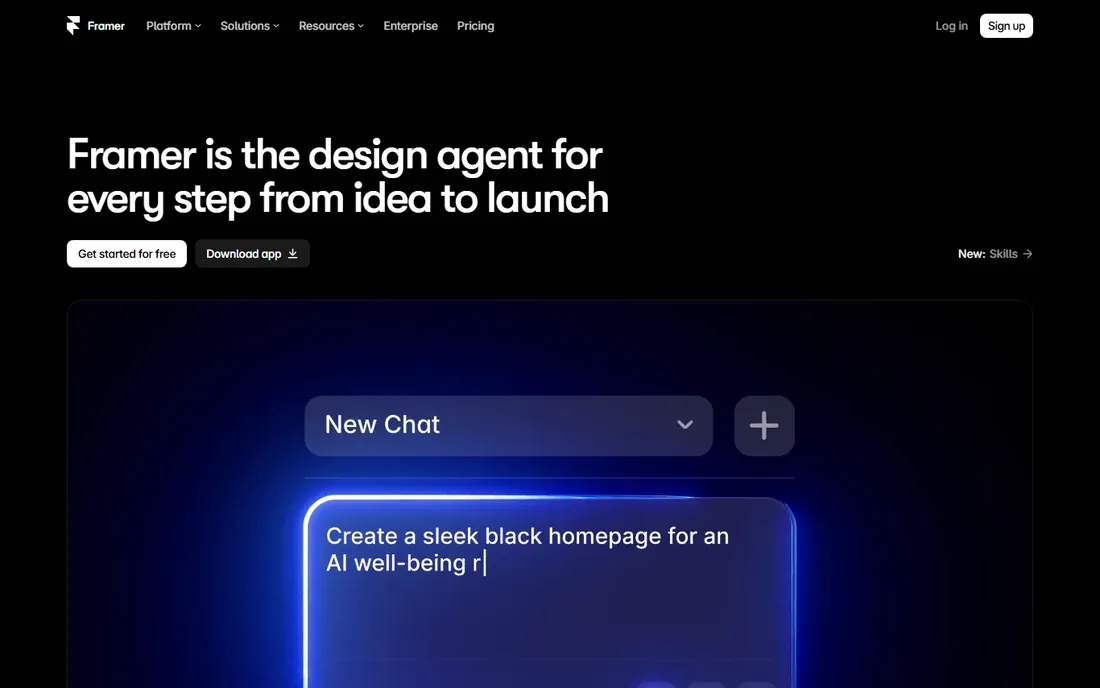
Framer collapses the gap between designing and shipping. You lay out pages on a canvas like any design tool, then publish a real, hosted website with a CMS, forms, analytics, and SEO built in. For marketing sites, landing pages, and portfolios, it removes the developer handoff entirely, and the AI features can generate editable sections from a prompt. The free plan is enough to learn the editor and prototype.
Watch the pricing: Framer charges per site, not per user. Basic is $10 per site per month on annual billing, Pro is $30, and each additional editor costs $20 per month on top. A team running five sites with four editors pays far more than the sticker price suggests. Framer is a website tool first; for native mobile apps or large design systems, Figma or Penpot remain better canvases. Buy Framer when the deliverable is a URL.
What we like- Designs publish as real production websites
- Built-in CMS, analytics, and AI site generation
- No developer handoff needed for marketing sites
Watch out for- Per-site pricing multiplies with each property
- Extra editor seats cost $20 per month each
- Weaker for native app UI and design systems
#4
Axure RP
Best for: UX teams prototyping complex, logic-driven software
Visit axure.com
Starting price$29 per user/month (billed annually; $34 per user/month billed monthly)
Free planFree trial (30 days)
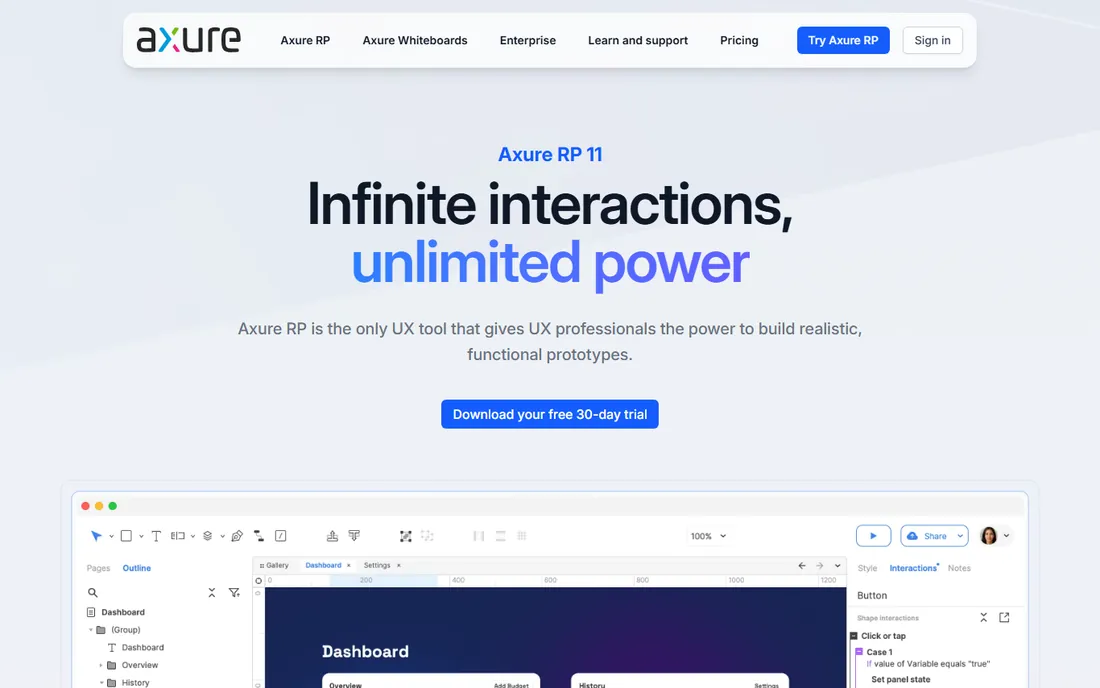
When a prototype needs to behave like real software, with conditional flows, dynamic data, and multi-step logic, Axure RP is still the tool specialists reach for. Enterprise UX teams use it to specify complex applications and test them with users before any code exists. The same file can hold wireframes, flow diagrams, and written documentation, which suits regulated industries and large organizations that need a single source of truth.
The trade-offs are real: a desktop-only editor, a steep learning curve, and visual design features that lag behind Figma, so many teams design in Figma and prototype in Axure. Pro starts at $29 per user per month on annual billing, with a 30-day free trial and free licenses for qualifying students. Choose Axure when prototype realism drives the research; choose anything else when it does not.
What we like- Conditional logic, variables, and repeaters for realistic prototypes
- Wireframes, diagrams, and documentation in one file
- Unlimited reviewers on cloud hosting
Watch out for- Desktop-only editor with a steep learning curve
- Visual design weaker than Figma or Sketch
- Co-authoring requires the pricier Team plan
#5
Balsamiq
Best for: Product managers and founders who need fast wireframes
Visit balsamiq.com
Starting price$9 per month (2 projects; $90 per year)
Free planFree trial (30 days)
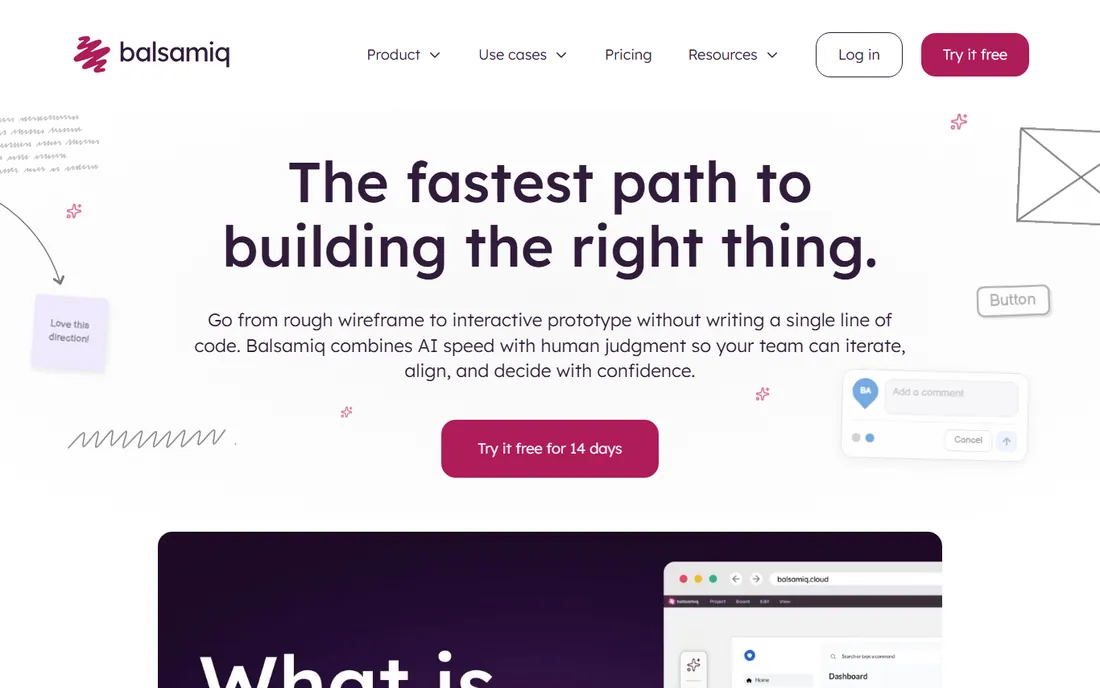
Balsamiq's hand-drawn wireframe style is a feature, not a limitation. When a mockup looks unfinished, stakeholders comment on the layout and flow instead of the button color, which is exactly the conversation you want in week one of a project. Anyone can learn it in an afternoon: drag pre-built UI controls onto a canvas, link screens for click-throughs, and share.
Pricing is refreshingly different: Balsamiq Cloud charges per project, not per user, so $9 a month covers two projects with unlimited collaborators, and a desktop version costs a one-time $89. The honest limit is fidelity: Balsamiq will never produce developer-ready specs or polished marketing mockups. Use it to think and communicate early, then move to Figma or Penpot when the design gets serious.
What we like- Deliberately rough style keeps feedback on structure
- Per-project pricing with unlimited users
- Extremely fast to learn
Watch out for- Intentionally low fidelity, never pixel-perfect
- Limited interactive prototyping
- Not a handoff tool for developers
#6
Penpot
Best for: Teams that want professional design without vendor lock-in
Visit penpot.app
Starting priceFree (open source; paid cloud from $7 per user/month)
Free planYes
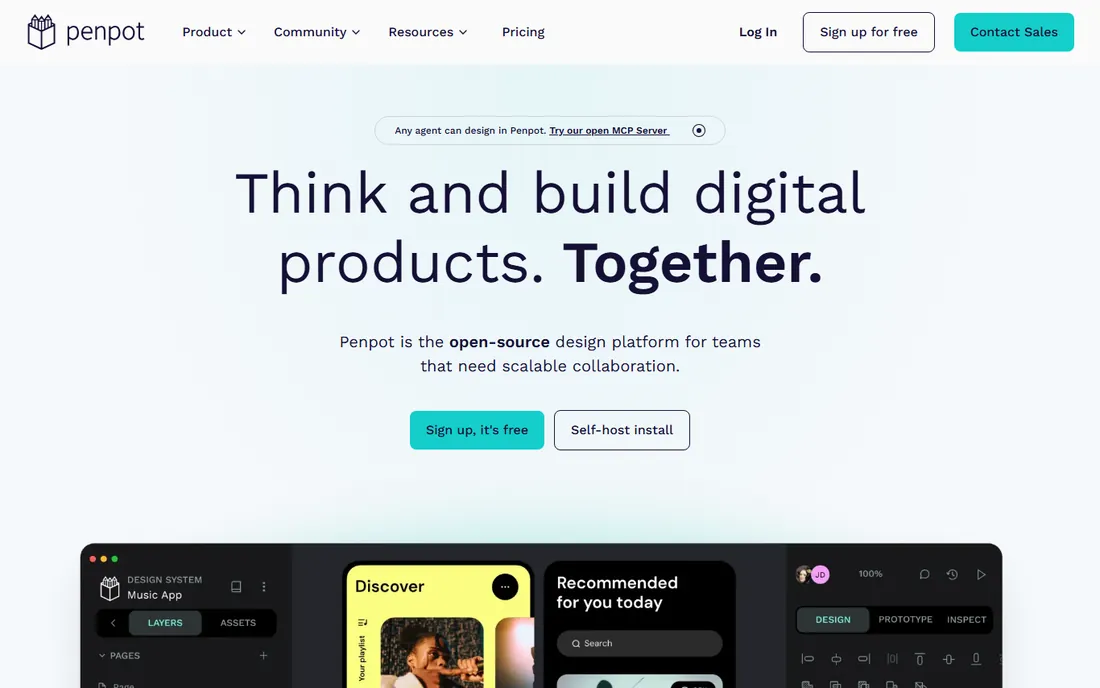
Penpot is the most serious free alternative Figma has ever faced. It runs in the browser, supports real-time collaboration, components, and interactive prototyping, and it stores designs in open formats, SVG, CSS, and JSON, so your files are never trapped in a proprietary format. Native design tokens aligned with web standards and true CSS grid and flex layouts make developer handoff unusually clean: developers copy real code, not approximations.
The pricing is the headline. The open-source platform is free forever and self-hostable, and the hosted cloud plan is free for teams up to eight people, with paid tiers from $7 per user per month capped at $175 a month no matter how large the team grows. The gaps are ecosystem depth, with fewer plugins and templates than Figma, and the usual open-source trade-off of community support unless you pay. For startups, schools, NGOs, and any team with compliance reasons to own its data, Penpot is the rational default to try first.
What we like- Fully open source and self-hostable
- Designs stored as open SVG, CSS, and JSON
- Native design tokens and real CSS layouts
Watch out for- Smaller plugin and template library than Figma
- Self-hosting needs technical setup
- Cloud performance depends on your connection
#7
UXPin
Best for: Designers who prototype with real code components
Visit uxpin.com
Starting price$15 per editor/month
Free planYes
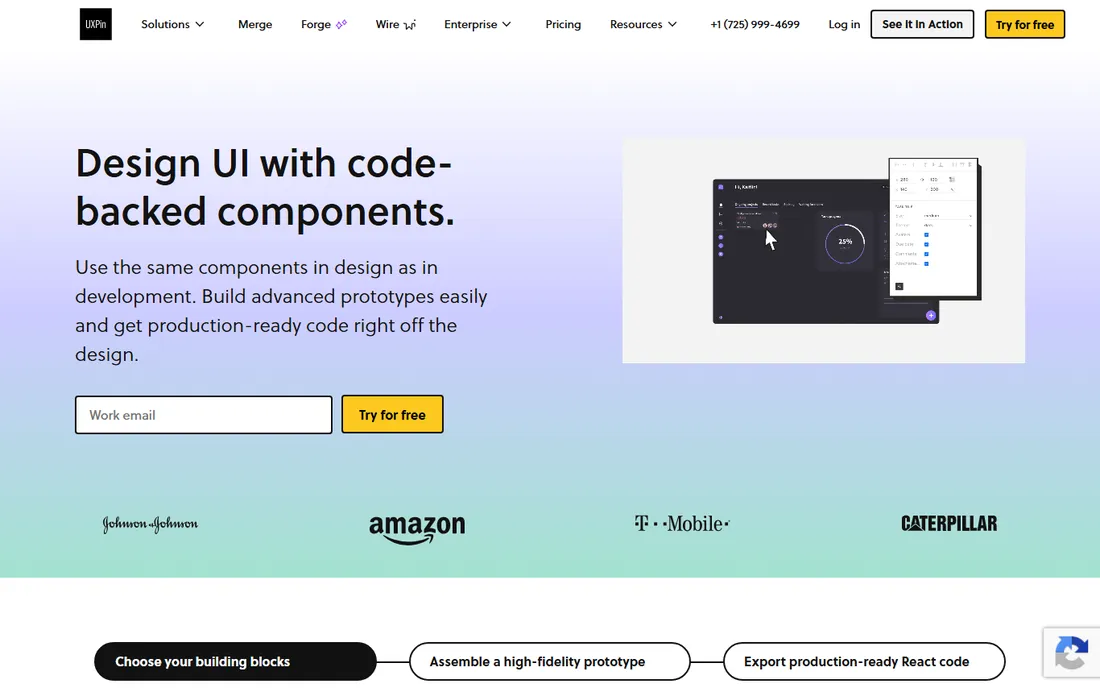
UXPin's standout trick is Merge: it connects your actual coded component library, React or otherwise, to the design tool, so prototypes render with production components instead of pictures of them. That means what stakeholders click in testing is what engineers will ship, which kills a whole category of handoff mismatch. Interactive features like states, variables, and conditional logic go well beyond click-through linking.
It is a power tool with a power tool's learning curve, and beginners often bounce off it. Pricing starts at $15 per editor per month for Basic, with Advanced at $29 and higher tiers beyond that, and the jumps between tiers are significant, so check which features your workflow actually needs. There is a free plan for basic exploration. UXPin fits mature product teams with a coded design system; smaller teams will find Figma or Penpot simpler and cheaper.
What we like- Merge technology renders real code libraries in prototypes
- Interactive states, variables, and conditional logic
- Design system documentation built in
Watch out for- Steeper learning curve than canvas-first tools
- Pricing jumps between tiers
- Smaller community than Figma
#8
ProtoPie
Best for: Prototypes with realistic device, sensor, and multi-screen interactions
Visit protopie.io
Starting price$67 per editor/month
Free planYes
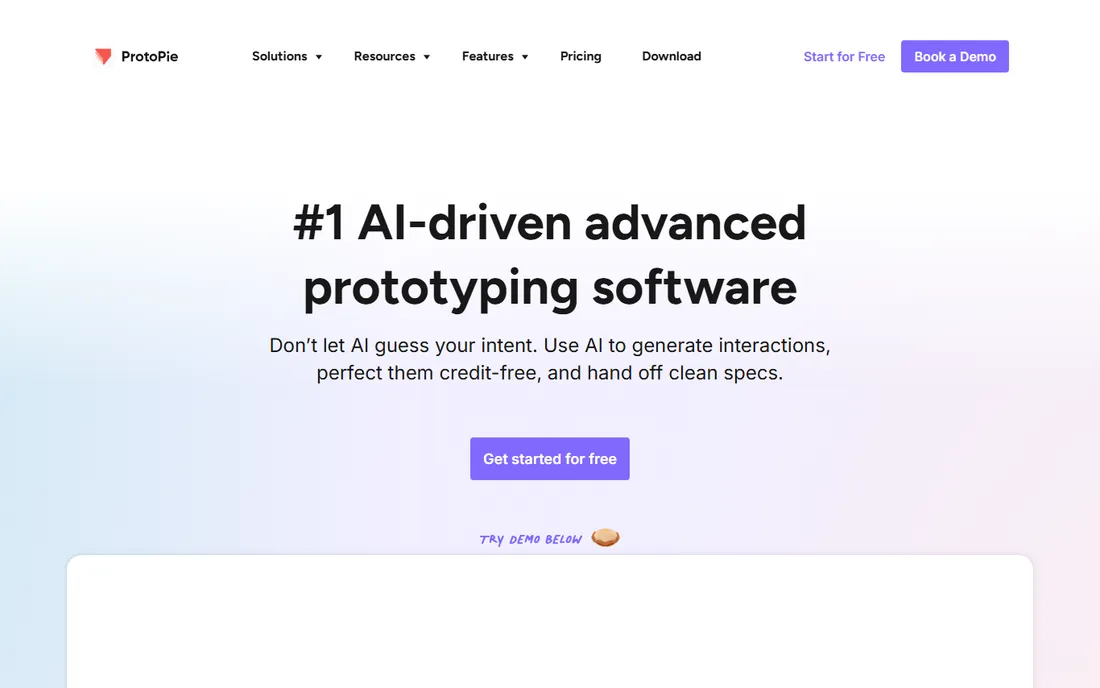
ProtoPie exists for interactions other tools cannot fake: tilt sensors, 3D touch, voice input, prototypes that span phone, watch, and desktop at once. Automotive, IoT, and mobile teams use it to test experiences that depend on hardware inputs, building production-feeling prototypes without writing code. It imports designs from Figma, Sketch, and Adobe XD, so it slots into an existing workflow as the interaction layer.
The price is the conversation. At $67 per editor per month for Pro, it costs more than Figma and Sketch combined, which is hard to justify unless sensor and device interactions are central to your testing. Some long-time users also note the editor's development pace has slowed. There is a free plan for trying the basics. Buy ProtoPie when your prototype must convince someone it is a real product; otherwise the interaction features in Figma or UXPin are enough.
What we like- Sensor inputs, voice, and multi-device interactions with no code
- Prototypes feel like real apps
- Imports from Figma, Sketch, and XD
Watch out for- Expensive at $67 per editor per month
- Editor development pace feels slow
- It complements rather than replaces a design tool
#9
Lunacy
Best for: Freelancers and students who want a free desktop design app
Visit icons8.com
Starting priceFree (Pro $11.99 per user/month billed annually)
Free planYes
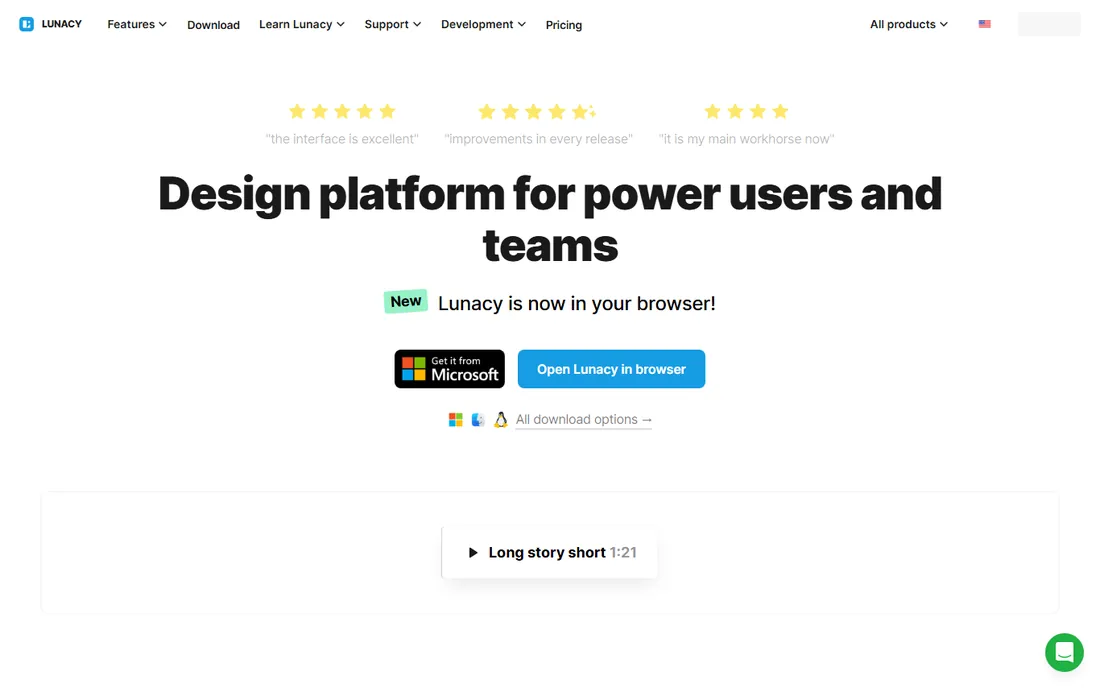
Lunacy by Icons8 is the free desktop design tool nobody talks about enough. It is a native app for Windows, macOS, and Linux that opens, edits, and saves Sketch files, imports from Figma, and includes auto layout, components, real-time collaboration, and prototyping. The Icons8 asset library is built right into the canvas, so icons, illustrations, and stock photos are a search away, and onboard AI tools handle background removal, image upscaling, and placeholder text.
The core app is free with no time limit, which makes it the easiest recommendation for students, freelancers, and anyone who works offline. A Pro tier at $11.99 per user per month billed annually adds higher-resolution assets and removes attribution requirements, but the design features themselves stay free. The trade-offs are a smaller community than Figma and no browser version. If you want a capable UI design tool that costs nothing and works on a plane, start here.
What we like- Completely free core app for Windows, Mac, and Linux
- Opens and saves Sketch files
- Built-in Icons8 assets and AI tools
Watch out for- Smaller community and template library
- Cloud features limited on the free tier
- Desktop-only, no browser version
How to choose UI design software for your team
Match the tool to your platform reality first. Mixed-OS teams should shortlist browser tools like Figma or Penpot; Mac-only teams can consider Sketch; anyone who needs offline work should look at Lunacy or Axure. Next, decide what the deliverable is. Marketing websites point to Framer, app interfaces point to Figma, Sketch, or Penpot, and early-stage thinking points to Balsamiq.
Then interrogate the pricing model, because this category has four different ones. Per-editor pricing (Figma, Sketch, UXPin, ProtoPie) punishes large teams, so count everyone who will edit, not just designers. Per-site pricing (Framer) punishes teams with many properties, and per-project pricing (Balsamiq) rewards broad collaboration. Penpot and Lunacy sidestep the question by being free. Finally, check the handoff: Dev Mode, code-backed components, or real CSS export will matter more to your developers than any canvas feature.
Where Adobe XD users should go now
Adobe XD is in maintenance mode: no new features, no standalone sales, available only inside Creative Cloud All Apps for existing users. If your team still has XD files, migrate rather than start new work in it. Figma is the standard destination and includes an XD file importer that handles the basics, though complex prototypes need manual cleanup. Penpot is the free alternative if licensing costs are the concern, and Lunacy opens a surprising amount of design work at zero cost. Budget a few hours per project for migration cleanup, move one project first to learn the new workflow, and treat the switch as the upgrade it is.
How we chose
We focused on tools that working UI designers actually use in 2026: the market leaders, the Mac-native holdout, the website publisher, the prototyping specialists, and the free alternatives. For each we verified current pricing from the vendor's pricing page or provider-supplied listings, checked platform support and standout features, and cross-referenced recent reviews and comparisons. We deliberately excluded Adobe XD as a recommendation since Adobe has ended new sales and active development, replacing it with Lunacy, which is free and actively maintained. We did not claim hands-on testing.
Frequently asked questions
Which UI design tool is best for beginners?
Start free: Lunacy gives you a full desktop design app at no cost, and Penpot's hosted plan is free for small teams. Figma's free Starter plan is also excellent for learning the industry-standard tool. Balsamiq is the easiest if you only need wireframes, since its deliberately simple style removes any pressure to make things pretty.
Is Figma better than Sketch in 2026?
For most teams, yes, because Figma's browser-based collaboration, plugin ecosystem, and platform independence outweigh Sketch's advantages. Sketch still wins for Mac-only designers who value native app speed and a one-time-style license. The deciding factor is usually your team's operating systems: mixed-OS teams cannot use Sketch at all.
Can I do professional UI design completely for free?
Yes. Penpot is free and open source with professional features including collaboration and design tokens, and Lunacy is a free desktop app that handles Sketch files. Figma's free Starter plan covers solo projects. The free options lack some ecosystem depth and premium support, but the core design work is fully doable without paying.
What happened to Adobe XD?
Adobe moved XD into maintenance mode after its Figma acquisition was blocked, ending new feature development and standalone sales. It remains available inside Creative Cloud All Apps for existing users with bug fixes only. New projects should start in Figma, Penpot, or another actively developed tool.
Do I need a separate prototyping tool?
Usually not. Figma, Penpot, Sketch, and Lunacy all include interactive prototyping for standard click-through testing. Separate tools earn their keep only for special cases: Axure RP for logic-heavy enterprise flows, ProtoPie for sensor and multi-device interactions, and UXPin when prototypes must use production code components.
How much should a small team budget for UI design software?
A five-editor team on Figma Professional pays around $960 a year on annual billing, while Sketch costs about $720. The same team pays nothing on Penpot's free cloud tier or Lunacy. Framer changes the math entirely with per-site pricing plus $20 per month per extra editor. Always model your actual seat count and project count against each pricing model before committing.
Sources we checked (24)
- https://www.figma.com/
- https://github.com/aiopentec/opensource-alternative-finder/blob/HEAD/blog_content/why-teams-are-switching-from-figma-to-penpot.md
- https://www.vendr.com/marketplace/figma?requestType=priceEstimate
- https://www.sketch.com/
- https://www.vendr.com/marketplace/sketch
- https://www.softwaresuggest.com/sketch
- https://www.framer.com/
- https://saascrmreview.com/framer-pricing/
- https://www.axure.com/
- https://uxpickle.com/tool/axure/
- https://www.getapp.com/it-management-software/a/axure-rp/
- https://balsamiq.com/
- https://www.spotsaas.com/product/balsamiq/pricing
- https://www.saasworthy.com/product/balsamiq-mockups
- https://penpot.app/
- https://penpot.app/blog/sketch-alternatives/
- https://www.uxpin.com/
- https://www.g2.com/products/uxpin/reviews?filters%5Bnps_score%5D%5D=4
- https://www.protopie.io/
- https://www.g2.com/products/protopie/pricing
- https://icons8.com/lunacy
- https://icons8.com/lunacy-pricing
- https://mapsoft.com/posts/adobe-xd-end-of-life.html
- https://www.imaginarycloud.com/blog/figma-vs-adobe-xd-main-differences
Is your product missing or out of date?
We review this list regularly. Vendors can request a listing, send updated pricing or ask about featured placement.

Shihab Mia · Founder, Rankite
Shihab has spent more than a decade helping SaaS and e-commerce brands grow through search. He writes Rankite's software buying guides from pricing pages, documentation and public user reviews. More about Shihab.