How we make this list: we compare pricing pages, product documentation and public user reviews. Rankite is independent; if a vendor ever pays for a featured spot, that listing is clearly labeled Partner.
Key takeaways
- Topaz makes the most serious tools in this category, with separate products for photos (Gigapixel, Photo AI) and video (Video AI) that professionals actually use.
- For video specifically, Topaz Video AI, HitPaw VikPea, and AVCLabs are the real contenders; most other upscalers handle images only.
- Upscayl is the only genuinely free option worth your time, and it is open source with no watermarks or upload limits.
- No upscaler invents detail that was never there, so buy for clean enlargement and artifact removal, not for miracle reconstruction.
Quick comparison
Is your product missing or out of date?
We review this list regularly. Vendors can request a listing, send updated pricing or ask about featured placement.
The best upscaling software
Starting price$29/month
Free planFree trial
Gigapixel does one thing and does it better than anything else on the market: making photos bigger without them falling apart. Topaz trains its models specifically on the enlargement problem, teaching the software what edges, textures, and fine detail should look like when reconstructed at higher resolution. The result is visibly cleaner than what you get from basic bicubic resizing or the upscaling tucked into general photo editors.
It handles batch processing well, which matters for photographers working through hundreds of images, and the interface stays focused because there is no enhancement clutter. The downside is narrowness: Gigapixel enlarges and sharpens, but it will not fix exposure, remove noise, or do anything else. If enlargement is your main job, this is the tool. If you need broader enhancement, look at Photo AI next.
What we like- Best-in-class enlargement quality
- Purpose-built for upscaling
- Batch processing
Watch out for- Single-purpose tool
- Subscription pricing adds up
Starting price$39/month
Free planFree trial
Photo AI is Topaz's answer to photographers who do not want three separate apps. It combines denoising, sharpening, and upscaling in one workflow, with an autopilot mode that analyzes each image and applies what it thinks is needed. Used as a plugin inside Lightroom or Photoshop, it slots into a professional workflow without friction.
The autopilot is genuinely useful for batch work, though it occasionally applies more sharpening than a careful editor would choose, so review its decisions on important images. At $39 per month it costs more than Gigapixel, but it replaces several tools at once. For photographers who enhance and enlarge in the same session, it is the more practical Topaz purchase.
What we like- Combines denoise, sharpen, and upscale
- Autopilot applies sensible defaults
- Plugin for Lightroom and Photoshop
Watch out for- Higher price than Gigapixel alone
- Autopilot sometimes over-processes
Starting price$59/month
Free planFree trial
Video AI is the product that made AI video upscaling a serious category. It offers separate models for different jobs: enhancing old footage, deinterlacing, denoising, stabilizing, and interpolating frames for smooth slow motion. Editors working with archival material, client footage shot on weak cameras, or drone video that needs a resolution bump will find it transformative.
The honest cost is hardware. Serious enhancement runs slowly on integrated graphics and even on mid-range GPUs; this is a tool that rewards a strong machine. At $59 per month it is also the priciest option here. But for professionals whose income depends on footage quality, it remains the benchmark everything else is measured against.
What we like- The reference standard for video enhancement
- Dedicated models for different footage types
- Frame interpolation
Watch out for- Demanding on hardware
- Slow renders on modest machines
- Highest price here
Starting priceSee website
Free planFree trial
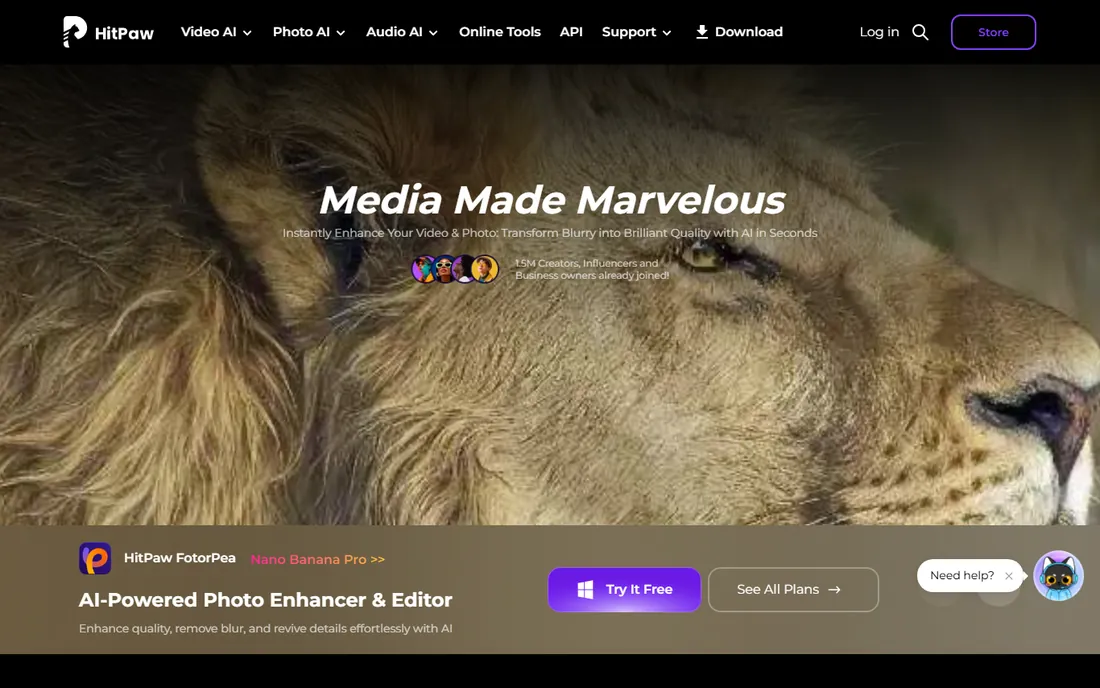
FotorPea, formerly HitPaw Photo Enhancer, is the friendly face of photo upscaling. The interface is simple, the AI models are tuned for common jobs like portrait enhancement and old photo restoration, and you can get a result in a couple of clicks without learning anything. For casual users who want better-looking photos without a learning curve, that simplicity is the whole pitch.
The trade-off is control and ceiling. Where Topaz lets you tune models and settings, FotorPea mostly asks you to trust it, and on genuinely difficult images the results show it. Pricing includes one-time purchase options alongside subscriptions, which many buyers prefer. Choose it for ease and value; choose Topaz when quality is the priority.
What we like- Very beginner-friendly
- Handles portraits and old photos well
- Affordable one-time options
Watch out for- Less control than Topaz
- Quality ceiling is lower on difficult images
Starting priceSee website
Free planFree trial
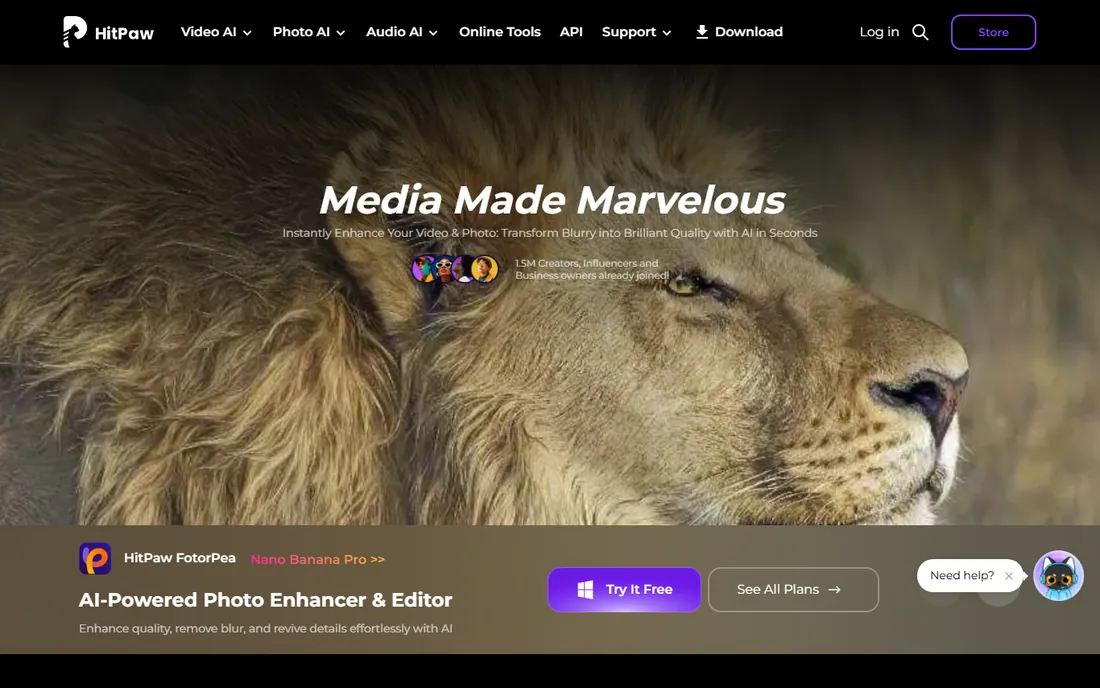
VikPea, formerly HitPaw Video Enhancer, brings the same beginner-friendly philosophy to video. Drop in a clip, pick an enhancement model, and let it work. It handles the common cases well: old family videos, compressed social clips, and footage that needs denoising and sharpening before it looks presentable.
It does not match Topaz Video AI on the hardest jobs, and renders can be slow, but it costs less and asks nothing of you technically. For content creators enhancing older uploads or marketers polishing phone footage, it hits a sweet spot between the free options and the professional tier.
What we like- Simple video enhancement workflow
- Good for old and low-quality clips
- Regular model updates
Watch out for- Slower than Topaz on comparable hardware
- Fewer specialized models
Starting priceSee website
Free planFree trial
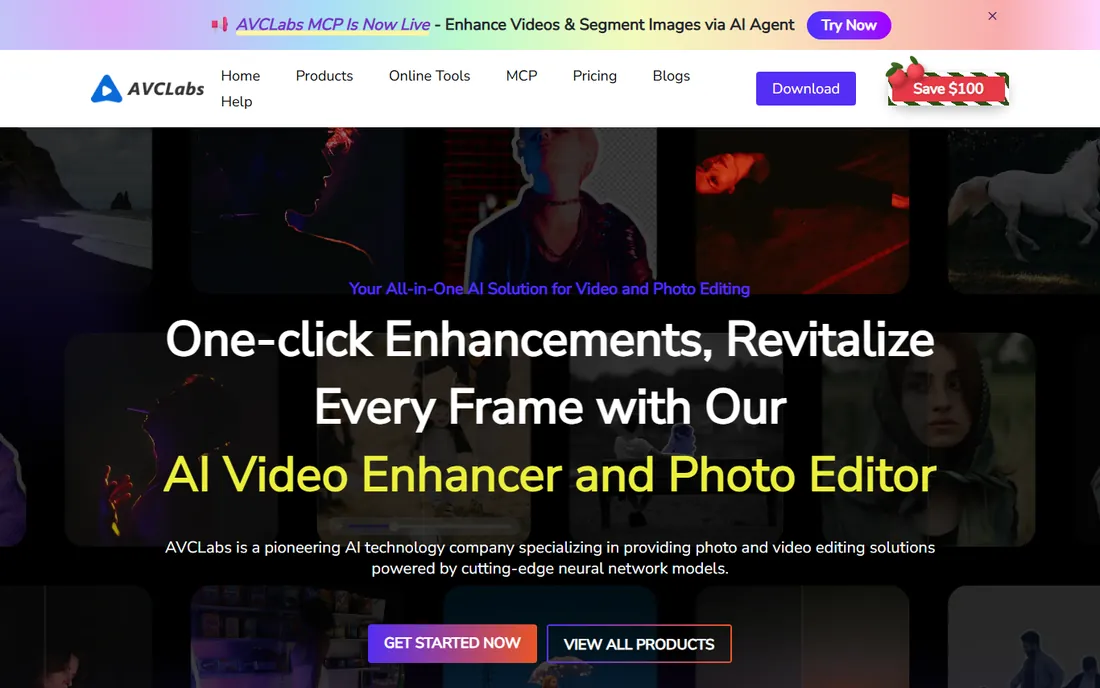
AVCLabs Video Enhancer AI focuses on restoration: taking old, noisy, low-resolution video and making it watchable. Its face refinement model does a credible job on talking-head footage, which is where many enhancers fail, and it handles the usual upscaling, denoising, and colorization tasks competently. The interface will not win design awards, but every control is where you expect it.
It sits in the middle of the market on price and capability: more serious than the beginner tools, less refined than Topaz. For archivists, family historians, and anyone digitizing old tapes, it is a strong specialist pick.
What we like- Strong on old and damaged footage
- Face refinement works well
- Straightforward pricing
Watch out for- Interface is utilitarian
- Smaller community than Topaz

#7
ON1 Resize AI
Best for: Print-size photo enlargement
Visit on1.com
Starting priceSee website
Free planFree trial
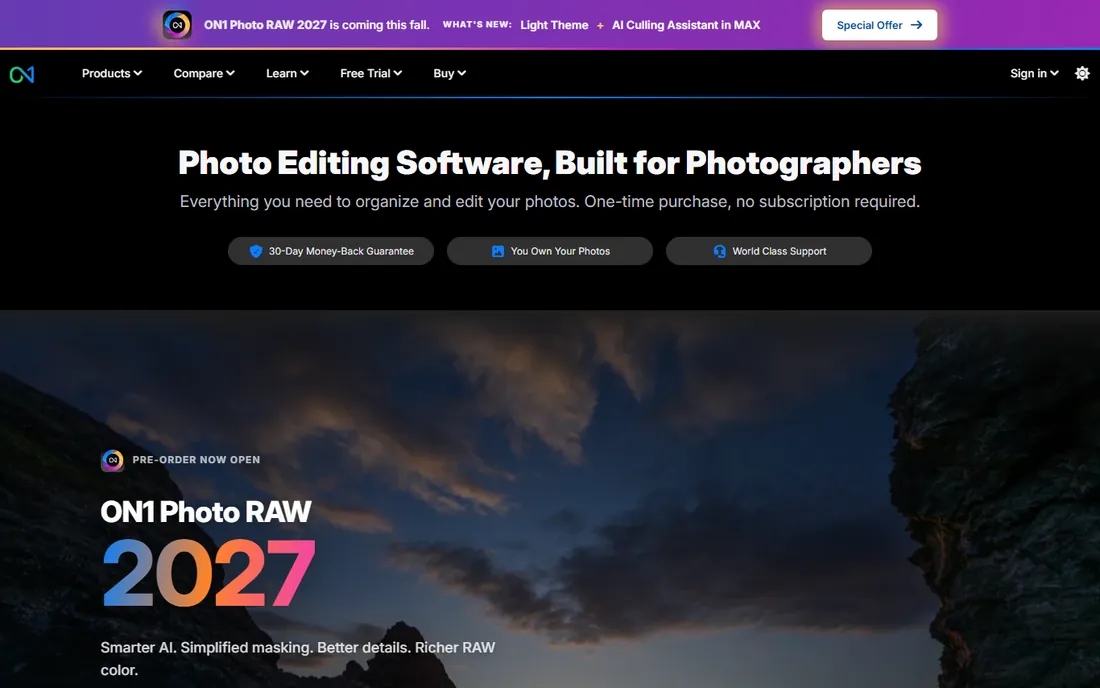
ON1 Resize AI, formerly Perfect Resize, exists for one specific job: making photos big enough to print large. It uses tiling to handle enormous output dimensions that would choke other tools, and it includes print-focused features like gallery wrap for canvas prints. If you sell prints or decorate offices with large-format photography, this is purpose-built for you.
For screen and web work it is overkill; Gigapixel or Photo AI will serve you better at lower cost. But in the print niche it has loyal users for good reason, and it integrates with the broader ON1 Photo RAW editor if you want an all-in-one alternative to the Adobe subscription.
What we like- Built for print workflows
- Tiling for huge output sizes
- Integrates with ON1 Photo RAW
Watch out for- Niche focus on printing
- Less useful for screen-only work
Starting priceSee website
Free planFree to start
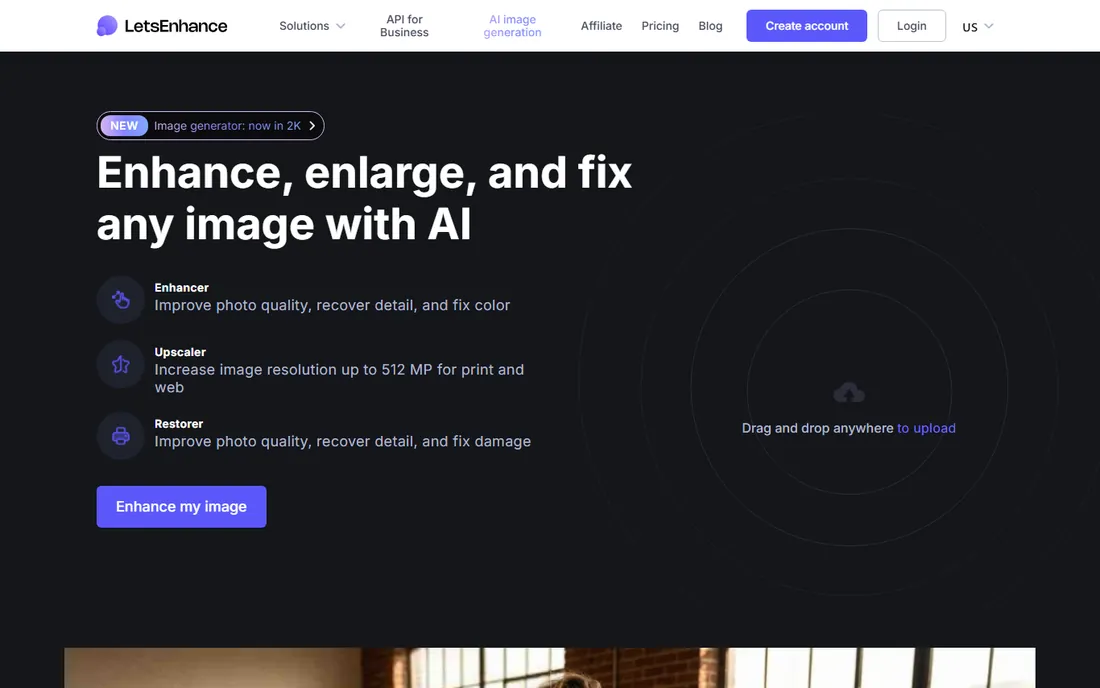
Let's Enhance runs entirely in the browser, which makes it the easiest upscaler to try: upload images, pick settings, download results. It offers a free starting tier, and its batch processing and API make it popular with e-commerce teams enhancing product photos at scale and with real estate marketers processing listing images.
The credit system means heavy users should do the math against a subscription tool. And as with any cloud service, think twice before uploading sensitive client material. For quick jobs, trials, and automated pipelines, though, it is the most convenient option here.
What we like- No software to install
- API for automated workflows
- Good for e-commerce batches
Watch out for- Credit-based pricing
- Uploading client work raises privacy questions
Starting priceSee website
Free planNo
Magnific AI takes a different philosophical stance from every other tool here. Where Topaz tries to reconstruct what was actually in the image, Magnific leans into generation, producing richly detailed results that look spectacular even at large sizes. Digital artists and designers love it for concept work and creative projects where visual impact matters more than fidelity.
That is also its weakness. The detail it adds is plausible, not real; it can invent textures, sharpen features, and subtly change faces. For creative work that is a feature. For documentary, archival, or forensic purposes it is disqualifying. It is also expensive with no free tier, so it is a tool you buy with eyes open.
What we like- Generates strikingly detailed results
- Popular with digital artists
- Hallucinates plausible texture
Watch out for- Expensive
- Results can invent details that were never there
- No free tier
Starting priceFree
Free planYes
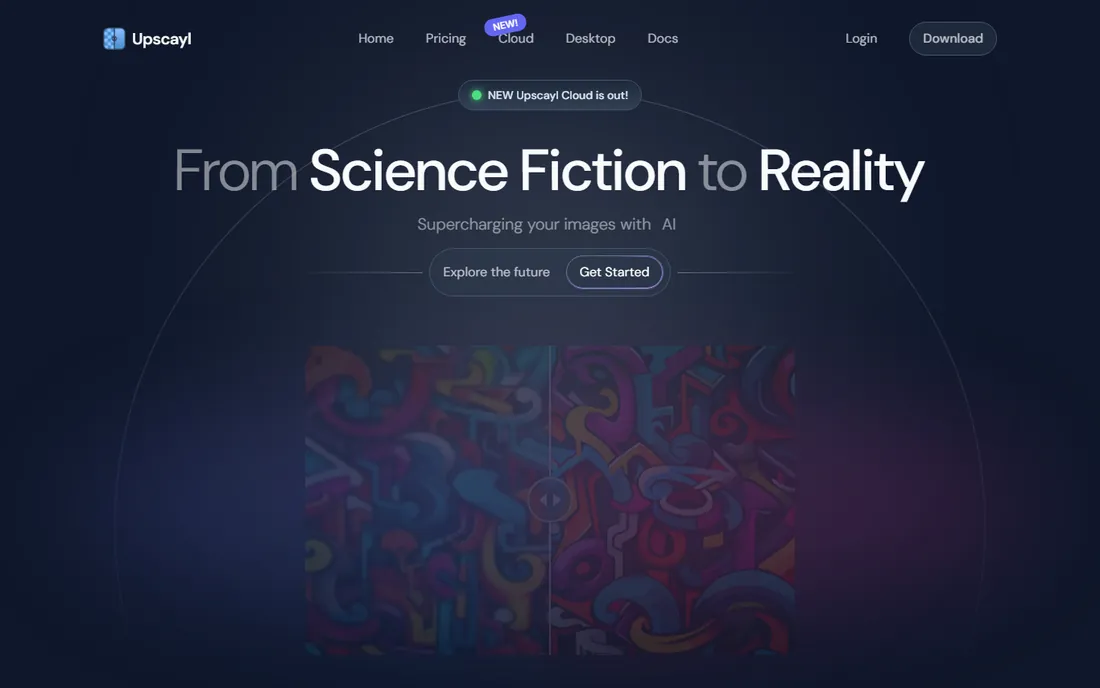
Upscayl is the proof that good upscaling does not have to cost anything. It is free and open source, runs on Windows, Mac, and Linux, processes images locally so nothing uploads anywhere, and imposes no watermarks or limits. It bundles several respected open-source AI models and lets you compare them.
The interface is functional rather than polished, and beginners may find the model choices confusing. On the hardest images it trails the commercial leaders. But for a free tool it is remarkably capable, and for privacy-sensitive work the local processing is a genuine advantage no cloud tool can match.
What we like- Completely free with no watermarks
- Open source
- Runs locally for full privacy
Watch out for- Interface is basic
- Model selection can confuse beginners
- Quality below Topaz
How we chose
We verified that every product on this list exists and is actively maintained in 2026 by opening each vendor's official site. We focused on dedicated upscaling software for images and video, not the upscaling features buried inside general editors. Pricing comes from the vendors' own pricing pages where shown; elsewhere we say so plainly. We excluded dead projects, vaporware demos, and mobile-only filter apps. No vendor paid for placement, and we make no claim of lab-tested quality scores.
What to check before you pay
Test with your own worst image, not the vendor's demo. Every upscaler looks great on its marketing samples. Upload a noisy, compressed, or genuinely low-resolution file from your own collection and compare the output at 100 percent zoom. That single test tells you more than any review.
Match the tool to the medium. Photo upscalers and video upscalers are different products with different engines; a great photo tool will not help your footage. If you work with both, budget for both or pick a vendor like Topaz or HitPaw that sells both.
Check the hardware requirements before buying video software. AI video enhancement is among the most demanding consumer workloads there is, and a tool that renders for six hours on your machine is not actually usable. Most vendors offer free trials; run one on a real project before committing to a subscription.
The honest limits of upscaling
Every upscaler on this list works by guessing. Given a blurry patch of pixels, the AI fills in what similar patches looked like in its training data. When the guess is good, the result looks like detail was recovered. When it is wrong, the result is confident fiction: invented textures, smoothed faces, text that looks almost but not quite right.
That means upscaling has a ceiling. It can make a decent image bigger, clean up compression artifacts, and rescue mediocre footage. It cannot recover a license plate from three blurry pixels or restore a face that was never captured. Treat these tools as enhancement, not resurrection, and you will be happy with what they do.
Frequently asked questions
What is the difference between upscaling and enlarging?
Enlarging stretches existing pixels, which makes images bigger but blurrier. Upscaling uses AI to predict what the missing detail should look like, producing a larger image that actually looks sharper. The AI cannot create real detail, but on good source material the difference is dramatic.
Which upscaler is best for video?
Topaz Video AI is the professional benchmark, with dedicated models for different footage problems. HitPaw VikPea and AVCLabs Video Enhancer AI are more affordable alternatives that handle common enhancement jobs well.
Can free upscaling software match paid tools?
For casual use, Upscayl gets surprisingly close on photos, and it costs nothing. Paid tools pull ahead on difficult images, batch workflows, video, and print-size output. Try the free option first; you may not need more.
How much resolution can I realistically add?
Two to four times the original dimensions is the practical range for good results. Beyond that, even the best AI starts inventing more than it reconstructs. Start with the highest-quality source you have; upscaling multiplies what is there, good and bad.
Does upscaling work on old family photos?
Yes, and this is one of its best uses. Tools like Topaz Photo AI, HitPaw FotorPea, and AVCLabs combine upscaling with denoising, scratch handling, and face refinement that can genuinely rescue faded prints and old scans.
Sources we checked (8)
- https://topazlabs.com/
- https://www.topazlabs.com/pricing
- https://hitpaw.com/
- https://www.avclabs.com/
- https://on1.com/
- https://letsenhance.io/
- https://magnific.ai/
- https://upscayl.org/
Is your product missing or out of date?
We review this list regularly. Vendors can request a listing, send updated pricing or ask about featured placement.

Shihab Mia · Founder, Rankite
Shihab has spent more than a decade helping SaaS and e-commerce brands grow through search. He writes Rankite's software buying guides from pricing pages, documentation and public user reviews. More about Shihab.
 Topaz Gigapixel
 Topaz Photo AI
 Topaz Video AI
 HitPaw FotorPea
 HitPaw VikPea
 AVCLabs Video Enhancer AI
 Let's Enhance
 Magnific AI
 Upscayl