How we make this list: we compare pricing pages, product documentation and public user reviews. Rankite is independent; if a vendor ever pays for a featured spot, that listing is clearly labeled Partner.
Key takeaways
- Lucidchart is the easiest UML tool for teams that also need general diagramming.
- diagrams.net and PlantUML are free and cover most UML needs without a license.
- Visual Paradigm and Enterprise Architect are the serious modeling platforms with code generation.
- StarUML offers professional UML modeling at a one-time price starting at $129.
- Astah balances UML rigor with an interface beginners can actually learn.
Quick comparison
| Tool | Best for | Starting price | Free plan |
|---|
 Lucidchart Lucidchart | team UML diagramming in the browser | $7.95/user/month (reported) | Yes |
 diagrams.net diagrams.net | free general diagramming | $0 | Yes |
 StarUML StarUML | affordable professional UML modeling | $129 one-time (reported) | Free trial |
 Visual Paradigm Visual Paradigm | full-lifecycle modeling platform | $99 one-time | Yes |
 Enterprise Architect Enterprise Architect | enterprise architecture modeling | $229 (reported) | Free trial |
 PlantUML PlantUML | text-based UML for developers | $0 | Yes |
 Astah Astah | approachable UML with strong modeling | See website | Free trial |
Is your product missing or out of date?
We review this list regularly. Vendors can request a listing, send updated pricing or ask about featured placement.
The best UML software
Starting price$7.95/user/month (reported)
Free planYes
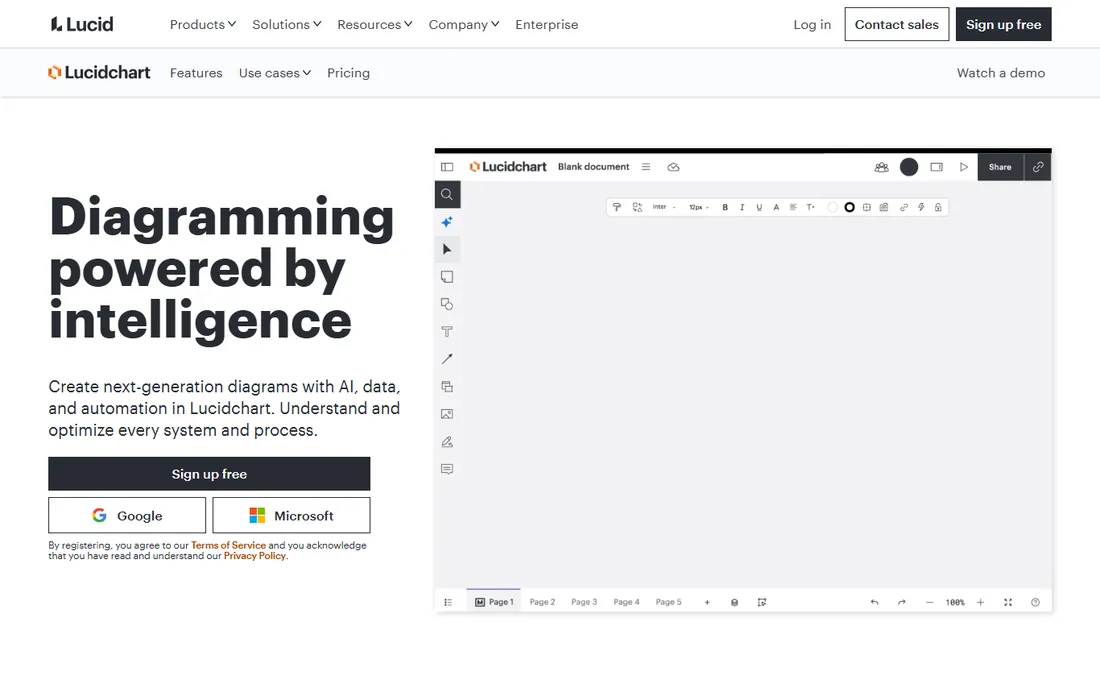
Lucidchart is the default diagramming tool for teams, and UML is one of its many shape libraries. You drag class, sequence, and use-case shapes onto a browser canvas, style them, and share the result. Real-time co-editing with live cursors and inline comments makes it the best choice when the diagram is a team conversation rather than a solo artifact.
The integrations are the differentiator. Diagrams embed in Confluence, Jira, Google Docs, and Slack, so UML lives where the team already works. AI-assisted generation can draft diagrams from text prompts or Mermaid code. Enterprise security certifications (SOC 2, ISO 27001) satisfy regulated industries.
The trade-offs are that Lucidchart is a drawing tool, not a modeling tool: shapes have no underlying model, so there is no code generation or validation. The free tier is deliberately constrained to push upgrades. For communication-focused UML, though, it is the easiest path.
What we like- Real-time collaboration with live cursors and comments
- Huge template and shape library
- Strong integrations with Jira, Confluence, and Google Workspace
Watch out for- Free tier limited to 3 documents and 60 objects per diagram
- No offline access
- UML is shape-based rather than semantics-aware
Starting price$0
Free planYes

diagrams.net, formerly draw.io, is the free diagramming tool that professionals actually use. It supports UML class, sequence, component, deployment, activity, and state diagrams alongside flowcharts, ER diagrams, and network diagrams, with import and export in PNG, SVG, PDF, and Visio formats. No login, no payment, no watermark.
The flexibility is remarkable for a free tool. Save diagrams to Google Drive, OneDrive, Dropbox, GitHub, or your local device. Run it as a web app, a desktop application that works offline, or embedded in Confluence and Jira. The shape libraries are extensive, and the XML-based file format plays well with version control.
The honest catch is polish. The interface is functional rather than beautiful, and some UML-specific behaviors like sequence diagram connector snapping are finicky. But for a tool that costs nothing and does 90 percent of what teams need, complaints ring hollow.
What we like- Completely free for personal and commercial use
- Runs in the browser or as a desktop app
- No account or registration required
Watch out for- Interface is less polished than Lucidchart
- Sequence diagram connectors can misbehave
- No built-in UML semantics
Starting price$129 one-time (reported)
Free planFree trial
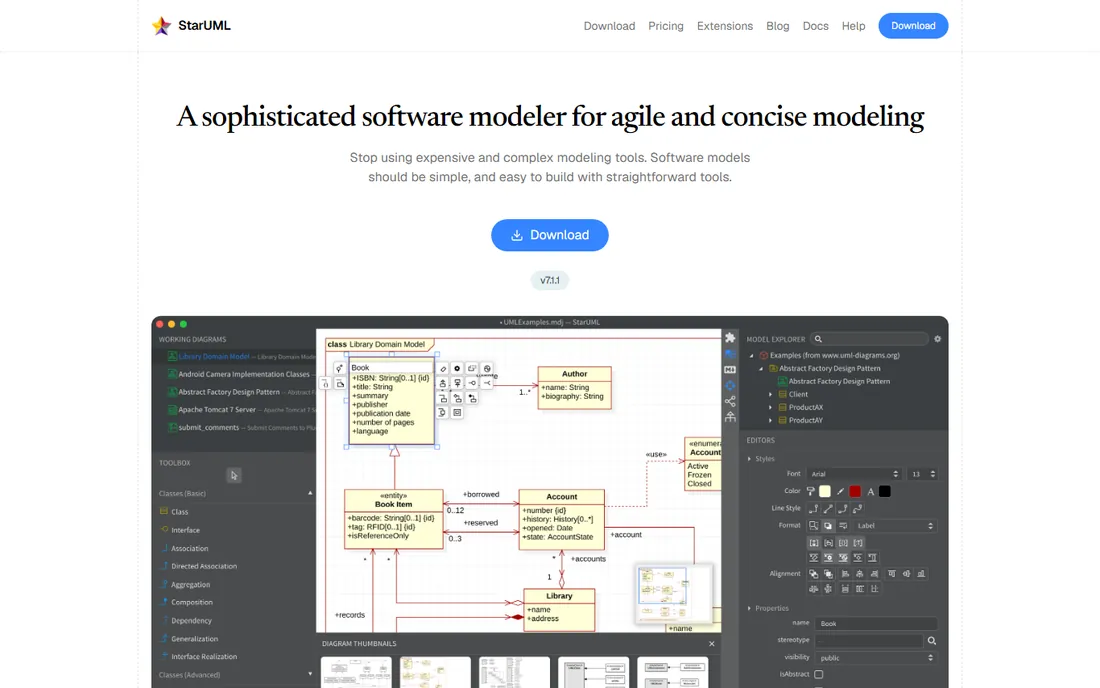
StarUML is a proper UML modeling tool at an indie-friendly price: $129 one-time for the Standard edition, $199 for Professional with SysML and BPMN. Unlike drawing tools, it maintains a real model behind the diagrams, supporting code generation and reverse engineering for Java, C++, and C#, plus ER diagrams, flowcharts, and data flow diagrams.
The experience is fast and focused. It runs natively on Windows, macOS, and Linux, opens quickly, and stays out of the way. An extension ecosystem adds capabilities without bloating the core. For developers and small teams who want real modeling without enterprise pricing or subscriptions, it hits the sweet spot.
The limits are collaboration and scale. There is no real-time co-editing; teams share files through version control. The free trial lets you evaluate, but continued use requires a license. For solo developers and small teams, that is a fair trade.
What we like- True UML modeling with a real underlying model
- One-time pricing with lifetime access
- Fast, modern interface on Windows, Mac, and Linux
Watch out for- No real-time collaboration
- The free trial is time-limited
- Extensions vary in quality
Starting price$99 one-time
Free planYes
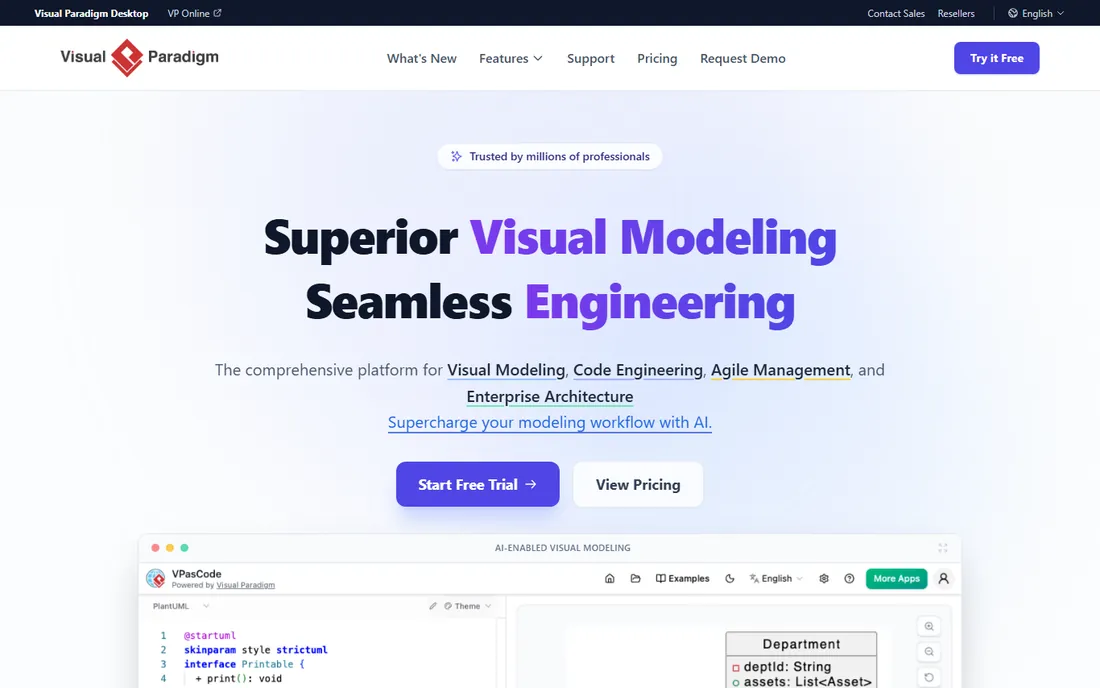
Visual Paradigm is the full-lifecycle modeling suite: UML, SysML, BPMN, database design, requirements modeling, mind mapping, and project management in one product. The edition ladder starts at $99 for Modeler and runs to $1,999 for Enterprise, with floating and subscription options. A free Community edition covers non-commercial use, and VP Online offers browser-based diagramming.
The depth is the selling point. Code and database engineering with round-trip support, documentation generation to PDF, HTML, and Word, visual diff, and team collaboration through a shared repository. For organizations standardizing on UML across analysis, design, and implementation, few tools go further.
The honest catch is complexity. The interface is powerful but dated, and choosing between Modeler, Standard, Professional, and Enterprise editions takes study. But the official pricing is refreshingly transparent, and the Community edition lets students and hobbyists learn for free.
What we like- Editions from $99 Modeler to $1,999 Enterprise
- Free Community edition for non-commercial use
- Code generation, reverse engineering, and documentation in one suite
Watch out for- The interface shows its age
- Edition lineup is confusing
- Enterprise pricing is steep
Starting price$229 (reported)
Free planFree trial

Sparx Systems Enterprise Architect is the heavyweight: a single tool covering UML 2.5, SysML, BPMN, TOGAF, ArchiMate, and dozens of other modeling languages, with simulation, code generation, document generation, and requirements management. At around $229 one-time for the Professional edition, it undercuts every enterprise competitor by an order of magnitude.
The value proposition is unmatched breadth per dollar. Large organizations use it for everything from software modeling to enterprise architecture to systems engineering, with the Pro Cloud Server enabling team collaboration. It is a fixture in defense, government, and automotive.
The learning curve is the price. The interface packs thousands of features into dense menus, and new users need training to be productive. But for teams that need serious modeling at a fraction of IBM or No Magic prices, nothing else competes.
What we like- The most comprehensive modeling tool in its price class
- Supports UML, SysML, BPMN, and 60+ other frameworks
- One-time pricing from $229
Watch out for- The interface overwhelms newcomers
- Australian vendor with US reseller support
- Collaboration requires the Pro Cloud Server
Starting price$0
Free planYes
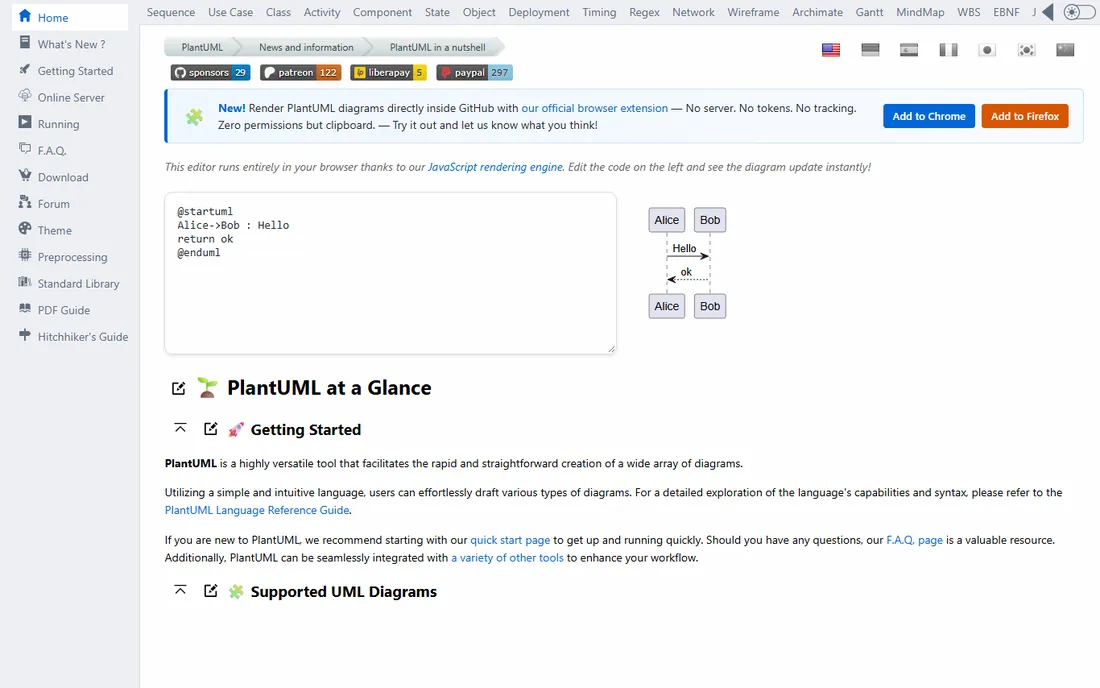
PlantUML flips diagramming on its head: you write UML in a simple text language, and it renders the diagram. Class diagrams, sequence diagrams, activity diagrams, and more, all defined in text files that live in your repository, diff cleanly in pull requests, and generate in CI pipelines.
For developers, this is the natural workflow. Documentation stays in sync with code because the diagrams are code. Sequence diagrams from text are dramatically faster than dragging lifelines around a canvas. Integrations exist for Confluence, Jira, VS Code, and dozens of other tools.
The trade-offs are aesthetic and interactive. PlantUML diagrams look functional rather than polished, and there is no drag-and-drop editing. But for developer documentation, architecture decision records, and README diagrams, text-based UML is the most maintainable approach available.
What we like- Diagrams from plain text, version-controlled like code
- Free and open source
- Renders all major UML diagram types
Watch out for- Visual styling is basic
- Requires learning the text syntax
- No interactive editing
Starting priceSee website
Free planFree trial
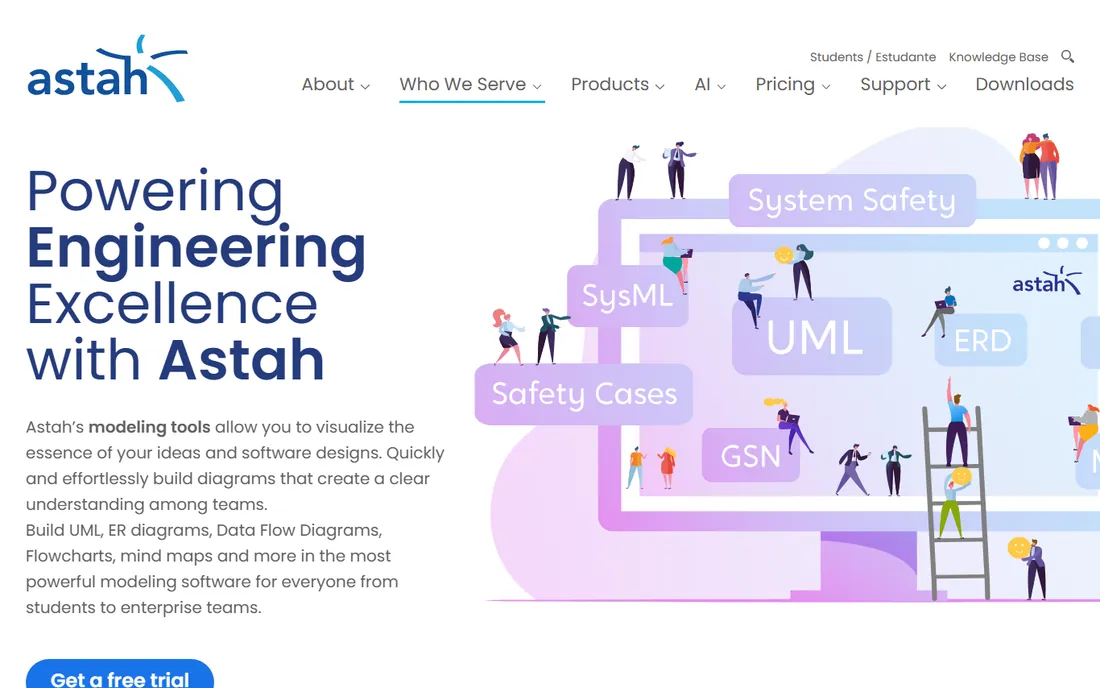
Astah, from Japan's Change Vision, is the UML tool instructors recommend: a real modeling tool with an interface that does not terrify newcomers. It covers UML class, sequence, activity, and state diagrams alongside mind maps, ER diagrams, and data flow diagrams, with a free trial and free licenses for students.
The balance is the appeal. Astah is more rigorous than drawing tools, with model-based diagrams that stay consistent, but far more approachable than Enterprise Architect. Teams that want to adopt UML without a training program find it the gentlest on-ramp to serious modeling.
The limits are ecosystem and pricing transparency. The community and extension library are smaller than the leaders', and current pricing requires contacting the vendor. For education and small teams prioritizing usability, it remains a strong pick.
What we like- Clean interface that beginners learn quickly
- Solid UML modeling with mind maps and ER diagrams
- Free student licenses
Watch out for- Pricing is quote-based for current plans
- Smaller ecosystem than the giants
- Japanese vendor with limited US presence
How we chose
We selected seven tools spanning the three UML approaches: collaborative diagramming (Lucidchart, diagrams.net), dedicated modeling tools (StarUML, Visual Paradigm, Enterprise Architect, Astah), and text-based generation (PlantUML). We favored tools with active development and real UML support over generic diagrammers. Pricing comes from vendor pages or current reporting. We did not test any software hands-on.
Choosing UML software for your team
Start with how the diagrams will be used. If UML is for whiteboard-style communication in design docs and wikis, a diagramming tool like Lucidchart or diagrams.net is enough, and PlantUML fits developer docs perfectly. If diagrams must stay consistent with code through generation and reverse engineering, you need a modeling tool: StarUML, Visual Paradigm, Astah, or Enterprise Architect.
Consider who creates the diagrams. Developers comfortable in text editors love PlantUML. Product managers and architects collaborating across functions prefer Lucidchart's shared canvas. Dedicated systems engineers doing rigorous modeling need Enterprise Architect or Visual Paradigm. The best tool is the one your actual users will open.
Budget honestly. diagrams.net and PlantUML are free forever. StarUML and Visual Paradigm Modeler cost around $100 to $130 one-time. Lucidchart and Astah are subscriptions. Enterprise Architect is a one-time purchase that punches far above its price. Do not buy a modeling platform when a diagramming tool would do.
Drawing versus modeling
The fundamental split in UML tooling is between drawing tools and modeling tools. Drawing tools (Lucidchart, diagrams.net) place shapes on a canvas; the diagram is the artifact. Modeling tools (StarUML, Visual Paradigm, Enterprise Architect, Astah) maintain a semantic model behind the diagrams; the same model element can appear in multiple diagrams and stay consistent.
Modeling enables code generation, reverse engineering, validation, and documentation generation. Drawing enables speed, collaboration, and simplicity. Most teams overestimate their need for modeling and underestimate the maintenance cost of keeping models in sync. Choose modeling when the model itself is a deliverable; choose drawing when the picture is the point.
When text-based UML wins
PlantUML deserves special consideration for developer teams. Text-defined diagrams live in version control, review in pull requests, and regenerate automatically. Architecture documentation that is text stays current; documentation that is a binary file goes stale.
The pattern that works: PlantUML or Mermaid for sequence and component diagrams in developer docs, a shared diagramming tool for cross-functional architecture discussions, and a modeling tool only where contractual or regulatory rigor demands it. Few teams need more than two of these layers.
Frequently asked questions
What is the best UML software?
Lucidchart is best for team collaboration, diagrams.net is the best free option, and PlantUML is best for developers who prefer text. For serious modeling with code generation, Visual Paradigm and Sparx Enterprise Architect lead. StarUML is the best value in dedicated UML modeling.
Is there a free UML tool?
Yes. diagrams.net is completely free for personal and commercial use. PlantUML is free and open source. Lucidchart has a limited free tier, and Visual Paradigm offers a free Community edition for non-commercial use. StarUML, Astah, and Enterprise Architect offer free trials.
What is the difference between UML drawing and UML modeling?
Drawing tools place shapes on a canvas for communication; the picture is the product. Modeling tools maintain a semantic model behind the diagrams, enabling code generation, reverse engineering, and consistency checking. Choose drawing for communication, modeling when the model is a deliverable.
Can UML tools generate code?
Yes. StarUML, Visual Paradigm, Enterprise Architect, and Astah support code generation and reverse engineering for languages like Java, C++, and C#. Lucidchart and diagrams.net are drawing tools and do not generate code. PlantUML generates diagrams from text rather than code from diagrams.
Which UML tool is best for students?
diagrams.net and PlantUML are free and sufficient for coursework. Visual Paradigm's Community edition and Astah's free student licenses provide real modeling tools at no cost. Lucidchart's free tier works for small class projects.
Do software teams still use UML?
Yes, selectively. Class and sequence diagrams remain the standard for documenting architecture and complex interactions. Few teams model entire systems in UML anymore; most use it tactically for communication, onboarding, and design documentation alongside code.
Sources we checked (6)
- https://www.holistics.io/blog/top-5-free-database-diagram-design-tools/
- https://en.wikipedia.org/wiki/Diagrams.net
- https://www.filehorse.com/download-staruml/
- http://www.visual-paradigm.com/shop/pricelist.jsp
- https://www.saashub.com/compare-lucidchart-vs-plantuml
- https://github.com/kymostudio/kymostudio/blob/HEAD/docs/tools/a.lucidchart.md
Is your product missing or out of date?
We review this list regularly. Vendors can request a listing, send updated pricing or ask about featured placement.

Shihab Mia · Founder, Rankite
Shihab has spent more than a decade helping SaaS and e-commerce brands grow through search. He writes Rankite's software buying guides from pricing pages, documentation and public user reviews. More about Shihab.