How we make this list: we compare pricing pages, product documentation and public user reviews. Rankite is independent; if a vendor ever pays for a featured spot, that listing is clearly labeled Partner.
Key takeaways
- TurboTax Premier ($82.99 reported) and H&R Block Premium ($65 reported) are the guided options built specifically for rental income and Schedule E.
- FreeTaxUSA ($0 federal, $15.99 per state, official) and Cash App Taxes ($0 everything, official) handle rental income at a fraction of the price if you know your way around the forms.
- TaxAct Premier ($99.99 official) sits between the budget and premium options with solid rental guidance.
- Stessa (free) is not a tax filer but the best companion app for tracking rental income and expenses all year, which is half the battle.
Quick comparison
| Tool | Best for | Starting price | Free plan |
|---|
 TurboTax Premier TurboTax Premier | Guided rental filing with maximum hand-holding | $82.99 (reported) | No |
 H&R Block Premium H&R Block Premium | Rental filing with in-person backup | $65 (reported) | Yes (Free Online for simple returns) |
 TaxAct Premier TaxAct Premier | Mid-price guided rental filing | $99.99 (official) | Yes (free federal filing for simple returns) |
 FreeTaxUSA FreeTaxUSA | Cheapest way to file rental income | $0 federal, $15.99 per state (official) | Yes |
 Cash App Taxes Cash App Taxes | Completely free filing including rentals | $0 (official) | Yes |
 TaxSlayer TaxSlayer | Budget alternative with rental support | See website | Free edition (simple returns) |
 Stessa Stessa | Tracking rental finances for tax time | $0 (reported) | Yes |
Is your product missing or out of date?
We review this list regularly. Vendors can request a listing, send updated pricing or ask about featured placement.
The best tax software for landlords
Starting price$82.99 (reported)
Free planNo
If you own rental property, TurboTax wants you on Premier. It is the edition built for landlords: rental income and expenses on Schedule E, depreciation of the building over 27.5 years, and guidance on repairs versus improvements, which is the distinction that trips up most first-time landlords. The step-by-step interview asks plain-English questions and fills in the forms.
A reported $82.99 for the desktop version (down from a $114.99 list price at retailers) makes it the priciest DIY option, and state returns cost extra on top. What you get for the money is confidence: the guidance catches things like passive loss limitations and helps you separate land value from building value for depreciation.
The catch is cost creep. Add a state return and any expert help, and the total climbs fast. If you are comfortable with tax forms, the free and budget options below file the same Schedule E for far less.
What we like- Best interview-style guidance for Schedule E
- Strong depreciation walkthrough
- Imports from banks and brokerages
Watch out for- Most expensive option
- Aggressive upsells
- State filing costs extra
Starting price$65 (reported)
Free planYes (Free Online for simple returns)
H&R Block Premium covers the same landlord ground as TurboTax Premier: Schedule E rental income, depreciation, and investment income, at a reported $65 for the online federal version versus TurboTax's higher price. State returns cost extra. The real differentiator is the physical footprint: if the software confuses you, you can walk into one of 11,000-plus offices and sit with a human.
The online Premium tier includes unlimited chat and screen-sharing support with a tax pro at no extra charge, something TurboTax charges extra for. The depreciation and rental walkthroughs are solid, though reviewers note the investment section is less thorough than TurboTax's.
The catch is the interface, which feels a step behind TurboTax's. Navigation can be confusing when you need to go back and edit an earlier section. But for landlords who want a safety net of human help at a lower price, it is the best hybrid option.
What we like- Cheaper than TurboTax for the same coverage
- 11,000+ offices for in-person help
- Free AI tax assistant included
Watch out for- Interface less polished than TurboTax
- Investment walkthrough less thorough
Starting price$99.99 (official)
Free planYes (free federal filing for simple returns)
TaxAct Premier is built for exactly the landlord use case: investments, rental income, and home sales, with guided walkthroughs for each. The official price is $99.99 for federal, plus $64.99 per state filed, which puts the all-in cost above TurboTax Premier at retail prices but with a more straightforward buying experience.
TaxAct has a loyal following and consistently scores well on satisfaction surveys, with users praising its clear explanations and lack of upsell pressure. An optional $45 Unlimited Access add-on gives one-on-one sessions with credentialed tax experts, which is useful the first year you handle depreciation.
The catch is the state price. At $64.99 per state, multi-state landlords should do the math carefully. The free federal tier covers only simple returns, so landlords must buy Premier.
What we like- Official pricing is transparent
- Covers investments, crypto, and rental income
- Highly rated for satisfaction
Watch out for- State filing is pricey at $64.99
- Free tier excludes rental income
Starting price$0 federal, $15.99 per state (official)
Free planYes
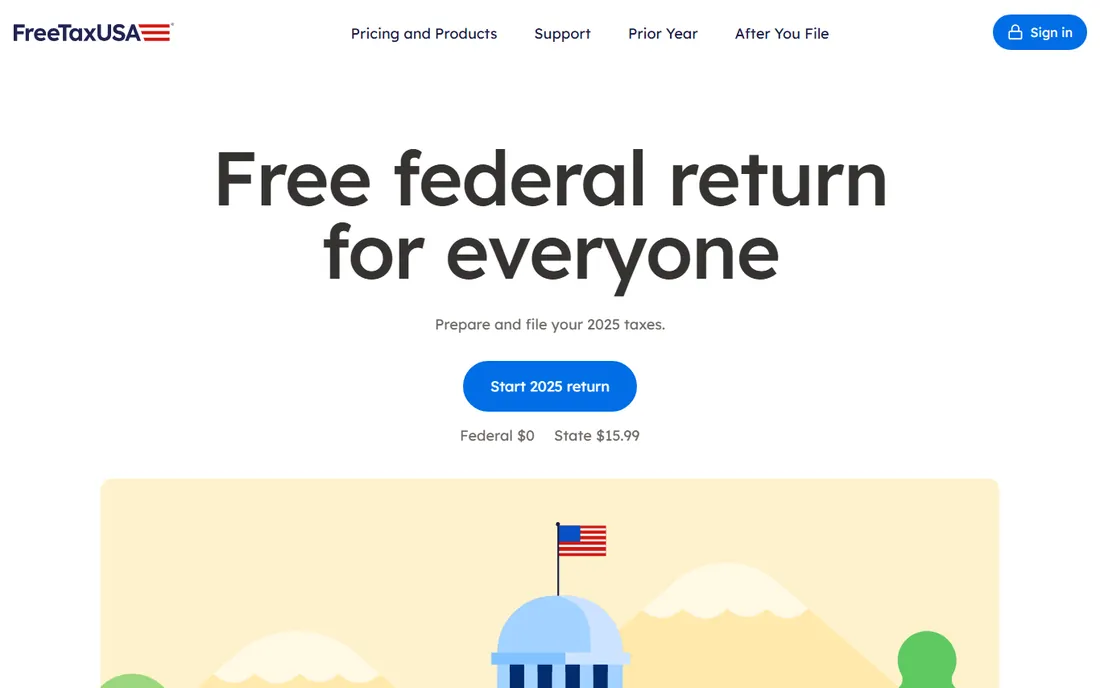
Here is the industry's worst-kept secret: FreeTaxUSA files every federal return for free, including Schedule E rental income, depreciation on Form 4562, and investment income. The only required cost is $15.99 per state return. A landlord's complete federal-plus-state filing can cost $15.99 total, versus $100-plus elsewhere.
The tax calculation is identical to TurboTax and H&R Block because tax law is tax law. The difference is guidance: FreeTaxUSA organizes by form rather than by interview, so you need to know what Schedule E is and which expenses go where. An optional $7.99 Deluxe upgrade adds priority support and audit assist; Pro Support at $64.99 adds phone access to a tax professional.
The catch is the learning curve. If this is your first year as a landlord and terms like "passive activity loss" are new to you, the guided tools above are worth their price. If you know your way around the forms, FreeTaxUSA is unbeatable value.
What we like- Every federal form free including Schedule E and depreciation
- Cheapest state filing
- Same tax math as the big brands
Watch out for- Minimal hand-holding
- Dated interface
- No live expert review included
#5
Cash App Taxes
Best for: Completely free filing including rentals
Visit cash.app
Starting price$0 (official)
Free planYes
Cash App Taxes, formerly Credit Karma Tax, is the only major option that is completely free: federal and state, every form, no income cap, no upsells. It covers W-2s, 1099s, Schedule C, Schedule D, Schedule E rental income, and crypto. Audit defense is included free, which most competitors charge $40-plus for.
The trade-offs are real. You need a Cash App account with the app on your phone even if you file from a computer. Multi-state filing is not supported, and some niche forms are missing. The interface is simpler than TurboTax's, with less guidance for complex situations.
The catch for landlords: if your rental situation is straightforward, one property, one state, Cash App Taxes files it for nothing. If you have multiple states, K-1s, or complex depreciation, step up to FreeTaxUSA or a guided tool.
What we like- Federal and state both free with no income cap
- Covers Schedule E
- Free audit defense included
Watch out for- Requires a Cash App account
- No multi-state filing
- Simpler guidance than paid tools
Starting priceSee website
Free planFree edition (simple returns)
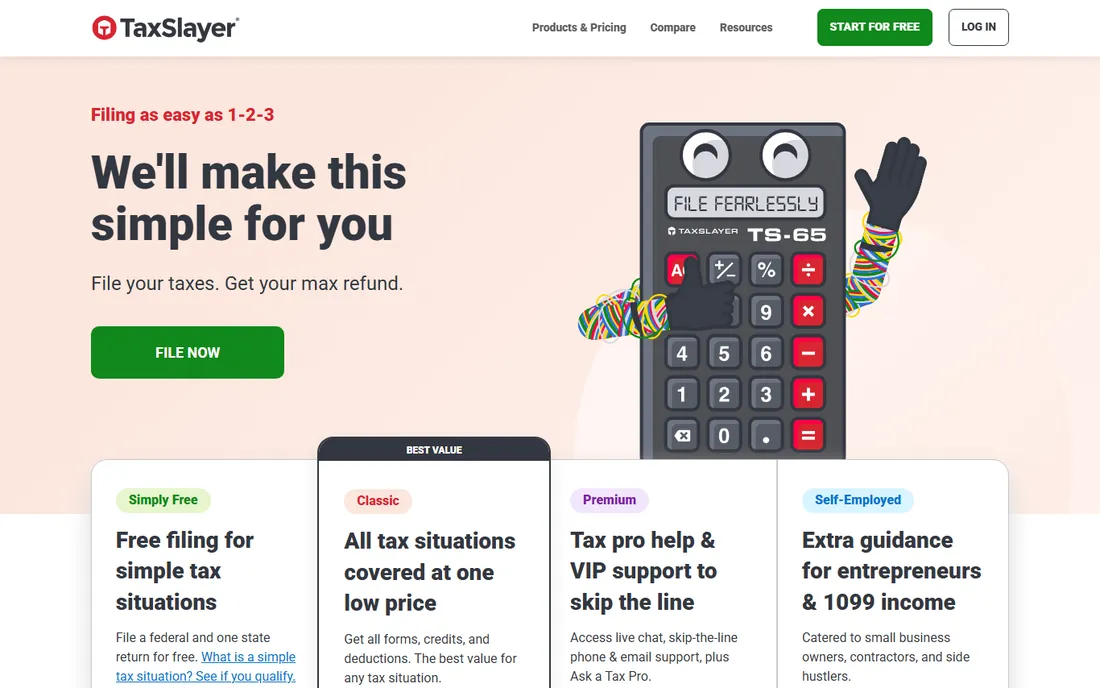
TaxSlayer has been filing taxes since long before online filing was normal, and its tiered plans cover rental income on the paid tiers. The Simply Free edition handles simple returns at no cost, while higher tiers add investment and rental support. It is a legitimate budget alternative to the big two, often priced below both.
The product is functional and accurate, with the standard guarantees on calculations. It lacks the polish and the deep import ecosystem of TurboTax, but for a landlord who wants a middle path between free tools and premium prices, it deserves a look.
The catch is transparency: we could not verify current published pricing for the rental-capable tiers from the vendor's own pages during research, so check taxslayer.com directly before budgeting. Compare its total with FreeTaxUSA's $15.99 state fee before assuming it is the cheaper option.
What we like- Long-established tax software company
- Straightforward pricing tiers
- Free edition for simple returns
Watch out for- Pricing not published in our research
- Interface less modern than leaders
- Smaller support ecosystem
Starting price$0 (reported)
Free planYes
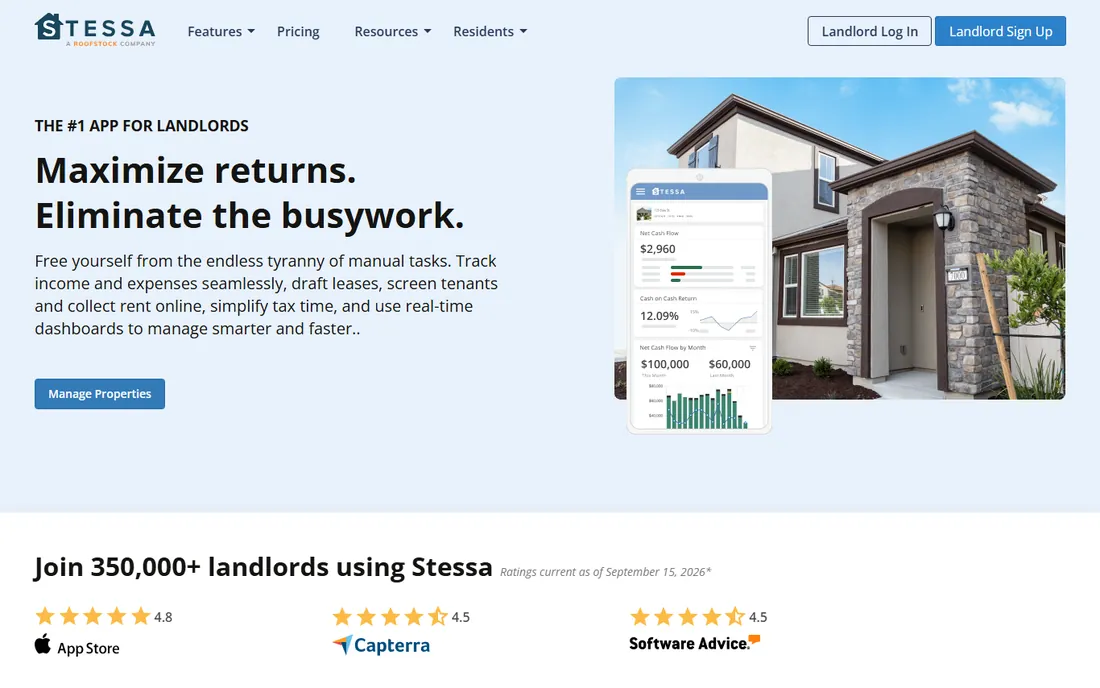
Stessa does not file your taxes. It makes filing them dramatically easier. The free platform connects to your bank accounts, auto-categorizes rental income and expenses by property, scans receipts from your phone, and at tax time generates a Tax Package with income statements, cash flow reports, and a ZIP file of receipts formatted for Schedule E.
Most landlord tax pain is not the software; it is the shoebox of receipts and the spreadsheet you abandoned in July. Stessa solves the record-keeping half of the problem year-round, which is why it pairs well with any filing tool on this list. The company also publishes extensive landlord tax guides and offers members a TurboTax discount.
The catch is scope: you still need a tax filer. Use Stessa to track, then file with FreeTaxUSA, Cash App Taxes, or a guided tool. The combination of Stessa plus a free filer is the cheapest competent setup a landlord can run.
What we like- Free and built specifically for landlords
- Auto-categorizes income and expenses
- Generates a tax package for your preparer
Watch out for- Not a tax filer
- You still need one of the tools above to file
What landlords actually file: Schedule E basics
Most landlords report rental activity on Schedule E of Form 1040. Each property gets its own column for rents received and expenses: mortgage interest, property taxes, insurance, repairs, management fees, and depreciation. The software handles the arithmetic; your job is categorizing correctly.
The two concepts that matter most are depreciation and repairs versus improvements. Residential rental buildings depreciate over 27.5 years, and land does not depreciate at all, so you must separate building value from land value. Repairs that keep the property in working order are deducted immediately; improvements that add value must be depreciated. Get these wrong and you either overpay tax or invite an audit. This is the area where guided software earns its price for first-time landlords.
How to pick tax software as a landlord
Count your properties and states first. One property in one state with simple finances can be filed free with Cash App Taxes or FreeTaxUSA. Multiple properties, multiple states, or K-1 income from partnerships push you toward guided tools that handle the complexity without errors.
Be honest about your tax knowledge. If terms like depreciation recapture and passive activity limits are unfamiliar, TurboTax Premier or H&R Block Premium will pay for themselves in avoided mistakes. If you have filed Schedule E before and understand your numbers, FreeTaxUSA produces the identical return for $15.99.
Track expenses all year regardless of which filer you choose. Stessa or even a disciplined spreadsheet means April is a data-entry exercise instead of an archaeological dig. The best tax software cannot reconstruct twelve months of receipts you never saved.
How we chose
We compared tax software with real rental income support, using vendor pricing pages, feature documentation, and public reviews. Where vendor pricing pages were not directly accessible, we used third-party pricing data and marked it as reported. We favored tools that handle Schedule E, depreciation, and multi-property reporting, and we weighted fit for individual landlords and small-portfolio investors over enterprise tax platforms. We did not test any software hands-on. This article is for informational purposes only and is not tax advice; consult a tax professional for your situation.
Frequently asked questions
Which TurboTax version do landlords need?
TurboTax Premier. It is the edition that supports rental property income, Schedule E, and depreciation. Deluxe does not handle rental income, so landlords who buy Deluxe will be forced to upgrade.
Can I file rental income taxes for free?
Yes. FreeTaxUSA files federal Schedule E returns for free with a $15.99 state return, and Cash App Taxes is completely free for federal and state. Both handle standard rental situations.
What is the difference between a repair and an improvement?
A repair keeps the property in its current working condition, like fixing a leaky faucet, and is deducted in the year you pay for it. An improvement adds value or extends the property's life, like a new roof, and must be depreciated over time. This distinction directly affects your tax bill.
How does depreciation work for rental property?
Residential rental buildings are depreciated over 27.5 years using the straight-line method. You depreciate the building's value, not the land. The software calculates the annual deduction once you enter the property's placed-in-service date and basis.
Do I need a CPA as a landlord?
Not necessarily for straightforward rentals. Tax software handles standard Schedule E filing well. Consider a CPA if you have many properties, cost segregation studies, 1031 exchanges, or multi-state filings with complex residency questions.
Should I track expenses separately from my tax software?
Yes. Use a dedicated tool like Stessa or a spreadsheet to track income and expenses throughout the year. Come tax time, you will enter clean totals into your tax software instead of reconstructing everything from bank statements.
Sources we checked (6)
- https://www.archynewsy.com/turbotax-guide-which-version-is-best-for-your-taxes/
- https://www.mydollarpath.com/blog/best-tax-software-in-2026-turbotax-vs-hr-block-vs-freetaxusa
- https://www.taxact.com/taxes-online/file-your-own-taxes/premier-tax-filing
- https://freetaxusa.com
- http://cash.app/taxes
- https://www.stessa.com/blog/best-tax-software-for-rental-property/
Is your product missing or out of date?
We review this list regularly. Vendors can request a listing, send updated pricing or ask about featured placement.

Shihab Mia · Founder, Rankite
Shihab has spent more than a decade helping SaaS and e-commerce brands grow through search. He writes Rankite's software buying guides from pricing pages, documentation and public user reviews. More about Shihab.