How we make this list: we compare pricing pages, product documentation and public user reviews. Rankite is independent; if a vendor ever pays for a featured spot, that listing is clearly labeled Partner.
Key takeaways
- DocuSign ($30/user/month annually, reported) is the default standard, but its 100-envelope annual cap per user drives real overage costs.
- signNow ($8/user/month annually, official) and Zoho Sign ($10/user/month annually, reported) undercut DocuSign by more than half for comparable signing.
- Dropbox Sign and Zoho Sign offer real free plans, making them the cheapest way to start collecting signatures.
- PandaDoc is the pick when documents double as sales proposals with pricing tables and payment collection.
Quick comparison
| Tool | Best for | Starting price | Free plan |
|---|
 DocuSign DocuSign | The industry standard for eSignature | $30 per user/month (billed annually, reported) | Free trial |
 Adobe Acrobat Sign Adobe Acrobat Sign | Teams already living in Acrobat | $19.99/month (reported) | Free trial |
 Dropbox Sign Dropbox Sign | Simple signing with unlimited requests | $15/month (reported) | Yes (3 signature requests per 30 days) |
 PandaDoc PandaDoc | Proposals that need signatures | $19 per user/month (reported) | Free trial (14 days) |
 signNow signNow | Budget eSignature without envelope caps | $8 per user/month (billed annually, official) | Free trial (7 days) |
 Zoho Sign Zoho Sign | Affordable signing in the Zoho ecosystem | $10 per user/month (billed annually, reported) | Yes (5 documents per month, 1 user) |
 Signeasy Signeasy | Mobile-first signing for small teams | $10/month (reported) | Free trial |
Is your product missing or out of date?
We review this list regularly. Vendors can request a listing, send updated pricing or ask about featured placement.
The best document signing software for business
Starting price$30 per user/month (billed annually, reported)
Free planFree trial
If your clients expect a DocuSign link, that expectation is the product. DocuSign is the most recognized eSignature brand in the world, which means fewer confused signers and faster turnaround. Plans start with Personal at $11 per month on annual billing for one user with 5 envelopes a month, Standard at a reported $30 per user per month with 100 envelopes per user per year, and Business Pro at $45 per user per month adding bulk send, web forms, and payment collection.
The envelope cap is the catch that bites growing businesses. Once you exceed 100 envelopes per user per year, overage charges apply at published pay-as-you-go rates. A 10-person team on Standard costs $3,600 a year before overages, and API access, SSO, and advanced security sit on quoted Enhanced plans above that.
DocuSign fits businesses where client confidence and integration depth matter more than the bill. If you send a handful of contracts a month, the Personal or Standard plan is fine. If volume is high, compare total cost including overages against unlimited-envelope rivals before committing.
What we like- Universally recognized by signers
- 1,000+ integrations
- Strong compliance coverage including eIDAS and QES options
Watch out for- 100-envelope annual cap per user with overage fees
- No free plan
- SSO and API access need expensive higher tiers
#2
Adobe Acrobat Sign
Best for: Teams already living in Acrobat
Visit adobe.com
Starting price$19.99/month (reported)
Free planFree trial
Adobe Acrobat Sign comes at signing from the document side. If your team already uses Acrobat Pro at a reported $19.99 per month, you get eSignature, web forms, and reusable templates as part of the same subscription, plus the full PDF editor. Team plans at $23.99 per license per month add no e-signature usage caps.
The Microsoft integration is the standout: Acrobat Sign is Microsoft's preferred eSignature solution, with deep ties into Teams, SharePoint, Dynamics 365, and Outlook. For organizations standardized on Microsoft 365, that native fit removes friction that DocuSign integrations only approximate.
The catch is packaging. Acrobat Sign is rarely bought standalone, so you are really evaluating Acrobat's value as a whole. If your team needs the PDF editor anyway, the signing features are effectively free. If not, a dedicated signing tool is cheaper.
What we like- Bundled with Acrobat Pro, which many teams already pay for
- Deep Microsoft 365 integration
- No envelope caps on team plans
Watch out for- Sold through Acrobat plans, which muddies the pricing
- Standalone enterprise pricing is quote-based
Starting price$15/month (reported)
Free planYes (3 signature requests per 30 days)
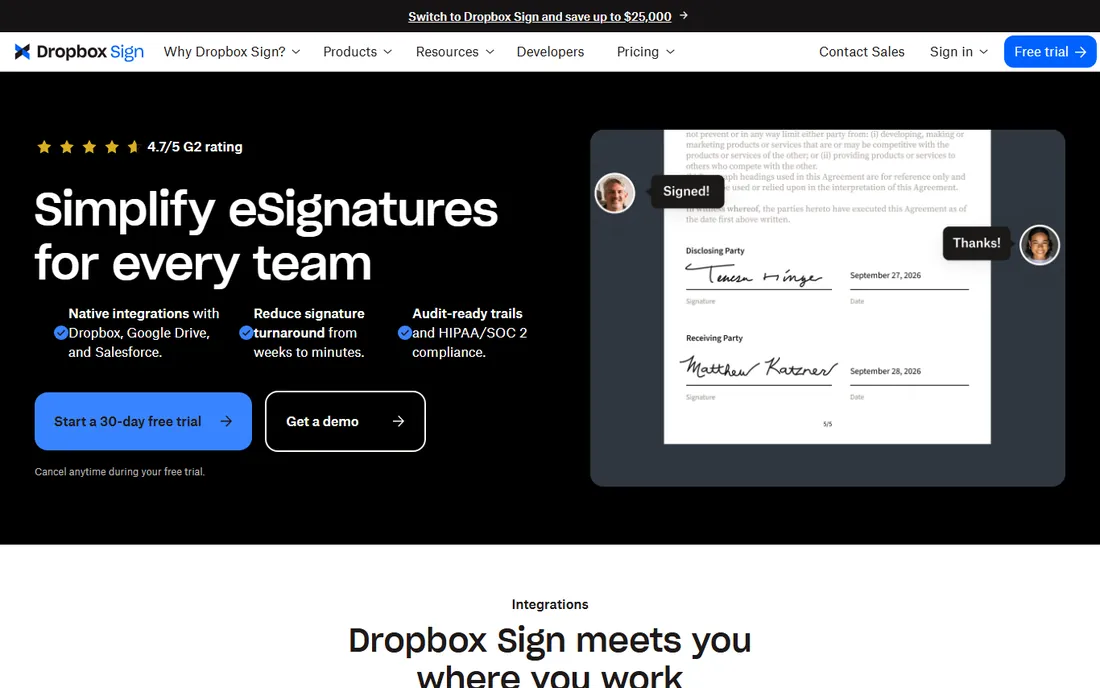
Dropbox Sign, formerly HelloSign, keeps things simple in a category that loves complexity. The Essentials plan at a reported $15 per month covers one sender with unlimited signature requests and 5 templates. Standard at $25 per user per month adds team features, 15 templates, and branding. A free plan allows 3 signature requests per 30 days, which is enough to test real workflows.
The unlimited-requests model is the key differentiator against DocuSign's envelope caps. If your sending volume is unpredictable or spiky, you never face an overage surprise. The interface is famously straightforward, which reduces training time for non-technical staff.
The catch is the single-sender limit on Essentials and the template caps. Solo operators will not care; teams need Standard. API access is priced separately and is not cheap, so developers should evaluate that cost upfront.
What we like- Unlimited signature requests on paid plans
- Genuinely usable free tier
- Clean, simple interface
Watch out for- Essentials limited to one sender and 5 templates
- Advanced features need Standard or Premium
Starting price$19 per user/month (reported)
Free planFree trial (14 days)
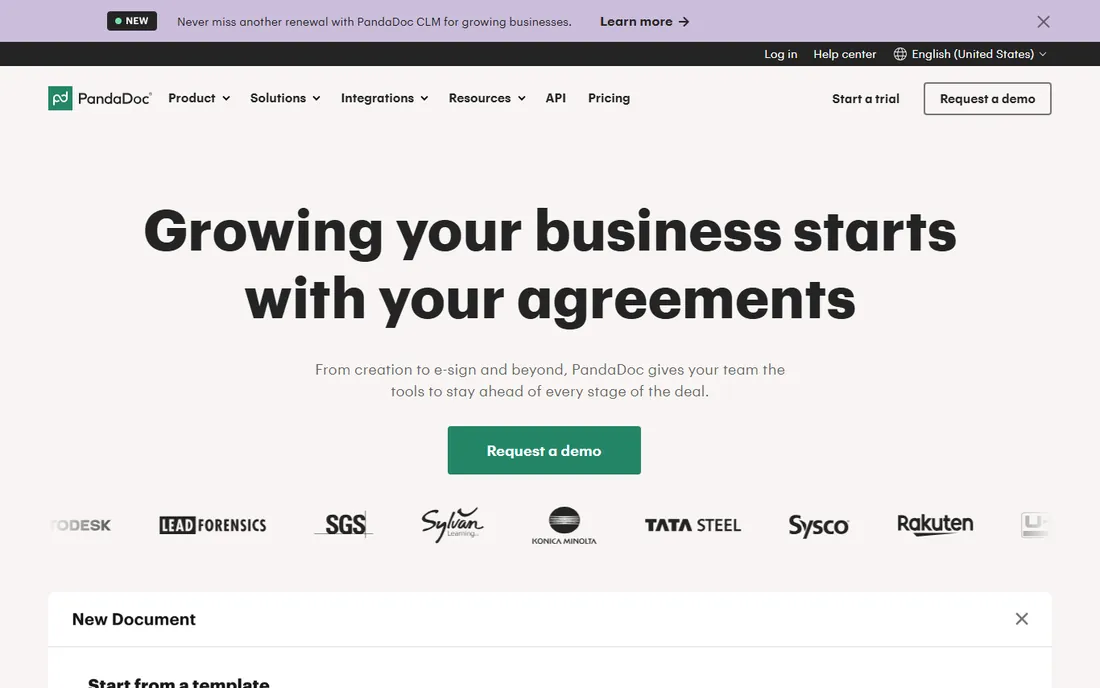
PandaDoc is not really a signing tool with documents attached. It is a document platform with signing built in. The Essentials plan at a reported $19 per user per month (2 seats max) includes the drag-and-drop editor, templates, pricing tables, payments, and document analytics. Business at $49 per user per month adds CRM integrations, approval workflows, bulk send, and custom branding.
For sales teams, the difference is concrete: instead of building a proposal in Word, exporting a PDF, and sending it for signature, the whole thing happens in one document with real-time tracking of when the prospect opens it. Payments can be collected at signing through Stripe, Square, or PayPal.
The catch is fit. If you just need NDAs and HR forms signed, PandaDoc is more tool than you need at a higher price than signNow or Zoho Sign. Buy it when your documents are revenue documents.
What we like- Drag-and-drop document builder with pricing tables
- Payment collection inside documents
- Strong CRM integrations
Watch out for- Essentials limited to 2 seats
- Overkill if you only need plain signatures
- No free plan
Starting price$8 per user/month (billed annually, official)
Free planFree trial (7 days)
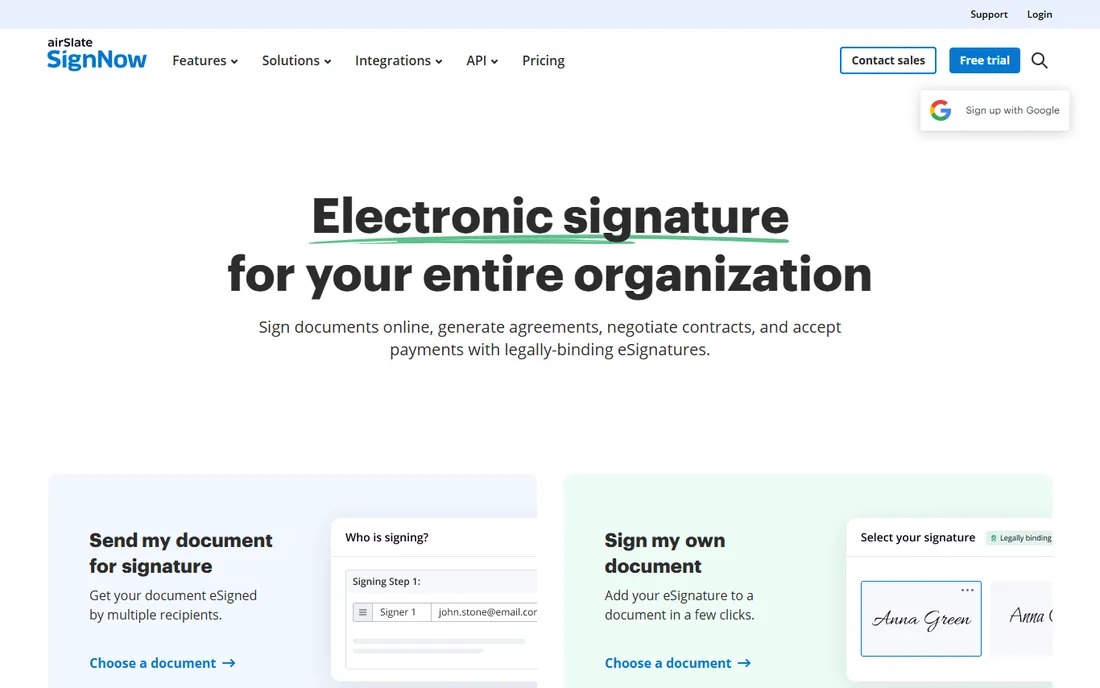
signNow is the value leader for teams that need real eSignature features without DocuSign's bill. The Business plan costs an official $8 per user per month on annual billing, with Business Premium at $15 and Enterprise at $30. Every paid plan includes unlimited document sending, reusable templates, audit trails, mobile apps, and cloud storage.
The honest detail: "unlimited document sending" refers to users, templates, and storage, while signature invites are capped at 100 per user per year on standard plans. High-volume senders should look at the Site License plan at $1.50 per invite. Annual billing saves up to 60% over monthly rates, so the monthly price is not representative.
The catch is polish and ecosystem. signNow's interface and integration library are thinner than DocuSign's. For straightforward signing workflows, that does not matter. For complex enterprise integrations, it might.
What we like- Lowest per-user price among full-featured tools
- Unlimited templates and storage
- Transparent official pricing
Watch out for- No free plan
- Signature invites capped at 100 per user per year
- Interface less polished than DocuSign
#6
Zoho Sign
Best for: Affordable signing in the Zoho ecosystem
Visit zoho.com
Starting price$10 per user/month (billed annually, reported)
Free planYes (5 documents per month, 1 user)
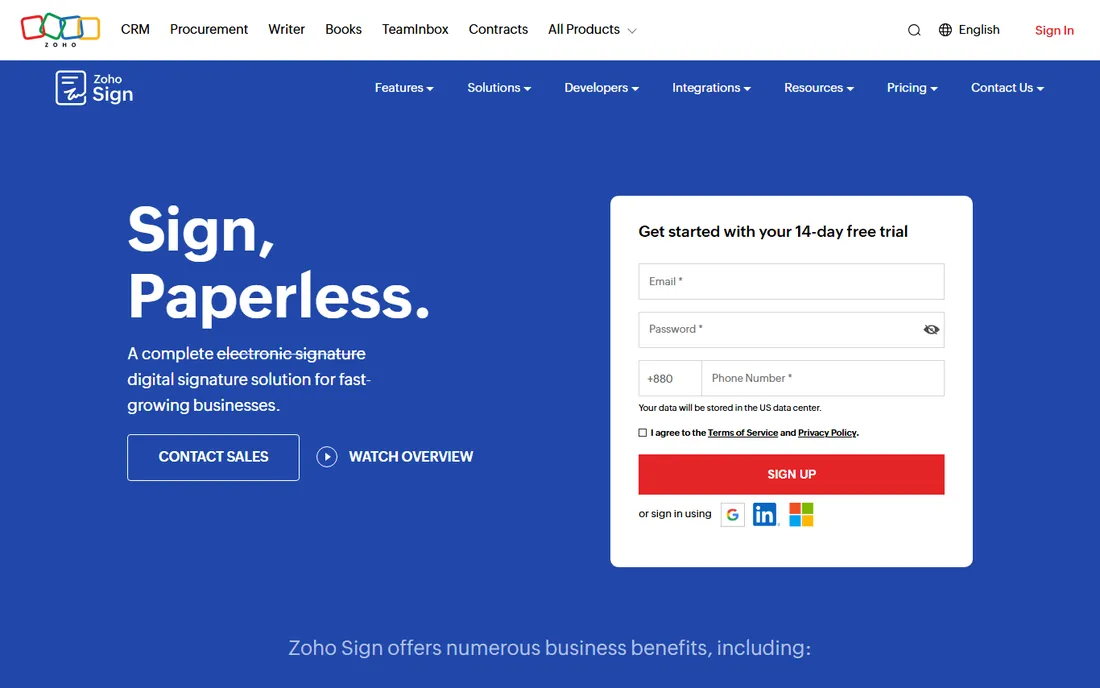
Zoho Sign is the budget pick that does not feel like a compromise. The free plan covers 1 user and 5 documents per month with audit trails included. Standard at a reported $10 per user per month on annual billing adds 25 envelopes per user per month, while Professional at $16 removes envelope limits entirely and adds branding and templates.
If your business runs on Zoho One, the Enterprise plan of Zoho Sign is already included, which makes the effective price zero. Native integrations with Zoho CRM, Books, and Recruit mean documents flow through your existing workflows without third-party connectors.
The catch is the world outside Zoho. Integrations with non-Zoho tools are thinner than DocuSign's, and the interface, while clean, lacks some of the guided polish of the bigger brands. For Zoho shops, though, it is the obvious choice.
What we like- Real free plan with audit trails
- Cheap paid tiers
- Unlimited envelopes on Professional
- Included with Zoho One Enterprise
Watch out for- Smaller integration ecosystem outside Zoho
- Advanced compliance features need higher tiers
Starting price$10/month (reported)
Free planFree trial
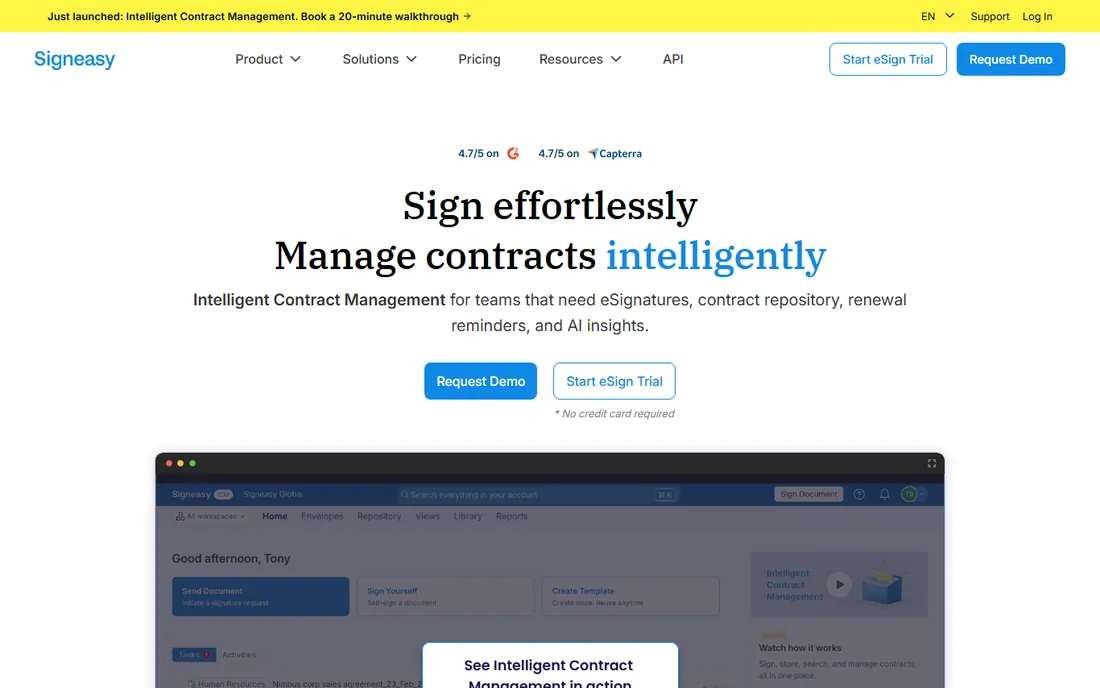
Signeasy built its name on mobile signing, and it shows. The apps for iOS and Android are among the best in the category for capturing signatures in person, which suits real estate agents, field service teams, and anyone who meets clients face to face. The Personal plan starts at a reported $10 per month.
Features cover the essentials: templates, signing order, reminders, and audit trails, with integrations for Google Workspace and common cloud storage. The focus is on getting documents signed quickly rather than on complex document workflows.
The catch is ceiling. Signeasy does not try to match DocuSign's workflow depth or PandaDoc's document building. It is a signing tool, full stop. For teams that sign on the move and want simplicity, that focus is a feature.
What we like- Strong mobile apps for signing on the go
- Simple pricing
- Good for field teams
Watch out for- No free plan
- Smaller feature set than DocuSign or PandaDoc
- Limited advanced workflow tools
Envelope limits: the hidden cost driver
The headline price of eSignature software is rarely the real price. DocuSign's Standard plan allows 100 envelopes per user per year, and every envelope beyond that triggers overage charges. A team that sends 15 contracts a month per person will blow past the cap by spring. SignNow caps signature invites at 100 per user per year on standard plans too, though its Site License offers a per-invite alternative.
This is why Dropbox Sign's unlimited requests, PandaDoc's unlimited documents, and Zoho Sign Professional's unlimited envelopes matter: they remove the variable that makes budgeting unpredictable. Before you buy, estimate your monthly sending volume per user, multiply by 12, and compare against each plan's cap. If you are anywhere near the limit, the unlimited option is usually cheaper within a year.
How to pick document signing software for your business
Start with volume, not features. Under 5 documents a month, the free plans from Dropbox Sign or Zoho Sign may be all you ever need. At 10 to 50 a month, compare signNow and Zoho Sign against DocuSign Standard including likely overages. Above that, unlimited-envelope plans or per-invite pricing win.
Then check compliance requirements. Most US business contracts are fine under the ESIGN Act with any tool here. Regulated industries may need HIPAA compliance, qualified electronic signatures under eIDAS, or specific audit controls, which push you toward higher tiers of DocuSign, Adobe, or Zoho Sign Enterprise.
Finally, consider where documents are born. Sales teams that build proposals should look at PandaDoc. Teams that live in Acrobat should price Acrobat Sign as part of their existing subscription. Zoho shops should check whether Zoho Sign is already included. The best signing tool is usually the one closest to where your documents already live.
How we chose
We compared document signing tools with real business features, drawing on vendor pricing pages, feature documentation, and public reviews on G2, Capterra, and Reddit. Where vendor pricing pages were not directly accessible, we used third-party pricing data checked against vendor pages and marked it as reported. We favored tools with transparent pricing, legally binding signatures under US and EU frameworks, and clear fit for small and mid-size US companies. We did not test any software hands-on.
Frequently asked questions
Are electronic signatures legally binding?
Yes. In the US, the ESIGN Act and UETA give electronic signatures the same legal standing as handwritten ones for most business documents. The EU's eIDAS regulation provides a similar framework. All tools listed here produce legally binding signatures with audit trails.
How many documents can I send on each plan?
It varies widely. DocuSign Standard allows 100 envelopes per user per year, with overage fees beyond that. Dropbox Sign, PandaDoc, and Zoho Sign Professional offer unlimited envelopes or requests. Always check the cap before buying.
Is there a free eSignature tool for business?
Dropbox Sign and Zoho Sign both offer free plans with monthly document limits, suitable for very low volumes. DocuSign, Adobe Acrobat Sign, signNow, and PandaDoc offer free trials but no permanent free tier.
DocuSign vs. signNow: which is better?
DocuSign has broader recognition and integrations; signNow costs less than a third per user for comparable core features. If your clients expect DocuSign or you need its integration ecosystem, pay for it. Otherwise, signNow handles standard signing workflows well.
Can I collect payments with eSignature software?
PandaDoc and DocuSign Business Pro support payment collection inside documents. This is useful for proposals, engagement letters, and order forms where signature and deposit happen together.
What is an envelope?
An envelope is a single sending transaction: one or more documents sent to one or more signers together. DocuSign counts envelopes against your plan limit when sent, whether or not they get signed, so uncompleted envelopes still cost you.
Sources we checked (7)
- https://goodsign.io/docusign-pricing
- https://techdows.com/adobe-sign-vs-docusign-compare-features-and-pricing.html
- https://eversign.com/blog/dropbox-sign-pricing-guide
- https://comparisons.financesonline.com/pandadoc-vs-wrike-vs-xodo
- https://www.signnow.com/blog/signnow-vs-docusign/
- https://signaturely.com/zoho-sign-pricing/
- https://casrai.org/guides/signnow-vs-dropbox-sign-vs-signeasy-pricing
Is your product missing or out of date?
We review this list regularly. Vendors can request a listing, send updated pricing or ask about featured placement.

Shihab Mia · Founder, Rankite
Shihab has spent more than a decade helping SaaS and e-commerce brands grow through search. He writes Rankite's software buying guides from pricing pages, documentation and public user reviews. More about Shihab.