How we make this list: we compare pricing pages, product documentation and public user reviews. Rankite is independent; if a vendor ever pays for a featured spot, that listing is clearly labeled Partner.
Key takeaways
- ActivTrak ($10/user/month annually) and Hubstaff ($4.99/user/month annually) cover most small team needs: activity tracking, screenshots, and productivity reports.
- Teramind and Monitask lean toward security and insider-threat detection, with per-seat pricing starting at $14 and $6.49 respectively.
- Only ActivTrak offers a true free plan (up to 3 users); the rest offer free trials from 10 to 14 days.
- Monitoring without a written policy invites resentment and legal risk; pick a tool with role-based access and data controls.
Quick comparison
| Tool | Best for | Starting price | Free plan |
|---|
 ActivTrak ActivTrak | Productivity analytics for remote teams | $10 per user/month (billed annually, reported) | Yes (free for up to 3 users) |
 Teramind Teramind | Security-focused monitoring and DLP | $14 per seat/month (billed annually, reported) | Free trial |
 Hubstaff Hubstaff | Time tracking plus light monitoring | $4.99 per user/month (billed annually, official) | Free trial (14 days) |
 Time Doctor Time Doctor | Detailed productivity reporting | $6.67 per user/month (billed annually, official) | Free trial (14 days) |
 DeskTime DeskTime | Automatic time tracking with privacy controls | $6.42 per user/month (billed annually, official) | Free trial (14 days) |
 WebWork WebWork | Budget-friendly monitoring for small teams | $3.99 per user/month (billed annually, reported) | Free trial |
 Monitask Monitask | Simple tracking for distributed teams | $6.49 per user/month (billed annually, official) | Free trial (10 days) |
Is your product missing or out of date?
We review this list regularly. Vendors can request a listing, send updated pricing or ask about featured placement.
The best software for monitoring PC
Starting price$10 per user/month (billed annually, reported)
Free planYes (free for up to 3 users)
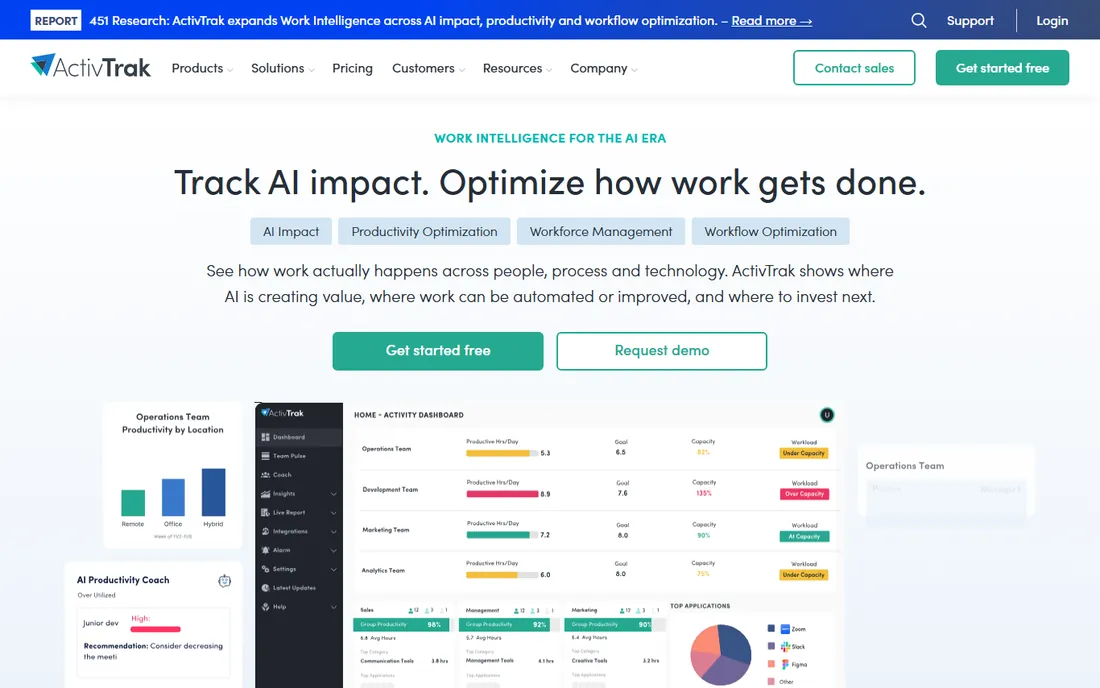
Your employees are working from home. Are they actually working? That is the question that sends most managers looking at PC monitoring software in the first place. ActivTrak answers it with activity tracking, application and website usage, and productivity classifications rather than keystroke logging, which makes it easier to introduce without destroying trust.
The free plan covers up to 3 users with 30 days of data history, so a tiny team can run it for nothing. Paid tiers start at $10 per user per month on annual billing, with Essentials Plus at $15 and Professional at $19 adding deeper analytics. Deployment is cloud-based with lightweight agents for Windows and Mac, and billing is annual only.
The honest catch: the same dashboards that help you coach underperformers can create a culture of watching the numbers instead of doing the work. Tell your team what is being tracked and why before you install anything.
What we like- Strong activity and productivity dashboards
- Generous free tier for very small teams
- Works without keystroke logging by default
Watch out for- Advanced features locked behind higher tiers
- Can feel like surveillance if rolled out poorly
Starting price$14 per seat/month (billed annually, reported)
Free planFree trial
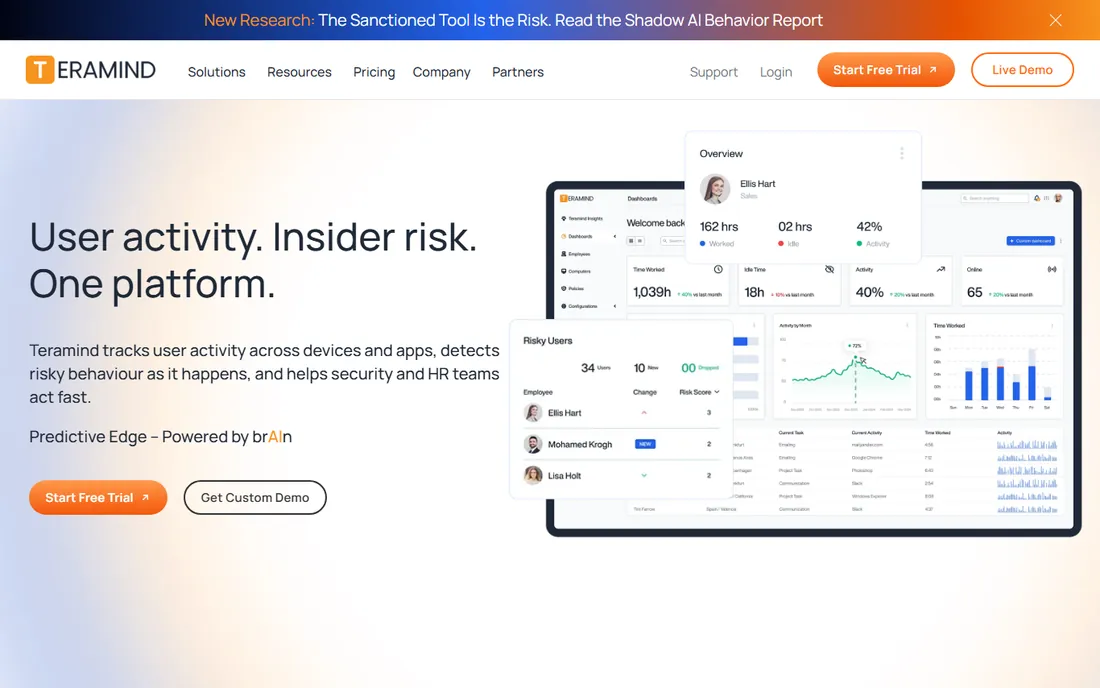
Where ActivTrak measures productivity, Teramind hunts for risk. It records user sessions, flags anomalous behavior, and bundles data loss prevention rules that can block risky file transfers and USB use. For finance, healthcare, and any business handling sensitive client data, that security angle is the whole point.
Pricing starts at $14 per seat per month on annual billing for the Starter plan, rising to $28 for user activity monitoring and $32 for full DLP. A 5-seat minimum applies, so the real entry cost is higher than the headline number. Cloud and on-premise deployments are both available.
The catch is cultural. Teramind's session recording is the most thorough in this category, which means it is also the hardest to sell to a team. Reserve it for roles where data protection justifies the scrutiny, not for company-wide productivity watching.
What we like- Deepest behavior analytics and anomaly detection
- Data loss prevention included
- Cloud or on-premise deployment
Watch out for- Priciest of the mainstream options
- 5-seat minimum
- Can feel invasive
Starting price$4.99 per user/month (billed annually, official)
Free planFree trial (14 days)
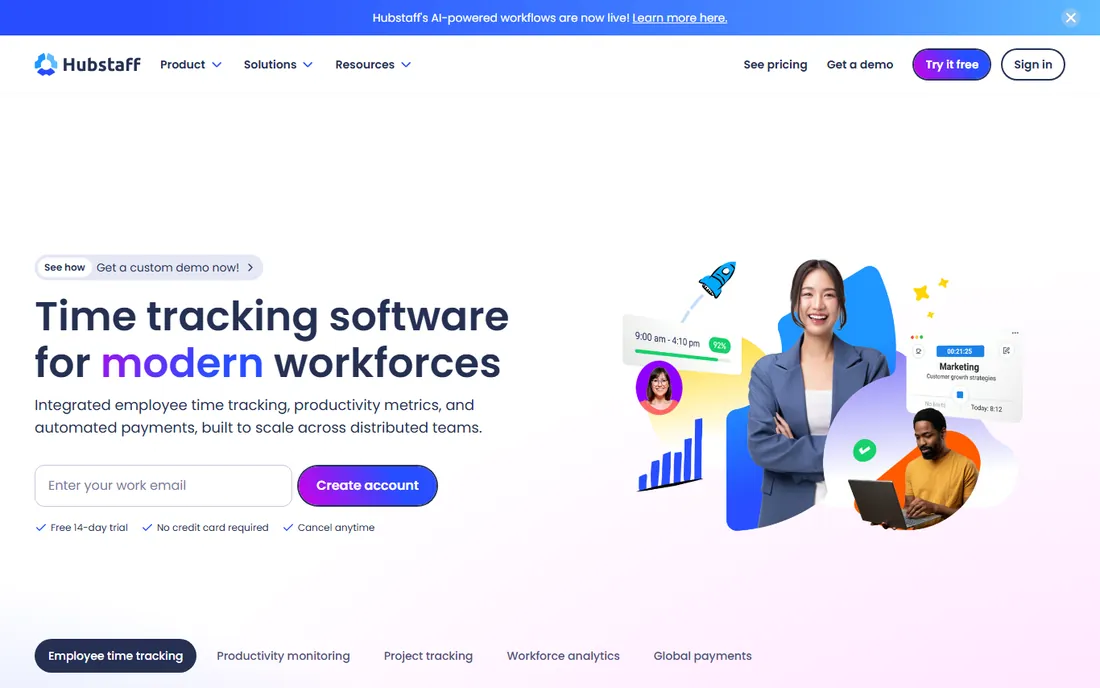
Plenty of teams do not need surveillance-grade monitoring. They need to know hours worked, tasks completed, and whether the freelancer they just hired is billing honestly. Hubstaff starts from time tracking and layers on activity levels, optional screenshots, and app and URL tracking.
Starter costs $4.99 per user per month on annual billing, with Grow at $7.50 and Team at $10 adding budgets, scheduling, and payroll support. A 14-day free trial requires no credit card. Note the 2-seat minimum: the lowest real subscription is $9.98 per month, not $4.99.
The catch: Hubstaff deliberately does not log keystrokes, and its monitoring is lighter than ActivTrak or Teramind. If your goal is insider-threat detection, this is not your tool. If your goal is honest timesheets for a remote team, it fits.
What we like- Affordable entry price
- Combines time tracking, screenshots, and payroll integrations
- No permanent free plan confusion
Watch out for- Monitoring depth is shallower than dedicated tools
- 2-seat minimum on paid plans
Starting price$6.67 per user/month (billed annually, official)
Free planFree trial (14 days)
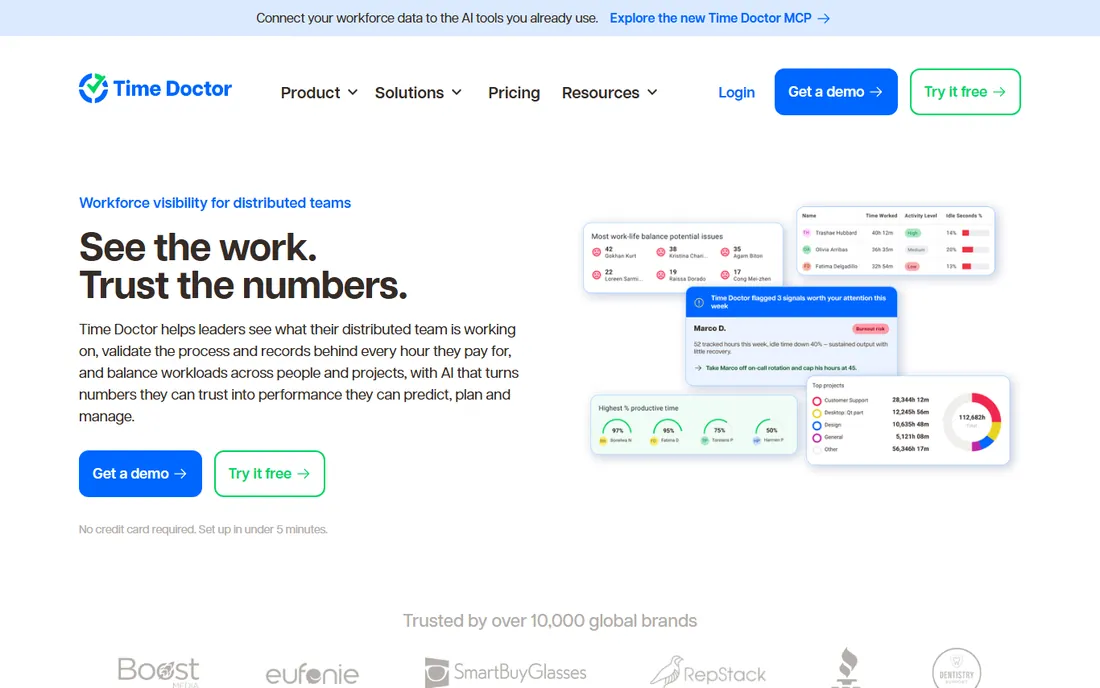
Time Doctor has been in this space longer than most, and it shows in the reporting. The Basic plan at $6.67 per user per month on annual billing covers time tracking, screenshots, and offline tracking. Standard at $11.67 adds web and app usage reports, attendance, payroll, and 60-plus integrations. Premium at $16.70 brings video screen recording and AI-powered unusual-activity detection.
There is no free plan, only a 14-day trial, which is a disadvantage for small businesses that want a long evaluation. The tiered structure also means budgeting against the features you actually need: moving a 20-person team from Basic to Standard adds $1,200 a year.
The catch is the upsell curve. Basic is genuinely useful, but the reports most managers want live in Standard and Premium. Price the tier you will actually use, not the entry tier.
What we like- Rich reports on app and web usage
- Payroll and attendance on mid tier
- Unusual-activity AI detection on Premium
Watch out for- No free plan at all
- Features split across three tiers
- Price climbs fast
Starting price$6.42 per user/month (billed annually, official)
Free planFree trial (14 days)
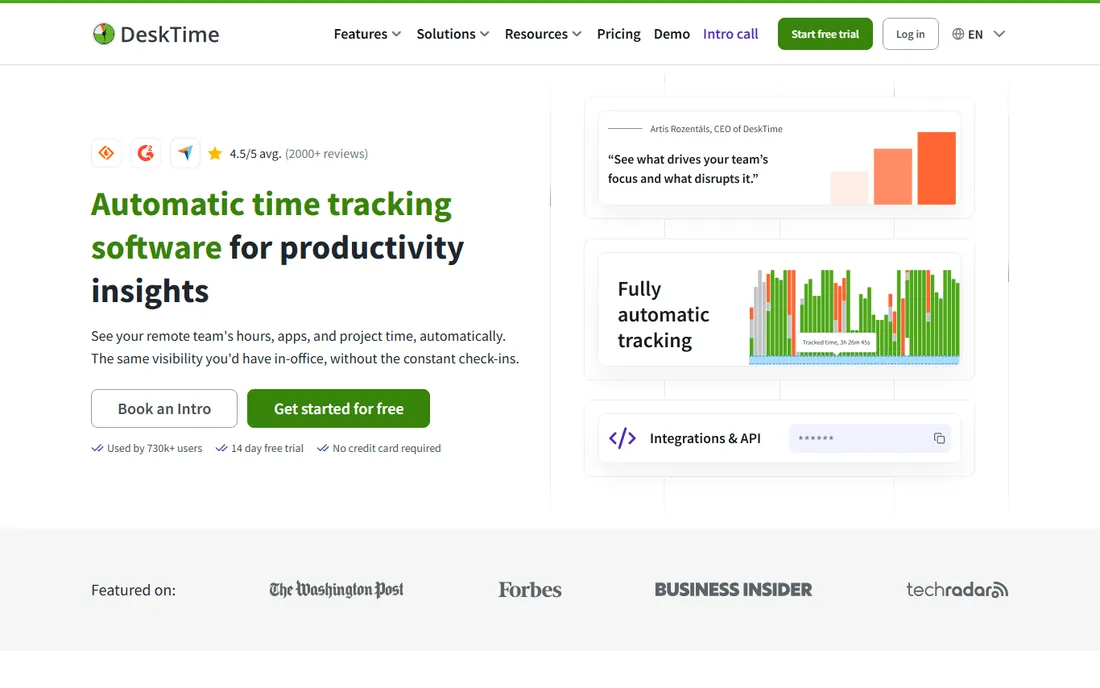
DeskTime takes a different approach: employees never start or stop a timer. The desktop app automatically logs applications, websites, and documents, then calculates productivity scores. For teams that hate manual time entry, this is the least annoying option in the category.
Pro costs $6.42 per user per month on annual billing. Premium at $9.17 adds screenshots, integrations, and shift scheduling. Enterprise is custom for 200-plus users. A standout feature is Private Time, which lets employees pause tracking for personal use, a small thing that measurably reduces pushback.
The catch: if you want screenshots, you must pay for Premium. And DeskTime's pricing page lists a 14-day trial but no free tier, so budget accordingly.
What we like- Fully automatic tracking with no timers
- Private Time lets employees pause monitoring
- Clean productivity dashboards
Watch out for- Screenshots only on the Premium tier
- No permanent free plan
- VAT added on top
Starting price$3.99 per user/month (billed annually, reported)
Free planFree trial
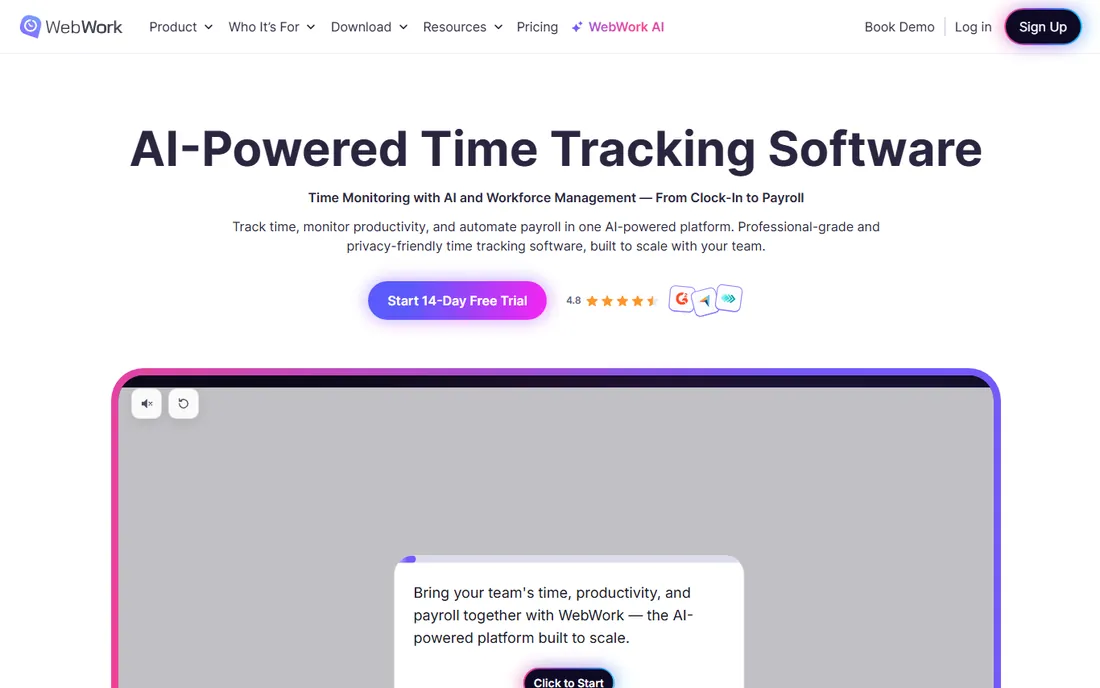
WebWork is the value play. At a reported $3.99 per user per month on annual billing, it undercuts every other tool here while still offering screenshots, activity tracking, and productivity reports. For a small team that wants basic visibility without a big bill, the math is compelling.
The trade-off is ecosystem depth. WebWork has fewer integrations and a thinner review record than ActivTrak, Hubstaff, or Time Doctor, so verify it supports your operating systems and workflows during the trial. Its monitoring features are solid but not as deep as the security-oriented tools.
The catch is simply maturity. It does the basics well at a sharp price, but teams that need advanced analytics, DLP, or extensive integrations will outgrow it.
What we like- Lowest entry price in this roundup
- Screenshots and activity tracking included
- Simple setup
Watch out for- Fewer integrations than established rivals
- Smaller company with less review history
Starting price$6.49 per user/month (billed annually, official)
Free planFree trial (10 days)
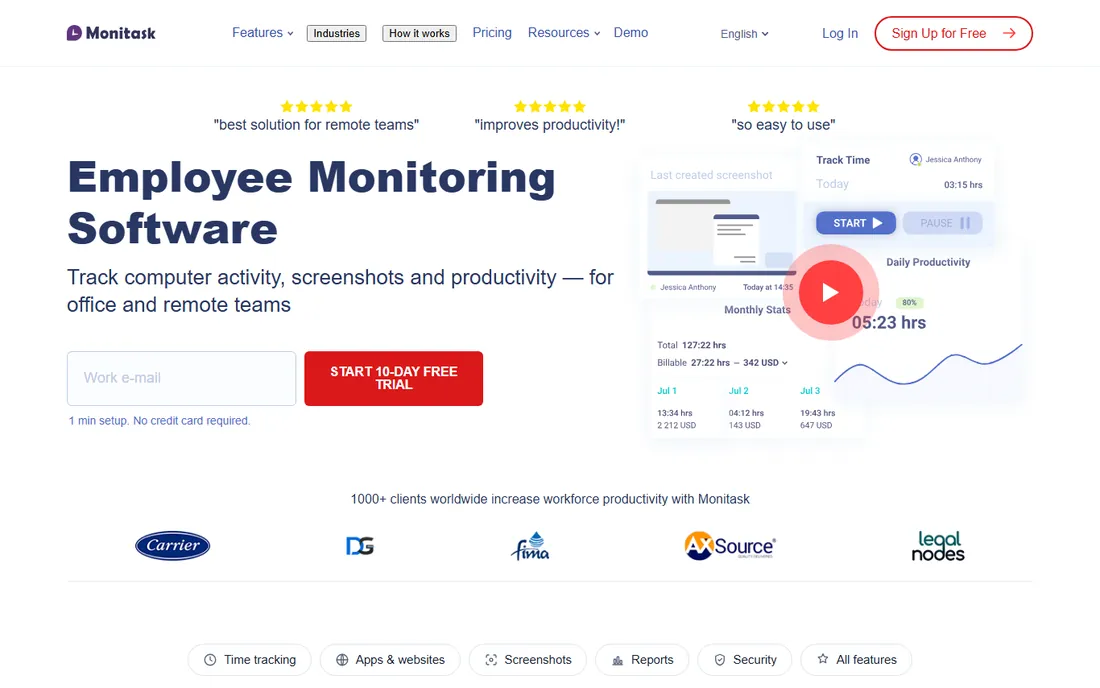
Monitask positions itself as the honest middle ground: real employee monitoring with screenshots, activity levels, and app tracking, but explicitly not spyware. It installs with employee permission, tracks only while clocked in, and does not record keystrokes. That framing matters when you announce the rollout.
Paid plans start at $6.49 per user per month on annual billing, with Business at $8.99 and Business Premium at $12.99 adding deeper monitoring and location tracking. The trial is 10 days with no credit card required. Higher screenshot frequencies are paid add-ons.
The catch is the short trial and the add-on structure. Ten days is tight for evaluating a monitoring tool across a whole team, so plan the pilot carefully.
What we like- Official pricing is transparent
- Stealth mode included on base plans
- Supports Windows, Mac, Linux, and mobile
Watch out for- Only a 10-day trial
- Monitoring depth is basic compared with Teramind
- Screenshot frequency costs extra at high rates
Monitoring PCs without losing your team
Any monitoring rollout lives or dies on communication. The tools above range from gentle (DeskTime's automatic tracking, Hubstaff's timesheets) to thorough (Teramind's session recording), and the right choice depends as much on your culture as on your budget.
Three rules cover most situations. First, write a policy before you install anything: what is tracked, why, who can see the data, and how long it is kept. Second, tell employees directly and get written acknowledgment; in several US states and the EU, undisclosed monitoring creates real legal exposure. Third, give managers access to their own team's data only, not the whole company.
Also decide what you are actually solving for. If the problem is accurate client billing, a time tracker like Hubstaff or DeskTime is enough. If the problem is data exfiltration, you need Teramind's DLP. Buying security-grade monitoring to solve a timesheet problem wastes money and goodwill.
How to pick PC monitoring software for your business
Start with the question you need answered. Productivity coaching needs activity dashboards and app usage reports. Accurate billing needs timesheets and project tracking. Security needs session recording, anomaly detection, and DLP. Each of these points to a different tool, and the prices reflect it.
Then check the practical constraints. How many seats do you actually need, and what is the vendor's minimum? Teramind requires 5 seats; Hubstaff requires 2. Does the tool support every operating system in your fleet, including Macs and any Linux machines? Can you deploy it silently through your existing device management, or does each install need a technician?
Privacy controls matter more than most buyers expect. Look for private-time modes, role-based access, data retention settings, and clear statements about keystroke logging. Run a paid pilot with one team for two weeks before a company-wide rollout, and review the reports yourself to make sure the data actually answers your question.
How we chose
We compared tools with real PC monitoring capabilities, not just time trackers, drawing on vendor pricing pages, feature documentation, and public reviews on G2, Capterra, and Reddit. We checked published starting prices against vendor pricing pages where available and marked third-party figures as reported. We favored tools with transparent pricing, cross-platform agents, and clear privacy controls, and we weighted fit for small and mid-size US companies over enterprise-only platforms. We did not test any software hands-on.
Frequently asked questions
Is PC monitoring software legal?
In most US states, employers can monitor company-owned devices, but several states require employee notice or consent, and rules are stricter in the EU and for personal devices. Always disclose monitoring in a written policy and check your state's requirements.
Do these tools record keystrokes?
Most mainstream tools here do not log keystrokes by default. Hubstaff and Monitask explicitly avoid it. Teramind's deeper security monitoring can capture more, which is why it suits regulated environments rather than general productivity tracking.
Will employees know they are being monitored?
They should. Ethical and often legally required practice is to disclose monitoring before installation. Some tools offer stealth mode, but undisclosed monitoring damages trust and can create legal liability.
Can I monitor personal devices?
Only with clear consent and a written agreement. Monitoring a personal device without consent is risky in most jurisdictions. Most companies restrict monitoring to company-owned hardware.
Which tool is cheapest for a small team?
WebWork at a reported $3.99 per user per month on annual billing is the cheapest paid option here. ActivTrak's free plan covers up to 3 users at no cost, which beats every paid plan for very small teams.
Do any of these work on Mac?
Yes. ActivTrak, Teramind, Hubstaff, Time Doctor, DeskTime, WebWork, and Monitask all support Windows and Mac, and several support Linux and mobile platforms as well.
Sources we checked (7)
- https://www.activtrak.com/pricing/
- https://www.teramind.co/blog/top-user-activity-monitoring-tools/
- https://hubstaff.com/hubstaff-pricing-guide
- https://www.timedoctor.com/pricing?homecta=pg-partner-program-deel-banner
- https://desktime.com/pricing?rc=virfice
- https://www.webwork-tracker.com/blog/desktime-pricing-every-plan-explained-and-what-it-really-costs
- https://www.monitask.com/remote-employee-monitoring-software/
Is your product missing or out of date?
We review this list regularly. Vendors can request a listing, send updated pricing or ask about featured placement.

Shihab Mia · Founder, Rankite
Shihab has spent more than a decade helping SaaS and e-commerce brands grow through search. He writes Rankite's software buying guides from pricing pages, documentation and public user reviews. More about Shihab.