How we make this list: we compare pricing pages, product documentation and public user reviews. Rankite is independent; if a vendor ever pays for a featured spot, that listing is clearly labeled Partner.
Key takeaways
- Microsoft Intune is the modern Microsoft route, at $8 per user per month for Plan 1, with Autopilot for cloud provisioning.
- PDQ moved to per-device pricing in 2026: Basic at $12 per device per year, minimum 100 devices.
- ManageEngine OS Deployer offers a genuinely free edition plus Professional at $645 per year for 100 workstations.
- SmartDeploy's $1,100 flat yearly rate and driver pack library make single-image deployment simple.
- FOG Project and Clonezilla are free and open source, best for technicians comfortable with Linux-based tooling.
Quick comparison
| Tool | Best for | Starting price | Free plan |
|---|
 Microsoft Intune Microsoft Intune | cloud-first Windows provisioning | $8/user/mo (official) | Free trial |
 PDQ Deploy PDQ Deploy | fast Windows software deployment | $12/device/yr (official) | Free trial |
 ManageEngine OS Deployer ManageEngine OS Deployer | affordable imaging with free tier | $645/yr for 100 workstations (official) | Yes |
 SmartDeploy SmartDeploy | single golden image deployment | $1,100/yr (reported) | Free trial |
 Acronis Snap Deploy Acronis Snap Deploy | per-deployment imaging | from $25/deployment (reported) | Free trial (15 days) |
 FOG Project FOG Project | free network imaging | $0 | Yes |
 Clonezilla Clonezilla | free technician-led cloning | $0 | Yes |
Is your product missing or out of date?
We review this list regularly. Vendors can request a listing, send updated pricing or ask about featured placement.
The best os deployment software
How do you get Windows (or Linux) onto fifty new laptops without touching each one? These tools capture a reference image and push it to machines over the network, by USB, or through the cloud, handling drivers, domain joins and applications along the way.
Starting price$8/user/mo (official)
Free planFree trial
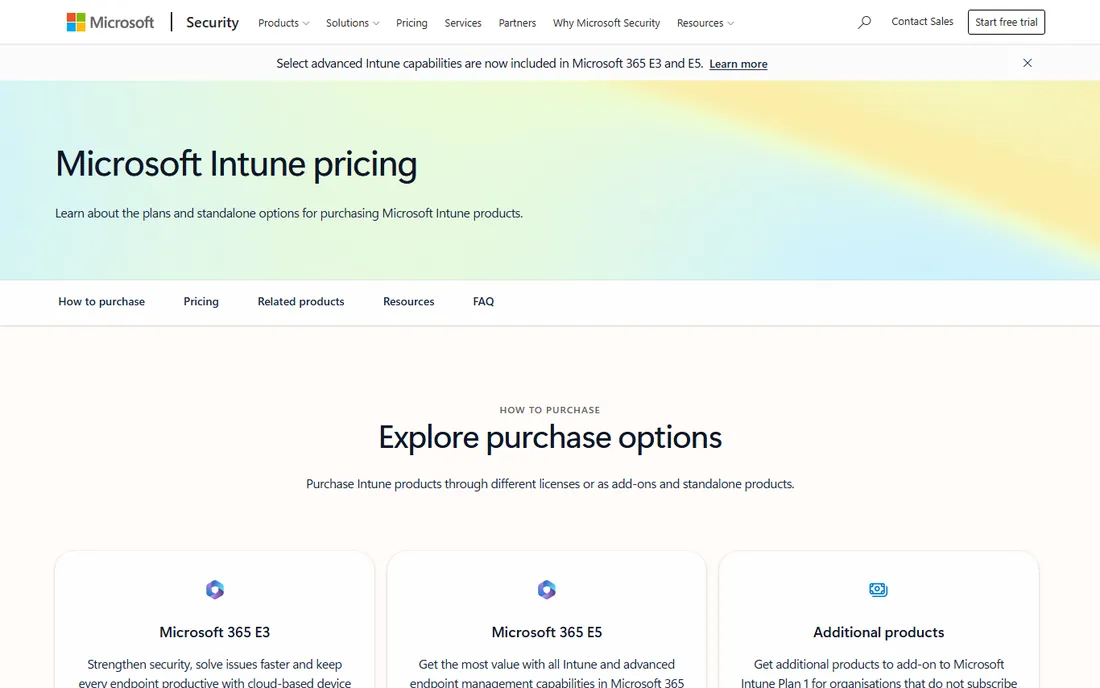
Intune is Microsoft's current answer to device provisioning. Windows Autopilot takes a new device from the box to a managed, app-installed state over the internet, no golden image required. For many organizations this replaces classic imaging entirely. Intune also handles compliance policies, app deployment, remote wipe and conditional access across Windows, Mac, iOS and Android.
Standalone pricing is $8 per user per month for Plan 1, with Plan 2 at $4 and the Intune Suite at $10 as add-ons. Many Microsoft 365 plans (Business Premium, E3, E5) already include Intune, so check your existing licenses before buying. Note that each user license covers up to 15 devices, which can push costs up in device-heavy environments.
What we like- Autopilot provisions devices without imaging
- Native Microsoft 365 integration
- Included in many M365 plans
Watch out for- Per-user pricing per device limits
- Traditional imaging needs Configuration Manager
#2
PDQ Deploy
Best for: fast Windows software deployment
Visit pdq.com
Starting price$12/device/yr (official)
Free planFree trial
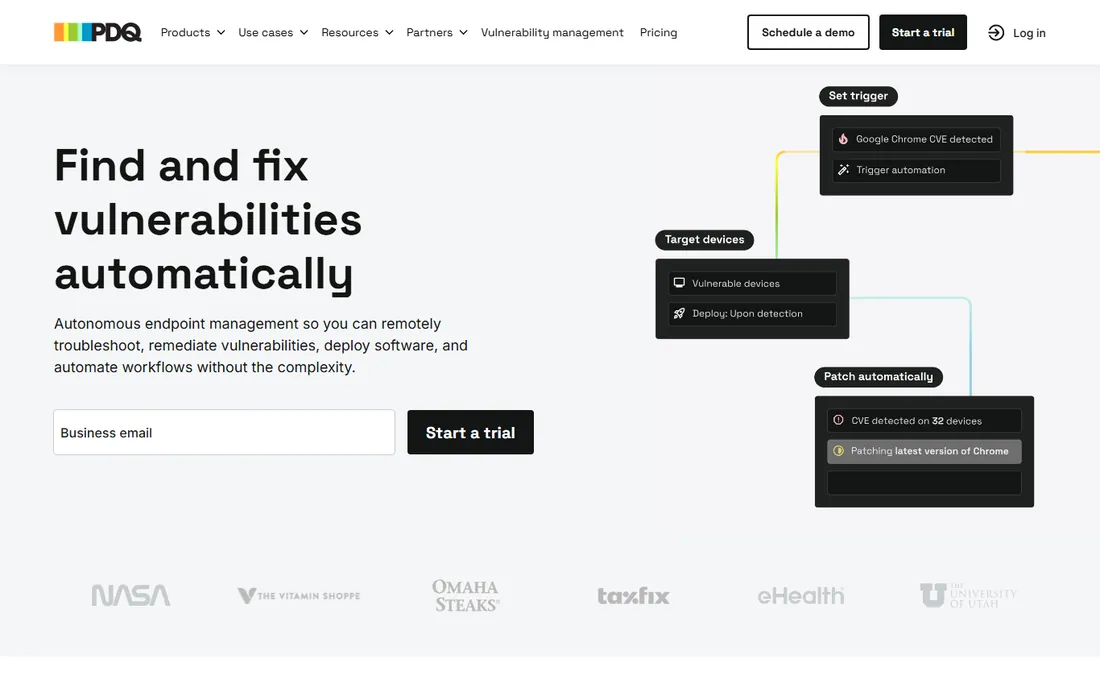
PDQ Deploy (paired with PDQ Inventory) is the beloved tool of Windows sysadmins for pushing software, scripts and patches to machines on the network. It is agentless, integrates with Active Directory, and ships with a package library of ready-to-deploy third-party applications. For post-image app deployment, little is faster.
Pricing changed in 2026 to tiered per-device licensing: Basic at $12 per device per year, Plus at $18 and Premium at $28, with a 100-device minimum. There is a 15% discount for small businesses, nonprofits and schools. PDQ is Windows-only and needs network reachability, so remote laptops require a VPN, but for domain-joined estates it is hard to beat.
What we like- Huge prebuilt package library
- Agentless and fast on-domain
- Works air-gapped
Watch out for- Windows only
- Minimum 100 devices on the new model
Starting price$645/yr for 100 workstations (official)
Free planYes
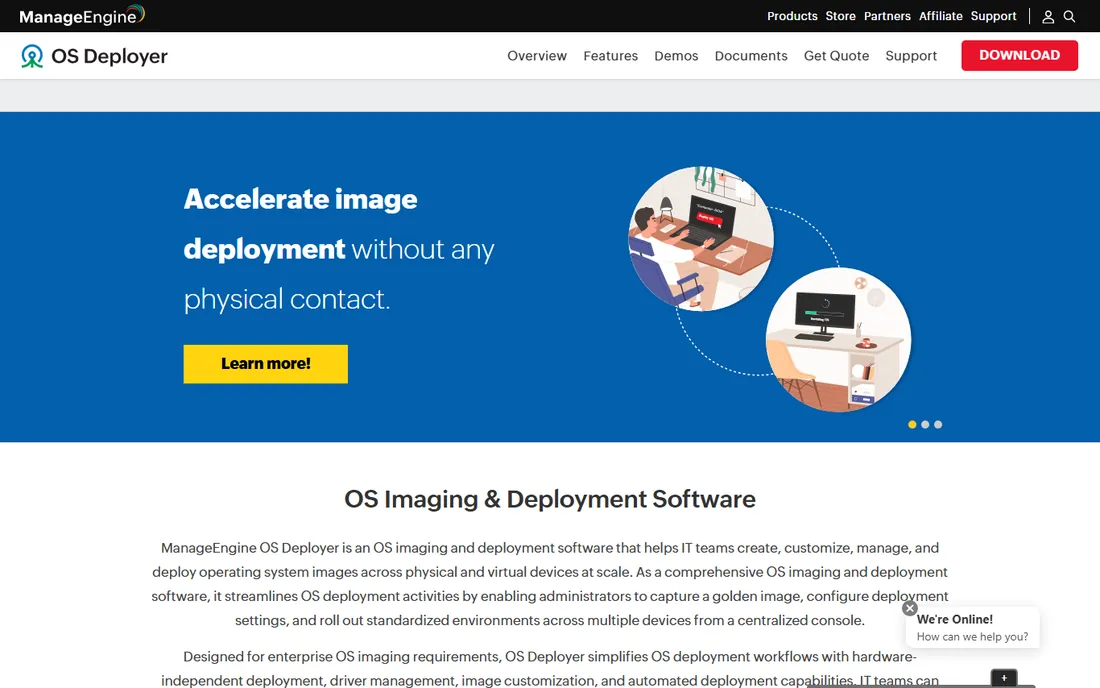
ManageEngine OS Deployer is a full imaging solution: capture disk images, store them centrally, create role-based deployment templates, and push to machines with unicast or multicast, hardware-independent deployment and SID management. It pairs with ManageEngine Endpoint Central for full lifecycle management.
The standout is the Free Edition, which covers 1 server and 4 workstations at no cost. Professional starts at $645 per year for 100 workstations (or $1,613 perpetual), scaling to thousands of machines. Enterprise editions add features at slightly higher prices. For budget-conscious IT teams that need real imaging rather than scripts, this is the value pick.
What we like- Free edition for small shops
- Per-workstation pricing is transparent
- Multicast support
Watch out for- Windows-focused
- Interface feels dated
Starting price$1,100/yr (reported)
Free planFree trial
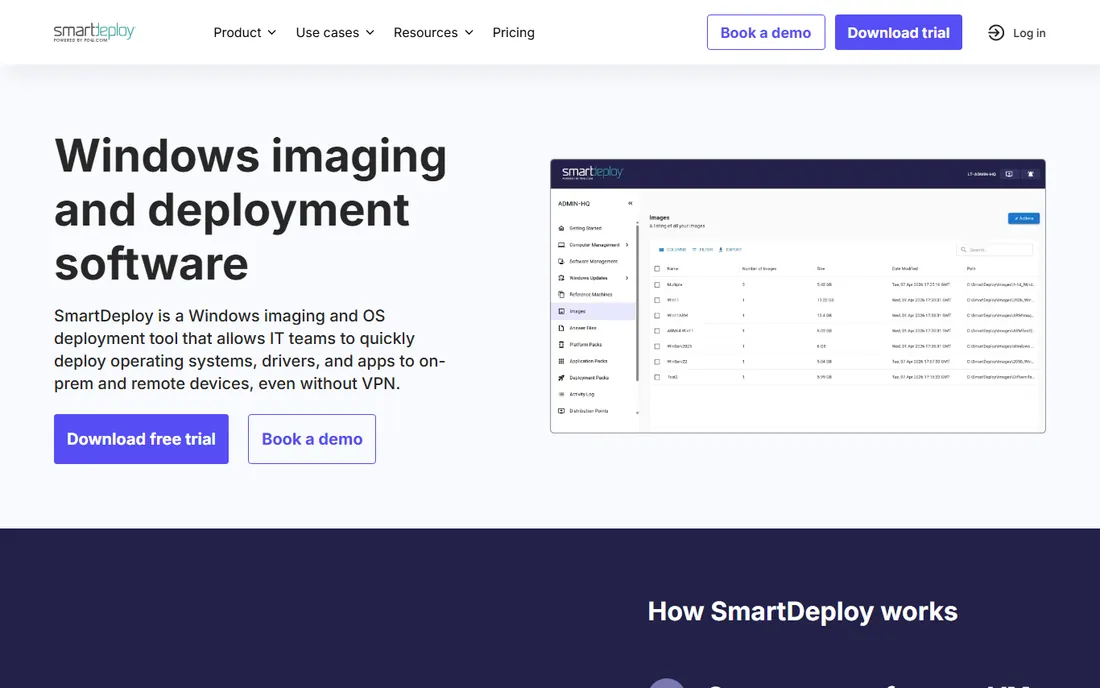
SmartDeploy, now part of PDQ, solves the classic imaging headache: one hardware-independent golden image that deploys to any device make or model. Its Platform Pack library holds over 1,500 prebuilt driver packs, so drivers are injected at deploy time instead of bloating the image. Layered imaging lets you reimage just the OS without touching applications or user data.
Pricing is a flat $1,100 per year across Starter, Plus and Pro tiers, with unlimited client installations. Deployment works via network, USB media, or cloud distribution points without a VPN. Reviewers consistently praise the time saved on hardware refreshes. The flat rate favors larger fleets; tiny shops may find per-device tools cheaper.
What we like- One image for any hardware via driver packs
- Layered imaging separates OS and apps
- Cloud deployment without VPN
Watch out for- Windows only
- Pricing is flat regardless of fleet size
Starting pricefrom $25/deployment (reported)
Free planFree trial (15 days)
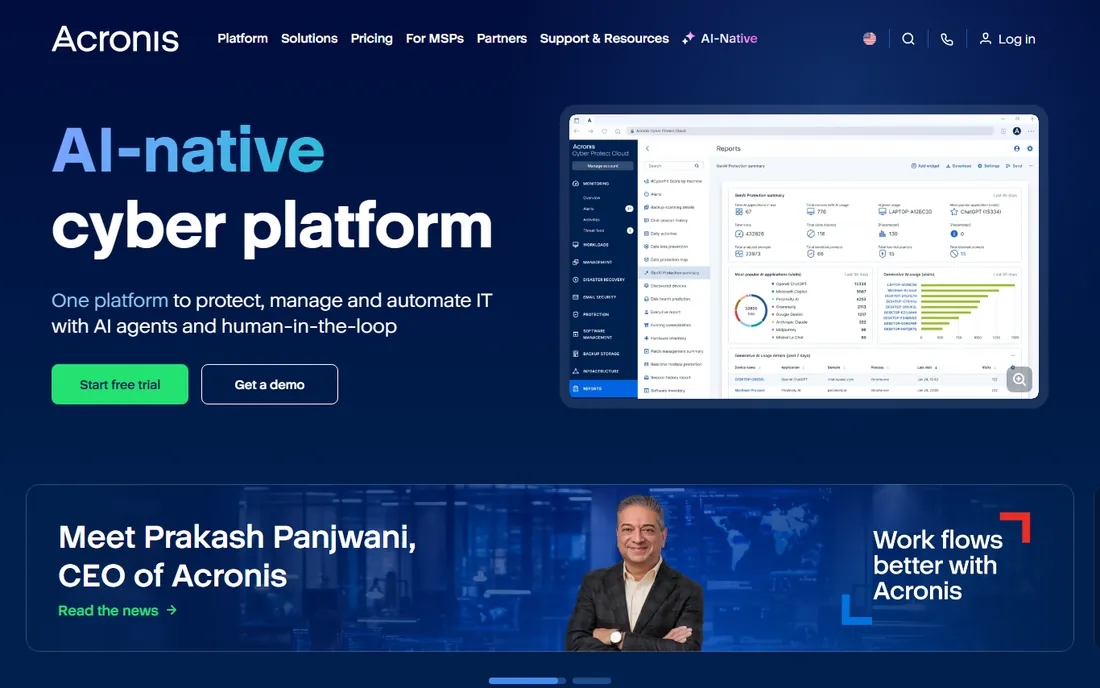
Acronis Snap Deploy is a veteran of the imaging space, built on Acronis' disk imaging technology. It captures a master image of an OS with applications and data, then deploys it to many machines with per-machine customization like unique IP addresses. Acronis Universal Deploy handles dissimilar hardware.
Licensing is flexible: per-machine licenses or per-deployment licenses in batches. Reported pricing starts around $25 per workstation deployment and $121 per server. A 15-day free trial is available. Acronis suits organizations that want imaging from a vendor with deep backup and recovery roots.
What we like- Per-deployment licensing option
- Universal Deploy for dissimilar hardware
- Mature imaging engine
Watch out for- Pricing varies by channel
- Interface shows its age
Starting price$0
Free planYes
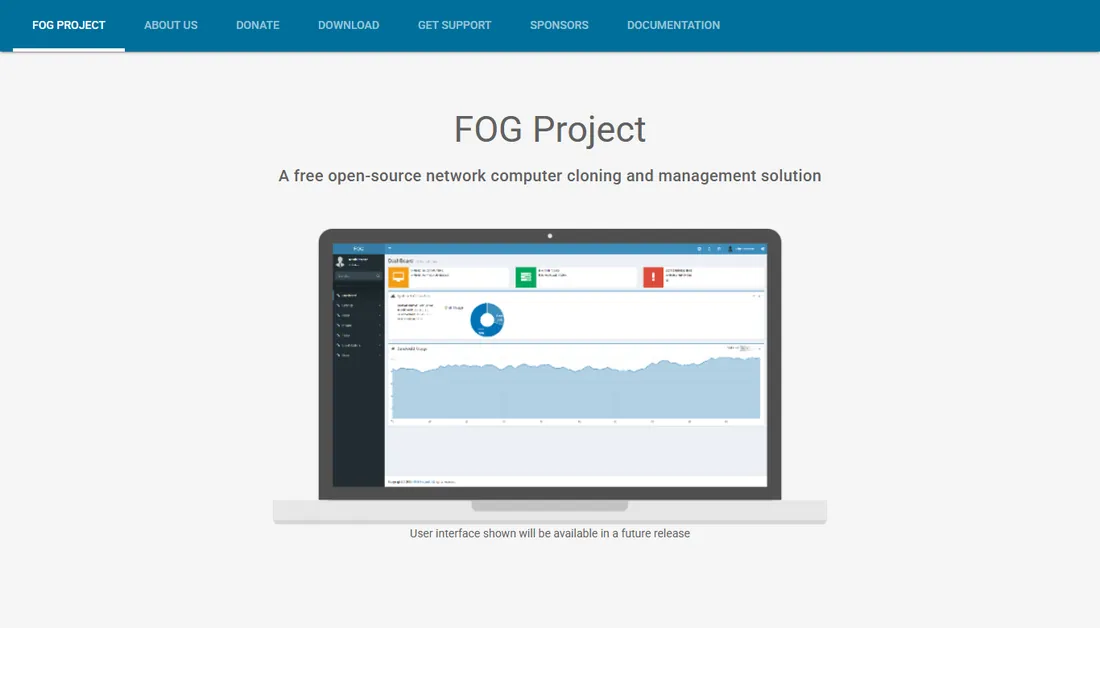
FOG (Free Open-source Ghost) is the community standard for free network imaging. It is a Linux-based solution that images Windows, Linux and Mac machines over PXE boot, with multicast so imaging 20 PCs takes the same time as imaging one. Snapins push software and scripts, and the web UI handles inventory, printer management and domain joins.
Everything is free and open source. The cost is expertise: you need a Linux server, DHCP and TFTP configuration, and comfort with the command line. Schools, nonprofits and labs with technical staff get enterprise-grade imaging for the price of a spare server.
What we like- Completely free and open source
- PXE boot with multicast
- Web-based management
Watch out for- Needs a Linux server and networking know-how
- Windows-centric docs lag on newer releases
Starting price$0
Free planYes
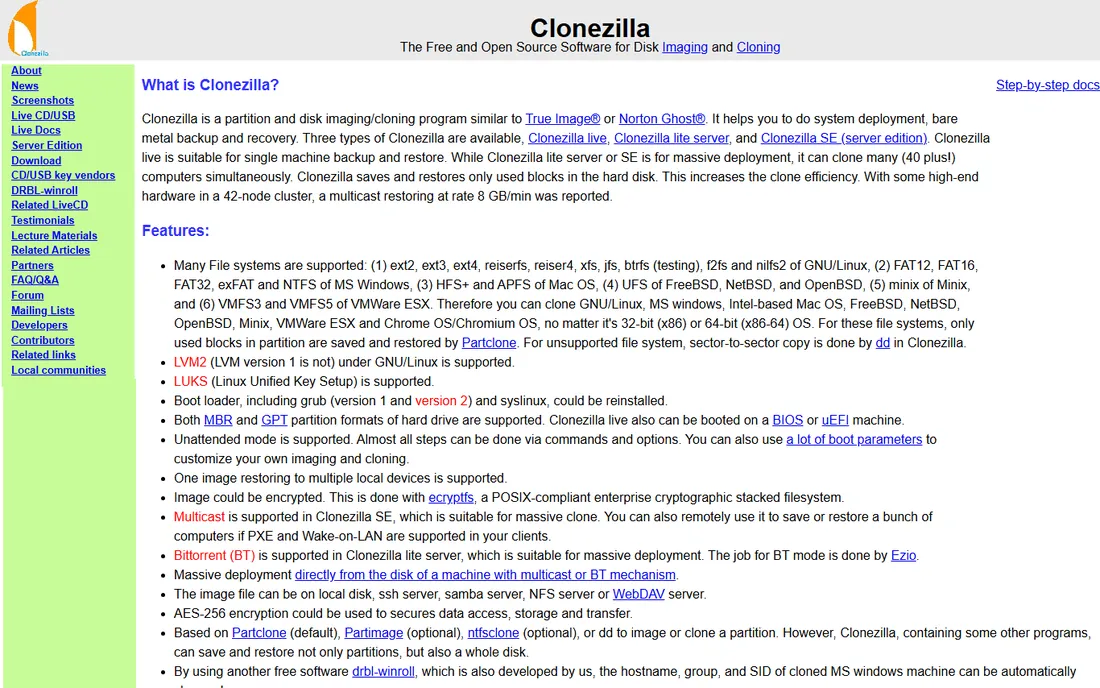
Clonezilla is the technician's imaging tool: boot from USB, capture or restore a disk image, done. It copies only used blocks, making imaging fast, and supports encryption, multicast (Server Edition), and a huge range of file systems. For one-off deployments, lab rebuilds and break-fix work, nothing is simpler.
There is no central console and no scheduling; it is a hands-on tool, not a management platform. But it is free, reliable, and runs anywhere. Keep Clonezilla on a USB stick even if you buy a commercial tool, for the machines that need personal attention.
What we like- Free and open source
- Extremely efficient block-level imaging
- Boots from USB
Watch out for- Text-based interface
- No central management console
How we chose
We reviewed vendor pricing pages and documentation, the ManageEngine official store, Microsoft's Intune pricing page, and public comparisons on review directories and IT guides. We compared imaging methods, driver handling, multicast support, deployment targets, licensing models, and free options. We did not claim hands-on testing.
What to evaluate before you buy
Decide whether you still need imaging at all. If your fleet is new hardware and cloud-managed, Intune with Autopilot provisions devices without a golden image, which eliminates the imaging maintenance cycle. Classic imaging still wins for labs, shared PCs, and environments with strict standardized builds.
Match licensing to fleet size. Per-device pricing (PDQ, ManageEngine) is predictable for fixed fleets. Flat-rate pricing (SmartDeploy at $1,100 per year) gets cheaper per machine as you grow. Per-deployment licensing (Acronis) suits occasional refresh projects. And if the budget is zero, FOG Project and Clonezilla are genuinely capable.
Check the fine print on your existing Microsoft licenses before spending anything. Many organizations already own Intune through Microsoft 365 Business Premium or E3/E5 and do not realize it.
Microsoft retired the Microsoft Deployment Toolkit (MDT): it still runs but receives no updates or support, and new Windows builds may break it. If MDT is in your environment, plan a migration to Intune/Autopilot, Configuration Manager task sequences, or a third-party imaging tool like SmartDeploy rather than building new workflows on it.
The same caution applies to homebrew imaging scripts. Many shops still deploy from a collection of batch files, answer files and a USB stick that one senior admin maintains. That works until that admin leaves, a new hardware model arrives, or a Windows feature update breaks the sequence. A supported tool with a driver library and logging pays for itself the first time a deployment fails at 2 a.m. and you can see exactly which step broke, on which machine, and why. Free tools like FOG Project and Clonezilla are fine for technicians who own the process, but anything running at scale deserves vendor support or at least an active community.
Finally, test restores, not just deployments. An image that deploys cleanly but leaves BitLocker, Secure Boot or VPN profiles misconfigured creates more work than it saves. Build a checklist: domain join, Wi-Fi and VPN profiles, security agents, printers, and line-of-business apps, then verify each on the actual hardware models in your fleet before rolling out.
Frequently asked questions
What is the cheapest OS deployment software?
FOG Project and Clonezilla are free and open source. Among paid tools, ManageEngine OS Deployer has a free edition and starts at $645 per year for 100 workstations.
Do I still need OS imaging with Microsoft Intune?
Often not. Windows Autopilot provisions new devices from the cloud without a golden image. Classic imaging remains useful for labs, shared machines, and highly standardized builds.
What replaced Microsoft Deployment Toolkit?
MDT is retired. Microsoft points to Intune with Autopilot and Configuration Manager task sequences. Third-party options like SmartDeploy and ManageEngine OS Deployer cover traditional imaging workflows.
Can these tools deploy to different hardware models?
Yes. SmartDeploy, Acronis Snap Deploy (with Universal Deploy), ManageEngine OS Deployer and FOG all support hardware-independent or dissimilar-hardware deployment through driver injection.
How much does SmartDeploy cost?
SmartDeploy is listed at a flat $1,100 per year across its tiers, with unlimited client installations, per third-party pricing directories.
Is PDQ Deploy free?
No. PDQ moved to per-device pricing starting at $12 per device per year with a 100-device minimum. A free trial is available.
What about driver management for new hardware models?
This is where SmartDeploy and Acronis Snap Deploy earn their keep: both inject the right drivers at deploy time from a maintained library, so one image covers many models. With FOG Project or Clonezilla, you handle drivers yourself.
Can I deploy operating systems to remote workers' laptops?
Yes, but pick a tool built for it. Intune with Autopilot and SmartDeploy's cloud distribution points handle off-network devices without a VPN. Traditional network imaging tools like FOG Project need the machine on your LAN or VPN.
Sources we checked (9)
- https://www.microsoft.com/en-gb/security/business/microsoft-Intune-pricing
- https://www.pdq.com/blog/vulnerability-management-software-cost-and-pricing-models/
- https://store.manageengine.com/os-deployer/
- https://www.capterra.com/p/171214/SmartDeploy/pricing/
- https://www.shi.ca/Product/29199306/Acronis-Snap-Deploy-for-PC
- https://docs.fogproject.org/en/latest/introduction/
- https://en.wikipedia.org/wiki/Clonezilla
- https://www.itechguides.com/best/os-deployment-software/
- https://www.smartdeploy.com/blog/mdt-is-retired-switch-to-smartdeploy-before-imaging-breaks/
Is your product missing or out of date?
We review this list regularly. Vendors can request a listing, send updated pricing or ask about featured placement.

Shihab Mia · Founder, Rankite
Shihab has spent more than a decade helping SaaS and e-commerce brands grow through search. He writes Rankite's software buying guides from pricing pages, documentation and public user reviews. More about Shihab.