How we make this list: we compare pricing pages, product documentation and public user reviews. Rankite is independent; if a vendor ever pays for a featured spot, that listing is clearly labeled Partner.
Key takeaways
- Unpatched Linux servers are the most common breach vector: most attacks exploit known vulnerabilities with available fixes.
- Automox, Action1, and NinjaOne offer cloud-native patching across Linux, Windows, and macOS from one console.
- JetPatch and ManageEngine suit enterprises with heterogeneous estates including legacy Unix and strict compliance needs.
- TuxCare, Atera, and Ivanti cover specialized needs: live kernel patching, MSP-friendly RMM, and autonomous endpoint management.
Quick comparison
| Tool | Best for | Starting price | Free plan |
|---|
 Automox Automox | teams that want one patch policy for every OS | See website | No |
 Action1 Action1 | teams that want patching working in five minutes | See website | Yes |
 NinjaOne NinjaOne | IT teams that want patching inside unified operations | See website | No |
 JetPatch JetPatch | enterprises running everything including legacy Unix | See website | Free trial |
 ManageEngine ManageEngine | IT teams standardizing on ManageEngine | See website | Free trial |
 TuxCare TuxCare | teams that cannot afford reboot downtime | See website | No |
 Atera Atera | MSPs and lean IT teams | See website | No |
 Ivanti Ivanti | enterprises pursuing autonomous IT | See website | No |
Is your product missing or out of date?
We review this list regularly. Vendors can request a listing, send updated pricing or ask about featured placement.
Linux patching looks simple until it is not. A handful of servers can be updated with a cron job and apt. Hundreds of servers across Ubuntu, RHEL, Debian, SUSE, and Amazon Linux, with maintenance windows, compliance audits, and uptime SLAs, need real tooling. The cost of getting it wrong is measured in breaches: the majority of successful attacks exploit known vulnerabilities for which patches already existed.
Starting priceSee website
Free planNo
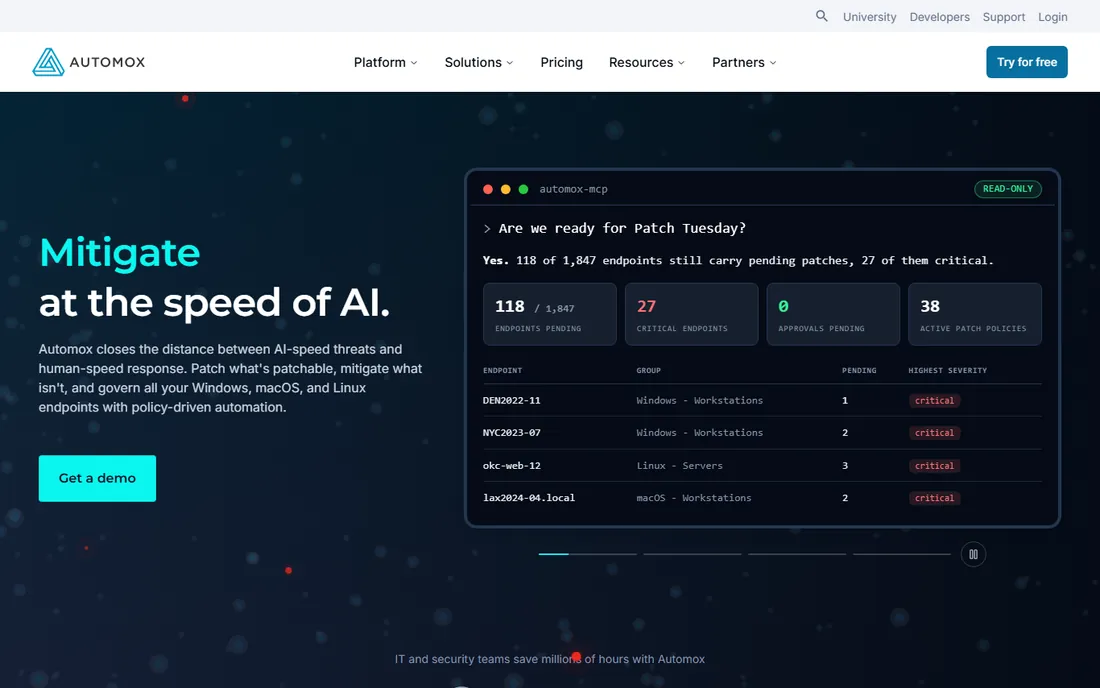
Automox closes the distance between fast-moving threats and slow manual patching with policy-driven automation across Windows, macOS, and Linux. One patch policy, one schedule, one set of rollout rings covers all three operating systems, with reboot enforcement and catch-up for machines that missed the window.
The Worklets feature handles the unpatchable: zero-days with no fix yet, misconfigurations, and unsupported software get mitigated through scripted actions instead. With full API coverage and a hosted MCP server, the platform fits into existing automation and AI-assisted workflows.
The honest catch is the cloud model. Automox is cloud-native with no on-prem option, which rules out air-gapped environments. Pricing is quote-based. For teams managing mixed OS fleets from one console, the unified policy model is the appeal.
What we like- One policy across Windows, macOS, and Linux
- Worklets handle what patches cannot
- Full API coverage plus MCP server
Watch out for- Quote-based pricing
- Cloud-only may not suit air-gapped environments
#2
Action1
Best for: teams that want patching working in five minutes
Visit action1.com
Starting priceSee website
Free planYes
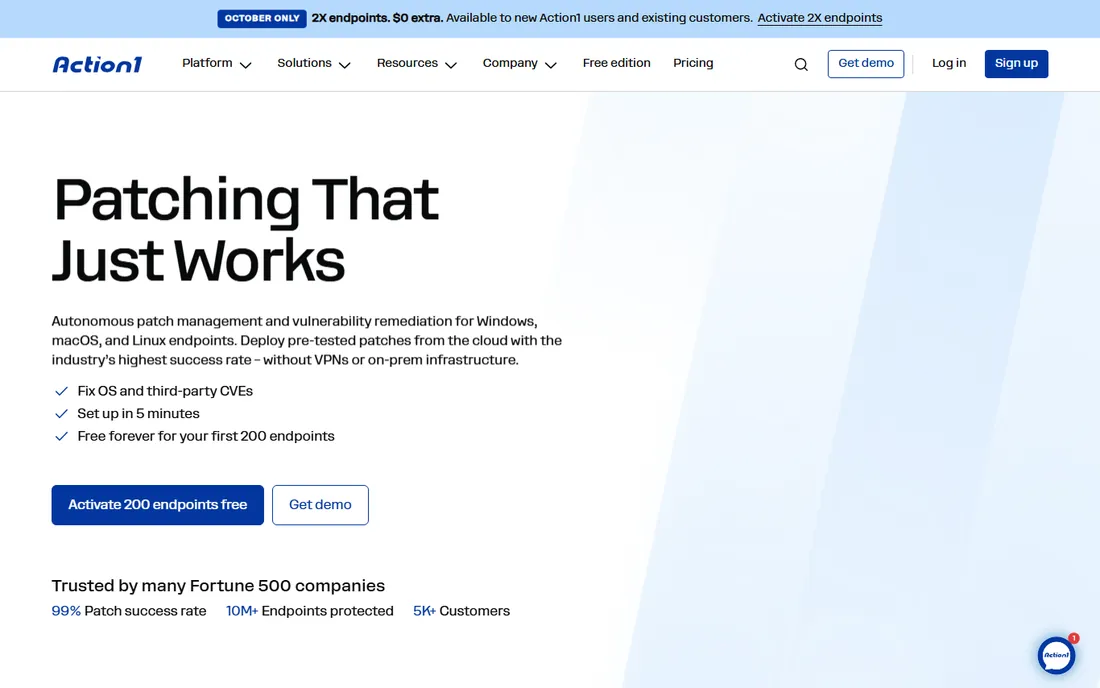
Action1's offer is the most generous in patch management: the first 200 endpoints are free forever, with full functionality and no expiration. The platform deploys pre-tested patches from the cloud across Windows, macOS, and Linux, with vulnerability detection and remediation unified in one workflow so teams stop juggling scanners and spreadsheets.
The cloud-native design means no VPNs, no on-prem servers, and no appliances: endpoints patch wherever they are. Peer-to-peer distribution cuts bandwidth on large deployments, and ring-based rollouts with maintenance windows keep production stable.
The tradeoff is maturity. Action1 is younger than the enterprise incumbents, and some advanced features are still catching up. For small and mid-size teams that want serious patching without a procurement project, the free tier makes evaluation risk-free.
What we like- Free forever for the first 200 endpoints
- 99% patch success rate claimed
- Set up in minutes with no infrastructure
Watch out for- Younger vendor
- Advanced enterprise features still maturing
#3
NinjaOne
Best for: IT teams that want patching inside unified operations
Visit ninjaone.com
Starting priceSee website
Free planNo
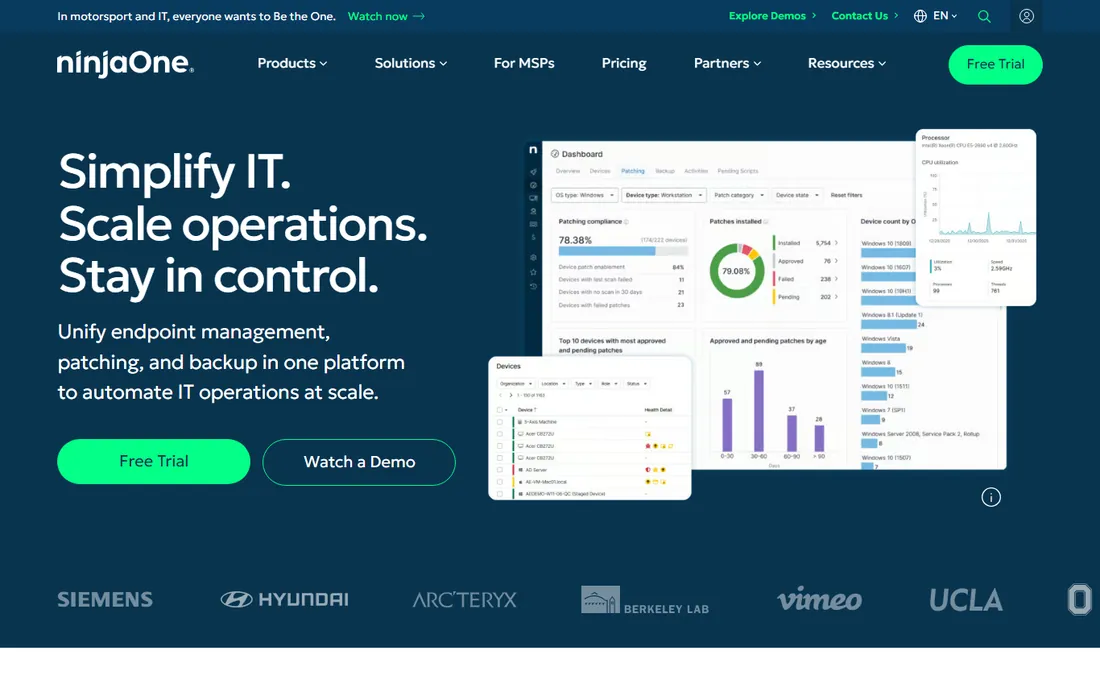
NinjaOne unifies endpoint management, patching, and backup in one platform, and its autonomous patch management uses Patch Intelligence AI to prevent bad updates and keep compliance reliable. Customers report patch cycles dropping from days to minutes, with vulnerability remediation accelerated through intelligent automation.
The platform's strength is consolidation: the same console handles devices, mobile management, backup, remote control, and ticketing. Named a Leader in Gartner's Magic Quadrant for Endpoint Management Tools, it carries the analyst credibility enterprises want.
The honest catch is that patching is one module among many. Teams wanting a dedicated, best-of-breed patching specialist may prefer Automox or JetPatch. Pricing is quote-based. For IT teams consolidating tools, NinjaOne's unified approach reduces the stack dramatically.
What we like- Autonomous patching with Patch Intelligence AI
- Gartner Leader in endpoint management
- Backup and remote control included
Watch out for- Quote-based pricing
- Patching is one module of a bigger platform
#4
JetPatch
Best for: enterprises running everything including legacy Unix
Visit jetpatch.com
Starting priceSee website
Free planFree trial
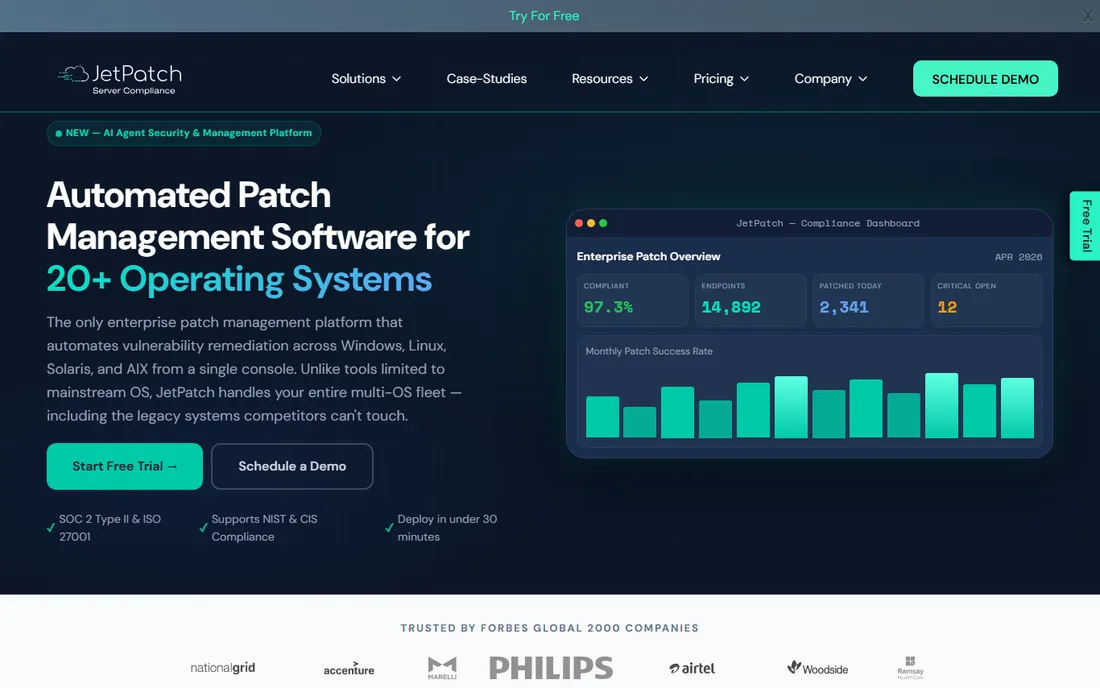
JetPatch is the only platform on this list that automates patching across 20+ operating systems from one console, including legacy Unix systems like Oracle Solaris and IBM AIX that competitors cannot touch. For enterprises with heterogeneous estates, that breadth eliminates the per-OS tool sprawl.
The orchestration is enterprise-grade: sequence-based rollouts from QA through staging to production, predictive patch success scoring, automated rollback, and compliance reporting for NIST, CIS, PCI-DSS, and HIPAA. Integrations with ServiceNow, Qualys, Tenable, and Rapid7 connect patching to the security stack.
The tradeoff is scope. JetPatch is built for complex enterprises; smaller Linux-only shops will find it heavy. Pricing is quote-based, though a 14-day free trial lets teams evaluate. For regulated industries with mixed estates, the OS coverage is unmatched.
What we like- Covers 20+ OS including Solaris and AIX
- Sequenced QA-to-production rollouts
- 14-day free trial
Watch out for- Enterprise positioning with quote pricing
- More than smaller teams need
Starting priceSee website
Free planFree trial
ManageEngine's Endpoint Central (formerly Desktop Central) handles patch management across Windows, macOS, and Linux as part of a unified endpoint management platform. For the Linux admin, that means automated patch deployment, compliance reporting, and software distribution alongside the broader device management features.
The real argument is the ecosystem. ManageEngine offers some 60+ IT management products covering identity, security, service management, and analytics. Organizations standardizing on the suite get patching that integrates with everything else, with free 30-day trials across the catalog.
The honest catch is navigation. The product catalog is vast enough that finding the right tool takes effort, and the interfaces reflect on-prem heritage more than cloud-native polish. Pricing varies by product with quote-based enterprise tiers. For ManageEngine shops, Endpoint Central is the natural patching choice.
What we like- Endpoint Central covers Linux patching deeply
- Part of a huge IT management suite
- Free 30-day trials
Watch out for- The suite breadth complicates selection
- On-prem heritage shows in UX
Starting priceSee website
Free planNo
TuxCare solves the two hardest Linux patching problems. KernelCare applies kernel security patches without rebooting, so production workloads stay up. Endless Lifecycle Support keeps end-of-life distributions, runtimes, and libraries protected with ongoing CVE patches long after upstream support ends. Trusted by thousands of organizations, the company has fifteen years in open source security.
The newer SecureChain product extends the model to the software supply chain: verified, continuously patched open source packages with SBOM and SLSA attestation. For teams running AlmaLinux, Rocky Linux, or aging CentOS fleets, TuxCare's enterprise support is purpose-built.
The tradeoff is specialization. TuxCare is not a general patch management console; it complements tools like Automox or JetPatch rather than replacing them. Pricing is quote-based. For uptime-critical Linux estates and EOL systems, it fills gaps nothing else covers.
What we like- KernelCare patches Linux kernels without rebooting
- Endless lifecycle support for EOL systems
- 15 years of open source security
Watch out for- Specialized scope rather than full patch management
- Quote-based pricing
Starting priceSee website
Free planNo
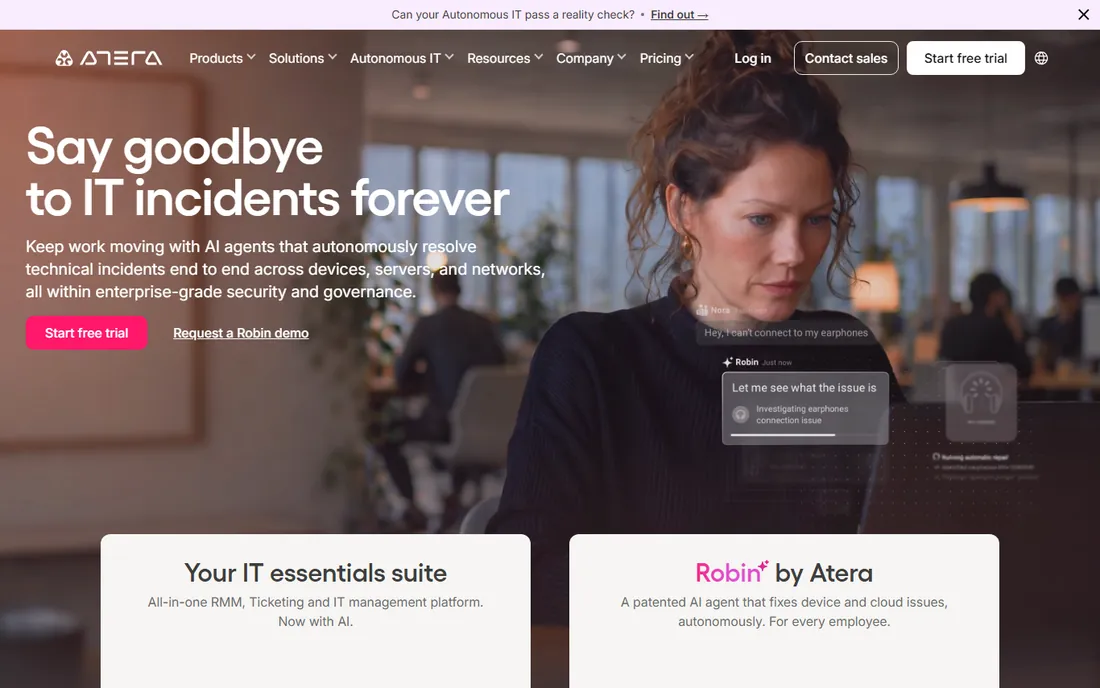
Atera is the all-in-one IT platform priced per technician with unlimited endpoints, which makes the economics compelling for MSPs and lean internal teams. RMM, helpdesk, ticketing, patching, and now AI agents that resolve issues autonomously all run in one console.
The patching covers the standard needs: automated deployment across operating systems with policy control, inside a platform that also handles remote access and monitoring. The AI direction is aggressive, with agents positioned as autonomous IT support.
The honest catch is the audience. Atera is built for MSPs and small-to-mid IT teams; large enterprises with strict compliance workflows will want JetPatch or Ivanti. Pricing is per technician rather than per endpoint. For MSPs managing many clients' Linux servers, the model is hard to beat.
What we like- Per-technician pricing unlimited endpoints
- RMM, ticketing, and patching in one
- AI agents resolve issues autonomously
Watch out for- MSP-oriented
- Less depth for large enterprise compliance
Starting priceSee website
Free planNo
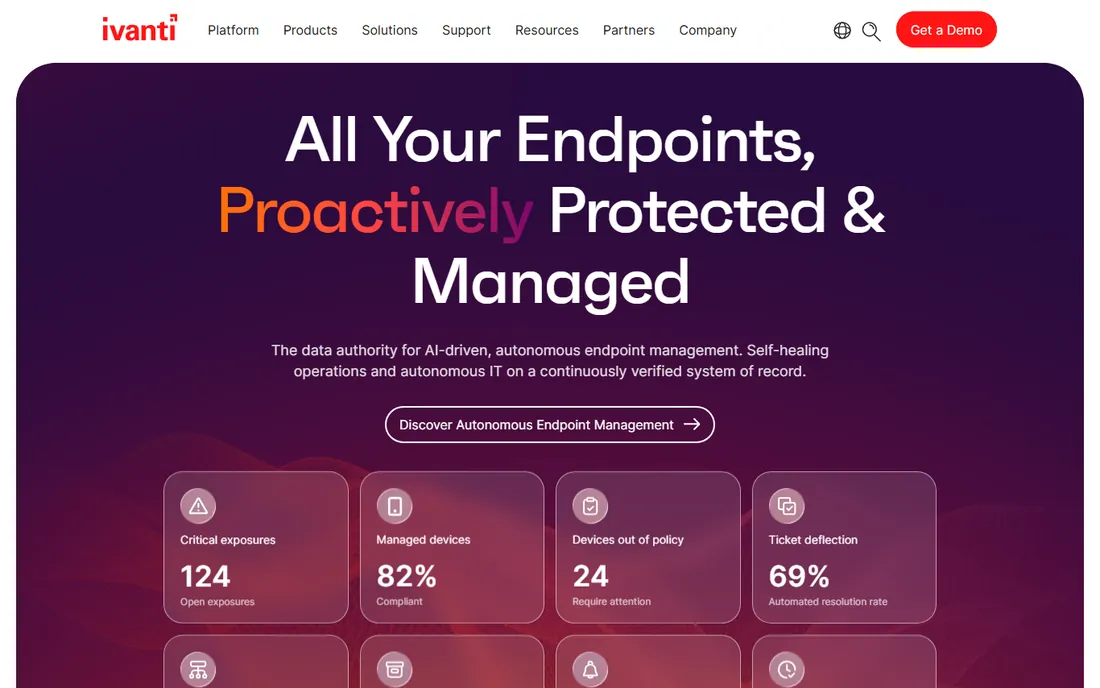
Ivanti's Neurons platform pursues autonomous endpoint management: self-healing operations on a continuously verified system of record, with automated patching, compliance, and security policies running with minimal manual effort. The platform unifies control across Windows, Mac, Linux, mobile, and even VR headsets.
Analyst recognition is strong: Leader in IDC MarketScape for unified endpoint management and the Omdia Universe, with the company running its own operations on the platform as proof. Vulnerability intelligence focuses teams on the exposures that pose real-world risk.
The tradeoff is enterprise weight. This is quote-priced platform software with the complexity that implies. Smaller teams should look at Action1 or Atera. For large organizations building toward autonomous IT operations, Ivanti is the strategic bet.
What we like- Autonomous endpoint management vision
- Named Leader across UEM analyst reports
- Self-healing operations
Watch out for- Quote-based enterprise pricing
- Platform complexity
How we chose
We evaluated Linux patch management tools on what keeps servers secure: Linux distribution coverage, patch automation and scheduling, reboot management including live patching, vulnerability prioritization, compliance reporting, third-party application patching, and API and integration quality. We verified each vendor's homepage and current positioning, and cross-referenced with sysadmin communities and review platforms. We mixed cloud-native platforms with enterprise suites and specialists because Linux estates vary enormously. We excluded any tool whose homepage we could not open and confirm, and we did not test any tool hands-on.
The reboot problem, solved three ways
Kernel updates traditionally require reboots, and reboots require maintenance windows, and maintenance windows require scheduling, approvals, and 2 AM work. Three approaches break this cycle.
Live patching applies kernel security fixes without rebooting. TuxCare's KernelCare is the specialist; some distributions also offer their own livepatch services. This is the answer for uptime-critical systems.
Orchestrated rolling reboots patch and reboot servers in sequence, keeping services available. JetPatch, Automox, and NinjaOne all support maintenance windows with sequenced rollouts.
Immutable infrastructure sidesteps the problem: instead of patching servers, you rebuild them from patched images. This works beautifully for containerized and cloud workloads, less so for pets.
Pick the approach that matches your uptime requirements, then choose the tool that implements it well.
Patching cadence that actually works
The tool matters less than the rhythm. A mediocre tool run on a disciplined cadence beats the best tool run sporadically.
Separate security patches from feature updates. Security patches go out fast on a fixed cadence, weekly for most estates. Feature updates wait for testing.
Use rollout rings: patch dev first, then staging, then a canary group of production, then everything. Every tool on this list supports some version of this; the discipline is yours to enforce.
Measure two numbers: mean time to patch critical CVEs, and patch success rate. If critical CVEs sit unpatched past your SLA, the problem is process, not tooling. Report both to leadership monthly; visibility creates urgency.
Frequently asked questions
What is the best Linux patch management tool?
For cloud-native cross-OS patching, Automox and Action1 lead. NinjaOne suits teams wanting patching inside unified IT operations. JetPatch covers the broadest OS range including legacy Unix. TuxCare specializes in rebootless kernel patching, and ManageEngine, Atera, and Ivanti serve their respective audiences.
Is there a free Linux patch management tool?
Action1 is free forever for the first 200 endpoints with full functionality. JetPatch and ManageEngine offer free trials. For very small estates, native tools like unattended-upgrades on Debian/Ubuntu or dnf-automatic on RHEL handle basic automation at no cost.
How do I patch Linux servers without rebooting?
Use live kernel patching: TuxCare's KernelCare applies security fixes to the running kernel without reboots. Canonical and other distributions offer their own livepatch services. Note that some updates, like glibc, still eventually need restarts.
What Linux distributions are supported?
Coverage varies by vendor. JetPatch supports the widest range including RHEL, Ubuntu, SUSE, Debian, Rocky, AlmaLinux, Amazon Linux, plus Solaris and AIX. Always confirm your specific distributions and versions with the vendor before committing.
How is Linux patching different from Windows patching?
Linux patching typically uses package managers (apt, yum, dnf, zypper) with fewer forced reboots than Windows. The challenge is heterogeneity: mixed distributions, custom repositories, and kernel versions make centralized policy and reporting harder without dedicated tooling.
Do I need a dedicated tool or can I script it?
Scripts work until they do not: until you need compliance reports, approval workflows, staged rollouts, or audit trails. If patching is just you and a cron job, scripts are fine. If auditors, SLAs, or more than a dozen servers are involved, get a tool.
Sources we checked (8)
- https://manageengine.com/
- https://automox.com/
- https://www.ninjaone.com
- https://jetpatch.com/
- https://tuxcare.com/
- https://action1.com/
- https://www.atera.com
- https://ivanti.com/
Is your product missing or out of date?
We review this list regularly. Vendors can request a listing, send updated pricing or ask about featured placement.

Shihab Mia · Founder, Rankite
Shihab has spent more than a decade helping SaaS and e-commerce brands grow through search. He writes Rankite's software buying guides from pricing pages, documentation and public user reviews. More about Shihab.