How we make this list: we compare pricing pages, product documentation and public user reviews. Rankite is independent; if a vendor ever pays for a featured spot, that listing is clearly labeled Partner.
Key takeaways
- Chrome Remote Desktop is free and fine for occasional personal access; businesses need a paid tool for attended support and security controls.
- Splashtop ($8.25/user/month reported) and RemotePC ($22.12/year reported) undercut TeamViewer and AnyDesk on price while covering the essentials.
- TeamViewer and AnyDesk charge per concurrent connection, so check whether their cheapest plan covers how many technicians work at once.
- Zoho Assist's free edition (1 technician, 5 unattended computers) is the best free option for a tiny support operation.
Quick comparison
| Tool | Best for | Starting price | Free plan |
|---|
 TeamViewer TeamViewer | Cross-platform remote support at scale | $24.90/month (billed annually, reported) | Free for personal use |
 AnyDesk AnyDesk | Fast low-latency remote sessions | $28.90/month (billed annually, reported) | Free for personal use |
 Splashtop Splashtop | Affordable business remote access | $8.25 per user/month (reported) | Free trial |
 RemotePC RemotePC | Budget always-on access for small teams | $22.12/year (reported) | Free trial (7 days) |
 Zoho Assist Zoho Assist | Remote support with a real free tier | $10 per technician/month (billed annually, official) | Yes (free edition: 1 technician, 5 unattended computers) |
 Chrome Remote Desktop Chrome Remote Desktop | Free occasional access to your own PCs | $0 | Yes |
 LogMeIn Pro LogMeIn Pro | Simple unattended access to office PCs | $30/month (reported) | Free trial |
Is your product missing or out of date?
We review this list regularly. Vendors can request a listing, send updated pricing or ask about featured placement.
The best remote control computer software
Starting price$24.90/month (billed annually, reported)
Free planFree for personal use
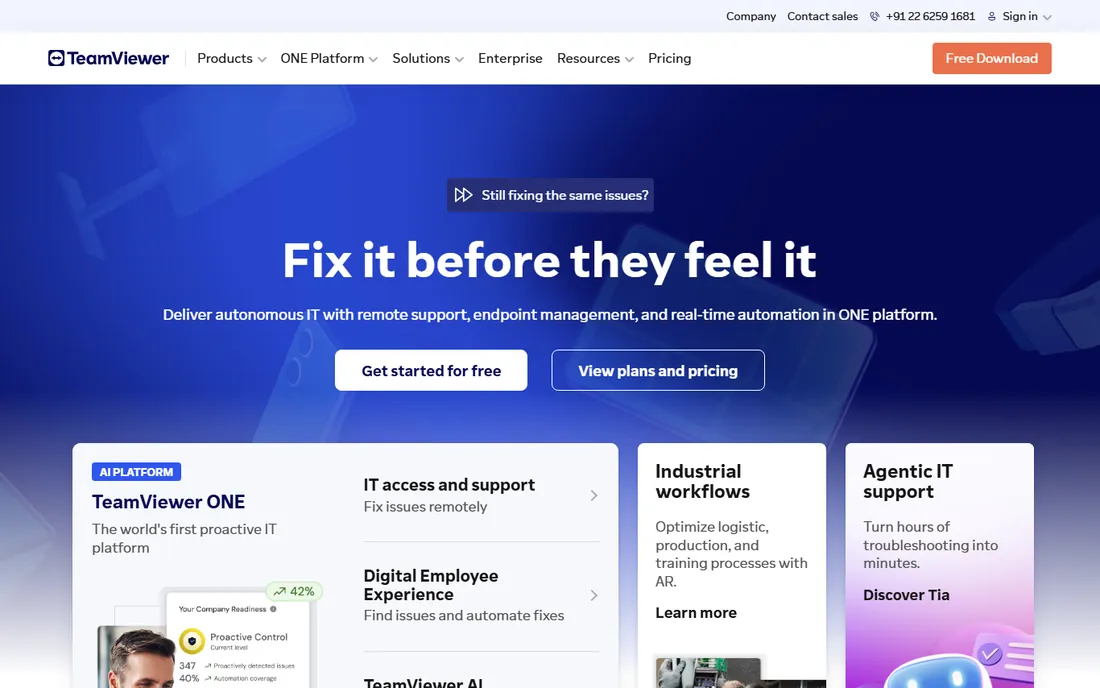
When someone says "remote control software," TeamViewer is usually what they mean. It connects to Windows, Mac, Linux, Android, and iOS devices from anywhere, supports file transfer, remote printing, session recording, and multi-monitor setups, and it has been the default choice for IT support teams for over a decade.
Commercial pricing starts with Remote Access at a reported $24.90 per month on annual billing for a single user, rising to Business at $50.90, Premium at $112.90, and Corporate at $229.90. Watch the licensing model: plans limit licensed users and concurrent channels separately, so a plan that looks generous can bottleneck when two technicians need to work at once. Personal use is free forever.
The catch is cost and complexity. TeamViewer is the priciest mainstream option, and its pricing variables take real study. It is worth it for teams supporting many clients across platforms; it is overkill for occasional internal access.
What we like- Works on every major platform including mobile
- Strong security with AES-256 encryption
- Attended and unattended access in one tool
Watch out for- Expensive for commercial use
- Pricing based on licensed users and channels confuses buyers
- Personal-use detection can block legitimate sessions
Starting price$28.90/month (billed annually, reported)
Free planFree for personal use
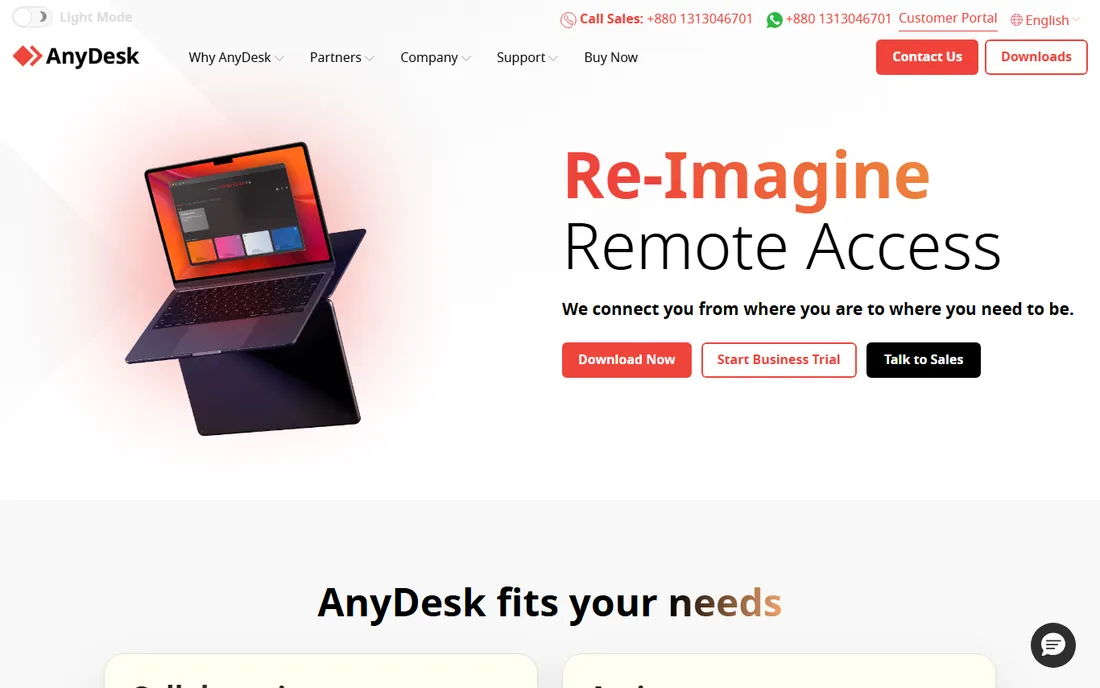
AnyDesk built its reputation on speed. Its proprietary DeskRT codec delivers near-local responsiveness even on weak connections, which matters when you are supporting a designer in Figma or walking a client through a complex app. The client is tiny and can run portably without installation.
Pricing starts with Solo at a reported $28.90 per month on annual billing, rising to Standard at $49.90 and Advanced at $111.90. Prices have roughly doubled since 2024, so check your renewal carefully. Personal use is free, but the free version excludes unattended access, group policies, and custom branding.
The catch is the price trajectory. AnyDesk now costs more than TeamViewer's entry plan, which erodes its old value advantage. Buy it for performance and the on-premises option, not for savings.
What we like- Proprietary DeskRT codec keeps latency low
- Lightweight client runs without installation
- On-premises option for enterprises
Watch out for- Steep price increases in recent years
- Commercial plans billed annually only
- Free version blocks unattended access
Starting price$8.25 per user/month (reported)
Free planFree trial
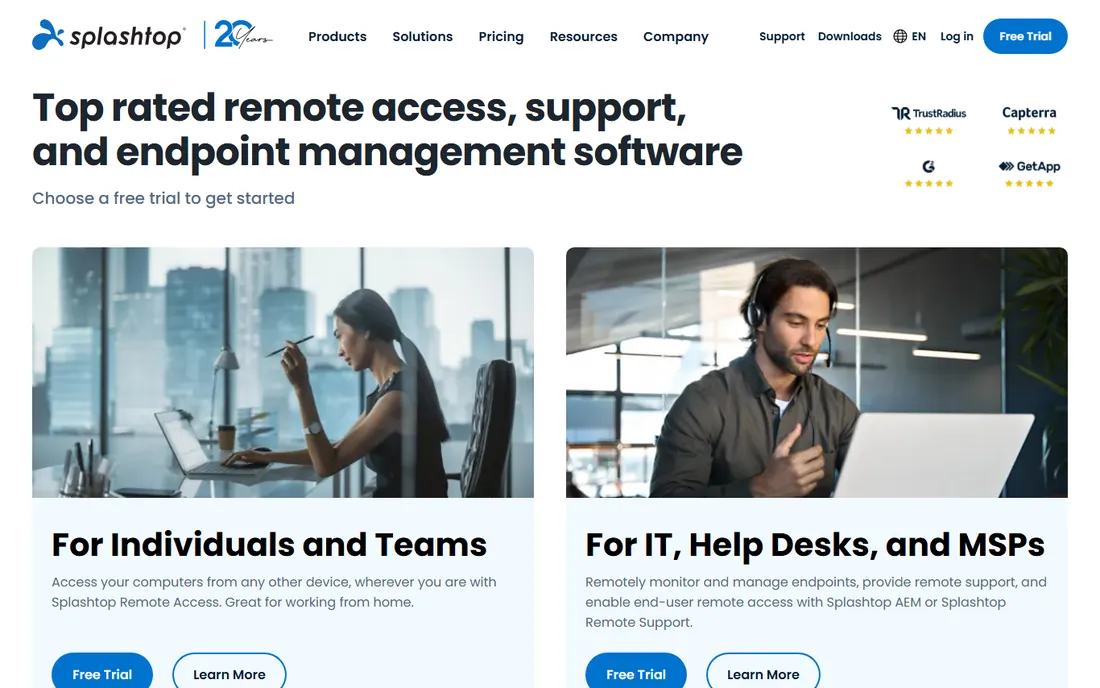
Splashtop is the tool IT teams switch to when TeamViewer renewals get painful. Remote Access Pro at a reported $8.25 per user per month covers unattended access, file transfer, remote printing, session recording, and multi-monitor support. A Solo plan at $6 per month covers one user. For attended support sessions, Splashtop SOS starts around $22 per concurrent technician per month.
Performance is genuinely good: high frame rates, low latency, and 4K streaming on capable hardware. Security includes two-factor authentication and device authentication. A free trial lets you test before committing.
The catch is the product maze. Business Access, SOS, Performance, Enterprise, and an endpoint management add-on make it easy to buy the wrong thing. Map your need (unattended access vs. attended support) to the right product line before purchasing.
What we like- Much cheaper than TeamViewer and AnyDesk
- Fast connections with 4K support
- Separate SOS product for attended support
Watch out for- Product lineup is confusing (Access vs. SOS vs. Performance)
- No free tier, only a trial
Starting price$22.12/year (reported)
Free planFree trial (7 days)
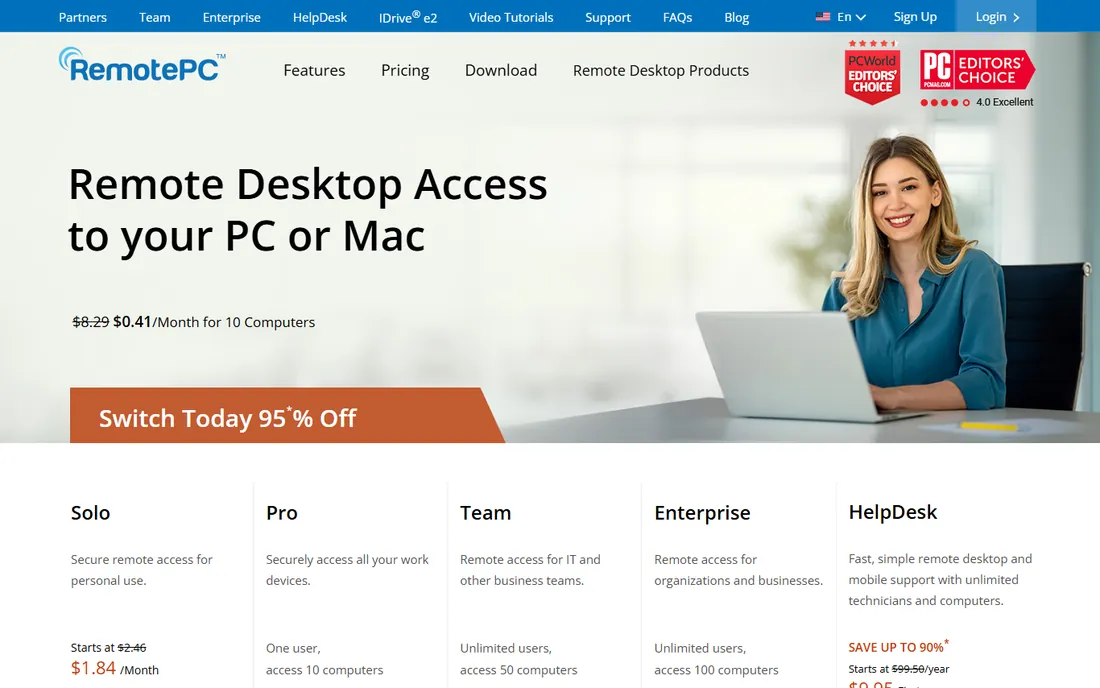
RemotePC prices by computer, not by user, and its prices are startling. The Consumer plan costs a reported $22.12 per year for one computer. SOHO covers 10 computers for $74.62 per year, and Team covers 50 computers with unlimited users for $224.62 per year. Every plan includes unlimited user licenses, which makes team math simple.
Features are solid for the price: unattended access, file transfer, remote printing, multi-monitor support, session recording, and a browser-based client that needs no installation. RemotePC Meeting adds video conferencing, and IDrive integration adds endpoint backup.
The catch is polish. The interface and connection performance lag the premium tools, and the 7-day free trial is barely enough to evaluate. But for a small business that needs always-on access to a handful of machines, nothing else touches the price.
What we like- Cheapest paid option by far
- Pricing per computer with unlimited users
- Includes cloud backup and meeting tools
Watch out for- Interface feels dated
- Performance is average
- 7-day trial is short
#5
Zoho Assist
Best for: Remote support with a real free tier
Visit zoho.com
Starting price$10 per technician/month (billed annually, official)
Free planYes (free edition: 1 technician, 5 unattended computers)
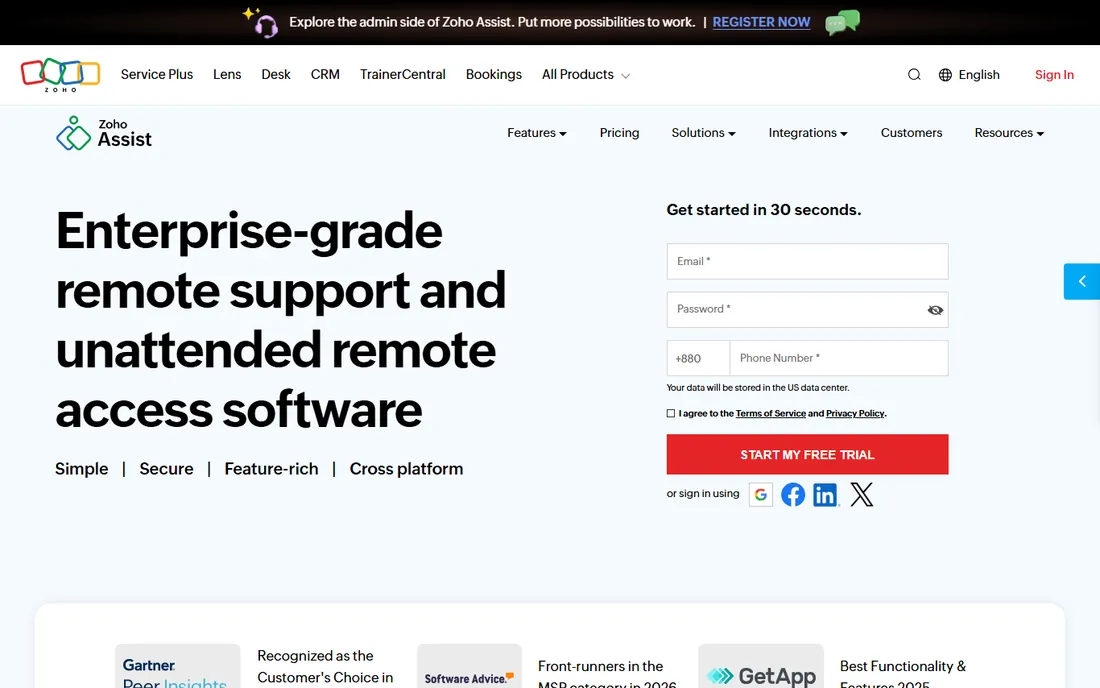
Zoho Assist is the quiet value pick for support teams already in the Zoho world. The free edition covers 1 technician and 5 unattended computers with chat, file transfer, and Mac support, which is enough for a very small operation to run support at zero cost. Paid Remote Support plans start at an official $10 per technician per month on annual billing for Standard, $15 for Professional, and $24 for Enterprise.
Unattended Access plans start at $10 per month for 25 computers on annual billing. Features include session recording, remote printing, reboot and reconnect, and integrations with Zendesk, ServiceNow, and Jira alongside native Zoho integrations.
The catch is depth. Zoho Assist handles standard support sessions well but lacks some of the polish and advanced tooling of TeamViewer or Splashtop SOS. If you already pay for Zoho One, though, it may be bundled or heavily discounted.
What we like- Free edition is genuinely usable
- Cheap paid plans
- Tight integration with the Zoho ecosystem
Watch out for- Session features are basic compared with TeamViewer
- Advanced tools need higher tiers
Starting price$0
Free planYes
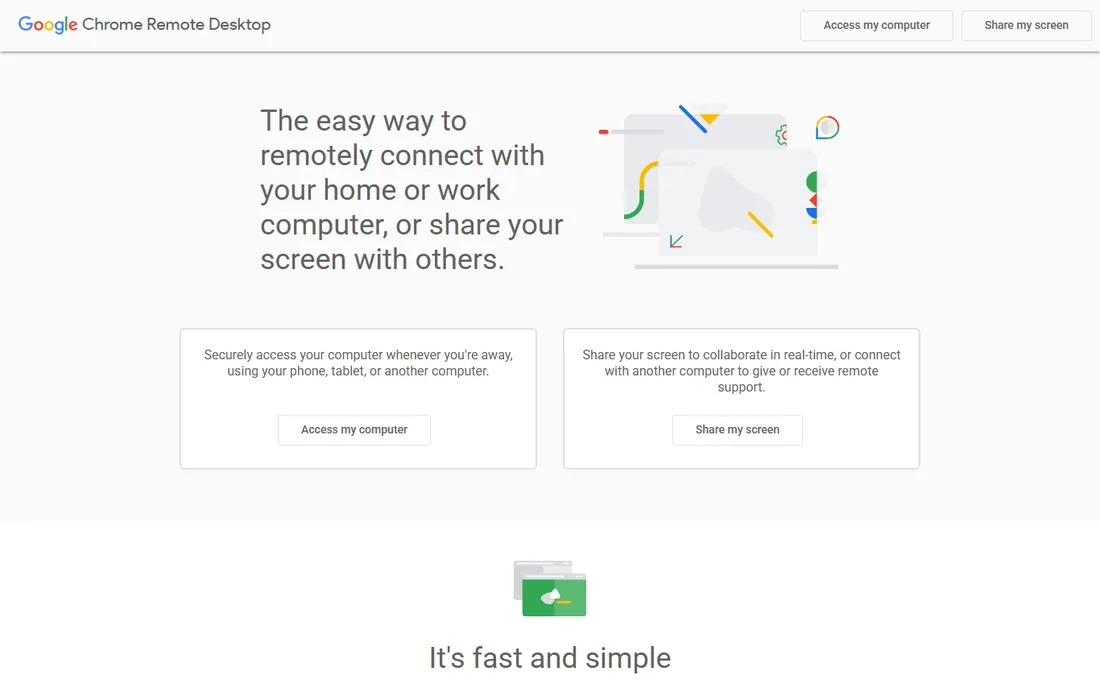
Sometimes you just need to reach your own computer. Chrome Remote Desktop does that for free: install the host, set a PIN, and connect from remotedesktop.google.com or the mobile app. A Remote Support mode lets someone else connect with a one-time code.
There is no pricing, no trial, and no upsell. For personal use and the occasional favor for a family member, it is all you need. Google handles the relay infrastructure, so it works through most firewalls without configuration.
The catch is that it is not business software. There are no technician accounts, no audit trails, no unattended fleets, and no file transfer in support sessions. The moment you need any of that, move to a paid tool.
What we like- Completely free
- Dead simple setup through Chrome
- Works on Windows, Mac, Linux, and mobile
Watch out for- No file transfer in support mode
- No multi-user management
- No session recording or audit logs
Starting price$30/month (reported)
Free planFree trial
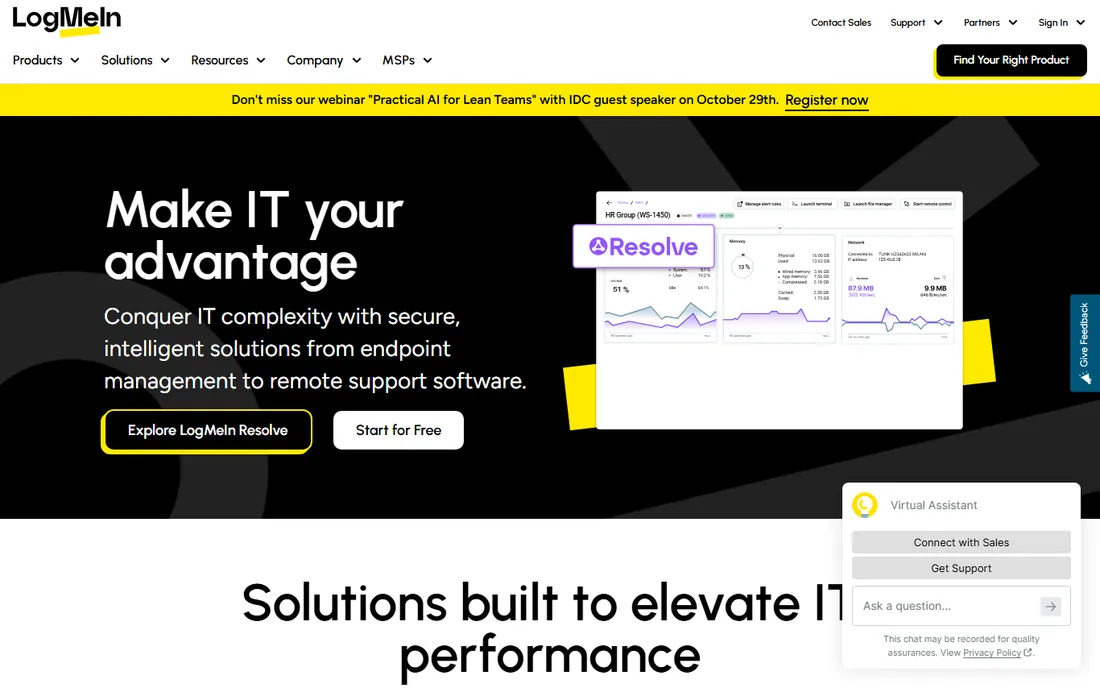
LogMeIn Pro is the veteran of the always-on access world. Install the host on each office computer, then connect from anywhere with remote printing, multi-monitor display, and file transfer. Pricing is per computer: a reported $30 per month for up to 2 computers, $70 for 5, and $129 for 10, all on annual billing. Every plan allows unlimited users.
Each license also bundles LogMeIn Antivirus and 1TB of file storage, which softens the price slightly. The product is stable and well understood by IT teams that have used it for years.
The catch is the pricing model at scale. A company with 50 machines to reach will pay far more than with RemotePC or Splashtop, and there is no Linux or Chromebook host support. It fits small offices with a handful of Windows or Mac machines, not fleets.
What we like- Straightforward always-on access
- Unlimited users on every plan
- Includes antivirus and 1TB storage per license
Watch out for- Priced per computer, which gets expensive fast
- No Linux or Chromebook host support
- Dated product
Attended support vs. unattended access
These are two different jobs, and the wrong tool for one is the wrong tool for both. Attended support means connecting to someone who is sitting at the computer, with their permission, to fix a problem or run a demo. Unattended access means reaching a machine nobody is at, like a server, an office PC after hours, or a kiosk.
TeamViewer, AnyDesk, Splashtop, and Zoho Assist handle both. Chrome Remote Desktop and LogMeIn Pro are built around unattended access to your own machines. RemotePC straddles both with its HelpDesk attended product. Before comparing prices, decide which job you are buying for: attended support tools are usually priced per technician, while unattended access is priced per computer or per user.
How to pick remote control software for your business
Count the real units first. A per-technician tool like Zoho Assist is cheap when one person does all the supporting; a per-computer tool like RemotePC is cheap when many people share access to a few machines. TeamViewer and AnyDesk charge around licensed users and concurrent channels, so map your peak simultaneous sessions honestly.
Security is non-negotiable for business use. Look for two-factor authentication, device approval, session logging, and encryption standards you can state in a client security questionnaire. If clients ask about your remote access practices, "Chrome Remote Desktop" is a harder answer than a tool with audit logs.
Test performance on your actual network. Latency and frame rate vary more by codec and relay infrastructure than by feature list, and they determine whether technicians can actually work. Run the free trials with a real support session, not just a login test, and check mobile access if your team works from phones or tablets.
How we chose
We compared remote control tools with real unattended access and attended support capabilities, using vendor pricing pages, feature documentation, and public reviews on G2, Capterra, and Reddit. Where vendor pricing pages were not directly accessible, we used third-party pricing data and marked it as reported. We favored tools with transparent pricing, cross-platform support, and security features suitable for business use, and we weighted fit for small and mid-size US companies. We did not test any software hands-on.
Frequently asked questions
Is TeamViewer really free?
Only for personal, non-commercial use. Any business use requires a paid license, and TeamViewer's detection sometimes flags legitimate personal sessions as commercial. For free business use, look at Chrome Remote Desktop or Zoho Assist's free edition.
What is the cheapest remote desktop software for business?
RemotePC, at a reported $22.12 per year for one computer, or Splashtop Solo at $6 per month. Both undercut TeamViewer and AnyDesk substantially for basic always-on access.
Can I control a computer without installing software?
Yes, in limited ways. RemotePC and Zoho Assist offer browser-based clients, and Chrome Remote Desktop runs through Chrome. Attended support tools like Splashtop SOS let the remote user run a small app without a full install.
Do these tools work on Mac and mobile?
TeamViewer, AnyDesk, Splashtop, RemotePC, Zoho Assist, and LogMeIn Pro all support Windows and Mac, with mobile apps for iOS and Android. Chrome Remote Desktop supports Windows, Mac, Linux, and ChromeOS plus mobile apps.
Is remote access software safe?
The mainstream tools use AES-256 encryption and support two-factor authentication. The bigger risk is operational: weak passwords, shared accounts, and leaving unattended access enabled on machines that do not need it. Use unique access codes and review access lists regularly.
What is the difference between remote access and remote support software?
Remote access connects you to your own unattended machines. Remote support connects a technician to someone else's computer with their permission, usually with session codes and chat. Tools like TeamViewer and Splashtop do both; Chrome Remote Desktop and LogMeIn Pro focus on access.
Sources we checked (7)
- https://costbench.com/software/remote-desktop/teamviewer/
- https://www.splashtop.com/blog/anydesk-price-increase
- https://www.capterra.com/p/162972/Splashtop-Business-Access/pricing/
- https://www.fahimai.com/remotepc
- https://www.zoho.com/assist/pricing.html?src=zblog-header
- https://en.wikipedia.org/wiki/Chrome_Remote_Desktop
- https://valydex.com/reviews/logmein-pro-review
Is your product missing or out of date?
We review this list regularly. Vendors can request a listing, send updated pricing or ask about featured placement.

Shihab Mia · Founder, Rankite
Shihab has spent more than a decade helping SaaS and e-commerce brands grow through search. He writes Rankite's software buying guides from pricing pages, documentation and public user reviews. More about Shihab.