How we make this list: we compare pricing pages, product documentation and public user reviews. Rankite is independent; if a vendor ever pays for a featured spot, that listing is clearly labeled Partner.
Key takeaways
- Twitter rebranded to X; the management tools below all support X alongside other networks.
- X management splits into native tools (X Pro), multi-network dashboards (Hootsuite, Sprout Social, Agorapulse, Sendible) and simple schedulers (Buffer, SocialBee, SocialPilot, Later, Loomly).
- Hootsuite and Sprout Social lead for teams; Buffer and SocialBee suit solo creators and small businesses.
- X's API changes affected third-party tools; verify current X functionality during trials, as features shift.
Quick comparison
| Tool | Best for | Starting price | Free plan |
|---|
 X Pro X Pro | native X management | See website | Yes |
 Hootsuite Hootsuite | multi-network team management | See website | Free trial |
 Buffer Buffer | simple social scheduling | See website | Yes |
 Sprout Social Sprout Social | enterprise social management | See website | Free trial |
 SocialBee SocialBee | small business social | See website | Free trial |
 SocialPilot SocialPilot | affordable agency scheduling | See website | Free trial |
 Agorapulse Agorapulse | inbox-first social management | See website | Free trial |
 Later Later | visual content scheduling | See website | Yes |
 Loomly Loomly | brand-focused scheduling | See website | Free trial |
 Sendible Sendible | agency social dashboard | See website | Free trial |
Is your product missing or out of date?
We review this list regularly. Vendors can request a listing, send updated pricing or ask about featured placement.
Starting priceSee website
Free planYes
X Pro, the former TweetDeck, is X's own management dashboard: customizable columns for timelines, mentions, DMs and searches, with scheduling built in. It is the only tool guaranteed to support every X feature.
The native advantage is completeness. Third-party tools depend on X's API, which has changed repeatedly; X Pro always works with the latest features. Power users monitor multiple columns in real time, which no scheduler replicates.
The honest limits are scope and cost. It manages X only, and the full version now requires an X Premium subscription. For the X-focused user, it is essential. For multi-network management, pair it with a dashboard below.
What we like- Official X tool
- Real-time columns
- Free with Premium
Watch out for- X-only
- Advanced features need Premium subscription
Starting priceSee website
Free planFree trial
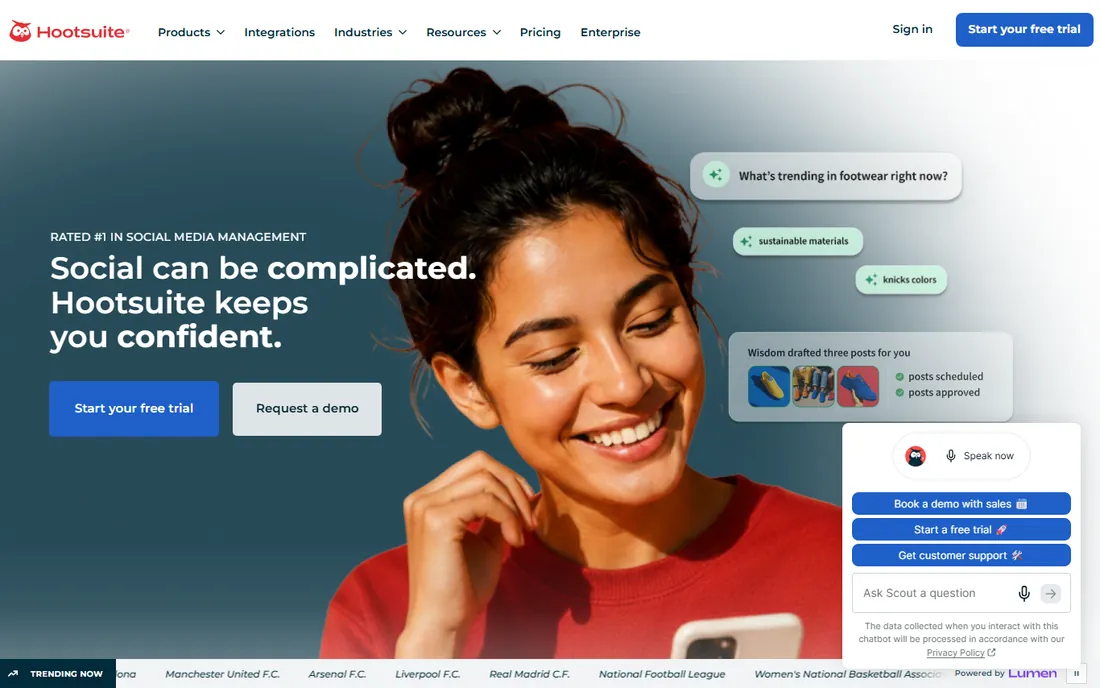
Hootsuite is the social media management standard: schedule posts across X, Facebook, Instagram, LinkedIn and more, monitor streams, assign team tasks and report on performance from one dashboard. Enterprises and agencies run social operations on it.
The breadth is the value. Every major network, team approval workflows, social listening and comprehensive analytics cover the full social operation. The app directory extends it further.
The trade-off is price and complexity. Team plans cost real money, and the interface packs in features that overwhelm solo users. X-specific functionality depends on the current API access. For the team managing X alongside everything else, it is the default.
What we like- The social management standard
- Broad network support
- Team workflows
Watch out for- Pricing adds up
- Interface dense
Starting priceSee website
Free planYes
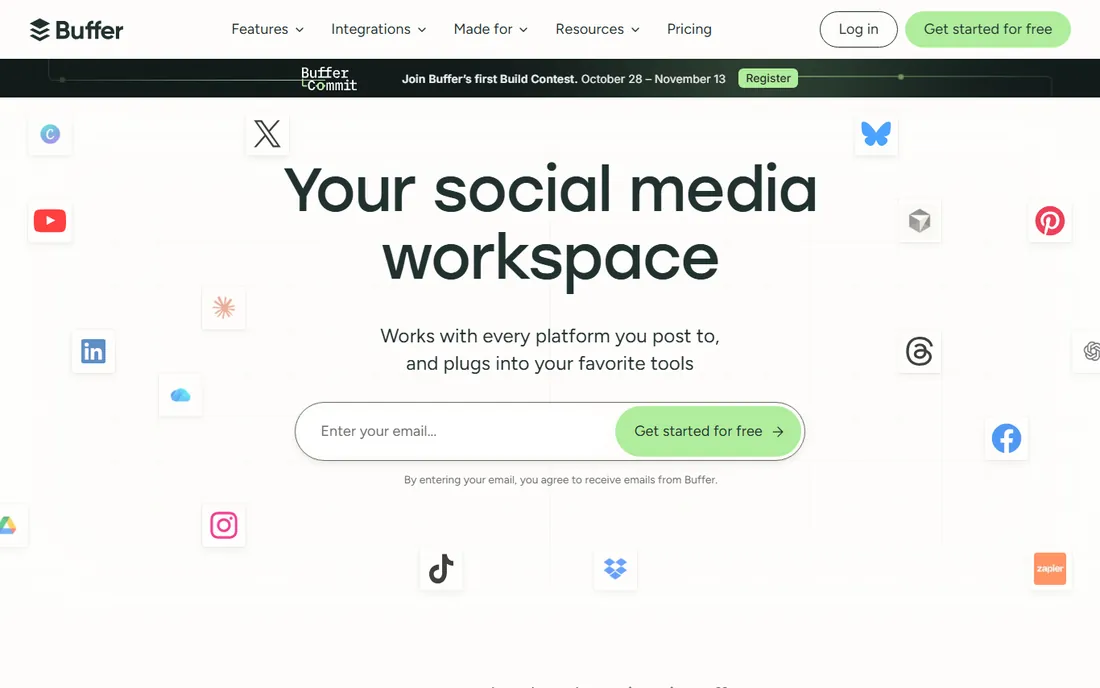
Buffer is the straightforward social scheduler: queue posts for X and other networks, publish on schedule and check basic analytics. The free plan covers meaningful usage, making it the starting point for creators and small businesses.
The simplicity is the entire pitch. No learning curve, no feature bloat, just scheduling that works. The clean interface and reliable publishing earned its loyal following.
The honest limits are depth. Team workflows, advanced analytics and listening are thin compared with Hootsuite or Sprout. For the solo creator scheduling X content, it is the pleasant choice. For teams, look upmarket.
What we like- Simplest scheduler
- Generous free plan
- Clean interface
Watch out for- Fewer team features
- Analytics basic
Starting priceSee website
Free planFree trial
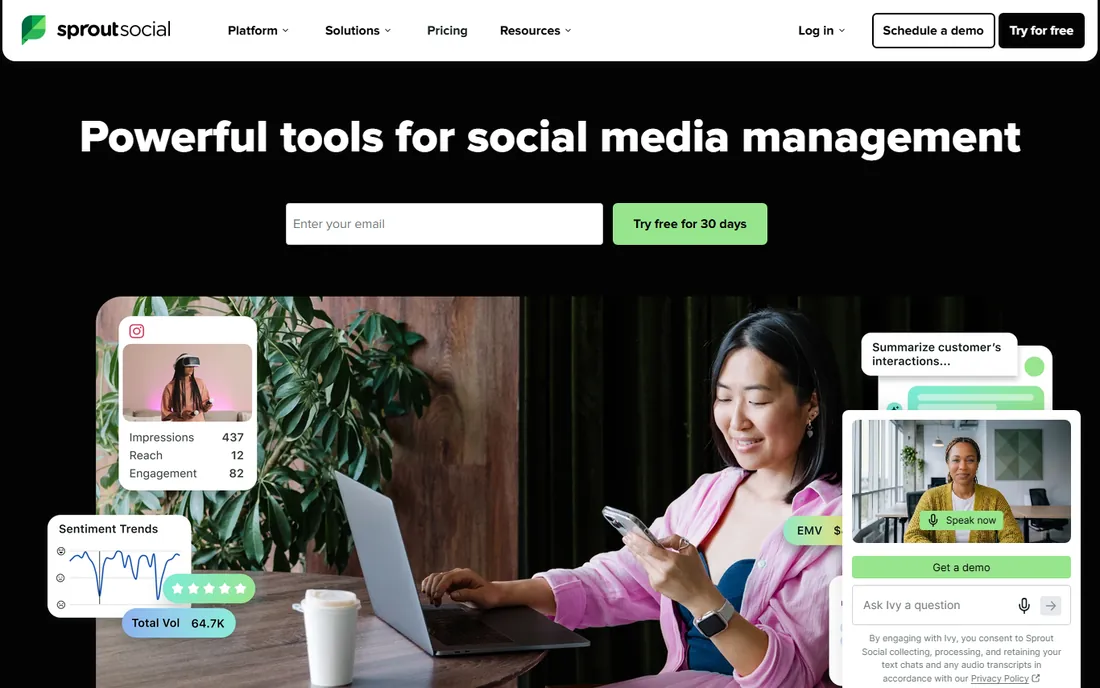
Sprout Social is the premium social management platform: the Smart Inbox unifies messages across networks, publishing and scheduling cover X and the rest, and the analytics and listening are the best in the category. Enterprises choose it for the complete picture.
The inbox and analytics lead. Social customer care teams resolve issues from one queue, and the reporting proves social ROI to executives. The employee advocacy and listening add-ons extend the value.
The catch is price. This is premium software for organizations with social teams; solo creators should not pay for it. For the enterprise social operation including X, the quality justifies the cost.
What we like- Best-in-class analytics
- Smart inbox
- Enterprise workflows
Watch out for- Premium pricing
- Overkill for solo users
Starting priceSee website
Free planFree trial
SocialBee is the social scheduler for small businesses that want consistent posting: organize content into categories, set posting schedules per category and keep feeds active with evergreen recycling. It suits owners managing their own social.
The category system is the differentiator. Instead of a simple queue, content types rotate automatically, keeping the X feed balanced between promotion, value and engagement. The pricing stays affordable.
The honest position is SMB. Enterprise teams need more; solo owners get exactly enough. For the small business keeping X active without a social media manager, it works well.
What we like- Content categories
- Affordable
- Good for consistent posting
Watch out for- Smaller brand
- Fewer enterprise features
Starting priceSee website
Free planFree trial
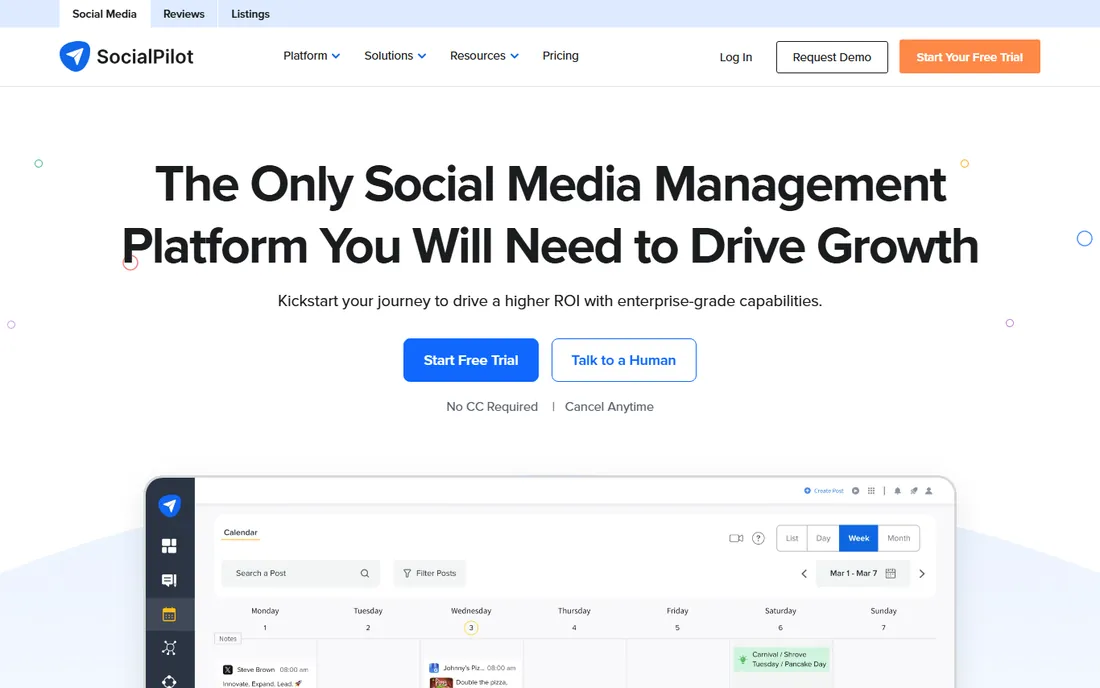
SocialPilot is the budget-friendly scheduler for agencies and teams: manage multiple clients' X accounts and other networks, bulk-schedule content and collaborate, at prices that undercut the big names significantly.
The agency value is the story. Client management features, white-label reports and team seats at low prices make it the economical choice for agencies handling many accounts. Bulk scheduling handles content calendars efficiently.
The trade-off is polish. The interface is functional, analytics are basic and the brand is less known. For the agency watching margins, the price-to-function ratio is compelling.
What we like- Very affordable for teams
- Client management
- Bulk scheduling
Watch out for- Interface utilitarian
- Analytics basic
Starting priceSee website
Free planFree trial
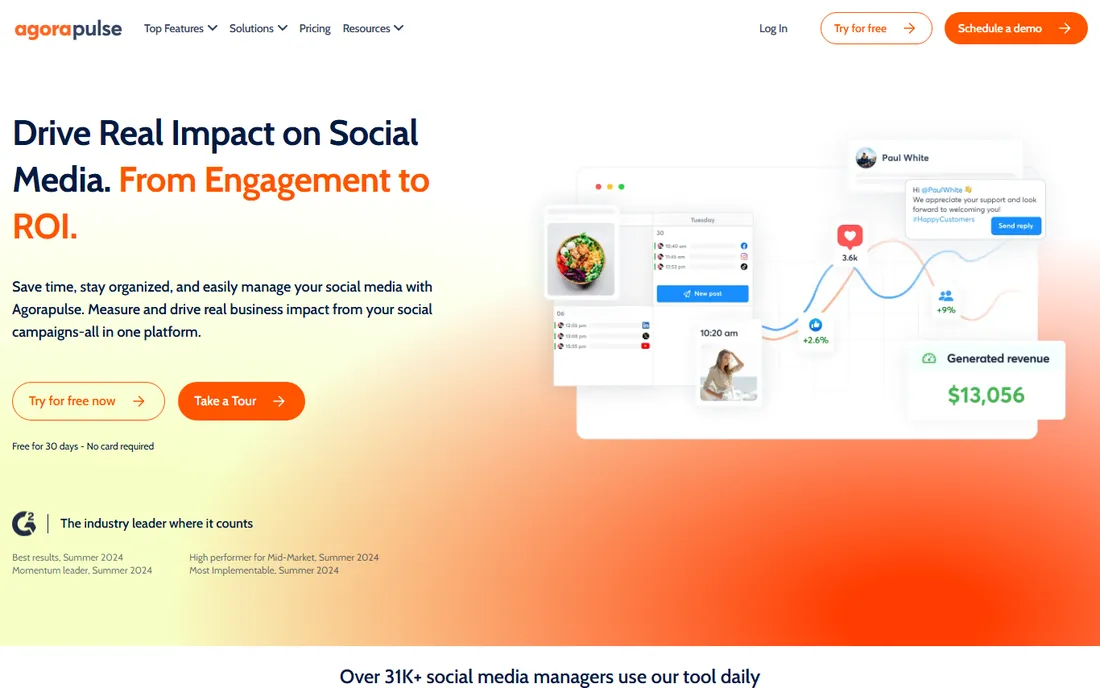
Agorapulse leads with the inbox: every mention, DM and comment across X and other networks lands in one manageable queue with assignment and automation. Teams doing social customer care get the workflow they need.
The inbox quality is the differentiator. Auto-moderation, saved replies and team collision detection handle volume professionally. Publishing and reporting cover the standard needs well.
The honest limits are listening depth and price. Social listening trails dedicated tools, and pricing sits above the budget schedulers. For the team whose X presence is conversational, the inbox focus pays off.
What we like- Excellent unified inbox
- Good publishing
- Strong reporting
Watch out for- Pricing mid-to-premium
- Listening basic
Starting priceSee website
Free planYes

Later is the visual-first scheduler popular with creators: plan X posts alongside Instagram, TikTok and Pinterest in a visual calendar, with a free plan for starting out. The visual planning suits content creators.
The creator fit is the value. The media library, visual calendar and link-in-bio features serve the creator workflow. X scheduling works fine within the multi-network approach.
The honest note is network priority. Later's heart is visual networks; X gets competent but not leading support. Creators living on X alongside visual platforms get the balance. X-only power users should look elsewhere.
What we like- Visual planner
- Good for creators
- Free plan
Watch out for- X is secondary to visual networks
- Analytics basic
Starting priceSee website
Free planFree trial
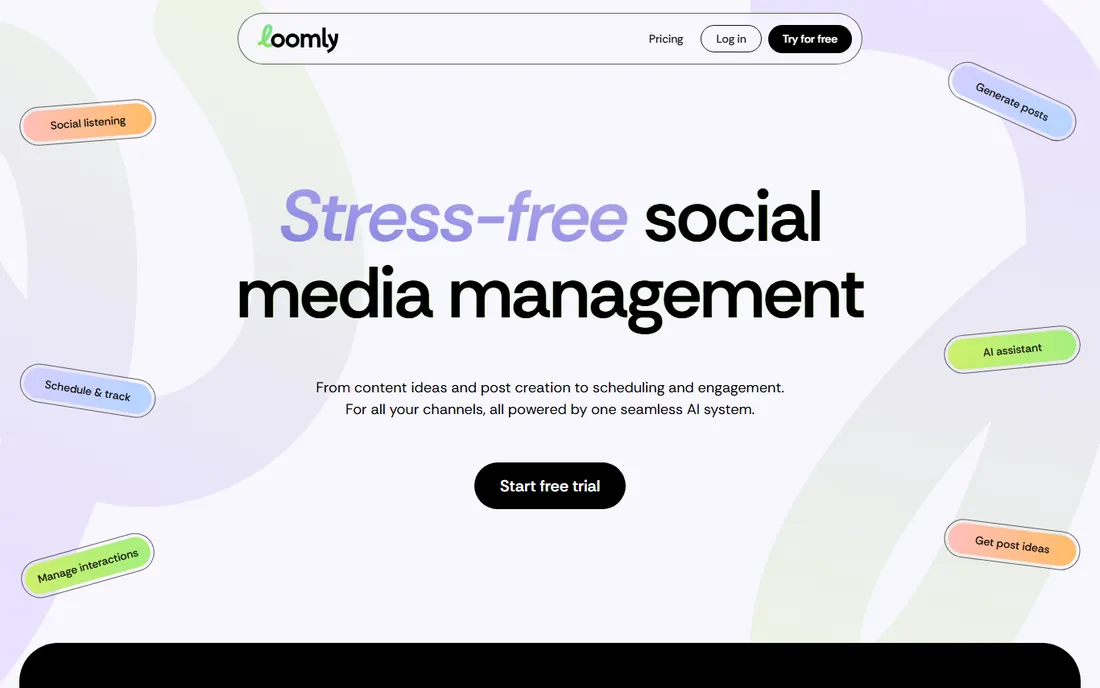
Loomly is the brand-focused social scheduler: post ideas, optimization tips and approval workflows help teams create better content, not just schedule it. Small marketing teams get guidance built in.
The content assistance differentiates it. Hashtag suggestions, post previews and optimization tips improve the X content itself. The approval workflows suit teams with review processes.
The trade-off is scale. The ecosystem and enterprise features trail the leaders. For the small team wanting scheduling with creative guidance, it is the thoughtful choice.
What we like- Post ideas and optimization tips
- Approval workflows
- Clean UX
Watch out for- Smaller ecosystem
- Premium features cost
Starting priceSee website
Free planFree trial
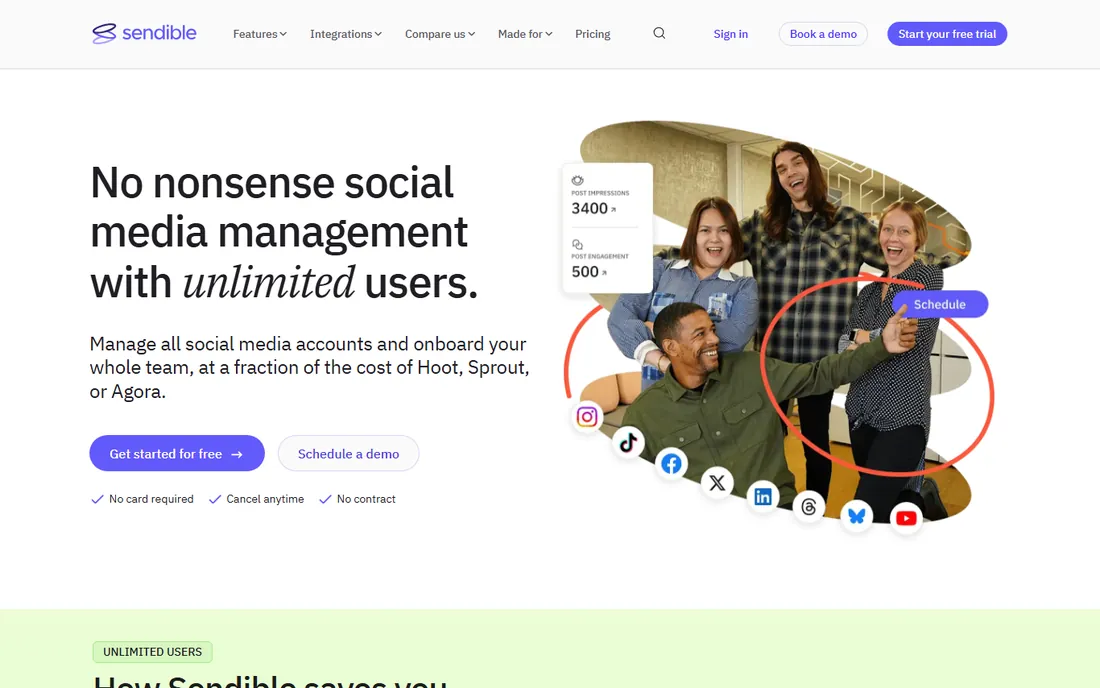
Sendible is the social dashboard built for agencies: manage client X accounts and other networks, generate white-label reports and collaborate with team members and clients. The agency workflow is the core design.
The white-label value is the pitch. Client-facing reports with agency branding, approval workflows and team management fit how agencies operate. Pricing is reasonable for the feature set.
The honest limits are polish and presence. The interface shows its age and the brand is less known than Hootsuite. But the agency features per dollar are strong. For the growing agency, it deserves evaluation.
What we like- Strong agency features
- White label
- Good value
Watch out for- Interface dated
- Smaller brand
X Pro (native) guarantees full X functionality but manages only X. Third-party dashboards manage X alongside other networks but depend on X's API, which has restricted features and raised prices repeatedly since the rebrand.
The practical approach: use X Pro for real-time X monitoring and engagement, and a third-party scheduler for cross-network publishing and reporting. Verify each tool's current X capabilities during trial, because API access changes have removed features from third-party tools before.
What to check before you buy
Start with your X priority: primary channel or one of many. Second, verify current X scheduling, analytics and DM support in each tool; API changes make old reviews unreliable. Third, assess team needs: solo scheduling versus approval workflows.
Fourth, check the reporting against your KPIs; vanity metrics do not justify subscriptions. Fifth, trial the mobile app if you manage on the go. Finally, confirm pricing per user and per profile at your real scale; social tools price both dimensions.
How we chose
We compared vendor product pages, social media coverage and public review sources, then confirmed every homepage was live in October 2026. Per our editorial rule we use the current name X and mention Twitter once. Where we could not verify a vendor-published price we say so. Nothing here reflects hands-on testing; assessments come from documentation, feature lists and public user feedback.
Frequently asked questions
Is Twitter now called X?
Yes. Twitter rebranded to X, and the platform operates from x.com. Third-party tools updated their integrations accordingly, though many users and articles still say Twitter.
What happened to TweetDeck?
TweetDeck became X Pro and now requires an X Premium subscription for full access. It remains the official native management dashboard.
Can I still schedule posts to X with third-party tools?
Yes, though X's API changes have affected some third-party features and pricing. Verify each tool's current X support during your trial, as the situation evolves.
What is the best free X scheduling tool?
Buffer's free plan and Later's free plan cover basic scheduling. X itself offers basic scheduling natively. For team features, paid plans are necessary.
How do I grow on X in 2026?
Consistent quality posting, genuine engagement, video and visual content and community participation. Tools help with scheduling and analytics; growth comes from content and interaction, not software.
What metrics matter on X?
Engagement rate, profile visits, follower growth quality and link clicks, depending on your goals. Vanity follower counts matter less than an engaged audience. The analytics in these tools track the basics; define what success means for your account before optimizing.
How often should I post on X?
Quality beats quantity, but consistency matters more than either. Most active accounts post one to five times daily; the algorithm rewards regular participation. Use scheduling tools to maintain consistency, and spend the saved time on genuine replies and engagement, which drive growth more than broadcast posts.
Sources we checked (10)
- https://x.com
- https://www.hootsuite.com
- https://www.buffer.com
- https://www.sproutsocial.com
- https://www.socialbee.com
- https://www.socialpilot.co
- https://www.agorapulse.com
- https://www.later.com
- https://www.loomly.com
- https://www.sendible.com
Is your product missing or out of date?
We review this list regularly. Vendors can request a listing, send updated pricing or ask about featured placement.

Shihab Mia · Founder, Rankite
Shihab has spent more than a decade helping SaaS and e-commerce brands grow through search. He writes Rankite's software buying guides from pricing pages, documentation and public user reviews. More about Shihab.