How we make this list: we compare pricing pages, product documentation and public user reviews. Rankite is independent; if a vendor ever pays for a featured spot, that listing is clearly labeled Partner.
Key takeaways
- Email finders split into domain-based search (Hunter, Snov.io, Findymail), people databases (Apollo, Lusha, RocketReach) and LinkedIn extractors (Evaboot, Skrapp).
- Hunter is the domain-search standard; Apollo combines the biggest database with outreach; Lusha leads on data accuracy for sales teams.
- Accuracy varies enormously: always verify emails before sending, because bounce rates destroy deliverability.
- Compliance is your responsibility: GDPR, CAN-SPAM and similar laws constrain cold email. These tools find addresses; the law governs how you use them.
Quick comparison
| Tool | Best for | Starting price | Free plan |
|---|
 Hunter Hunter | domain-based email search | See website | Yes |
 Snov.io Snov.io | email finder plus outreach | See website | Yes |
 Apollo Apollo | database plus sales engagement | See website | Yes |
 Lusha Lusha | accurate B2B contact data | See website | Yes |
 RocketReach RocketReach | people search at scale | See website | Free trial |
 Findymail Findymail | verified email finder | See website | Yes |
 Anymail Finder Anymail Finder | simple email verification | See website | Yes |
 VoilaNorbert VoilaNorbert | email finder and verifier | See website | Free trial |
 Skrapp Skrapp | LinkedIn email extraction | See website | Yes |
 Evaboot Evaboot | LinkedIn Sales Navigator scraping | See website | Free trial |
Is your product missing or out of date?
We review this list regularly. Vendors can request a listing, send updated pricing or ask about featured placement.
Starting priceSee website
Free planYes
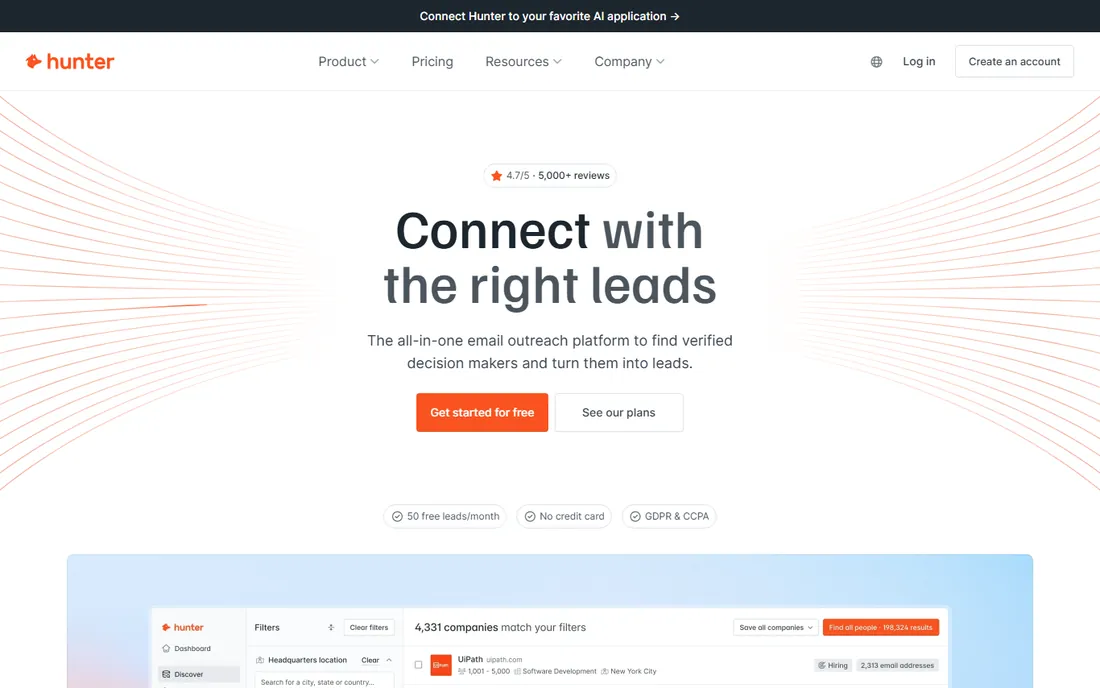
Hunter is the email finder everyone knows: enter a company domain, get the email pattern and a list of addresses found on the web, with verification showing which are deliverable. The Chrome extension finds addresses while you browse.
The domain-search workflow is the standard use case. Prospecting a target account starts with the domain; Hunter reveals the pattern (firstname.lastname@ or similar) and known addresses. The verifier checks deliverability before you send, which protects sender reputation.
The honest limits are person-level search and scale. Finding a specific person's address works best when the domain data exists; the database is smaller than Apollo's or Lusha's. For domain-based prospecting with verification, it remains the default tool.
What we like- The domain search standard
- Email verifier included
- Good free tier
Watch out for- Person-specific search weaker
- Database smaller than Apollo
Starting priceSee website
Free planYes
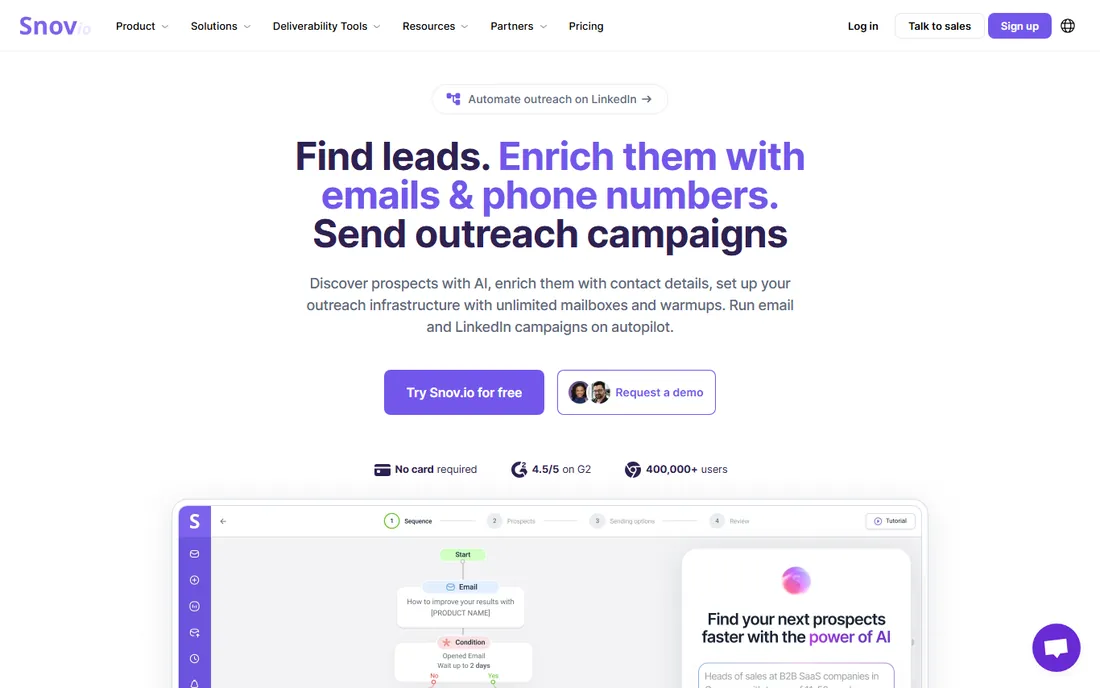
Snov.io combines email finding with outreach: find addresses by domain or LinkedIn, verify them and run drip email campaigns from the same platform. Small sales teams get the prospecting workflow in one subscription.
The combination is the value. Instead of separate finder, verifier and outreach tools, Snov.io covers the sequence. The free tier is generous enough to test properly, and the verifier protects deliverability.
The trade-off is depth versus specialists. The outreach features trail dedicated sales engagement platforms, and data accuracy varies by region like all finders. For the small team wanting one prospecting tool, the combination works.
What we like- Finder plus drip campaigns in one
- Good free tier
- Email verifier
Watch out for- Outreach features basic vs. dedicated tools
- Data accuracy varies
Starting priceSee website
Free planYes
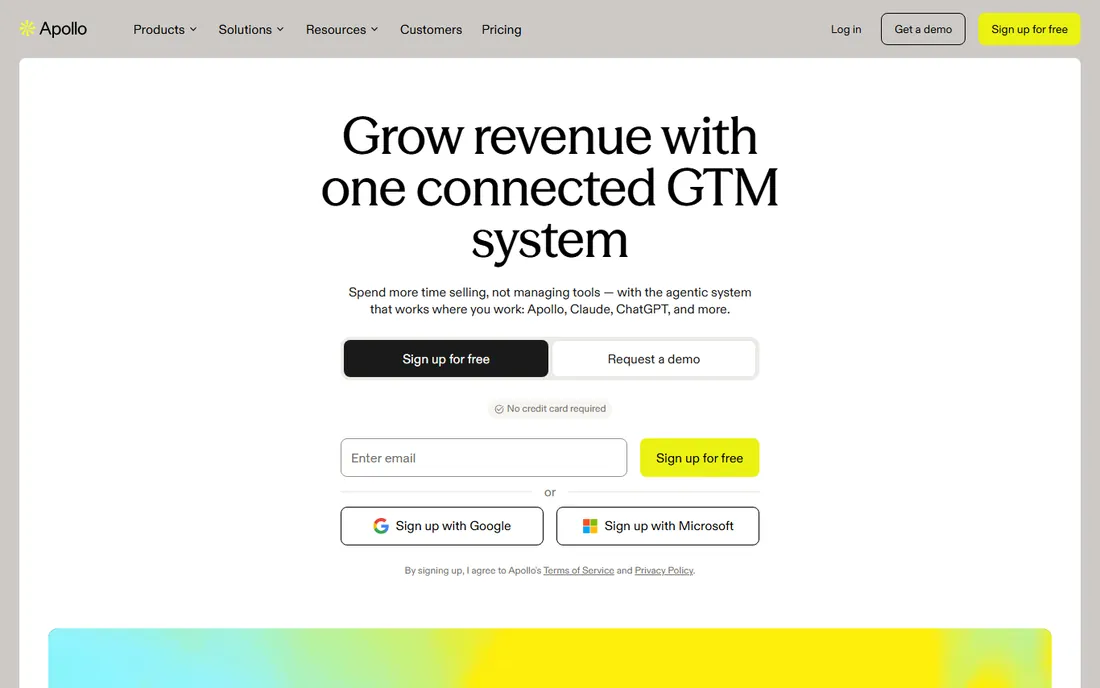
Apollo is the sales intelligence platform with one of the largest B2B contact databases: search 200M+ contacts by title, industry and company, get verified emails and phone numbers and run outreach sequences from the same system.
The database scale is the story. For most prospecting searches, Apollo has the people, and the built-in sequences mean the data flows straight into outreach. The free tier is genuinely useful, which drove its massive adoption.
The honest caveats are accuracy and scope. Database emails decay; verify before big campaigns. The platform does many things, which can overwhelm teams wanting just a finder. For the all-in-one prospecting database, it is the value leader.
What we like- Huge contact database
- Finder plus sequences
- Generous free tier
Watch out for- Data accuracy varies
- Can feel overwhelming
Starting priceSee website
Free planYes
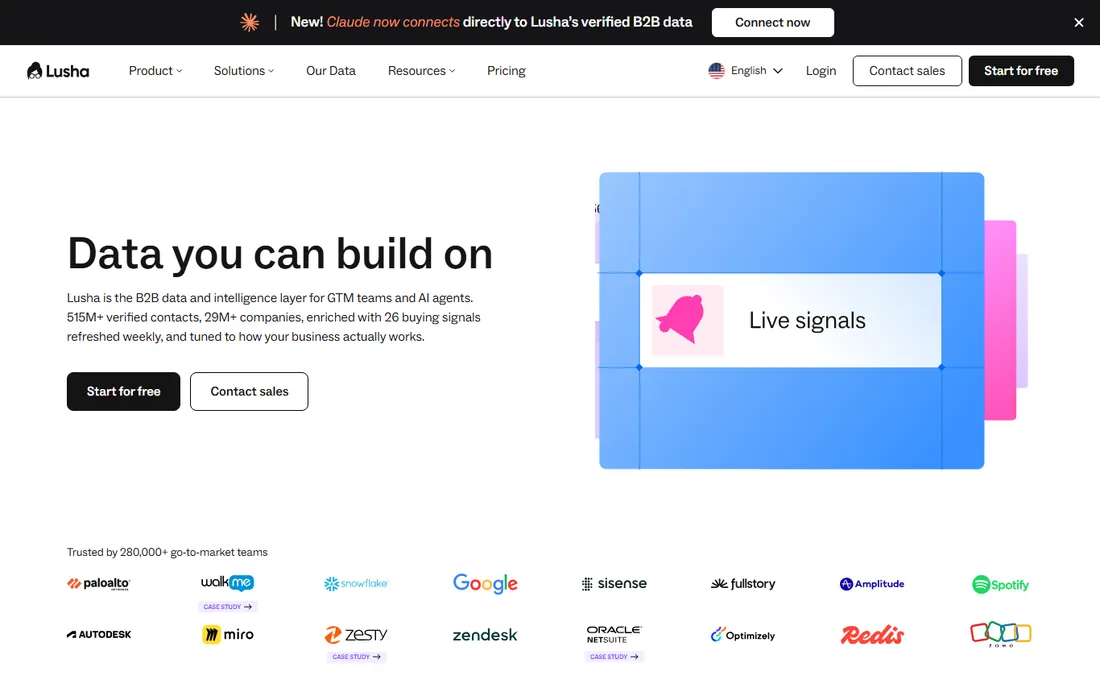
Lusha is the B2B contact data platform known for accuracy: the LinkedIn extension reveals verified emails and direct dials for prospects, with data quality that sales teams rate highly. It focuses on getting the right contact details.
The accuracy reputation is earned. Lusha's verification processes produce cleaner data than most competitors, which matters because bad data wastes SDR time and hurts deliverability. The prospecting platform adds list building and intent data.
The trade-off is the credit model and scale. Credits gate usage, and heavy prospectors pay accordingly. The database is smaller than Apollo's. For teams that value accuracy over volume, it is the quality pick.
What we like- High data accuracy
- Great LinkedIn extension
- Trusted by sales teams
Watch out for- Credit-based pricing
- Smaller database than Apollo
Starting priceSee website
Free planFree trial
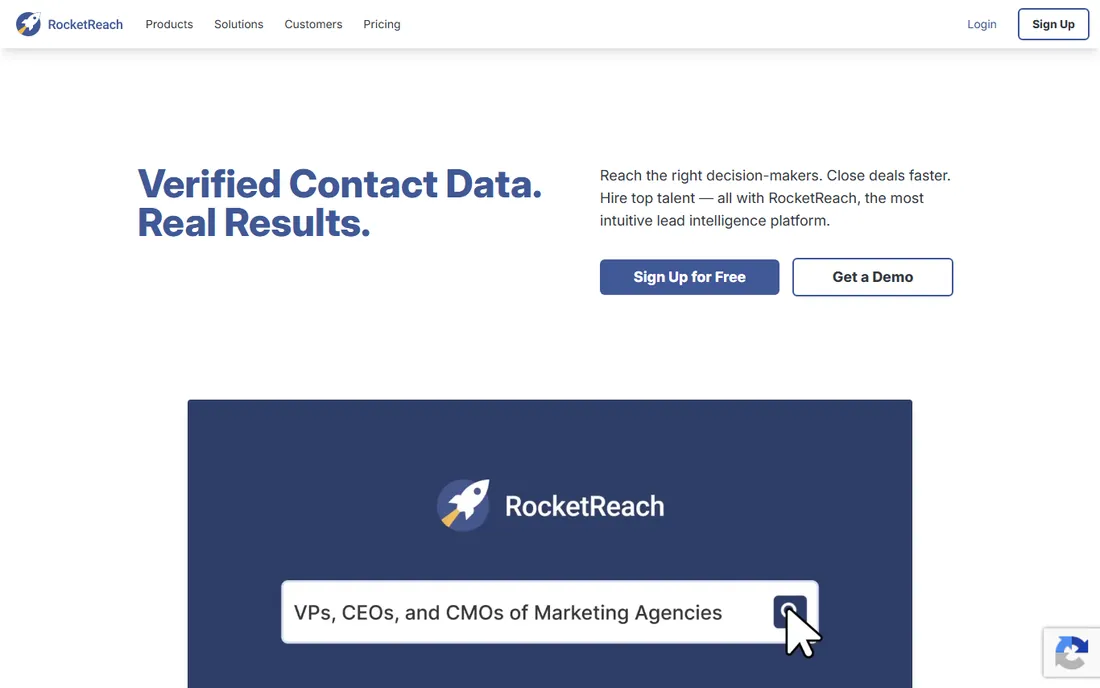
RocketReach is the people-search engine for emails, phones and social profiles: search by name, company or LinkedIn URL and get contact details. Recruiters and sales teams use it for targeted lookup at scale.
The lookup workflow suits known-target prospecting. When you know who you want to reach, RocketReach finds how. The API serves teams building lookup into their systems, and the database covers global professionals.
The honest limits are the lookup pricing and accuracy variance. Heavy users watch credit costs, and like all databases, data decays. For targeted people search rather than bulk list building, it is efficient.
What we like- Large database
- Good for recruiting and sales
- API available
Watch out for- Pricing per lookup
- Accuracy varies
Starting priceSee website
Free planYes
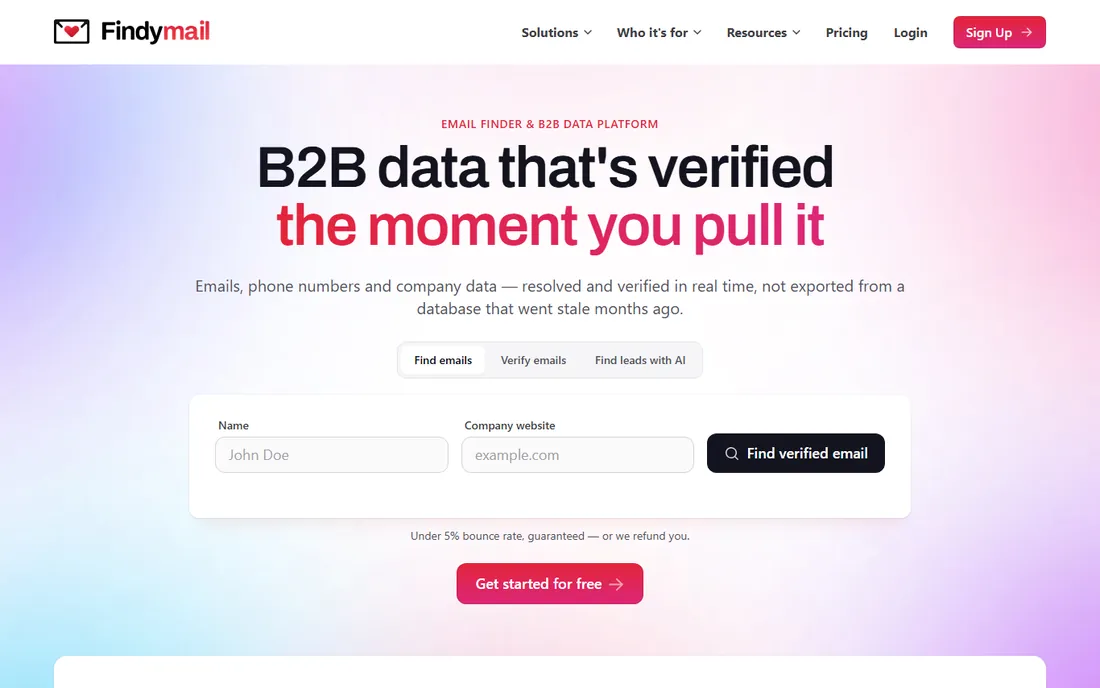
Findymail is the email finder built around verification: find addresses and get deliverability confidence before you send. The accuracy focus appeals to teams burned by bounced campaigns.
The verification-first approach is the differentiator. Every address comes with verification status, and the pricing is straightforward. Teams prioritizing deliverability over database size get what they need.
The trade-off is vendor scale. The ecosystem, integrations and database are smaller than the leaders. For the verification-focused buyer, the specialization is the point.
What we like- Strong verification
- Good accuracy claims
- Simple pricing
Watch out for- Smaller vendor
- Less ecosystem
Starting priceSee website
Free planYes
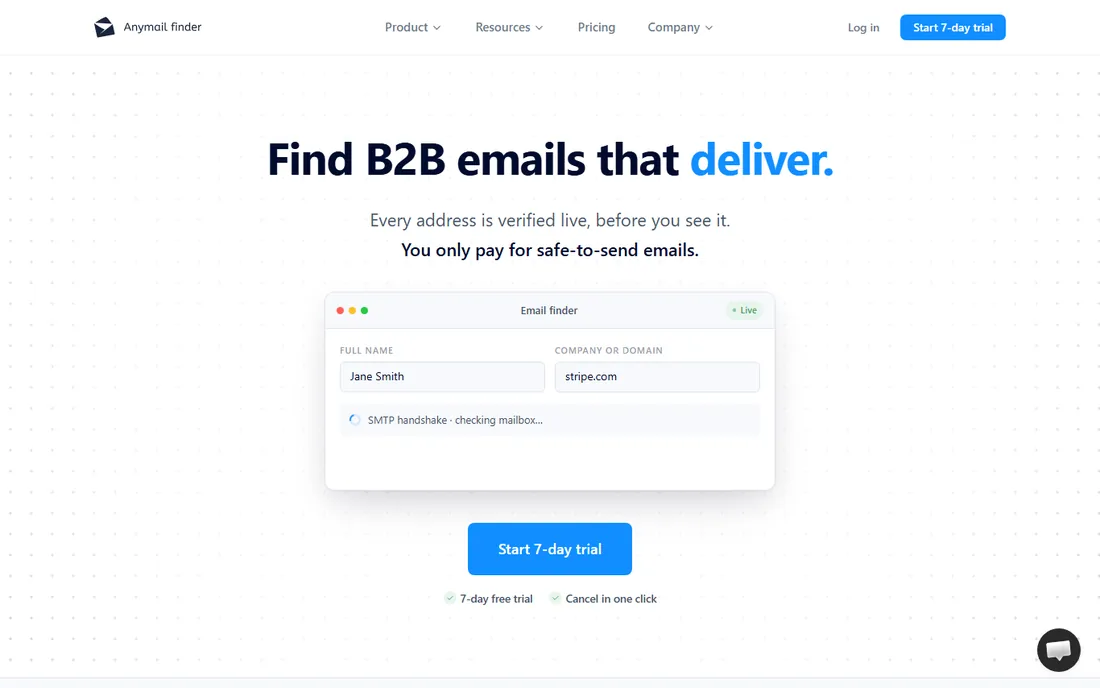
Anymail Finder is the straightforward email finder and verifier with pay-as-you-go pricing: search by name and domain, get verified addresses and pay per successful find without a subscription. Occasional users avoid monthly fees.
The pricing model suits intermittent needs. Teams that find emails in bursts rather than continuously pay only for results. The verification is solid for the category.
The honest limits are features and scale. This is a finder and verifier, not a prospecting platform. Heavy continuous users get better value from subscriptions. For occasional verified lookups, the model is ideal.
What we like- Simple pay-as-you-go
- Good verification
- No subscription needed
Watch out for- Basic features
- Smaller database
Starting priceSee website
Free planFree trial
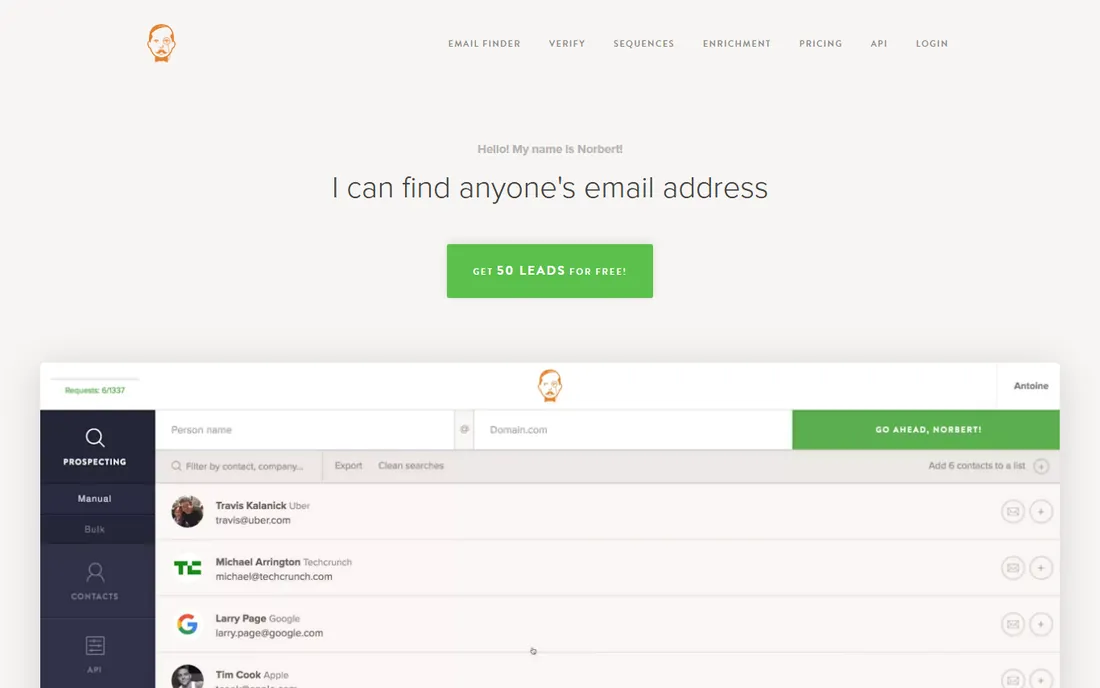
VoilaNorbert is the veteran email finder: enter a name and company, get the verified email address. The simple workflow and reliable verification kept it popular through years of competition.
The reliability is the reputation. It does one job well: name plus company in, verified email out. Teams that know their targets use it as the dependable utility.
The trade-off is breadth. No database browsing, no outreach, no enrichment beyond the email. For the targeted lookup job, it remains a solid utility.
What we like- Reliable finder
- Good verification
- Simple workflow
Watch out for- Credit pricing
- Fewer platform features
Starting priceSee website
Free planYes
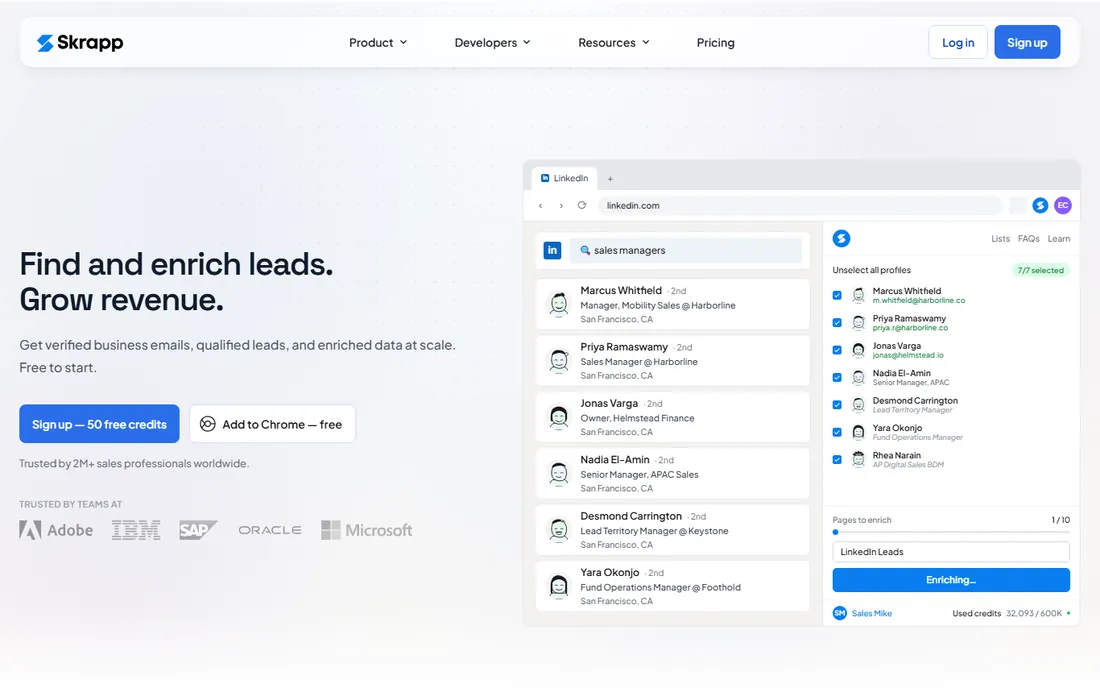
Skrapp is the LinkedIn email finder: the Chrome extension extracts verified emails from LinkedIn profiles and searches, building prospect lists from the network where B2B buyers live. The free tier covers meaningful usage.
The LinkedIn workflow is the value. Prospecting on LinkedIn and getting emails without leaving the page matches how SDRs actually work. The verifier and list management cover the basics.
The honest dependence is LinkedIn. Platform changes affect all such tools, and accuracy varies. For LinkedIn-centric prospecting teams, it is the affordable extension choice.
What we like- Good LinkedIn extension
- Email verifier
- Affordable
Watch out for- LinkedIn-dependent
- Accuracy varies
Starting priceSee website
Free planFree trial
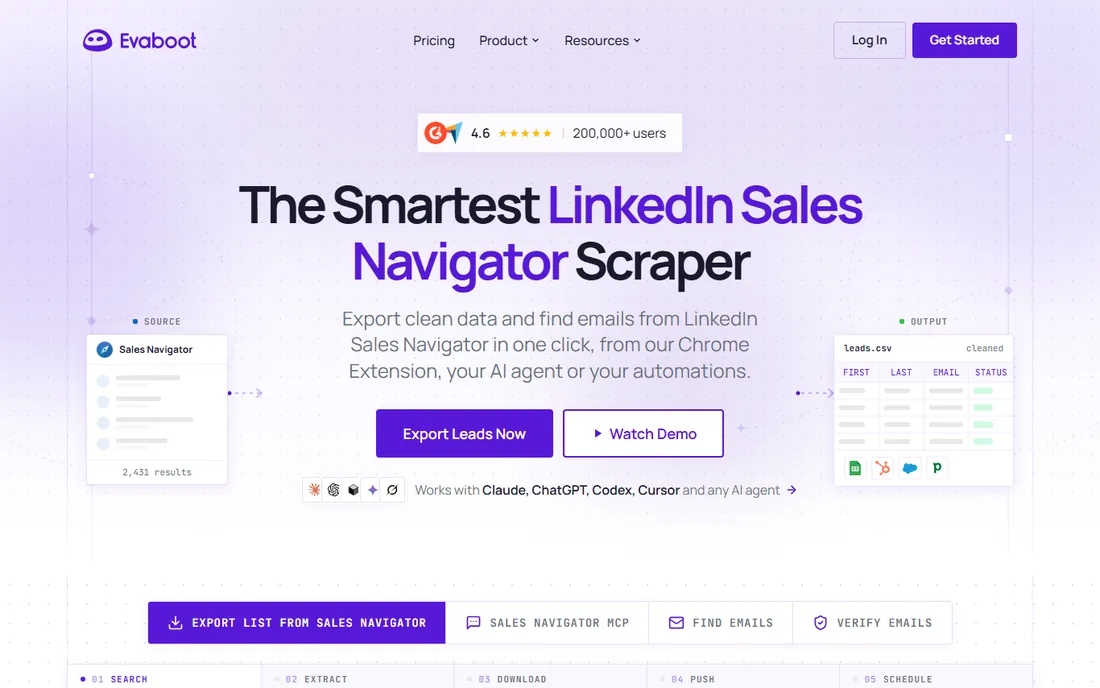
Evaboot extracts leads from LinkedIn Sales Navigator searches: export search results to clean spreadsheets and enrich with verified emails. SDR teams turn Navigator searches into outreach lists efficiently.
The export workflow saves hours of manual copying. The data cleaning produces usable lists, and the email enrichment completes the prospecting record.
The honest caveats are requirements and risk. Sales Navigator is required, and scraping LinkedIn violates its terms of service, risking account restrictions. Use within limits and understand the trade-off. For teams accepting this, the efficiency is real.
What we like- Exports Sales Nav searches
- Finds emails
- Clean data output
Watch out for- Sales Navigator required
- LinkedIn ToS risk
The compliance reality
These tools find email addresses; the law governs what you do with them. In the EU, GDPR requires a lawful basis for B2B cold email, and several countries require prior consent. In the US, CAN-SPAM requires opt-outs, truthful headers and physical addresses. Other jurisdictions have their own rules.
Practical compliance: target business addresses with relevance, always verify before sending, include clear opt-outs, honor them immediately and keep records. Never buy scraped lists in bulk and blast them; that is how domains get burned and fines happen. Consult legal counsel for your jurisdiction. The tools are legal; misuse is not.
What to check before you buy
Start with your prospecting motion: domain-based (Hunter), database search (Apollo, Lusha) or LinkedIn (Skrapp, Evaboot). Second, verify accuracy with your own test list; vendor claims are optimistic. Third, check the verification quality, because bounces cost more than credits.
Fourth, confirm compliance features: opt-out handling, DNC lists and data processing agreements. Fifth, model the credit economics at your real volume; subscriptions beat pay-as-you-go at scale and vice versa. Finally, check integrations with your CRM and outreach tools.
How we chose
We compared vendor product pages, sales community sources and public review sources, then confirmed every homepage was live in October 2026. Where we could not verify a vendor-published price we say so. Nothing here reflects hands-on testing; assessments come from documentation, feature lists and public user feedback.
Frequently asked questions
Are email scraping tools legal?
Finding publicly available business contact information is generally legal; how you use it is regulated. GDPR, CAN-SPAM and national laws govern cold outreach. Comply with the laws in both your jurisdiction and the recipient's.
How accurate are email finders?
Typically 70-95 percent depending on the tool, region and industry. Always verify before sending large campaigns. A 10 percent bounce rate damages sender reputation significantly.
What is the difference between finders and databases?
Finders (Hunter, Findymail) locate addresses from web sources per query. Databases (Apollo, Lusha, RocketReach) maintain searchable contact records. Finders suit targeted lookup; databases suit list building.
Will these get my LinkedIn account banned?
LinkedIn prohibits scraping in its terms of service. Extension and export tools carry account restriction risk, especially with aggressive use. Use conservatively, respect limits and consider official APIs where available.
How do I avoid spam complaints?
Target relevant prospects, personalize, verify addresses, send from warmed infrastructure, include clear opt-outs and stop on request. Relevance and respect beat volume; the best deliverability comes from emails people want.
What is email verification and why does it matter?
Verification checks whether an address is deliverable before you send: syntax, domain validity and mailbox existence. Sending to bad addresses causes bounces, and high bounce rates tell inbox providers you are a spammer. Verify every list, keep bounces under 2 percent and remove hard bounces immediately.
Sources we checked (10)
- https://hunter.io
- https://snov.io
- https://www.apollo.io
- https://www.lusha.com
- https://rocketreach.co
- https://www.findymail.com
- https://anymailfinder.com
- https://www.voilanorbert.com
- https://skrapp.io
- https://evaboot.com
Is your product missing or out of date?
We review this list regularly. Vendors can request a listing, send updated pricing or ask about featured placement.

Shihab Mia · Founder, Rankite
Shihab has spent more than a decade helping SaaS and e-commerce brands grow through search. He writes Rankite's software buying guides from pricing pages, documentation and public user reviews. More about Shihab.