How we make this list: we compare pricing pages, product documentation and public user reviews. Rankite is independent; if a vendor ever pays for a featured spot, that listing is clearly labeled Partner.
Key takeaways
- Personal contact management splits into personal CRMs (Clay, Folk), flexible CRMs used personally (Attio, HubSpot, Pipedrive), DIY databases (Notion, Airtable) and enrichment (FullContact).
- Clay is the power tool for relationship-driven professionals; Folk is the simplest true personal CRM.
- Notion and Airtable work as free DIY contact managers for those who like building their own system.
- The best contact manager is the one you update; simplicity beats features for personal use.
Quick comparison
| Tool | Best for | Starting price | Free plan |
|---|
 Clay Clay | power personal CRM | See website | Free tier |
 Folk Folk | simple personal CRM | See website | Free trial |
 Attio Attio | modern flexible CRM | See website | Yes |
 HubSpot CRM HubSpot CRM | free full CRM | Free | Yes |
 Pipedrive Pipedrive | simple pipeline CRM | See website | Free trial |
 Notion Notion | DIY contact database | See website | Yes |
 Airtable Airtable | flexible contact tracking | See website | Yes |
 FullContact FullContact | contact enrichment | See website | Free trial |
Is your product missing or out of date?
We review this list regularly. Vendors can request a listing, send updated pricing or ask about featured placement.
Starting priceSee website
Free planFree tier
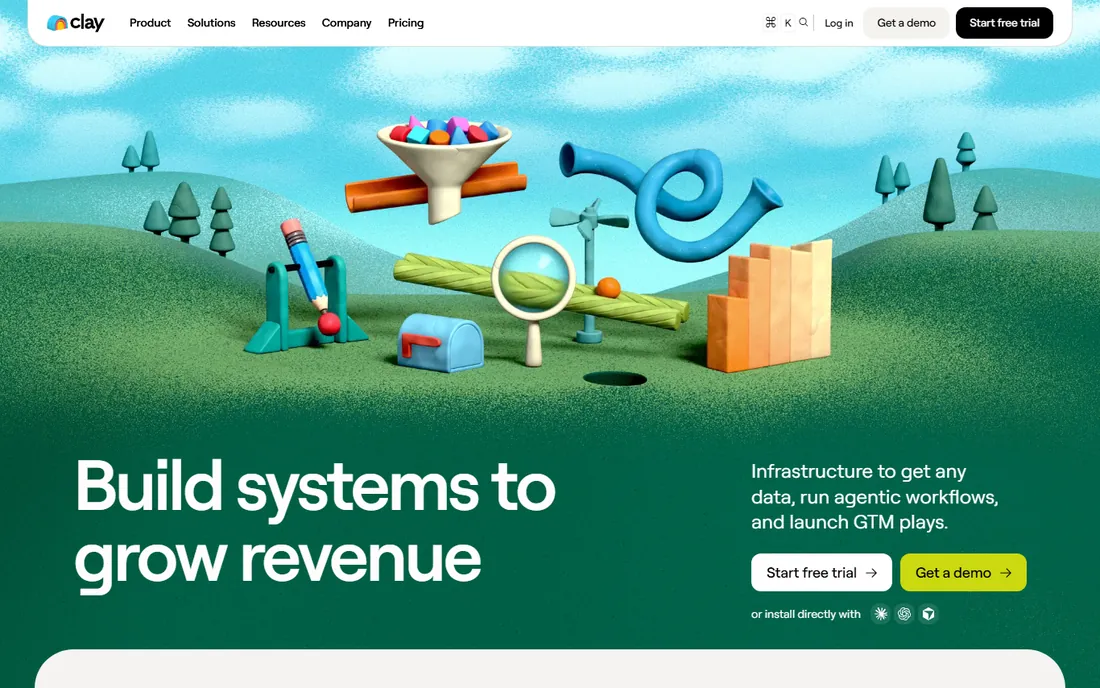
Clay is the personal CRM for people whose network is their business: import contacts from everywhere, enrich them automatically with social profiles and company data and get reminded to follow up. Founders, investors and salespeople run their relationships on it.
The enrichment is the magic. Instead of manually updating records, Clay pulls fresh data from dozens of sources, so contact profiles stay current. The AI features draft outreach and surface insights about your network.
The honest costs are credits and complexity. Heavy enrichment burns credits, and the power takes learning. For the relationship-driven professional, it is the best tool here. For casual contact keeping, it is overkill.
What we like- Enriches contacts automatically
- Great for networkers
- Beautiful interface
Watch out for- Credit-based pricing
- Learning curve
Starting priceSee website
Free planFree trial
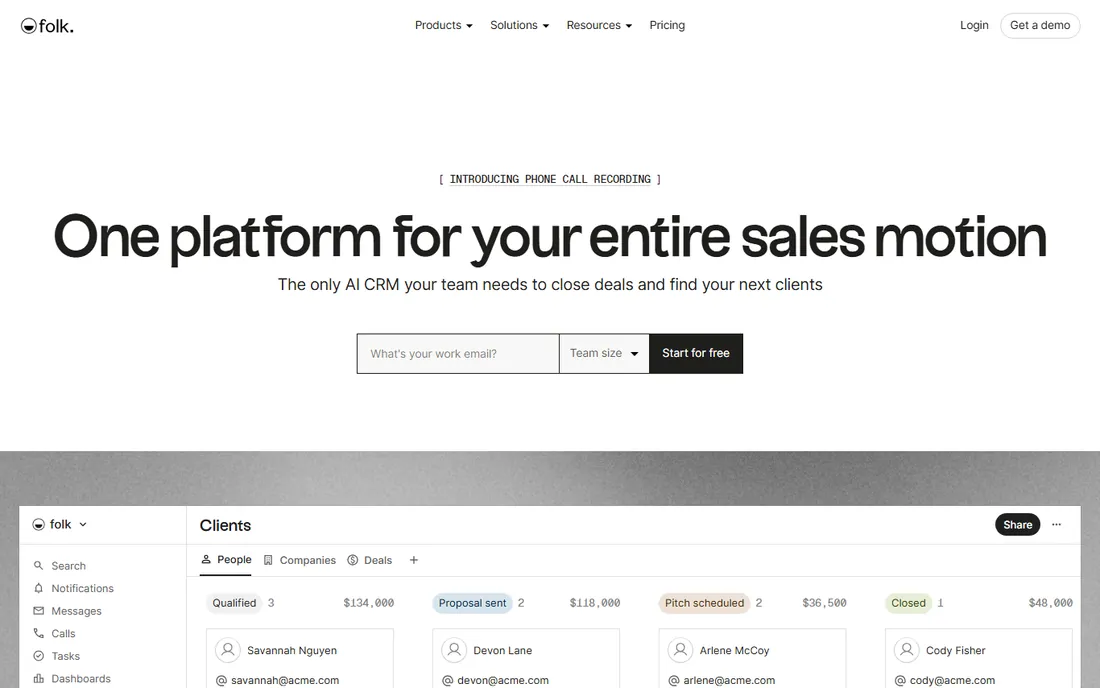
Folk is the CRM designed for personal use rather than sales teams: organize contacts into groups, track relationships and follow-ups and integrate with email and LinkedIn. It does the personal CRM job without sales-pipeline baggage.
The personal focus shows. No deals, no quotas, just people: where you met, what you discussed and when to reconnect. The interface is clean and the onboarding is quick.
The trade-off is depth. Power users wanting enrichment and automation may find it light. But for the straightforward job of managing personal and professional relationships, the simplicity is the feature.
What we like- Built as a personal CRM
- Simple and fast
- Good integrations
Watch out for- Smaller feature set
- Newer vendor
Starting priceSee website
Free planYes
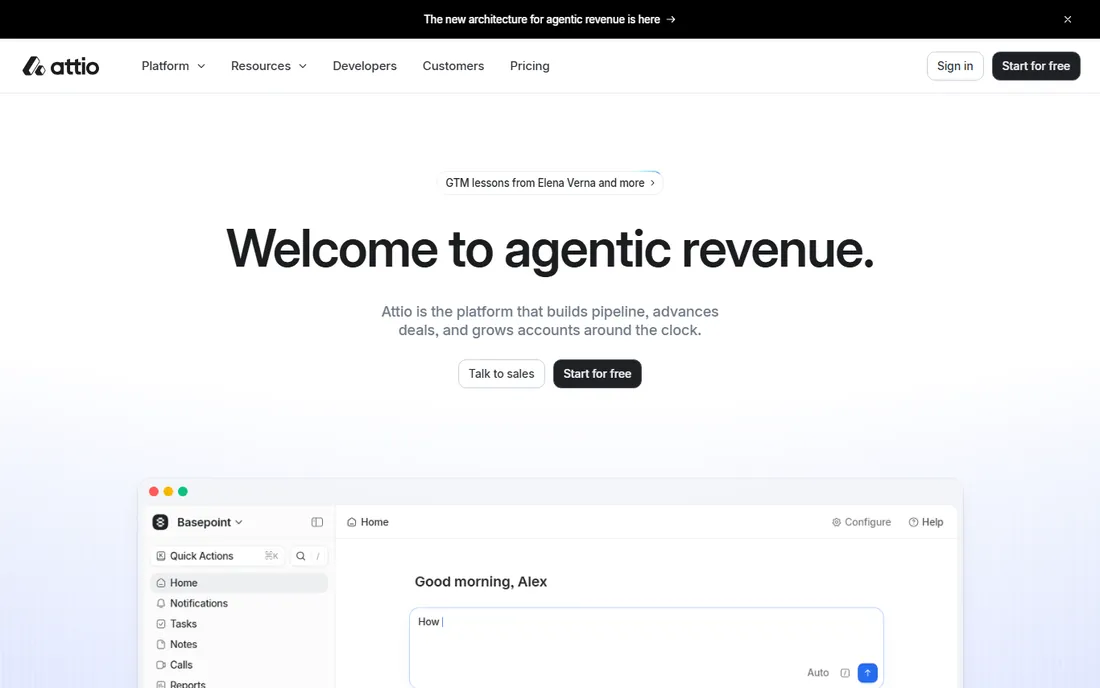
Attio is the modern CRM that individuals adopt for personal contact management: flexible data model, beautiful interface and a free plan that covers personal use. It feels like software built this decade.
The flexibility suits personal use. Customize pipelines, fields and views for how you actually manage relationships, whether that is job hunting, fundraising or networking. The UX is the best among CRMs here.
The honest caveat is maturity. The ecosystem and integrations are thinner than HubSpot's. But for the individual wanting a real CRM for personal contacts, the free plan and design make it compelling.
What we like- Modern and flexible
- Generous free plan
- Great UX
Watch out for- Newer vendor
- Less ecosystem than HubSpot
Starting priceFree
Free planYes
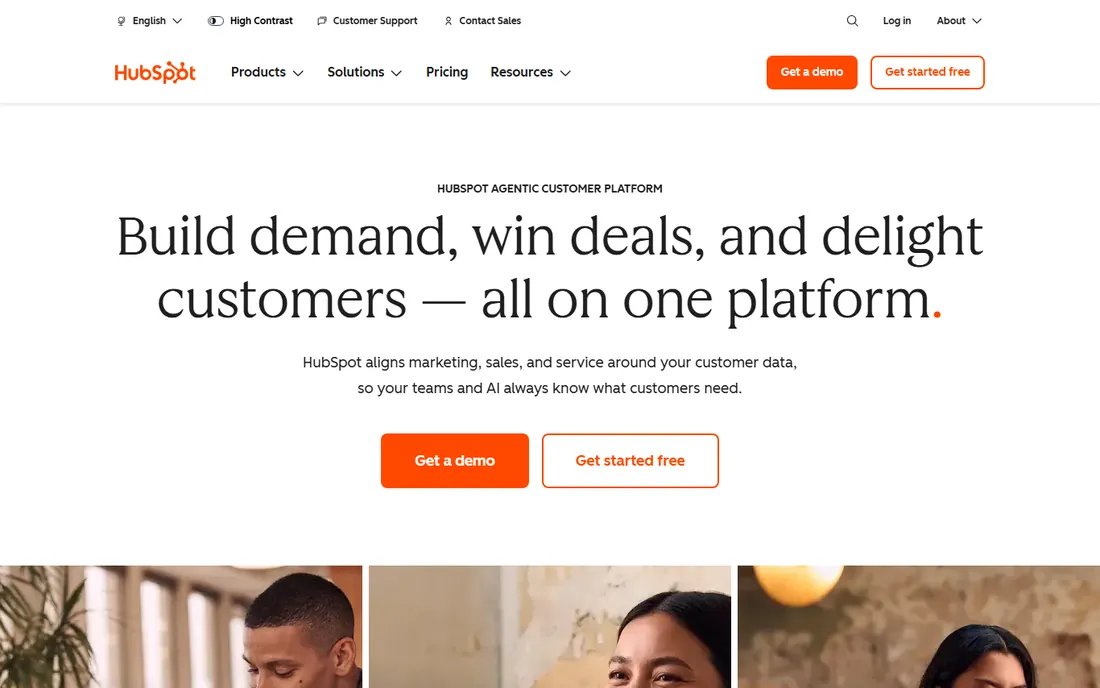
HubSpot's free CRM is the most capable free contact manager available: unlimited contacts, email tracking, meeting scheduling and pipeline management at no cost. Individuals use it as a personal CRM with enterprise-grade reliability.
The free value is unmatched. No contact limits, solid features and the HubSpot ecosystem behind it. For the individual who wants a real CRM without paying, nothing beats it.
The honest fit is team-oriented. The interface assumes sales use, and HubSpot will market its paid hubs. But as a free personal contact database with superpowers, it is the safe default.
What we like- Completely free CRM
- Huge ecosystem
- Reliable
Watch out for- Built for teams, not individuals
- Upsells to paid hubs
Starting priceSee website
Free planFree trial
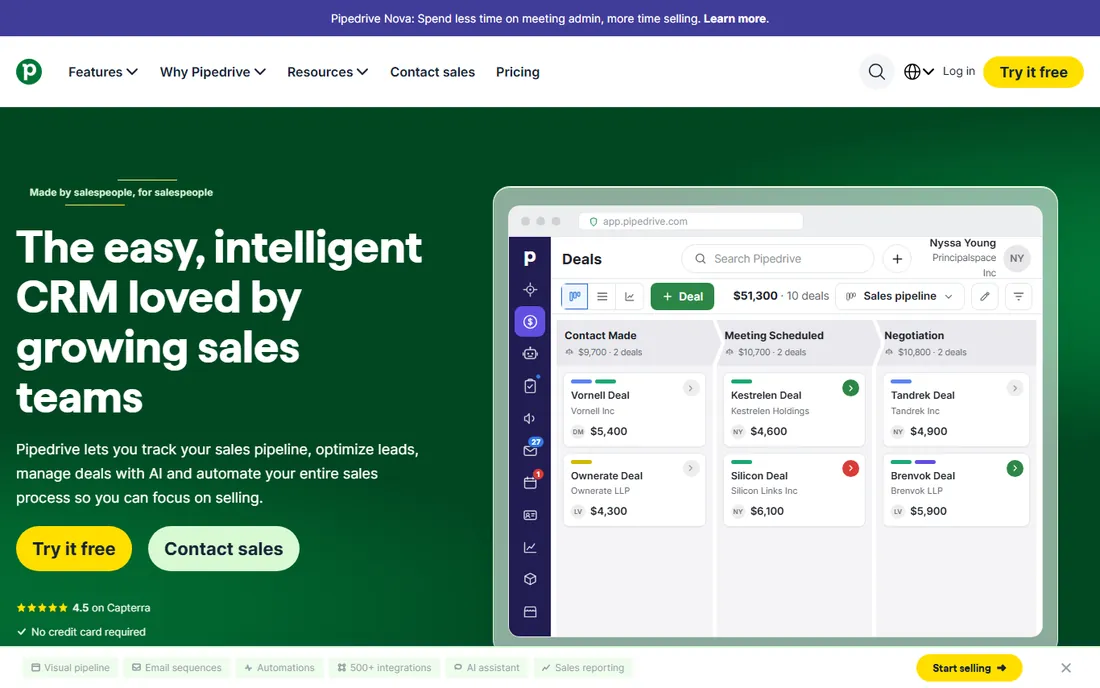
Pipedrive is the visual sales CRM that individuals use for relationship pipelines: job searches, fundraising, partnerships and networking tracked as visual pipelines with follow-up reminders. The simplicity keeps it usable personally.
The pipeline view works for personal goals. Move contacts through stages, get reminded to follow up and see the whole relationship picture. The interface stays approachable where enterprise CRMs overwhelm.
The trade-off is the sales framing. Pure contact management without pipelines fits Folk or Notion better. For goal-oriented relationship management, the pipeline model motivates action.
What we like- Visual and simple
- Great for follow-ups
- Affordable
Watch out for- Pipeline-centric
- Less contact-focused
Starting priceSee website
Free planYes
Notion is the DIY personal CRM: build a contacts database with linked notes, meeting records and custom views, all free. People who live in Notion keep their network there too.
The flexibility is total. Design the exact system you want: contact profiles, interaction logs, follow-up views and relationship maps. The free plan is generous and the mobile app keeps it accessible.
The honest cost is manual effort. No enrichment, no automatic updates, no smart reminders; you maintain everything. For the Notion devotee who enjoys building systems, it is perfect. For automation lovers, look at Clay.
What we like- Free and infinitely flexible
- Great for notes
- Everywhere
Watch out for- Manual everything
- No enrichment or reminders
Starting priceSee website
Free planYes
Airtable sits between Notion and a real CRM: structured contact records with linked interactions, filtered views and automations, in an interface friendlier than databases. Personal network tracking gets real structure.
The views are the value. Kanban by relationship stage, calendar of follow-ups, gallery of faces: the same data serves every need. Basic automations handle reminders.
The trade-off mirrors Notion: you build and maintain it. But the structure suits those who outgrow freeform notes. For the organized networker who likes systems, it is the structured DIY choice.
What we like- Database power with spreadsheet ease
- Great views
- Free plan
Watch out for- Manual maintenance
- No enrichment
Starting priceSee website
Free planFree trial
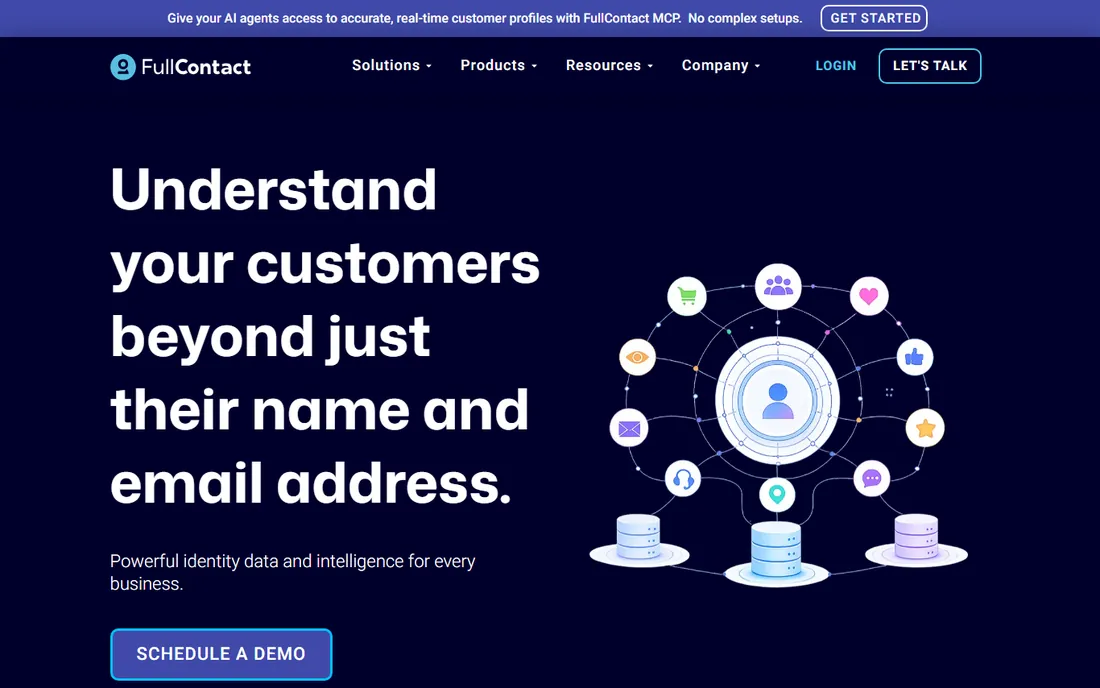
FullContact is the identity resolution and enrichment service: given an email, it returns the person's social profiles, company, role and photos. It powers the "complete the contact" step that CRMs and personal systems need.
The enrichment quality leads the category. Person matching across fragmented data is genuinely hard, and FullContact does it well. The API integrates enrichment into any workflow.
The honest framing is infrastructure. This is not a contact manager but the data layer behind one; pair it with Folk, Notion or a CRM. For the complete personal contact system, enrichment plus manager beats either alone.
What we like- Excellent identity resolution
- API for enrichment
- Trusted data
Watch out for- Enrichment service, not a CRM
- Enterprise pricing
Personal CRM vs. spreadsheet vs. memory
Most people manage contacts in their head and phone until the network outgrows memory. The spreadsheet stage follows: a list of names that goes stale. Personal CRM is the next step: structured records, follow-up reminders and enrichment that keep the network alive.
The upgrade pays when relationships drive results: founders, freelancers, salespeople and job seekers. If your livelihood depends on who you know, the system matters. If you just need phone numbers, the phone's contacts suffice. Match the tool to the stakes.
What to check before you buy
Start with honesty about maintenance: will you actually update it? Simple tools you use beat powerful tools you abandon. Second, decide DIY versus automated; enrichment costs money but saves hours. Third, check the mobile experience, because contacts happen on the go.
Fourth, verify integrations with your email and calendar; the best systems capture interactions automatically. Fifth, consider privacy; personal contact data deserves the same care as business data. Finally, trial with your real network for two weeks; the first import is easy, the ongoing habit is the test.
How we chose
We compared vendor product pages, productivity coverage and public review sources, then confirmed every homepage was live in October 2026. Where we could not verify a vendor-published price we say so. Nothing here reflects hands-on testing; assessments come from documentation, feature lists and public user feedback.
Frequently asked questions
What is personal contact management software?
Software for managing your personal and professional relationships: contact records, interaction history, follow-up reminders and enrichment. Think CRM for individuals rather than sales teams.
Do I need a personal CRM?
If relationships drive your work (founders, freelancers, networkers, job seekers), yes. If you just need to find phone numbers, your phone suffices. The test: do you lose track of follow-ups that matter?
Is Clay worth it?
For relationship-driven professionals who will use the enrichment and automation, yes. For casual use, Folk or the free CRMs suffice. Match the tool's power to your networking intensity.
Can I just use a spreadsheet?
You can, and many do. Spreadsheets go stale without reminders and enrichment. Airtable is the structured upgrade; Clay and Folk are the automated one. Choose by how much maintenance you will actually do.
How do I migrate my contacts?
Export from your current system (Google Contacts, iCloud, LinkedIn) as CSV and import. Expect cleanup: duplicates, outdated info and missing details. Budget an afternoon for a few hundred contacts.
How often should I update my contact manager?
The system only works if it stays current. Build the habit into existing routines: log notes right after meetings, review follow-ups weekly and enrich new contacts at import. Ten minutes a week beats a quarterly cleanup marathon.
What is the difference between a personal CRM and a sales CRM?
Sales CRMs track deals, pipelines and revenue across teams. Personal CRMs track relationships: conversations, follow-ups and personal context for one person. The tools overlap, but the mindset differs: relationships first versus revenue first.
Is my contact data private with these tools?
It depends on the vendor. Check the privacy policy: some enrichment services aggregate data broadly, while others keep your data siloed. Prefer vendors with clear data ownership terms, enable two-factor authentication and avoid uploading sensitive personal details you would not want breached.
What is contact enrichment and is it worth paying for?
Enrichment automatically adds missing details to contact records: job titles, company info, social profiles and photos pulled from public sources. It is worth paying for when your network is large and your time is expensive; manually researching hundreds of contacts costs more than the subscription. For small networks, manual updates suffice.
Can a personal CRM help with job hunting?
Yes, it is one of the best uses. Track applications, networking conversations, referrals and follow-ups in a pipeline view, and never let a promising lead go cold. Job seekers using a simple CRM consistently outperform those managing applications from memory or scattered spreadsheets.
How is a personal CRM different from LinkedIn?
LinkedIn is a public network you do not control; a personal CRM is your private system with notes, reminders and context LinkedIn never shows. Use LinkedIn for discovery and your CRM for relationship management. Export your LinkedIn connections periodically so your network survives any platform change or account issue. Your relationships are too valuable to rent from a platform you do not control.
Sources we checked (8)
- https://www.clay.com
- https://www.folk.app
- https://attio.com
- https://www.hubspot.com
- https://www.pipedrive.com
- https://www.notion.so
- https://www.airtable.com
- https://www.fullcontact.com
Is your product missing or out of date?
We review this list regularly. Vendors can request a listing, send updated pricing or ask about featured placement.

Shihab Mia · Founder, Rankite
Shihab has spent more than a decade helping SaaS and e-commerce brands grow through search. He writes Rankite's software buying guides from pricing pages, documentation and public user reviews. More about Shihab.