How we make this list: we compare pricing pages, product documentation and public user reviews. Rankite is independent; if a vendor ever pays for a featured spot, that listing is clearly labeled Partner.
Key takeaways
- Selling shirts without design skills: Canva (free tier), Placeit ($14.95/month or $89.69/year) and Printful's free Design Maker cover templates, mockups and print-ready files.
- Professionals doing original artwork: Adobe Illustrator and CorelDRAW ($269/year subscription or $549 one-time) are the vector standards print shops expect.
- On a zero budget: Inkscape does professional vector work free, and VistaCreate's free Starter plan handles quick template designs.
- Snappa ($15/month Pro, free Starter) is the fastest option for simple text-and-graphic tees, but it is not a vector editor.
- Whatever you pick, export print files at 300 DPI in the color mode your printer asks for, usually CMYK or sRGB PNG.
Quick comparison
| Tool | Best for | Starting price | Free plan |
|---|
 Canva Canva | Beginners making shirt designs from templates | See website | Yes |
 Placeit Placeit | POD sellers who need t-shirt designs and product mockups together | $14.95/month or $89.69/year (Unlimited subscription) | Yes (limited free templates) |
 Adobe Illustrator Adobe Illustrator | Professional vector artwork destined for print | See website | Free trial (7 days) |
 CorelDRAW CorelDRAW | Print shops and illustrators who want to own their software | $269/year (subscription) or $549 one-time | Free trial |
 Inkscape Inkscape | Anyone who needs professional vector tools at zero cost | Free | Yes |
 VistaCreate VistaCreate | Quick template-based shirt graphics on a small budget | $10/month (Pro) | Yes |
 Printful Design Maker Printful Design Maker | Sellers who design and fulfill through Printful | Free | Yes |
 Snappa Snappa | Non-designers who need simple shirt graphics fast | See website | Yes (Starter plan, 3 downloads per month) |
Is your product missing or out of date?
We review this list regularly. Vendors can request a listing, send updated pricing or ask about featured placement.
A t-shirt business has two jobs: making art people want to wear, and producing files a printer can actually print. Template tools do the first job in minutes. Vector editors do both jobs properly. The eight tools below split along that line, from free browser editors to the professional suites that screen printers ask for by name. Match the tool to where you are: launching a first POD store is a different buy from running a print shop.
#1
Canva
Best for: Beginners making shirt designs from templates
Visit canva.com
Starting priceSee website
Free planYes
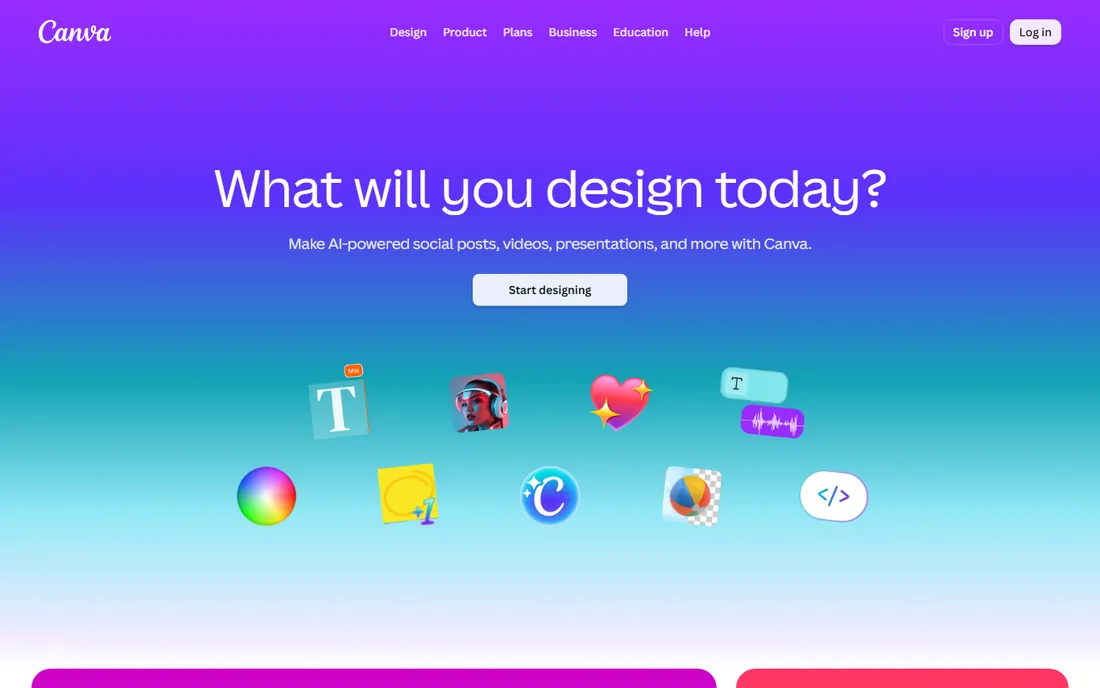
Canva is where most first-time shirt sellers start, and for template-based designs it is enough. Pick a t-shirt template, swap in your text and graphics, and export. The free plan covers a surprising amount; Pro adds the background remover, premium stock and brand kits that matter when you are producing a whole line. Designs download as PNG or PDF, which works for most print-on-demand uploaders.
The limit shows at the print shop. Canva is not a vector editor, so designs do not scale infinitely and color control is basic. For POD platforms that accept PNG uploads, that rarely matters. For screen printing with separations, you will outgrow it. Start here if you are validating ideas; move up when the orders justify it.
What we like- Enormous template and element library with t-shirt layouts
- Background remover and mockup-friendly exports on paid plans
- Gentle learning curve for non-designers
Watch out for- Free exports can carry watermarks on premium elements
- Not a true vector editor, so complex print files need work elsewhere
#2
Placeit
Best for: POD sellers who need t-shirt designs and product mockups together
Visit placeit.net
Starting price$14.95/month or $89.69/year (Unlimited subscription)
Free planYes (limited free templates)
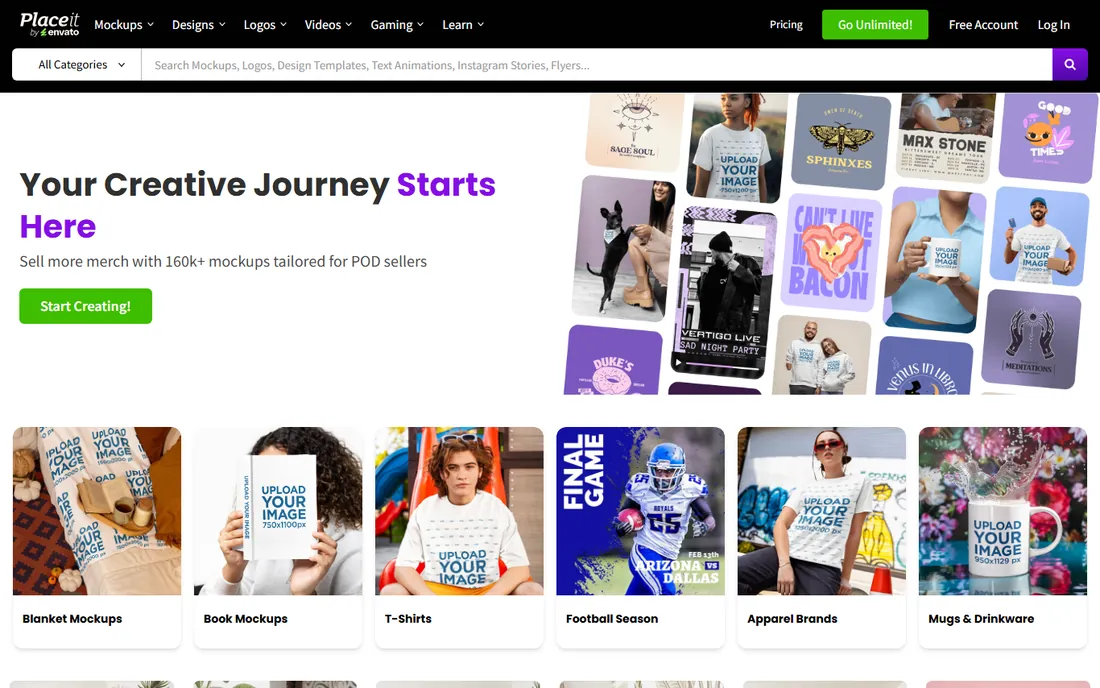
Placeit sells the bundle: design templates for the shirt itself and mockup photos to sell it with. The Unlimited subscription at $14.95 per month or $89.69 per year covers all mockups, design templates, videos and logos, with a commercial license included. For a POD seller, the mockup library alone can justify it: listing photos with models wearing your designs convert better than flat graphics.
It is not a design studio. You are customizing templates, not drawing original art, and two sellers can easily end up with similar-looking shirts. Pair Placeit with Canva's free tier for the design and Placeit for the mockups, or pay for Unlimited during launch months and cancel between collections. The subscription has a one-month minimum once you have downloaded.
What we like- T-shirt design templates plus thousands of apparel mockups in one subscription
- Commercial license included on downloads
- No software to install
Watch out for- Template-based, so original artwork still needs a real editor
- Monthly price adds up if you only need a few designs
#3
Adobe Illustrator
Best for: Professional vector artwork destined for print
Visit adobe.com
Starting priceSee website
Free planFree trial (7 days)
Illustrator is what professional shirt designers use when the art is original. Vector paths scale from chest print to billboard without quality loss, color management handles CMYK properly, and every print shop on earth opens AI and EPS files. The 7-day trial is fully functional, so test it on a real design before subscribing.
The cost is ongoing and the learning curve is real. Casual sellers do not need this; template tools serve them faster and cheaper. But if you are building a brand with original artwork, or a shop that takes client files, Illustrator is the file format of the trade. Check Adobe's current single-app pricing on their site, since it shifts with promotions.
What we like- The industry standard vector editor print shops expect
- Precise color, type and path control
- Files open everywhere in the print world
Watch out for- Subscription only, no perpetual license
- Steep learning curve for beginners
#4
CorelDRAW
Best for: Print shops and illustrators who want to own their software
Visit coreldraw.com
Starting price$269/year (subscription) or $549 one-time
Free planFree trial
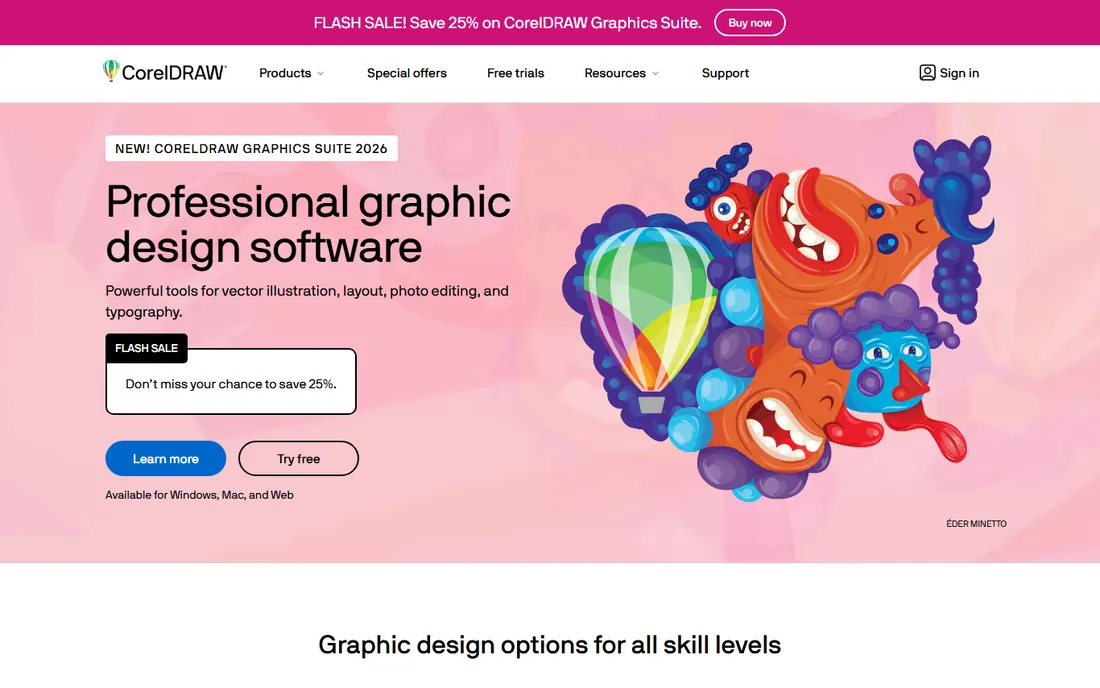
CorelDRAW is Illustrator's long-running rival, and in print trades like screen printing, signage and embroidery it has loyal shops that never left. The Graphics Suite covers vector illustration, layout and photo editing, and unusually for 2026 it still sells a perpetual license at $549 alongside the $269 per year subscription. CorelDRAW Go adds a browser-based option for lighter work.
For t-shirt work specifically, CorelDRAW's strength is production: color separations, print layouts and file prep that print shops understand. The community is smaller than Adobe's, so finding a tutorial for a niche technique takes longer. If subscription fatigue is real for you, the one-time purchase is the standout reason to choose CorelDRAW over Illustrator.
What we like- Full vector suite comparable to Illustrator
- One-time purchase option at $549
- Strong in the sign, screen print and embroidery trades
Watch out for- Smaller tutorial and template ecosystem than Adobe
- The web companion app is thinner than the desktop suite
#5
Inkscape
Best for: Anyone who needs professional vector tools at zero cost
Visit inkscape.org
Starting priceFree
Free planYes
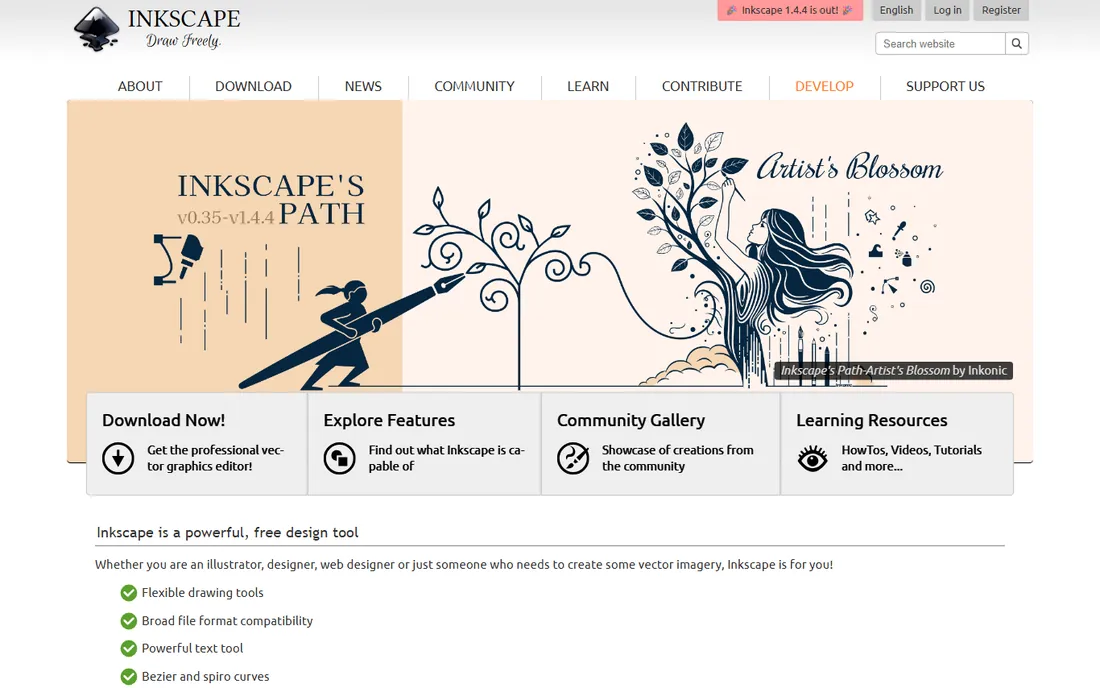
Inkscape is the free vector editor that working designers actually use. It handles bezier paths, text on paths, bitmap tracing, layers and color management well enough for real t-shirt production, and it exports the SVG and PDF files printers accept. Being open source, it costs nothing forever, including for commercial work.
It is not as smooth as Illustrator. Some workflows take more clicks, documentation is community-written, and there is no support line. But the price is right and the output is professional. For a startup clothing brand watching every dollar, Inkscape plus a print shop that accepts PDF is a complete production pipeline for free.
What we like- Full vector editor free and open source
- Strong path, text and tracing tools
- Exports SVG, PDF and print-ready formats
Watch out for- Interface less polished than paid rivals
- No official support, community help only
Starting price$10/month (Pro)
Free planYes
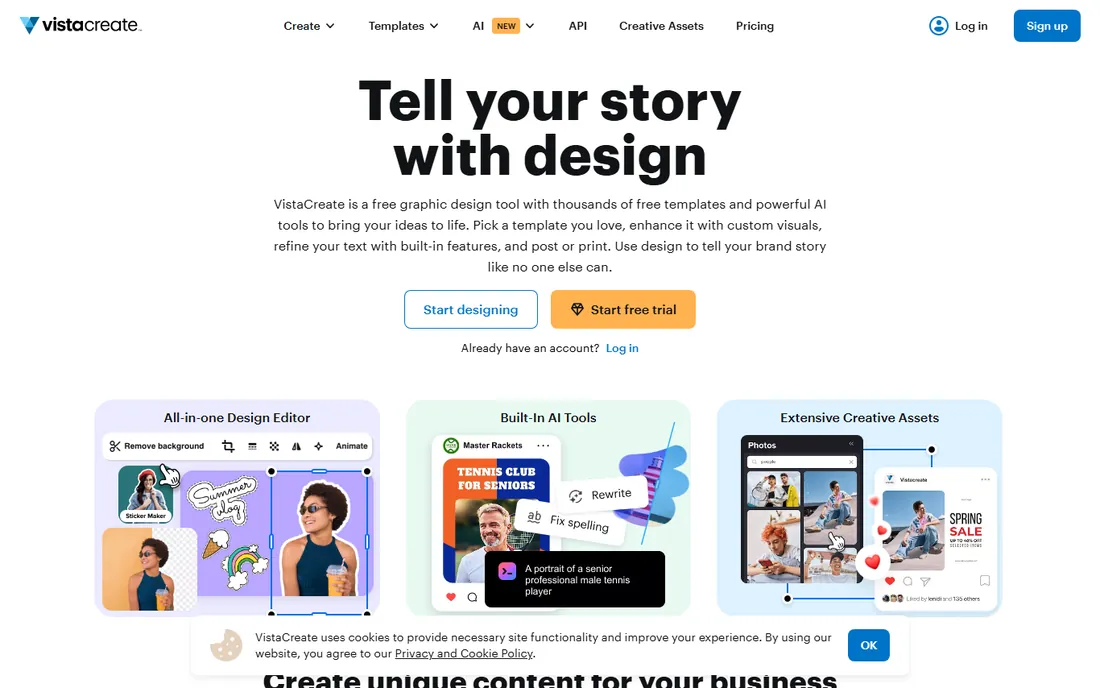
VistaCreate, formerly Crello, is the budget Canva alternative. The free Starter plan includes 100,000-plus templates and a million stock assets; Pro at $10 per month adds 200,000-plus premium templates, 170 million stock photos and vectors, background removal and unlimited brand kits, with up to 10 team seats at no extra charge. A 14-day Pro trial needs no card.
For t-shirt sellers, it sits between Canva and Placeit: better value than Canva Pro for teams, weaker on apparel mockups than Placeit. If your designs are simple text-and-graphic compositions and you want the cheapest capable editor, VistaCreate is hard to argue with. Check whether its export options meet your printer's file requirements before committing a whole catalog to it.
What we like- Pro at $10 per month undercuts Canva Pro with 10 team seats included
- 200K-plus templates and 170M stock assets on Pro
- Free Starter plan is genuinely usable
Watch out for- Smaller template library than Canva
- Fewer t-shirt-specific tools than Placeit
#7
Printful Design Maker
Best for: Sellers who design and fulfill through Printful
Visit printful.com
Starting priceFree
Free planYes
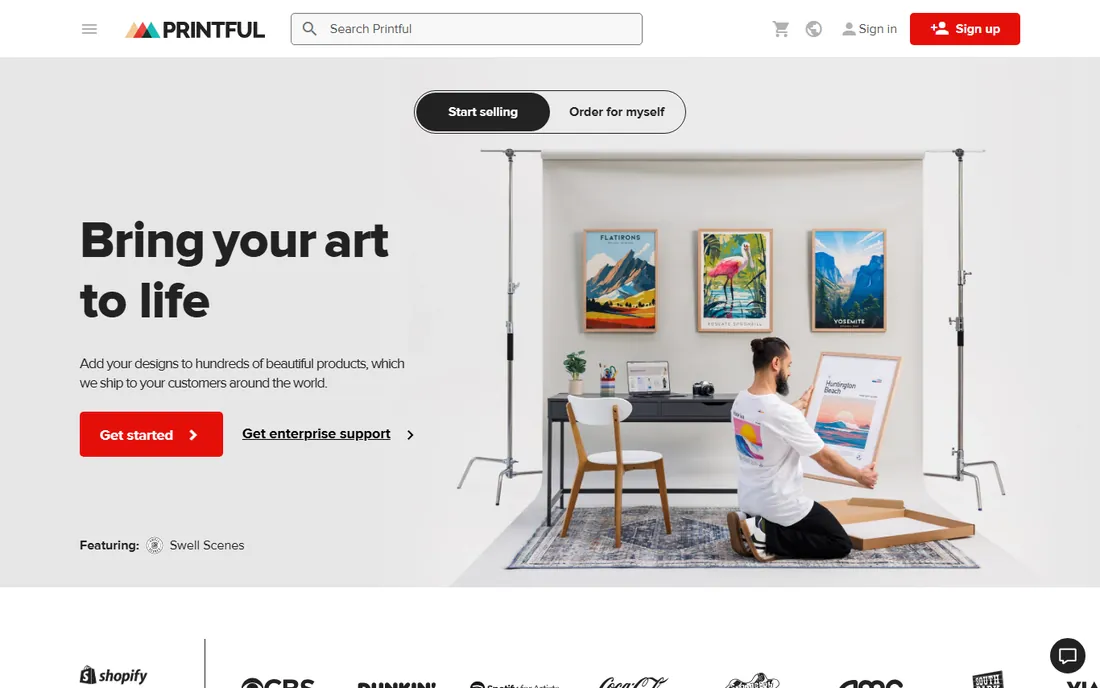
Printful's Design Maker is free because Printful makes its money printing your shirts. The tool itself is capable: 20,000-plus clipart graphics, 790-plus fonts, pattern tools, an image upscaler that fixes low-resolution uploads, and a mockup generator for listings. No credit card, no watermark games. If you sell through Printful, designing where you fulfill removes a whole category of file-format headaches.
The catch is portability. Designs made here are meant for Printful products, and the editor is product-focused rather than a full illustration tool. For a POD seller committed to Printful, it is the obvious free choice. For anyone printing elsewhere or building art to sell as files, use a real editor and treat this as a backup option.
What we like- Completely free with 20,000-plus graphics and 790-plus fonts
- Built-in mockup generator and image upscaler
- Designs flow straight to Printful fulfillment
Watch out for- Designs stay inside Printful's ecosystem
- Not a general-purpose editor for work you will print elsewhere
#8
Snappa
Best for: Non-designers who need simple shirt graphics fast
Visit snappa.com
Starting priceSee website
Free planYes (Starter plan, 3 downloads per month)
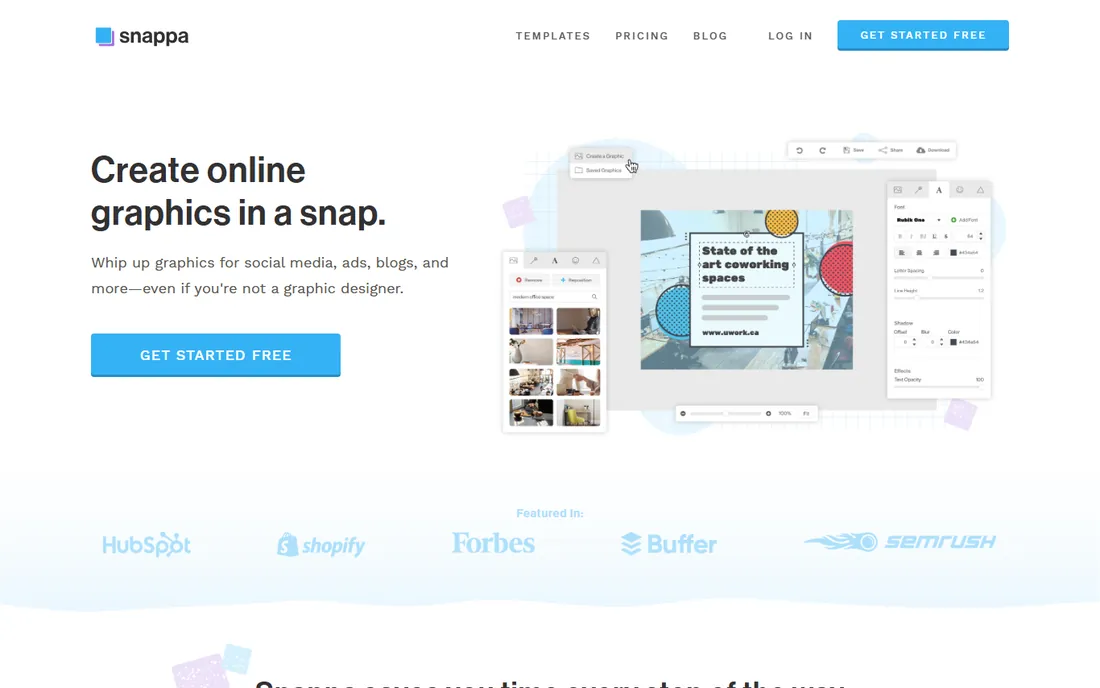
Snappa is the speed pick. Open it, choose a template, change the text, download. The free Starter plan gives access to all templates with 3 downloads a month; Pro at $15 per month (or $10 billed annually) removes the cap and adds background removal. For simple typographic tees and social graphics to promote them, nothing here is faster.
It is raster-only, so designs do not scale like vector art, and the free download cap means active sellers will need Pro. Think of Snappa as the marketing-graphics companion to your real shirt design tool: great for the Instagram post announcing the shirt, less ideal as the shirt file itself. For one-person shops doing everything, that speed has real value.
What we like- Fastest path from idea to finished graphic
- 6,000-plus templates and 5M-plus stock photos
- Free Starter plan includes all templates
Watch out for- Not a vector editor, so output is raster only
- 3 downloads per month on the free plan runs out quickly
Template tools (Canva, Placeit, VistaCreate, Snappa, Printful's Design Maker) assemble designs from existing graphics. They are fast, cheap and enough for most POD work, where the platform accepts a high-resolution PNG. Their ceiling is originality and scalability: you cannot redraw a template element, and raster output does not scale infinitely.
Vector editors (Illustrator, CorelDRAW, Inkscape) draw with mathematical paths. The art scales to any size, colors separate cleanly for screen printing, and the file is truly yours. Their floor is effort: learning vector software takes weeks, and simple text designs take longer than in a template tool.
The practical split: if you sell on POD platforms, start with templates and upgrade when a design earns it. If you run a print shop or a serious apparel brand, vector from day one. Many successful sellers use both: Illustrator or Inkscape for hero designs, Canva or Placeit for quick variants and mockups.
Picking t-shirt design software for print on demand
First, check what your POD platform accepts. Most take PNG at 300 DPI with transparent backgrounds; some want specific dimensions like 4500 by 5400 pixels. Every template tool here exports PNG, so the question is whether the paid tier removes watermarks and opens up the export size you need.
Second, price the subscription against your output. Placeit at $89.69 per year makes sense if you launch collections monthly; it is wasteful for two designs a year. Canva Pro and VistaCreate Pro follow the same logic. Printful's Design Maker being free changes the math if you fulfill through Printful anyway.
Third, think about who owns the art. Template licenses generally cover commercial use on printed products, which is what you need, but read the terms if you plan to sell the design files themselves. Original vector art you draw is yours outright, which matters as a brand grows.
Finally, test the print. Order a sample of every design before listing it. Colors shift between screen and fabric, thin lines disappear, and what looked bold at full screen can look timid on a chest print. A $20 sample saves a catalog of returns.
How we chose
We started with the tools POD sellers and print shops actually use, from template editors to professional vector suites. For each we checked the vendor's own pricing page, confirmed free tiers and trial terms, and compared template libraries, export options and print-file suitability against practitioner discussion on Reddit and review sites. Prices appear only where the vendor publishes them. No hands-on testing was involved.
Frequently asked questions
What is the best free t-shirt design software?
Inkscape for original vector art, Canva's free tier for template designs, and Printful's Design Maker if you sell through Printful. All three produce files you can actually print from without paying anything.
What file format do I need for t-shirt printing?
Most print-on-demand platforms want PNG at 300 DPI with a transparent background, often 4500 by 5400 pixels. Screen printers usually prefer vector files (AI, EPS, SVG or PDF). Ask your printer before you design, not after.
Can I sell shirts designed in Canva?
Yes, Canva's license permits commercial use on printed products, but avoid using stock elements in ways the license restricts, such as selling the design as a standalone file. For POD shirts, you are generally covered.
Do I need Adobe Illustrator to start a t-shirt business?
No. Most POD sellers start with Canva, Placeit or Printful's Design Maker. Illustrator becomes worth it when you create original artwork regularly or work with screen printers who expect vector files.
How much does t-shirt design software cost?
From free (Inkscape, Canva free, Printful) to about $10 to $15 per month for template tools (VistaCreate Pro $10, Placeit $14.95, Snappa Pro $15), to $269 per year for CorelDRAW or a $549 one-time purchase. Adobe Illustrator is subscription-only; check Adobe's site for current pricing.
Sources we checked (6)
- https://placeit.net/pricing
- https://create.vista.com/plans/
- https://www.printful.com/blog/t-shirt-design-software
- https://www.globenewswire.com/news-release/2026/09/15/3362194/0/en/ai-vector-graphics-tools-power-creative-workflows-in-coreldraw-graphics-suite-2026.html
- https://josephnilo.com/blog/adobe-illustrator-the-ultimate-buying-guide/
- https://wyzowl.com/snappa-review/
Is your product missing or out of date?
We review this list regularly. Vendors can request a listing, send updated pricing or ask about featured placement.

Shihab Mia · Founder, Rankite
Shihab has spent more than a decade helping SaaS and e-commerce brands grow through search. He writes Rankite's software buying guides from pricing pages, documentation and public user reviews. More about Shihab.